
- Altersfreigabe4+
- KategorieWirtschaft
- EntwicklerRingQ Ltd
- SprachenEnglisch
- Größe68,9 MB
Verlinkt auf die offizielle App Store-Seite
Download.org hostet keine Datei von RingQ. Die Schaltfläche öffnet die App-Seite bei App Store, wo RingQ Ltd die App veröffentlicht. Eintrag zuletzt geprüft am 23.11.2026.
Screenshots

Info
Der Entwickler hat diesen Text nicht in Ihrer Sprache bereitgestellt.
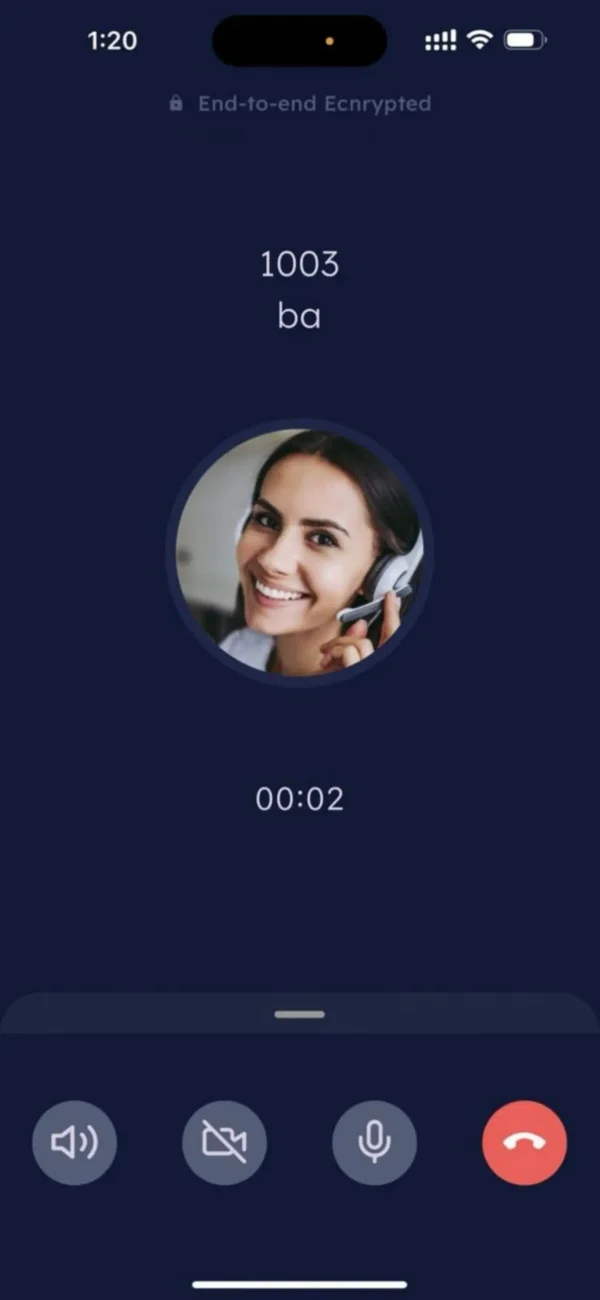
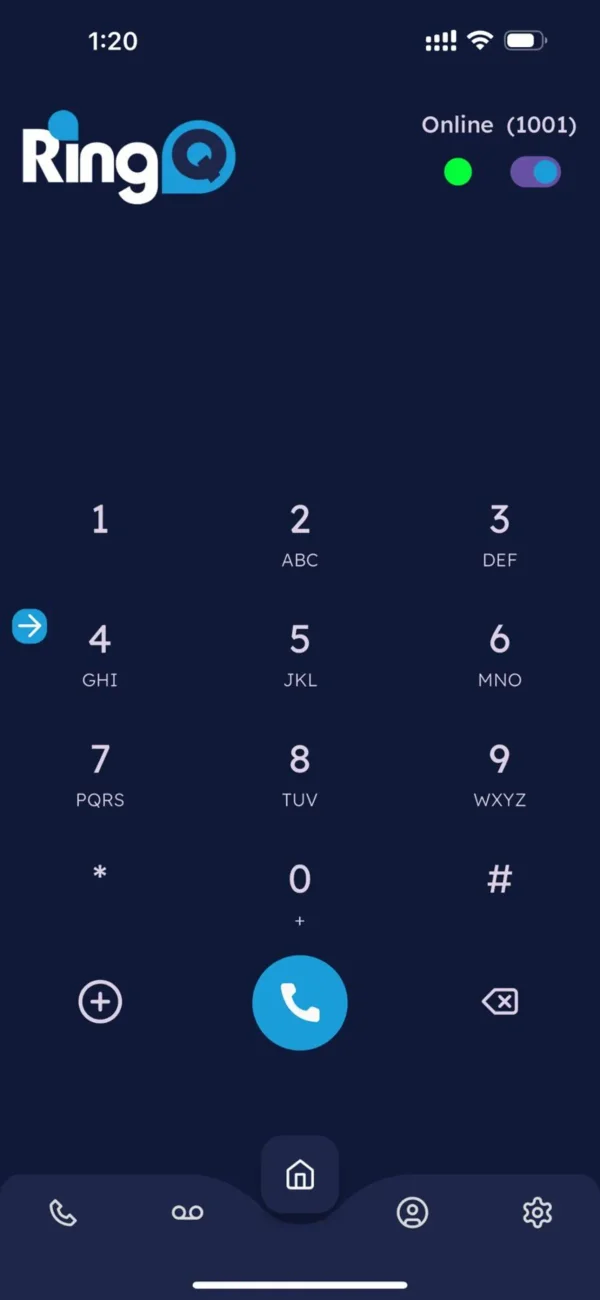
RingQ is the mobile app for your RingQ cloud phone system. Sign in once with your extension's QR code and make and receive business calls from your iPhone, with your own business caller ID.
CALLS THAT FEEL NATIVE
• Incoming calls ring like any phone call, on the lock screen too, even when RingQ is closed
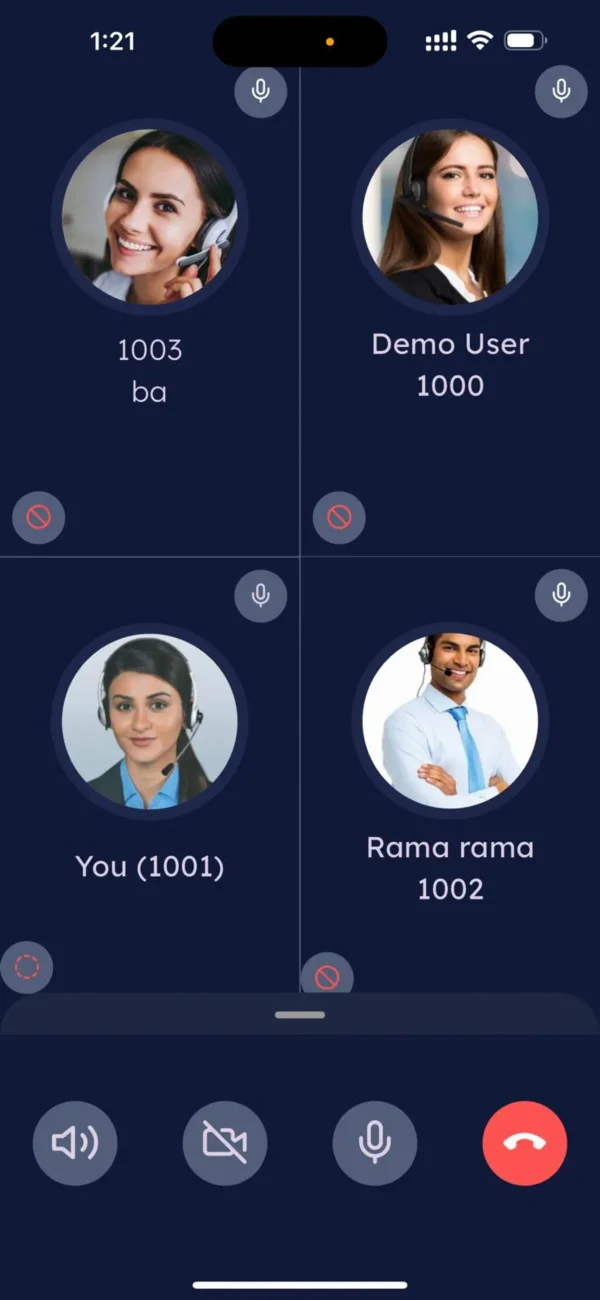
• Hold, mute, speaker, keypad, transfer, conference and call parking
• Choose which of your business numbers people see when you call
RECENTS AND VOICEMAIL
• Every call in one place, with missed incoming and outgoing calls clearly marked
• Tap a call to see the full history with that person
• Listen to voicemail inside the app
YOUR TEAM, LIVE
• See who is available, on a call or offline, in real time
• Call anyone on your system with one tap
• Company contacts and phone contacts in the same list
CHATS
• Talk to customers from your queues and chat with your teammates
• Unread counts on the tab, so nothing is missed
FOR CALL CENTER AGENTS
• Set your status, join queues and see the live wallboard on Home
• Supervisors can monitor and manage the line
• Hotel, intercom and busy-lamp modes for front desks and reception
PRIVATE AND SIMPLE
• No passwords to type: scan the QR code from your RingQ web portal
• Light and dark mode, designed for iPhone
Neue Funktionen
Version 9.3.8 · 20.11.2026
CarPlay (new)
RingQ has its own app on the car screen, with tabs for Team, Recents, Contacts, Voicemail and Chat.
Team shows everyone with their live status dot. Tap a person to call them.
Recents shows missed, incoming and outgoing calls. Missed calls are in red.
Voicemail marks new messages with a dot. Tap one to play it through the car or to call back.
Chat shows conversations with an unread count. Tap one and Siri reads the message aloud and sends the reply you speak. Apple doesn’t allow message text on the car screen.
Calls use Apple’s own car call screen, which has Mute, Keypad and Audio.
Car audio fix
During a call in the car, you can now move the sound to the iPhone or to the speaker, and back to the car. The Audio button shows the car’s name.
Encrypted call recordings (new)
Under Settings > Recording key, you add your company’s key file (.rqkey) with its passphrase. After that, you can play locked recordings from the Recent Calls list and open their transcript and AI summary.
The key opens with Face ID. It locks again after the company’s set number of minutes without use.
Every play is logged on the server.
This shows only on servers where recording encryption is switched on, so apple needs its encryption turned on before you’ll see it.
App-Datenschutz
Was RingQ Ltd im App Store zum Umgang dieser App mit Daten angibt.
-
Nicht mit Ihnen verknüpfte Daten
Können erfasst werden, sind aber nicht mit Ihrer Identität verknüpft.
- Kontaktinformationen
- Kontakte
Die Datenschutzpraktiken können variieren, zum Beispiel je nach den von Ihnen verwendeten Funktionen oder Ihrem Alter.
Informationen
- Anbieter
- RingQ Ltd
- Kategorie
- Wirtschaft
- Version
- 9.3.8
- Aktualisiert
- 20.11.2026
- Veröffentlicht
- 08.04.2024
- Größe
- 68,9 MB
- Erfordert
- iOS 16.4 oder neuer
- Altersfreigabe
- 4+
- Preis
- Kostenlos
- Sprachen
- Englisch
- Copyright
- © RingQ Ltd.