
- Altersfreigabe4+
- KategorieProduktivität
- EntwicklerJeff Ridder
- SprachenEnglisch
- Größe22,0 MB
Rock Mail ist bei App Store derzeit möglicherweise nicht verfügbar
Bei unserer letzten Prüfung war der Store-Eintrag nicht erreichbar. Der Link führt weiterhin zur offiziellen App Store-Seite.
Screenshots

Info
Der Entwickler hat diesen Text nicht in Ihrer Sprache bereitgestellt.
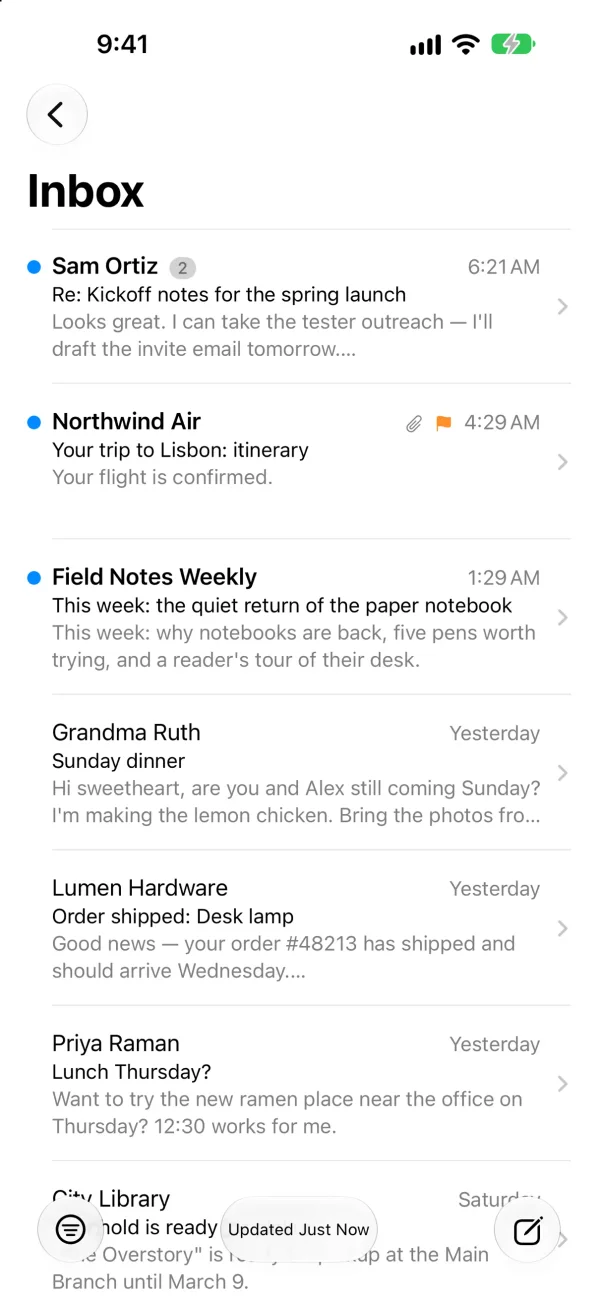
Rock Mail is a fast, private mail app for people who run their own mail or use a JMAP or IMAP provider. It talks directly to your mail server — there's no Rock Mail account, no cloud in between, no analytics and no ads.
JMAP FIRST, IMAP TOO
Sign in to a JMAP server for instant updates, or to any IMAP and SMTP account.
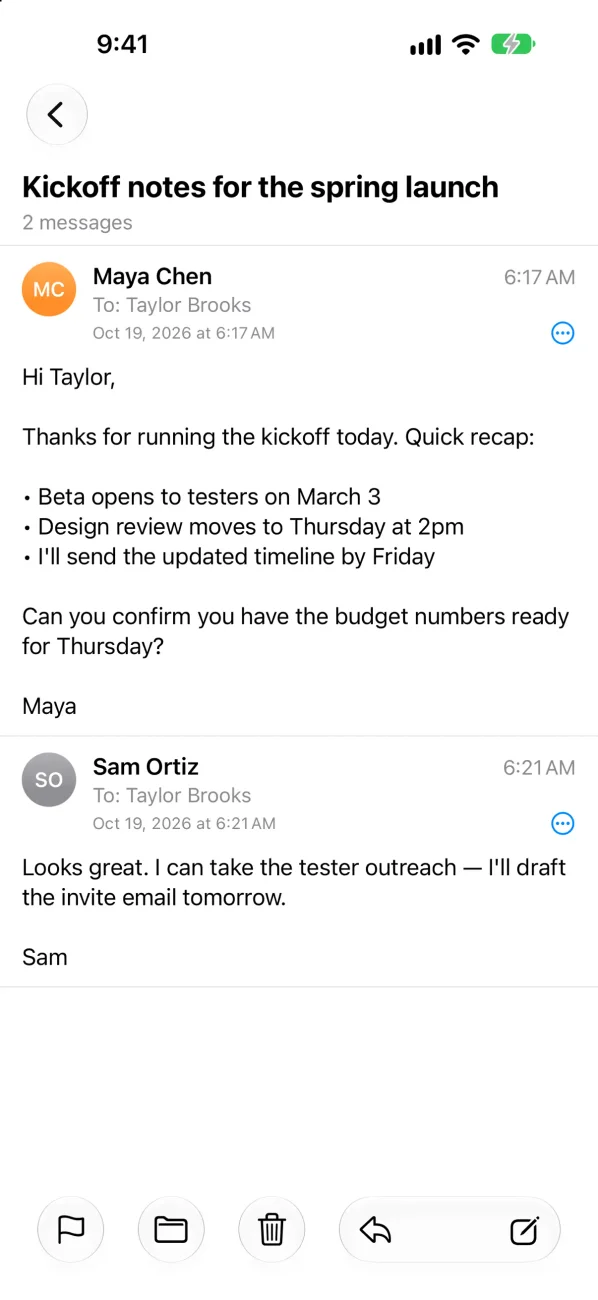
CONVERSATIONS
Messages are grouped into conversations, with fast search that works even offline.
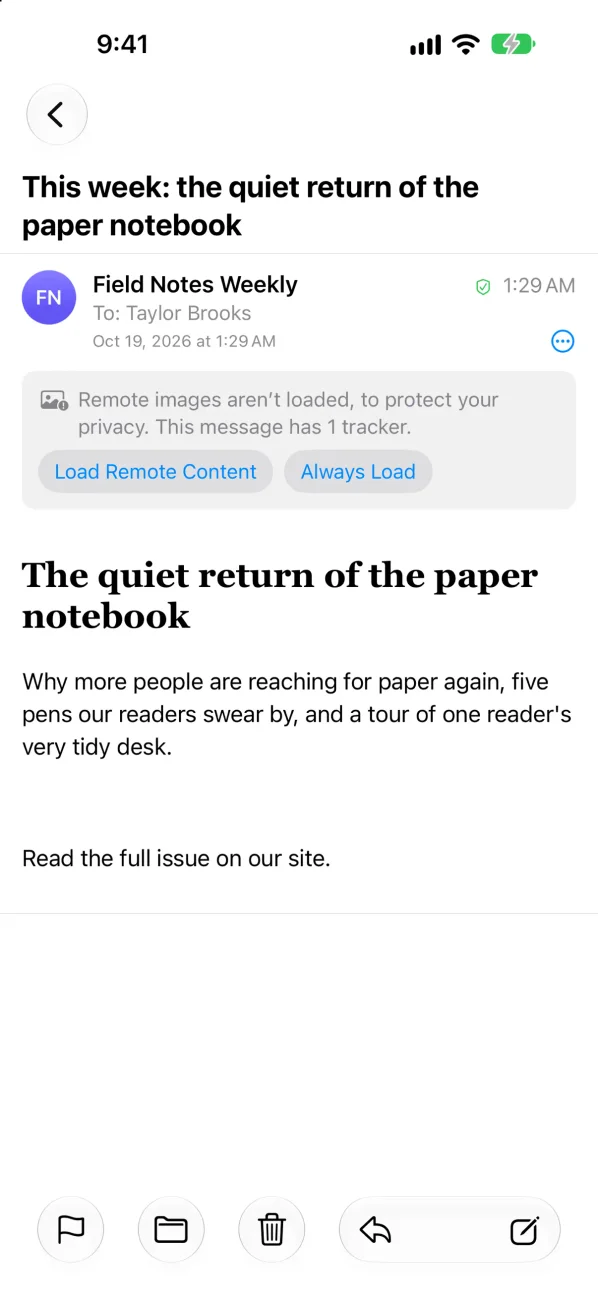
PRIVACY BUILT IN
Remote images are held back until you allow them, for one message or always for a sender. Known tracking pixels are removed. Your always-load list is stored on your own server so all your devices share it.
RULES ON YOUR SERVER
Create rules that file, flag or forward mail. They run on your server (JMAP with Sieve), so mail is sorted even when your devices are off.
WORKS OFFLINE
Read, reply, file and delete without a connection. Changes go out when you're back online, with Undo Send.
NOTIFICATION BRIEFS
On devices with Apple Intelligence, new-mail notifications include a short summary written on your device.
ON IPHONE, IPAD AND MAC
One purchase covers both, with a native Mac app: multiple windows, toolbar, keyboard shortcuts, and the option to make Rock Mail your default mail app.
Neue Funktionen
Version 1.4 · 19.11.2026
Mark all messages in a folder as read, or delete them all at once. Right-click a folder on Mac and iPad, or touch and hold it on iPhone.
Save any message as an .eml file, and open .eml files from Files, the Finder or Mail.
On Mac, drag a message to the Finder to save it, or drop an .eml file on a new message to attach it.
App-Datenschutz
Was Jeff Ridder im App Store zum Umgang dieser App mit Daten angibt.
-
Keine Daten erfasst
Der Entwickler erfasst keine Daten von dieser App.
Die Datenschutzpraktiken können variieren, zum Beispiel je nach den von Ihnen verwendeten Funktionen oder Ihrem Alter.
Informationen
- Anbieter
- Jeff Ridder
- Kategorie
- Produktivität
- Version
- 1.4
- Aktualisiert
- 19.11.2026
- Veröffentlicht
- 02.11.2026
- Größe
- 22,0 MB
- Erfordert
- iOS 18.0 oder neuer
- Altersfreigabe
- 4+
- Sprachen
- Englisch
- Copyright
- © 2026 Jeff Ridder
Das könnte Ihnen auch gefallen
-
 Paloma MailProduktivität
-
 MailToChat: Email to TextProduktivität
-
 Iris MailProduktivität
-
 Lumen Mail: AI EmailProduktivität
-
 nexmailDeine Post, dein Server
-
 Penvia: E-Mail wie ein ChatE-Mail als Chat, scannen
-
 Beta mailProduktivität
-
 Tiho MailPost, die dich achtet
-
 Jade EmailProduktivität
-
 Patriot MailProduktivität