ROVEWORKS CAMERA
Manual camera with film like
Entwickelt für iPhone
Kostenlos · In-App-Käufe
- Altersfreigabe4+
- KategorieFoto und Video
- Entwickler로브웍스
- SprachenEnglisch+ 1 weitere
- Größe12,1 MB
Verlinkt auf die offizielle App Store-Seite
Download.org hostet keine Datei von ROVEWORKS CAMERA. Die Schaltfläche öffnet die App-Seite bei App Store, wo 로브웍스 die App veröffentlicht. Eintrag zuletzt geprüft am 23.11.2026.
Screenshots
Info
Der Entwickler hat diesen Text nicht in Ihrer Sprache bereitgestellt.
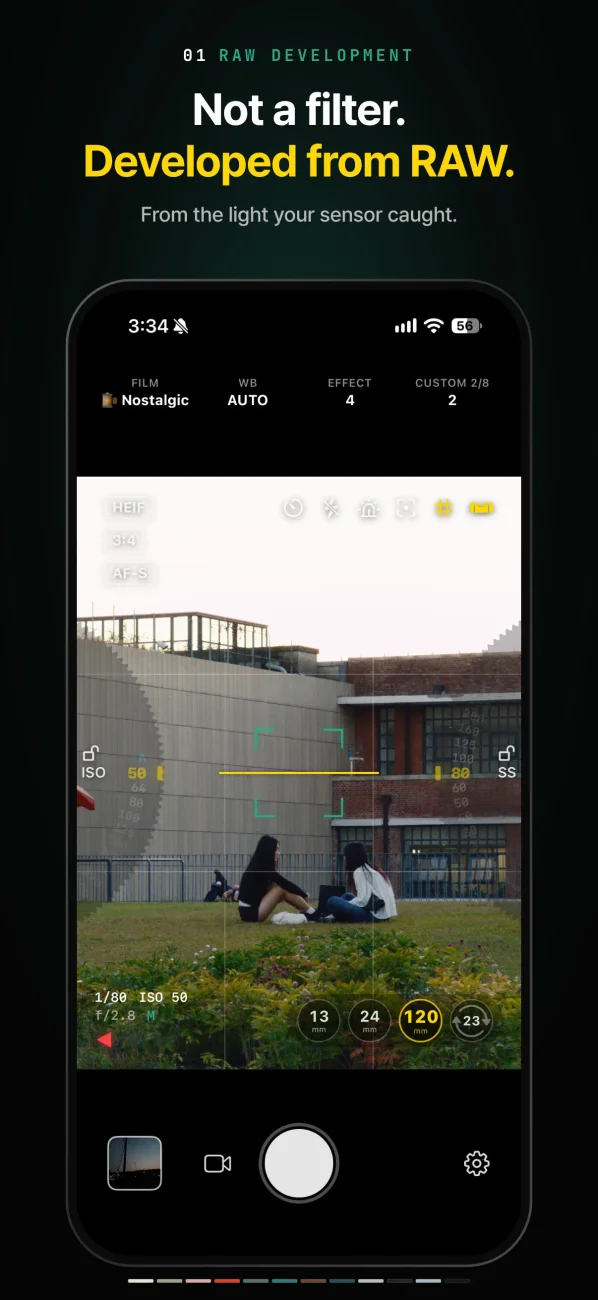
Not a filter on a finished photo. Developed from the light your sensor caught.
ROVEWORKS CAMERA puts exposure, colour and focus back in your hands. No merging of frames — just the single frame from the instant you press the shutter, the way cameras used to work.
RAW development, not a filter
Most film apps paint colour over a photo your iPhone has already finished. ROVEWORKS develops every photo from the sensor's original Bayer RAW data.
· Smooth tones — film colour is computed on sensor data with 16,384 levels per channel and saved once at the end. Skies and skin stay smooth; highlights roll off like film.
· Accurate colour — white balance at the sensor stage; colour conversion from each photo's own calibration data.
· No double processing — iPhone's automatic merging and retouching stay out, so the film look is the only look.
· Corrections you choose — vignetting, noise and ultra-wide distortion, corrected from the original data or left as they are.
RAW development applies to every photo, free version included.
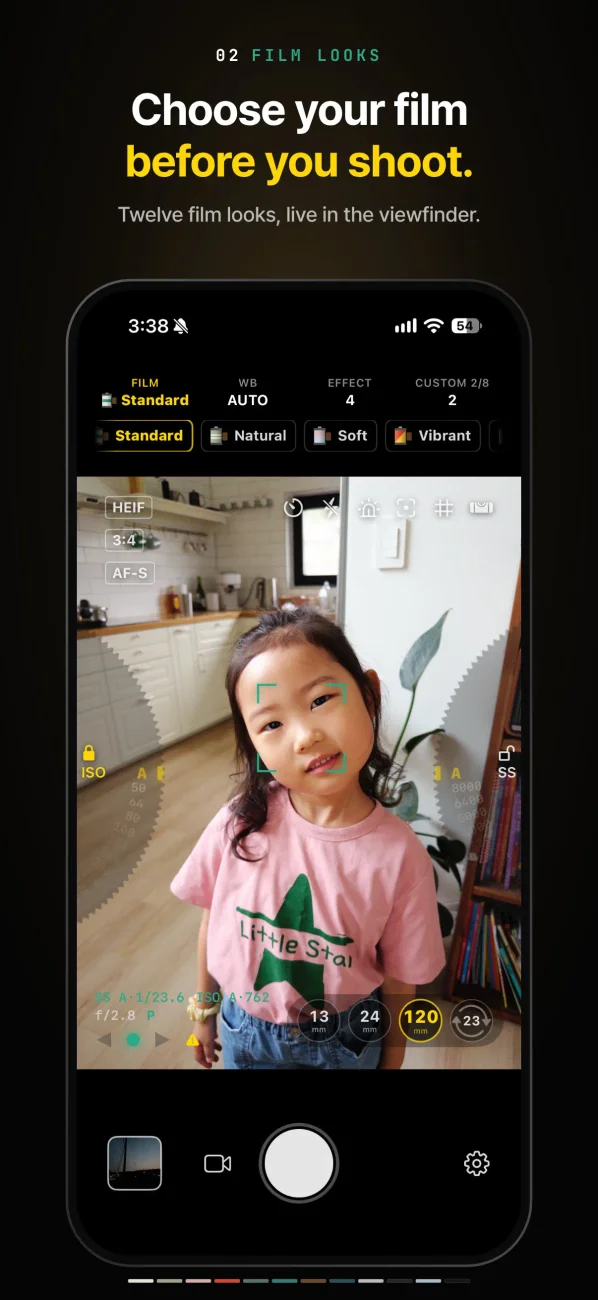
Choose your film before you shoot
Twelve film looks, live in the viewfinder. The viewfinder and the saved photo share the same Metal shaders, so what you see is what you get. Each film has its own canister in its own colours, showing its character at a glance.
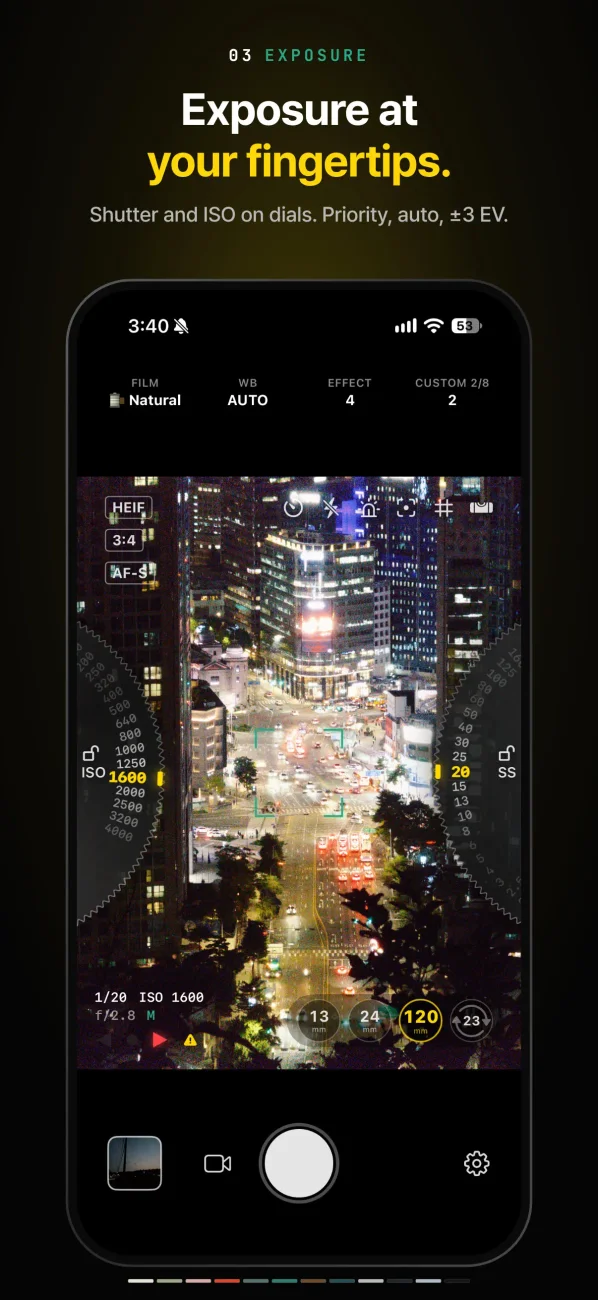
Exposure at your fingertips
Turn the dials on the screen edges to set shutter speed and ISO — showing only values your lens can actually deliver. Set one to A for shutter or ISO priority, both for auto, with up to ±3 EV compensation beside A. Three viewfinder lamps show under, over or right on.
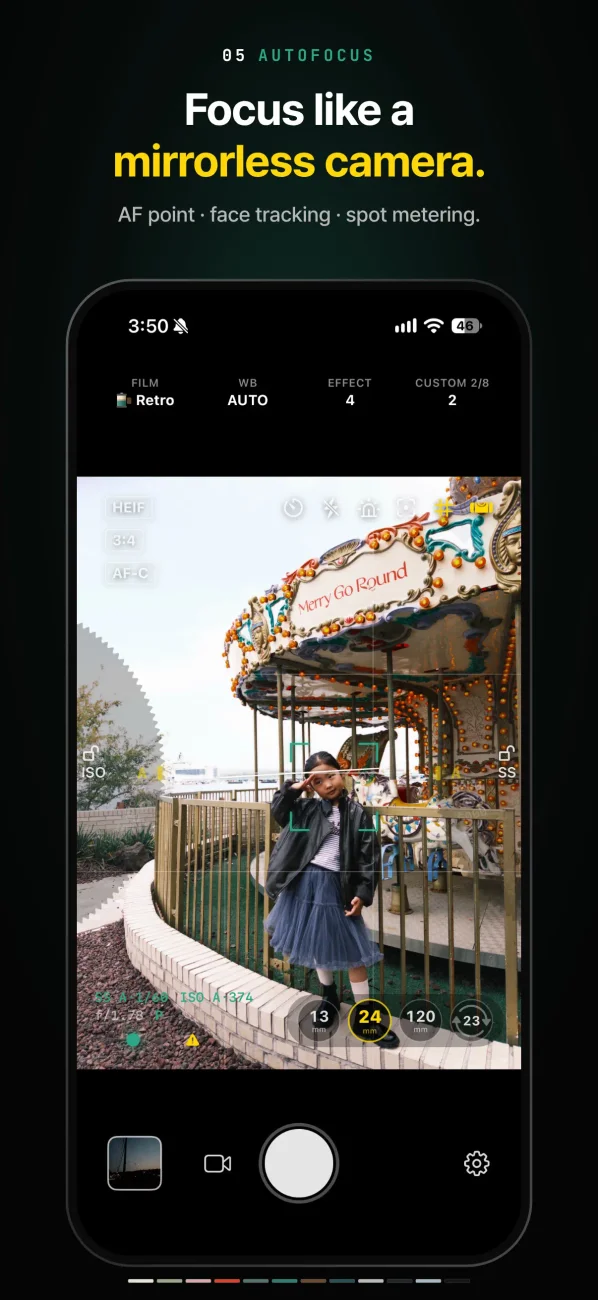
Focus that works like a mirrorless camera
The AF point is always on screen — tap or drag it anywhere. Metering reads the whole frame with face priority, or turn on Spot Metering at AF Point to expose for what you focus on. In AF-C, focus follows faces.
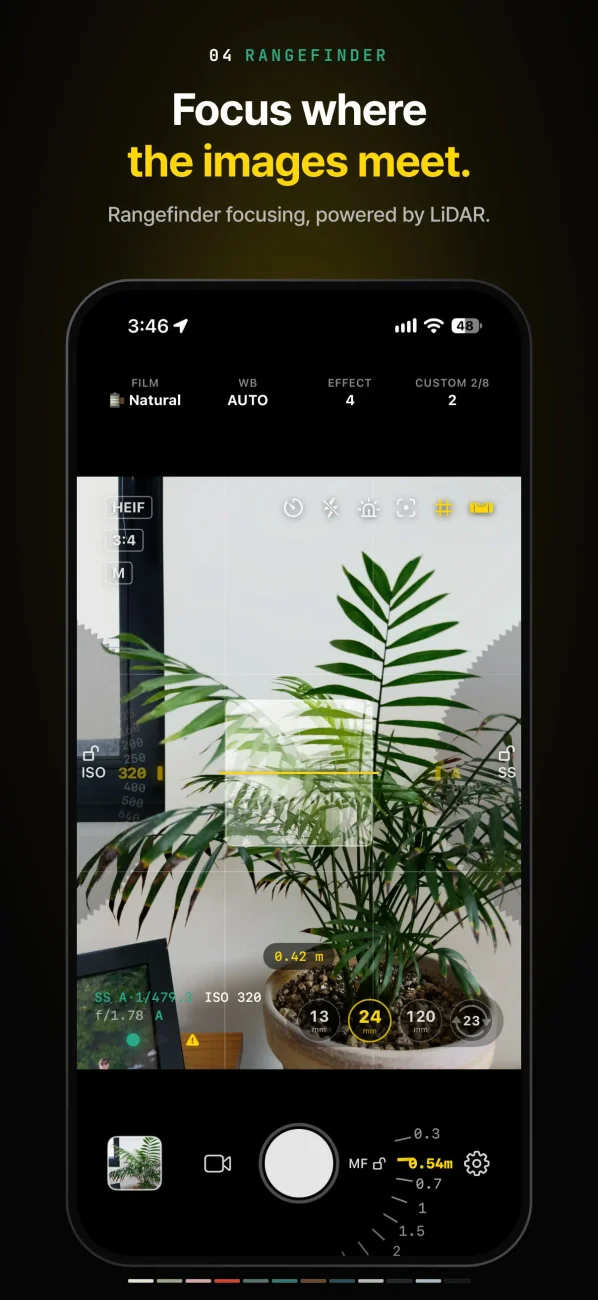
Rangefinder focusing
The centre patch splits the scene into two images. Turn the half-dial around the shutter until they merge, and you're in focus. Uses LiDAR depth on the wide lens, upright or sideways.
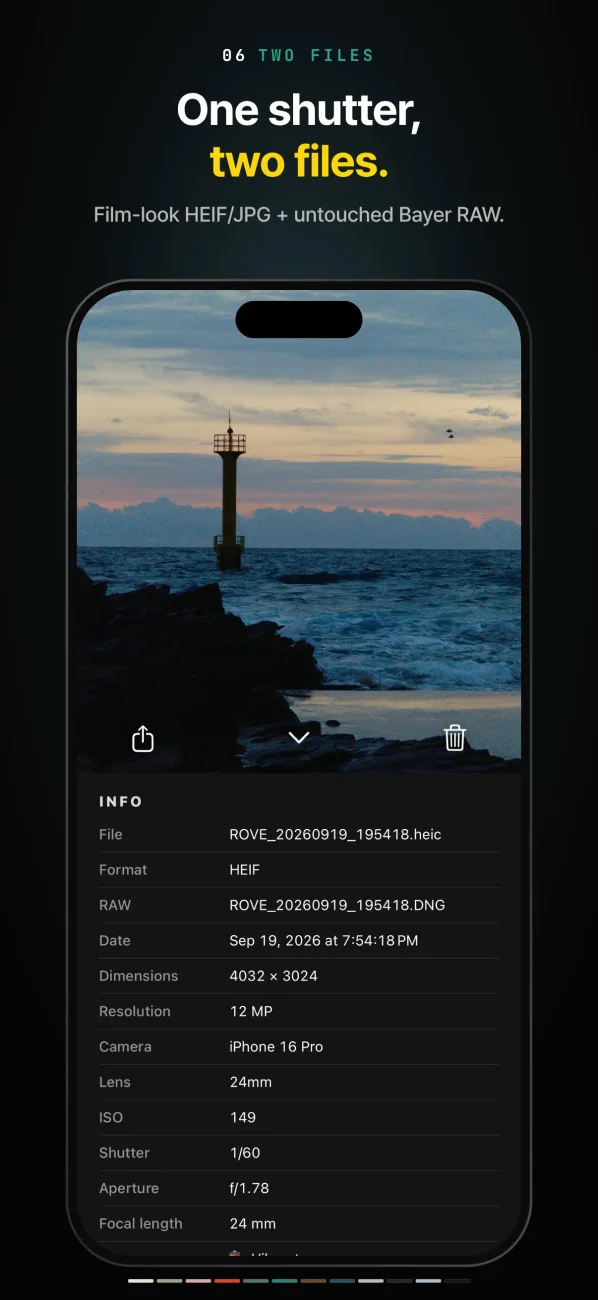
Two files from one shutter press
A Display P3 HEIF or JPG with your film look, and an untouched Bayer RAW (.dng). Share one now; develop the other from scratch later in an app like Lightroom.
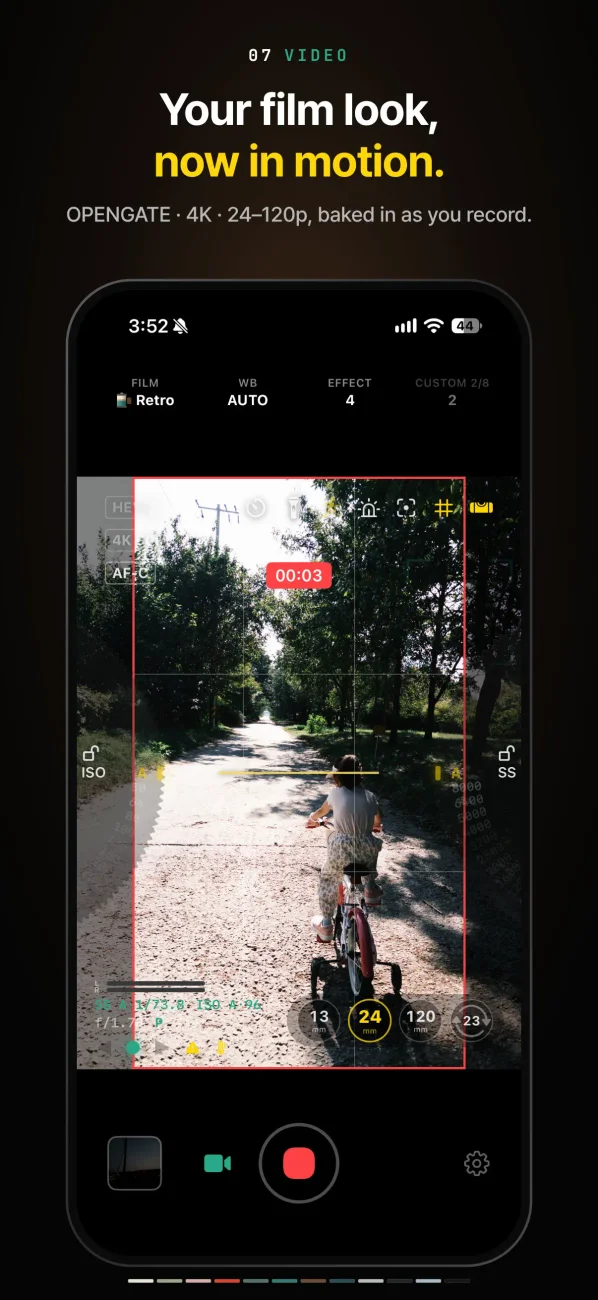
Video
OPENGATE, 4K, HD and 720 at 24p to 120p — only the combinations your lens can record. Film look, tone curve and grain are baked in as you record. Same dials for shutter and ISO, with the 180° shutter marked. Zebra and focus peaking stay on screen, never in the file.
HEVC with stereo or mono sound, wind noise reduction, external mics, a live level meter and stabilisation. If a call comes in mid-recording, your footage is saved.
Every lens, nothing cropped
Ultra wide, wide and telephoto, plus both front angles on iPhone 17 — each read from its own sensor area, so nothing gets cut off.
Use it like a camera
Shoot with a volume button and launch from the Lock Screen or Control Centre. The in-app gallery shows each shot with its film, settings and location.
Why 12 megapixels
On iPhone, 48-megapixel photos are made by merging frames, which overrides the exposure you set. We don't merge, so back-camera photos are 12 megapixels — and high-contrast scenes like backlight aren't rescued by merging; you set the exposure. A smaller number, but the photo exactly as you saw it.
Free
RAW-based development. Manual, shutter-priority, ISO-priority and auto exposure with ±3 EV compensation and the light meter. Three film looks (Standard, Classic, Monochrome). White balance, tone curve, grain, sharpness. AF-S/AF-C with face detection and AF-point spot metering. Lens corrections, level, grid, in-app gallery.
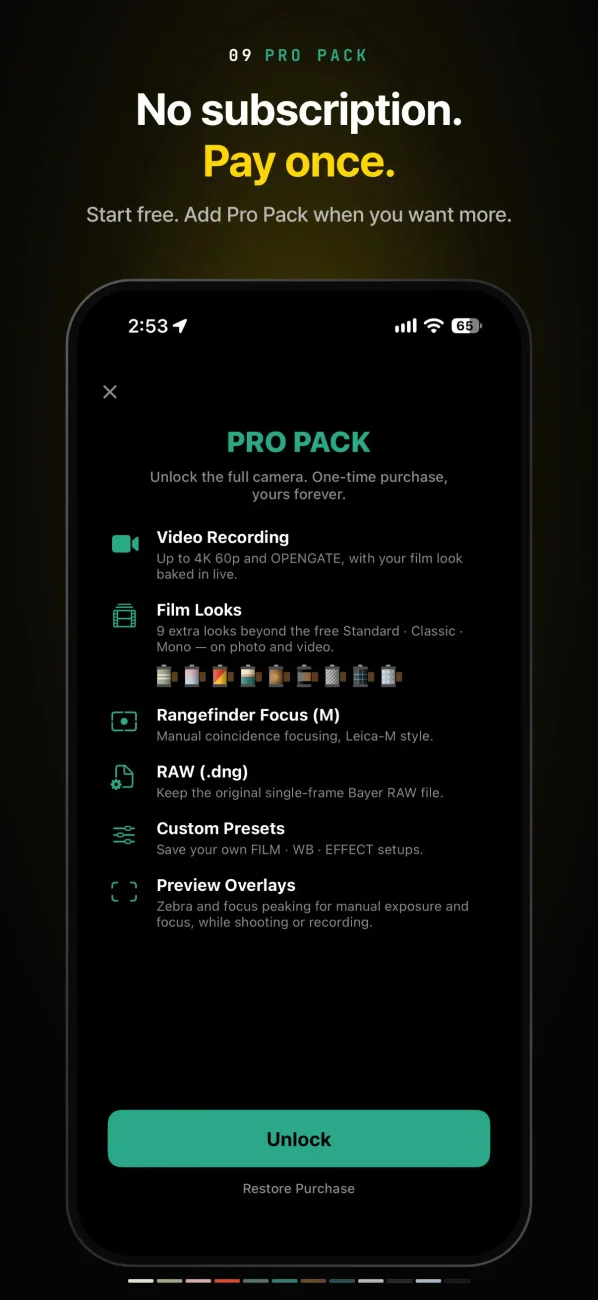
PRO PACK — one purchase, no subscription
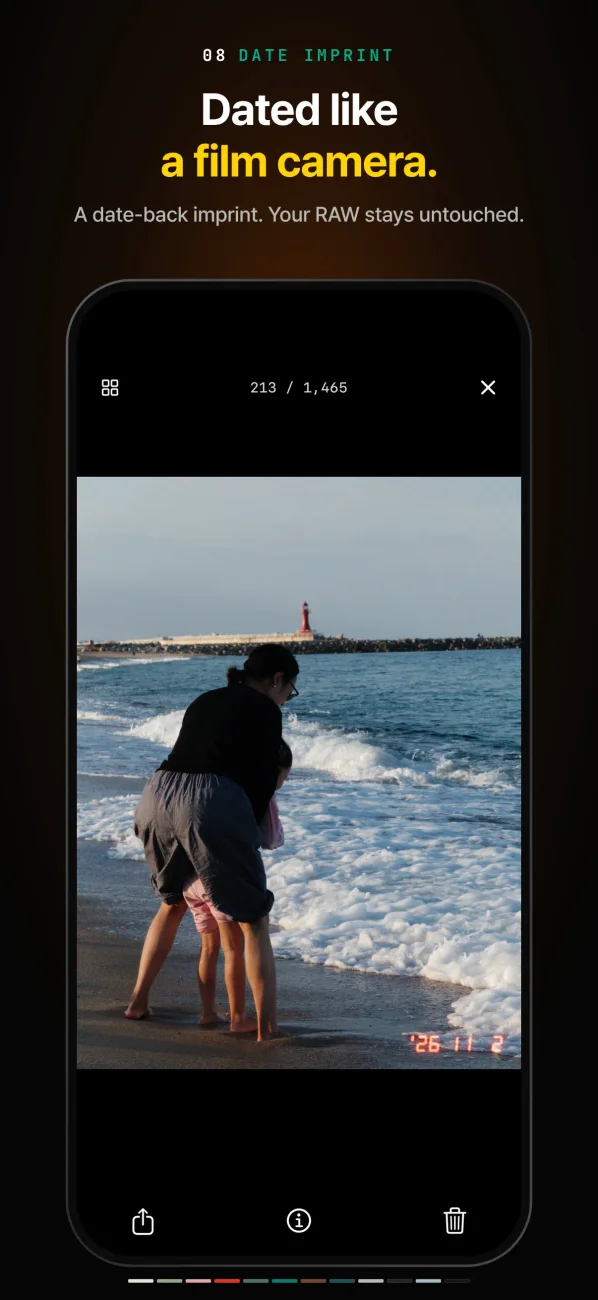
Video recording. Nine more film looks. Rangefinder manual focus. RAW (.dng) capture. Custom presets. Zebra and focus peaking. Date imprint.
Already own Pro Pack? Video is included at no extra cost.
The rangefinder patch works on the wide lens of devices with a LiDAR Scanner.
Neue Funktionen
Version 2.8 · 22.11.2026
Video in P mode (auto exposure) now records with steady brightness.
Fixed brightness pulsing up and down while recording with auto exposure. When you move between bright and dark areas, brightness now follows smoothly. As before, the viewfinder and the saved video match.
App-Datenschutz
Was 로브웍스 im App Store zum Umgang dieser App mit Daten angibt.
-
Keine Daten erfasst
Der Entwickler erfasst keine Daten von dieser App.
Die Datenschutzpraktiken können variieren, zum Beispiel je nach den von Ihnen verwendeten Funktionen oder Ihrem Alter.
Informationen
- Anbieter
- Roveworks
- Kategorie
- Foto und Video
- Version
- 2.8
- Aktualisiert
- 22.11.2026
- Veröffentlicht
- 04.08.2026
- Größe
- 12,1 MB
- Erfordert
- iOS 18.6 oder neuer
- Altersfreigabe
- 4+
- Preis
- Kostenlos
- In-App-Käufe
- Ja
- Sprachen
- Englisch, Koreanisch
- Copyright
- © 2026 ROVEWORKS
Das könnte Ihnen auch gefallen
-
 Kiso CameraFoto und Video
-
 Lucid - Manual RAW CameraFoto und Video
-
 TruePix CameraFoto und Video
-
 LeanCam: Space Saving CameraFoto und Video
-
 Lucent: Profi Kamera & VideoTeleprompter, Filmlook & 4K
-
 Apertura - Pro CamFoto und Video
-
 RawCam – Raw DNG CameraFoto und Video
-
 f/64 - RAW KameraPure Fotografie. Echtes RAW.
-
 Kamera Iphone & Raw & PresetsPro Camera + HD Fotos & Video
-
 SANDMARC CameraFoto und Video