Runestone Text Editor
Edit plain text and code
Entwickelt für iPhone, iPad, iPod touch
Kostenlos · In-App-Käufe
- Altersfreigabe4+
- KategorieEntwickler-Tools
- EntwicklerSimon B. Støvring
- SprachenEnglisch
- Größe64,5 MB
Verlinkt auf die offizielle App Store-Seite
Download.org hostet keine Datei von Runestone Text Editor. Die Schaltfläche öffnet die App-Seite bei App Store, wo Simon B. Støvring die App veröffentlicht. Eintrag zuletzt geprüft am 24.11.2026.
Screenshots
Info
Der Entwickler hat diesen Text nicht in Ihrer Sprache bereitgestellt.
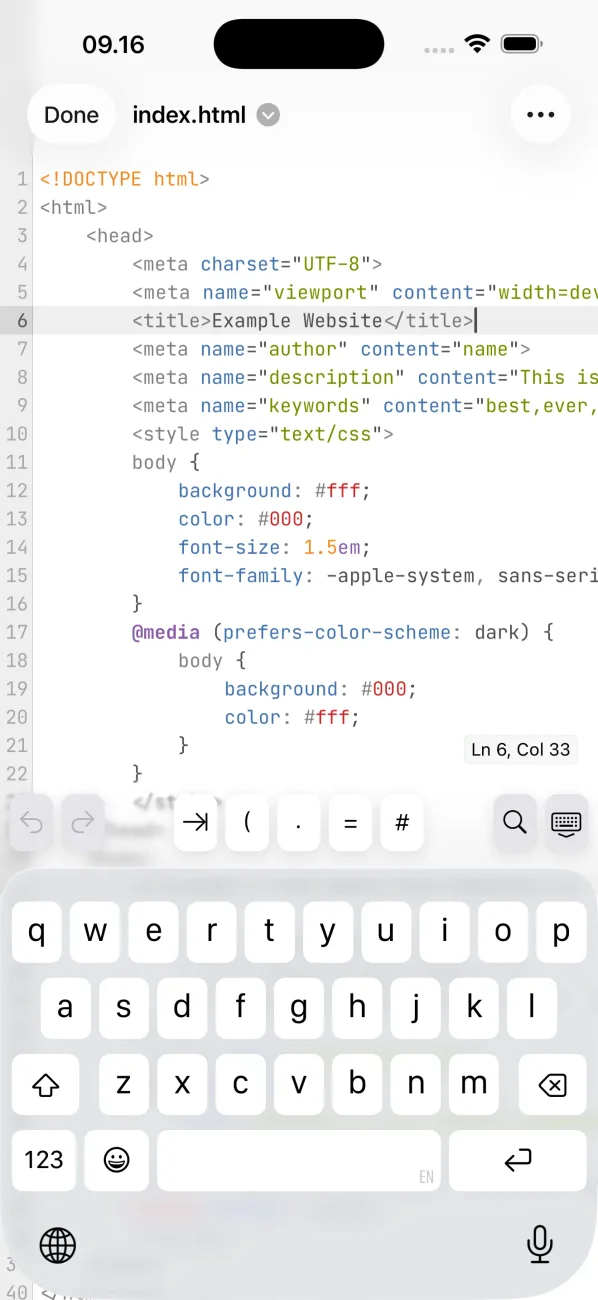
A plain text editor with syntax highlighting, line numbers, search and replace, page guide, and much more. It's like TextEdit but more powerful and optimised for iPhone and iPad.
Runestone is made by a single person with a love for text editors and a vision of building the most lightweight text editor for iPhone and iPad that still has the core features for editing code.
Features:
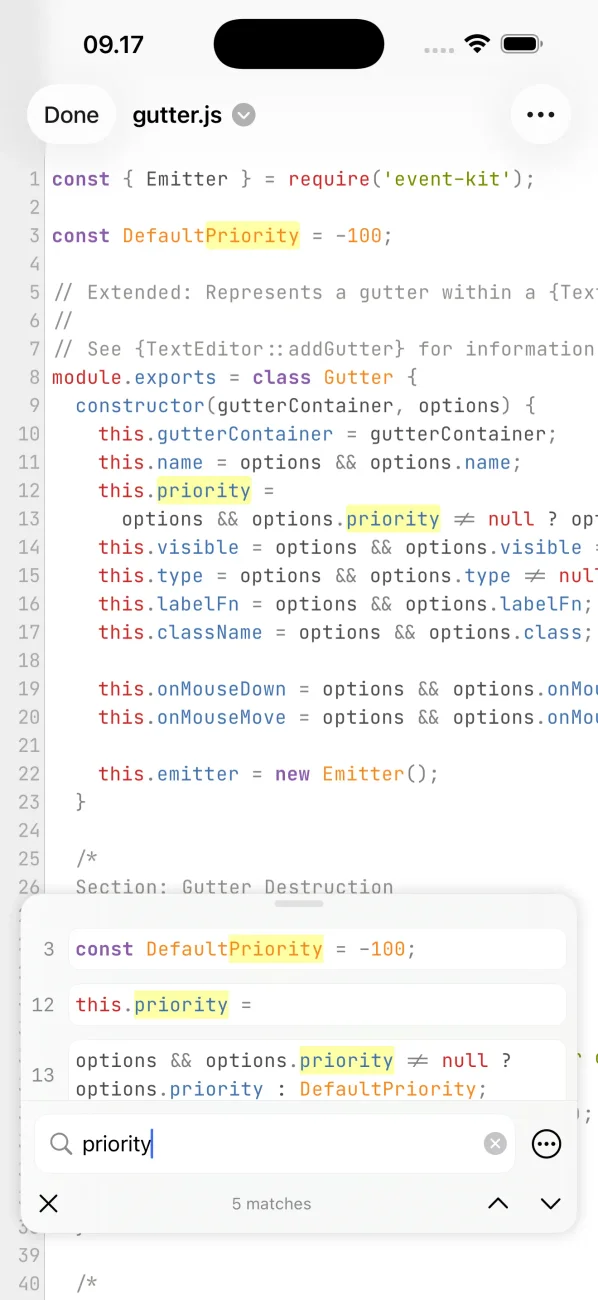
- Syntax highlighting of many languages including HTML, JavaScript, JSON, Markdown, Swift, Python, PHP, YAML, and many more.
- Select one of the twelve standard themes including popular themes like Tomorrow, Dracula, Solarized, and One Dark Pro.
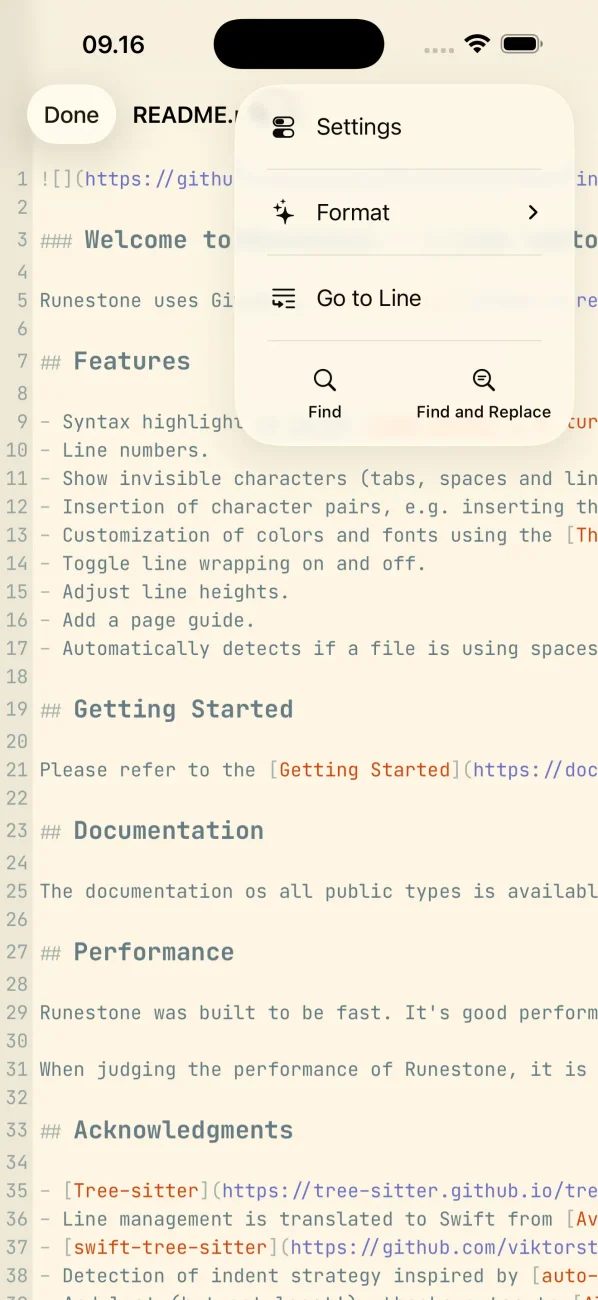
- Innovative find and replace for searching and modifying text while still viewing your file.
- Choose font and font size, including support for custom fonts imported using another third-party app.
- Show the line and column the cursor is located on.
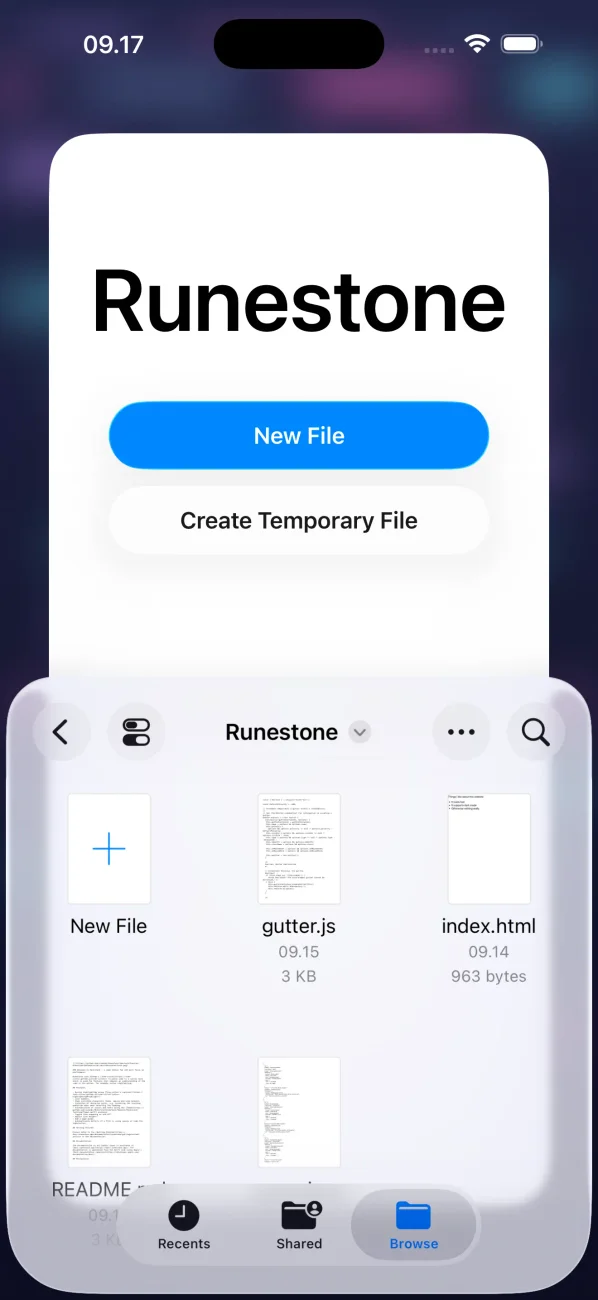
- Uses the standard document browser for an experience similar to the Files app.
- Quickly navigate to a specific line.
- Automatically close opening brackets and quotes.
- Multiple windows on the iPad.
- Format code using Prettier.js. Supported languages include CSS,HTML, JavaScript, JSON, PHP and more.
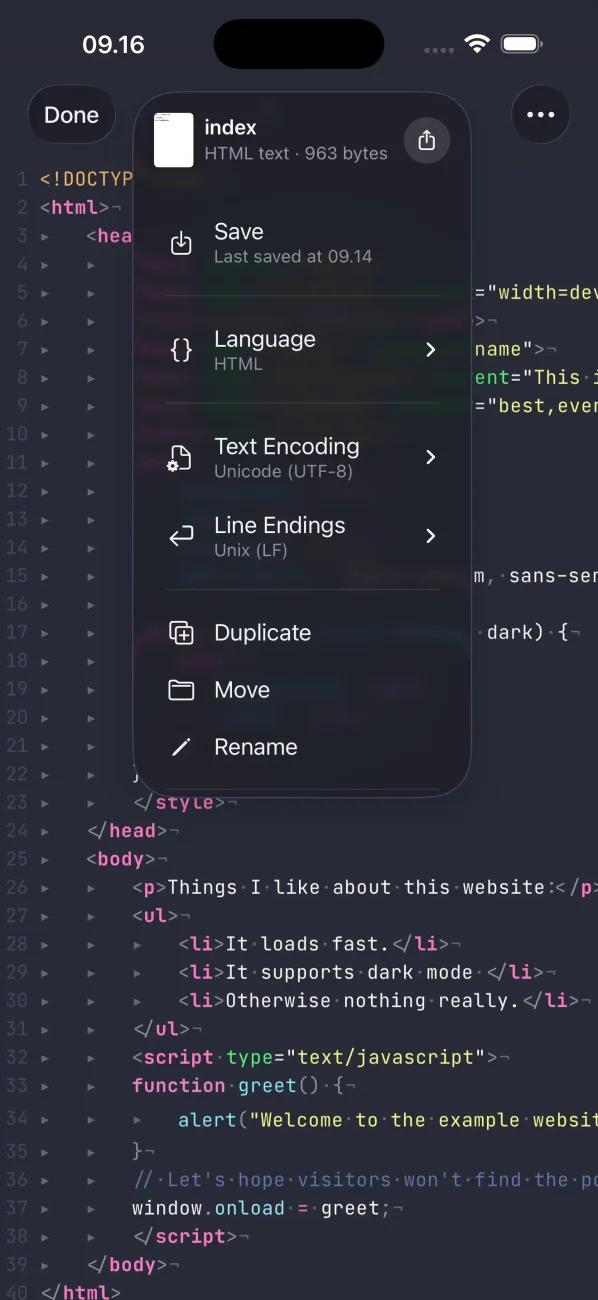
- Choose text encoding between popular encodings like UTF-8, UTF-16, ISO Latin 1, and many more.
- Enable or disable autocorrection, autocapitalization, and smart punctuation.
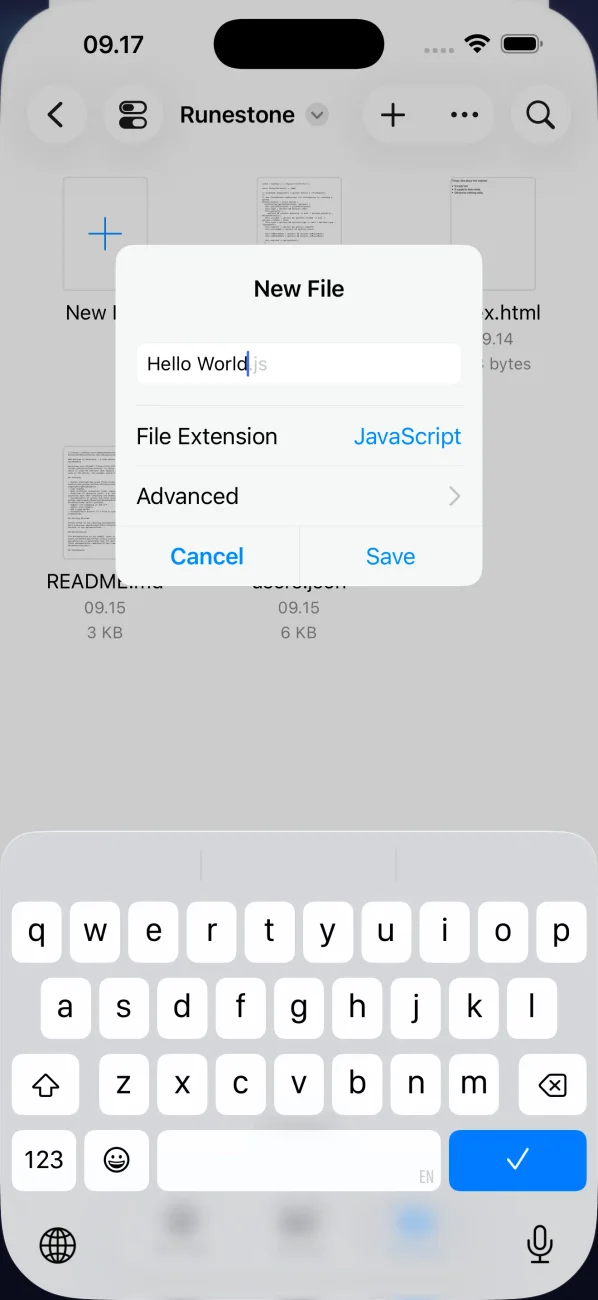
- Set default file extension of new files.
- Open files in Runestone from the Share Sheet.
- Print documents.
Premium features:
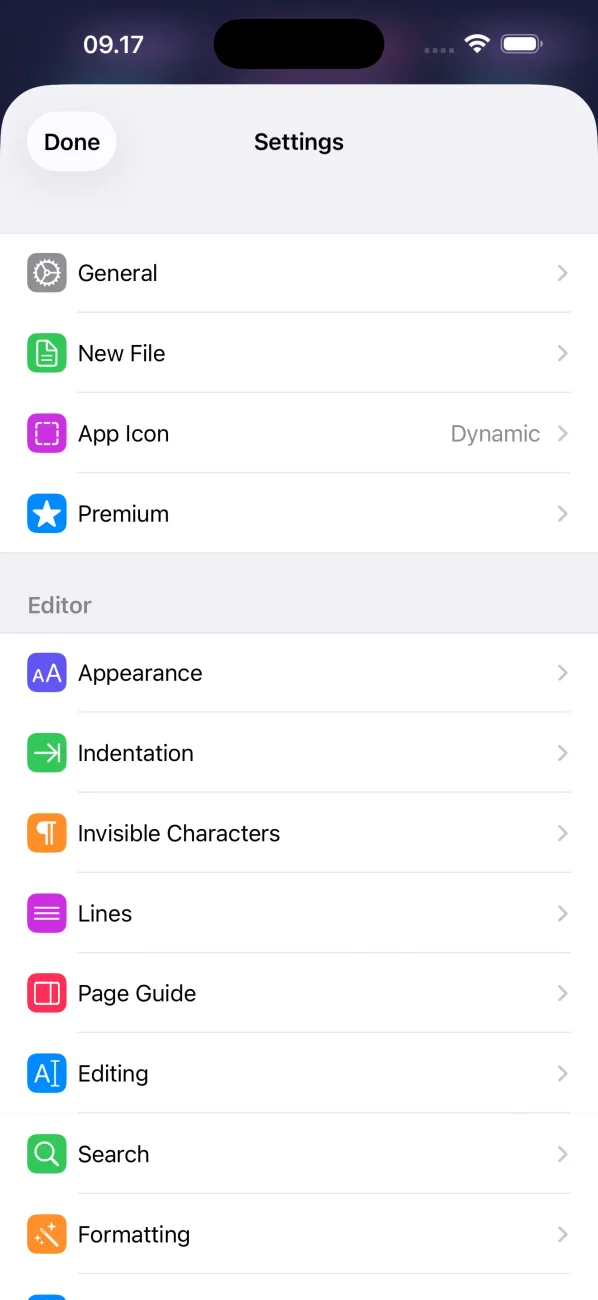
- Choose between eight app icons.
- Show line numbers.
- Highlight the selected line.
- Increase line height and letter spacing.
- Disable line wrapping to allow horizontal scrolling.
- Show tabs, spaces, and line breaks using a selected symbol.
- Enable page guide at a specific column to easily tell when lines are getting too long.
- Add vertical and horizontal overscroll.
- Remember the selected language per file.
- Save file extensions and filenames that should always be treated as plain text files.
- Enable soft tabs and choose the width of the tab character.
- Specify whether pressing the tab key should insert a tab or indent the line.
- Adjust the scaling of Markdown headings and disable highlighting of code blocks in Markdown.
Runestone was built on the open-source framework with the same name. Find more information on the Runestone framework at github.com/simonbs/runestone
Neue Funktionen
Version 1.6.2 · 10.09.2026
Brings small optimizations for iOS 27.
App-Datenschutz
Was Simon B. Støvring im App Store zum Umgang dieser App mit Daten angibt.
-
Keine Daten erfasst
Der Entwickler erfasst keine Daten von dieser App.
Die Datenschutzpraktiken können variieren, zum Beispiel je nach den von Ihnen verwendeten Funktionen oder Ihrem Alter.
Informationen
- Anbieter
- Simon Stovring
- Kategorie
- Entwickler-Tools
- Version
- 1.6.2
- Aktualisiert
- 10.09.2026
- Veröffentlicht
- 05.05.2022
- Größe
- 64,5 MB
- Erfordert
- iOS 15.0 oder neuer
- Altersfreigabe
- 4+
- Preis
- Kostenlos
- In-App-Käufe
- Ja
- Sprachen
- Englisch
- Copyright
- © 2026 Simon B. Støvring
Das könnte Ihnen auch gefallen
-
 Textastic Code EditorText, Coding, SFTP Client, SSH
-
 KodexEntwickler-Tools
-
 Pyto IDEPython, C/C++
-
 a-ShellEntwickler-Tools
-
 Code Editor - Compiler & IDEProgramming on mobile
-
 Web InspectorEntwickler-Tools
-
 Git client - Working CopyEntwickler-Tools
-
 xTerminal - SSH Terminal ShellEntwickler-Tools
-
 Supanator: Supabase ManagerPostgres-SQL-Editor & Alarme
-
 Rev for VercelEntwickler-Tools