
SaveMySubs: Subscription
Tracker, Bills & Renewals
Entwickelt für iPhone, iPad
Kostenlos · In-App-Käufe
- Altersfreigabe4+
- KategorieFinanzen
- Entwickler俊 吕
- SprachenEnglisch+ 4 weitere
- Größe73,8 MB
Verlinkt auf die offizielle App Store-Seite
Download.org hostet keine Datei von SaveMySubs: Subscription. Die Schaltfläche öffnet die App-Seite bei App Store, wo 俊 吕 die App veröffentlicht. Eintrag zuletzt geprüft am 14.11.2026.
Screenshots


Info
Der Entwickler hat diesen Text nicht in Ihrer Sprache bereitgestellt.
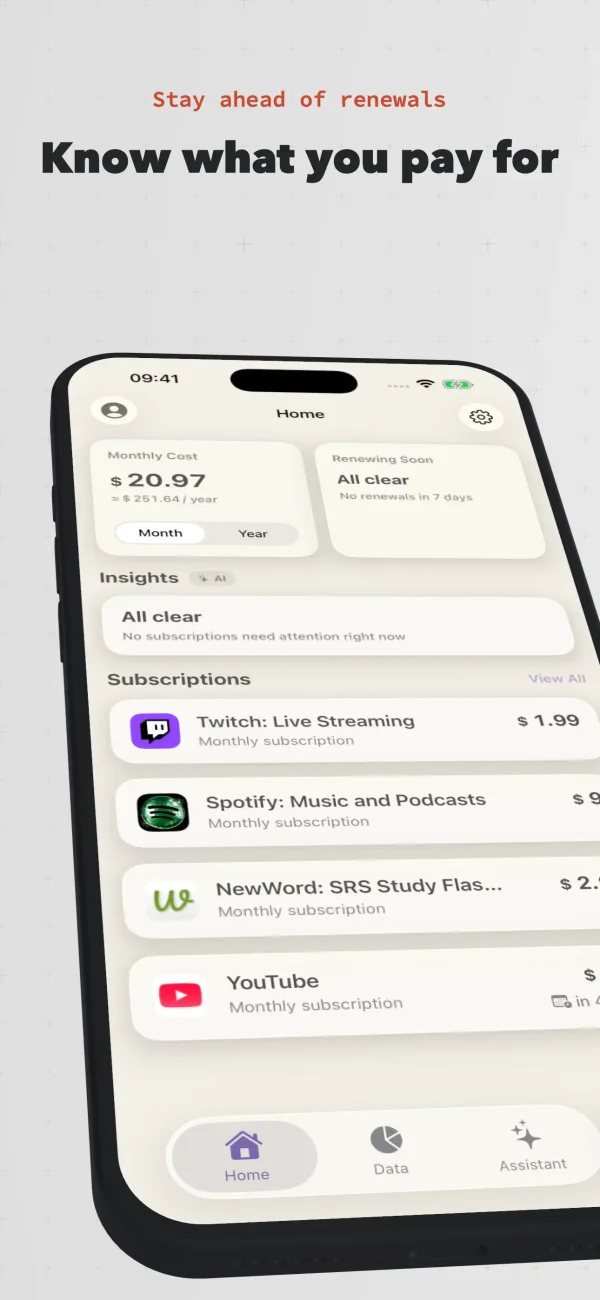
SaveMySubs is a smarter way to manage your subscriptions.
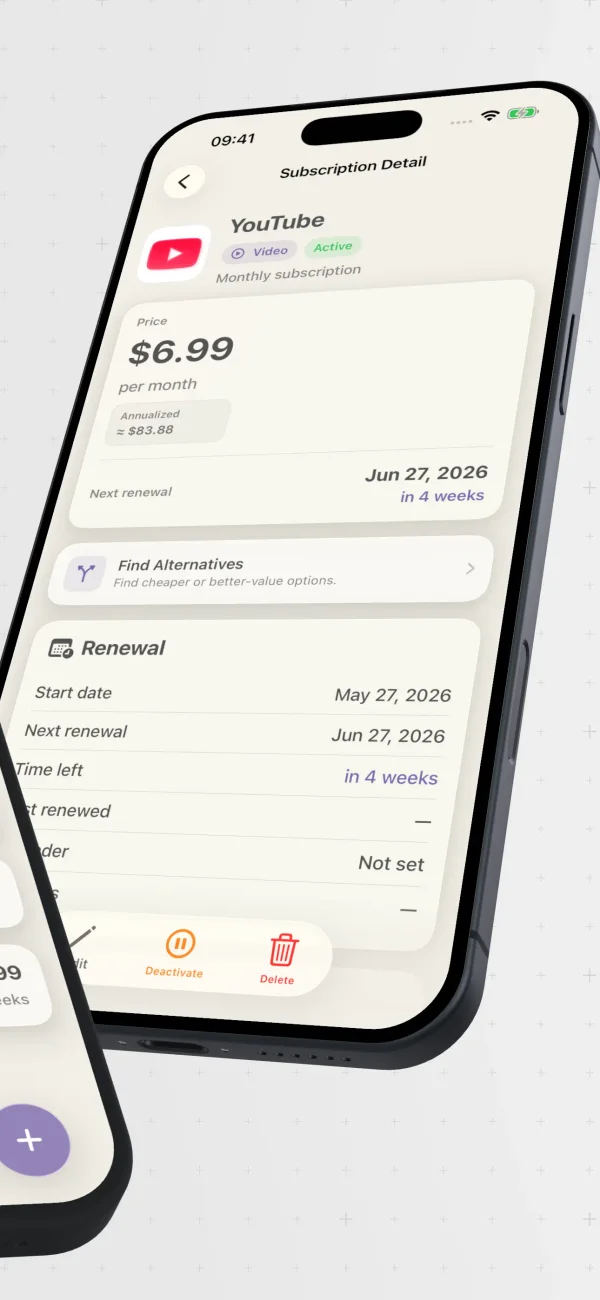
Keep all your recurring payments in one place, track upcoming renewals, understand your monthly and yearly spending, and get helpful suggestions before the next charge arrives.
From streaming services and cloud storage to AI tools, apps, memberships, and software plans, SaveMySubs helps you see exactly what you are paying for and decide what still deserves a place in your budget.
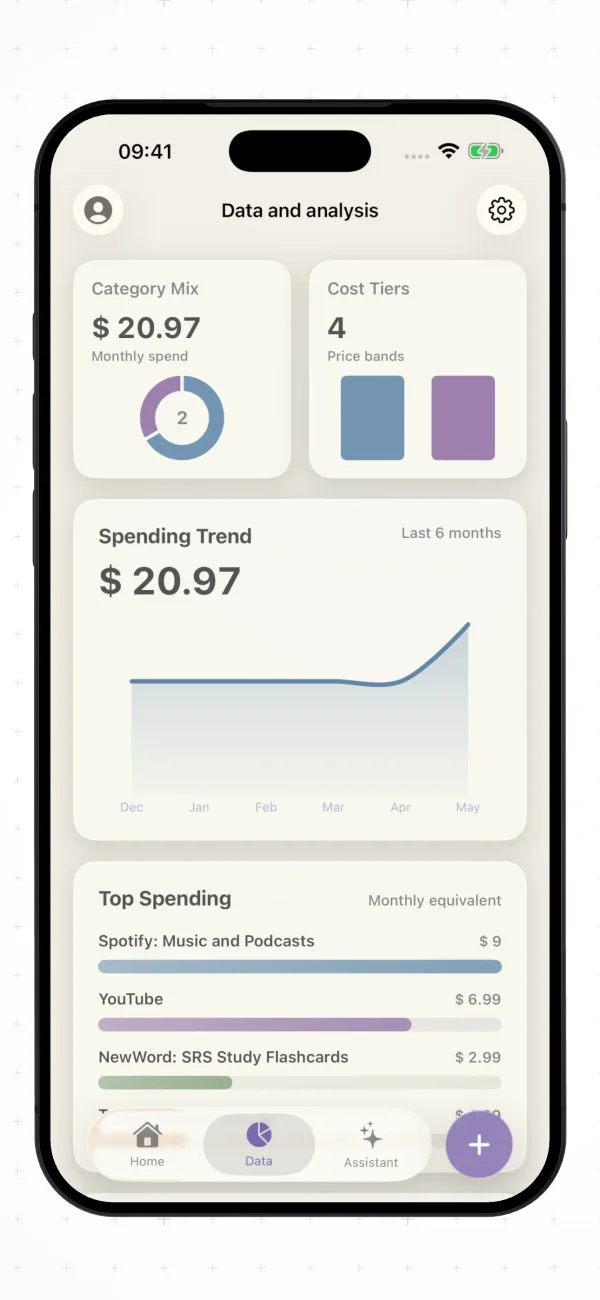
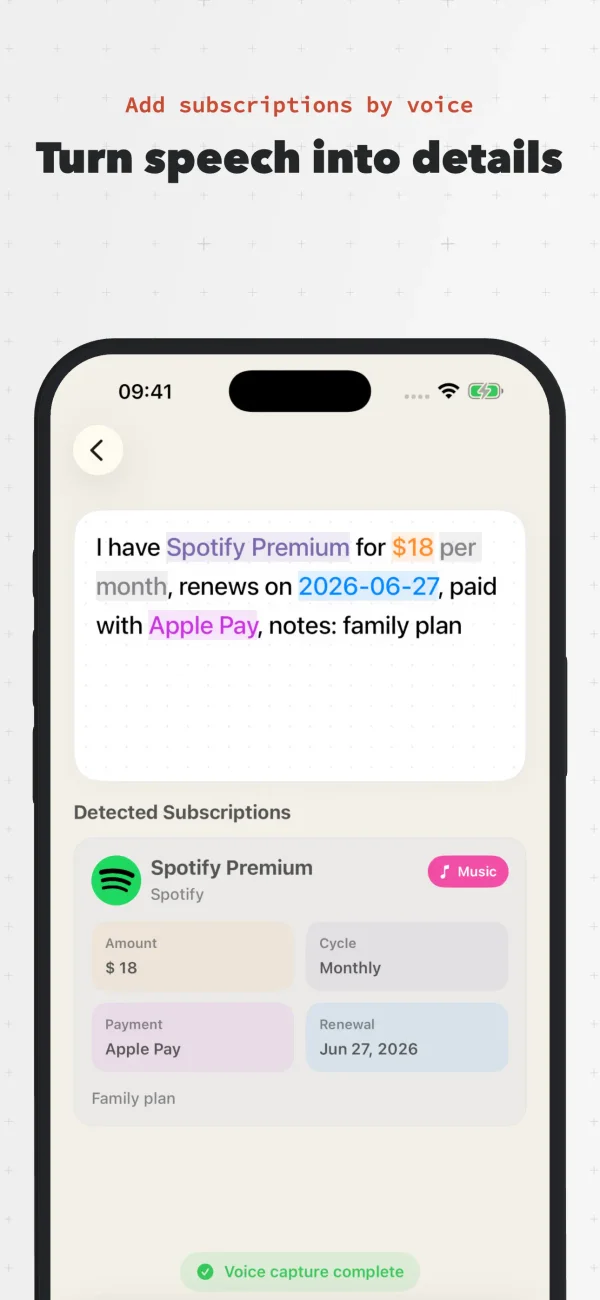
You can add subscriptions manually, scan bills or receipts, and organize everything by price, billing cycle, category, renewal date, and currency. Renewal reminders help you avoid forgotten charges, while spending summaries make it easier to understand where your money goes every month.
SaveMySubs also uses AI to help you review your subscriptions more intelligently. It can suggest possible overlaps, cheaper alternatives, downgrade opportunities, and subscriptions that may be worth canceling.
Features
• Track subscriptions, memberships, and recurring payments
• Add subscriptions quickly by manual input or scanning
• Set reminders before renewals
• View monthly and yearly spending
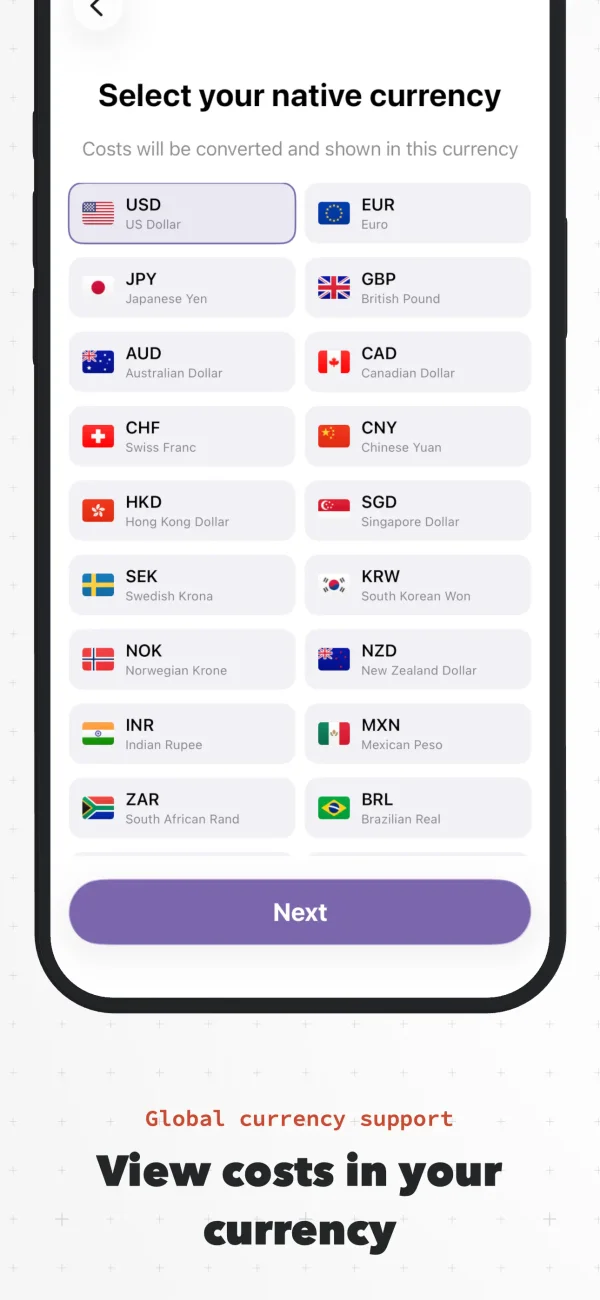
• Manage different billing cycles and currencies
• Organize subscriptions by category
• Review possible duplicates and overlapping services
• Discover alternative options
• Get suggestions for reducing recurring costs
SaveMySubs helps you stay aware, avoid waste, and make better decisions about the services you pay for.
【Pro Monthly Subscription Auto-Renewal Service Description】
1. Subscription Service: Pro monthly subscription is automatically renewed every month.
2. Subscription Price: Refer to the IAP application details; for example, the monthly subscription fee is 8 yuan per month.
3. Payment: The subscription can be managed by the user. After the user confirms the purchase and makes the payment, it will be charged to the iTunes account.
4. Renewal: The Apple iTunes account will be charged 24 hours before the expiration. Once the charge is successful, the subscription period will be extended by one cycle.
5. Cancel Renewal: To cancel the subscription, open the “Settings” on your iPhone --> Go to “iTunes Store and App Store” --> Click on “Apple ID”, select “View Apple ID”, enter the "Account Settings" page, click on “Subscriptions”, and choose “Pro Monthly Subscription” to cancel the subscription. If the subscription is not turned off at least 24 hours before the end of the subscription period, it will automatically renew.
6. User Agreement: https://savemysubs.com/terms/
7. Privacy Agreement: https://savemysubs.com/privacy/
Neue Funktionen
Version 1.0.1 · 01.08.2026
Performance optimization
App-Datenschutz
Was 俊 吕 im App Store zum Umgang dieser App mit Daten angibt.
-
Keine Daten erfasst
Der Entwickler erfasst keine Daten von dieser App.
Die Datenschutzpraktiken können variieren, zum Beispiel je nach den von Ihnen verwendeten Funktionen oder Ihrem Alter.
Informationen
- Anbieter
- 俊 吕
- Kategorie
- Finanzen
- Version
- 1.0.1
- Aktualisiert
- 01.08.2026
- Veröffentlicht
- 18.09.2024
- Größe
- 73,8 MB
- Erfordert
- iOS 18 oder neuer
- Altersfreigabe
- 4+
- Preis
- Kostenlos
- In-App-Käufe
- Ja
- Sprachen
- Englisch, Japanisch, Koreanisch, Vereinf. Chinesisch, Tradit. Chinesisch
- Copyright
- © Lv Jun
Das könnte Ihnen auch gefallen
-
 SubTrack: Subscription FinderFinanzen
-
 Subscription Manager: SubKitFinanzen
-
 PocktFinanzen
-
 BudgetKit - Expense TrackerFinanzen
-
 Cardeyra: Abos verwaltenErinnerungen & Ausgaben
-
 Abos & Rechnungen trackenAbo-Tracker, Kosten & Budget
-
 Bitcoin ConvertFinanzen
-
 Thrift KingFinanzen
-
 Deco budgetGeld, Sparen und Ziele
-
 AurumPay BusinessFinanzen