ScanPulse PDF Doc Reader Maker
Scan Documents & PDFs Easily
Entwickelt für iPhone, iPad, iPod touch
Kostenlos · In-App-Käufe
- Altersfreigabe4+
- KategorieDienstprogramme
- Entwicklerdipen narola
- SprachenEnglisch
- Größe30,9 MB
Verlinkt auf die offizielle App Store-Seite
Download.org hostet keine Datei von ScanPulse PDF Doc Reader Maker. Die Schaltfläche öffnet die App-Seite bei App Store, wo dipen narola die App veröffentlicht. Eintrag zuletzt geprüft am 18.11.2026.
Screenshots
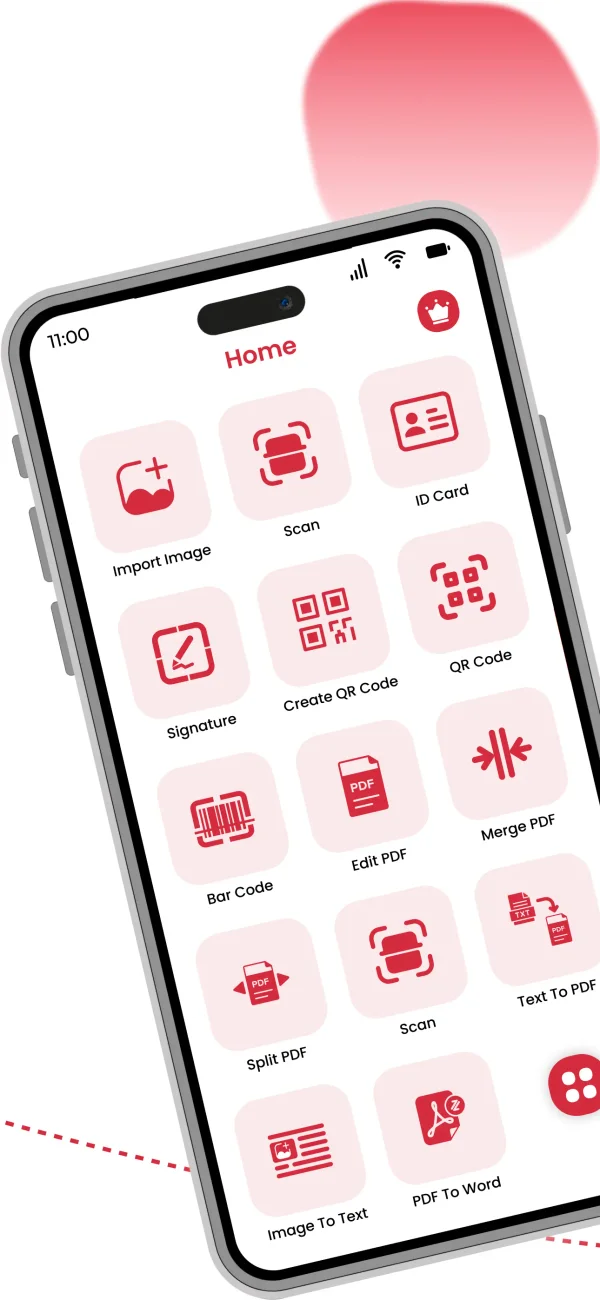
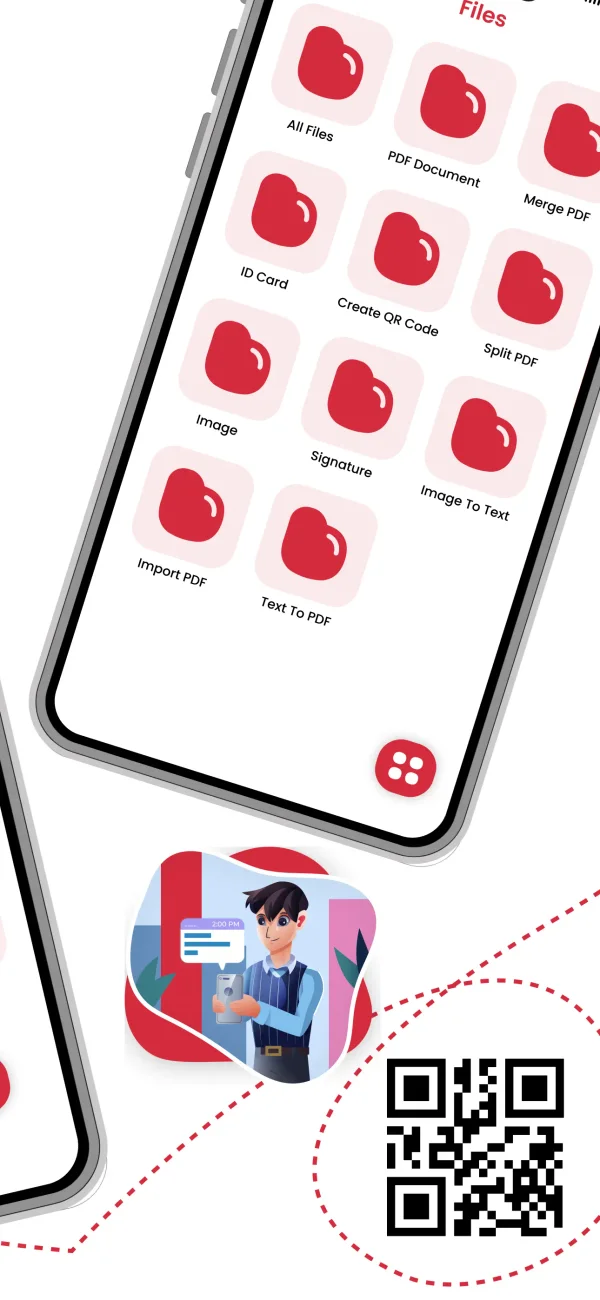
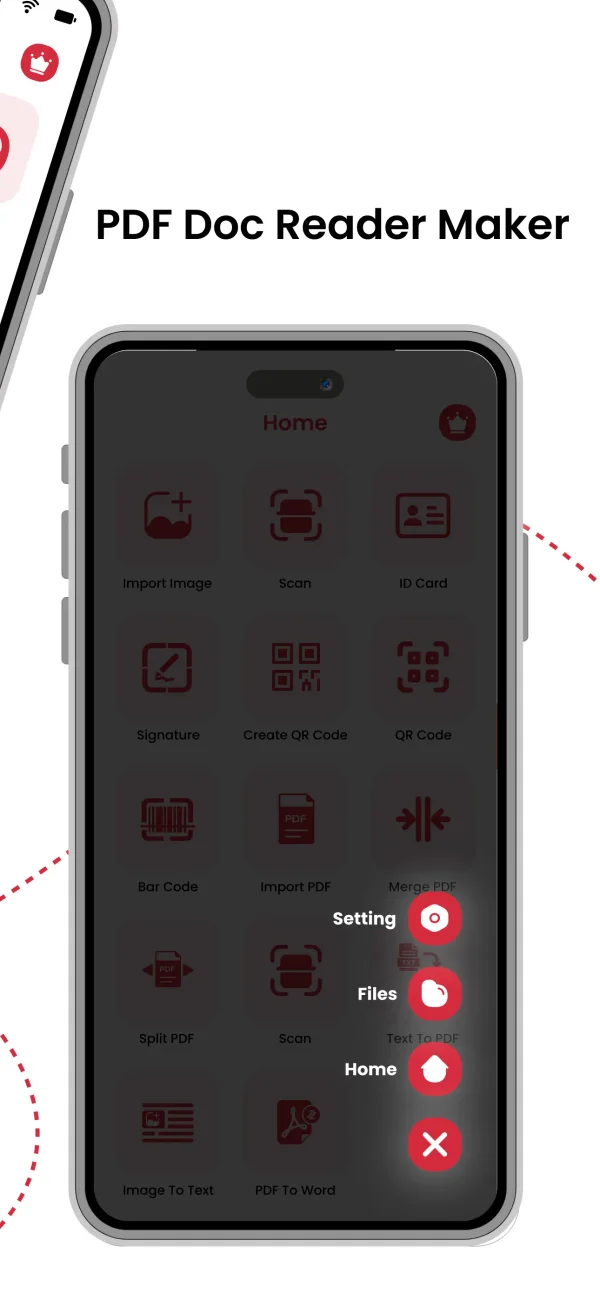
Info
Der Entwickler hat diesen Text nicht in Ihrer Sprache bereitgestellt.
*ScanPulse: PDF Reader & Maker* is your complete, all-in-one mobile document scanner, PDF editor, camera scanner, and OCR text extractor. Turn your smartphone camera into a high-definition portable scanner to quickly digitize paper files, multi-page reports, ID cards, passports, books, receipts, certificates, tax forms, and photos anywhere, anytime.
Whether you need a fast camera scanner app for business, school, university, remote work, office management, or personal organization, ScanPulse automatically detects document borders, cleans up background shadows, sharpens faint text, and converts paper files into ultra-clear PDF or JPEG documents with a single tap.
KEY FEATURES FOR MAXIMUM PRODUCTIVITY
1. Ultra-HD Camera Document Scanner
- Transform your mobile camera into an intelligent paper scanner.
- Scan agreements, contracts, receipts, invoices, handwritten notes, whiteboards, business cards, and certificates into professional-grade PDF files.
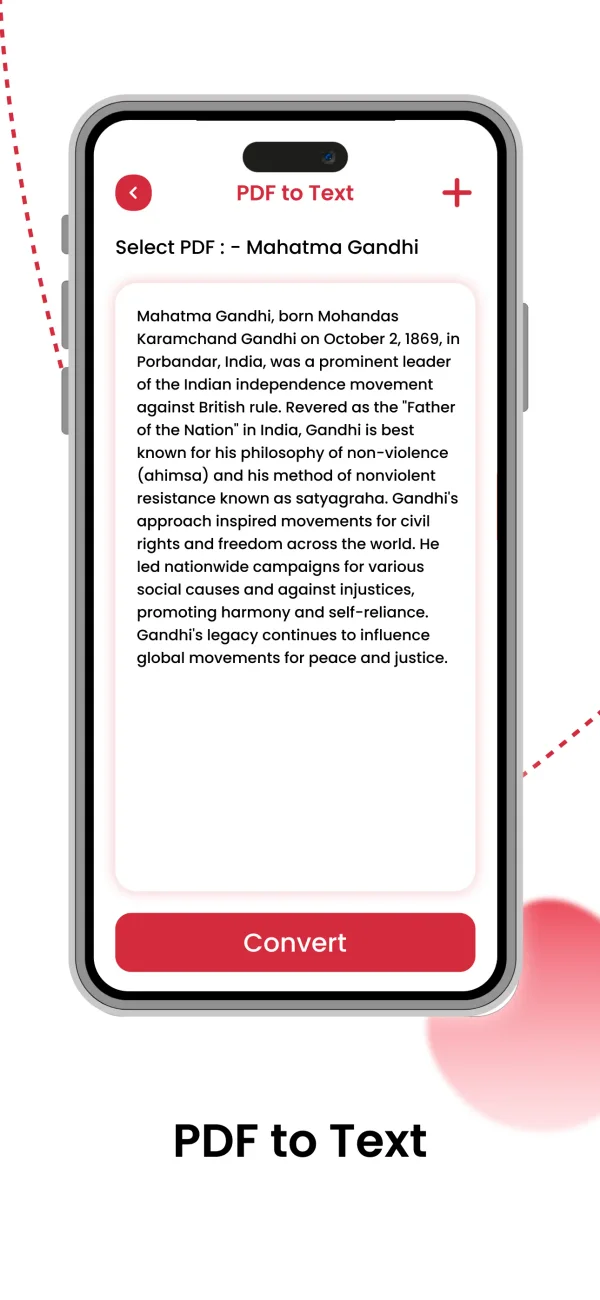
2. Smart OCR Text Recognition (Image to Text Converter)
- Convert image to text instantly with integrated Optical Character Recognition (OCR).
- Extract editable text from scanned documents, PDF files, receipts, or printed book pages.
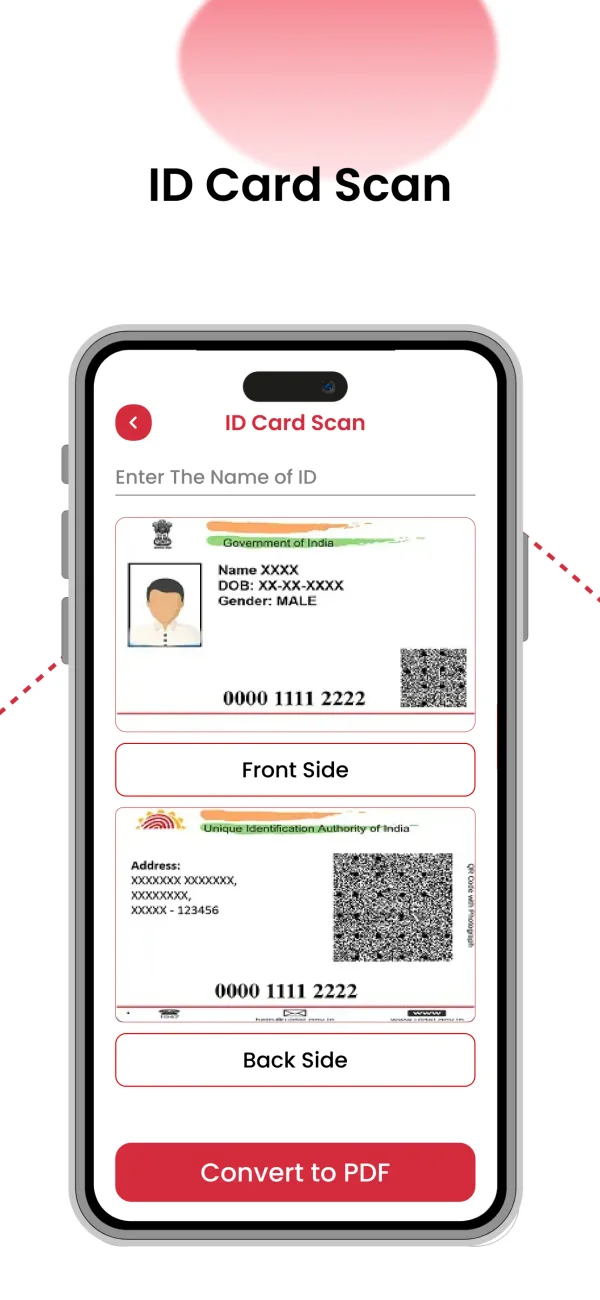
3. Specialized ID Card & Passport Scanner
- Dedicated scanning mode tailored specifically for personal identification.
- Dual-sided alignment guidelines ensure perfect captures of driver’s licenses, ID photos, passports, work IDs, and green cards.
4. Multi-Page Batch Scanning & Book Scanner
- Flatten curved book pages and eliminate margin glare automatically with specialized algorithms.
- Enable high-speed batch mode to capture dozens of pages consecutively.
- Merge multiple pages into a single, structured multi-page PDF document in seconds.
5. Built-in PDF Editor, Annotation & Digital Signatures
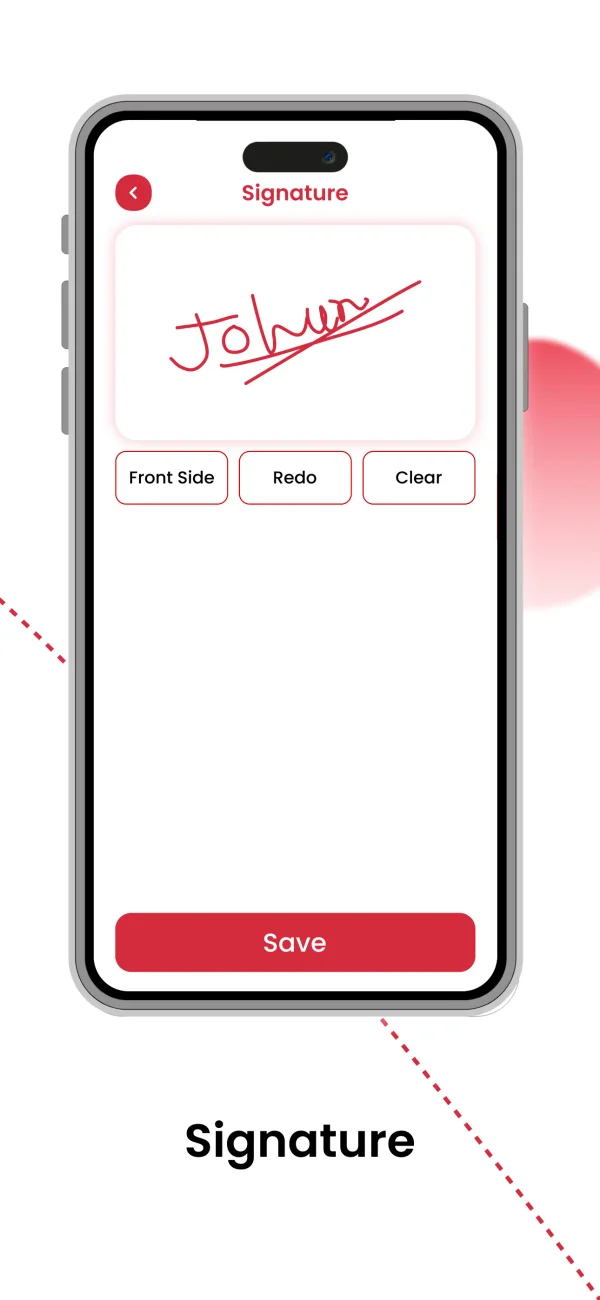
- Sign documents on the go by creating and saving your electronic signature (e-signature).
- Add text notes, callouts, and highlights directly onto your scanned PDF files.
- Crop, rotate, reorder pages, delete unwanted sections, or apply color, grayscale, and black-and-white filters to optimize scan clarity.
6. Secure PDF File Protection & Privacy
- Lock confidential legal documents, financial reports, and personal IDs behind strong passcode encryption.
- Rest easy knowing that your sensitive data and personal records remain safely stored on your local device.
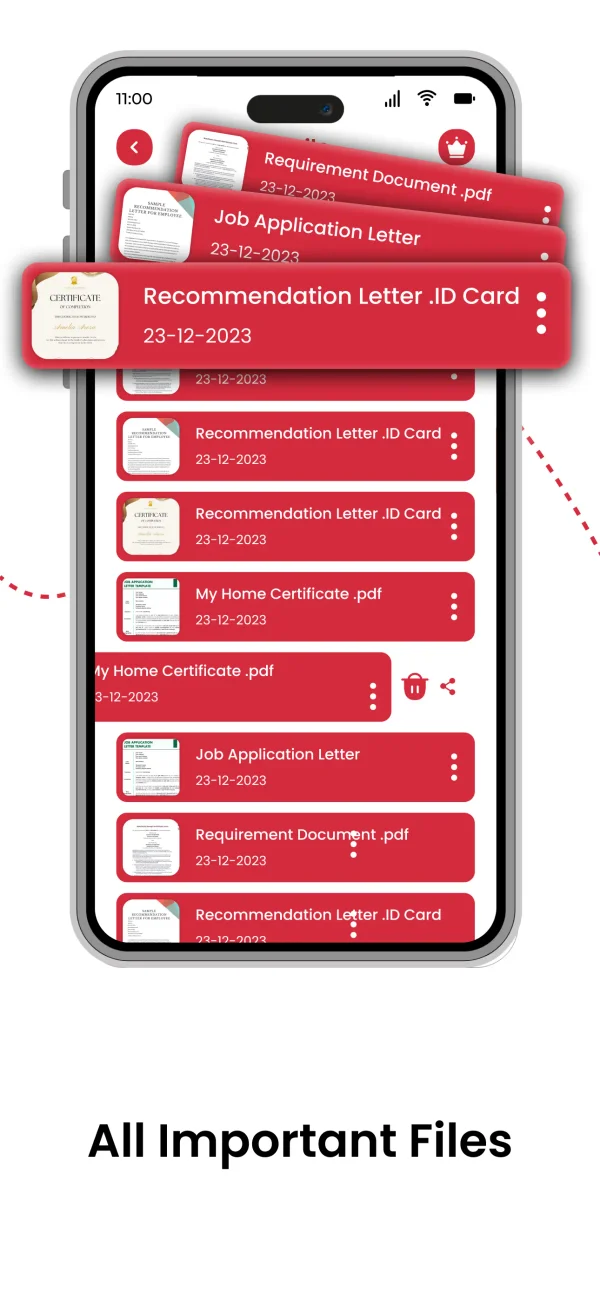
7. Smart Document Organizer & Fast File Search
- Organize your scanned files using custom folders, categories, and tags.
- Use the smart keyword search bar to quickly locate specific documents, scanned text, or folder names in seconds.
8. Easy Cloud Export, Print & Sharing
- Export high-resolution PDF, JPEG, or TXT files directly to email, messaging apps, or social platforms.
BUILT FOR EVERY SCANNING NEED
> For Business Professionals & Remote Work: Scan invoices, client contracts, tax documents, receipts, corporate proposals, and business cards on the fly.
> For Students & Educators: Capture lecture notes, textbook chapters, study guides, research papers, assignment submissions, and whiteboard discussions.
> For Daily Personal Use: Keep digital backups of utility bills, medical records, warranty receipts, recipe books, travel itineraries, and official identification cards.
WHY CHOOSE SCANPULSE?
> Instant Edge Detection: Automatic document border recognition ensures perfectly cropped scans every single time.
> High Quality, Small File Size: Advanced PDF compression algorithms keep file sizes small for fast email attachments without sacrificing visual resolution.
> Privacy First Mobile Scanner: Your files are processed locally on your phone. We do not track, collect, or sell your private documents.
Upgrade your daily paper management today with ScanPulse: PDF Reader & Maker the ultimate fast camera scanner, PDF converter, document reader, and mobile OCR creator designed for total digital organization!
Terms Of Use: https://bit.ly/3IQQr0c
Privacy Policy: https://bit.ly/dnprpolicy
Neue Funktionen
Version 1.12 · 15.10.2026
- Bug fixing
- Other issues resolved.
App-Datenschutz
Was dipen narola im App Store zum Umgang dieser App mit Daten angibt.
-
Daten, die zum Tracking Ihrer Person verwendet werden
Können verwendet werden, um Sie über Apps und Websites anderer Unternehmen hinweg zu verfolgen.
- Kennungen
-
Mit Ihnen verknüpfte Daten
Können erfasst und mit Ihrer Identität verknüpft werden.
- Kennungen
-
Nicht mit Ihnen verknüpfte Daten
Können erfasst werden, sind aber nicht mit Ihrer Identität verknüpft.
- Nutzungsdaten
- Diagnose
- Sonstige Daten
Die Datenschutzpraktiken können variieren, zum Beispiel je nach den von Ihnen verwendeten Funktionen oder Ihrem Alter.
Informationen
- Anbieter
- dipen narola
- Kategorie
- Dienstprogramme
- Version
- 1.12
- Aktualisiert
- 15.10.2026
- Veröffentlicht
- 19.07.2024
- Größe
- 30,9 MB
- Erfordert
- iOS 15.0 oder neuer
- Altersfreigabe
- 4+
- Preis
- Kostenlos
- In-App-Käufe
- Ja
- Sprachen
- Englisch
- Copyright
- © All rights reserved for ScanPulse PDF document Reader Maker
Das könnte Ihnen auch gefallen
-
 PDF Guard(Pro)Dienstprogramme
-
 Sheet Editor: Reader & WriterDienstprogramme
-
 Proteus Unit Converter - AIDienstprogramme
-
 ezScan - Scan and storeDienstprogramme
-
 Scanner : Scan Smart & QuickDienstprogramme
-
 DriveRadarDienstprogramme
-
 WiFi Aid Lite: WLAN-TestKein Internet? Ursache finden
-
 Schachuhr, Punkte & WürfelZähler, Würfel & Zufallszahlen
-
 Assist4AllDienstprogramme
-
 QR PasteDienstprogramme