Screen Casting - CastMaster
Mobile screen cast to mobile
Entwickelt für iPhone, iPad, iPod touch
- Altersfreigabe4+
- KategorieFoto und Video
- EntwicklerShivang Mishra
- SprachenEnglisch
- Größe18,7 MB
Screen Casting - CastMaster ist bei App Store derzeit möglicherweise nicht verfügbar
Bei unserer letzten Prüfung war der Store-Eintrag nicht erreichbar. Der Link führt weiterhin zur offiziellen App Store-Seite.
Screenshots
Info
Der Entwickler hat diesen Text nicht in Ihrer Sprache bereitgestellt.
Screen Casting - CastMaster
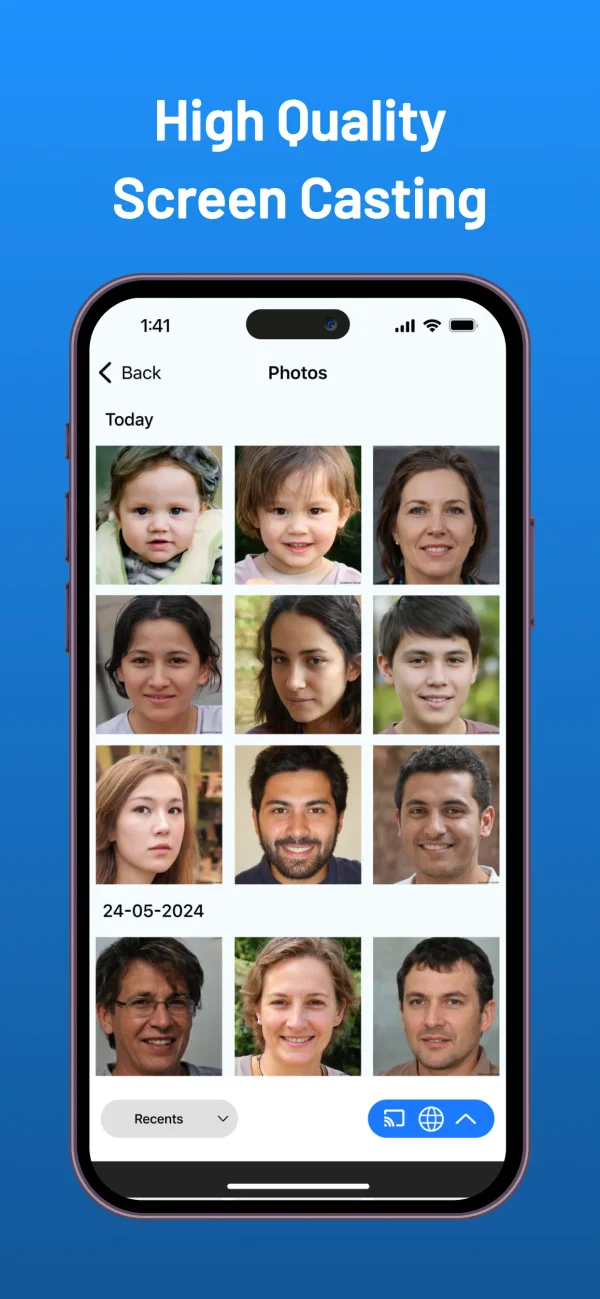
Screen Casting - CastMaster is your ultimate screen casting solution, making it effortless to share your device’s screen with any compatible TV or display. Whether you’re streaming videos, sharing photos, presenting slideshows, or giving a presentation, CastMaster delivers a seamless and high-quality casting experience. With CastMaster, you can turn any screen into a smart screen and enjoy your favorite content like never before.
Key Features
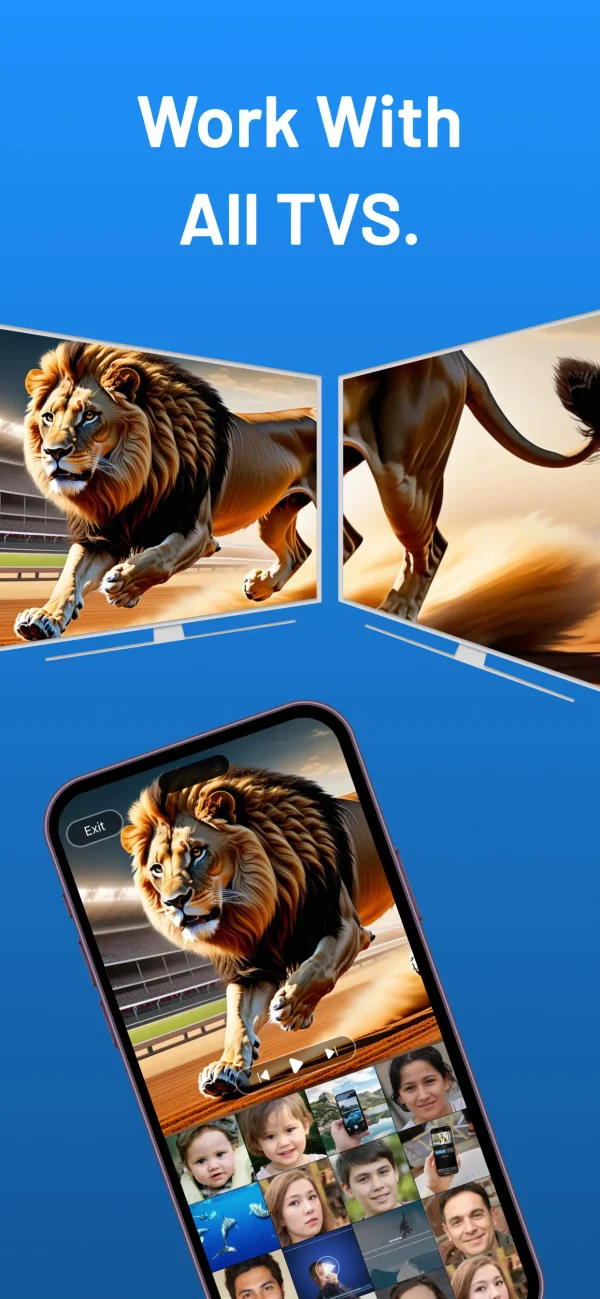
Universal Compatibility: Supports a wide range of TVs and streaming devices, including Chromecast, Roku, Fire TV, Smart TVs, Apple TV, and more. No matter what brand or type of TV you have, CastMaster has you covered.
High-Quality Casting: Enjoy smooth and lag-free streaming in stunning HD quality. Whether you're watching movies, playing games, or showing a presentation, CastMaster ensures a crystal-clear viewing experience.
Intuitive Interface: Our user-friendly design ensures easy navigation and quick setup. Start casting in seconds with just a few taps, and enjoy a hassle-free experience every time.
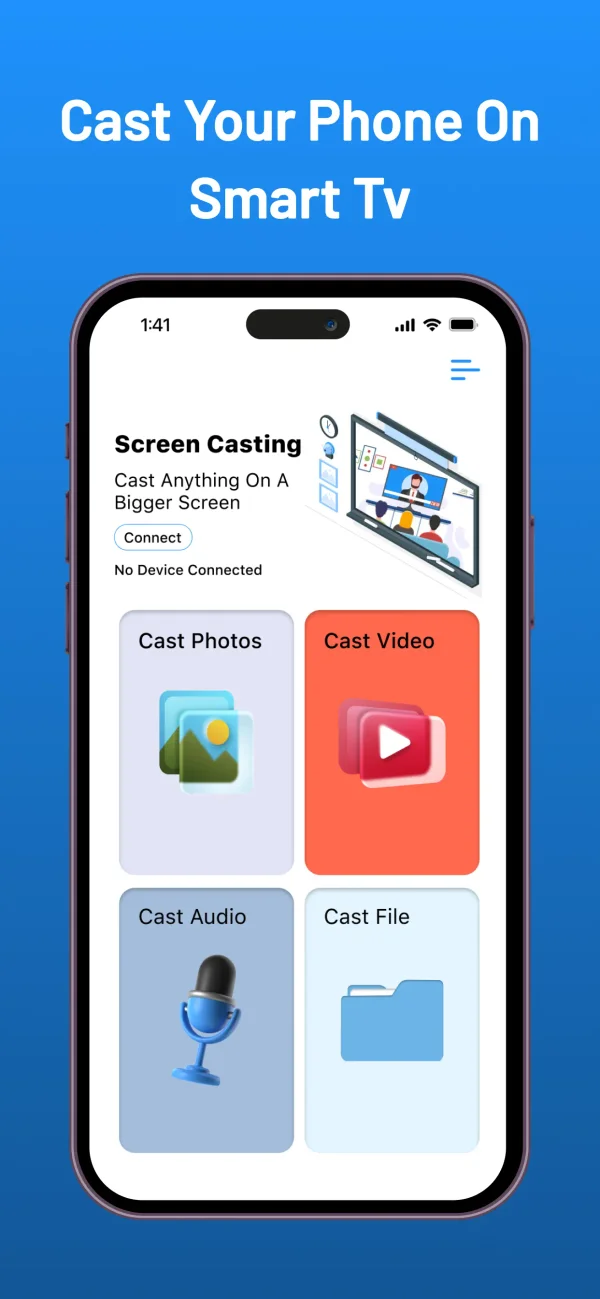
Versatile Content Sharing: Cast videos, photos, music, and documents directly to your TV. Share your vacation photos, play your favorite music, or show a work presentation—all from the comfort of your couch.
Secure Connection: Reliable and secure casting ensures your data and content are protected. You can cast with confidence knowing that your information is safe and secure.
Remote Control: Use your device as a remote to control playback, adjust volume, and switch between different content seamlessly. Take full control of your viewing experience without ever having to leave your seat.
Wireless Screen Casting: Enjoy the freedom of wireless screen casting. Cast videos, photos, music, and documents directly to your TV without the need for cables or adapters.
Why Choose CastMaster?
Seamless Integration: Effortlessly integrates with your existing devices and home setup. CastMaster works perfectly with your current Wi-Fi network and compatible devices, making it a breeze to get started.
Regular Updates: Continuous improvements and feature additions keep your casting experience top-notch. We're always working to bring you the best possible experience with regular updates and new features.
Dedicated Support: Get prompt assistance from our dedicated support team whenever you need help. We're here to ensure that your CastMaster experience is smooth and enjoyable.
How to Use Screen Casting - CastMaster
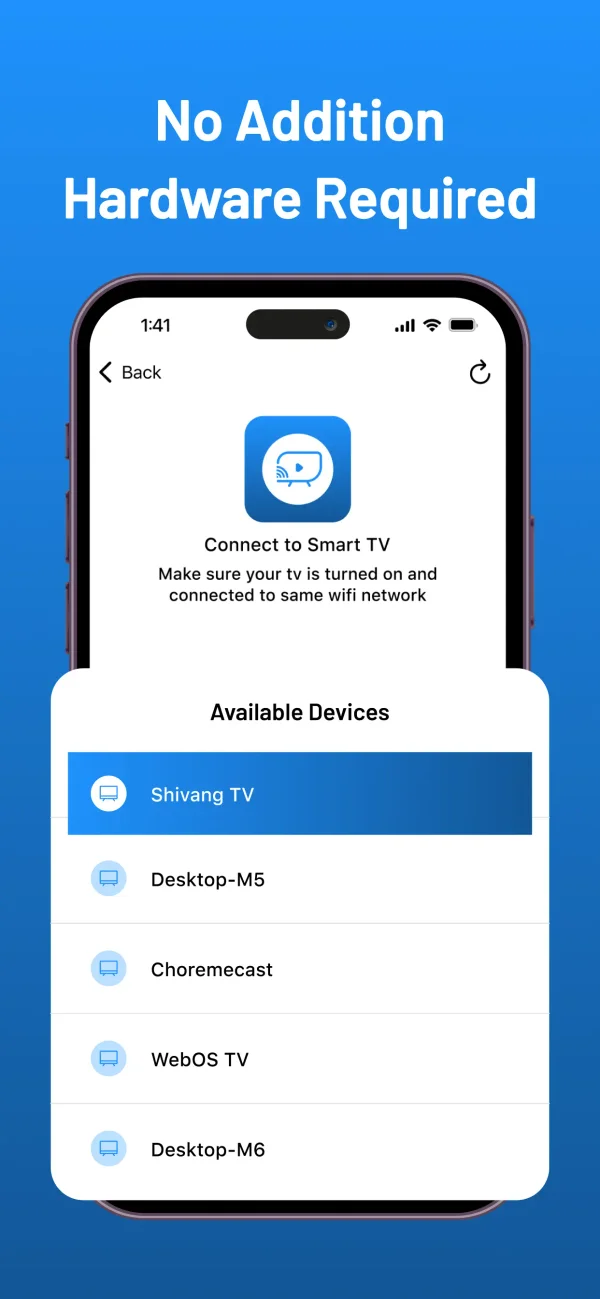
Connect: Ensure your device and TV/streaming device are connected to the same Wi-Fi network. This is essential for a smooth and stable casting experience.
Select: Open Screen Casting - CastMaster and select the content you want to cast. Browse through your videos, photos, music, and documents to find exactly what you want to share.
Cast: Tap the cast button and choose your target device. Within seconds, your content will appear on the big screen, ready for you to enjoy.
Download Screen Casting - CastMaster Now!
Revolutionize the way you share and enjoy content. With CastMaster, you can make every screen a smart screen and take your viewing experience to the next level. Whether you're at home, at work, or on the go, CastMaster makes it easy to cast your content whenever and wherever you want.
Neue Funktionen
Version 7.4 · 01.04.2025
Bugs are fixed
App-Datenschutz
Was Shivang Mishra im App Store zum Umgang dieser App mit Daten angibt.
-
Keine Daten erfasst
Der Entwickler erfasst keine Daten von dieser App.
Die Datenschutzpraktiken können variieren, zum Beispiel je nach den von Ihnen verwendeten Funktionen oder Ihrem Alter.
Informationen
- Anbieter
- Shivang Mishra
- Kategorie
- Foto und Video
- Version
- 7.4
- Aktualisiert
- 01.04.2025
- Veröffentlicht
- 04.06.2024
- Größe
- 18,7 MB
- Erfordert
- iOS 13.0 oder neuer
- Altersfreigabe
- 4+
- Sprachen
- Englisch
- Copyright
- © Shivang Mishra
Das könnte Ihnen auch gefallen
-
 Miracast - TV Screen MirroringFoto und Video
-
 Mirror Screen to TVFoto und Video
-
 ScreenCastConnectFoto und Video
-
 Screen Mirroring App - TV CastFoto und Video
-
 T CastFoto und Video
-
 Bildschirm spiegeln mit TV Prowireless display & übertragung
-
 Image Resizer - Photo CompressFoto und Video
-
 Smart Mirror | TV & DeviceFoto und Video
-
 SwizzTube: Video-WerbeblockerWebbrowser, PiP, keine Werbung
-
 Screen Mirroring - CastYour Photos & Videos to TV