Screen Time Control: Inscreen
App Blocker, Stay Focused, CBT
Entwickelt für iPhone
Kostenlos · In-App-Käufe
- Altersfreigabe4+
- KategorieProduktivität
- EntwicklerVaibhav Negi
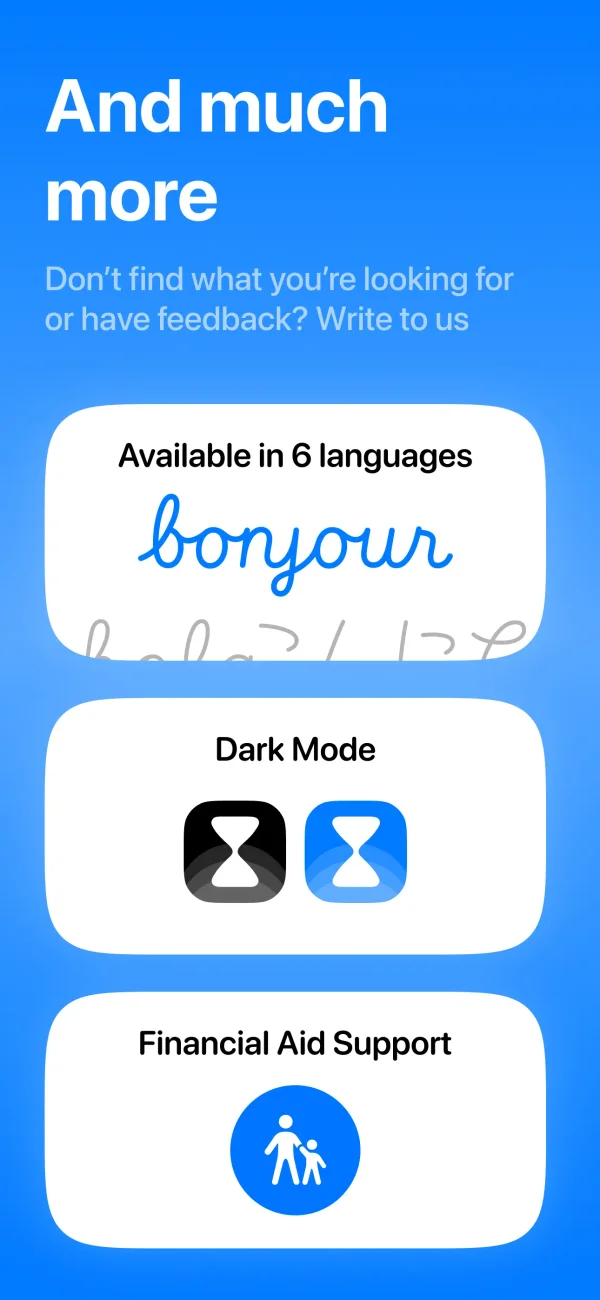
- SprachenFranzösisch+ 4 weitere
- Größe13,1 MB
Verlinkt auf die offizielle App Store-Seite
Download.org hostet keine Datei von Screen Time Control: Inscreen. Die Schaltfläche öffnet die App-Seite bei App Store, wo Vaibhav Negi die App veröffentlicht. Eintrag zuletzt geprüft am 20.11.2026.
Screenshots

Info
Der Entwickler hat diesen Text nicht in Ihrer Sprache bereitgestellt.
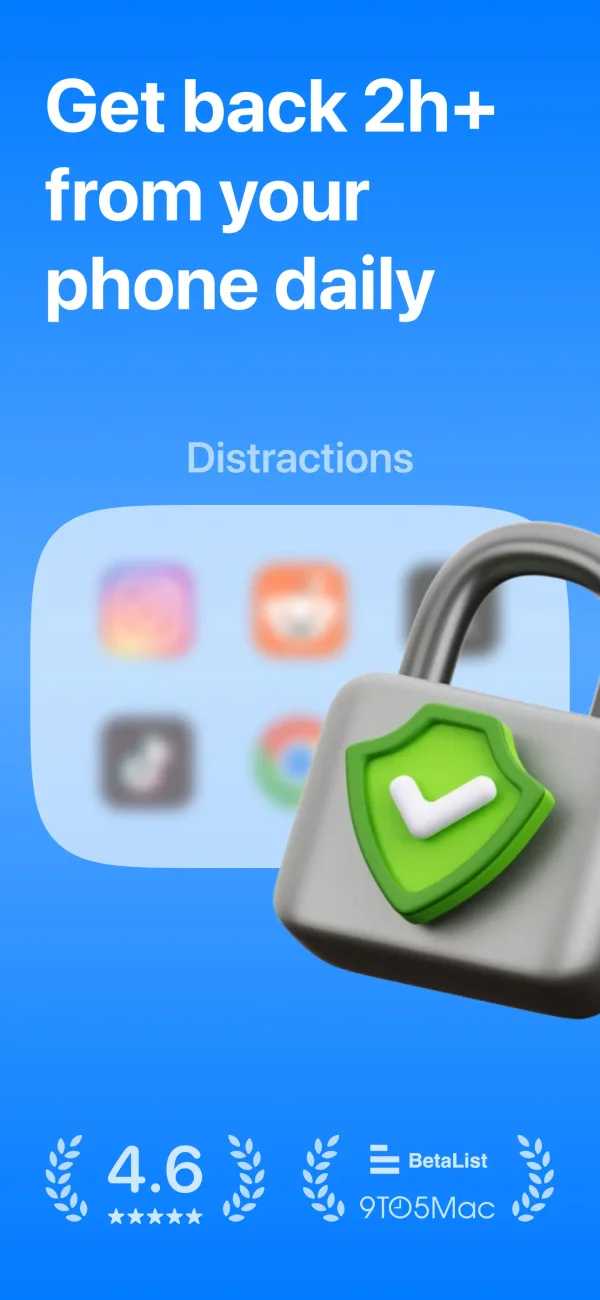
Inscreen is more than a screen time tracker. Inscreen helps you pause and reflect on your screen time at regular intervals throughout the day. Designed for simplicity and privacy, Inscreen has minimal features and a zero learning curve, helping you get started quickly.
⏵ HOW IS INSCREEN DIFFERENT?
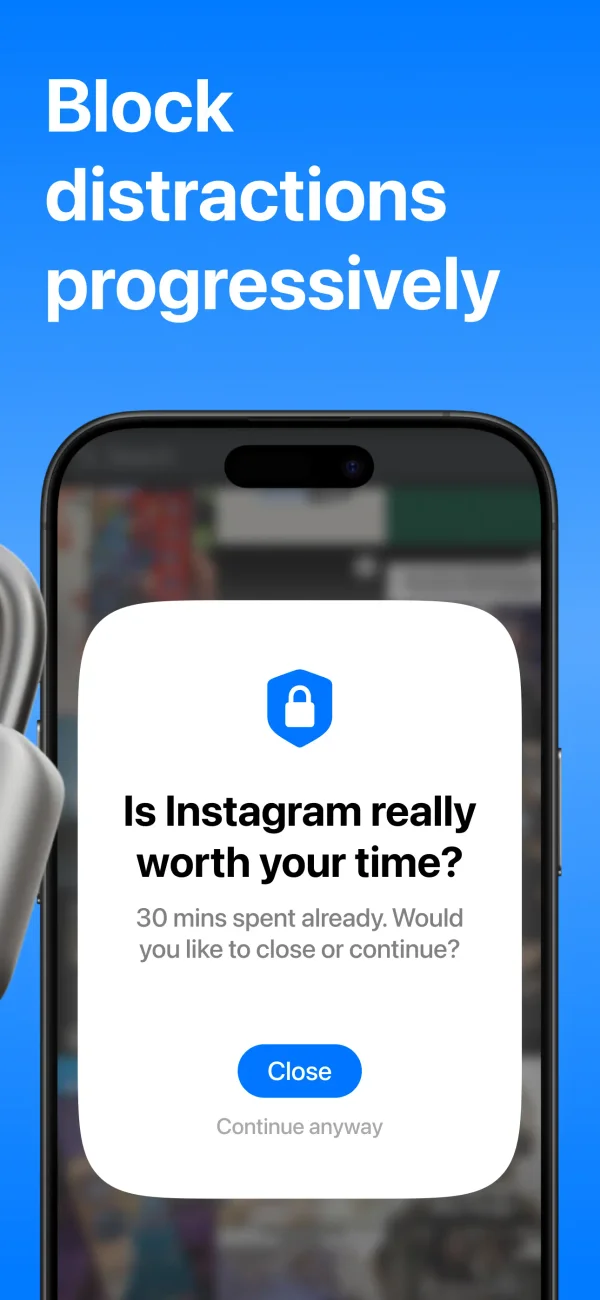
Unlike other screen time apps that completely block access, Inscreen draws on Cognitive Behavioural Therapy (CBT) to help you recognize your screen time habits through regular prompts and inculcate healthier behaviours without restrictions.
⏵ WHY IT WORKS?
We tap into a few key psychological principles and behavioural patterns. Here’s why it works:
- Awareness = Better Choices: Regular reminders to ask whether you're on your phone intentionally, encouraging healthier choices.
- Guiding, not controlling: Instead of strict limits, scheduled subtle nudges to guide you toward mindful decisions, without the frustration of restrictions.
- Accountability: Weekly progress, actionable insights and daily notifications leading to lasting behaviour changes.
- Low barrier to entry: No drastic changes or restrictions, making it easy to integrate into daily life and gradually adjust over time.
⏵ FEATURES
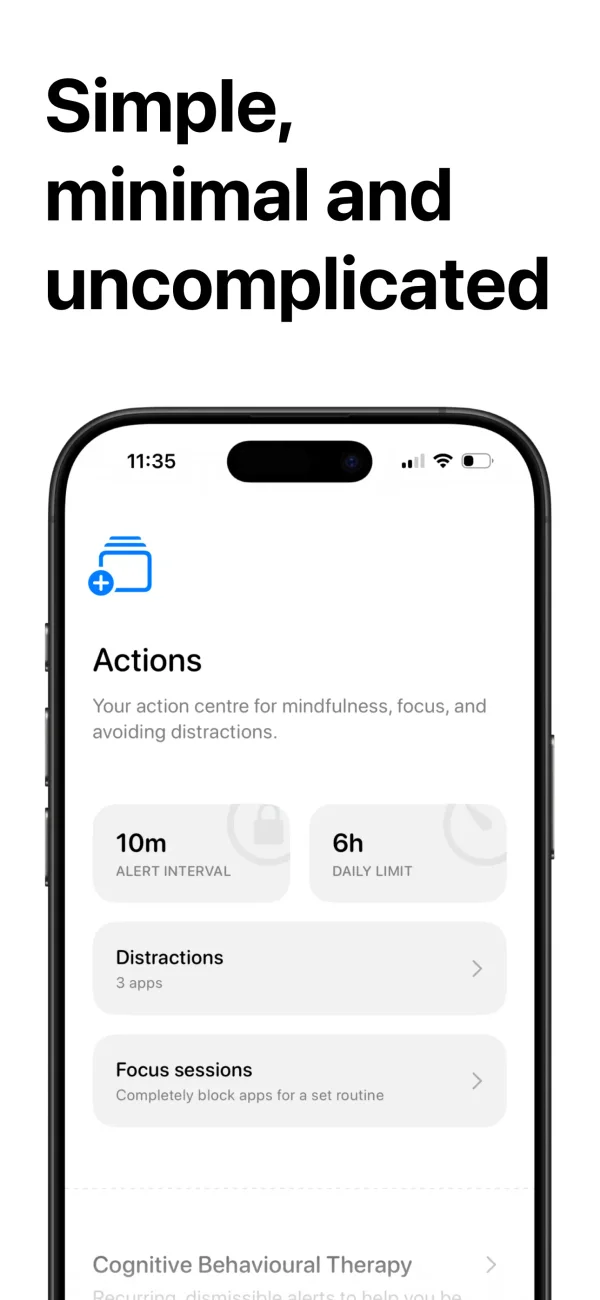
- Alerts to be intentional about your screen time.
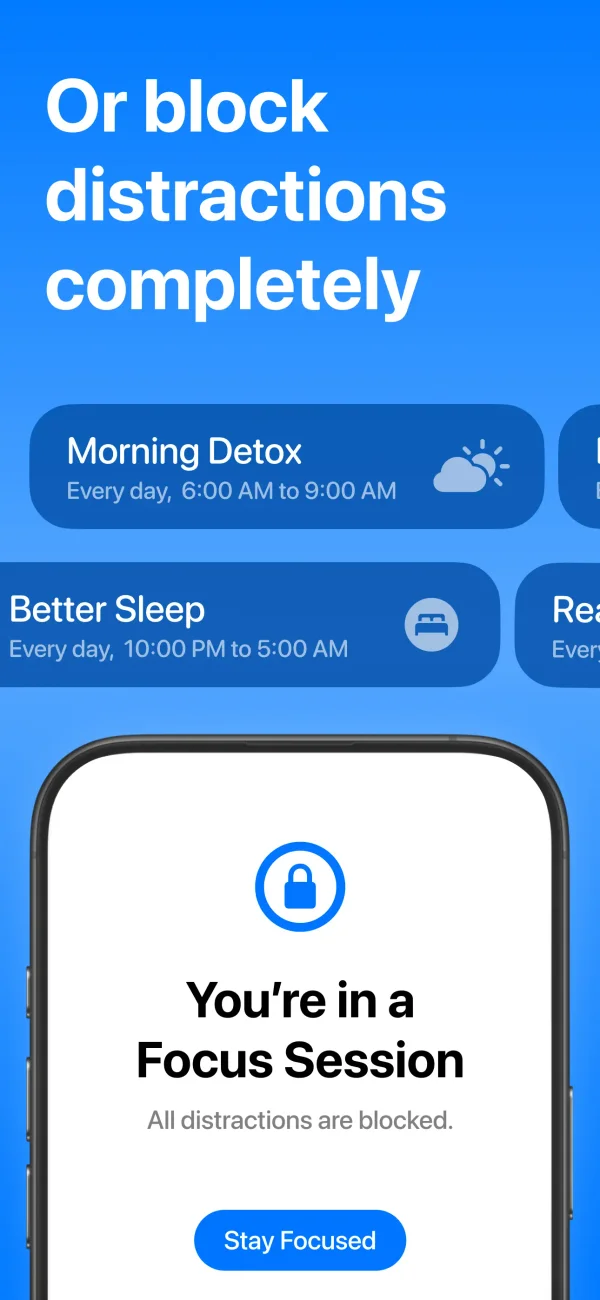
- Focus sessions to completely block distracting apps for a set routine, say, during work or winding down at night.
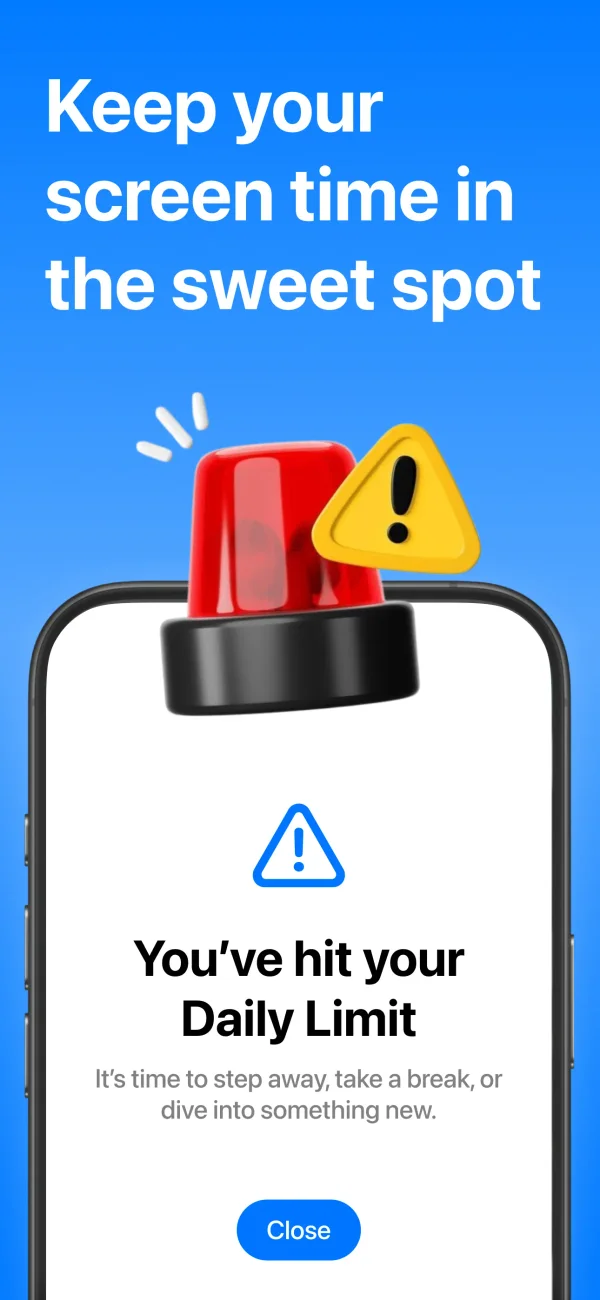
- Strict daily limits to keep your screen time in control.
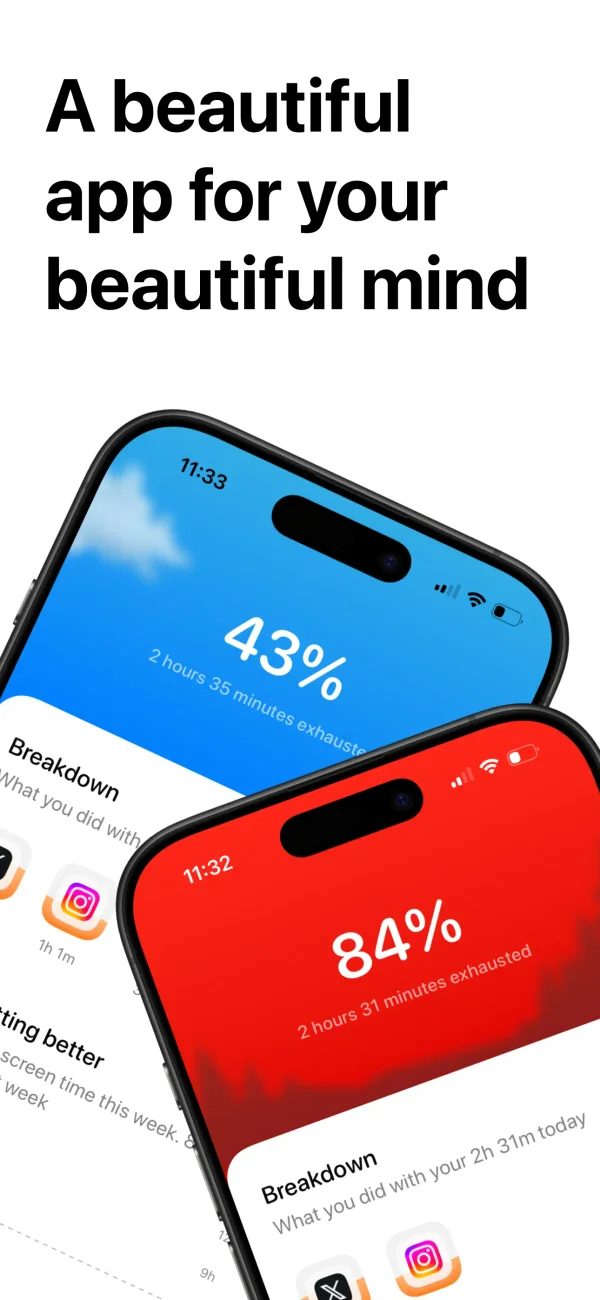
- Notifications that help you track your daily activity.
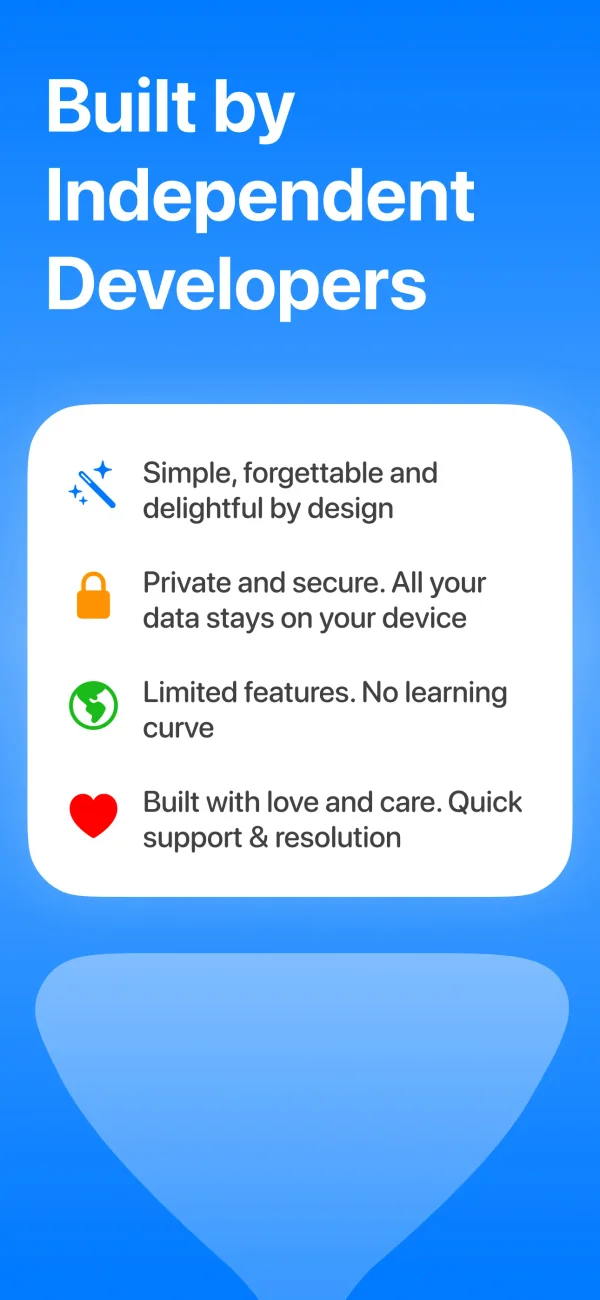
- Secure and private. All your data stays on your device.
⏵ HOW DOES THE SETUP WORK?
1. Choose the distracting apps or categories.
2. Set a daily limit.
3. Set up focus sessions (optional).
⏵ FINANCIAL AID
We’re on a mission to solve phone addiction and distraction. We’re determined to help everyone. Our Financial Aid program offers a free 1 year subscription to individuals who are financially stretched but are in need. The link to apply is in the app.
⏵ ABOUT
Inscreen is self-funded and run by two independent developers — Preet and Vaibhav.
⏵ LINKS
Privacy Policy: https://github.com/theinscreenapp/ios/blob/main/privacy.md.
Terms: https://github.com/theinscreenapp/ios/blob/main/terms.md.
Support: https://github.com/theinscreenapp/ios/blob/main/support.md.
Neue Funktionen
Version 1.6.1 · 10.02.2026
Release notes:
1. Bug fixes and improvements.
App-Datenschutz
Was Vaibhav Negi im App Store zum Umgang dieser App mit Daten angibt.
-
Keine Daten erfasst
Der Entwickler erfasst keine Daten von dieser App.
Die Datenschutzpraktiken können variieren, zum Beispiel je nach den von Ihnen verwendeten Funktionen oder Ihrem Alter.
Informationen
- Anbieter
- Vaibhav Negi
- Kategorie
- Produktivität
- Version
- 1.6.1
- Aktualisiert
- 10.02.2026
- Veröffentlicht
- 16.12.2024
- Größe
- 13,1 MB
- Erfordert
- iOS 17.6 oder neuer
- Altersfreigabe
- 4+
- Preis
- Kostenlos
- In-App-Käufe
- Ja
- Sprachen
- Französisch, Deutsch, Japanisch, Koreanisch, Spanisch
- Copyright
- © 2025 Vaibhav Singh Negi
Das könnte Ihnen auch gefallen
-
 Duse - Habit TrackerGewohnheiten & Ziele Verfolgen
-
 JPG to PDF ™Produktivität
-
 Narrato - Aı Email GeneratorProduktivität
-
 Text umschreiben paraphraserKI tastatur für grammatik
-
 PDF to JPEG ™Produktivität
-
 AI Planner Habit TrackerProduktivität
-
 Zähler · Fortschritt TrackerGewohnheiten, Widgets, Ziele
-
 Routine Planner - Todotics ProProduktivität
-
 Teleprompter - InCueProduktivität
-
 TranscribeAI: Note TakerProduktivität