Scribe Keyboard
AI Keyboard in Your Style
Entwickelt für iPhone, iPad, iPod touch
Kostenlos · In-App-Käufe
- Altersfreigabe4+
- KategorieProduktivität
- EntwicklerCleanhost
- SprachenEnglisch
- Größe38,1 MB
Verlinkt auf die offizielle App Store-Seite
Download.org hostet keine Datei von Scribe Keyboard. Die Schaltfläche öffnet die App-Seite bei App Store, wo Cleanhost die App veröffentlicht. Eintrag zuletzt geprüft am 18.11.2026.
Screenshots

Info
Der Entwickler hat diesen Text nicht in Ihrer Sprache bereitgestellt.
Scribe – AI Writing Assistant That Sounds Like You
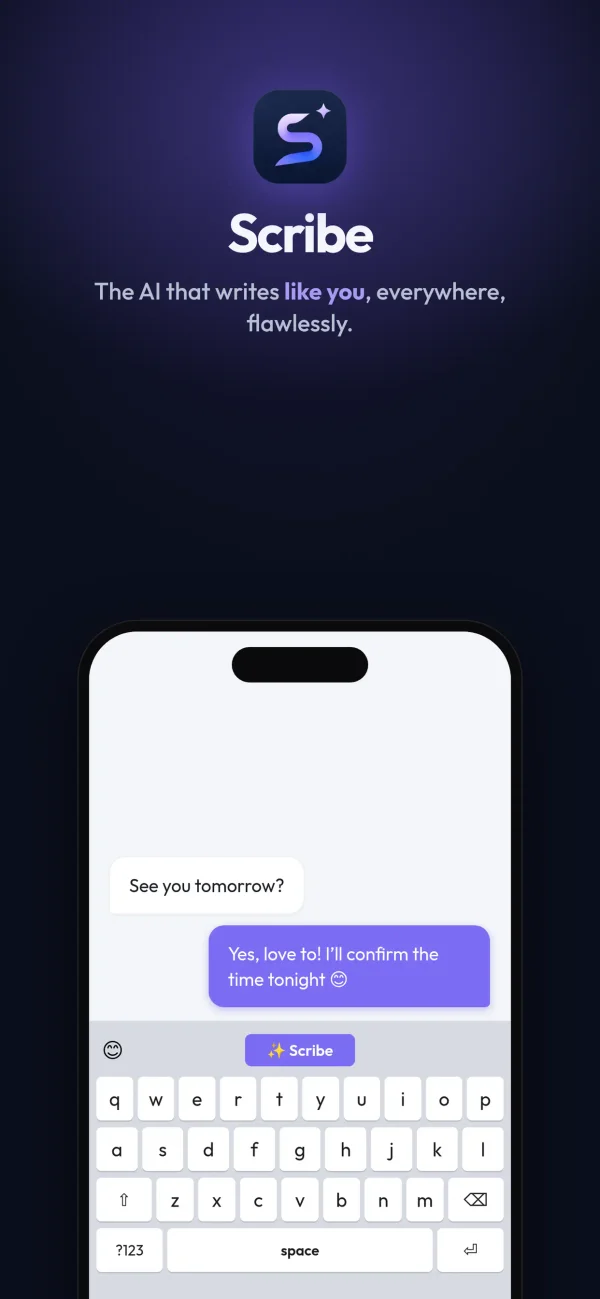
Scribe turns your keyboard into an intelligent writing assistant. Whether you're replying to messages, writing emails, posting on social media, or taking notes, Scribe helps you write faster, clearer, and with more confidence—without leaving the app you're using.
Unlike traditional grammar checkers, Scribe doesn't just fix mistakes. It understands the context of your writing and generates suggestions that stay true to your tone and personal style.
Write Better Everywhere
Use Scribe anywhere you type.
With a single tap, you can:
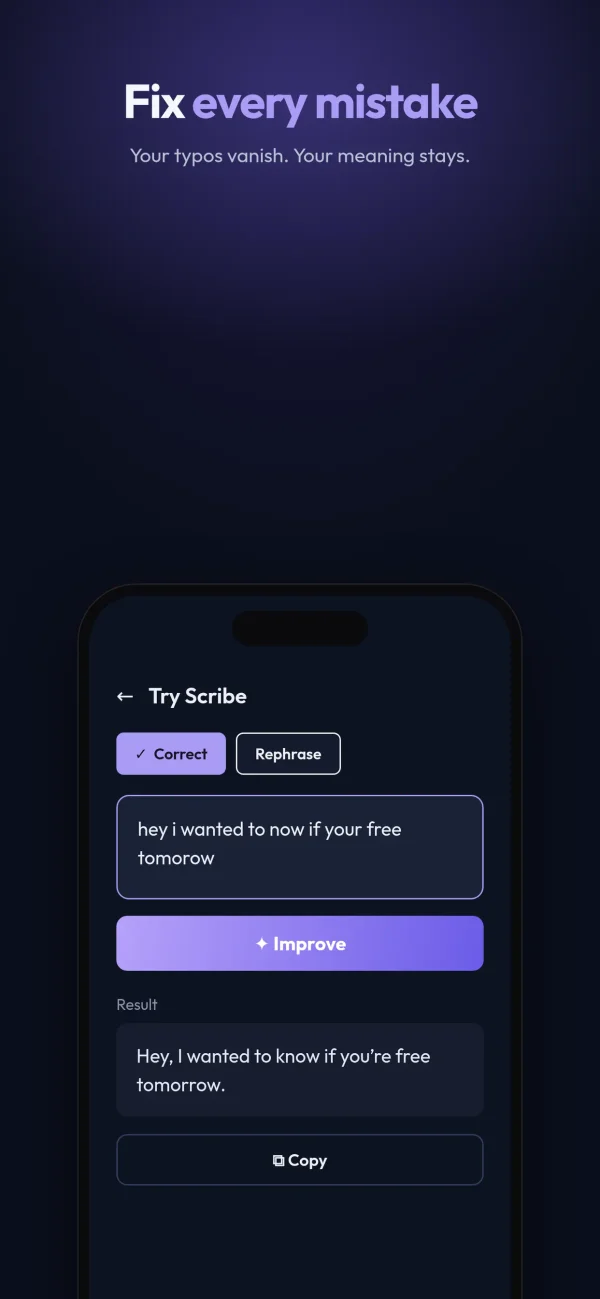
• Correct spelling and grammar.
• Rewrite sentences more naturally.
• Improve clarity and readability.
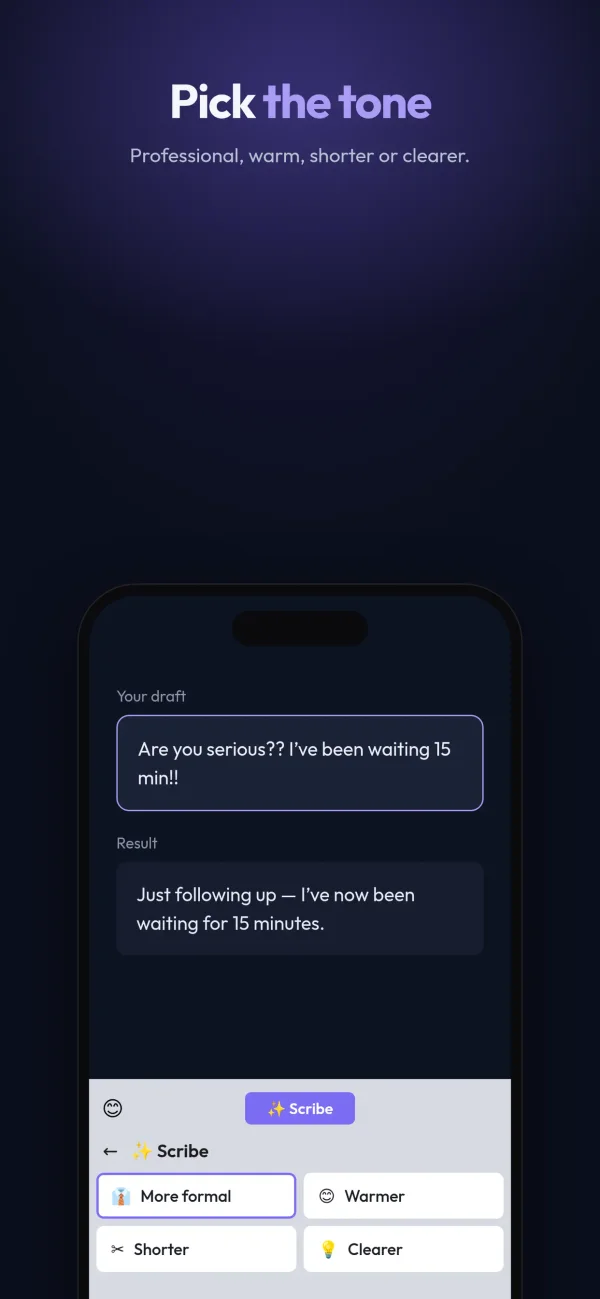
• Make your writing more professional or more friendly.
• Shorten or expand a text.
• Summarize long content.
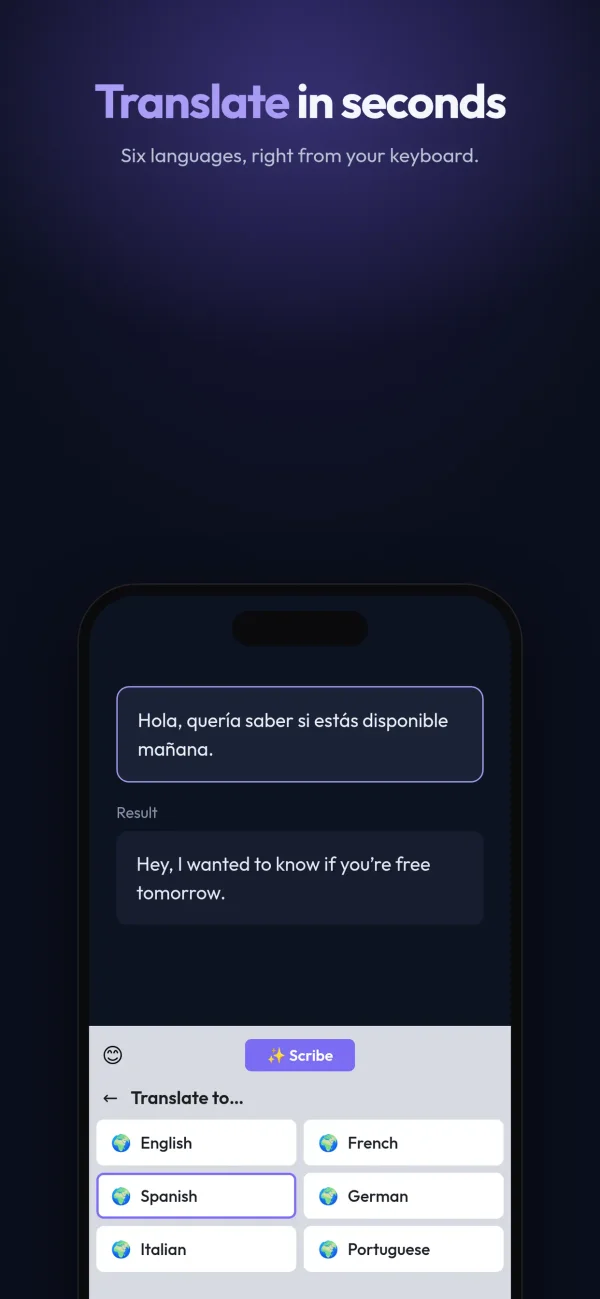
• Translate your writing into multiple languages.
• Generate thoughtful replies to messages.
• Adapt your writing to different situations and audiences.
Every suggestion is reviewed by you before it is inserted. You always stay in control.
Your Style Comes First
Everyone writes differently.
Scribe is designed to preserve your personality instead of producing generic AI-generated text. The goal is simple: help you save time while making every message feel like it was written by you.
Whether you're sending a quick text, writing an important email, or preparing a social media post, Scribe helps you communicate naturally and confidently.
Works Across Your Favorite Apps
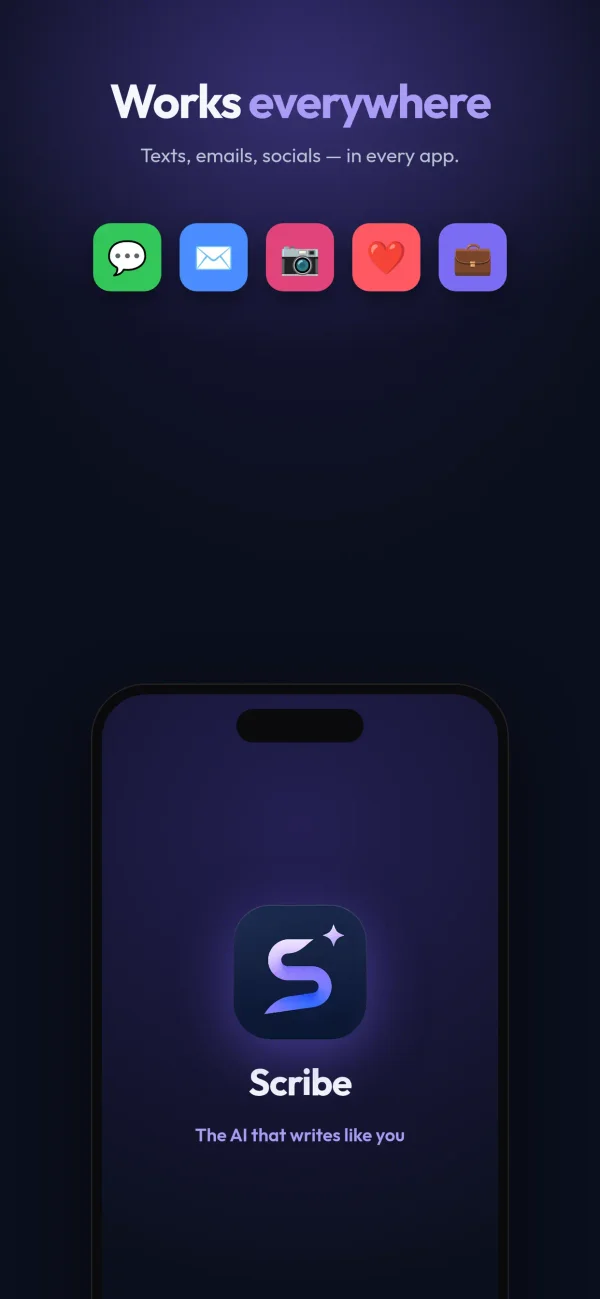
Scribe integrates with your keyboard so you can use it in virtually any app where you type, including:
• Messages
• Mail
• WhatsApp
• Messenger
• Slack
• LinkedIn
• Notes
• Social media apps
• And many more.
No copy and paste. No switching between apps. Just write, tap Scribe, and continue.
Designed for Everyday Productivity
Scribe helps you:
• Reply to messages faster.
• Write professional emails.
• Improve important conversations.
• Remove spelling mistakes instantly.
• Find better wording for your ideas.
• Save time every day.
Whether you're a student, professional, entrepreneur, or simply someone who writes frequently, Scribe makes writing easier.
Fast and Easy
1. Start typing as usual.
2. Open Scribe from your keyboard.
3. Choose the action you need.
4. Insert the improved version instantly.
It only takes a few seconds to transform your writing.
Why Choose Scribe?
• AI-powered writing assistance.
• Preserves your personal writing style.
• Works directly from your keyboard.
• Simple, fast, and intuitive.
• Helps you communicate with confidence.
• Designed to save time without sacrificing quality.
Scribe is built for people who want to write better—not differently.
Download Scribe today and experience a faster, smarter way to write while staying true to your own voice.
Terms of Use (EULA): https://www.apple.com/legal/internet-services/itunes/dev/stdeula/
Neue Funktionen
Version 1.0.4 · 20.08.2026
We've improved Scribe to make writing smoother, faster, and more reliable. This update includes performance improvements, bug fixes, and a better overall keyboard experience.
App-Datenschutz
Was Cleanhost im App Store zum Umgang dieser App mit Daten angibt.
-
Nicht mit Ihnen verknüpfte Daten
Können erfasst werden, sind aber nicht mit Ihrer Identität verknüpft.
- Kontaktinformationen
Die Datenschutzpraktiken können variieren, zum Beispiel je nach den von Ihnen verwendeten Funktionen oder Ihrem Alter.
Informationen
- Anbieter
- Crewser
- Kategorie
- Produktivität
- Version
- 1.0.4
- Aktualisiert
- 20.08.2026
- Veröffentlicht
- 06.08.2026
- Größe
- 38,1 MB
- Erfordert
- iOS 13.0 oder neuer
- Altersfreigabe
- 4+
- Preis
- Kostenlos
- In-App-Käufe
- Ja
- Sprachen
- Englisch
- Copyright
- © Crewser 2026
Das könnte Ihnen auch gefallen
-
 PDF Lite: PDF Editor & ReaderPDF Converter & komprimieren
-
 AI Keyboard・Writing AssistantProduktivität
-
 Laynor: AI KeyboardProduktivität
-
 TypeKey: KI-Tastatur & TexteBewerbung & Rechtschreibung
-
 Dondon: All in one organizerTasks app,To do list,Reminder
-
 SolveNow AI: HausaufgabenKI Mathe Aufgaben Lösen: Math
-
 Kopfhörer Finder: BluetoothGeräte in der Nähe finden
-
 Live Translator: Übersetzer KILive übersetzen & Untertitel
-
 Scribe: KI SprachnotizenEinfach. Intelligent. Sicher.
-
 Smart ConsumerProduktivität