
Scrinium
Your offline article archive
Entwickelt für iPhone, iPad
Kostenlos · In-App-Käufe
- Altersfreigabe4+
- KategorieProduktivität
- EntwicklerJaydip Patel
- SprachenEnglisch
- Größe1,9 MB
Verlinkt auf die offizielle App Store-Seite
Download.org hostet keine Datei von Scrinium. Die Schaltfläche öffnet die App-Seite bei App Store, wo Jaydip Patel die App veröffentlicht. Eintrag zuletzt geprüft am 21.11.2026.
Screenshots
Info
Der Entwickler hat diesen Text nicht in Ihrer Sprache bereitgestellt.
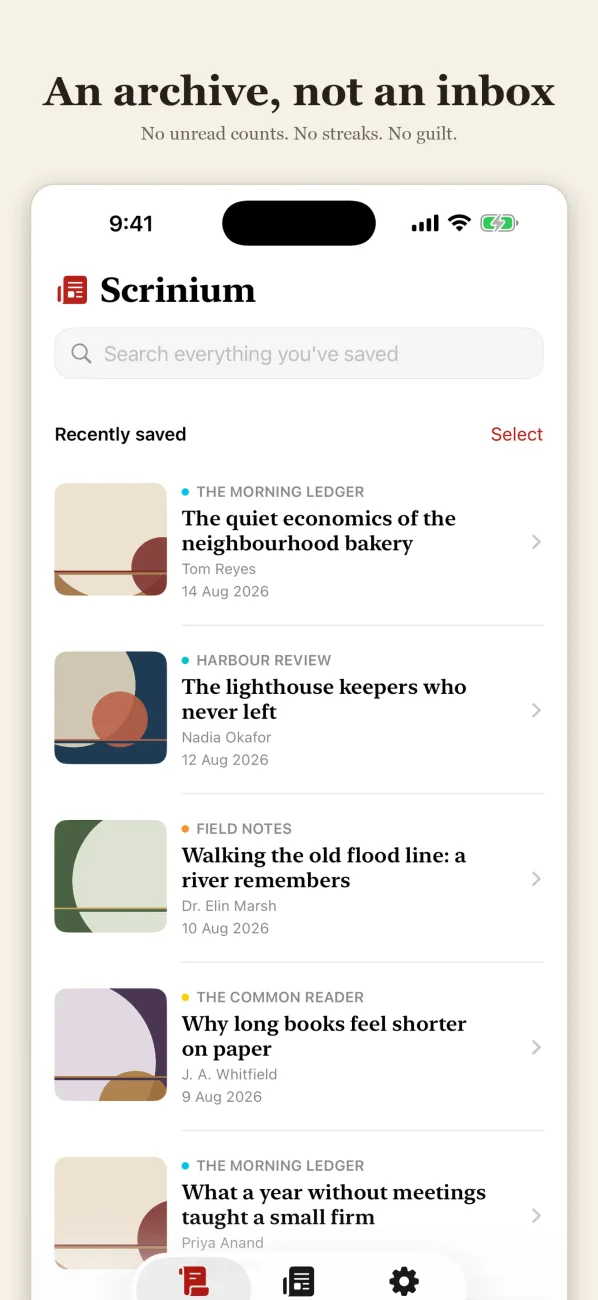
Scrinium is a read-later app with a longer memory. Save an article from Safari or with the Scrinium Clipper on your computer, and keep a private offline copy that remains searchable even if the original page later changes.
SAVES
Use the Share Sheet or Safari toolbar button on iPhone and iPad. Scrinium saves the page content your browser provides. It does not bypass paywalls or unlock content you could not already access.
KEEPS
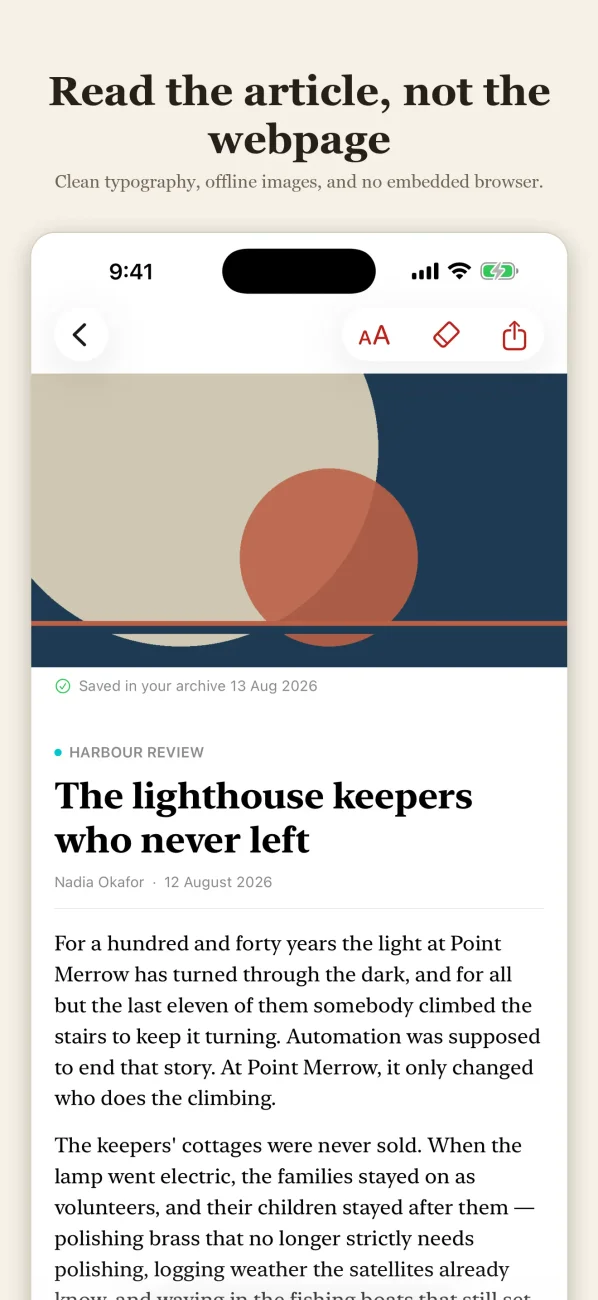
Saved text and available images are kept for offline reading. Scrinium presents articles in a native reader—not an embedded browser—and never executes the captured webpage. Retained source remains inert and private.
FINDS
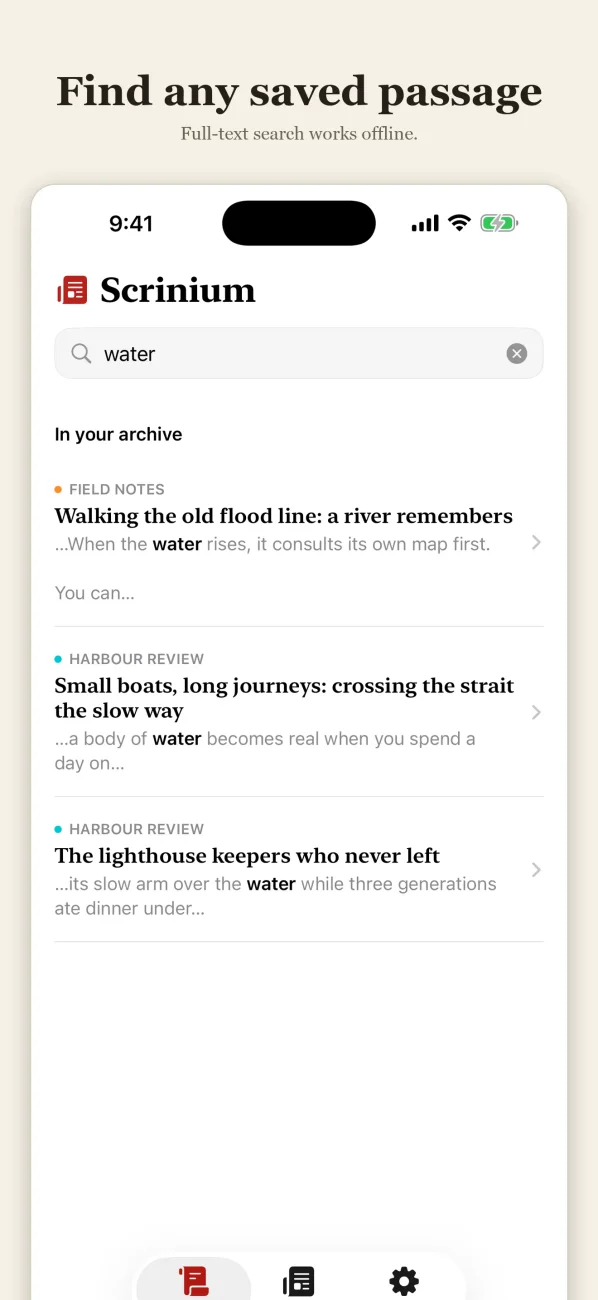
Search the full text of your archive instantly, with matching words highlighted in each result. Automatic tags are created on-device from article text and publisher metadata. It's an archive to search, not an inbox to clear—no unread counts, streaks, or guilt.
READS
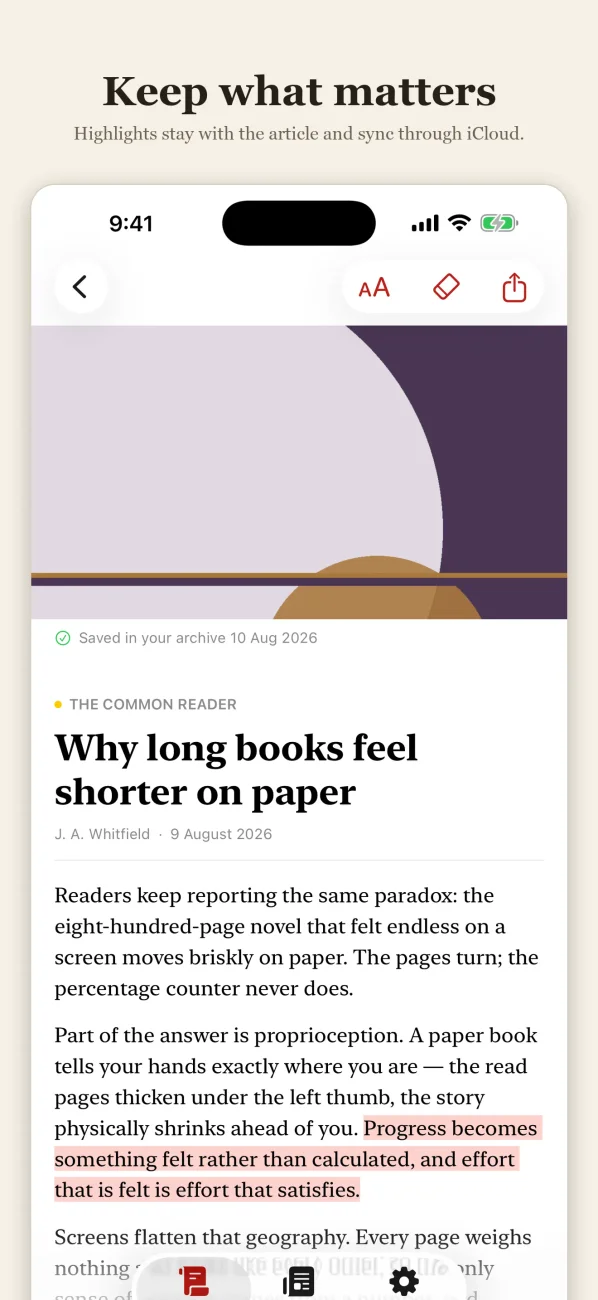
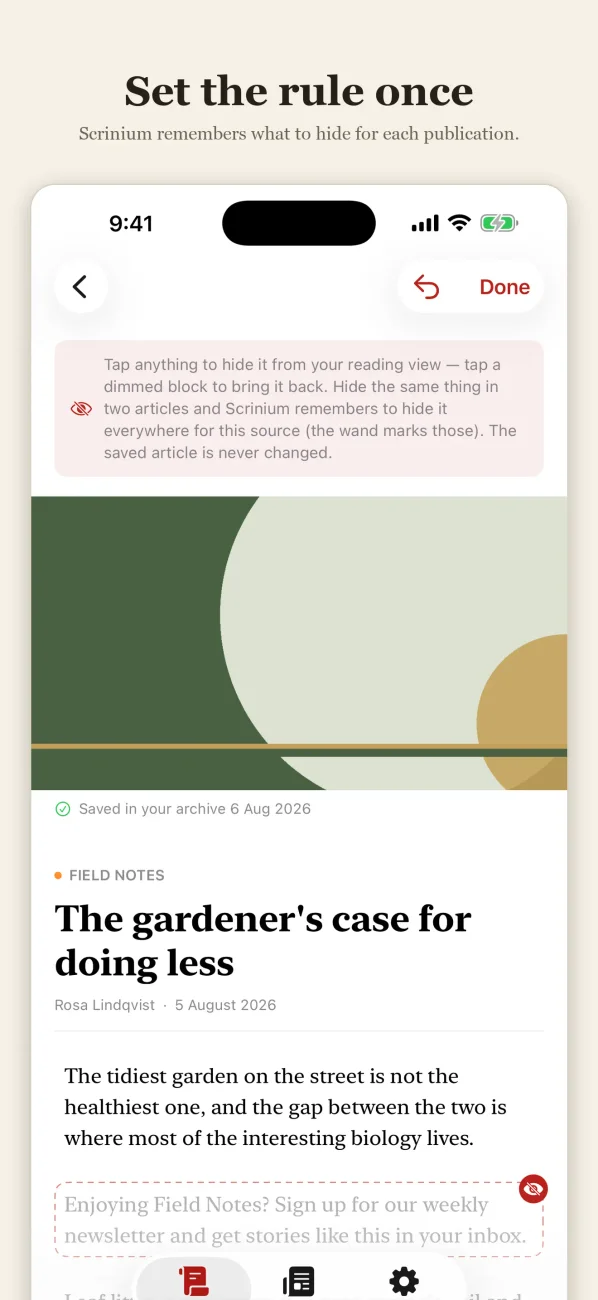
Enjoy serif typography, adjustable text size, offline images, and a reader that filters common page clutter such as ads, subscription prompts, and related-story modules. Highlight important passages, hide unwanted blocks, and let Scrinium remember those choices for each publication.
LISTENS
Tap the headphones and Scrinium reads the article aloud, sentence by sentence, highlighting the current sentence as it speaks. Playback continues on the Lock Screen with play, pause, and sentence skip, along with your place in the article; AirPlay and Bluetooth speakers work; leave mid-article and Listen resumes where you stopped. Articles in other languages are spoken in their own language when your device has a matching voice installed. Reading aloud uses system voices available on your iPhone or iPad. Scrinium does not send article text to a developer server.
SYNCS
Your archive syncs through your private iCloud database. There is no Scrinium account, developer-run content server, analytics, advertising, or tracking.
BUILT TO STAY OUT OF THE WAY
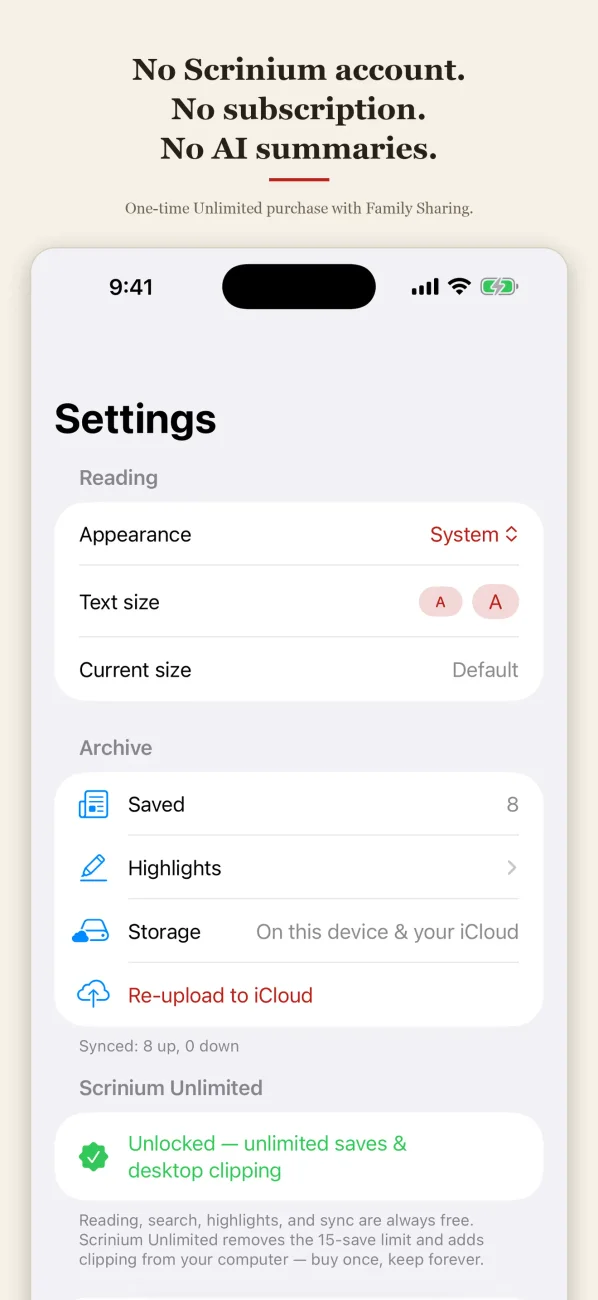
No Scrinium account. No subscription. No AI summaries or rewrites. No analytics, advertising, or recommendation feed. Scrinium saves the articles you choose, presents them clearly, and leaves the author's words alone.
The free archive holds up to 15 articles. Reading, search, highlights, editing, deleting, and sync are never limited. Scrinium Unlimited removes the save limit and unlocks the desktop Clipper with a one-time purchase—no subscription. Family Sharing is supported.
Neue Funktionen
Version 2.1.1 · 02.09.2026
Scrinium can now read your articles aloud.
LISTEN
Tap the headphones in the reader and Scrinium reads the article aloud, sentence by sentence, highlighting the current sentence as it speaks. Playback continues with the screen locked, with controls and your place on the Lock Screen. Pause and resume, skip a sentence back or forward, choose your speed, and play through AirPlay or Bluetooth speakers. Press stop once to keep your place — Listen resumes there next time — or twice to start the article over.
Articles in other languages are read in their own language when a matching voice is installed on your device. When one isn't, Scrinium tells you which voice to add in Settings instead of reading the article badly.
Reading aloud uses system voices available on your iPhone or iPad. Scrinium does not send article text to a developer server.
ALSO IN THIS RELEASE
When a thumbnail isn't available, Scrinium now shows quiet, deterministic cover art instead of an empty box, with colours derived from the publication.
App-Datenschutz
Was Jaydip Patel im App Store zum Umgang dieser App mit Daten angibt.
-
Keine Daten erfasst
Der Entwickler erfasst keine Daten von dieser App.
Die Datenschutzpraktiken können variieren, zum Beispiel je nach den von Ihnen verwendeten Funktionen oder Ihrem Alter.
Informationen
- Anbieter
- Jaydip Patel
- Kategorie
- Produktivität
- Version
- 2.1.1
- Aktualisiert
- 02.09.2026
- Veröffentlicht
- 21.08.2026
- Größe
- 1,9 MB
- Erfordert
- iOS 16.0 oder neuer
- Altersfreigabe
- 4+
- Preis
- Kostenlos
- In-App-Käufe
- Ja
- Sprachen
- Englisch
- Copyright
- © 2026 Jay Patel
Das könnte Ihnen auch gefallen
-
 IDN NetworkProduktivität
-
 Fluid Friction: Reels sperrenReels, Shorts & Apps sperren
-
 Notesnook: Private note takingTagebuch, Memos & Aufgaben
-
 Bullet: Daily Planner, JournalADHD Day: Digital Journaling
-
 Authenticator App - SafeAuth2FA & Schütze Deine Konten
-
 AFFiNE: Notizen, Board & KIDocs, Aufgaben, Markdown
-
 In Charge AppProduktivität
-
 Kaspersky Passwords & DocsPassword Manager & Photo Vault
-
 SCRIBZEE®Access your notes everywhere