ScrollArc – AI Markdown Reader
AI docs & Git repos, readable
Entwickelt für iPhone, iPad, iPod touch
Kostenlos · In-App-Käufe
- Altersfreigabe4+
- KategorieProduktivität
- EntwicklerByungJo Ahn
- SprachenEnglisch
- Größe47,7 MB
Verlinkt auf die offizielle App Store-Seite
Download.org hostet keine Datei von ScrollArc – AI Markdown Reader. Die Schaltfläche öffnet die App-Seite bei App Store, wo ByungJo Ahn die App veröffentlicht. Eintrag zuletzt geprüft am 20.11.2026.
Screenshots


Info
Der Entwickler hat diesen Text nicht in Ihrer Sprache bereitgestellt.
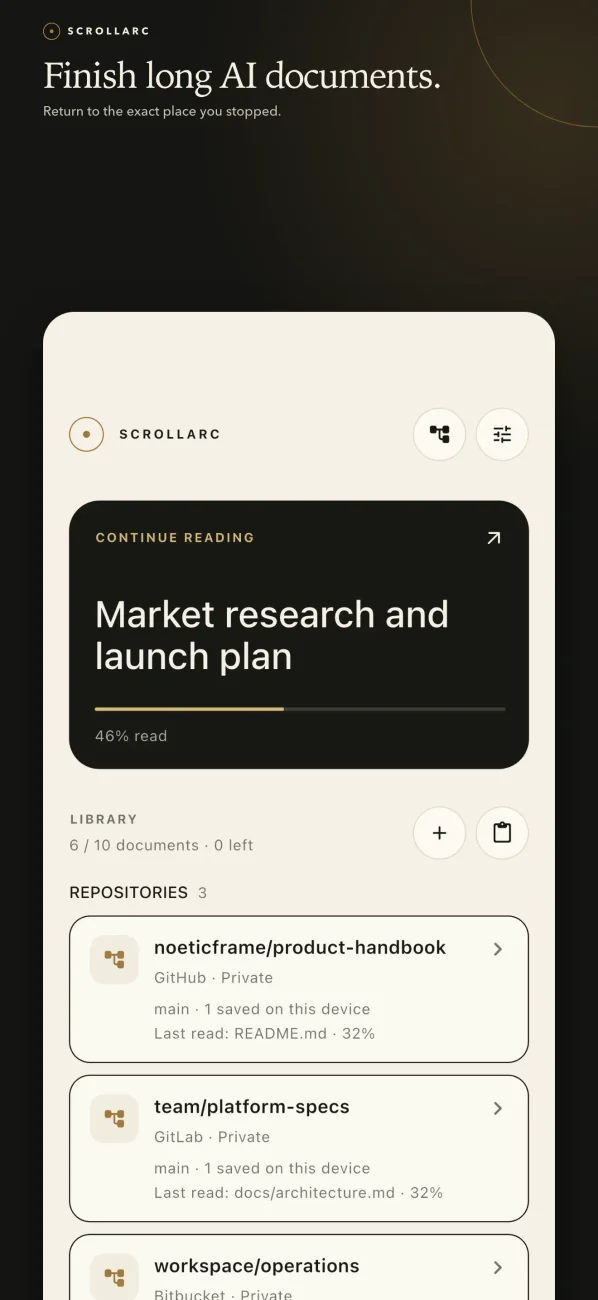
Finish the long AI answers and repository documents worth keeping. ScrollArc turns AI conversation exports, Markdown files, and GitHub, GitLab, or Bitbucket documents into one calm reading library—with your place saved automatically.
AI conversations, ready to read
• Import supported ZIP and JSON conversation exports
• Preview conversations and choose only what you want to save
• Convert supported text on your device without sending it to an AI model
• Keep imported documents available offline
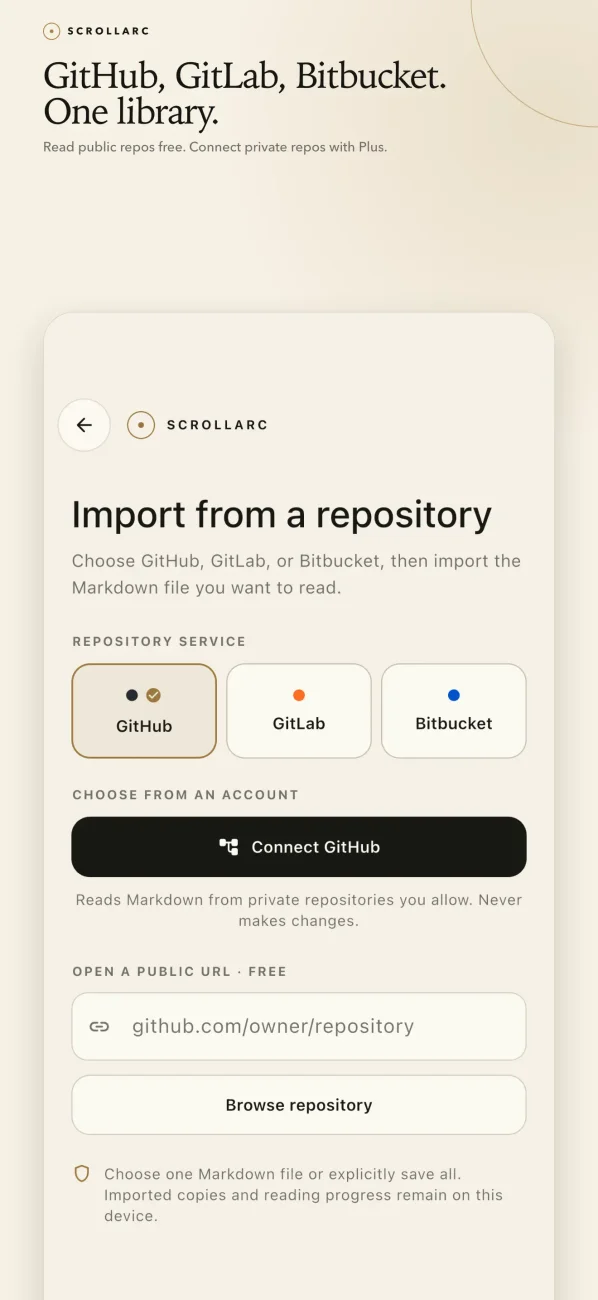
GitHub, GitLab, and Bitbucket in one reader
• Import public Markdown from all three providers for free
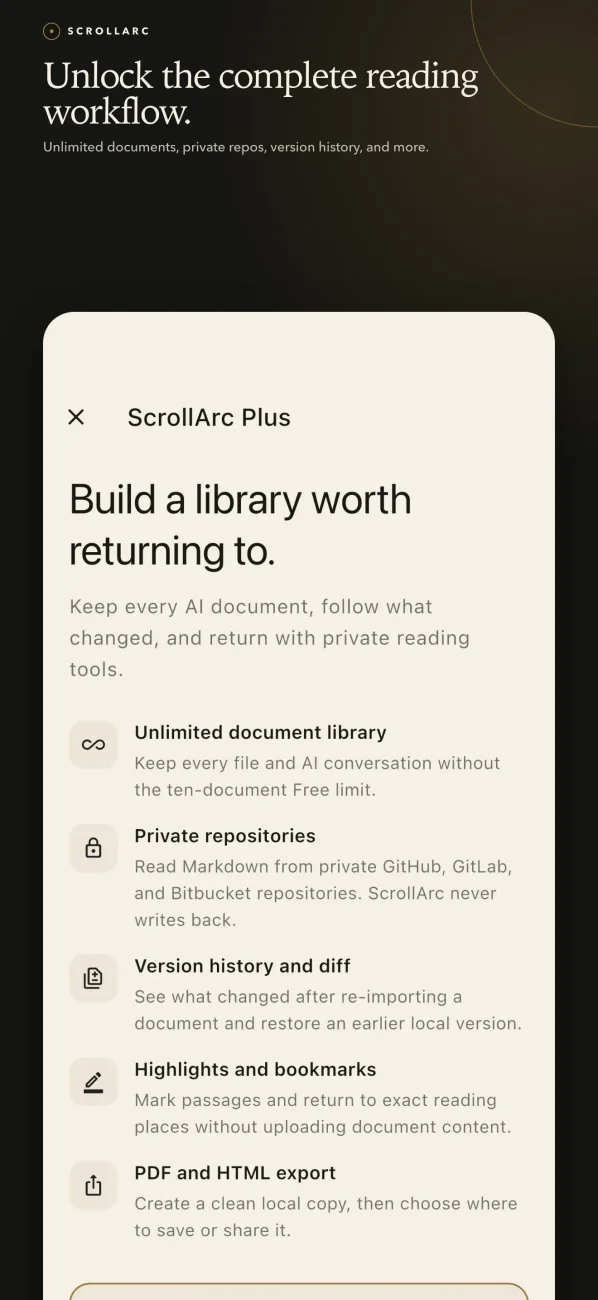
• Connect private repositories with ScrollArc Plus
• Keep READMEs, specifications, runbooks, and technical notes together
• Preview additions and removals before updating the local copy
Built to finish long documents
• Return to the exact reading position you left
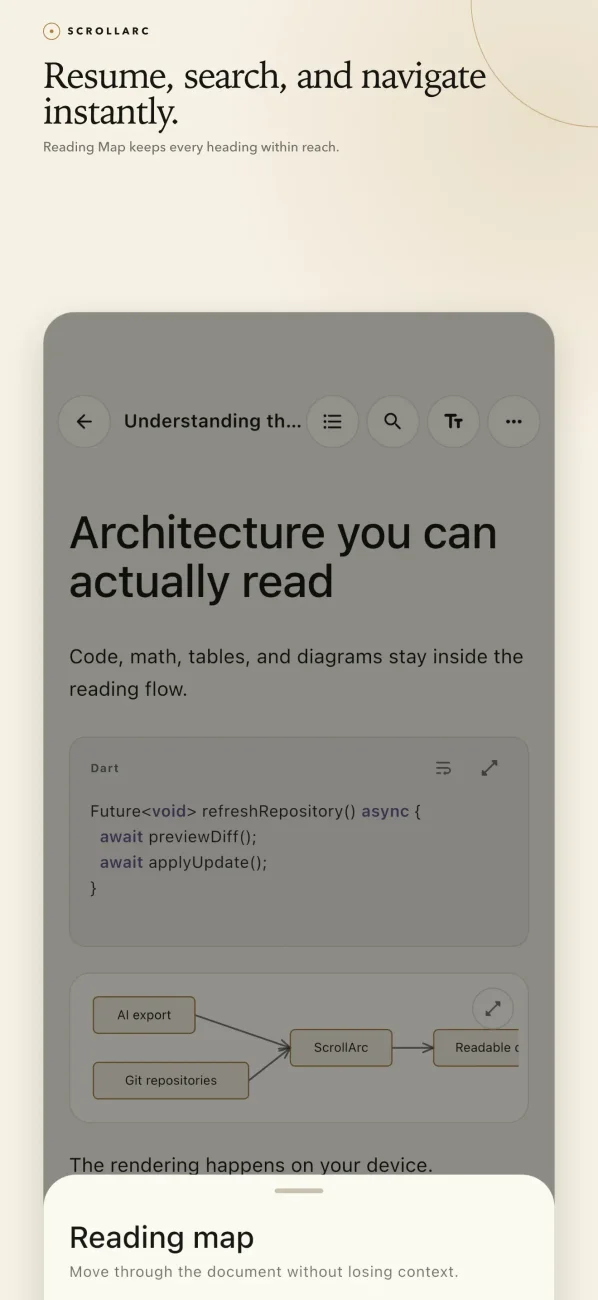
• Use Reading Map to see headings, progress, and structured sections
• Search inside a document and move between results
• Adjust text size, line spacing, content width, and themes
Markdown that stays readable
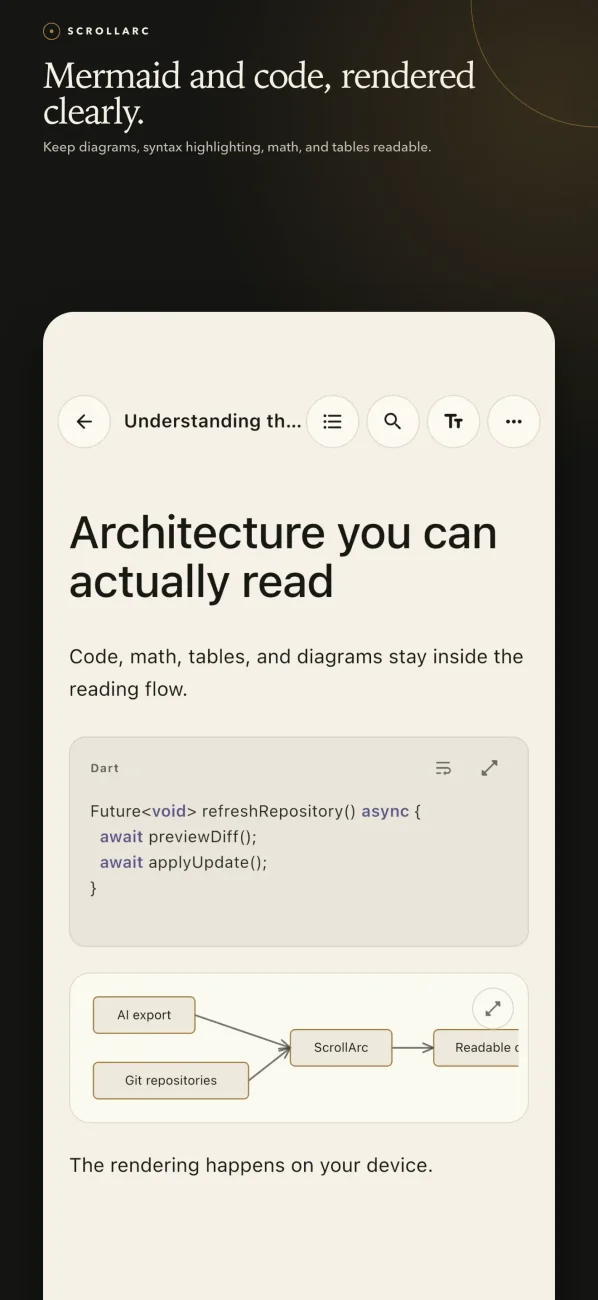
• Syntax-highlighted code, tables, task lists, quotes, links, and images
• Math and Mermaid diagrams rendered on your device
• Full-screen Mermaid viewer with pinch-to-zoom
Keep, compare, and take your work with you
• Export the original Markdown for free
• Export PDF or self-contained HTML with ScrollArc Plus
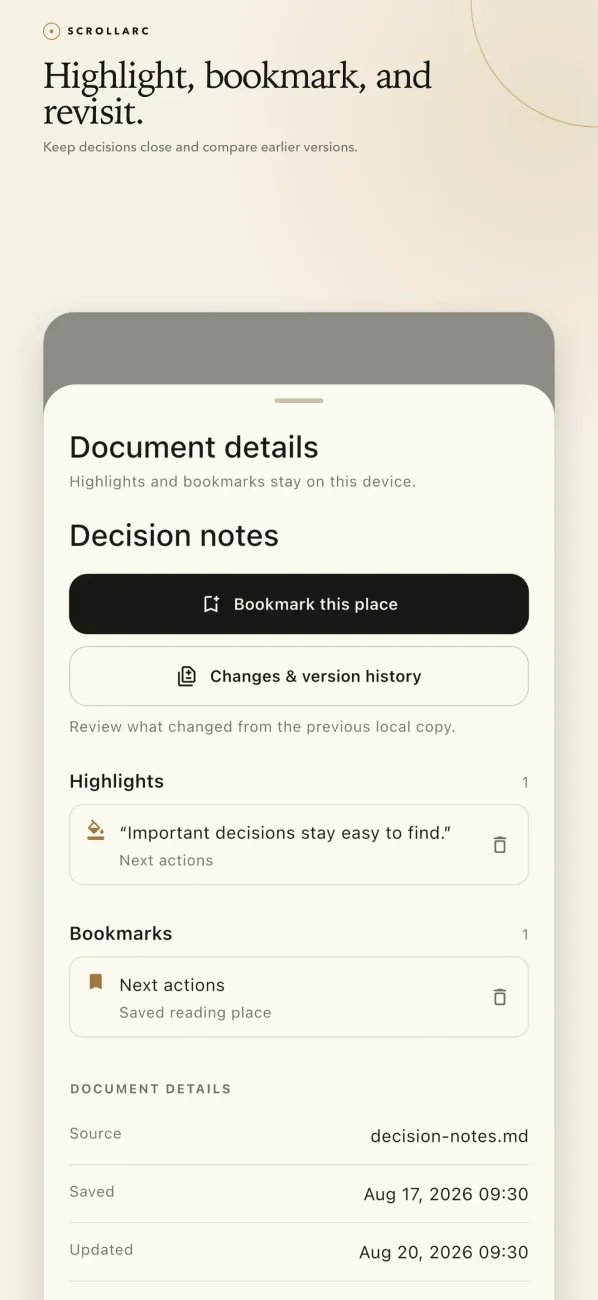
• Create highlights and bookmarks with Plus
• Keep local version history, compare readable diffs, and restore an earlier version with Plus
Private by design
No account. No ads. Your document text stays in the app's local storage. ScrollArc does not upload your documents or analyze them with AI. You can delete one document or clear the entire local library at any time. Release builds send limited feature-use totals and crash diagnostics; document text, titles, filenames, search terms, repository names, links, and annotations are never included.
Free and ScrollArc Plus
The free version saves up to ten documents and includes the complete reading experience, AI export import, public repository import, and Markdown export. ScrollArc Plus removes the document limit and adds private GitHub, GitLab, and Bitbucket connections, local version history with diff and restore, PDF and HTML export, and new highlights and bookmarks. Existing documents and annotations are not deleted when a subscription ends. Monthly and yearly plans are available; localized prices and billing periods appear on the purchase screen. Manage or cancel through your Apple Account and restore an eligible purchase from Settings.
ScrollArc is a focused AI Markdown reader—not an editor or AI chat service. It gives long conversations, reports, READMEs, specifications, and technical notes a better place to be read.
Terms of Use (EULA): https://www.apple.com/legal/internet-services/itunes/dev/stdeula/
App-Datenschutz
Was ByungJo Ahn im App Store zum Umgang dieser App mit Daten angibt.
-
Mit Ihnen verknüpfte Daten
Können erfasst und mit Ihrer Identität verknüpft werden.
- Käufe
- Standort
- Kontaktinformationen
- Benutzerinhalte
- Kennungen
-
Nicht mit Ihnen verknüpfte Daten
Können erfasst werden, sind aber nicht mit Ihrer Identität verknüpft.
- Kennungen
- Nutzungsdaten
- Diagnose
Die Datenschutzpraktiken können variieren, zum Beispiel je nach den von Ihnen verwendeten Funktionen oder Ihrem Alter.
Informationen
- Anbieter
- ByungJo Ahn
- Kategorie
- Produktivität
- Version
- 1.0.0
- Aktualisiert
- 31.08.2026
- Veröffentlicht
- 31.08.2026
- Größe
- 47,7 MB
- Erfordert
- iOS 15.0 oder neuer
- Altersfreigabe
- 4+
- Preis
- Kostenlos
- In-App-Käufe
- Ja
- Sprachen
- Englisch
- Copyright
- © 2026 Noetic Frame
Das könnte Ihnen auch gefallen
-
 LogPad: Quick NotesProduktivität
-
 TextHighlightsProduktivität
-
 Branchnote: Notes & ChecklistsProduktivität
-
 MerkdownMarkdown & Mermaid mit KI
-
 Notepad - Notes, Todo, MemoProduktivität
-
 Mandal-Act : goal managementProduktivität
-
 All NotesNotizzettel, Listen, Fotos
-
 シェアガント: タスク管理 & ガントチャートProduktivität
-
 RIFT-Notizen + SprachnotizenIdeen & Tagebuch auf Karten
-
 Nanonote ProProduktivität