Secure Folder - Private Vault™
hide photo, videos - vault app
Entwickelt für iPhone, iPad, iPod touch
Kostenlos · In-App-Käufe
- Altersfreigabe17+
- KategorieProduktivität
- EntwicklerKhushal Vasani
- SprachenEnglisch+ 19 weitere
- Größe76,4 MB
Verlinkt auf die offizielle App Store-Seite
Download.org hostet keine Datei von Secure Folder - Private Vault™. Die Schaltfläche öffnet die App-Seite bei App Store, wo Khushal Vasani die App veröffentlicht. Eintrag zuletzt geprüft am 27.11.2026.
Screenshots

Info
Der Entwickler hat diesen Text nicht in Ihrer Sprache bereitgestellt.
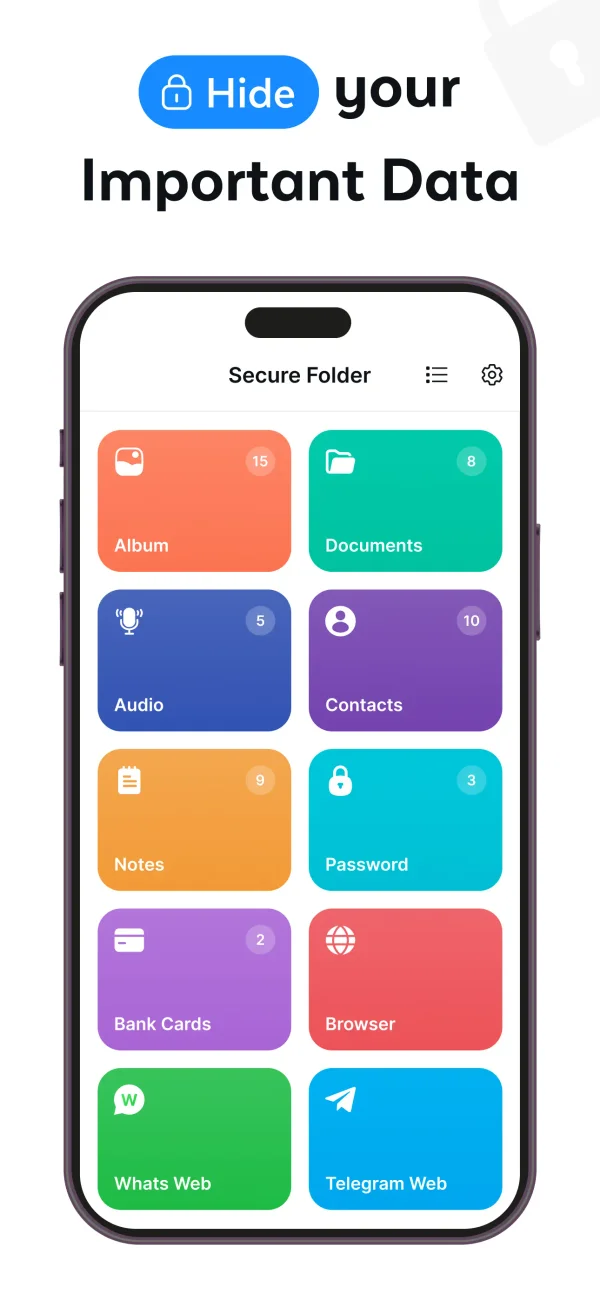
Private Photo Vault is the perfect place to store all the photos, videos, files, private app and data you want to keep private.
Secure Folder - Safe files is an app developed for the secure app that lets you protect any private folder on your smartphone quickly and easily. With Secure Folder upload, you can create a PIN or password to stand between your files and prying eyes.
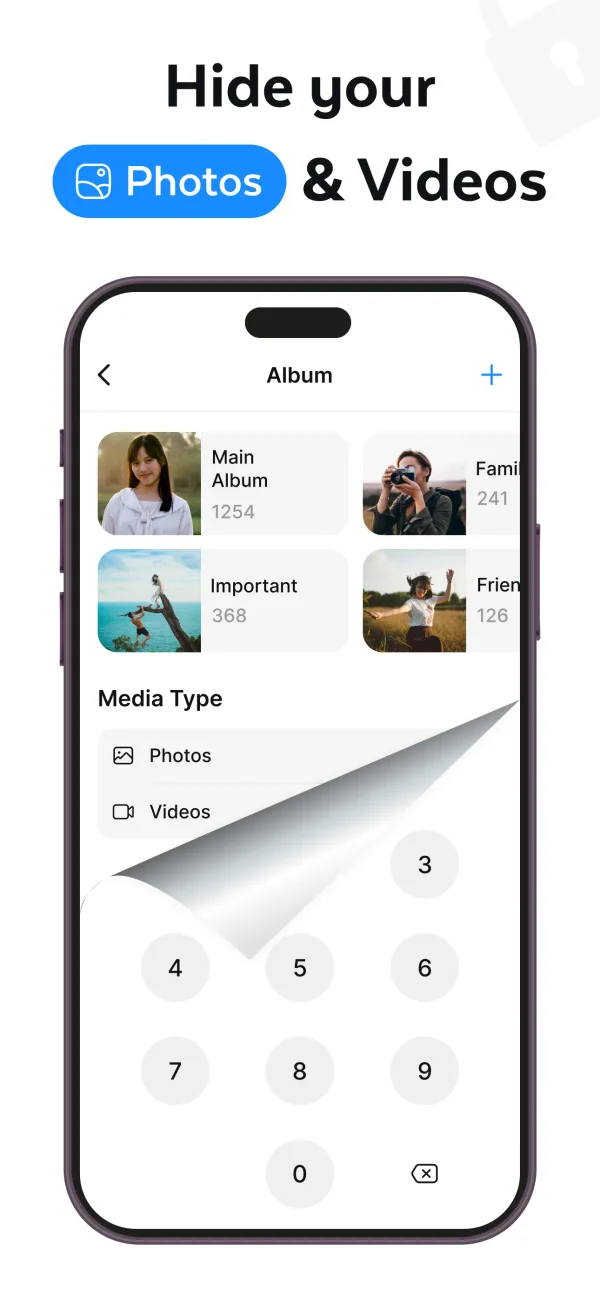
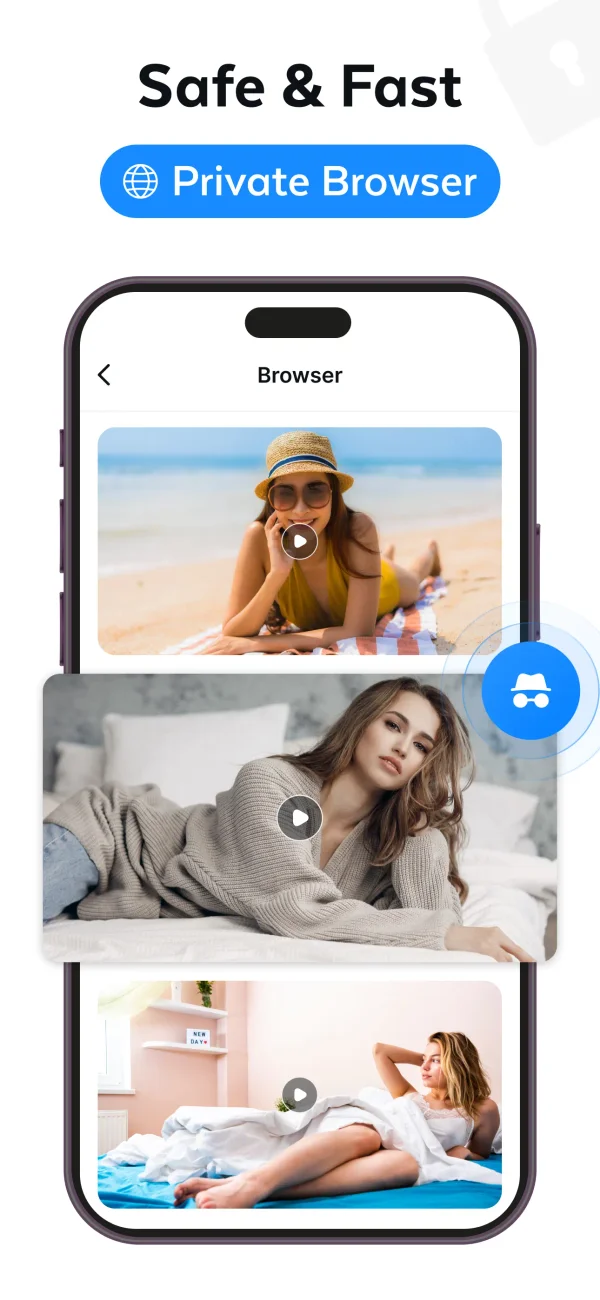
Secret Folder in which you can add the video from your library or record directly thru the app & the app is password protected, so no one will be able to access your videos/photos. View the videos/photos in easy-to-view albums and you can even group your video and later view them in a grid view or list view.
With Secure folder, how to enhance the files security?
- Add data to Secure folder upload (carpeta segura)
- Private app effectively manage secrets data in secret folder
- Confidential data encryption
- Vault protect with intruder selfie
- Password protection - PIN, pattern, or biometric
- Apps lock - App Photo Video Gallery Lock
- Hide Pictures & Videos - Vaulty
- Secure folder with 2-step verification
- Secure folders sync
- Secure folders store
- Cloud-based backup and restore
Key Feature: Private Photo Vault - SafeFile
Personalize Secure Folder
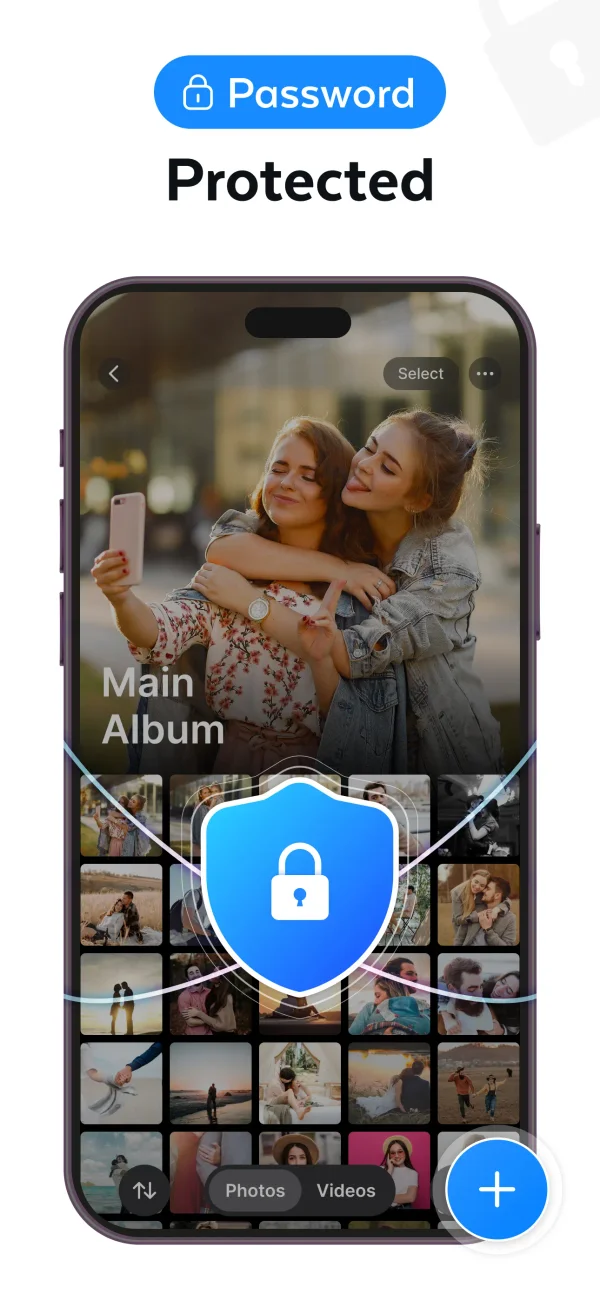
Private App keep safe everything on your phone, including private information and potentially embarrassing photos & personal data, using a unique passcode.
Manage secret folder
Secure & private cloud - Large storage space for data in Keepsafe.
Space Saver secret folder - Compresses photos and saves originals to the cloud drives.
Secure Folder upload to store your private contacts, photos and more in a separate account.
Allows you have two profiles on a device so you can manage your data more effectively.
Pro security folder
Secret folder fake Pin - Creates a decoy Keepsafe with a separate PIN code.
Album Lock - Assign unique PIN codes to access particular albums.
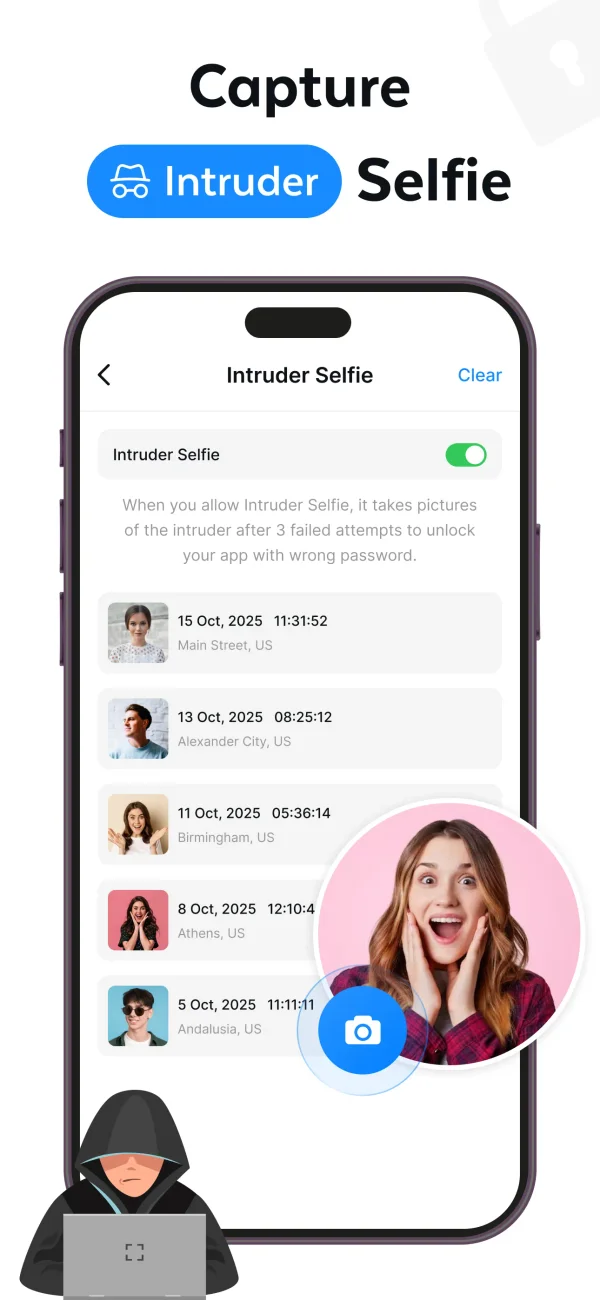
Break-In Alerts - secret folder takes photos of intruders and tracks break-in attempts.
Secret folder, private photo vault is keep picture safe from unknown.
Intruder Selfie & Alert
Picture Safe Folder Lock capture selfie photos secretly when the password is entered incorrectly.
Unknown tries to break into a private photo Vault at a time safety feature will send you an alert to protect your hide photos and videos.
Encrypted File Sharing
Security folder to quick offline file sharing is secured with WPA2 encryption, providing a more secure docs files transfer.
Safe & secure files shared with encrypted security so that you can safely transfer videos or photos to your friends.
Password recovery
Don't worry about forgetting your password because you can set a security email in Vault so you can retrieve it by unique features of Secure Folder (carpeta segura).
Cloud Backup - Safe files
Secure Folder in trash recovery - Safe retrieves photos you’ve mistakenly deleted.
Secure folder upload files in vault & keep safe data in secret folder
By using cloud backup, users can take backup of their data (For ex., images, video, audio, notes, contacts).
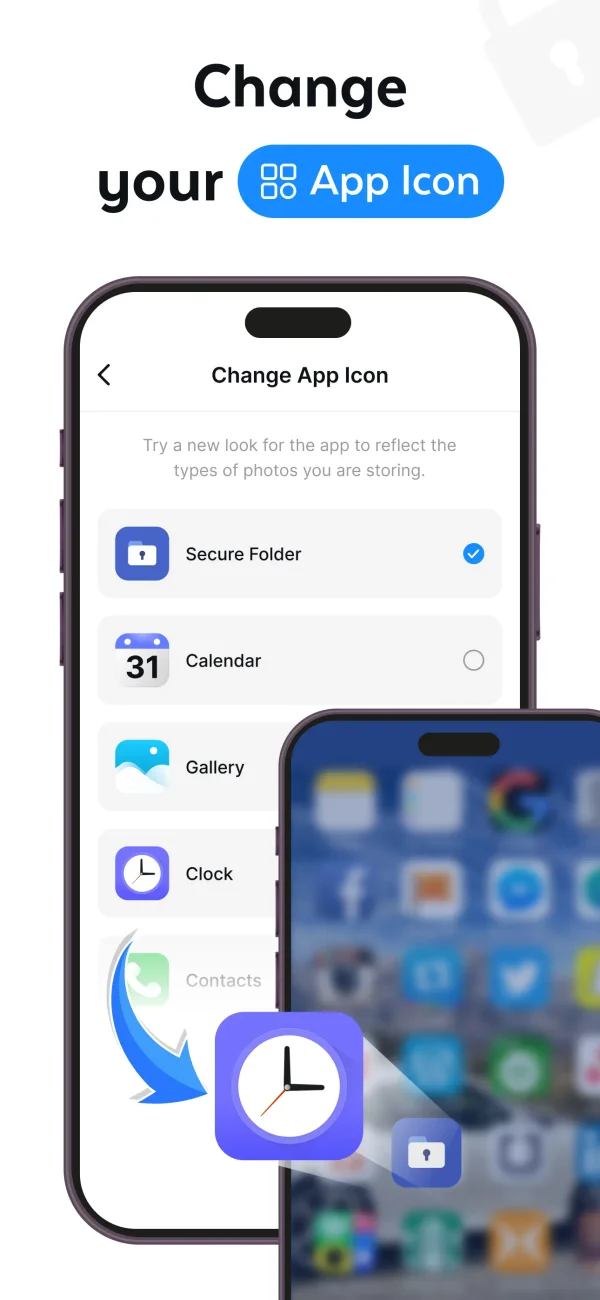
Hide the Secure Folder
When you don't want anyone even to know the Secure Folder lock exists on your phone, you can hide Secure Folder App from your phone home screen & make your photos or videos data safe.
Privacy Policy - https://privatephotovault.blogspot.com/2023/11/privacy-policy.html
Terms & Coditions - https://privatephotovault.blogspot.com/2023/11/terms-conditions.html
EULA - https://privatephotovault.blogspot.com/2023/11/end-user-license-agreement-eula-of.html
Neue Funktionen
Version 17.0 · 17.09.2025
- Minor Bug Fixed.
- Improved User Interface & Performance.
- UI/UX Improvements.
App-Datenschutz
Was Khushal Vasani im App Store zum Umgang dieser App mit Daten angibt.
-
Daten, die zum Tracking Ihrer Person verwendet werden
Können verwendet werden, um Sie über Apps und Websites anderer Unternehmen hinweg zu verfolgen.
- Standort
- Kennungen
- Nutzungsdaten
- Diagnose
-
Mit Ihnen verknüpfte Daten
Können erfasst und mit Ihrer Identität verknüpft werden.
- Standort
- Kennungen
- Nutzungsdaten
- Diagnose
Die Datenschutzpraktiken können variieren, zum Beispiel je nach den von Ihnen verwendeten Funktionen oder Ihrem Alter.
Informationen
- Anbieter
- Khushal Vasani
- Kategorie
- Produktivität
- Version
- 17.0
- Aktualisiert
- 17.09.2025
- Veröffentlicht
- 07.11.2023
- Größe
- 76,4 MB
- Erfordert
- iOS 15.6 oder neuer
- Altersfreigabe
- 17+
- Preis
- Kostenlos
- In-App-Käufe
- Ja
- Sprachen
- Englisch, Arabisch, Dänisch, Niederländisch, Finnisch, Französisch, Deutsch, Griechisch, Hebräisch, Hindi, Italienisch, Japanisch + 8 weitere
- Copyright
- © Secure Folder - Private Vault™
Das könnte Ihnen auch gefallen
-
 Sichere Galerie & Video‑TresorFotos, Videos, Dateien sichern
-
 App Lock™ - Locked Apps VaultProduktivität
-
 Vault Calc:Sicheres Foto-VideoFotos und Dateien ausblenden
-
 Vault - Hide photos & videosProduktivität
-
 Geheime Nachricht - SecretSecret Text, Foto, Datei
-
 My RoshanProduktivität
-
 ATOMA STOREProduktivität
-
 App LockApp Sperre, Hide, Blockieren
-
 Lockit Passwort-ManagerTresor, Passkeys, 2FA-AutoFill
-
 Video Downloader ~ Video SaverProduktivität