
- Altersfreigabe4+
- KategorieDienstprogramme
- EntwicklerOleg Gutlyanskiy
- SprachenEnglisch+ 1 weitere
- Größe4,1 MB
Verlinkt auf die offizielle App Store-Seite
Download.org hostet keine Datei von ServerDoor - SSH Client. Die Schaltfläche öffnet die App-Seite bei App Store, wo Oleg Gutlyanskiy die App veröffentlicht. Eintrag zuletzt geprüft am 17.11.2026.
Screenshots

Info
Der Entwickler hat diesen Text nicht in Ihrer Sprache bereitgestellt.
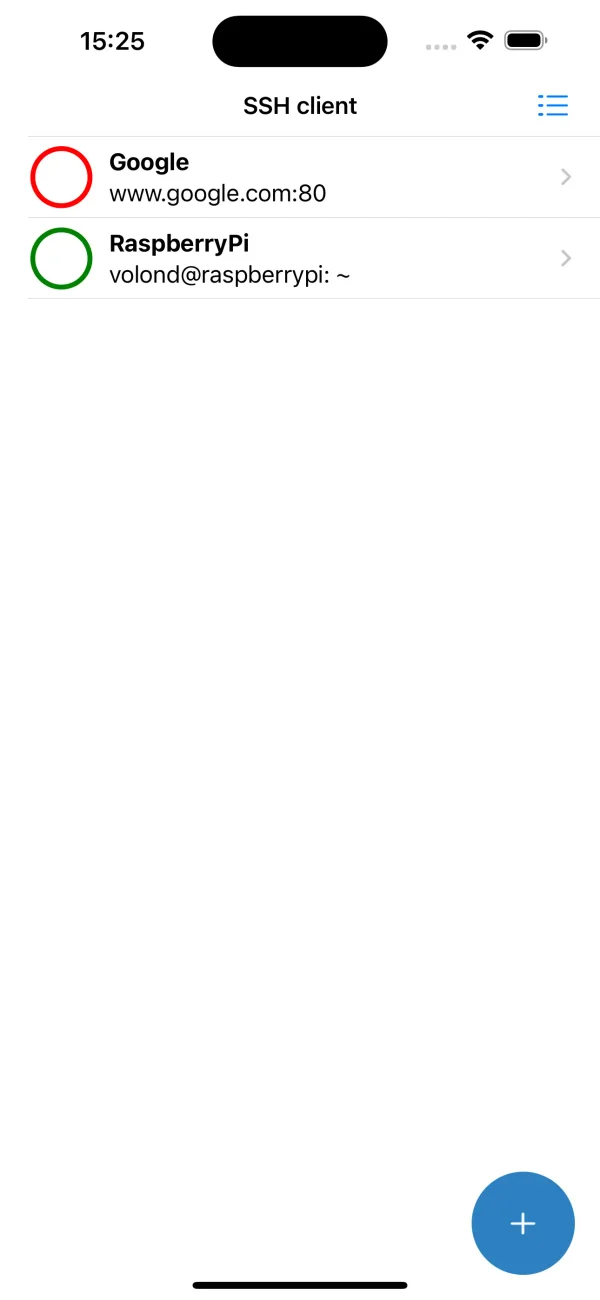
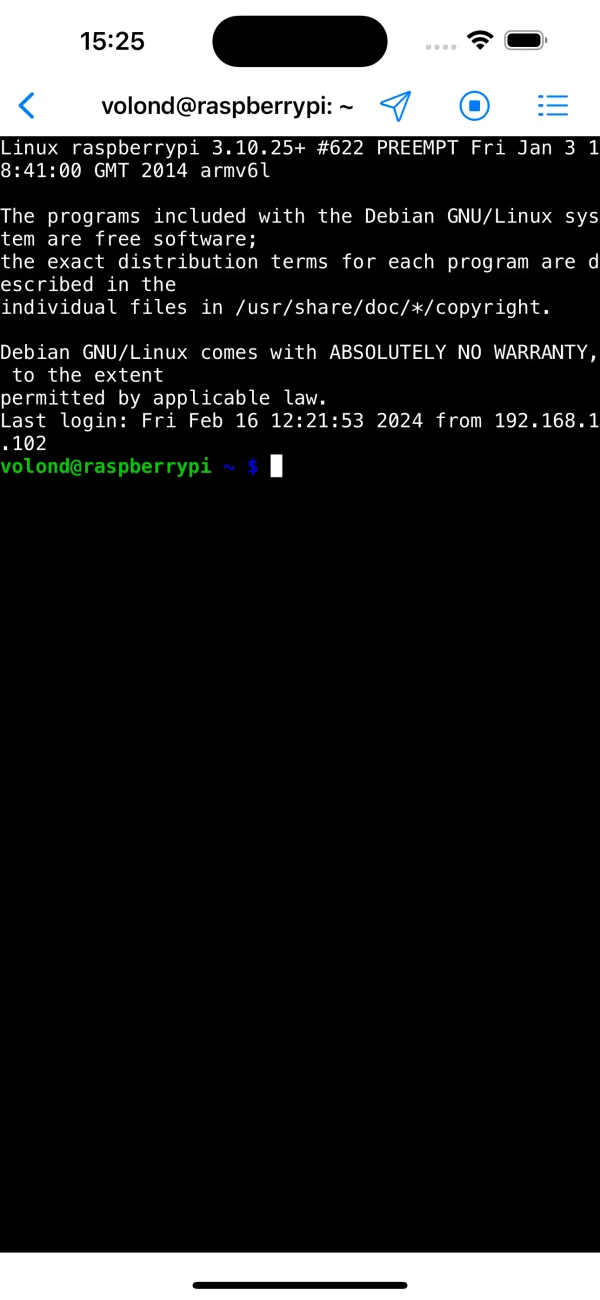
ServerDoor allows you to use your smartphone like a secure door for remote access to your personal server. A user-friendly session manager with a simple and intuitive interface, a full-featured terminal emulator that supports gesture control, as well as a tool for working with SSH keys - now all those thing can be placed in your pocket. Connect to your servers with using telnet and ssh protocols to administrate them in any situation anytime.
Main advantages and functions:
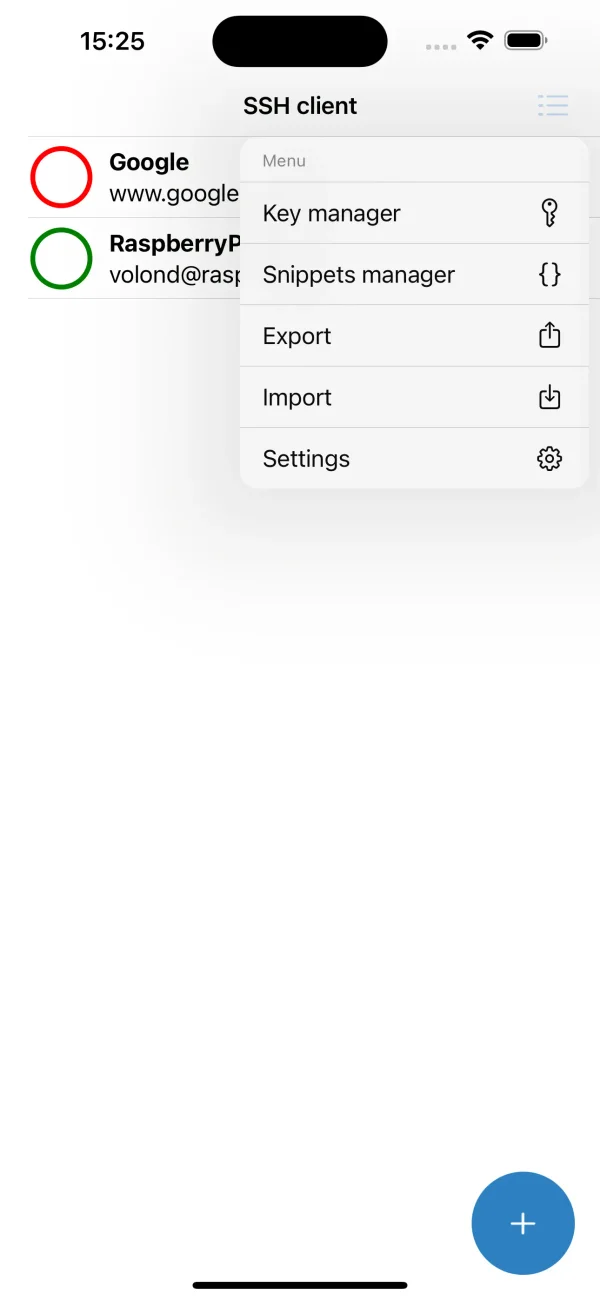
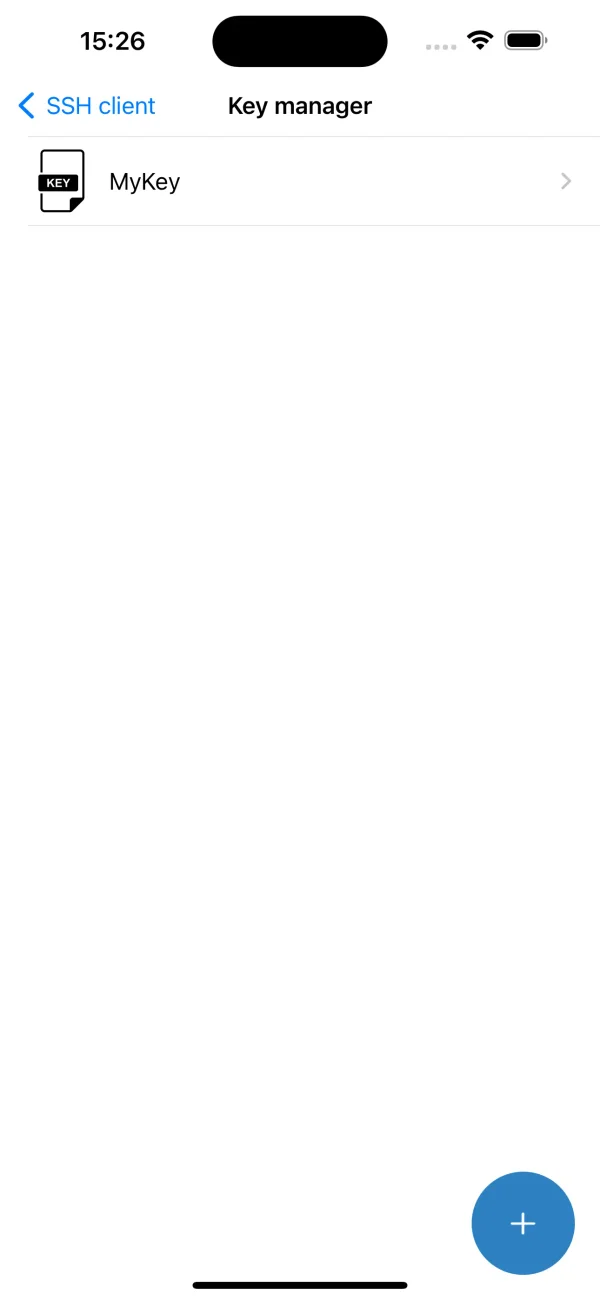
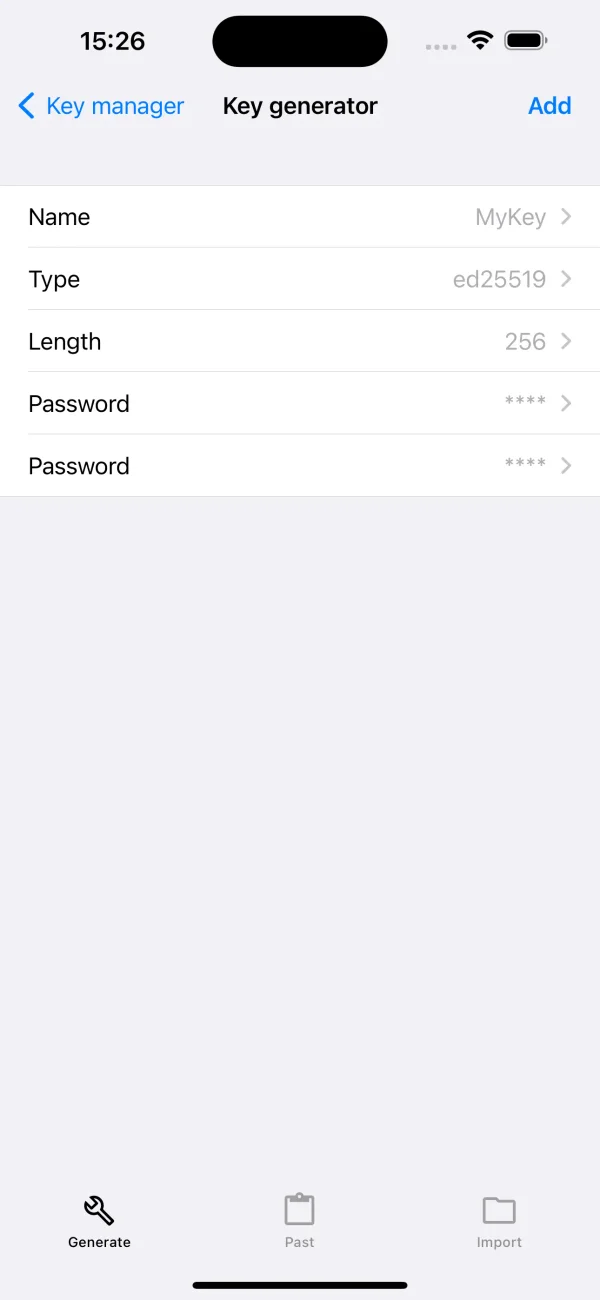
-The tool for working with SSH keys allows you to generate them, as well as to import and export them. RSA, DSA, EC, ED25519 keys are supported, and the openssh-key-v1 format is used to store them.
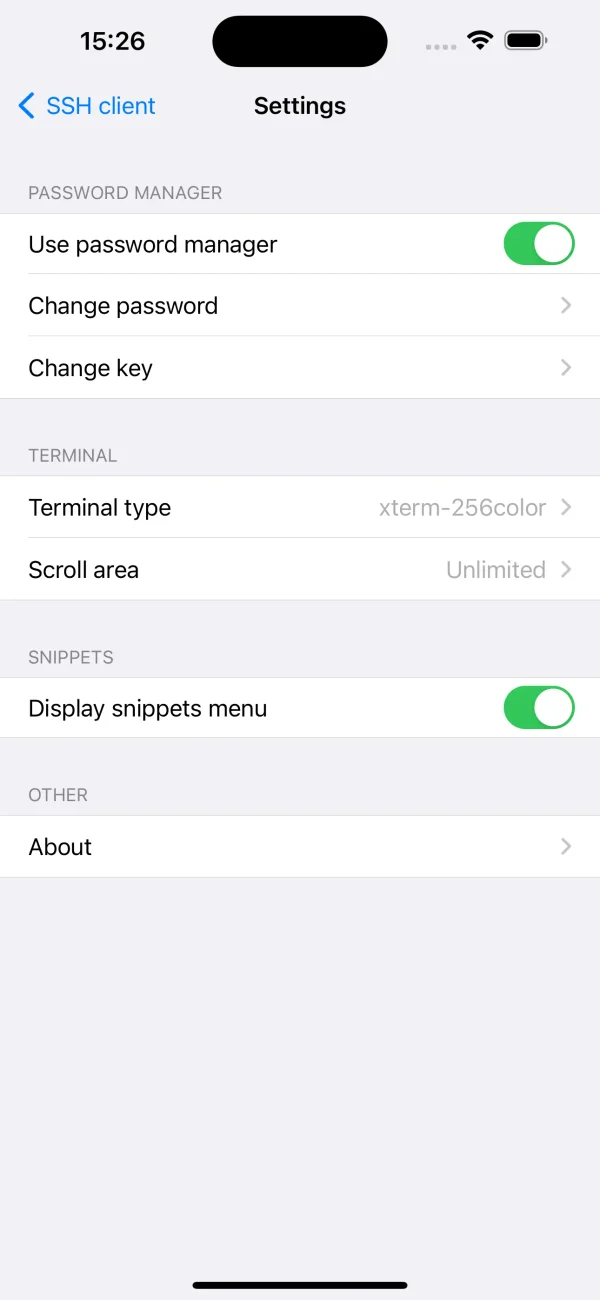
-Thanks to the built-in password manager, you do not have to keep in mind the passwords for each server and key. The password database is stored on the device and encrypted with AES256-CBC using the master key. You can manage the password manager or disable it altogether in the settings.
-Snippets system will be useful for advanced shell admins and can be used for make scripts those you can call from terminal session anytime.
-Export and import app data features allows you exchange data between different devices or make backups anytime.
-Convenient gesture control makes it possible to change the font size in the terminal by simply stretching instead of constantly switching to settings, and sticky scrolling allows you to quickly navigate even in the most voluminous sessions.
• Advanced terminal emulator, supports most ESC sequences, SGR and utf8 encoding.
• Additional keyboard and hot buttons, allow you to use most commands and keyboard shortcuts, as well as emulate mouse clicks in terminal applications.
-Supports simultaneous operation of an unlimited number of running sessions, including in the background, when the application is minimized.
-The ability to manually set a limit on the number of lines stored for each session (or disable the limit altogether), allows you to flexibly configure the device's memory consumption by running sessions. Whether you want to store the whole session or set a hard limit to save memory is up to you.
-To save memory, session data is compressed and stored in a fragmented way, which allows you to turn off the limit and store even the most voluminous sessions without large buffer allocation errors. Tired of Telnet clients cutting HTTP responses without even allowing you to view the header? Then this app is for you!
Neue Funktionen
Version 1.0.3 · 17.09.2024
-Now it is possible to close session automatically when disconnect, this feature is available in the app settings
-Bugfixes
App-Datenschutz
Was Oleg Gutlyanskiy im App Store zum Umgang dieser App mit Daten angibt.
-
Keine Daten erfasst
Der Entwickler erfasst keine Daten von dieser App.
Die Datenschutzpraktiken können variieren, zum Beispiel je nach den von Ihnen verwendeten Funktionen oder Ihrem Alter.
Informationen
- Anbieter
- Oleg Gutlyanskiy
- Kategorie
- Dienstprogramme
- Version
- 1.0.3
- Aktualisiert
- 17.09.2024
- Veröffentlicht
- 19.02.2024
- Größe
- 4,1 MB
- Erfordert
- iOS 16.2 oder neuer
- Altersfreigabe
- 4+
- Preis
- Kostenlos
- In-App-Käufe
- Ja
- Sprachen
- Englisch, Russisch
- Copyright
- © 2024, Oleg