
- Altersfreigabe4+
- KategorieLifestyle
- EntwicklerShabanga LLC
- SprachenEnglisch
- Größe109,8 MB
Shabanga ist bei App Store derzeit möglicherweise nicht verfügbar
Bei unserer letzten Prüfung war der Store-Eintrag nicht erreichbar. Der Link führt weiterhin zur offiziellen App Store-Seite.
Screenshots





Info
Der Entwickler hat diesen Text nicht in Ihrer Sprache bereitgestellt.
FOR THE PERSON THROWING IT
• Build an event from scratch, from a link, or just by describing it
Set tiers that open as the cheaper ones sell out
Transfer tickets to your friends, they can only be used once
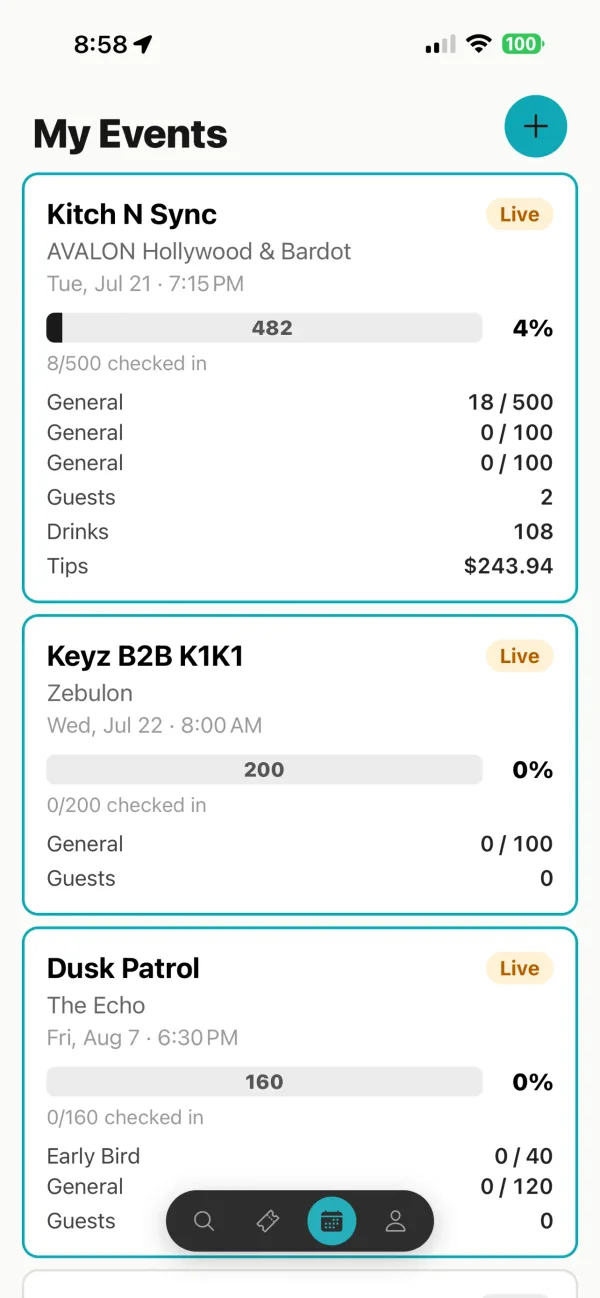
• See sold, remaining and checked-in on one screen, live
• Generate passes, guests list, Artists, VIP’s, with comps, plus-ones and perk allotments
Discount codes, single-use or shared
Add production costs so you can see everything at once
• Message everyone holding a ticket when something changes
Get an alert on your phone the moment a ticket sells
Promoter and Artist profiles
Apple Pay and Credit Cards, online and in person with Tap to Pay on iPhone
Throwing a free party? Turn on donations and guests can chip in
AT THE DOOR
Scan tickets with your phone camera. Text a link to whoever is working the door and they scan too. No account, just the app and a PIN you give them. Can't scan a code? Search by name.
TAP TO PAY ON IPHONE
Sell tickets, drinks and merch to walk-ups with nothing but your iPhone. Your guest holds their card, iPhone or Apple Watch near the top of your phone and the sale is done. No card reader to buy, charge, pair or lose. Enable it once in Account Settings and it's ready at every event you run. Requires iPhone XS or later with iOS 18.
THE COUNTER
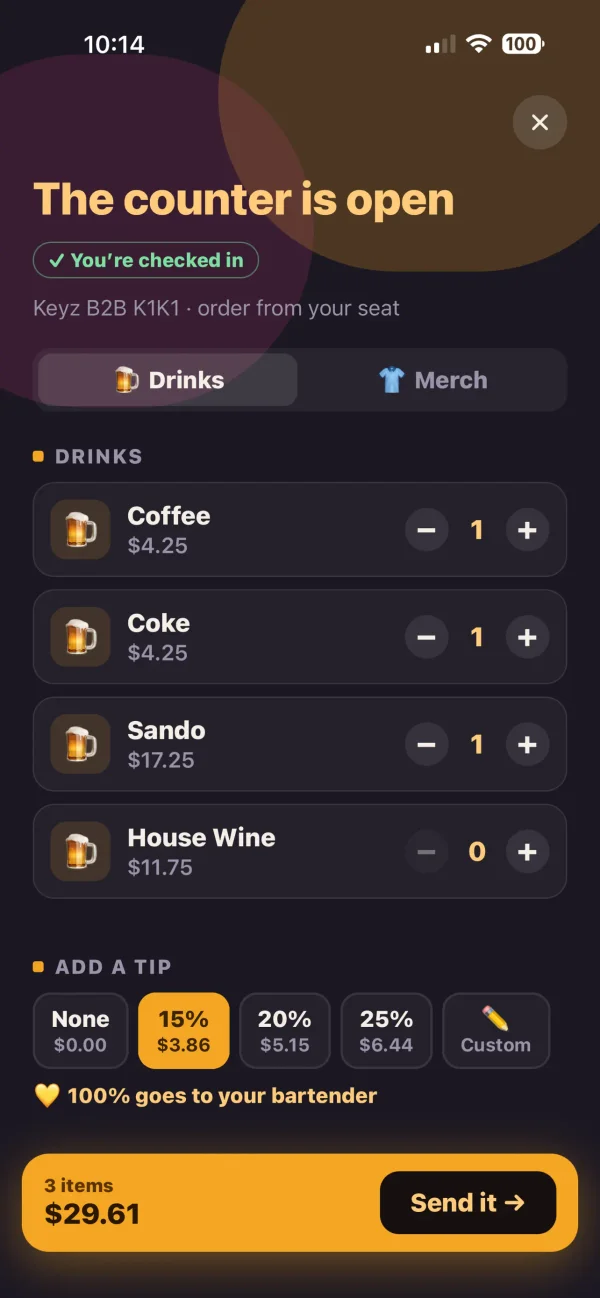
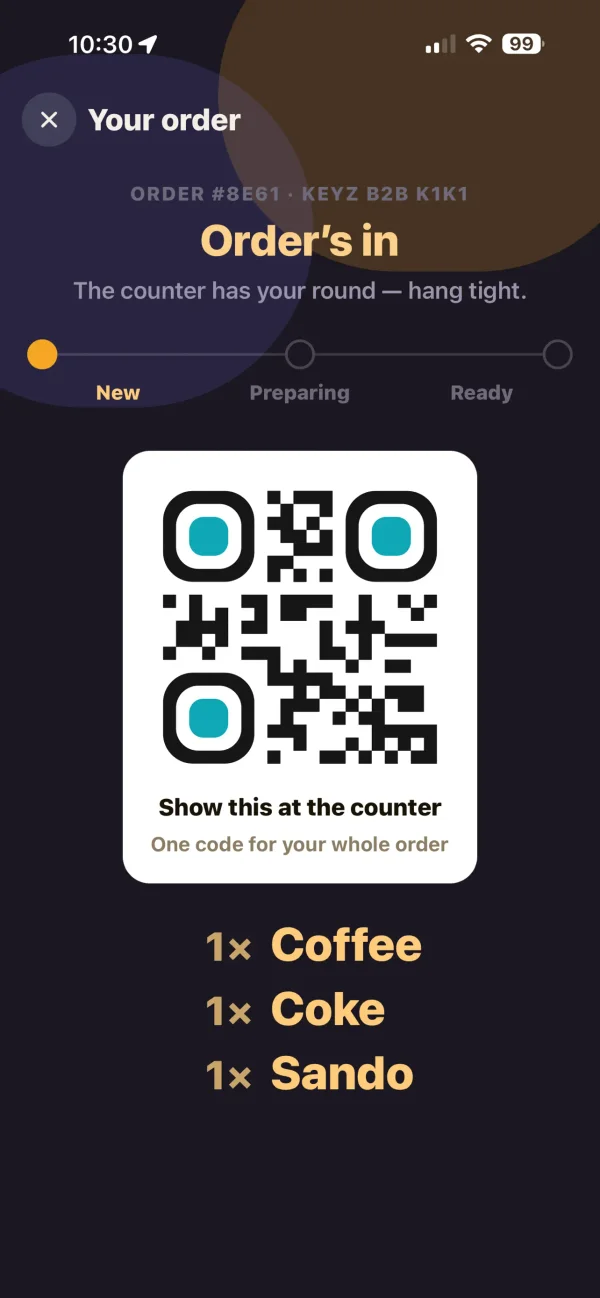
Once a guest checks in and is verified, their menu opens on their phone. They order from where they're standing, you get the order at the counter, and one code covers the whole round. No line, no tab, no card machine. Prop any tablet at the counter and open a link, the order queue runs in the browser, so there's nothing to install on it.
DONATIONS
Free event? Turn on donations and a card appears on your event page where guests can chip in, with a few suggested amounts or one of their own. Print the Donate code for the door and anyone can scan it and give on the spot. You choose whether the fee comes out of the gift or sits on top.
FOR THE PERSON GOING
• Buy in seconds as a guest no account, ever, no sign in. We’re tired of that
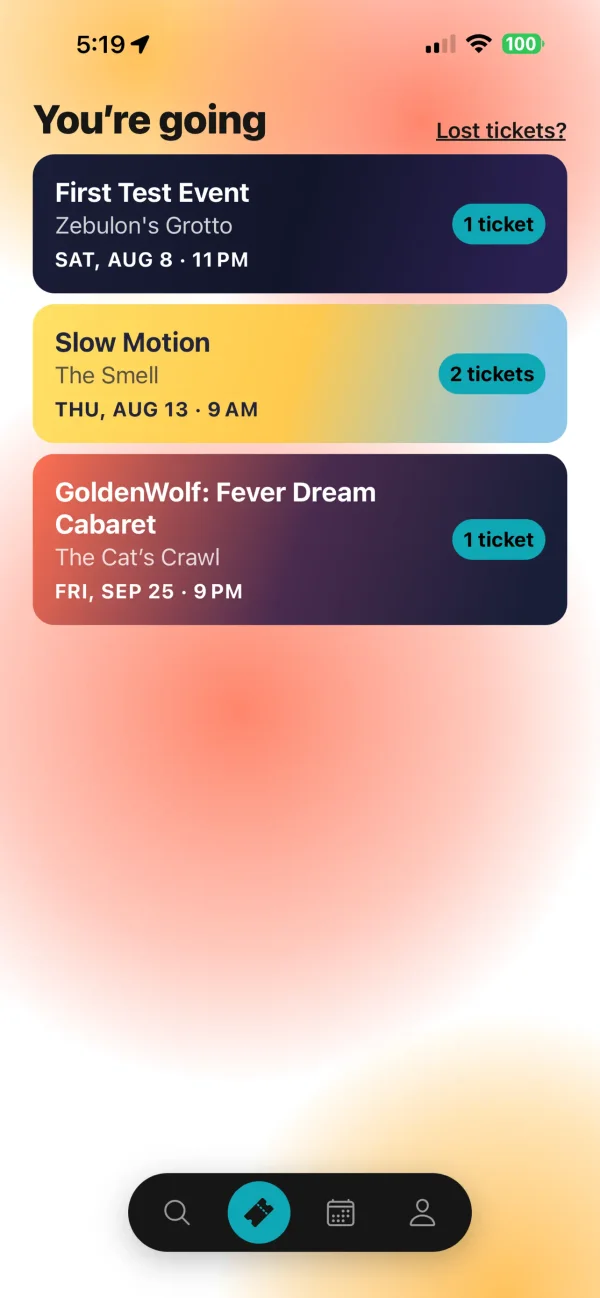
• Tickets live in the app, email and in Apple Wallet
• Order from the counter from your seat once you're inside
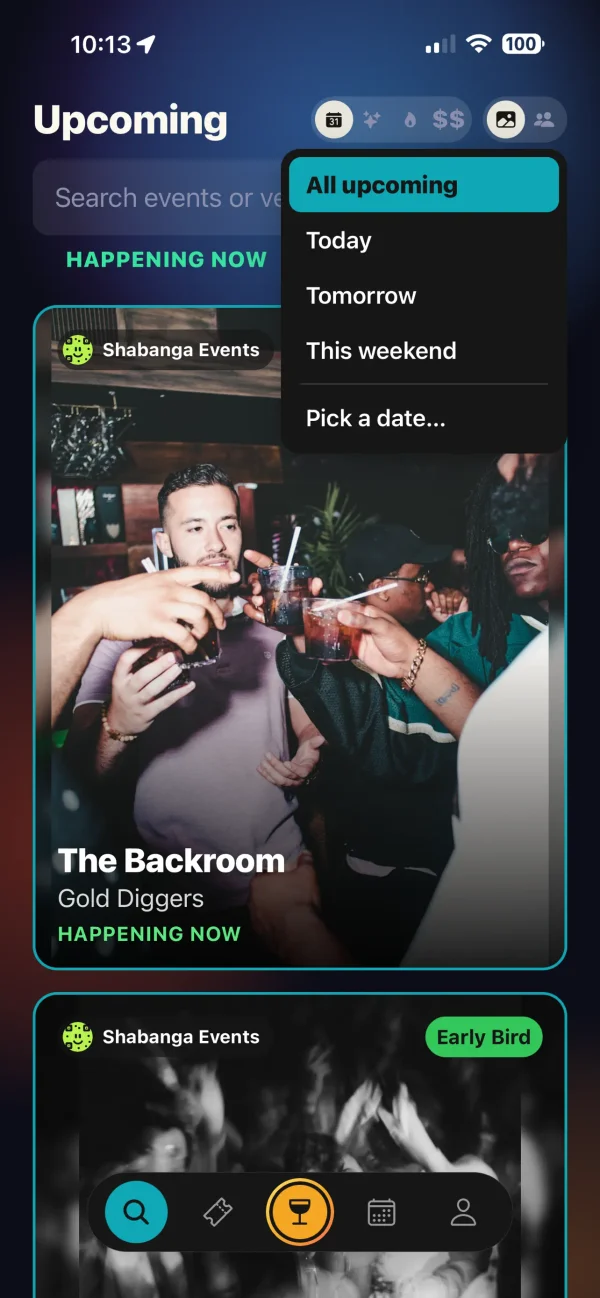
Browse what's on, by soonest, newest, most popular or cheapest
WHAT PEOPLE PUT ON WITH IT
Club nights and day parties. Concerts, album releases and listening sessions.
Comedy, drag, burlesque and open mics. Art openings, markets and pop-ups.
Supper clubs and tasting nights. Film screenings and workshops. Fundraisers,
block parties and backyard sets. Weddings, birthdays and private parties.
Anything with a door, a guest list, or a bar.
ABOUT THE FEES
One fee per order, not per ticket. Buy four tickets or items together and you pay it once, the more of you there are, the less each person carries. It is the whole reason the fee works the way it does, and it is the opposite of how this usually goes.
Organizers keep what they price. No monthly fee, no listing fee, no charge to create an event.
Shabanga is built for the organizer that wants to keep the numbers in one place from the tickets to the counter. One payout. No POS, no running power cables, no dealing with wifi. Self healing, if a phone dies, pick up another one and carry on. It’s the whole Shabanga.
Neue Funktionen
Version 1.1.6 · 26.11.2026
- A simpler Account Settings: everything at a glance, each setting on its own screen, and you can now change your password in the app.
- Promoter Profile as a short list, with each detail on its own screen.
- Publish your event and choose whether it's listed publicly, right from the top of the event.
- Push and email alerts, set separately for every alert.
- Your menu in sections, and a quick way to share your menu board.
- Counter Service in a new black look, sorted and easier to read.
- Tap to Pay shows your menu as tiles, with a clearer tip screen.
- Choose where your toolbar sits and pick your app icon in Look & Feel.
- Fixes and improvements.
App-Datenschutz
Was Shabanga LLC im App Store zum Umgang dieser App mit Daten angibt.
-
Mit Ihnen verknüpfte Daten
Können erfasst und mit Ihrer Identität verknüpft werden.
- Käufe
- Kontaktinformationen
- Kennungen
Die Datenschutzpraktiken können variieren, zum Beispiel je nach den von Ihnen verwendeten Funktionen oder Ihrem Alter.
Informationen
- Anbieter
- Shabanga LLC
- Kategorie
- Lifestyle
- Version
- 1.1.6
- Aktualisiert
- 26.11.2026
- Veröffentlicht
- 25.08.2026
- Größe
- 109,8 MB
- Erfordert
- iOS 16.4 oder neuer
- Altersfreigabe
- 4+
- Sprachen
- Englisch
- Copyright
- © 2026 Shabanga LLC