ShadowTerm ssh & mosh Terminal
Pro SSH Herdr & tmux enhanced
Entwickelt für iPhone, iPad, Mac
Kostenlos · In-App-Käufe
- Altersfreigabe4+
- KategorieEntwickler-Tools
- EntwicklerCarlos Savcic
- SprachenEnglisch
- Größe94,3 MB
Verlinkt auf die offizielle App Store-Seite
Download.org hostet keine Datei von ShadowTerm ssh & mosh Terminal. Die Schaltfläche öffnet die App-Seite bei App Store, wo Carlos Savcic die App veröffentlicht. Eintrag zuletzt geprüft am 23.11.2026.
Screenshots
Info
Der Entwickler hat diesen Text nicht in Ihrer Sprache bereitgestellt.
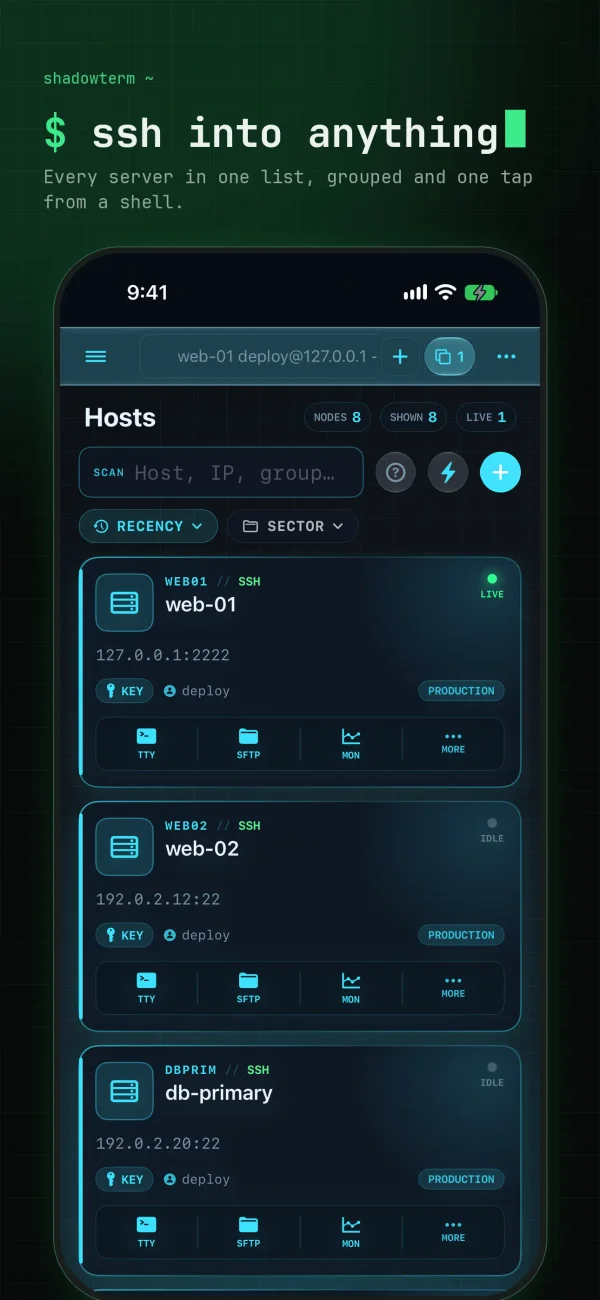
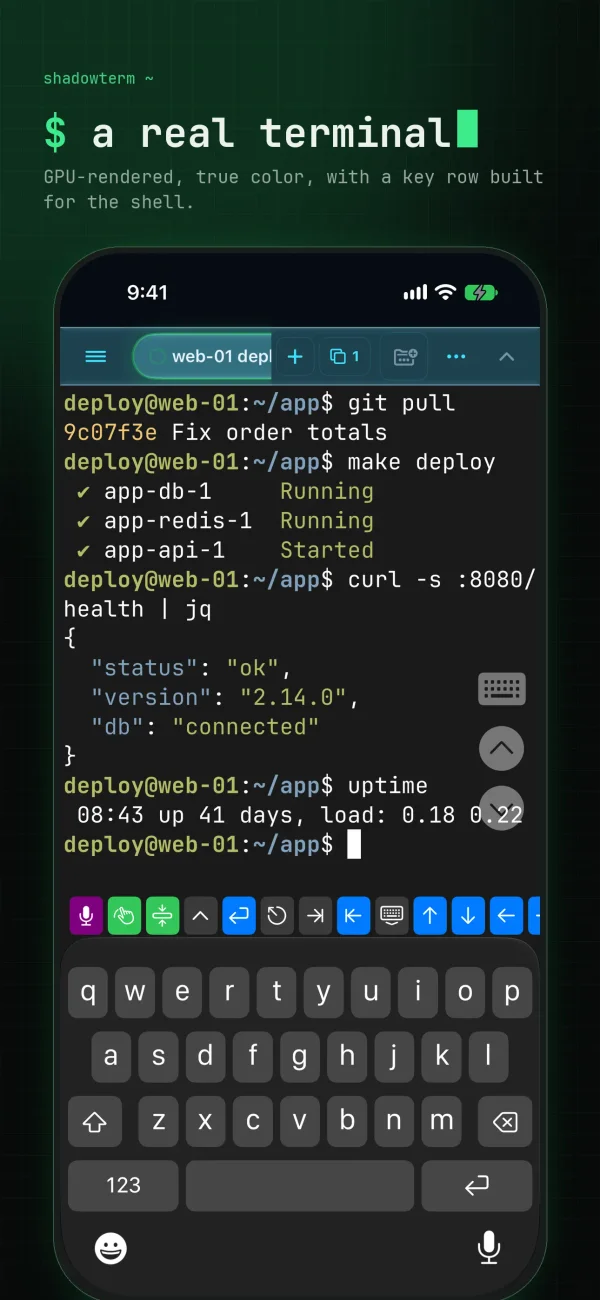
ShadowTerm is a full-featured SSH and Mosh terminal for iPhone and iPad. Keep tmux alive across networks, with a desktop-quality terminal and keyboards built for the job.
KEY FEATURES
Connections that survive
- SSH with passwords and keys. Secure Enclave keys sign with Face ID and never leave the device
- Jump hosts (Connect Via), one hop. Mosh does not run through a jump
- Mosh survives network drops, backgrounding, and sleep
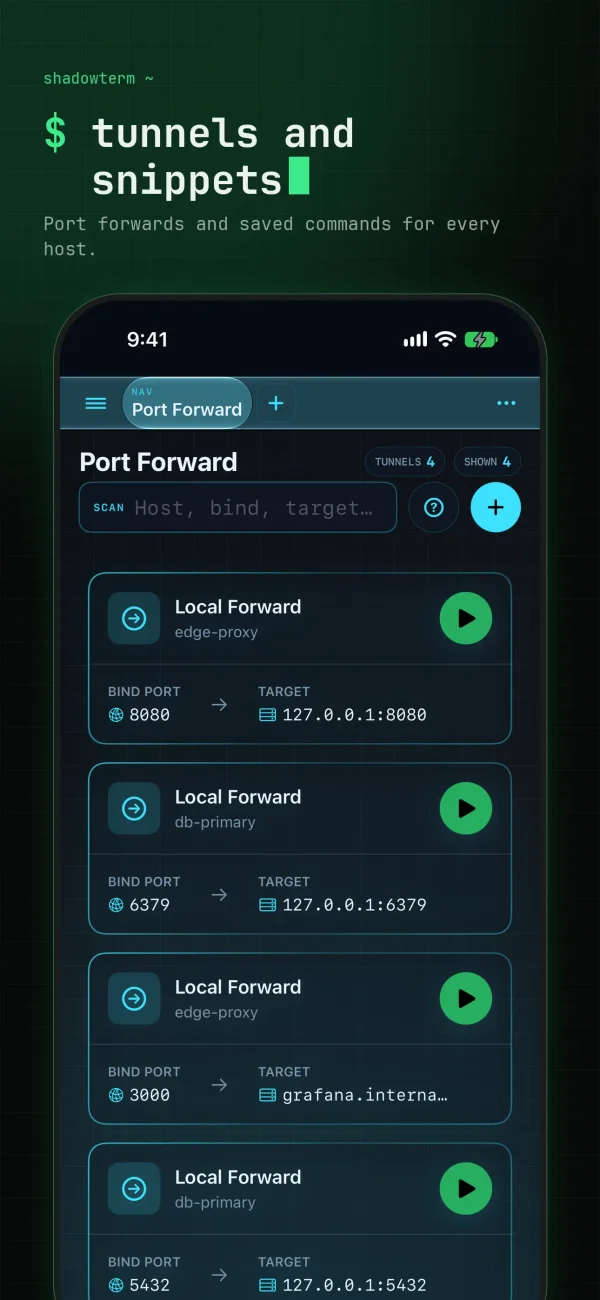
- Local and remote port forwarding. SSH agent forwarding (SSH only), confirmed each use
- Auto-connect and geofence auto-connect. Background monitoring, notifications, and Live Activities
- Handoff a saved host to another Apple device
- Picture in Picture. Stopping it does not disconnect
Terminal
- 256-color support
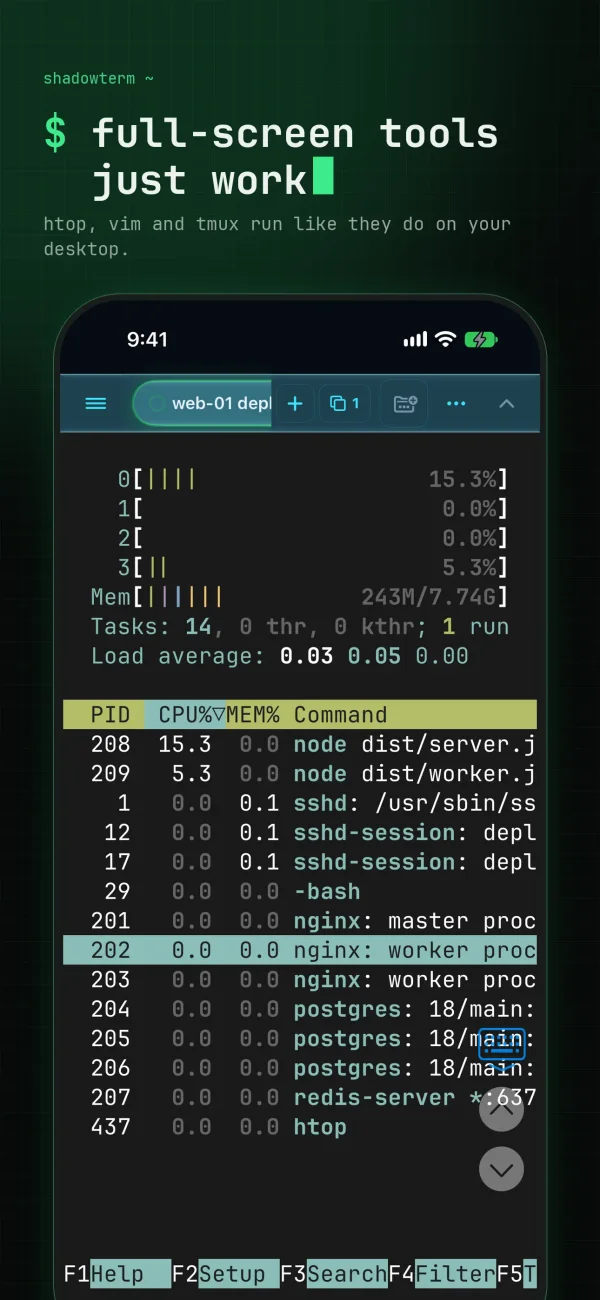
- tmux and GNU screen, detected automatically
- herdr and tmux enhanced support, with built-in Herdr and Tmux keyboards
- Mouse mode: tap to left-click, long-press to right-click, scroll to navigate. Mouse off: long-press or double-tap to paste
- Tap a path to open that file. A wrapped link opens as one URL
- Multi-window on iPad: Terminal, Files, Monitor, Markdown, or Text Editor
- App themes include Sci-Fi, Glass, Midnight, Matrix, and more. Glass chrome is transparent. The terminal stays solid
- Terminal colors include Dracula, Nord, Gruvbox, Solarized, Monokai, and others
- Pinch-to-zoom. Disconnect All from Control Center
Keyboards
- Layouts include Tmux, Screen, Files, Productivity, DevOps, Git, Kubernetes, Python, Node.js, macOS, Database, Security, and Terminal Classic
- Editable keys, snippets, and sticky modifiers. Auto-switch per process. Mic voice entry
Files
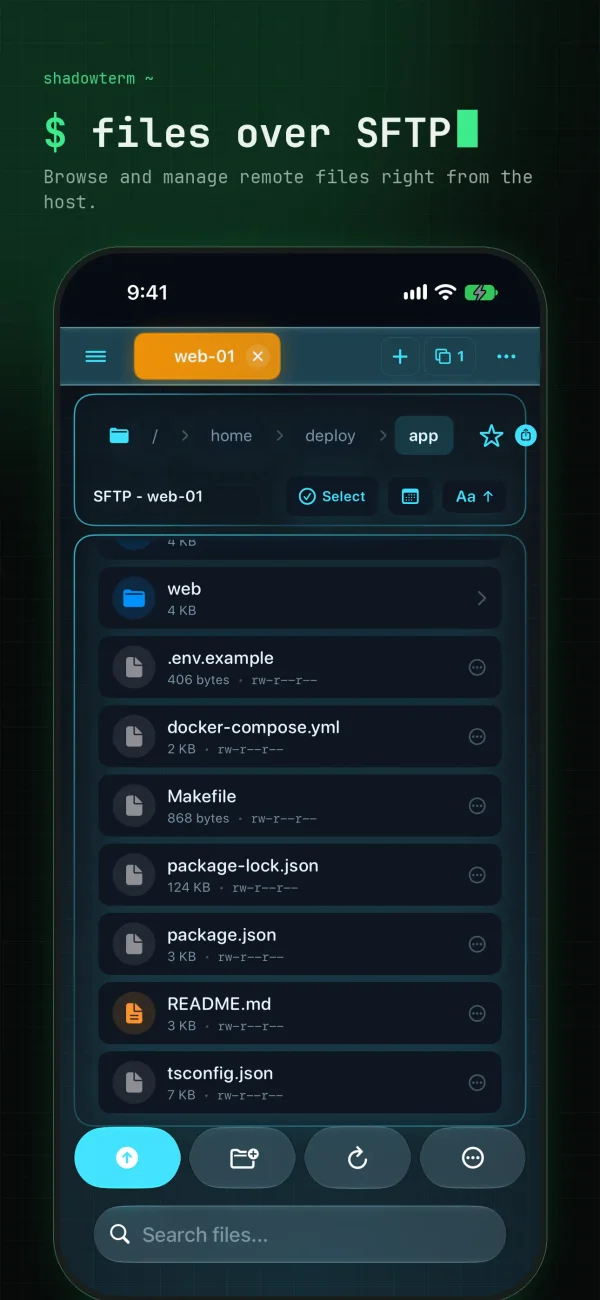
- SFTP with multi-select and bulk copy, move, and delete. Paste a screenshot or file to upload it
- Dual-pane copy between hosts, and Files app access (Premium)
- Editor with syntax highlighting. Markdown preview, including Mermaid. Startup snippets per host
Monitor
- CPU, memory, network, filesystem, disk I/O, and Nvidia GPU when present
- Ping, port scan, DNS, TLS probe, Wake-on-LAN, Bonjour, and SSH preflight
Also
- Snippets with variables, including secrets. Widgets for hosts: Lock Screen, StandBy, CarPlay, and Control Center
- Searchable Settings. Universal clipboard sync. Demo Privacy Mode scrambles the terminal while you record. Face ID to turn it off
- iCloud sync for machines, identities, snippets, port forwards, keyboards, and settings. Credentials in the Keychain
- No telemetry, no analytics, no data collection
ShadowTerm is built by a developer who lives in tmux on iPad. If mobile SSH apps disconnect, lose your prompt, or feel cramped, this one will feel different. mosh ;)
Terms of Use (EULA):
https://www.apple.com/legal/internet-services/itunes/dev/stdeula/
Privacy Policy:
https://shadowterm.app/privacy
Neue Funktionen
Version 5.17 · 20.11.2026
- Quick Connect keeps Connect above the keyboard on iPhone Duo and small screens.
- Snippets keeps Add visible in landscape.
- Network Tools matches ping replies to the correct host and probe.
- Wake-on-LAN retries failed broadcasts on local subnets and reports send failures.
- Wake-on-LAN requests through MCP always require approval.
App-Datenschutz
Was Carlos Savcic im App Store zum Umgang dieser App mit Daten angibt.
-
Keine Daten erfasst
Der Entwickler erfasst keine Daten von dieser App.
Die Datenschutzpraktiken können variieren, zum Beispiel je nach den von Ihnen verwendeten Funktionen oder Ihrem Alter.
Informationen
- Anbieter
- Carlos Savcic
- Kategorie
- Entwickler-Tools
- Version
- 5.17
- Aktualisiert
- 20.11.2026
- Veröffentlicht
- 19.07.2025
- Größe
- 94,3 MB
- Erfordert
- iOS 26.0 oder neuer
- Altersfreigabe
- 4+
- Preis
- Kostenlos
- In-App-Käufe
- Ja
- Sprachen
- Englisch
- Copyright
- © 2026 Shadow Agent LLC
Das könnte Ihnen auch gefallen
-
 Conduit: SSH, Mosh & SFTPEntwickler-Tools
-
 Network Scanner: Scan LAN IPsEntwickler-Tools
-
 TermRover - SSH TerminalEntwickler-Tools
-
 ApptallyEntwickler-Tools
-
 SSHHIP: SSH Client & TerminalEntwickler-Tools
-
 Terminal File Manager AdvancedFTP-Server & Code-Editor
-
 CFPanelEntwickler-Tools
-
 tunlrEntwickler-Tools
-
 DraftCode: Code- & TexteditorMarkdown, JSON & Python lokal
-
 OpsCat - Server Monitor & SSHEntwickler-Tools