
shelff – PDF Book Reader
Own your books, no lock-in
Entwickelt für iPhone, iPad
7,99 €
- Altersfreigabe4+
- KategorieBücher
- EntwicklerSatoshi Kojima
- SprachenEnglisch+ 1 weitere
- Größe8,7 MB
Verlinkt auf die offizielle App Store-Seite
Download.org hostet keine Datei von shelff – PDF Book Reader. Die Schaltfläche öffnet die App-Seite bei App Store, wo Satoshi Kojima die App veröffentlicht. Eintrag zuletzt geprüft am 12.11.2026.
Screenshots
Info
Der Entwickler hat diesen Text nicht in Ihrer Sprache bereitgestellt.
shelff is a bookshelf for the books you own as PDFs — technical books, scanned books, DRM-free ebooks. One-time purchase, no subscription, no account. And no ads.
Everything lives in your iCloud Documents. You are never locked into a proprietary database. Metadata is saved as JSON files alongside your PDFs, so even if you stop using the app, your data remains yours.
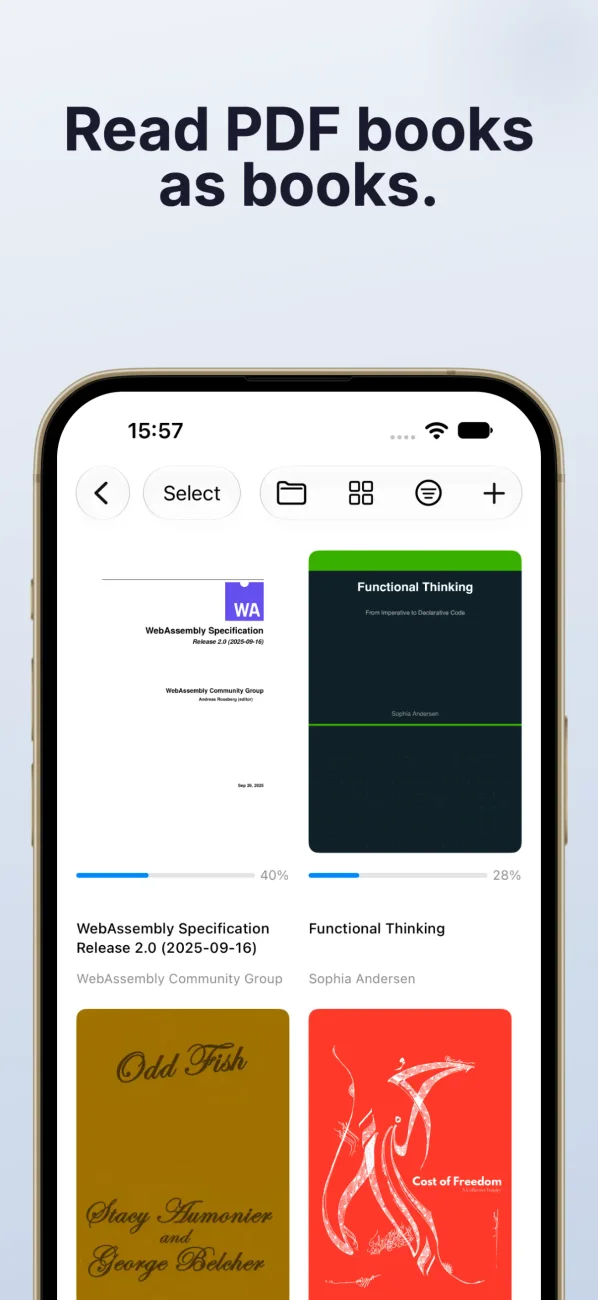
■ Library
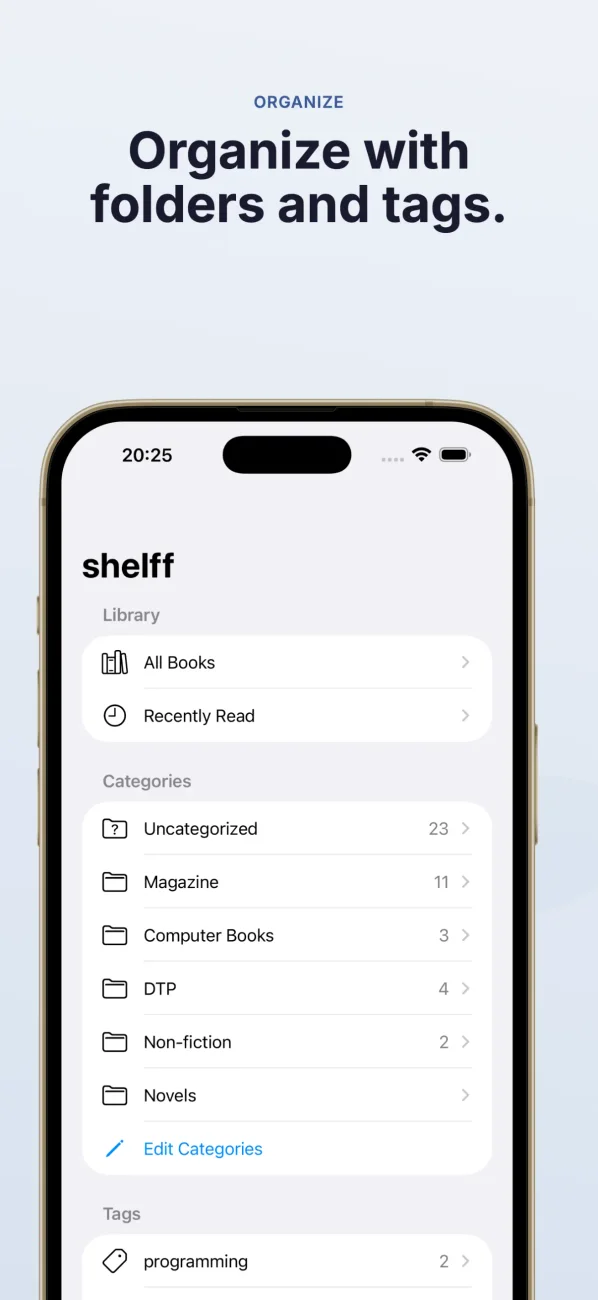
- Organize with folders or browse in a flat list
- Filter by categories and tags
- Group multi-volume works and magazine back issues into collections, with custom ordering
- Sort by title, author, date added, or last read
- Filter by reading status (unread, reading, finished)
- Full-text search across your PDFs
- Switch between grid and list views
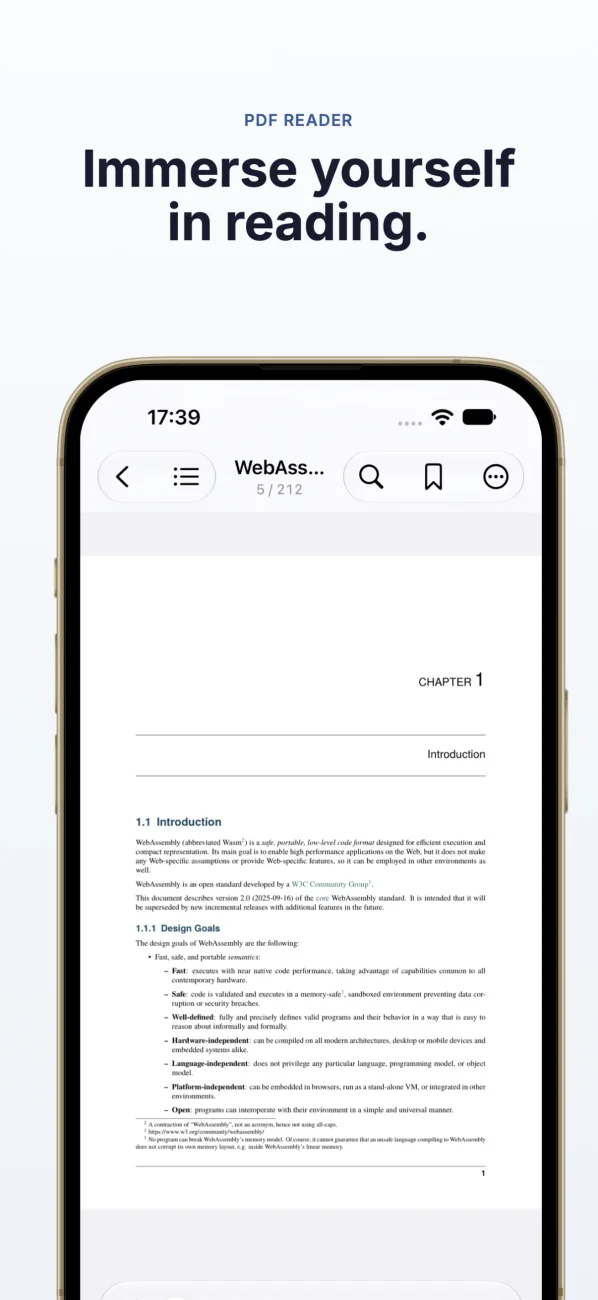
■ PDF Reader
- Immersive full-screen reader
- Single page, two-up, and two-up with cover layouts
- Left-to-right (LTR) and right-to-left (RTL) support
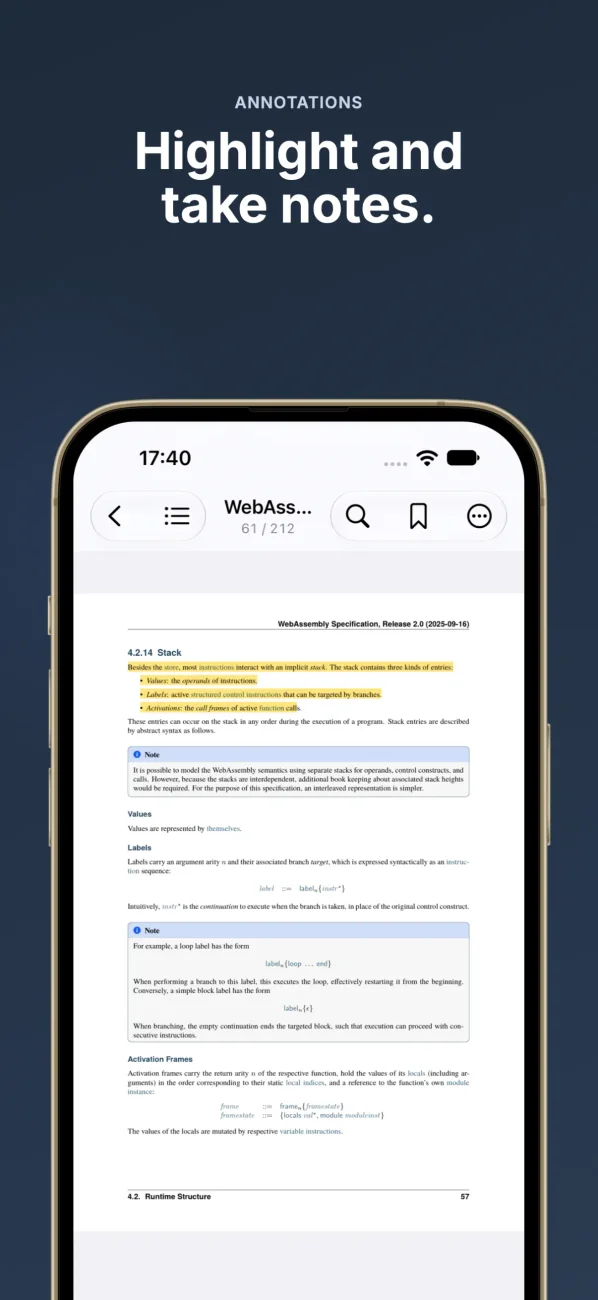
- Highlights with optional comments
- Jump from table of contents or annotation list
- In-document text search
- Crop margins per book, with mirrored or separate settings for facing pages and optional cover exclusion
- Brightness adjustment
- Encrypted PDFs supported
■ Metadata Management
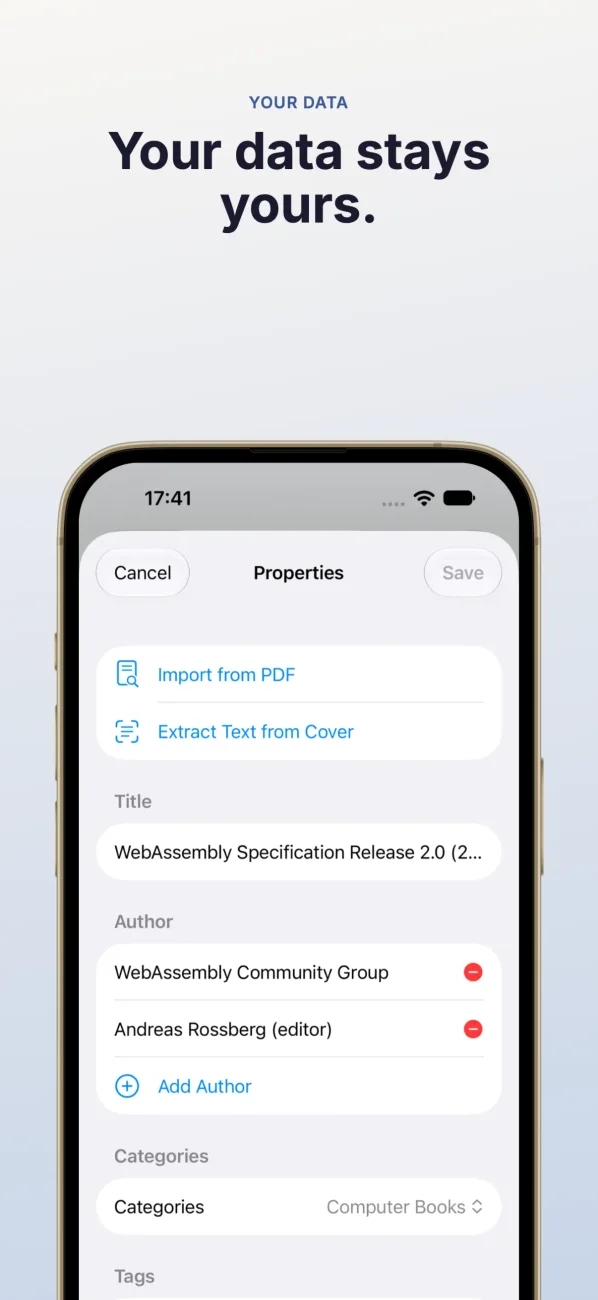
- Edit title, author, publisher, publication date, and more
- Auto-extract initial values from PDF metadata
- Automatic reading status transitions (starts reading, finishes at last page)
■ Siri, Shortcuts, and Spotlight
- Open a book, continue reading, or change reading status from Siri and Shortcuts
- Find and open books in your library from Spotlight
■ Data Transparency
- All data stored as files in iCloud Documents
- Metadata and display settings (layout, crop, etc.) in JSON; annotations in the PDF itself
- Annotations are saved as incremental updates, so existing content such as OCR text layers in scanned books stays intact
- Accessible anytime from the Files app
- On your Mac, an AI agent with shelff-mcp can search and organize the metadata JSON in your iCloud
Neue Funktionen
Version 1.8.4 · 29.10.2026
Library improvements.
- Archive books to keep them in your library but out of the way. Find them under “Archived” in the sidebar.
- Search now has a scope: within the current filter, or the entire library. In folder view, search looks inside the open folder.
- Category and tag views now group collections too.
- Select books inside a collection to edit them in bulk.
App-Datenschutz
Was Satoshi Kojima im App Store zum Umgang dieser App mit Daten angibt.
-
Keine Daten erfasst
Der Entwickler erfasst keine Daten von dieser App.
Die Datenschutzpraktiken können variieren, zum Beispiel je nach den von Ihnen verwendeten Funktionen oder Ihrem Alter.
Informationen
- Anbieter
- Satoshi Kojima
- Kategorie
- Bücher
- Version
- 1.8.4
- Aktualisiert
- 29.10.2026
- Veröffentlicht
- 03.04.2026
- Größe
- 8,7 MB
- Erfordert
- iOS 17.0 oder neuer
- Altersfreigabe
- 4+
- Preis
- 7,99 €
- Sprachen
- Englisch, Japanisch
- Copyright
- © 2026 Satoshi Kojima
Das könnte Ihnen auch gefallen
-
 Anyshelf: Comic, Buch & VideoWerbefrei. 26 Formate, PDF-MKV
-
 ComicDeck: Comic Book ReaderBücher
-
 ComiNAS - NAS Comics & VideosSMB/WebDAV/OPDS Regal&Dateien
-
 SORARI - nonADBücher
-
 Booklover - eBook ReaderBücher
-
 MapleRead SEBücher
-
 RSVP Reader: EPUB Speed ReaderSchneller lesen: Bücher & PDF
-
 WhiteBook*Bücher
-
 biblogBücher
-
 Reads - 読書のSNS&記録アプリBücher