
Shift Worker
Your roster, rota & schedule
Entwickelt für iPhone
1,99 € · In-App-Käufe
- Altersfreigabe4+
- KategorieProduktivität
- EntwicklerProduction Shed Pty Ltd
- SprachenEnglisch
- Größe13,4 MB
Verlinkt auf die offizielle App Store-Seite
Download.org hostet keine Datei von Shift Worker. Die Schaltfläche öffnet die App-Seite bei App Store, wo Production Shed Pty Ltd die App veröffentlicht. Eintrag zuletzt geprüft am 22.11.2026.
Screenshots

Info
Der Entwickler hat diesen Text nicht in Ihrer Sprache bereitgestellt.
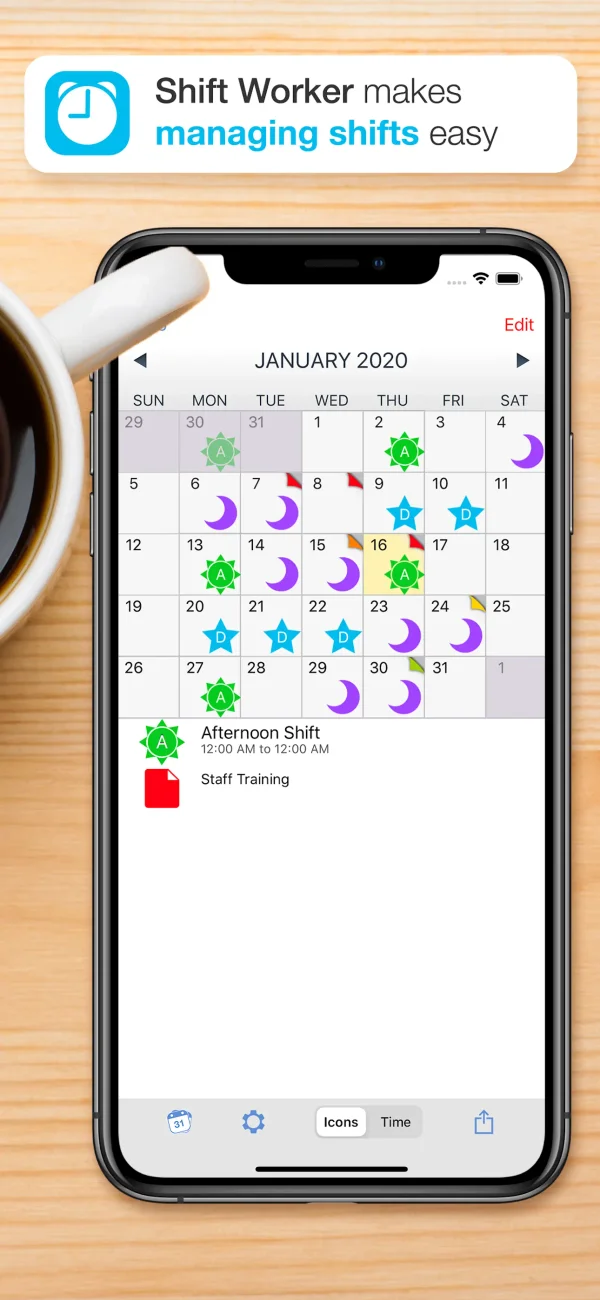
Shift Worker is the calendar built for shift work. See every shift at a glance, fill a month in seconds and never miss a start time, whether you work rotating shifts, night shifts, 12-hour days or a fixed roster.
A regular calendar isn't made for shift work. Shifts that don't fit the Monday-to-Friday week are hard to read, slow to enter and easy to lose among appointments. Shift Worker turns your roster, rota or work schedule into a clear, colourful calendar you can read in a glance. Switch between shift icons and a timeline view that shows when each shift starts and ends, with overnight shifts running across midnight, so you can see your shift flow at a glance. It's made for nurses, paramedics, police, firefighters, security, hospitality, retail, factory and warehouse staff, and anyone else who works shifts.
NEW IN SHIFT WORKER 2.0
• A completely redesigned calendar: cleaner, faster and easier to read
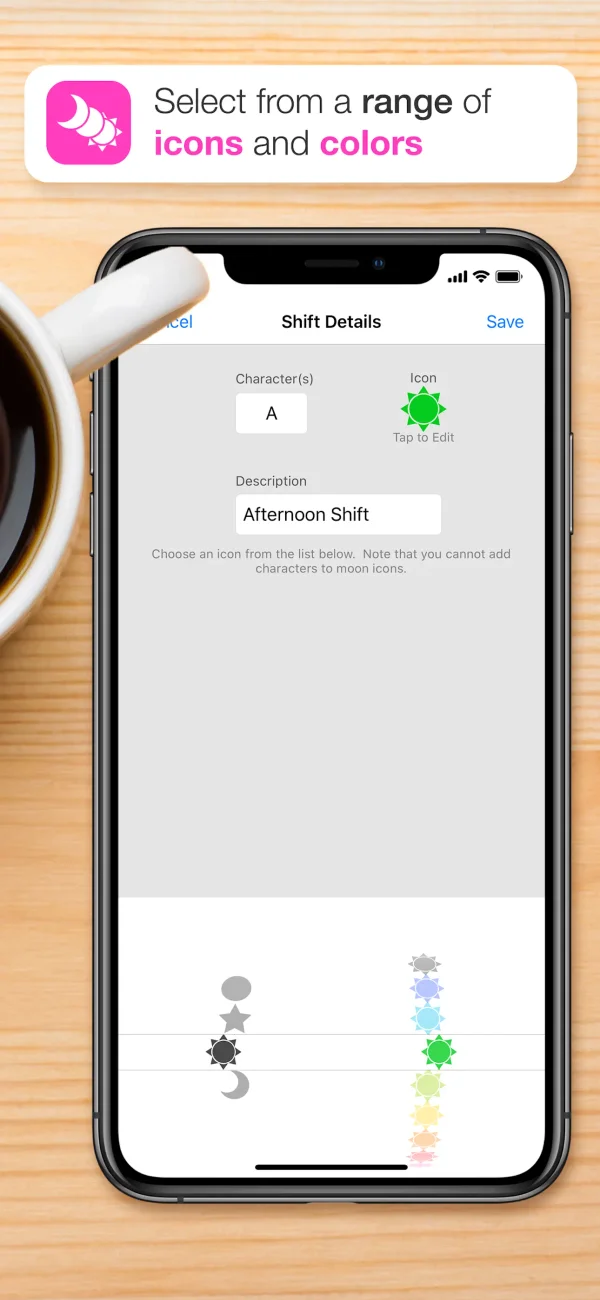
• New shift icons: ten shapes, ten colours and your own codes and times
• Light and dark mode, or follow your iPhone
• Home Screen and Lock Screen widgets that show your next shift
• Reminders before every shift, plus Day Ahead and Week Ahead notifications (Premium)
• Calendar Sync puts your shifts in any calendar on your iPhone (Premium)
• Stats show your hours, shift mix and short breaks by week, 2 weeks or month (Premium)
• Week Ahead widget (Premium)
• Prefer the original look? The Classic Calendar is still available
ENTER YOUR ROSTER IN SECONDS
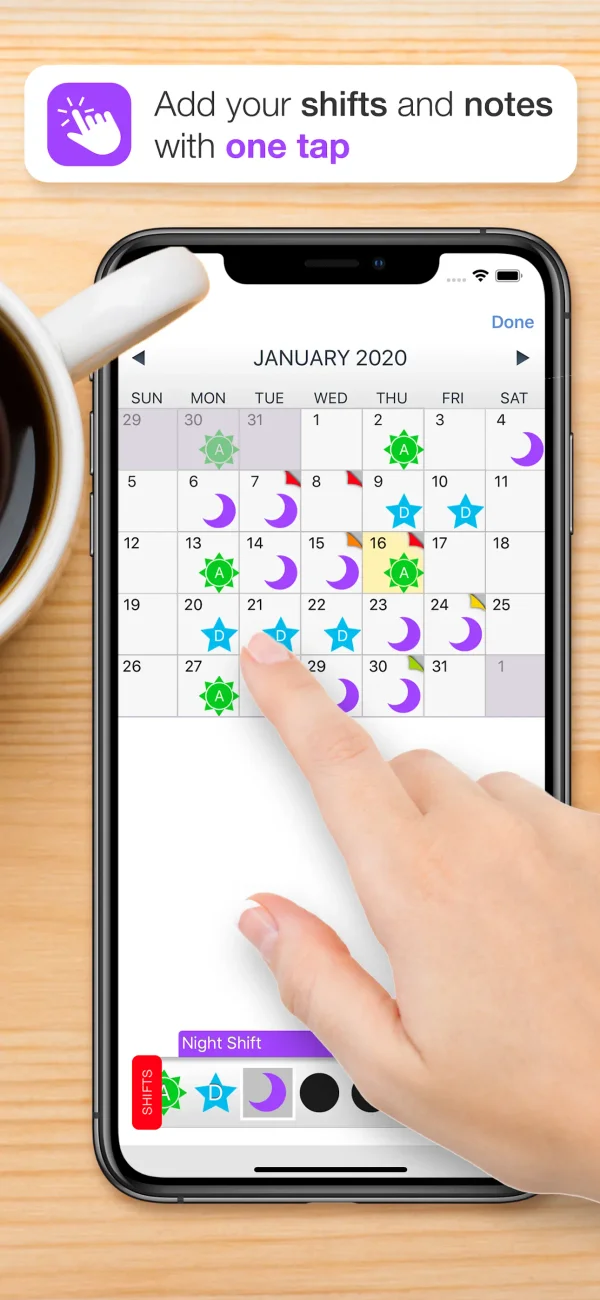
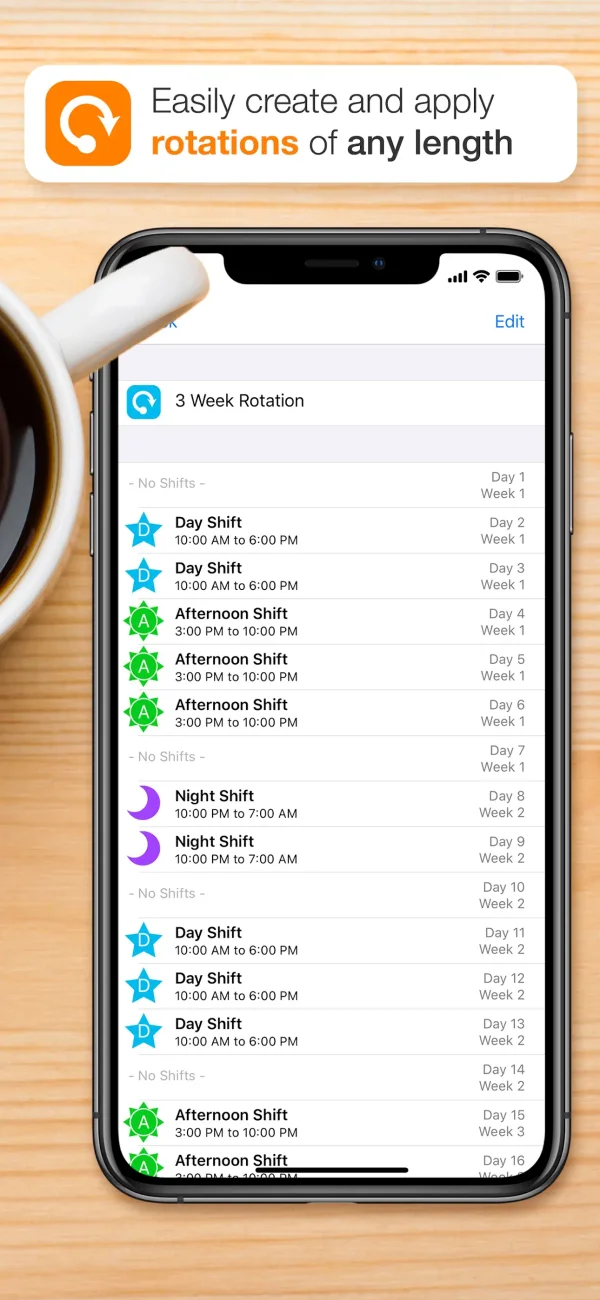
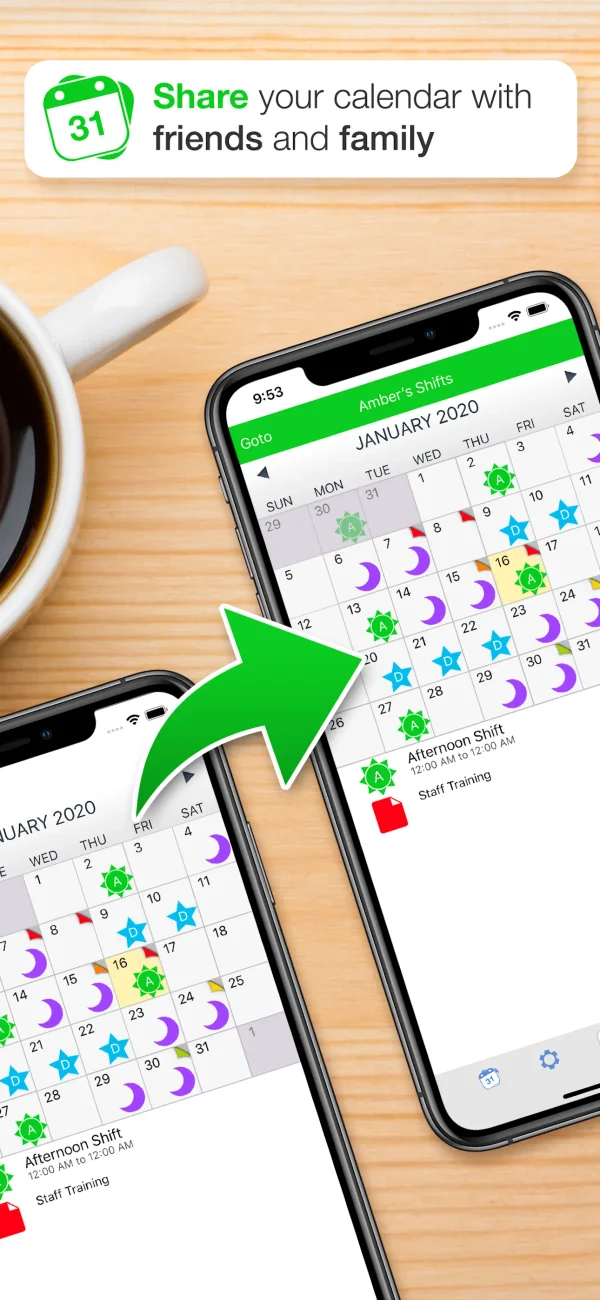
Pick a shift, then tap the days. A whole month takes seconds and a whole year takes a few minutes. Or add a rotation, like 2 Earlies, 2 Lates, 2 Nights then rest, and Shift Worker fills the calendar for you, up to 3 years ahead in one go.
YOUR SHIFTS, YOUR WAY
Create as many shift types as you need by combining icons with letters or numbers: suns and moons for day and night shifts, stars for leave, in any colour you like. Add colourful notes to any date, show week numbers or an alternating Week 1 / Week 2 pattern, and use 12-hour or 24-hour time.
SHARE WITH FAMILY AND FRIENDS
Create multiple calendars to see family and friends' shifts, share your month as an image by message, email or social media, and import shifts from other Shift Worker users to see everyone in one app.
SHIFT WORKER PREMIUM (OPTIONAL SUBSCRIPTION)
Everything in the app is included with your purchase except these Premium features:
• Reminders before every shift, plus Day Ahead and Week Ahead notifications
• Calendar Sync keeps your current and future shifts up to date in the calendar you choose
• Stats for hours, shift mix and short breaks
• The Week Ahead widget
Choose a monthly or yearly plan. Prices are shown in the app in your local currency.
No ads.
Terms of Use (EULA): https://www.apple.com/legal/internet-services/itunes/dev/stdeula/
Privacy Policy: https://shiftworkerapp.com/privacy/
Neue Funktionen
Version 2.0.1 · 17.11.2026
Shift Worker 2.0 is a complete redesign: a whole new calendar, new shift icons, widgets, Dark Mode, reminders and stats. Your existing shifts, notes and calendars come across automatically.
2.0.1
Fixed a rare crash on editing shifts
2.0
NEW
• A whole new calendar: swipe between months, tap a day to see its shift and note, and switch between shift icons and shift times
• New shift icons in ten shapes and ten colours, with your own codes
• Home Screen and Lock Screen widgets show your current and next shift
• Dark Mode, or follow your iPhone
• Plan further ahead: add a rotation up to 3 years at a time (up from 2) and browse up to 5 years ahead
• Clear a range of dates in one go
• A tidier Settings
NEW WITH PREMIUM
• Reminders before every shift, plus a Day Ahead and Week Ahead summary
• Stats: your hours, shift mix and short breaks by week, 2 weeks or month
• The Week Ahead widget
FIXED
• Switching your iPhone to 12-hour time could make your shifts look like they'd disappeared. They were never deleted, and they're back. The Time Format setting in Settings now takes priority over your iPhone's.
PREFER THE ORIGINAL?
The Classic Calendar is still here. Turn it on in Settings, then Display.
App-Datenschutz
Was Production Shed Pty Ltd im App Store zum Umgang dieser App mit Daten angibt.
-
Nicht mit Ihnen verknüpfte Daten
Können erfasst werden, sind aber nicht mit Ihrer Identität verknüpft.
- Käufe
- Kennungen
- Nutzungsdaten
- Diagnose
Die Datenschutzpraktiken können variieren, zum Beispiel je nach den von Ihnen verwendeten Funktionen oder Ihrem Alter.
Informationen
- Anbieter
- Production Shed Pty Ltd
- Kategorie
- Produktivität
- Version
- 2.0.1
- Aktualisiert
- 17.11.2026
- Veröffentlicht
- 25.01.2010
- Größe
- 13,4 MB
- Erfordert
- iOS 16.0 oder neuer
- Altersfreigabe
- 4+
- Preis
- 1,99 €
- In-App-Käufe
- Ja
- Sprachen
- Englisch
- Copyright
- © Production Shed Pty Ltd
Das könnte Ihnen auch gefallen
-
 PlanMeineSchichtAlles für Schichtarbeiter.
-
 ShiftLife KalenderKalender für Schichtarbeiter
-
 myShiftWork - Roster CalendarProduktivität
-
 My Shift Planner - CalendarProduktivität
-
 BCNU ConnectProduktivität
-
 Dienstplan kalender: SpokeSchichtplan arbeitsstunden
-
 Shiftify - Dienstplan KalenderZeiterfassung für Arbeitnehmer
-
 Shift Calendar / ScheduleProduktivität
-
 Dienstplan & Schicht kalenderSchichtplan & Schichtkalender
-
 Rota Calendar: Shift PlannerProduktivität