
Sigma Notepad Calculator
Split bills and plan trips
Entwickelt für iPhone
Kostenlos · In-App-Käufe
- Altersfreigabe4+
- KategorieProduktivität
- EntwicklerSoules Studio Ltd
- SprachenEnglisch+ 1 weitere
- Größe18,7 MB
Verlinkt auf die offizielle App Store-Seite
Download.org hostet keine Datei von Sigma Notepad Calculator. Die Schaltfläche öffnet die App-Seite bei App Store, wo Soules Studio Ltd die App veröffentlicht. Eintrag zuletzt geprüft am 12.11.2026.
Screenshots

Info
Der Entwickler hat diesen Text nicht in Ihrer Sprache bereitgestellt.
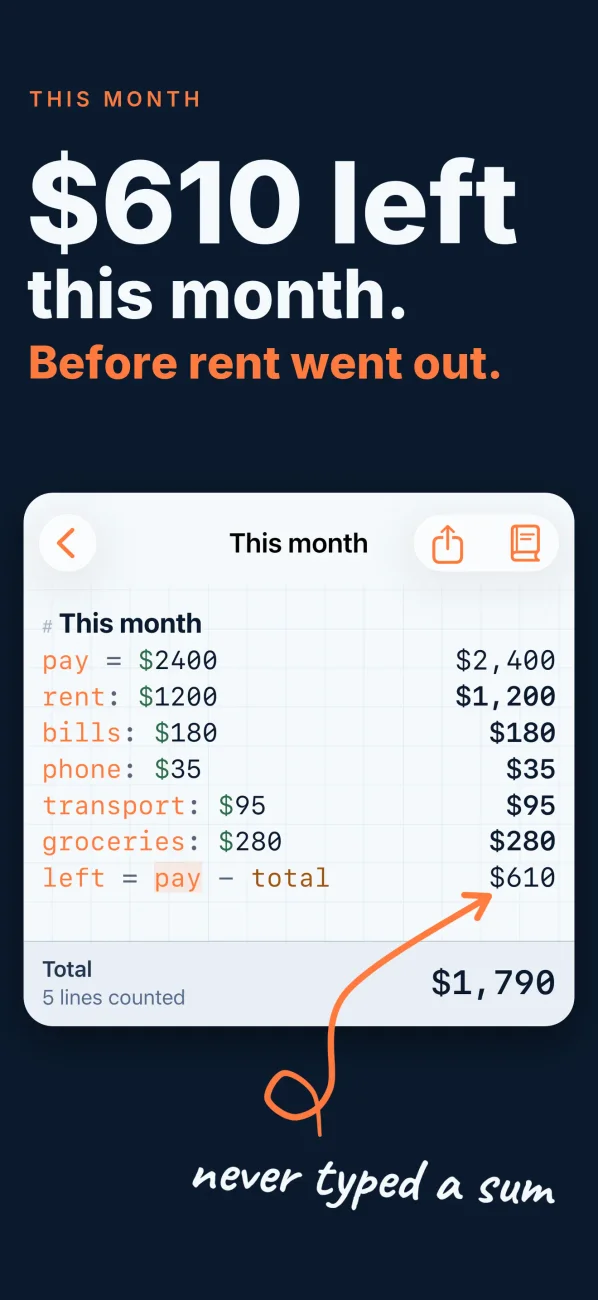
$610 left this month, before rent went out, and you never typed a sum. Sigma is a notepad that does the math while you write: every line shows its answer, and the total stays in view above the keyboard.
Know what’s left before you spend it. Write "pay = $2400", then your bills, "rent: $1200" and "food: $380", and "left = pay - total" shows $820. Rent goes up? Change one number and everything below follows.
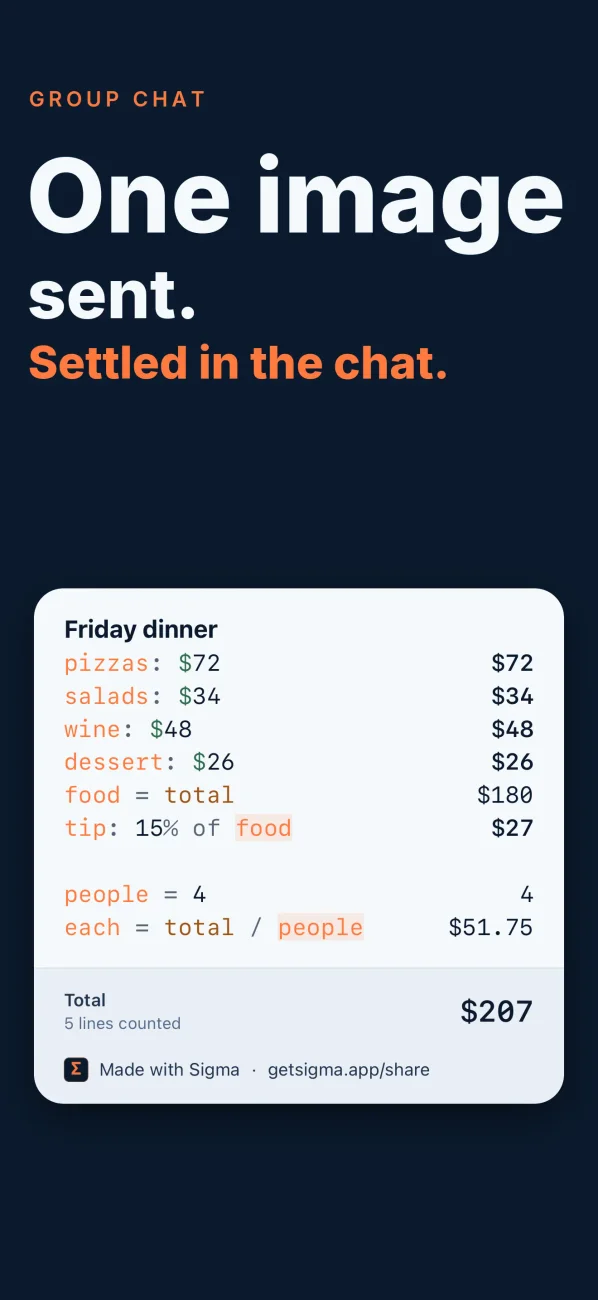
Split the bill at the table. Dinner for four, tip included, comes to $51.75 each before anyone reaches for a card. Then send the whole note to the group chat as one image, every line and the total included.
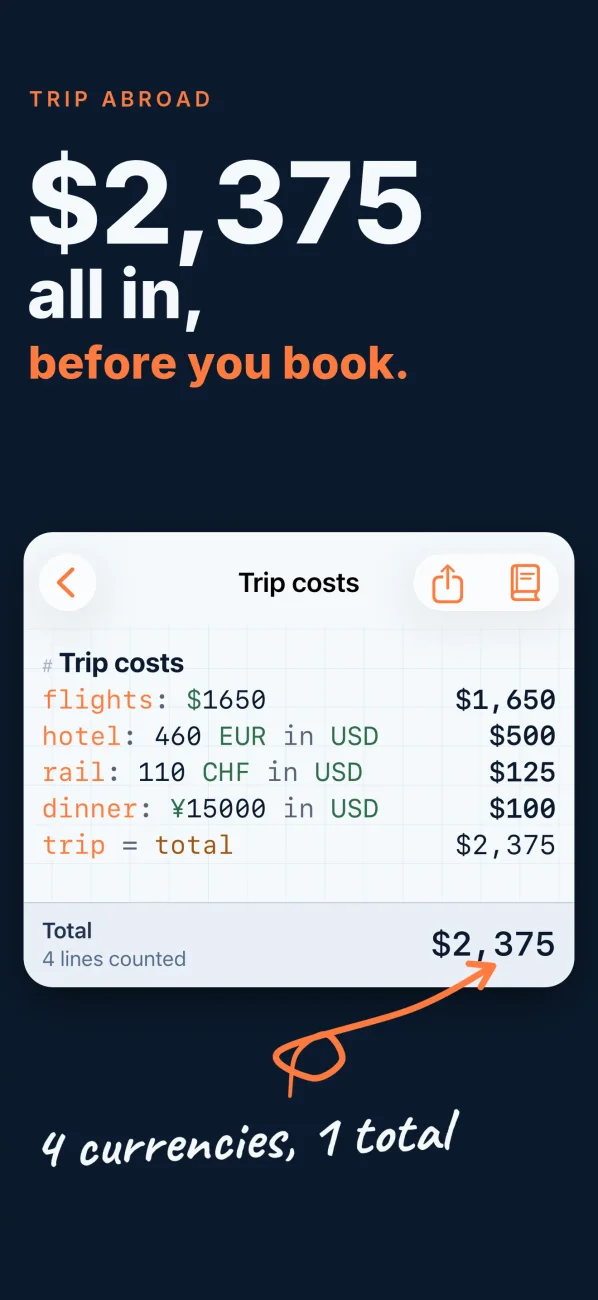
Know what the trip costs before you book. Flights in dollars, the hotel in euros, the train in Swiss francs: one total, all in, in your own currency. Rates stay live and keep working offline.
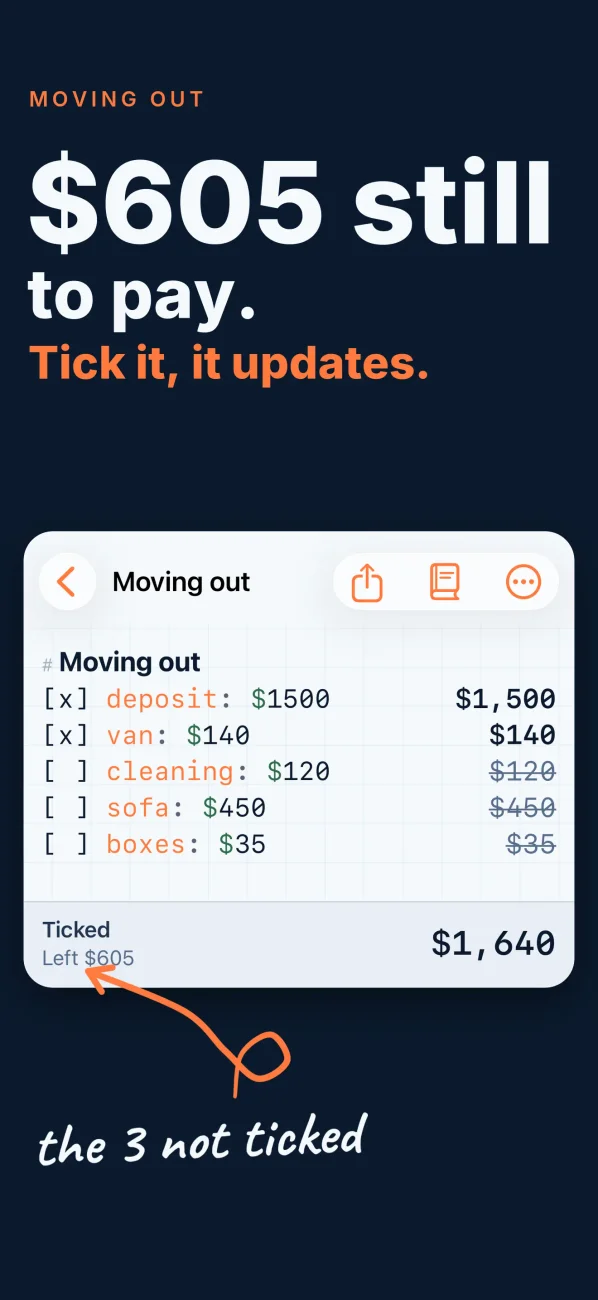
Never add up the same list twice. Tick what’s paid and the total shows what’s still to pay. Give each part of a list a heading and each part gets its own total.
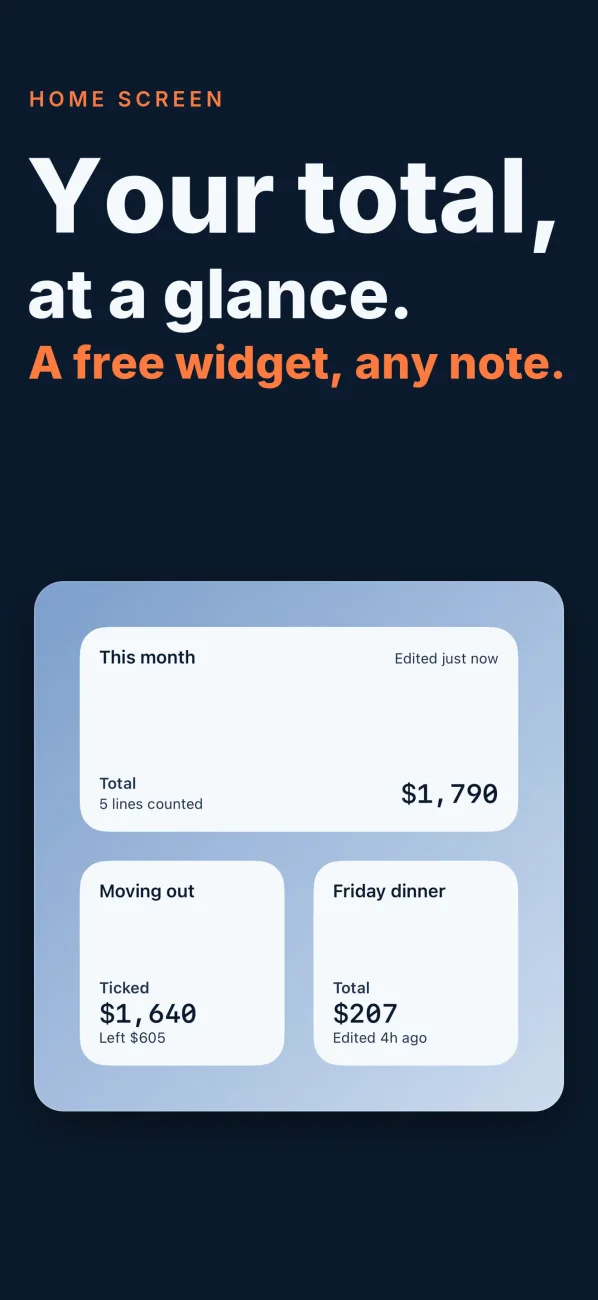
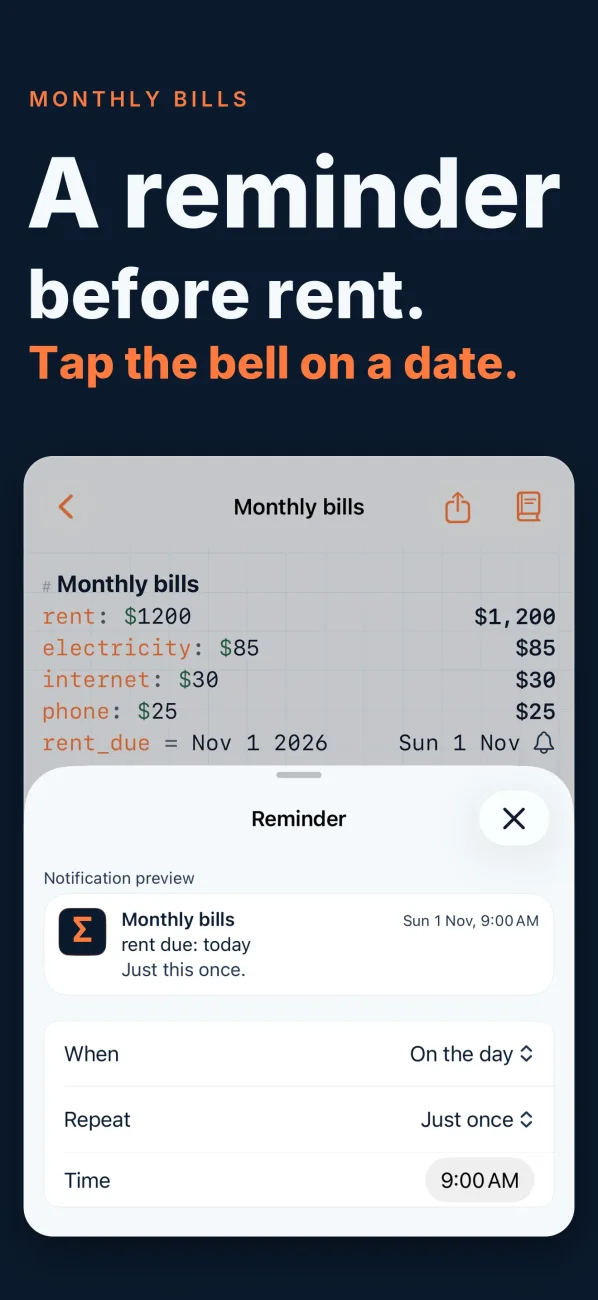
Your totals, without opening a note. Ask Siri for your Groceries total in Sigma, keep a note’s total on your Home Screen with the free widget, and set a reminder on a date in your note.
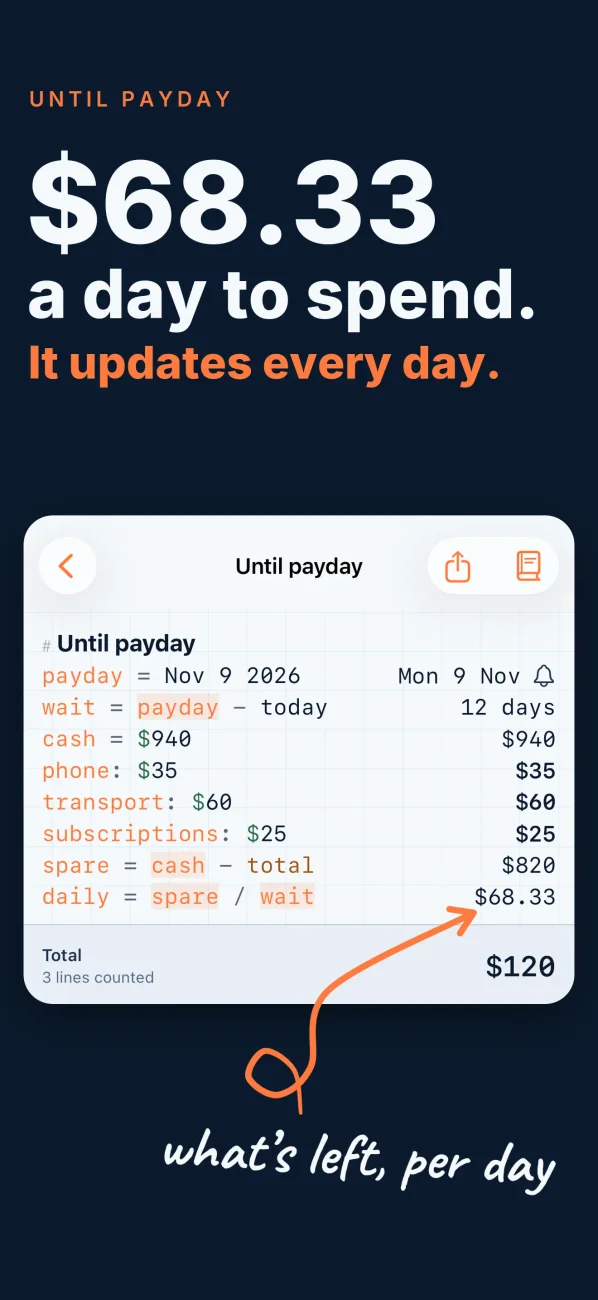
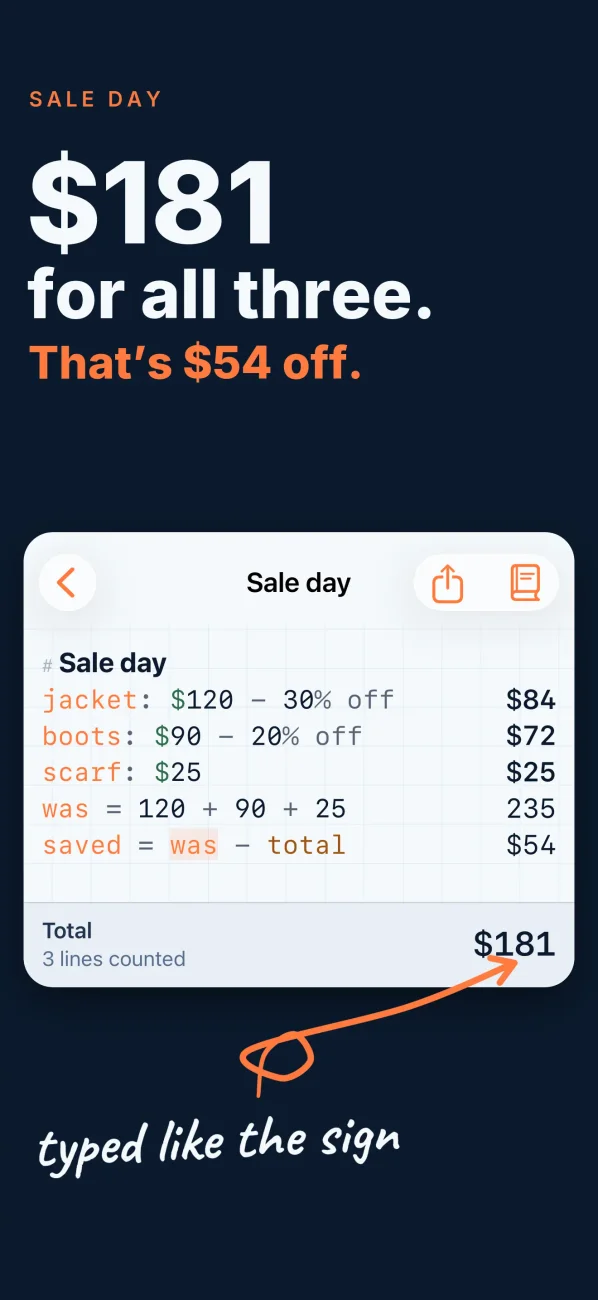
And all the everyday math around it. How many days until an invoice is due. Whether a 220 cm sofa fits an 8 ft wall. What you really saved at the sale. What a week of freelance work comes to. Percentages, units, dates and currencies, written the way you’d say them, with square roots, hex and trigonometry when you need them.
Every line answers as you type. No formulas, no grid, and one rule to learn: a colon counts, an equals sign doesn’t.
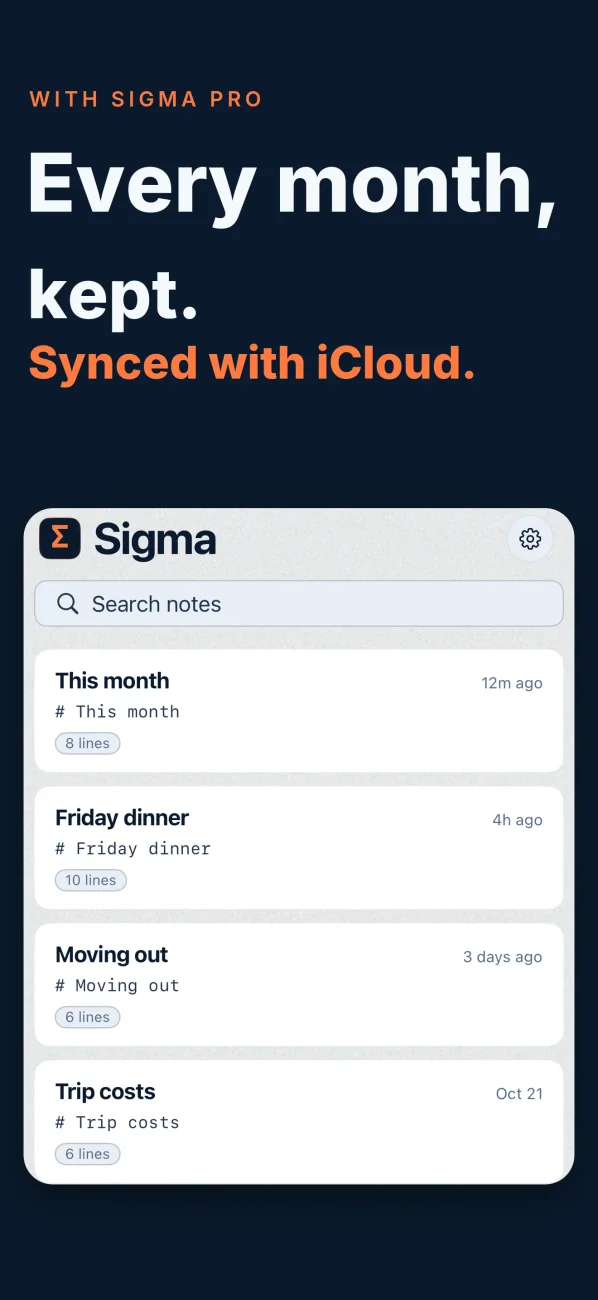
Free: three notes and the full calculator. No ads, no time limit. Sigma Pro keeps every month: unlimited notes, iCloud sync, export to PDF, Markdown and plain text, and five more themes. Sigma Pro is a single payment or monthly.
Your notes stay on your iPhone, and iCloud sync uses your own private iCloud database, never our servers. Works in English and French.
Terms of Use (EULA): https://www.apple.com/legal/internet-services/itunes/dev/stdeula/
Privacy Policy: https://getsigma.app/privacy
Neue Funktionen
Version 1.4.0 · 02.11.2026
Hands full at the checkout? Ask Siri for your Groceries total in Sigma and hear it without opening the app. Ask Siri to open Lisbon trip in Sigma and it goes straight to the note. It also works from Spotlight and Shortcuts, and from the Action button if your iPhone has one and you assign it. Open Sigma once after updating so Siri knows your notes.
Typing a list is quicker too. A bar above the keyboard holds colon, equals, plus, times, percent, heading, checkbox and underscore, no more symbol pages. Type two letters of a name from higher up and tap it to finish the word, spelled as above, so a typo doesn’t break a sum.
Scrolling a long note with the keyboard down, the total bar slides away for more room and returns when you scroll up, stop or reach the end.
App-Datenschutz
Was Soules Studio Ltd im App Store zum Umgang dieser App mit Daten angibt.
-
Nicht mit Ihnen verknüpfte Daten
Können erfasst werden, sind aber nicht mit Ihrer Identität verknüpft.
- Käufe
- Kennungen
- Nutzungsdaten
- Diagnose
Die Datenschutzpraktiken können variieren, zum Beispiel je nach den von Ihnen verwendeten Funktionen oder Ihrem Alter.
Informationen
- Anbieter
- Soules Studio LTD
- Kategorie
- Produktivität
- Version
- 1.4.0
- Aktualisiert
- 02.11.2026
- Veröffentlicht
- 26.05.2026
- Größe
- 18,7 MB
- Erfordert
- iOS 17.0 oder neuer
- Altersfreigabe
- 4+
- Preis
- Kostenlos
- In-App-Käufe
- Ja
- Sprachen
- Englisch, Französisch
- Copyright
- © 2026 Soules Studio Ltd
Das könnte Ihnen auch gefallen
-
 Kapy Notes - Memo & CalculatorProduktivität
-
 InkCalc: Notepad CalculatorProduktivität
-
 Outloud: KI-SprachtagebuchSprachnotizen & To-do-Listen
-
 Numerus: Calculation NotebookProduktivität
-
 KoladaProduktivität
-
 Notepad Calculator: CalcEnProduktivität
-
 Plusm: Notizblock & RechnerUmrechner für Währungen
-
 Takt - Notes & TasksSichere Notes & Tasks
-
 CalcNote: Calc Log & FoldersProduktivität
-
 CalclinProduktivität