
- Altersfreigabe4+
- KategorieProduktivität
- EntwicklerTomasz Smieja
- SprachenEnglisch
- Größe22,9 MB
Verlinkt auf die offizielle App Store-Seite
Download.org hostet keine Datei von Skein Notes. Die Schaltfläche öffnet die App-Seite bei App Store, wo Tomasz Smieja die App veröffentlicht. Eintrag zuletzt geprüft am 25.11.2026.
Screenshots


Info
Der Entwickler hat diesen Text nicht in Ihrer Sprache bereitgestellt.
Skein is a notes app for people who want to keep their own files.
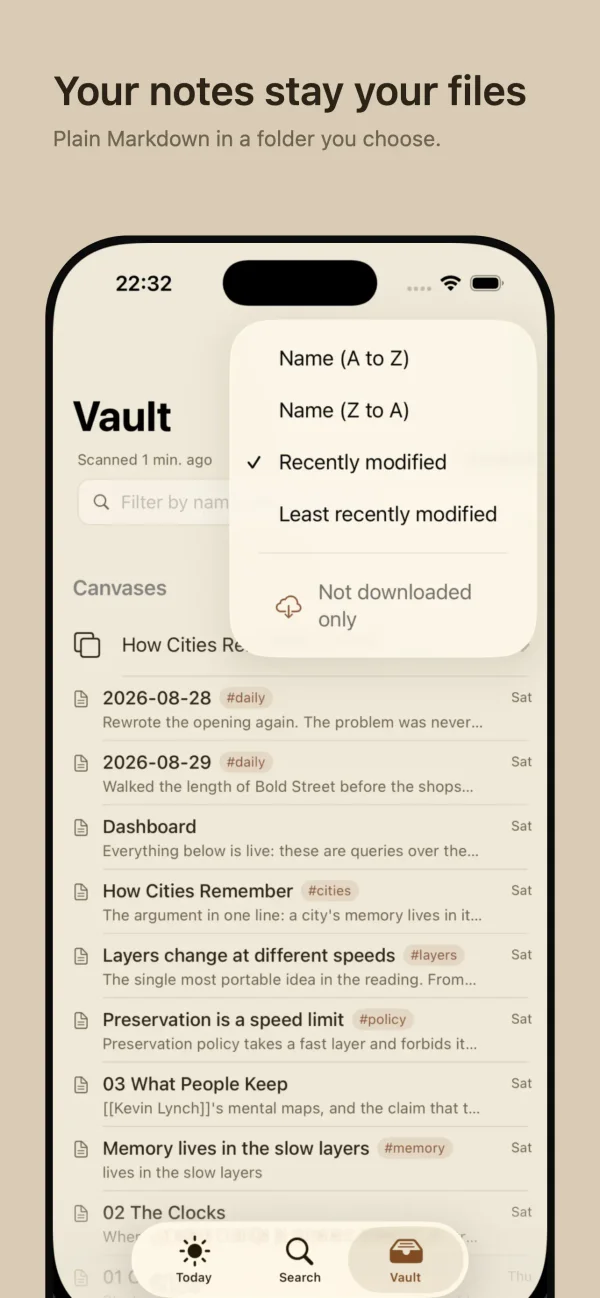
Your vault is a folder of plain Markdown on your device or in iCloud Drive. Skein reads and writes those files directly — the same folder you open in Skein for Mac, or in any other editor. Nothing is locked in a database, and there is no service in the middle.
Write it down before you lose it
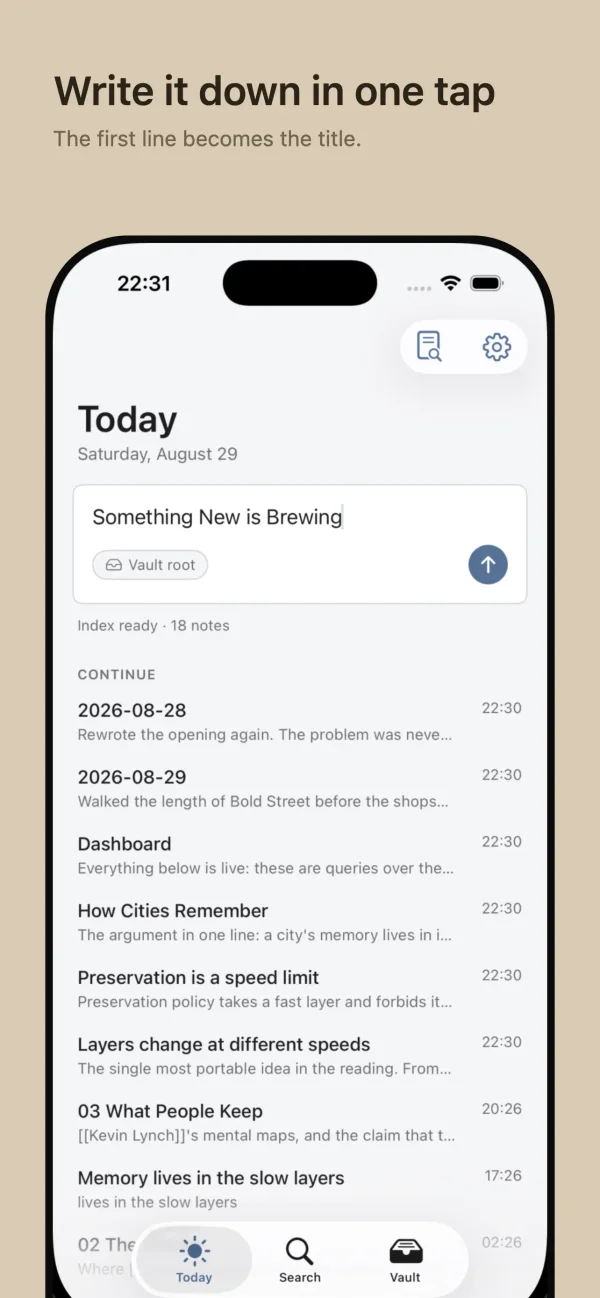
The app opens on a capture field. Type the thought and send it; the first line becomes the note's title and Skein files it where you told it to. No dialog, no folder picker, no naming a file before you have written anything.
Find it again
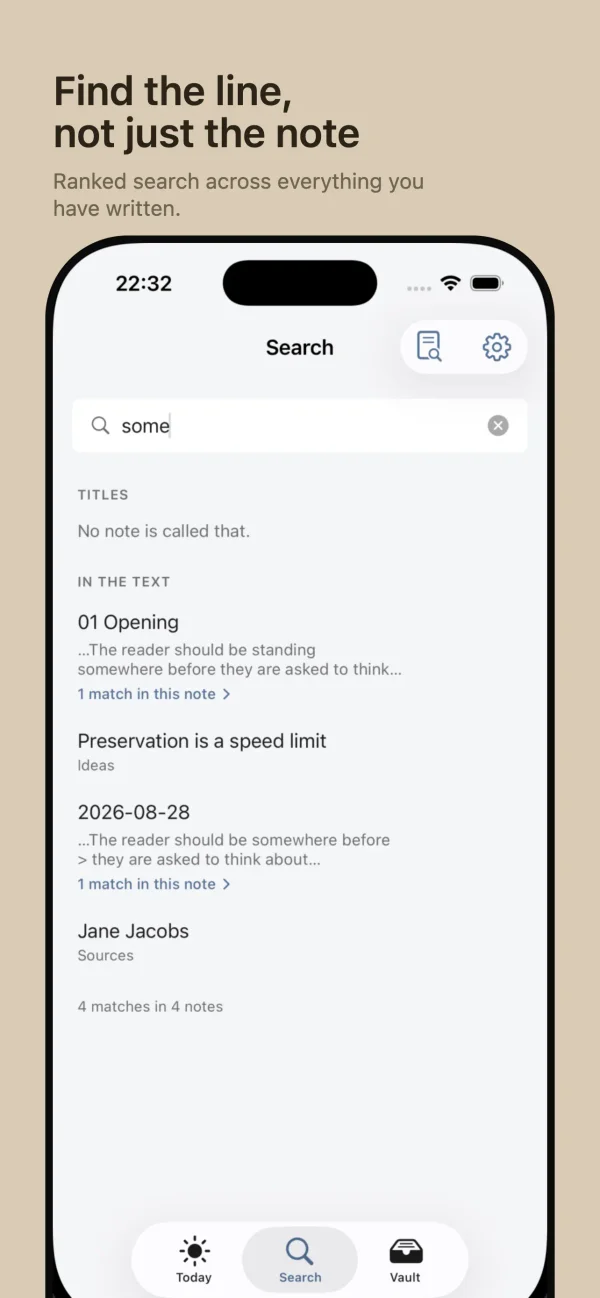
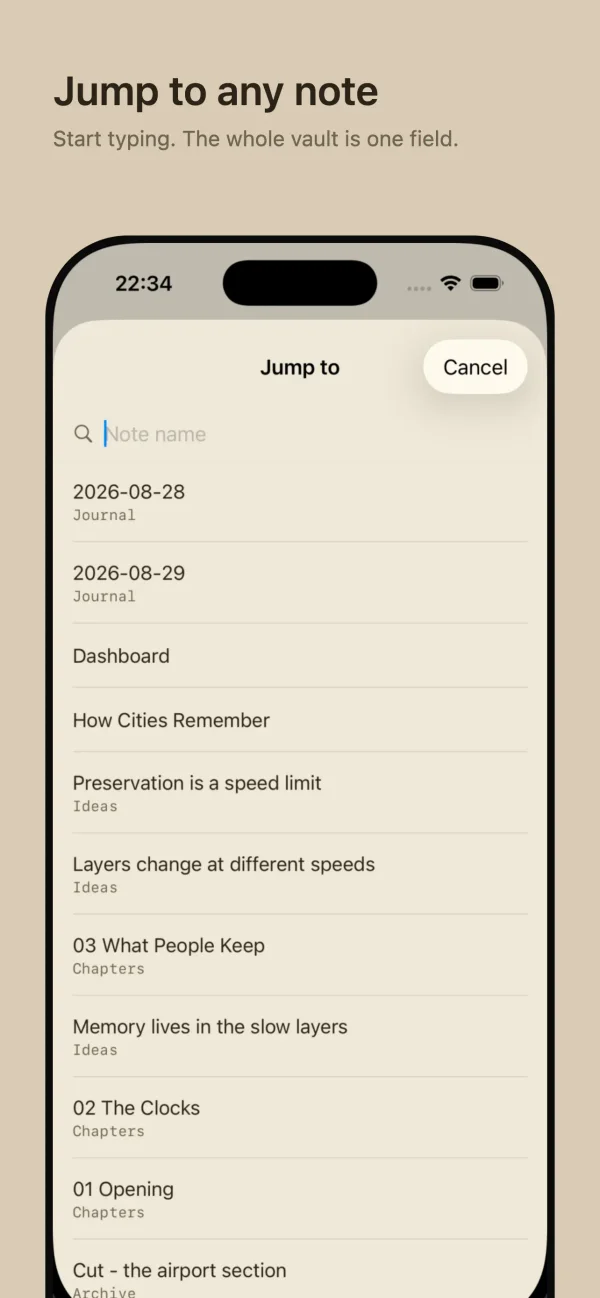
Search matches titles the moment you start typing and searches inside every note once the index is ready, ranked, with the matching lines and their line numbers — tap one and land on it. The Vault filters by name, by #tag or by folder in one field, and tags are real: tap one anywhere in the app to see everything carrying it.
Real Markdown, properly
Headings, lists, task lists, tables, footnotes, code blocks, callouts, ==highlights== and [[wikilinks]] — read cleanly and edited as text. A keyboard bar puts the things you actually reach for above the keys, including arrows that move by character and by word, and you can choose which of them appear. Type / for a command, #for a tag it already knows.
Canvas
Open a JSON Canvas board, move cards, connect them, colour them and write on them. The same file, the same format Obsidian writes, so a board made on the Mac opens here and back again.
It keeps your writing safe
Skein keeps earlier versions of a note as you edit, so you can go back to what you wrote this morning. When the same note has been changed in two places, Skein keeps both and asks — it never picks a winner quietly.
Also
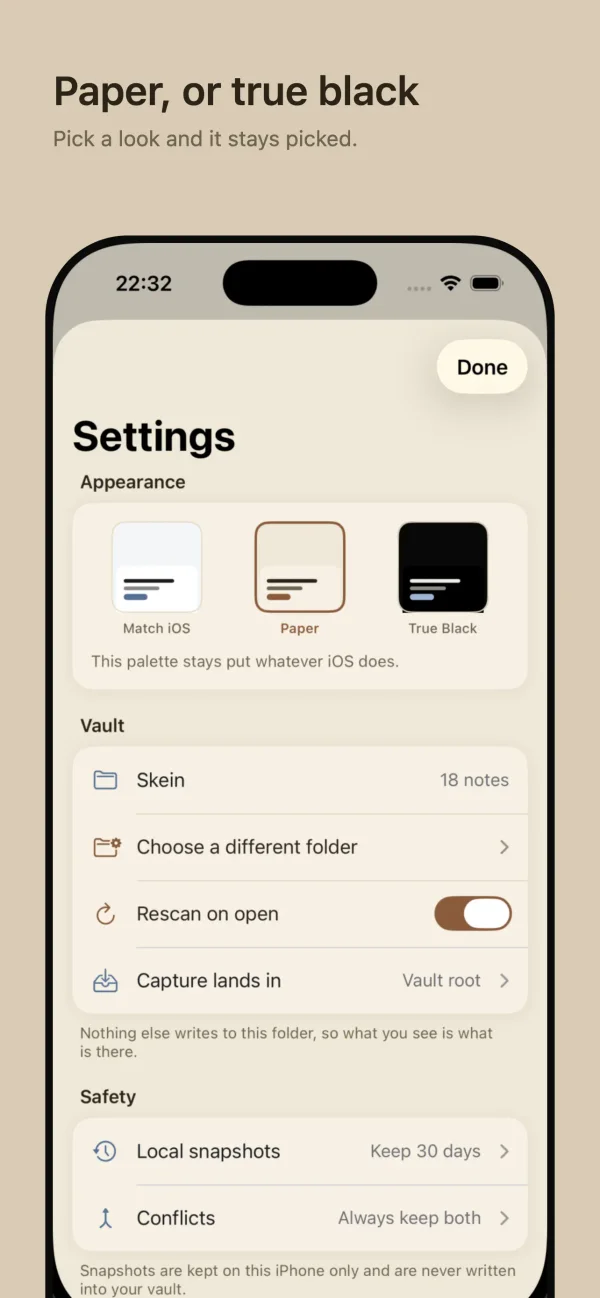
Share text from any app straight into your vault. Four themes, including one for reading at night. Dynamic Type throughout, and full VoiceOver support.
Skein does not have an account, a subscription for the basics, a server, or telemetry. Your notes never leave your device except through iCloud Drive, which is yours.
Skein for Mac is a separate app on the same purchase.
Neue Funktionen
Version 1.1.4 · 24.11.2026
Interface size: make lists, menus, search and Settings larger (or smaller) in Settings > Appearance, on top of the Text Size in iPhone Settings. Your notes keep their own Reading size.
Fonts added by a font app now work for your notes: Settings > Editor > Face > Other font.
Highlights are yellow, and you can choose their colour in Settings > Editor > Highlight. Select text and choose Format > Highlight Colour to give one highlight its own colour, change it or take it off. Coloured highlights from Obsidian keep their colours.
A folder you have given a colour shows its icon filled, so it is easier to spot.
Two highlights in one paragraph stay two highlights.
App-Datenschutz
Was Tomasz Smieja im App Store zum Umgang dieser App mit Daten angibt.
-
Keine Daten erfasst
Der Entwickler erfasst keine Daten von dieser App.
Die Datenschutzpraktiken können variieren, zum Beispiel je nach den von Ihnen verwendeten Funktionen oder Ihrem Alter.
Informationen
- Anbieter
- Teze Ltd
- Kategorie
- Produktivität
- Version
- 1.1.4
- Aktualisiert
- 24.11.2026
- Veröffentlicht
- 20.08.2026
- Größe
- 22,9 MB
- Erfordert
- iOS 17.0 oder neuer
- Altersfreigabe
- 4+
- Preis
- Kostenlos
- Sprachen
- Englisch
- Copyright
- © 2026 TeZe
Das könnte Ihnen auch gefallen
-
 Recto MDProduktivität
-
 md.tooProduktivität
-
 BitEditorProduktivität
-
 Menu Bar Notes: Quick CaptureProduktivität
-
 SnapNote: Offline AI ScannerProduktivität
-
 qLog: Read & RecallProduktivität
-
 I Saved This. Why?Produktivität
-
 Monolist: Todo & AufgabenlisteErinnerungen, Notizen & Widget
-
 Notizen & Tagebuch-HandschriftJournal mit Sperre & Stickern
-
 Peak Browser: AI WorkspacePrivater KI-Assistent & Kanban