SlideCam: Session Camera
Slide Capture for Conferences
Entwickelt für iPhone, iPad, iPod touch
Kostenlos · In-App-Käufe
- Altersfreigabe4+
- KategorieFoto und Video
- EntwicklerKENICHI KAMBARA
- SprachenEnglisch
- Größe93,2 MB
Verlinkt auf die offizielle App Store-Seite
Download.org hostet keine Datei von SlideCam: Session Camera. Die Schaltfläche öffnet die App-Seite bei App Store, wo KENICHI KAMBARA die App veröffentlicht. Eintrag zuletzt geprüft am 23.11.2026.
Screenshots

Info
Der Entwickler hat diesen Text nicht in Ihrer Sprache bereitgestellt.
The smart camera app built for capturing lecture and presentation slides.
SlideCam makes it easy to photograph slides during presentations, lectures, or seminars — and keeps everything neatly organized by session so you can find what you need later.
■ Key Features
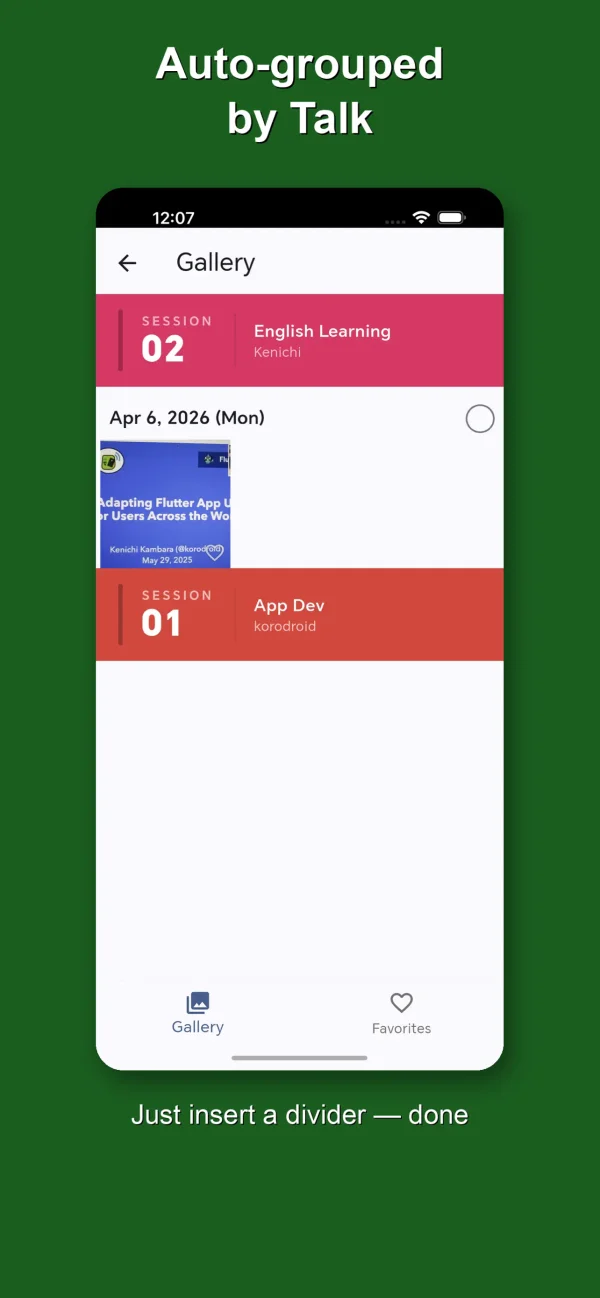
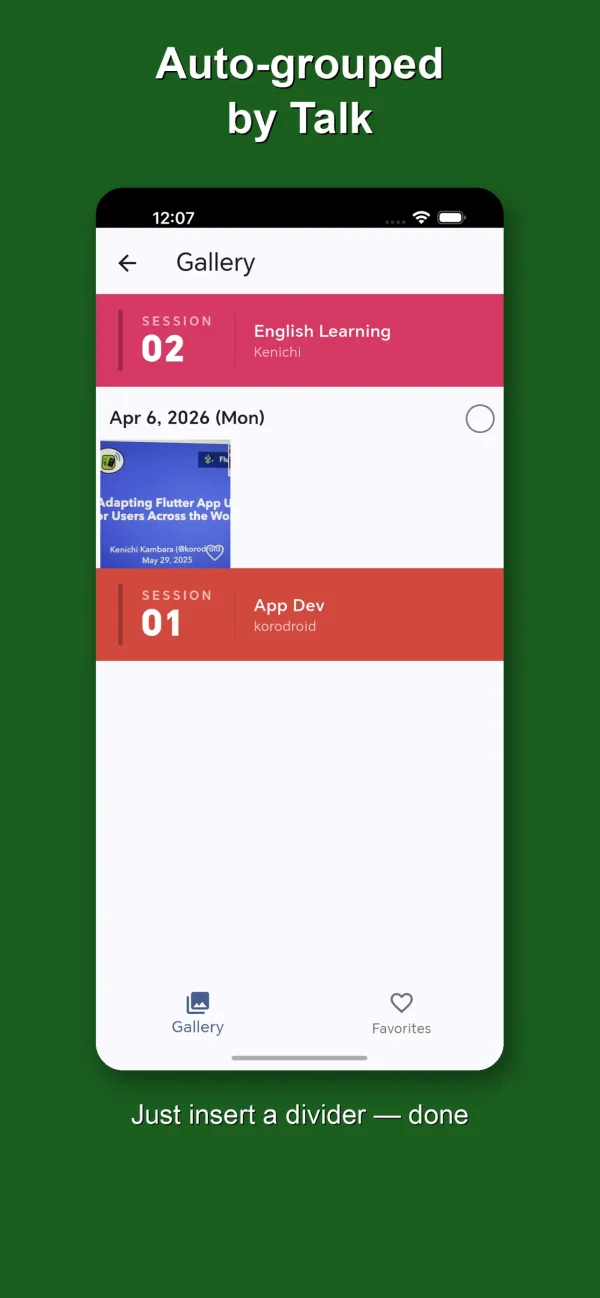
Session-Based Organization
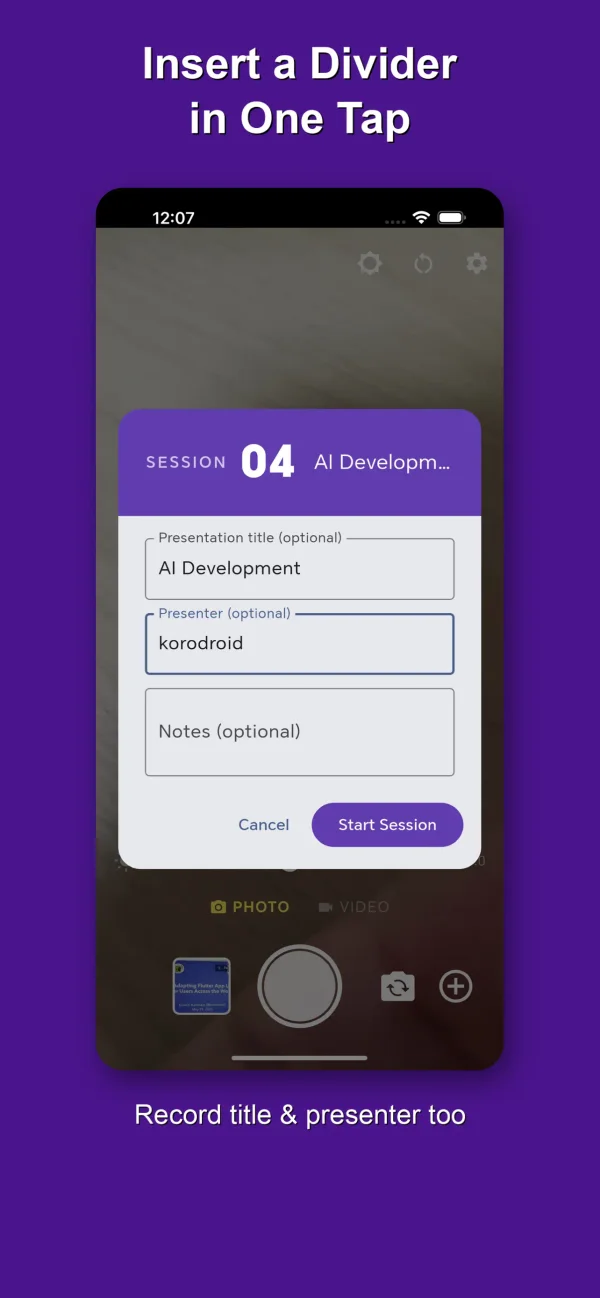
- Group your photos into sessions with a title, presenter name, and notes
- Each session gets a color-coded header card for quick browsing
- Start a new session with one tap, even mid-presentation
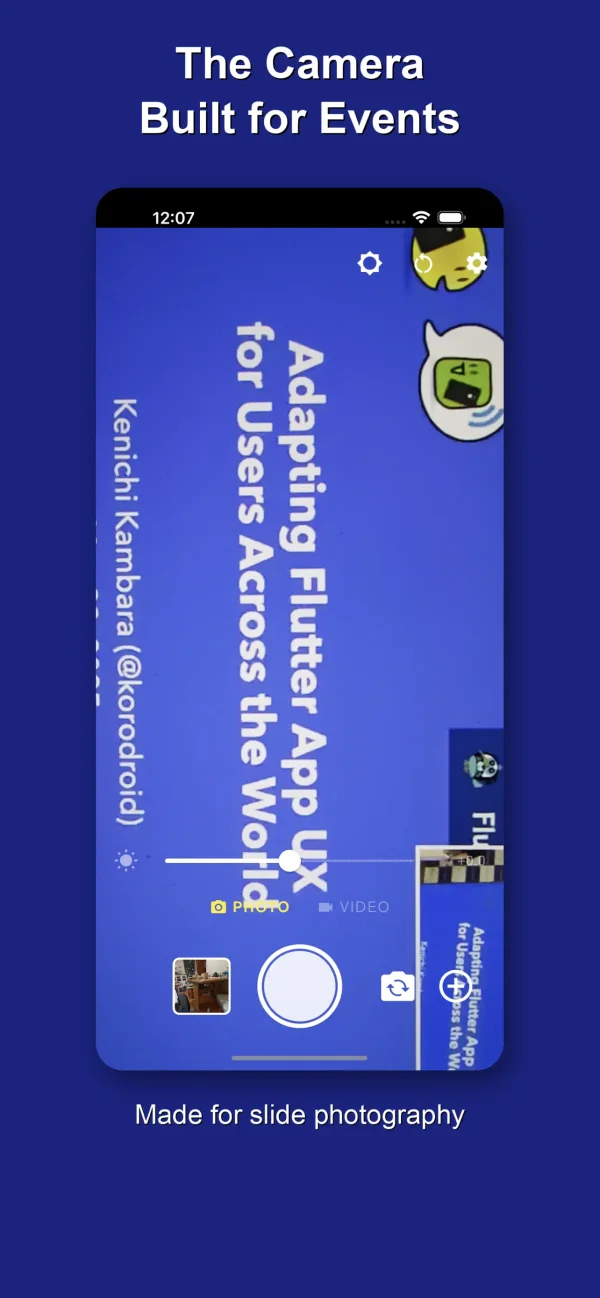
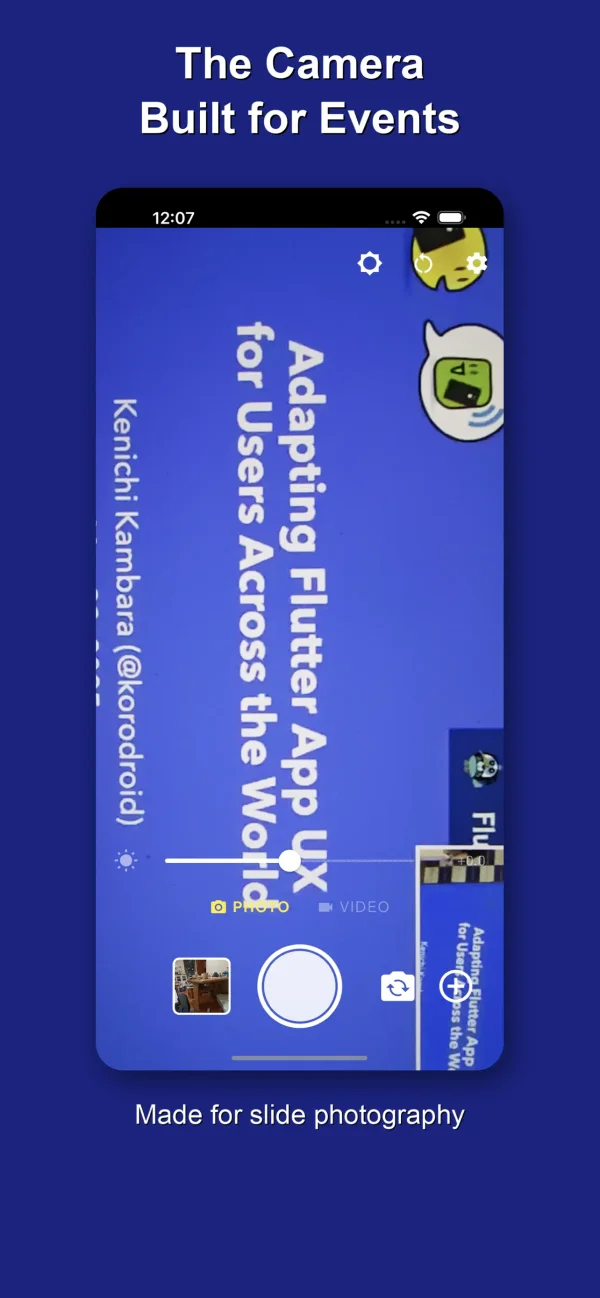
Camera Built for Slides
- Clean, distraction-free camera UI optimized for slide capture
- Pinch-to-zoom and tap-to-focus for sharp, accurate shots
- Max brightness mode to keep the screen visible in dark rooms
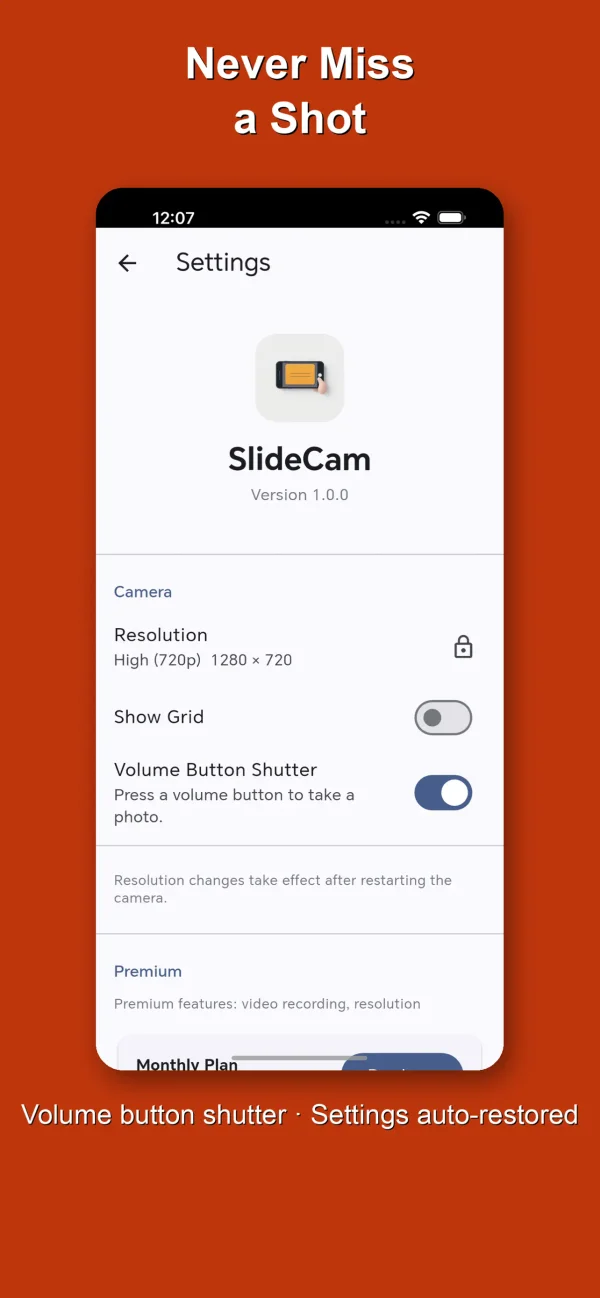
- Volume button shutter — no need to reach for the screen
Gallery
- Scroll through all your shots grouped by session and date
- Full-screen viewer with pinch zoom
- Mark favorites for quick reference
- Multi-select and batch delete to clean up fast
Saved to Your Device
- All photos are saved to your device gallery (SlideCam album)
- No account required, no cloud upload — your data stays on your phone
■ Premium Features
Upgrade to Premium (Monthly or One-time)
- Video recording mode — capture live demos and moving content
- High-resolution camera (up to Ultra HD / 4K)
Free vs. Premium
- Photo capture: Free (up to 3/session, 3 sessions/day) / Premium (unlimited)
- Video recording: Free (not available) / Premium (available)
- Camera resolution: Free (720p fixed) / Premium (up to 4K)
■ Premium Plans
- Monthly: ¥250/month (cancel anytime)
- One-time: ¥1,800 (pay once, use forever)
Both plans unlock the same premium features.
■ Perfect For
- Students photographing lecture slides or whiteboards
- Attendees at conferences, seminars, and workshops
- Teachers and presenters reviewing their own materials
- Anyone who needs a fast, organized way to capture visual content
Many features are available for free, but we also offer premium plans for an even better experience.
Both monthly and one-time purchase plans are available, and both provide the same premium features.
Have feedback or questions? Leave a review — we read every one and continuously improve the app based on your input.
Privacy Policy: https://www.iplatform.org/blog/
Terms of Use (EULA): https://www.apple.com/legal/internet-services/itunes/dev/stdeula/
Neue Funktionen
Version 1.5.0 · 11.11.2026
• The camera preview resumes faster when you pick up your device from a desk (Premium only).
• Try offline text search for slide photos in 11 languages, including Japanese and English (experimental).
• Back up photos, videos, and settings, then restore them on a new device.
• Swipe left or right to move between photos and videos in the viewer. Add or edit notes on videos.
• Collapse groups or select all items in a group by event, session, or date.
App-Datenschutz
Was KENICHI KAMBARA im App Store zum Umgang dieser App mit Daten angibt.
-
Nicht mit Ihnen verknüpfte Daten
Können erfasst werden, sind aber nicht mit Ihrer Identität verknüpft.
- Käufe
- Kennungen
- Nutzungsdaten
Die Datenschutzpraktiken können variieren, zum Beispiel je nach den von Ihnen verwendeten Funktionen oder Ihrem Alter.
Informationen
- Anbieter
- KENICHI KAMBARA
- Kategorie
- Foto und Video
- Version
- 1.5.0
- Aktualisiert
- 11.11.2026
- Veröffentlicht
- 06.05.2026
- Größe
- 93,2 MB
- Erfordert
- iOS 15.0 oder neuer
- Altersfreigabe
- 4+
- Preis
- Kostenlos
- In-App-Käufe
- Ja
- Sprachen
- Englisch
- Copyright
- © KENICHI KAMBARA
Das könnte Ihnen auch gefallen
-
 Rectify – FolienkorrekturAutomatisch bei Folienwechsel
-
 re.photosWo Geschichte einst stand
-
 RNI ColibriFoto und Video
-
 Shot by AIEditoriale KI-Fotofilter
-
 EyeStabilizer: Augen aufnehmenAugenbewegungen als Video
-
 Before & After Compare PhotoFoto und Video
-
 Photo PradoFoto und Video
-
 Micro Drone FlyFoto und Video
-
 Passport Photo Maker & BoothFoto und Video
-
 BENRO GIMBALFoto und Video