Smart Printer App and Scan
Scan, Edit & Print Photo, PDF
Entwickelt für iPhone
Kostenlos · In-App-Käufe
- Altersfreigabe4+
- KategorieWirtschaft
- EntwicklerPixelRis Inc.
- SprachenEnglisch
- Größe37,0 MB
Verlinkt auf die offizielle App Store-Seite
Download.org hostet keine Datei von Smart Printer App and Scan. Die Schaltfläche öffnet die App-Seite bei App Store, wo PixelRis Inc. die App veröffentlicht. Eintrag zuletzt geprüft am 12.11.2026.
Screenshots

Info
Der Entwickler hat diesen Text nicht in Ihrer Sprache bereitgestellt.
Smart Printer App and Scan
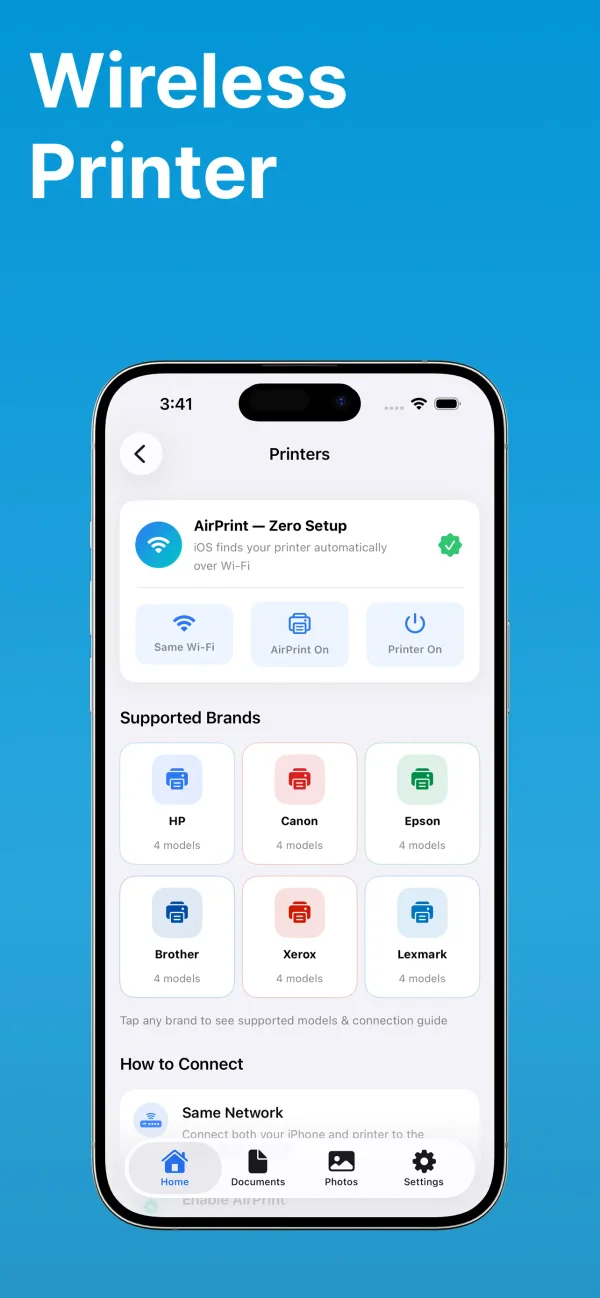
Turn your iPhone or iPad into a powerful printing and scanning hub — no cables, no drivers, no hassle. Smart Printer App and Scan connects wirelessly to over 7,500 printer models from all major brands, giving you the freedom to print, scan, fax, and manage documents right from your pocket.
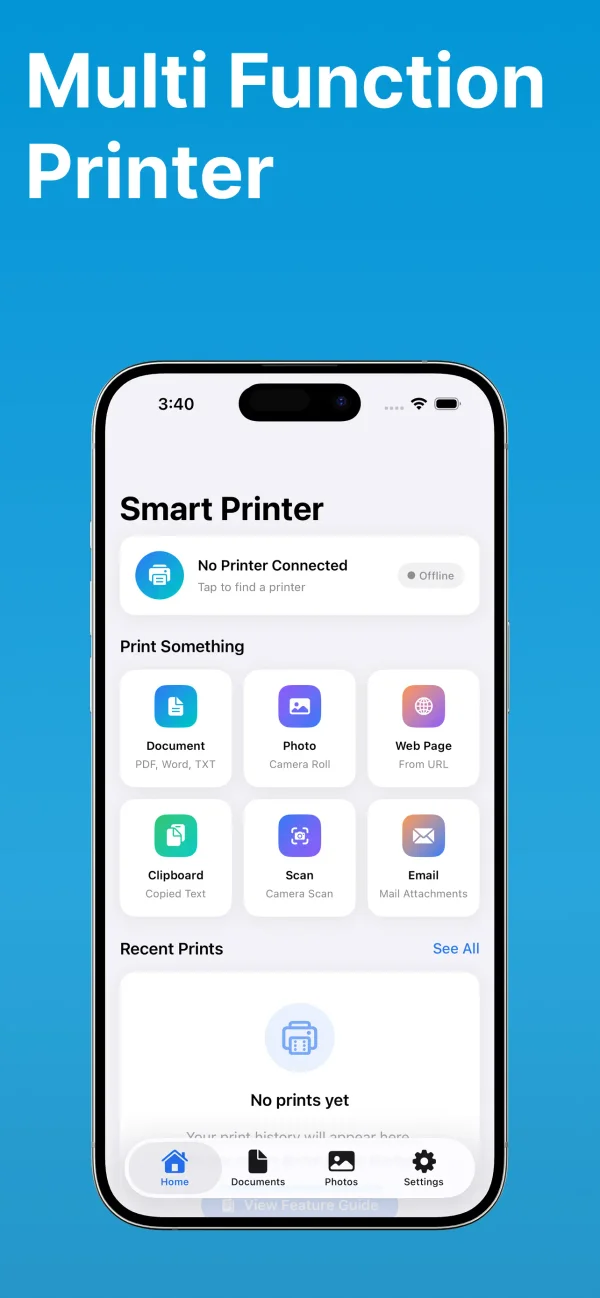
> PRINT ANYTHING, ANYWHERE
Print directly from your phone with complete flexibility:
Photos, documents, PDFs, DOCX, XLS, and more
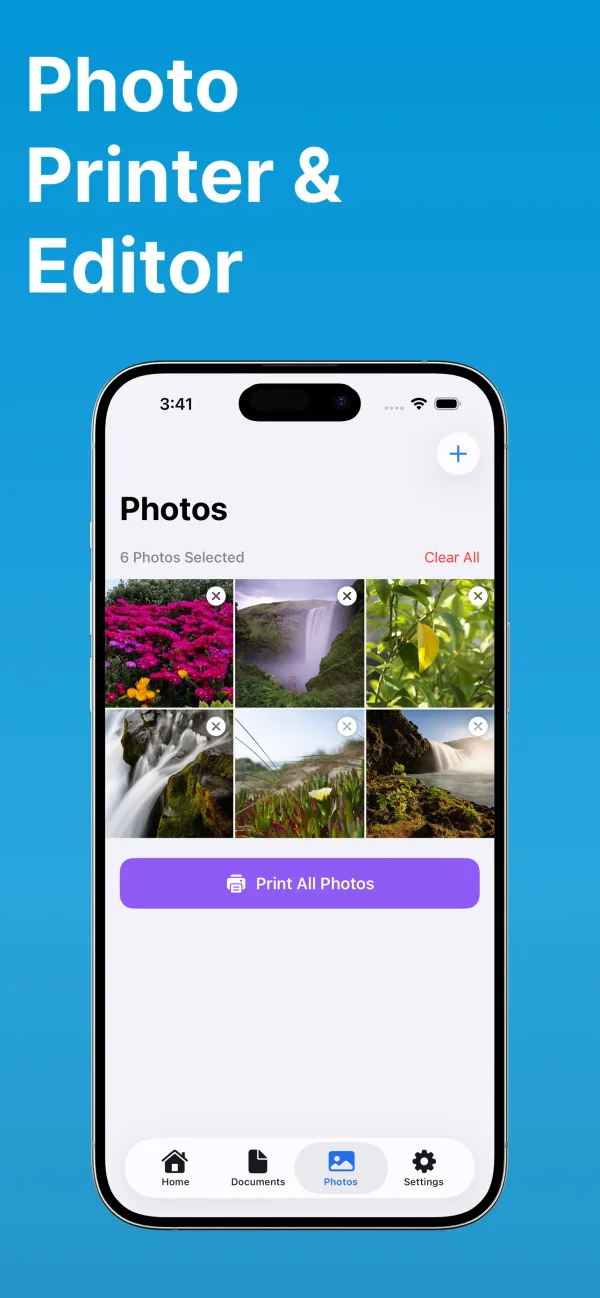
Multiple photos on a single sheet or as a full-size poster
Web pages, emails, and iCloud files
Contact info on A4 paper
Greeting cards, coloring pages, kids' learning worksheets, productivity sheets & paper crafts
Custom labels and calendars
Knowledge quizzes — choose a topic and print!
> SCAN & ORGANIZE
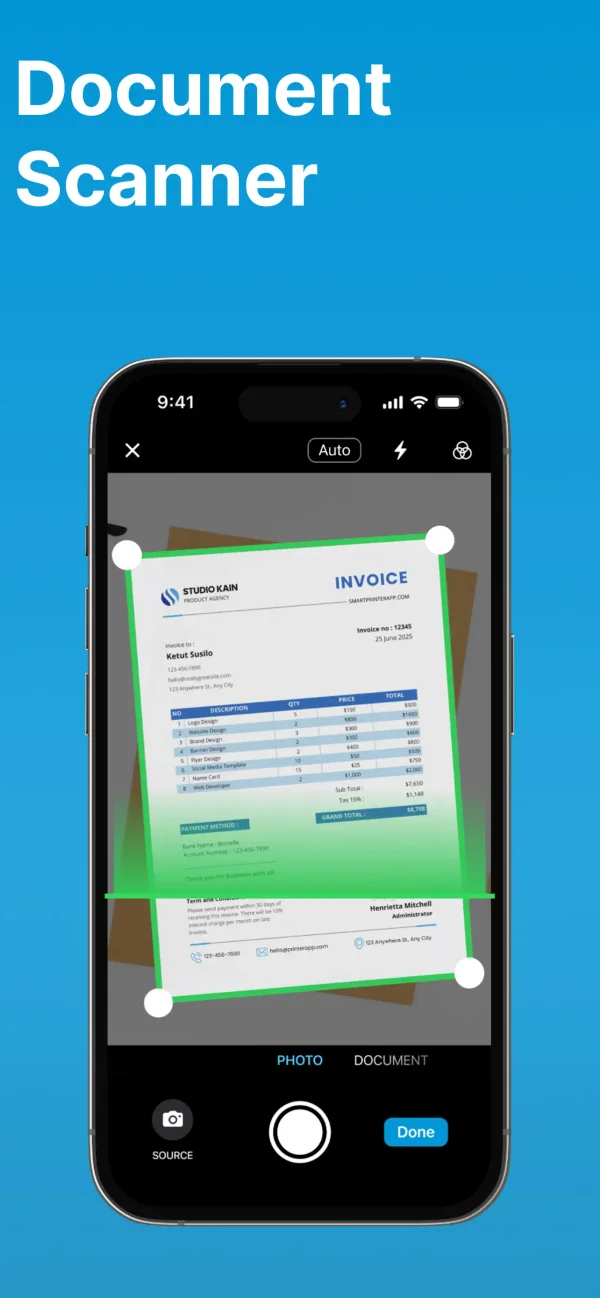
Digitize your paper documents in seconds:
Scan, edit, and save documents instantly
Share via Email, AirDrop, or messaging apps
Convert photos to PDF with a single tap
Filter and browse files in grid or list view
All files stored securely on your device
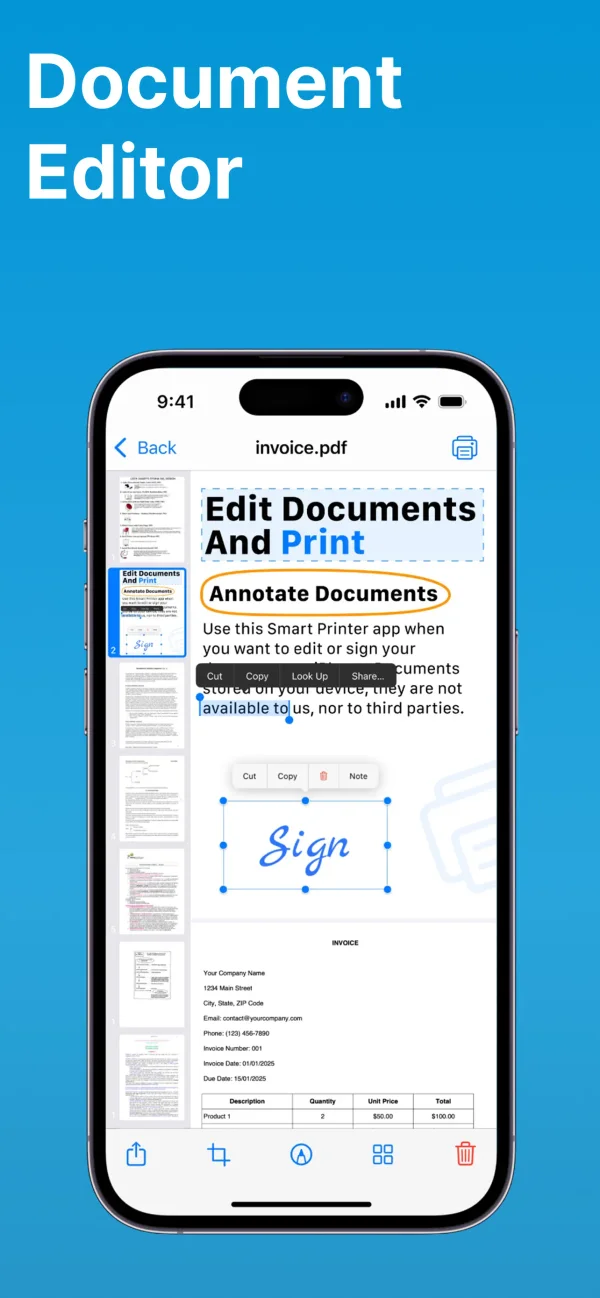
> CREATE & EDIT
Smart text editor to create documents from scratch
Full-featured photo editor — import, edit, and print with ease
Compress or delete PDF pages as needed
> SEND FAXES WORLDWIDE
No fax machine? No problem:
Scan and send faxes globally with an encrypted connection
Receive real-time delivery status notifications
> SHARE PRINTER ACCESS
Let family or team members print on your printer
Join a shared printer group for easy collaboration
> TRANSFER FILES FROM PC
Easily move files from your PC to your iPhone or iPad — no USB required.
Why Smart Printer App and Scan?
Whether you're at home, in the office, or on the move — this all-in-one app is the only printing tool you'll ever need. Simple to set up, powerful to use, and built for everyone.
> Download now and print smarter today!
Product names, logos, and brand names are used for identification purposes only and do not imply endorsement or affiliation.
Subscription Info: Payment is charged to your iTunes Account upon purchase confirmation. Subscriptions auto-renew unless cancelled at least 24 hours before the renewal date. Manage or cancel anytime in your Account Settings.
Privacy Policy: https://sites.google.com/view/smart-printer-privacypolicy/home
Terms of Use: https://sites.google.com/view/smart-printer-termsofuse/home
Neue Funktionen
Version 1.1 · 05.05.2026
Bugs Fixes and Improvement.
App-Datenschutz
Was PixelRis Inc. im App Store zum Umgang dieser App mit Daten angibt.
-
Daten, die zum Tracking Ihrer Person verwendet werden
Können verwendet werden, um Sie über Apps und Websites anderer Unternehmen hinweg zu verfolgen.
- Kennungen
-
Nicht mit Ihnen verknüpfte Daten
Können erfasst werden, sind aber nicht mit Ihrer Identität verknüpft.
- Kontaktinformationen
- Kennungen
- Nutzungsdaten
- Diagnose
Die Datenschutzpraktiken können variieren, zum Beispiel je nach den von Ihnen verwendeten Funktionen oder Ihrem Alter.
Informationen
- Anbieter
- PixelRis Inc.
- Kategorie
- Wirtschaft
- Version
- 1.1
- Aktualisiert
- 05.05.2026
- Veröffentlicht
- 21.04.2026
- Größe
- 37,0 MB
- Erfordert
- iOS 17.0 oder neuer
- Altersfreigabe
- 4+
- Preis
- Kostenlos
- In-App-Käufe
- Ja
- Sprachen
- Englisch
- Copyright
- © PixelRis Inc.
Das könnte Ihnen auch gefallen
-
 Printer App: Smart Scan PrintWirtschaft
-
 Smart Air Printer:Scan & PrintWirtschaft
-
 NokoPrint - Mobiles DruckenDrucken Sie auf Ihrem Drucker
-
 Air Printer App: Smart PrintWirtschaft
-
 Intelligenter Drucker ScannenAlles foto dateien pdf drucken
-
 Smart Drucker App ™Drucken Fotos PDF & Scan Docs
-
 Tap & Print: Drucker ScannerVom iPhone drucken & scannen
-
 AnyPrint-Smart Air Printer ProDrucker-Print & Scan PDF,Photo
-
 Smart Printer and PDF ScannerWirtschaft