Smart Printer App: Scan ePrint
For HP, Epson, Canon, Brother
Entwickelt für iPhone, iPad
Kostenlos · In-App-Käufe
- Altersfreigabe4+
- KategorieDienstprogramme
- SprachenEnglisch+ 32 weitere
- Größe18,3 MB
Verlinkt auf die offizielle App Store-Seite
Download.org hostet keine Datei von Smart Printer App: Scan ePrint. Die Schaltfläche öffnet die App-Seite bei App Store, wo die App veröffentlicht. Eintrag zuletzt geprüft am 16.11.2026.
Screenshots


Info
Der Entwickler hat diesen Text nicht in Ihrer Sprache bereitgestellt.
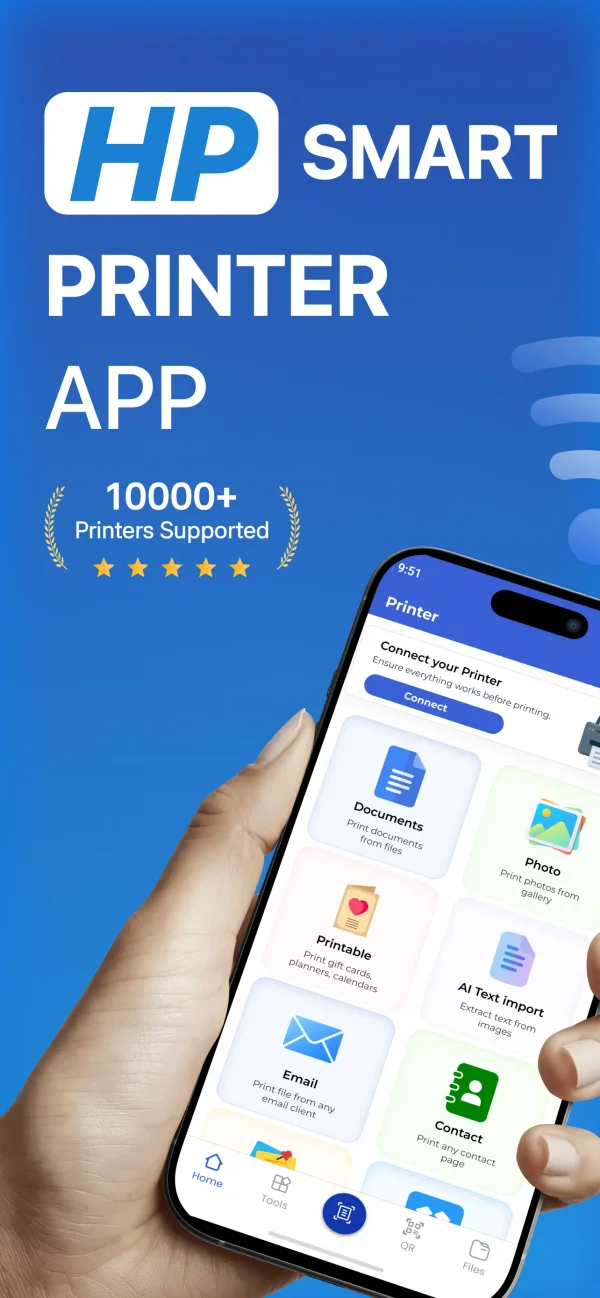
Make printing easier than ever with Printexa - Smart Prints & Scan, your all in one solution for wireless printing and document scanning. Whether you need to print business documents, personal files, photos, or labels, Printexa helps you complete tasks quickly and efficiently.
Connect to compatible printers in seconds and start printing without the hassle of complex configurations or additional drivers.
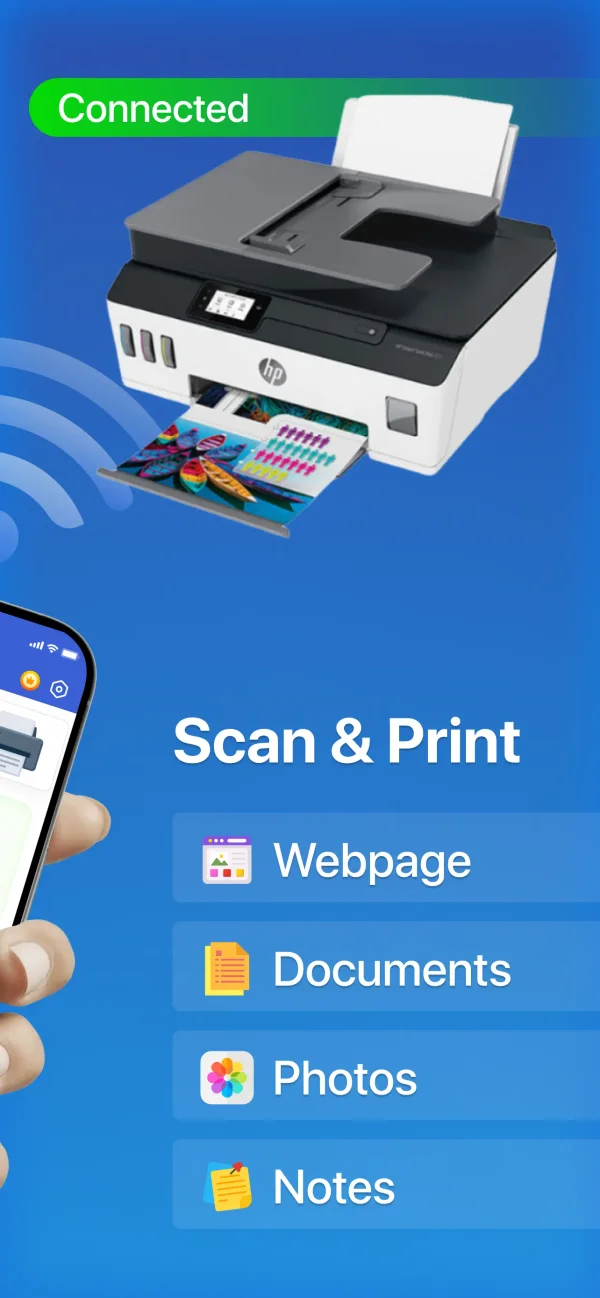
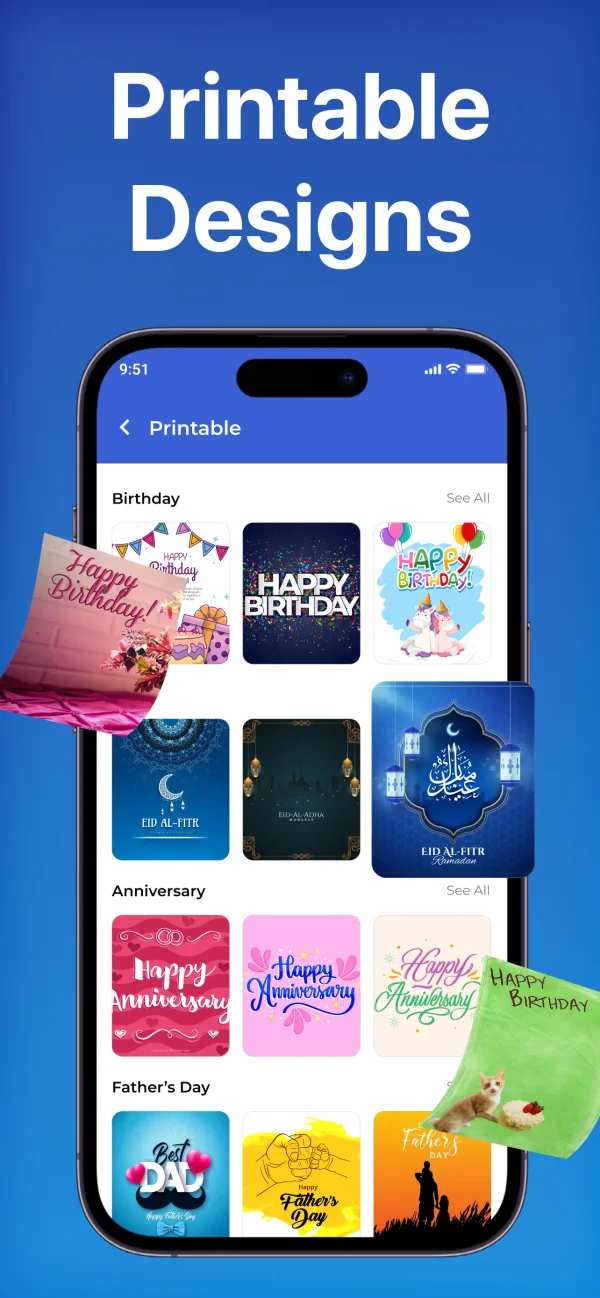
Designed for both home and office use, Printexa - Smart Prints & Scan offers flexible printing tools to support your daily tasks. Print web pages, shipping labels, notes, and other essential documents with ease. The clean and user friendly interface makes navigation simple, allowing anyone to print and scan efficiently without a learning curve.
Key Features
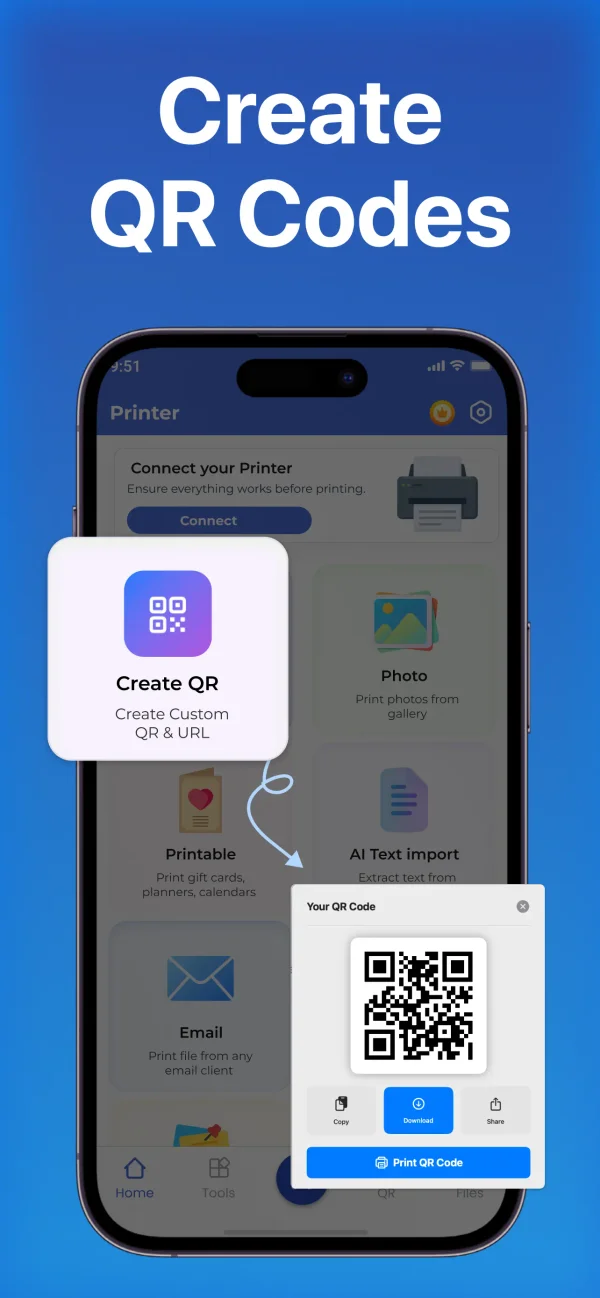
QR Codes Creation:
Generate custom QR codes instantly for links, text, contacts, and more. Perfect for sharing information quickly and professionally in both personal and business use.
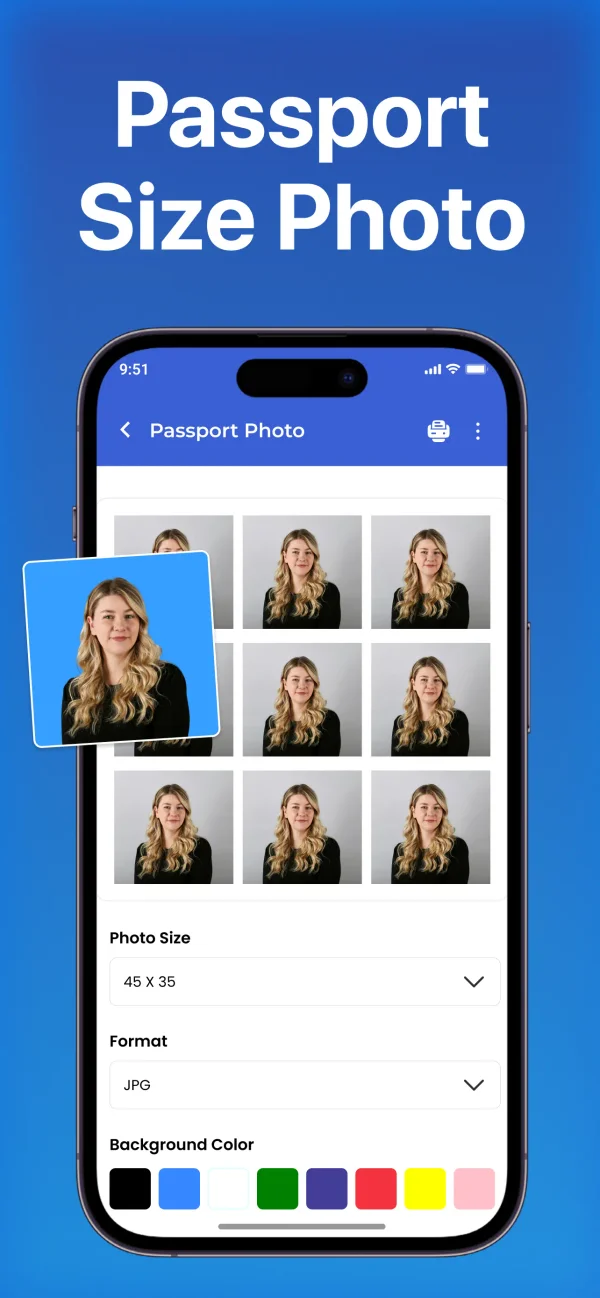
Passport Size Photos:
Create perfectly sized passport and ID photos within seconds. Adjust dimensions and layouts easily for official documents and printing needs.
Print Photos & Documents:
Print high quality photos and documents directly from your device. Enjoy smooth, fast printing for everyday personal and professional tasks.
Extract Text from Image:
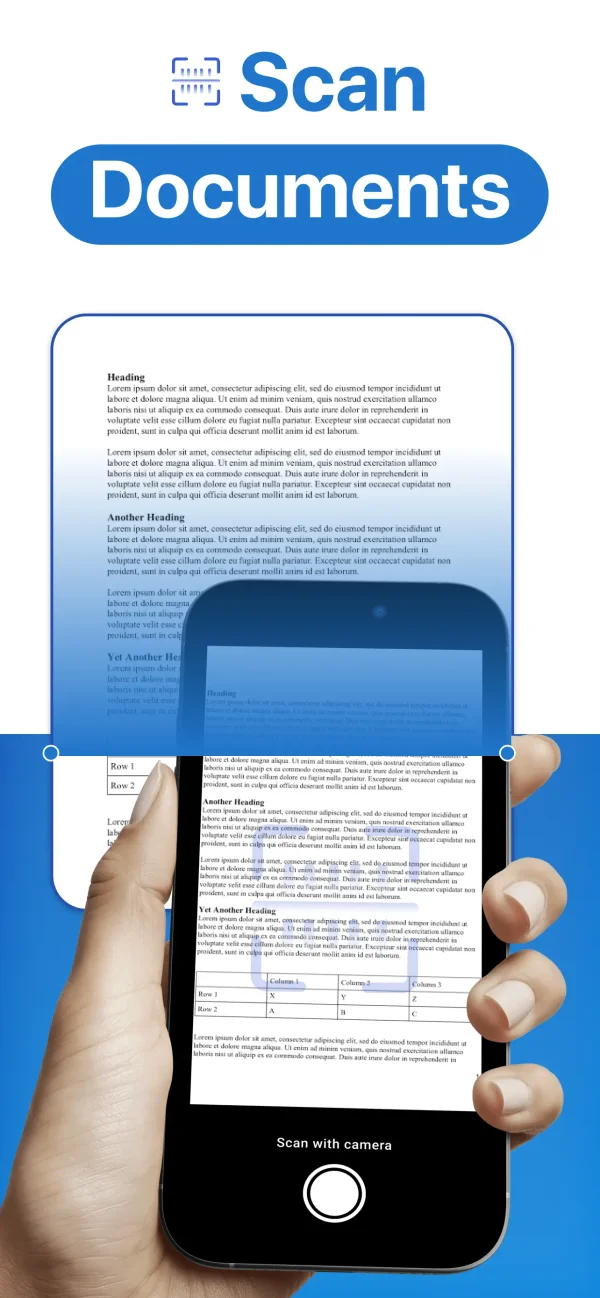
Use advanced OCR technology to extract readable text from images. Convert printed or handwritten content into editable digital text effortlessly.
Edit and Merge PDFs:
Modify, organize, and combine PDF files with ease. Merge multiple documents into one clean file for better productivity and management.
Effortless Wireless Printing:
Print wirelessly without cables or complex setup. Simply connect your printer and start printing from anywhere on the same network.
Seamless AirPrint Support 10,000+ Printers:
Enjoy full compatibility with thousands of AirPrint supported printers. Print directly from your iPhone or iPad without installing extra drivers.
eSign Documents Quickly:
Add your signature to documents digitally in seconds. Sign contracts, forms, and files securely without printing or scanning.
Cloud Integration for On-the-Go Access:
Access and print files directly from cloud storage services. Stay productive anywhere by syncing and managing documents across devices.
Why Choose Printexa ?
Printexa is built to handle all your printing needs with accuracy, speed, and simplicity. Its powerful features combined with a clean, intuitive design make it an ideal choice for users who want a smooth and efficient printing experience.
Premium Access
Unlock the full potential of Printexa - Smart Prints & Scan with Premium Access. Upgrade to enjoy unlimited use of advanced PDF tools, exclusive templates, and high quality printing features without restrictions. Start with a free introductory trial and explore all premium features with the flexibility to cancel anytime.
Download Printexa - Smart Prints & Scan today and transform the way you handle printing, scanning, and document management. Whether you are at home, in the office, or traveling, Printexa provides a fast, simple, and intelligent solution to keep your workflow smooth and efficient.
Privacy Policy
https://sites.google.com/view/asimshareef/privacy-policy
Terms Of Use
https://sites.google.com/view/asimshareef/terms-of-use
EULA
https://sites.google.com/view/asimshareef/eula
Neue Funktionen
Version 6.0.1 · 25.08.2026
- UI Improvements
- Routine Updates
App-Datenschutz
Was im App Store zum Umgang dieser App mit Daten angibt.
-
Keine Daten erfasst
Der Entwickler erfasst keine Daten von dieser App.
Die Datenschutzpraktiken können variieren, zum Beispiel je nach den von Ihnen verwendeten Funktionen oder Ihrem Alter.
Informationen
- Anbieter
- Muhammad Asim Sharif
- Kategorie
- Dienstprogramme
- Version
- 6.0.1
- Aktualisiert
- 25.08.2026
- Veröffentlicht
- 24.06.2026
- Größe
- 18,3 MB
- Erfordert
- iOS 17.6 oder neuer
- Altersfreigabe
- 4+
- Preis
- Kostenlos
- In-App-Käufe
- Ja
- Sprachen
- Englisch, Arabisch, Katalanisch, Tschechisch, Dänisch, Niederländisch, Finnisch, Französisch, Deutsch, Griechisch, Hebräisch, Hindi + 21 weitere
- Copyright
- © AS
Das könnte Ihnen auch gefallen
-
 乗り過ごさナイン 東京近郊版Dienstprogramme
-
 Printer ProMaxDienstprogramme
-
 Smart Printer - Print Scan PDFDienstprogramme
-
 Drucker App Drucken PDFAirPrint, Scannen & WLAN-Druck
-
 TapNPrintDienstprogramme
-
 Inkless PrintDienstprogramme
-
 Appraisal : Property ValuationDienstprogramme
-
 Printer App: Scan & DruckenPDF-, Fax- und Dokumenttools
-
 CamGuard: SpionagekameraVersteckte Kamera Detektor
-
 Jumpstart - Client for UpSnapDienstprogramme