- Altersfreigabe4+
- KategorieBildung
- Entwickler株式会社OHANA
- SprachenEnglisch+ 1 weitere
- Größe13,9 MB
Verlinkt auf die offizielle App Store-Seite
Download.org hostet keine Datei von Soranzuru. Die Schaltfläche öffnet die App-Seite bei App Store, wo 株式会社OHANA die App veröffentlicht. Eintrag zuletzt geprüft am 07.11.2026.
Screenshots
Info
Der Entwickler hat diesen Text nicht in Ihrer Sprache bereitgestellt.
he word, and what it means. Nothing else.
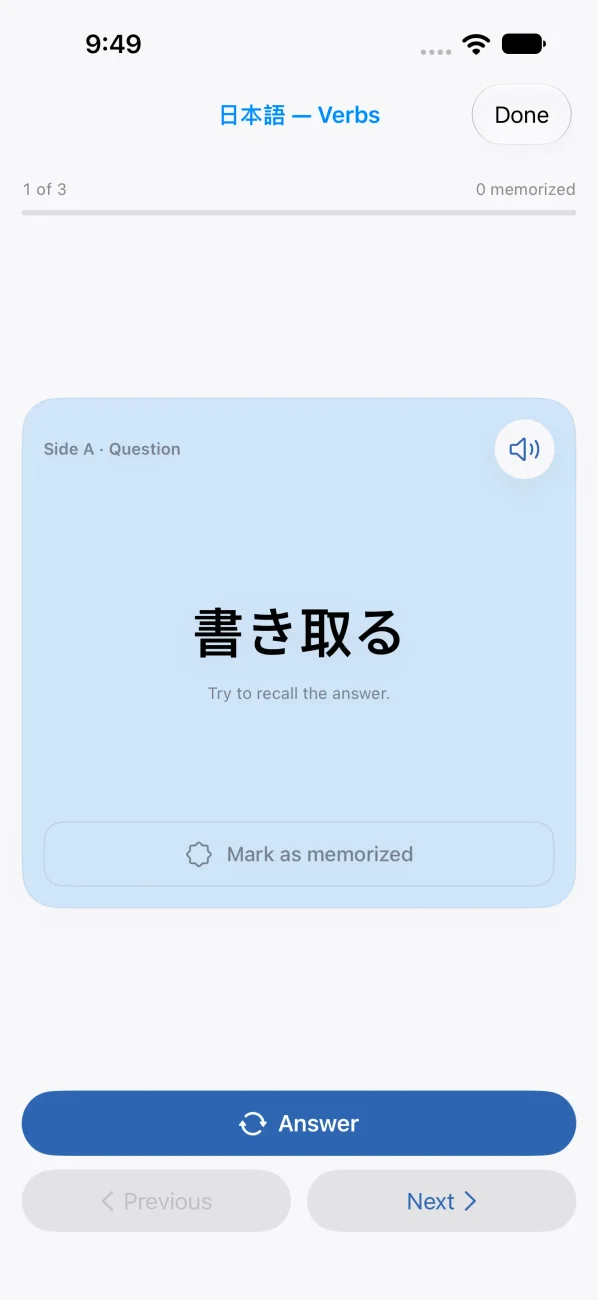
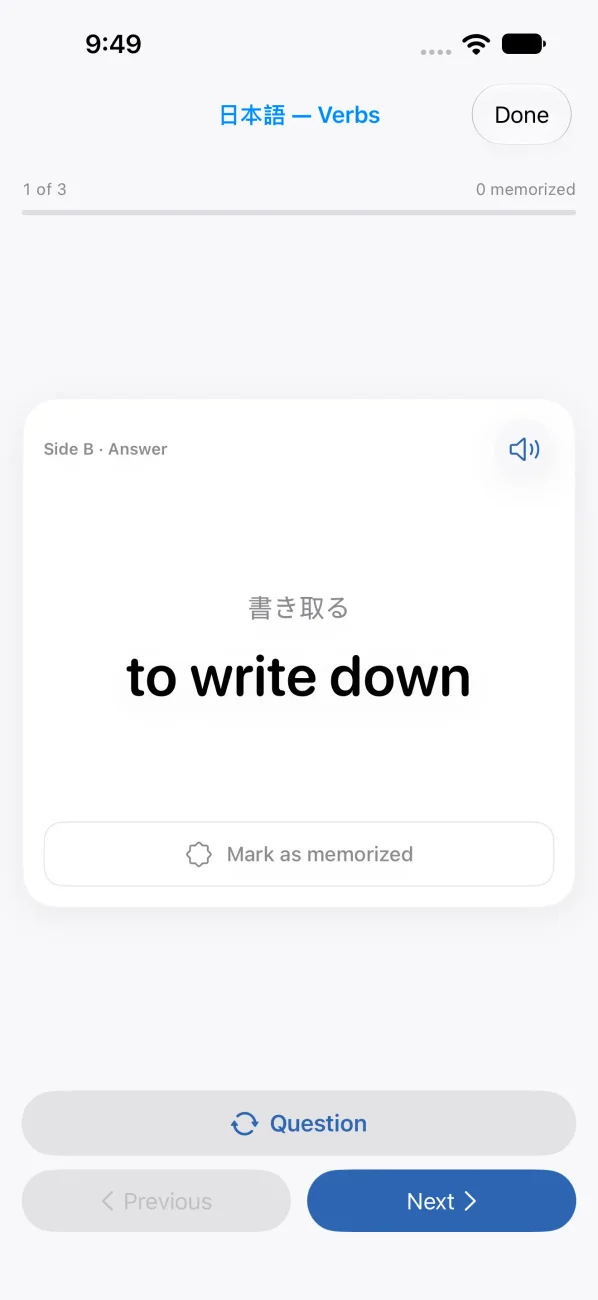
Side A holds the word, side B holds the meaning. No images, no audio files, no options to learn. A card carries those two sides, the date you made it, and whether you have memorized it — that is the whole model.
A deck per language, or per topic
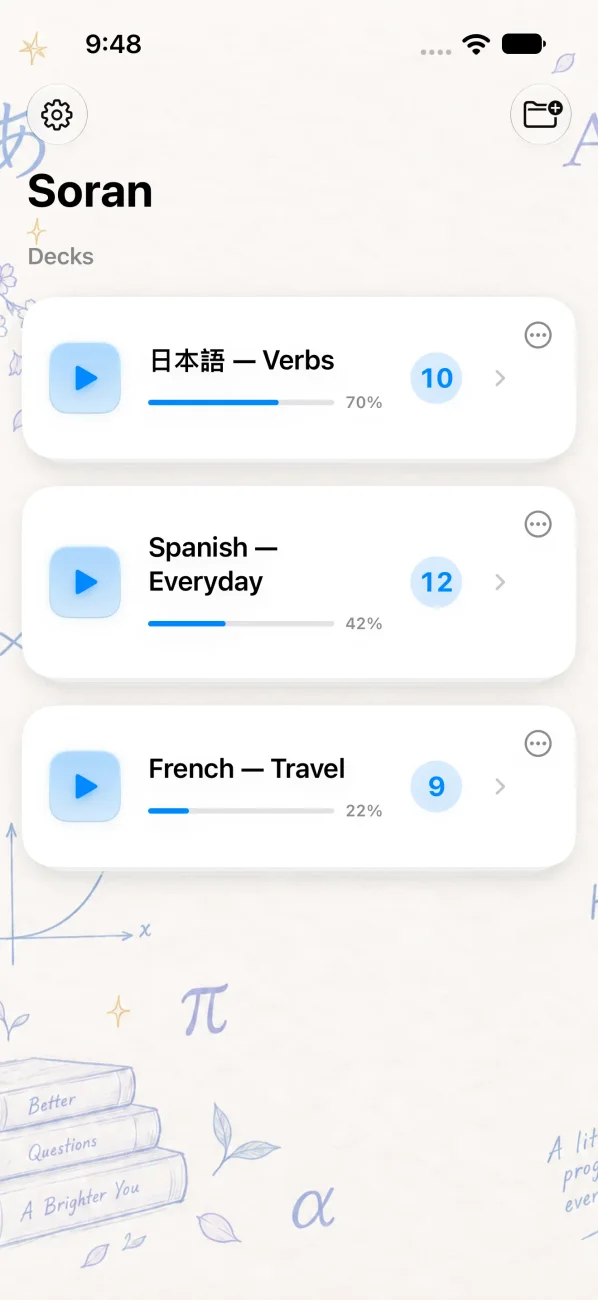
Keep English apart from French, or split one language into "Basic verbs" and "Business". Each deck shows at a glance how far along you are, and deleting one asks first, telling you how many cards would go with it.
A deck, your way
Give each deck its own color — it carries through to the play button, the card count, and the study screen, so you can spot the right one at a glance. Done studying a deck for now? Tuck it away from the home screen without deleting it; its cards and progress stay exactly as they are, ready to come back anytime.
Hear how it is said
Tap the speaker and the card is read aloud in the voices your device already has — nothing to download, nothing added to the size of the app. Set the language each side of a deck is read in, or leave it on Auto, which works the language out from the cards already in the deck.
Shuffle and review
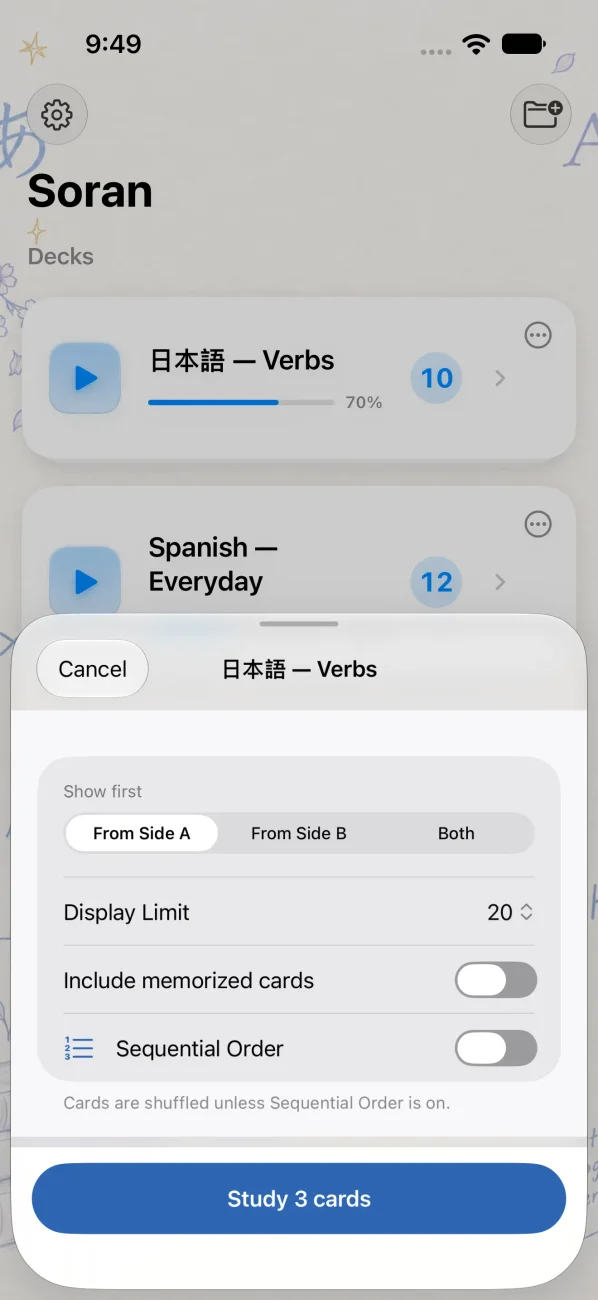
Flash mode deals your cards in a shuffled order. Tap to flip, then mark each one memorized or keep it in the pile. Study everything at once or pick a single deck, and switch between them without leaving the screen. Choose the direction (A to B, B to A, or mixed), whether to include cards you have already memorized, and how many cards to draw per round. When more cards are eligible than fit in a round, a Priority setting decides which ones by creation date — Oldest First works through a backlog in order, Newest First drills what you just added. The next round opens on the deck and settings you used last.
Also on your wrist
A companion Apple Watch app runs Flash Mode on its own. Tap a deck on your wrist to start a round right away, tap to flip a card, and mark it memorized — nothing extra to set up, since decks and cards sync over the same iCloud account you already use.
Built for fast editing
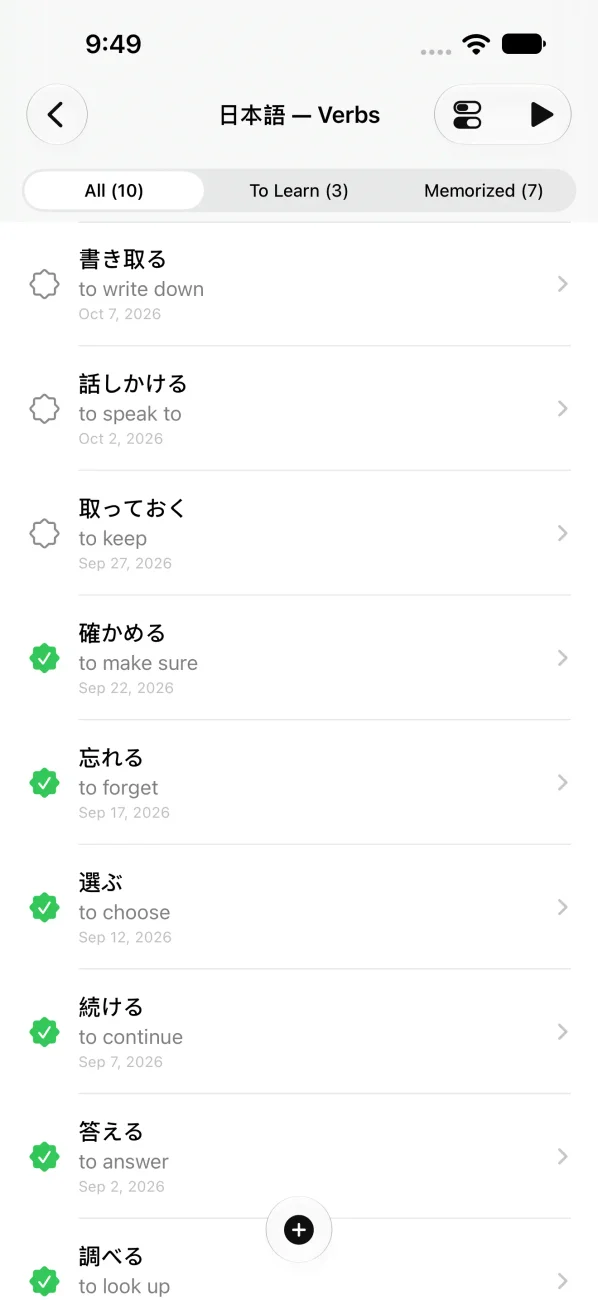
Edit rows in place, search across both sides, filter by still-to-learn or memorized, and sort by date or alphabetically. Select several cards at once to delete them, re-flag them, or move them to another deck. The Add Card sheet stays open after saving, so a whole vocabulary list can be typed in one sitting.
Synced to your own iCloud
No account to create — your decks and cards sync to your own private iCloud account, so they follow you to your other devices signed in with the same Apple ID. Nothing is visible to us. No advertising, no analytics, no tracking.
Bring your own list
Already have a word list somewhere else? Import a CSV file to create a new deck in one step — the first two columns become side A and side B. Export any deck back to CSV whenever you want a copy outside the app.
Neue Funktionen
Version 3.2 · 14.10.2026
Soran is now also an Apple Watch app. Tap a deck on your watch to start a Flash Mode round right away — tap to flip a card, mark it memorized, and you're done.
App-Datenschutz
Was 株式会社OHANA im App Store zum Umgang dieser App mit Daten angibt.
-
Keine Daten erfasst
Der Entwickler erfasst keine Daten von dieser App.
Die Datenschutzpraktiken können variieren, zum Beispiel je nach den von Ihnen verwendeten Funktionen oder Ihrem Alter.
Informationen
- Anbieter
- OHANA INC.
- Kategorie
- Bildung
- Version
- 3.2
- Aktualisiert
- 14.10.2026
- Veröffentlicht
- 14.10.2026
- Größe
- 13,9 MB
- Erfordert
- iOS 26.0 oder neuer
- Altersfreigabe
- 4+
- Preis
- Kostenlos
- Sprachen
- Englisch, Japanisch
- Copyright
- © OHANA Inc.
Das könnte Ihnen auch gefallen
-
 Ebbing: Spaced RepetitionBildung
-
 暗記カード・単語帳|anqieBildung
-
 kiokuma: KarteikartenMit Text, Foto & Handschrift
-
 できる韓国語Bildung
-
 2026年版 基本情報技術者試験問題集(全問解説)Bildung
-
 Vulpe – mit Plan lernenSeiten zählen, im Plan bleiben
-
 Cognito: KarteikartenMit KI erstellen und lernen
-
 IROHA – Pocket SenryuBildung
-
 六法Nachschlagewerke
-
 単語帳アプリ 単語帳メーカーBildung