Speedometer Ultra
GPS Speed Tracker HUD Odometer
Entwickelt für iPhone
Kostenlos · In-App-Käufe
- Altersfreigabe4+
- KategorieNavigation
- EntwicklerUltrafine
- SprachenEnglisch+ 5 weitere
- Größe44,8 MB
Verlinkt auf die offizielle App Store-Seite
Download.org hostet keine Datei von Speedometer Ultra. Die Schaltfläche öffnet die App-Seite bei App Store, wo Ultrafine die App veröffentlicht. Eintrag zuletzt geprüft am 16.11.2026.
Screenshots

Info
Der Entwickler hat diesen Text nicht in Ihrer Sprache bereitgestellt.
Measure, record and track your speed wherever you’re moving with Speedometer Ultra, the all-in-one GPS speedometer, HUD and trip logger for iPhone.
From a morning ride to a highway drive, a hike to a harbor crossing, Speedometer Ultra makes it easy to see your speed, stay aware of the limit and keep a detailed record of every journey.
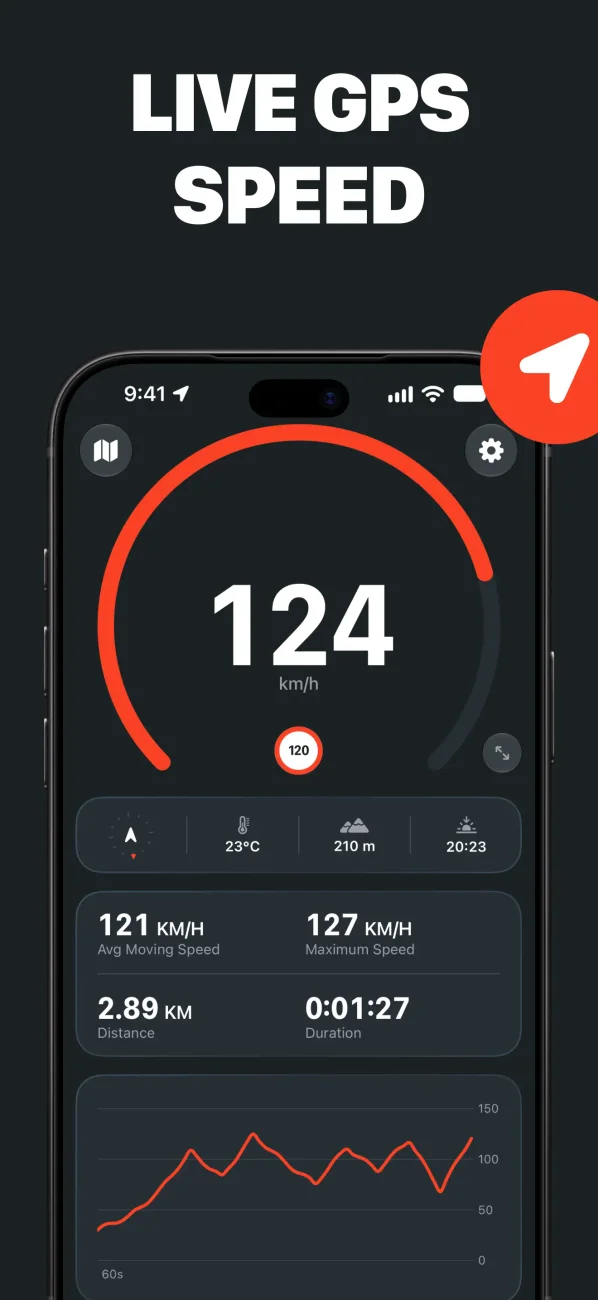
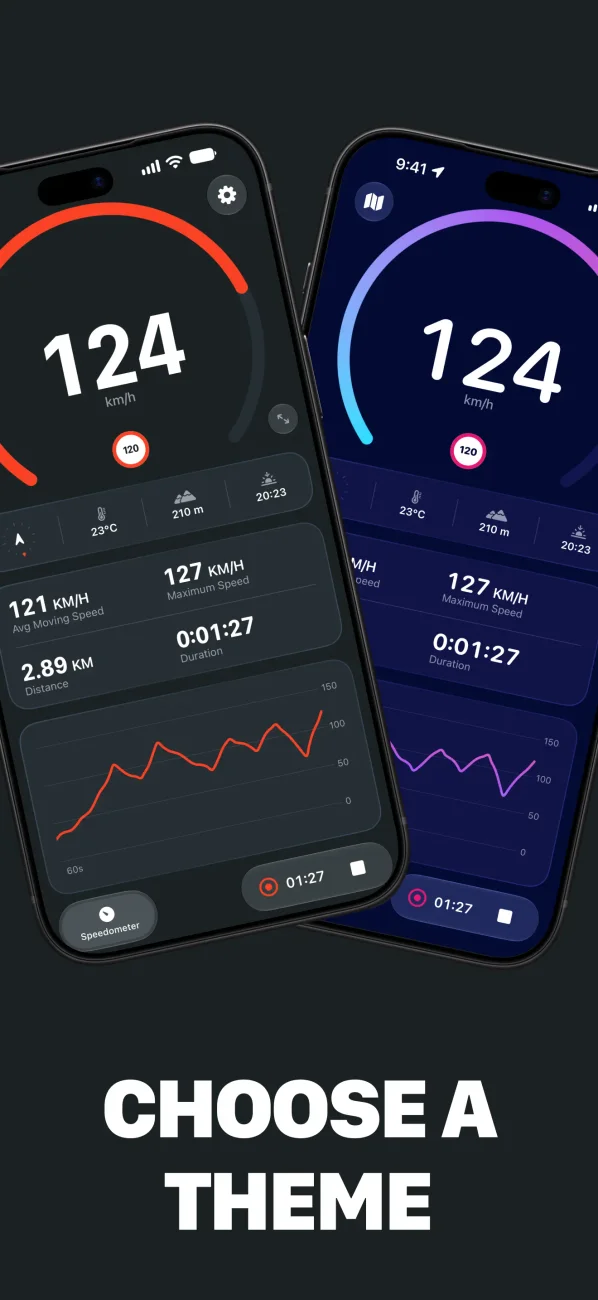
Precision Speed, Wherever You Go: Read your speed straight from your iPhone’s GPS, without installing or calibrating a wheel sensor. Choose from nine modes – walking, running, cycling, driving, motorcycle, truck, train, boat and plane – each with a gauge scaled to the speeds you expect. Display speed in mph, km/h or knots. When the signal isn’t good enough to trust, Speedometer Ultra shows – rather than a guess.
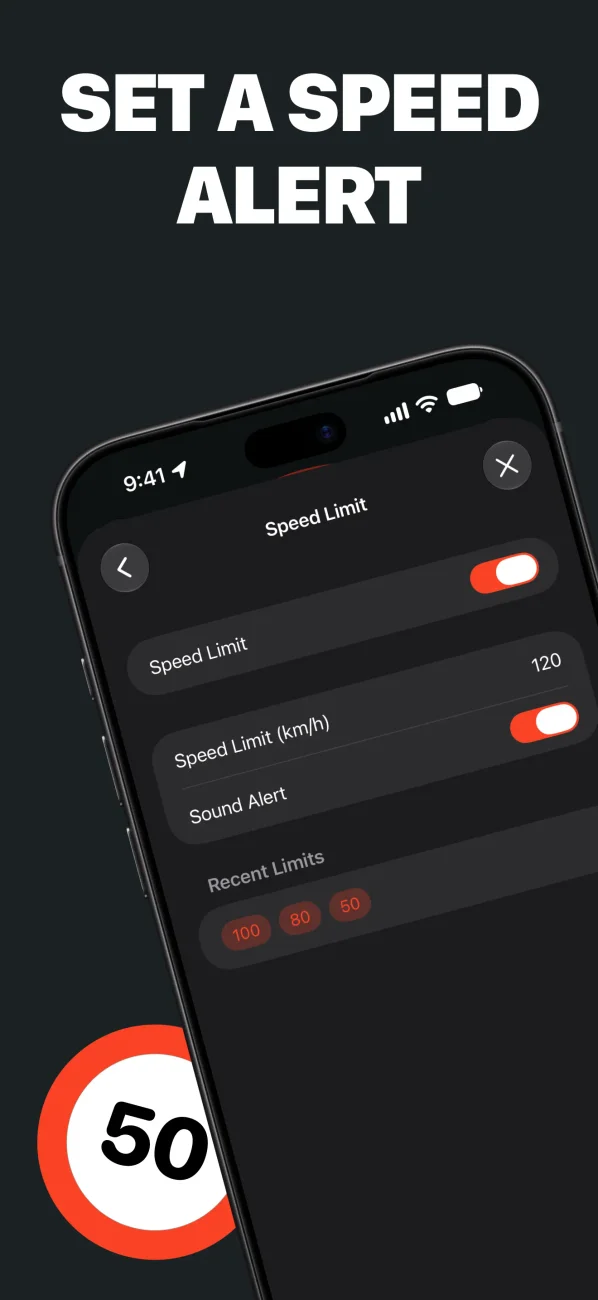
Stay Under the Limit: Set a speed limit and see it clearly on the gauge. Cross it and the app warns you with a chime and a tap, helping you stay informed without taking your attention off the road. Turn the sound off if you prefer a visual warning, and keep recently used limits one tap away as the road changes.
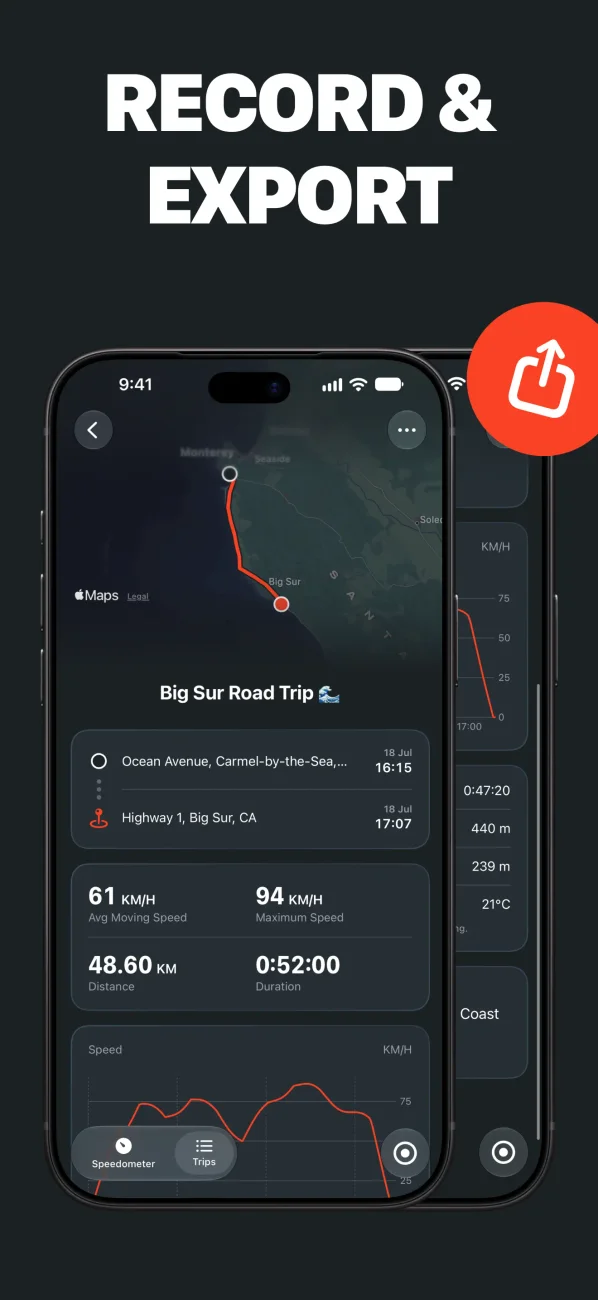
Record the Whole Journey: Start recording to save your route, distance, average moving speed, maximum speed, moving time, elevation, average temperature and a graph of your speed throughout the trip. Any time without reliable location data is shown as a signal gap, so you can judge how completely the journey was measured. Rename trips, add notes and export the underlying route data as CSV. Trips stay on your device and sync privately through your own iCloud account.
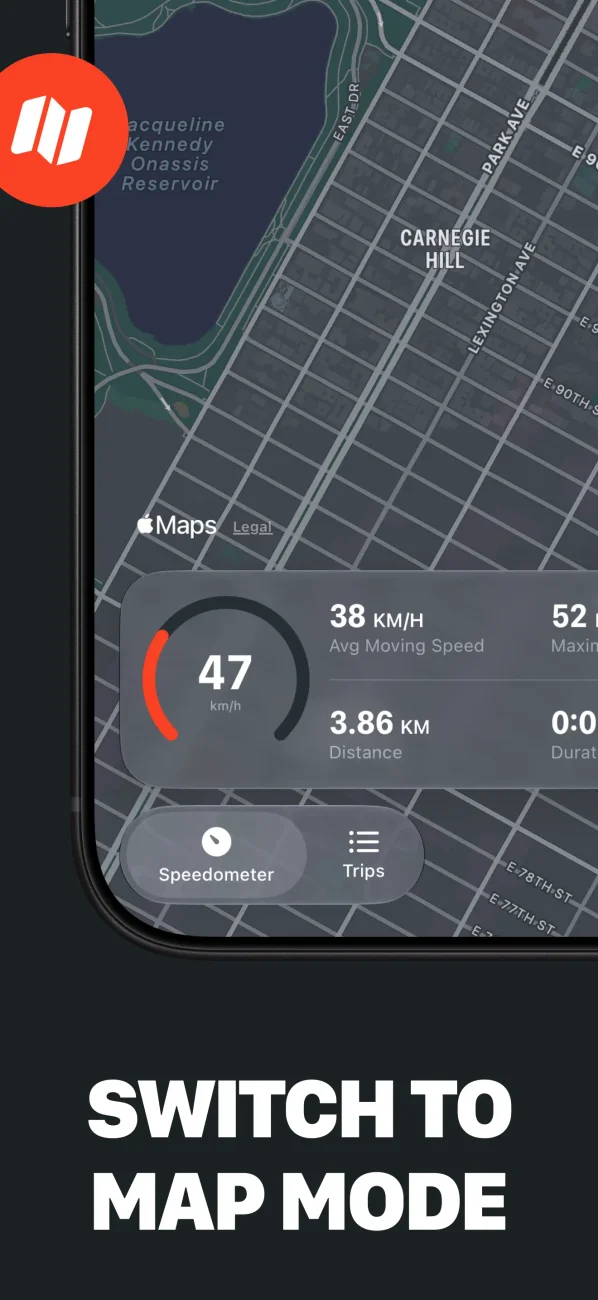
Keep the Journey in View: Follow your position on a live map while keeping your speed front and center. Switch between north-up and heading-up, pan freely, or use the compass, altitude, temperature and time until sunset for more context. While recording, time, distance and average speed remain on the Lock Screen and in the Dynamic Island, with a Stop button that works without reopening the app.
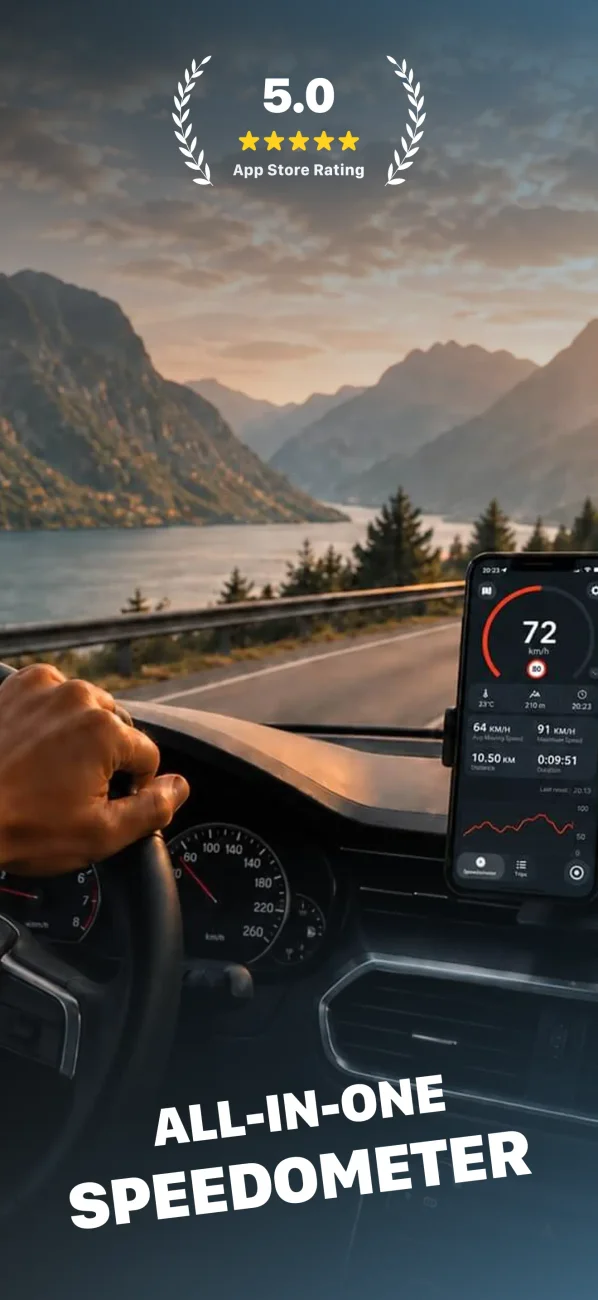
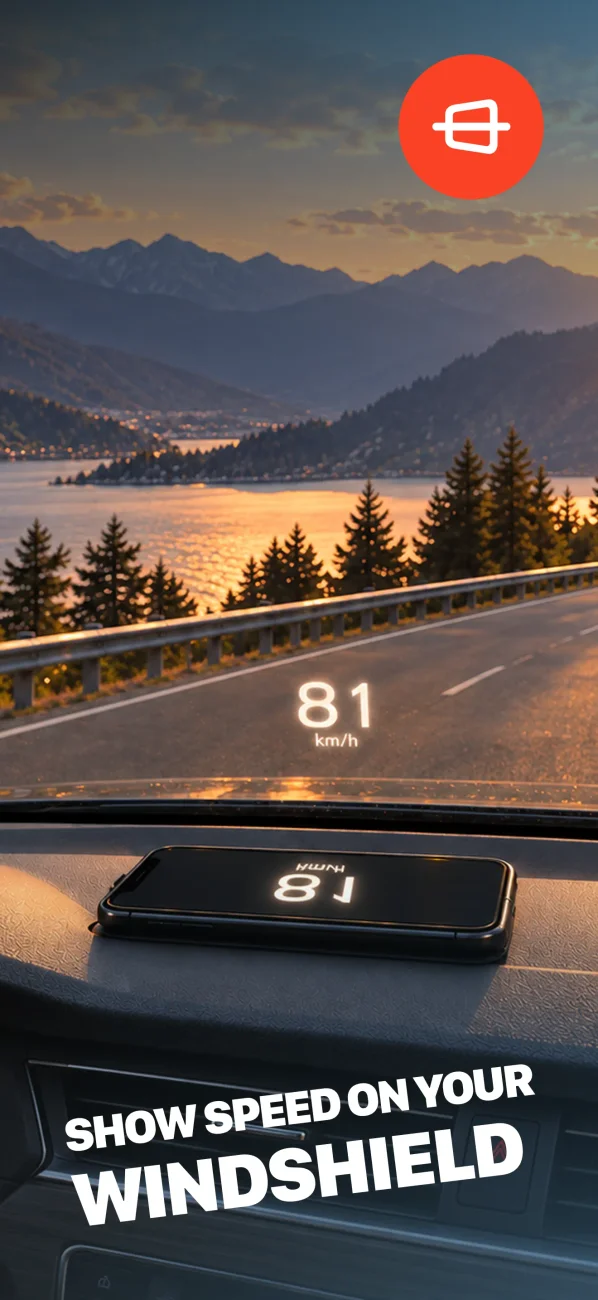
Use HUD at Night: Switch to a large, high-contrast heads-up display for a speed reading you can take in at a glance. Mirror it when you want the reflection in the windshield to read the right way around, or leave it as it is and keep your iPhone on the dash. The screen stays awake while the app is open.
Download now and use the GPS speedometer, nine movement modes, live map, compass, speed limits and trip recording for free. Choose PRO to unlock HUD mode, live and recorded speed graphs, and CSV trip exports.
GPS accuracy and availability depend on your device, surroundings and signal conditions. Speedometer Ultra is not a substitute for a vehicle’s certified instruments or safe driving practices. Do not interact with the app while driving.
Terms of Use: https://speedometerultra.com/terms
Privacy Policy: https://speedometerultra.com/privacy
Neue Funktionen
Version 1.5.0 · 05.11.2026
Speedometer Ultra now speaks Japanese. It follows your iPhone's language, or you can choose a language for this app alone in Settings › Apps › Speedometer. And if iOS closes the app while you're recording a trip, the recording now picks up where it left off instead of ending early. The timer in the Live Activity also no longer flickers.
App-Datenschutz
Was Ultrafine im App Store zum Umgang dieser App mit Daten angibt.
-
Mit Ihnen verknüpfte Daten
Können erfasst und mit Ihrer Identität verknüpft werden.
- Käufe
- Standort
- Benutzerinhalte
- Kennungen
- Nutzungsdaten
- Diagnose
- Sonstige Daten
-
Nicht mit Ihnen verknüpfte Daten
Können erfasst werden, sind aber nicht mit Ihrer Identität verknüpft.
- Käufe
- Standort
- Benutzerinhalte
- Kennungen
- Nutzungsdaten
- Diagnose
- Sonstige Daten
Die Datenschutzpraktiken können variieren, zum Beispiel je nach den von Ihnen verwendeten Funktionen oder Ihrem Alter.
Informationen
- Anbieter
- Ultrafine, Lda
- Kategorie
- Navigation
- Version
- 1.5.0
- Aktualisiert
- 05.11.2026
- Veröffentlicht
- 02.09.2026
- Größe
- 44,8 MB
- Erfordert
- iOS 26.2 oder neuer
- Altersfreigabe
- 4+
- Preis
- Kostenlos
- In-App-Käufe
- Ja
- Sprachen
- Englisch, Französisch, Italienisch, Japanisch, Portugiesisch, Vereinf. Chinesisch
- Copyright
- © 2026 Ultrafine, Lda. All rights reserved.
Das könnte Ihnen auch gefallen
-
 Speedometer: GРS Speed TrackerNavigation
-
 GPS Tacho HUD: SpeedAceTageskilometer, Tempolimit
-
 Quick speedometerReisen
-
 Tachometer GPS-GeschwindigkeitKilometerzähler, HUD & Tacho
-
 GPS-GeschwindigkeitsmesserKilometerzähler & Fahrtenbuch
-
 Tachometer GPS : KMH TrackerTacho, Tachometer, GPS 0-100
-
 Odo Tachometer: Tacho, AutoFahrtenbuch, GPS & Motorrad
-
 Tachometer Tempolimit HUD AutoTacho Geschwindigkeit Messer
-
 Tachometer kmh KilometerzählerGeschwindigkeitsbegrenzung
-
 GPS Geschwindigkeit NavigationTacho, Anzeige Tripmeter, km/h