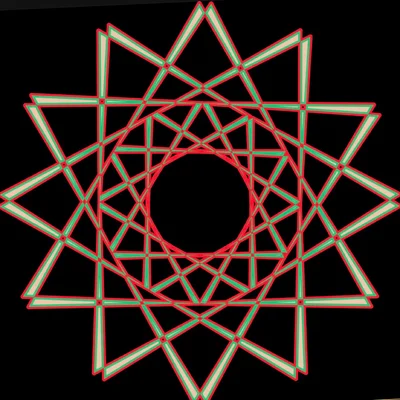
Spiro Designs
Enhanced Spiro Graph
Entwickelt für iPhone, iPad, Mac, iPod touch
0,99 €
- Altersfreigabe4+
- KategorieGrafik und Design
- EntwicklerInno Wheel LLC
- SprachenEnglisch
- Größe19,1 MB
Verlinkt auf die offizielle App Store-Seite
Download.org hostet keine Datei von Spiro Designs. Die Schaltfläche öffnet die App-Seite bei App Store, wo Inno Wheel LLC die App veröffentlicht. Eintrag zuletzt geprüft am 17.11.2026.
Screenshots
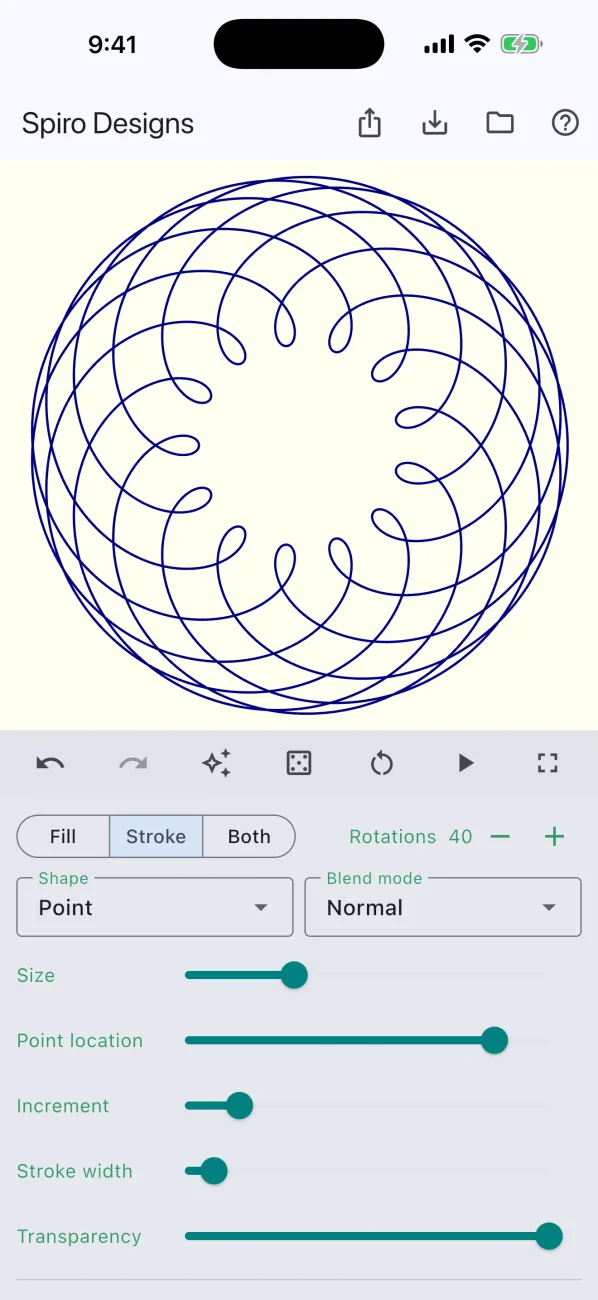
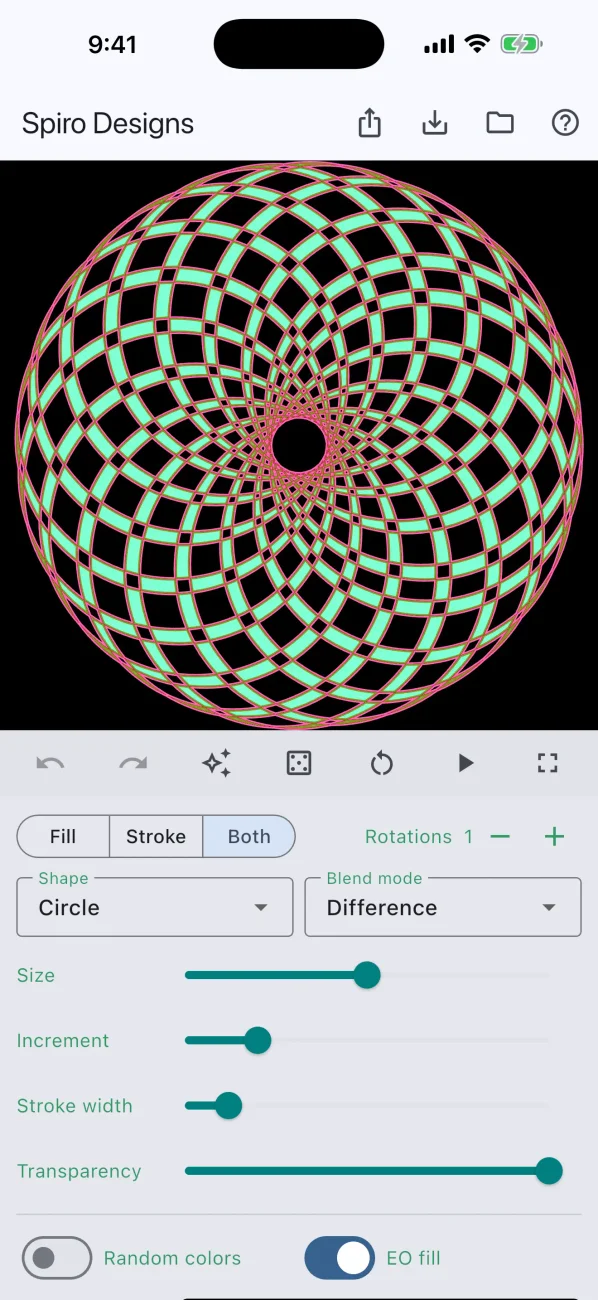

Info
Der Entwickler hat diesen Text nicht in Ihrer Sprache bereitgestellt.
Spiro Designs draws the patterns a small circle makes as it rolls around the inside of a large one. Stamp circles or polygons at every step, or let a single point leave a spirograph trail, then play with size, spacing, colour and blend mode until something beautiful appears.
WHAT YOU CAN DO
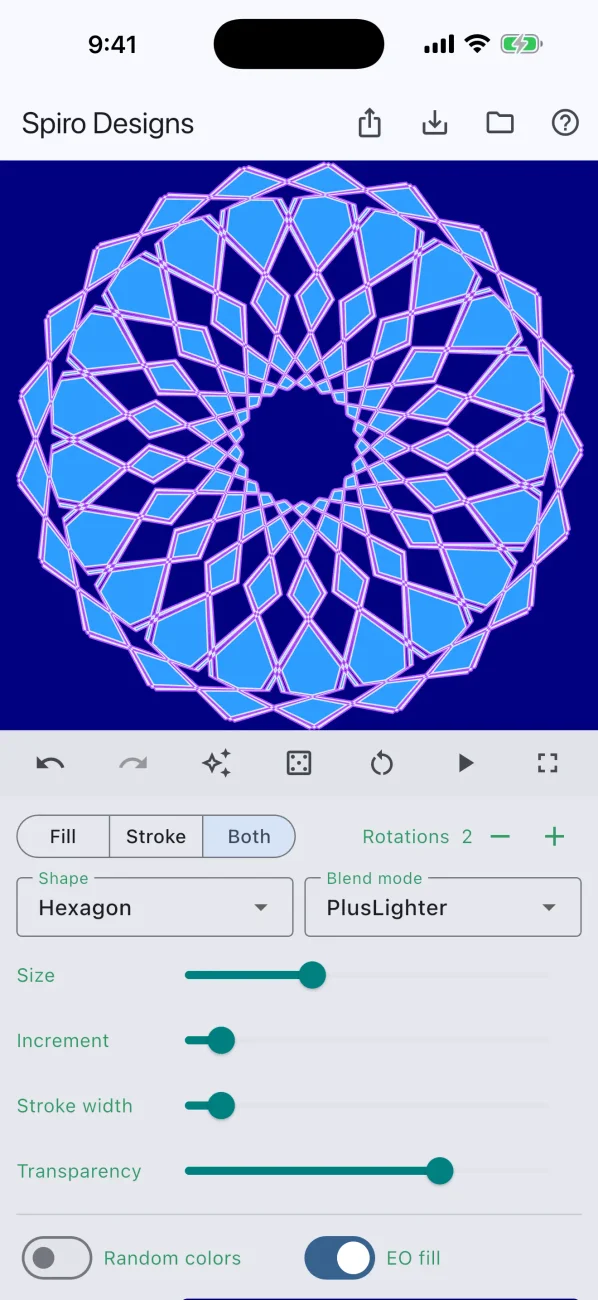
• Pick a shape: circles, a line, triangles, squares, all the way up to decagons, or a classic spirograph curve
• Pinch the drawing to change size, drag sideways to change spacing, drag up and down for line weight
• Choose fill, outline or both, with 23 named colours or random colours on every change
• Combine overlapping colours with 20 blend modes, from Difference and Exclusion to Screen and Multiply
• Even-odd fill turns overlapping shapes into lace and checkerboard patterns
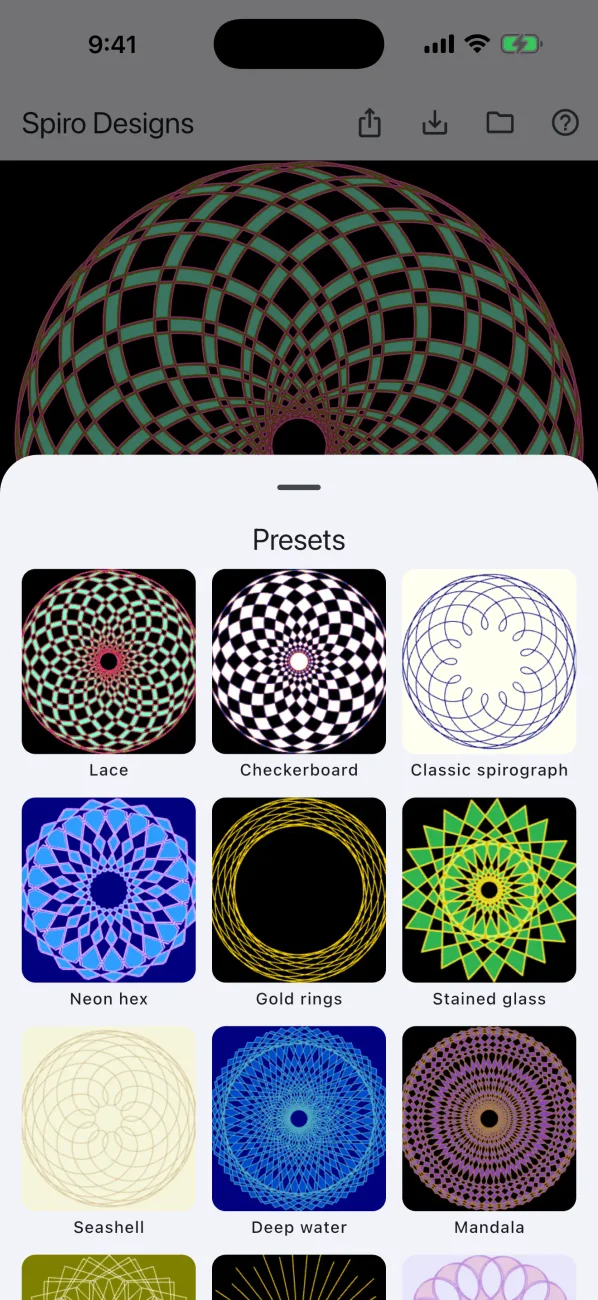
• Start from twelve curated presets, or roll a random design with one tap
• Animate the design being drawn, and tap for a clean full-screen view
• Undo and redo every change
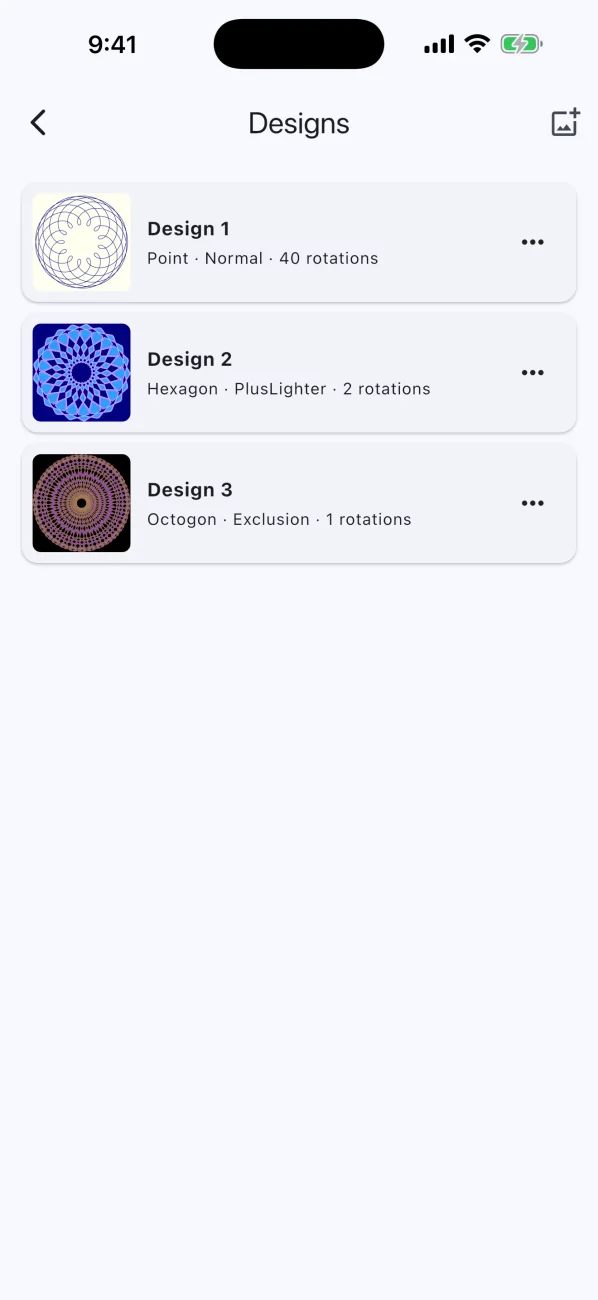
• Keep up to 50 named designs and reopen, update or rename them
• Share as a high-resolution PNG, save to Photos, or export an SVG vector file for design apps, plotters and cutters
No account, no ads, no tracking. Your designs stay on your device.
Neue Funktionen
Version 3.2.1 · 23.09.2026
Spiro Designs has been rebuilt from the ground up.
• Everything on one screen: the drawing on top, every control underneath
• Pinch and drag the drawing itself to change size, spacing and line weight
• Twelve curated presets and a random-design button
• Animate the design being drawn, and a full-screen view
• Undo and redo
• Named saved designs, with update and rename
• Share as high-resolution PNG or SVG, or save straight to Photos
• Smoother spirograph curves and a Help page
• Dark mode
Note for existing users: designs saved in earlier versions are not carried over. Please screenshot any favourites before updating.
App-Datenschutz
Was Inno Wheel LLC im App Store zum Umgang dieser App mit Daten angibt.
-
Keine Daten erfasst
Der Entwickler erfasst keine Daten von dieser App.
Die Datenschutzpraktiken können variieren, zum Beispiel je nach den von Ihnen verwendeten Funktionen oder Ihrem Alter.
Informationen
- Anbieter
- Inno Wheel LLC
- Kategorie
- Grafik und Design
- Version
- 3.2.1
- Aktualisiert
- 23.09.2026
- Veröffentlicht
- 10.02.2018
- Größe
- 19,1 MB
- Erfordert
- iOS 15.0 oder neuer
- Altersfreigabe
- 4+
- Preis
- 0,99 €
- Sprachen
- Englisch
- Copyright
- © Innowheel LLC
Das könnte Ihnen auch gefallen
-
 SpiroGraph ToolGrafik und Design
-
 Entropy BrushGrafik und Design
-
 Spin BrushGrafik und Design
-
 SpinDoodlyGrafik und Design
-
 ParticleFluidGrafik und Design
-
 Spirograph DrawingGrafik und Design
-
 MoshUp FactoryGlitch-Spielplatz in Echtzeit
-
 Emo HazeGrafik und Design
-
 WordArt – Wortwolken GeneratorTextArt/TextCloud/WordCloud
-
 KachelwerkstattZeichne endlose Muster