
Spoken Ink
Journal & voice diary app
Entwickelt für iPhone
Kostenlos · In-App-Käufe
- Altersfreigabe4+
- KategorieLifestyle
- EntwicklerChris Swafford
- SprachenEnglisch
- Größe172,1 MB
Verlinkt auf die offizielle App Store-Seite
Download.org hostet keine Datei von Spoken Ink. Die Schaltfläche öffnet die App-Seite bei App Store, wo Chris Swafford die App veröffentlicht. Eintrag zuletzt geprüft am 18.11.2026.
Screenshots


Info
Der Entwickler hat diesen Text nicht in Ihrer Sprache bereitgestellt.
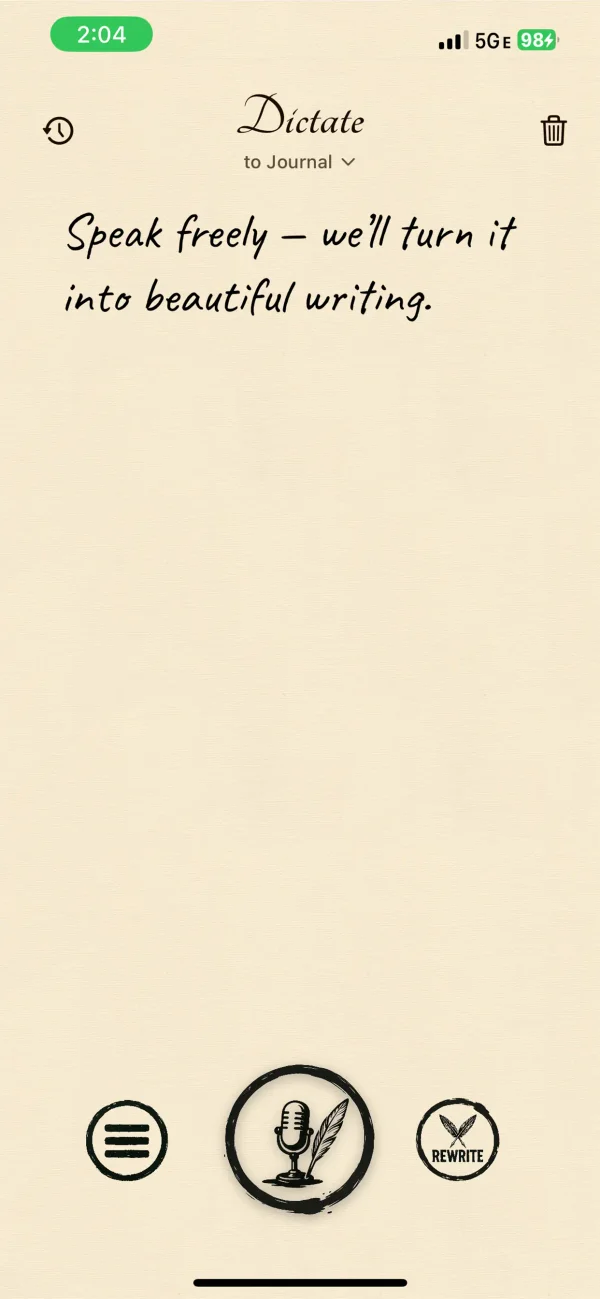
Spoken Ink is a voice-to-text journal that turns your spoken thoughts into beautifully written entries. Simply speak, and the app transforms your voice into clear, polished writing—perfect for daily journaling, diary entries, notes, or quick reflections.
Whether you’re capturing your day, recording ideas, or building a writing habit, Spoken Ink makes journaling effortless. Speak naturally, and the app handles the writing, formatting, and organization.
◆ Voice to Text Journaling
Use speech to text to record your thoughts instantly. Spoken Ink cleans up punctuation, fixes grammar, and turns raw dictation into readable, meaningful writing.
◆ A Beautiful Digital Journal
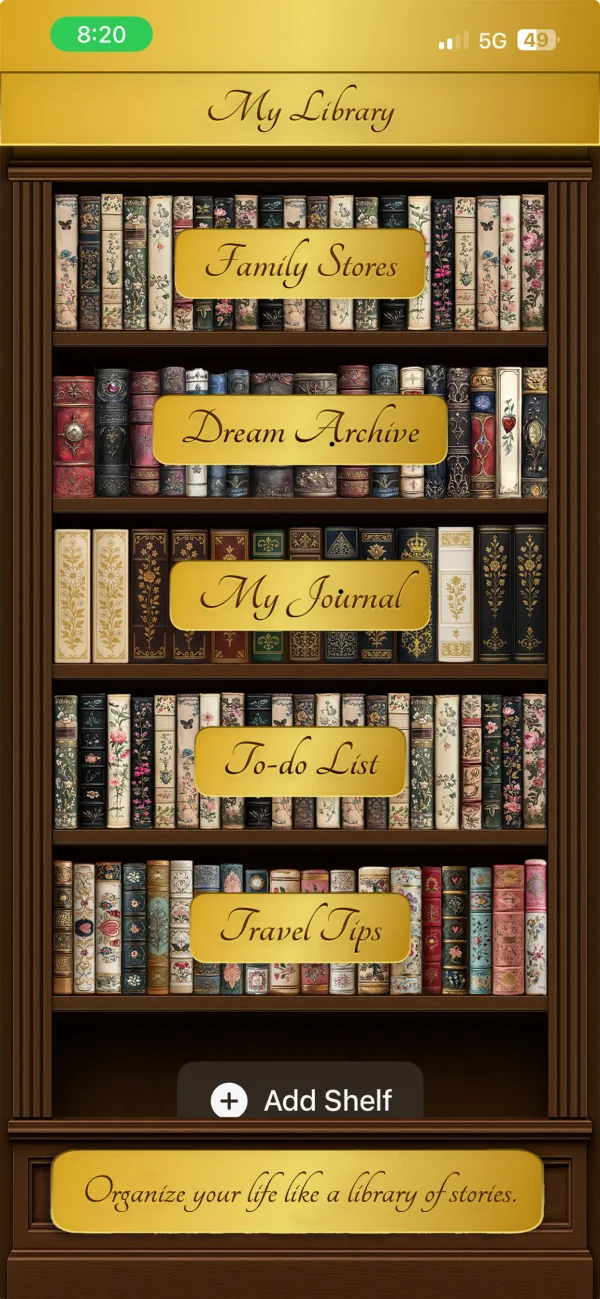
Your entries become elegant journal pages and are organized like real books on handcrafted shelves. Create journals for daily notes, gratitude, dreams, travel, memories, and more.
◆ Customize Your Writing Experience
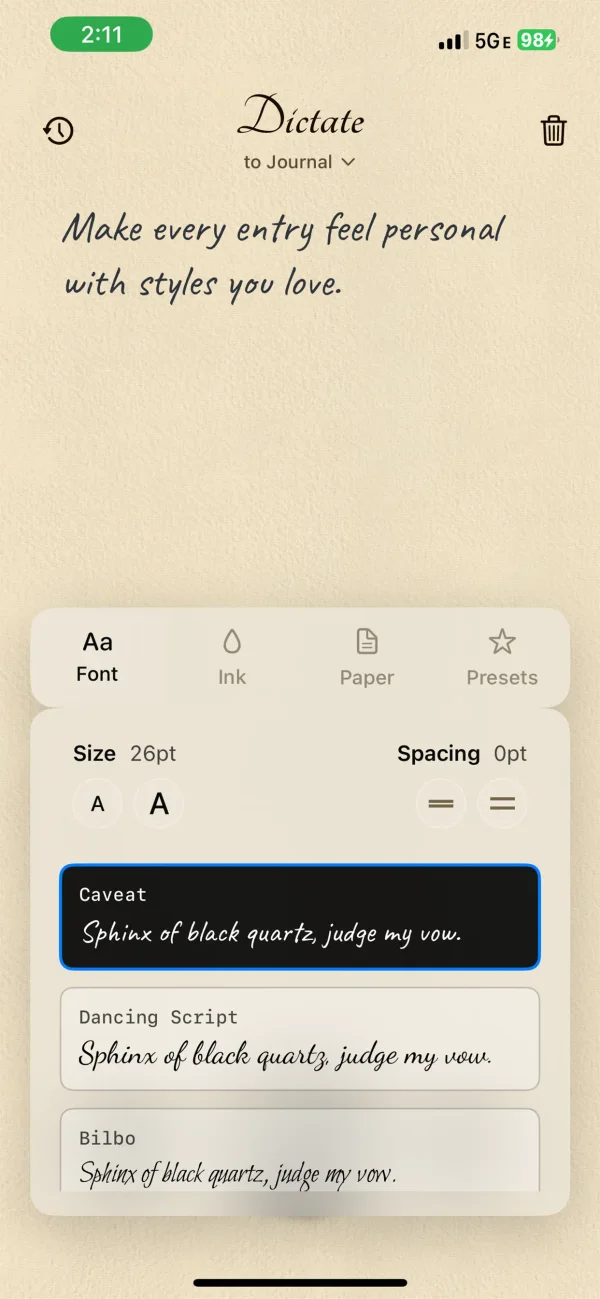
Make your journal feel personal with customizable fonts, ink colors, paper textures, and layout options. Choose handwriting-style fonts for a timeless, intimate writing experience.
◆ Writing and Rewriting Options
Use optional tools to improve clarity, tone, and flow. Keep your natural voice or choose from rewriting styles that feel calm, concise, reflective, creative, or literary.
◆ Simple, Organized, and Fast
Spoken Ink automatically sorts your entries by day, week, month, or year. Create shelves, volumes, and sections to keep your diary and notes beautifully organized.
◆ Your Journal, Your Privacy
Your writing stays private on your device or securely synced with iCloud. No accounts, no tracking, and no stored audio.
◆ Perfect for:
• Daily journaling
• Diary entries
• Voice notes
• Gratitude journals
• Fitness Journals
• Self-reflection
• Memory keeping
• Writing practice
• Speech-to-text note taking
Speak freely—Spoken Ink turns your voice into a beautifully written journal you’ll love returning to.
Why Spoken Ink?
Because journaling shouldn’t feel like work.
Because speaking is easy—and writing should be too.
Because your life deserves a beautiful record.
Turn your voice into a library of stories—effortlessly.
Terms of Use (Apple Standard EULA):
https://www.apple.com/legal/internet-services/itunes/dev/stdeula/
Privacy Policy: https://sites.google.com/view/spokenink/home
Neue Funktionen
Version 1.4 · 29.12.2025
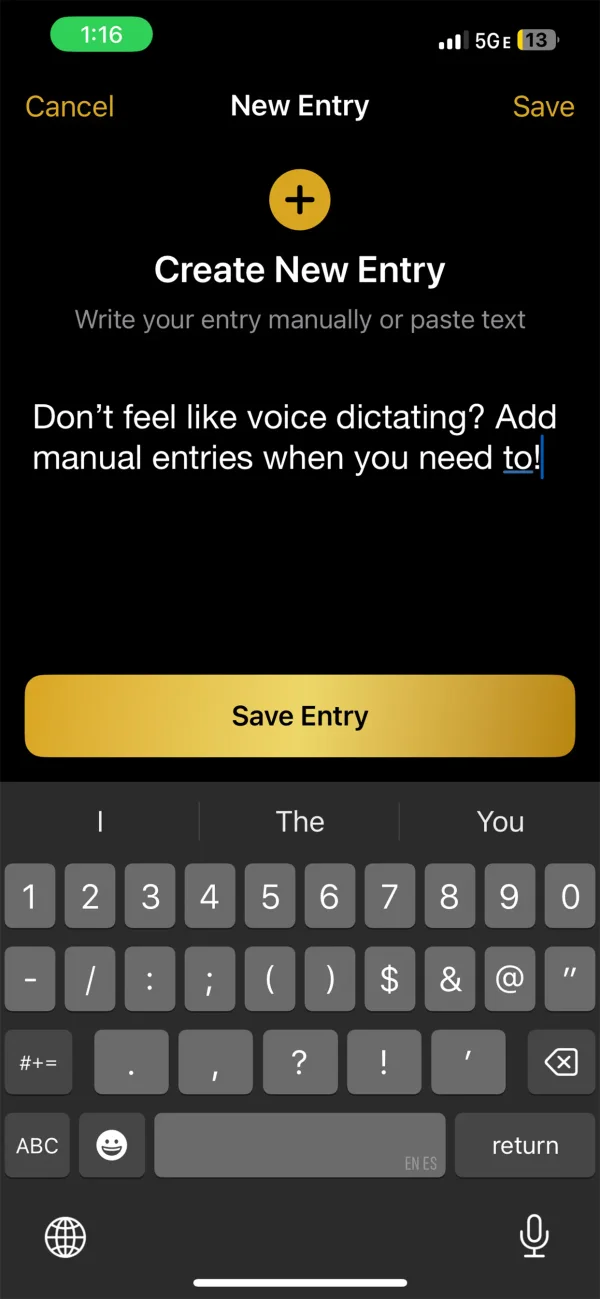
Easily restore your data from the cloud when you change devices with improved controls. Plus, you can now add a journal entry manually without voice dictation for those who can't or prefer manual input.
App-Datenschutz
Was Chris Swafford im App Store zum Umgang dieser App mit Daten angibt.
-
Nicht mit Ihnen verknüpfte Daten
Können erfasst werden, sind aber nicht mit Ihrer Identität verknüpft.
- Benutzerinhalte
- Diagnose
Die Datenschutzpraktiken können variieren, zum Beispiel je nach den von Ihnen verwendeten Funktionen oder Ihrem Alter.
Informationen
- Anbieter
- Chris Swafford
- Kategorie
- Lifestyle
- Version
- 1.4
- Aktualisiert
- 29.12.2025
- Veröffentlicht
- 20.11.2025
- Größe
- 172,1 MB
- Erfordert
- iOS 16.0 oder neuer
- Altersfreigabe
- 4+
- Preis
- Kostenlos
- In-App-Käufe
- Ja
- Sprachen
- Englisch
- Copyright
- © Christopher Swafford
Das könnte Ihnen auch gefallen
-
 Sonote: Reflect Voice JournalSprich dich frei
-
 PawUp: Puppy Potty TimerLifestyle
-
 Pawtty: Puppy Potty LogLifestyle
-
 DayheldLifestyle
-
 Afterword - voice journalingLifestyle
-
 The Pulse in the CityLifestyle
-
 AstroStudyLifestyle
-
 Spoken Diary - Voice JournalLifestyle
-
 thankly: Voice JournalLifestyle
-
 LifeGoals AIKI-gestützter Kompass für das