SQLiteFlow - SQLite Editor
Manage your SQLite databases
Entwickelt für iPhone, iPad
Kostenlos · In-App-Käufe
- Altersfreigabe4+
- KategorieEntwickler-Tools
- Entwickler晨亮 贾
- SprachenEnglisch+ 3 weitere
- Größe14,0 MB
Verlinkt auf die offizielle App Store-Seite
Download.org hostet keine Datei von SQLiteFlow - SQLite Editor. Die Schaltfläche öffnet die App-Seite bei App Store, wo 晨亮 贾 die App veröffentlicht. Eintrag zuletzt geprüft am 20.11.2026.
Screenshots
Info
Der Entwickler hat diesen Text nicht in Ihrer Sprache bereitgestellt.
Two-week free trial! So you can purchase SQLiteFlow after you know you like it! SQLiteFlow is an SQLite editor for Mac & iOS which is intuitive, stable and reliable to use.
It contains features as described below:
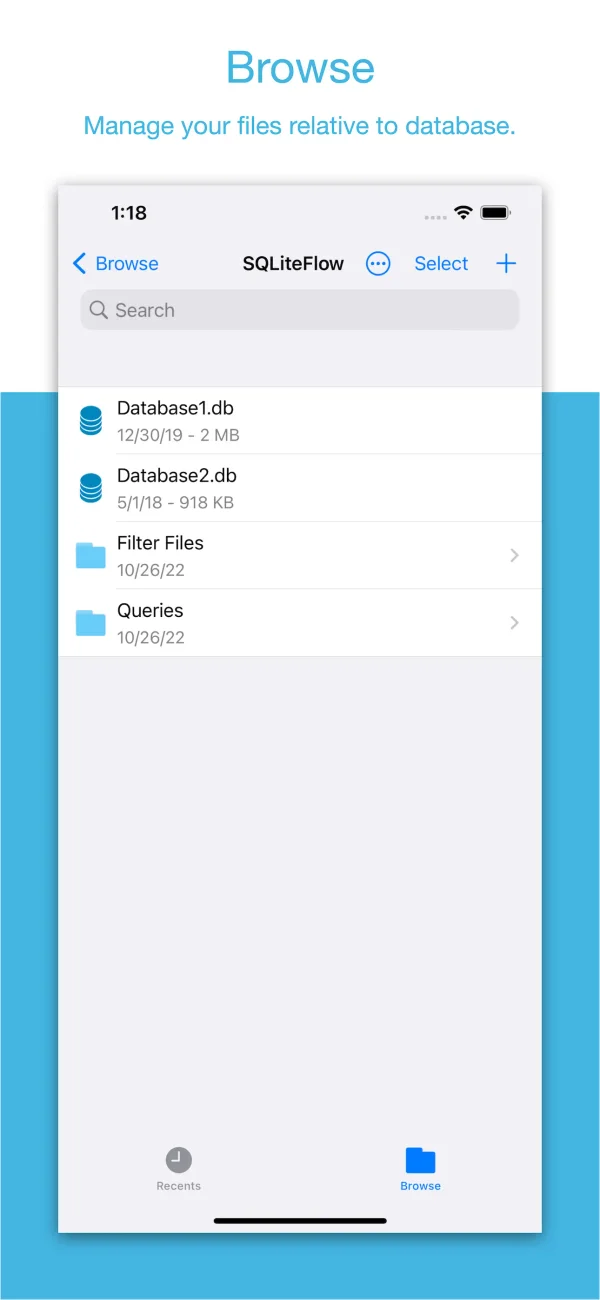
Browse
• Manage files. Supports add, remove, duplicate, rename folders, SQLite databases, SQL files, CSV files, etc.
• Supports import database from iCloud Drive by the file picker.
• Supports open external SQL files, CSV files and Filter files.
• Supports open external folders. Requires iOS 13.0 or iPadOS 13.0.
• Supports show recents files.
Query Editor
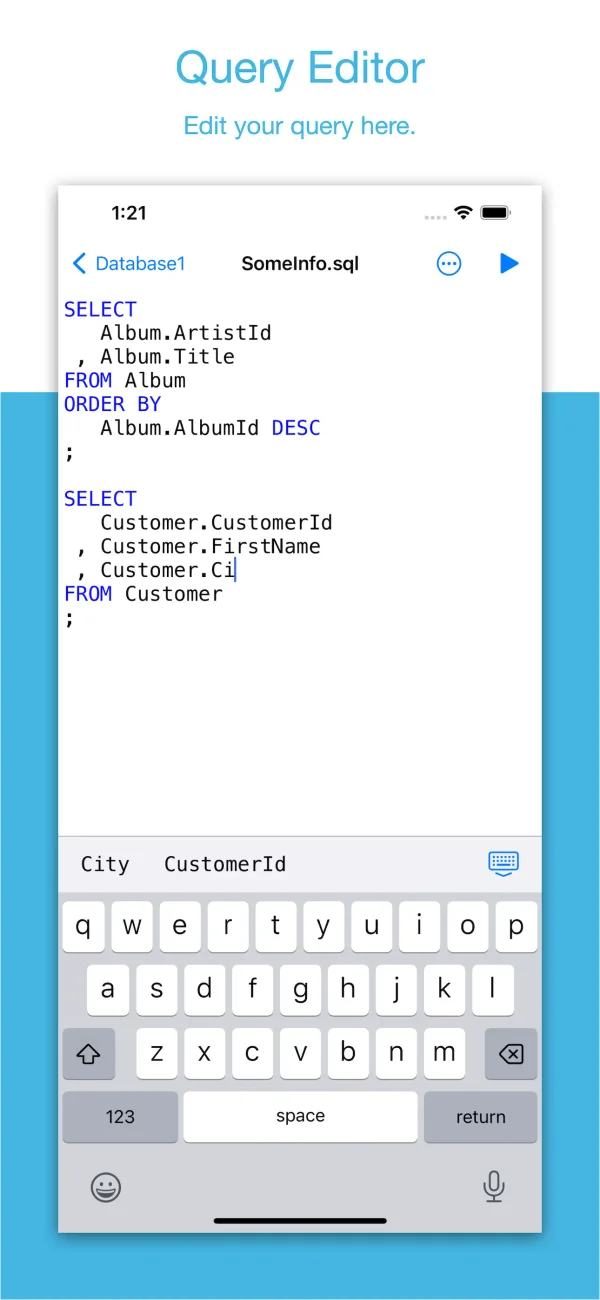
• Multi-query execution.
• Syntax highlighting.
• SQL auto-completion.
• Format query.
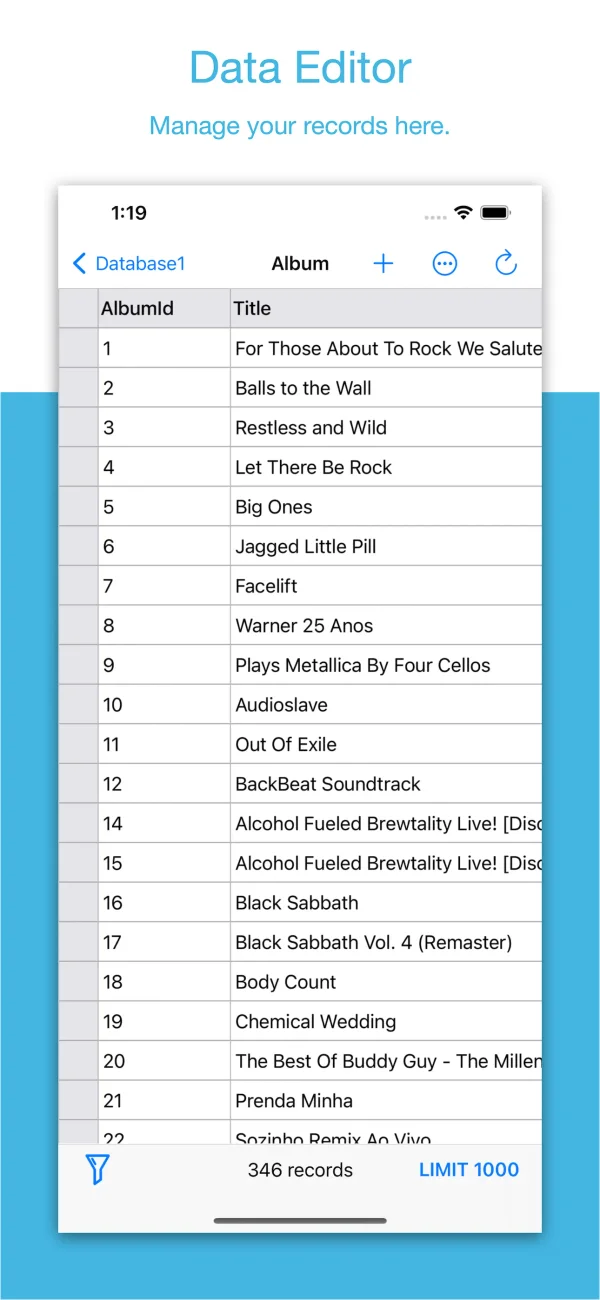
Data Editor
• View, edit or add table data.
• Multiple cells/rows/columns selection.
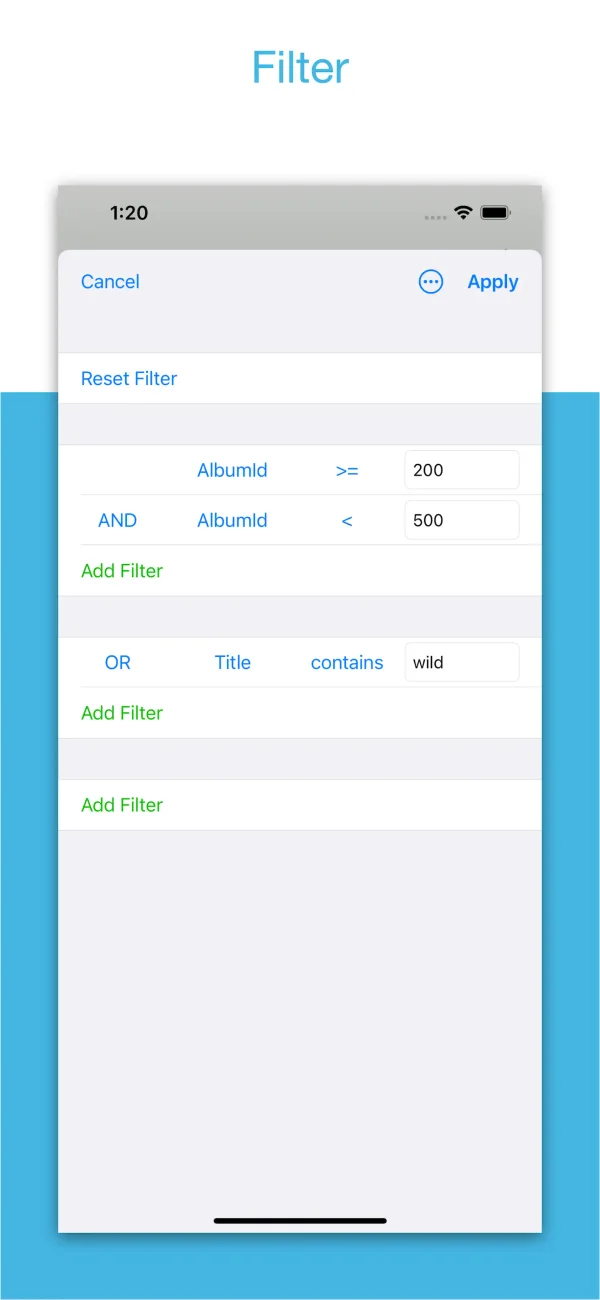
• View table data with a convenient filter.
• Sort records by tapping on column title.
• Edit blob data as hex or show it as preview if possible.
Alter Table
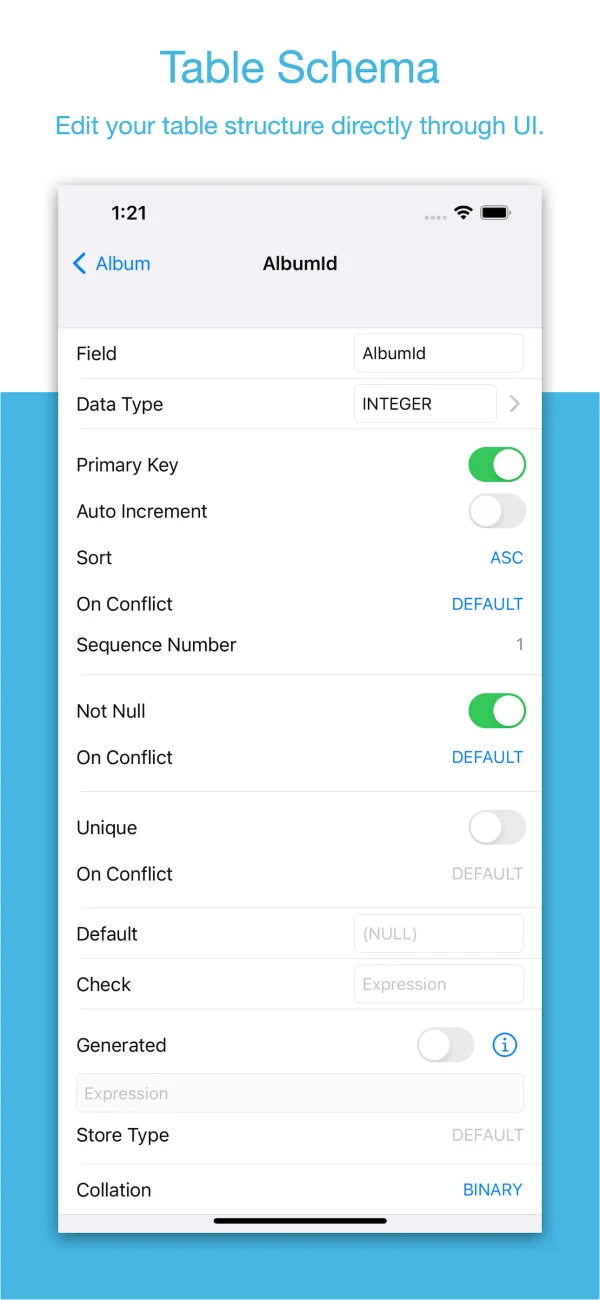
• View, edit or add table fields, indexes, foreign keys, checks.
• View triggers.
• View DDL.
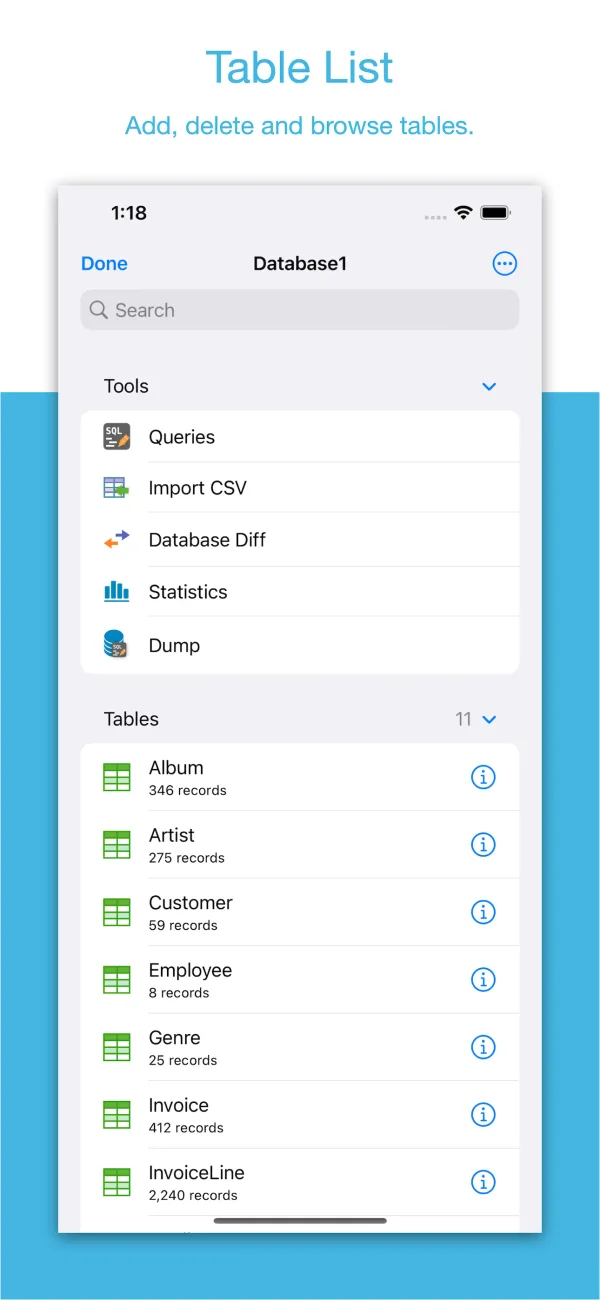
Table List
• Supports display each table's name and records count.
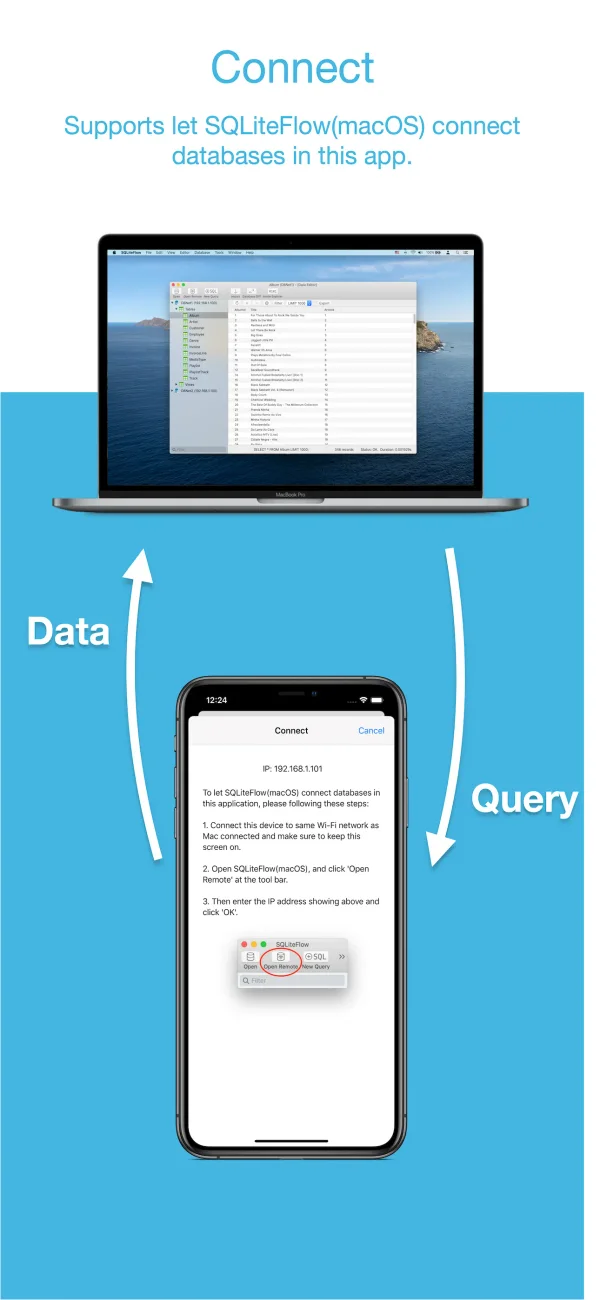
Connect
• Supports let SQLiteFlow(macOS) connect databases in this app. One use case is that you can debug query performance issue on your iPhone or iPad directly through your Mac.
Drag and Drop
• Supports drag and drop to import or export SQLite databases and SQL files in iPad.
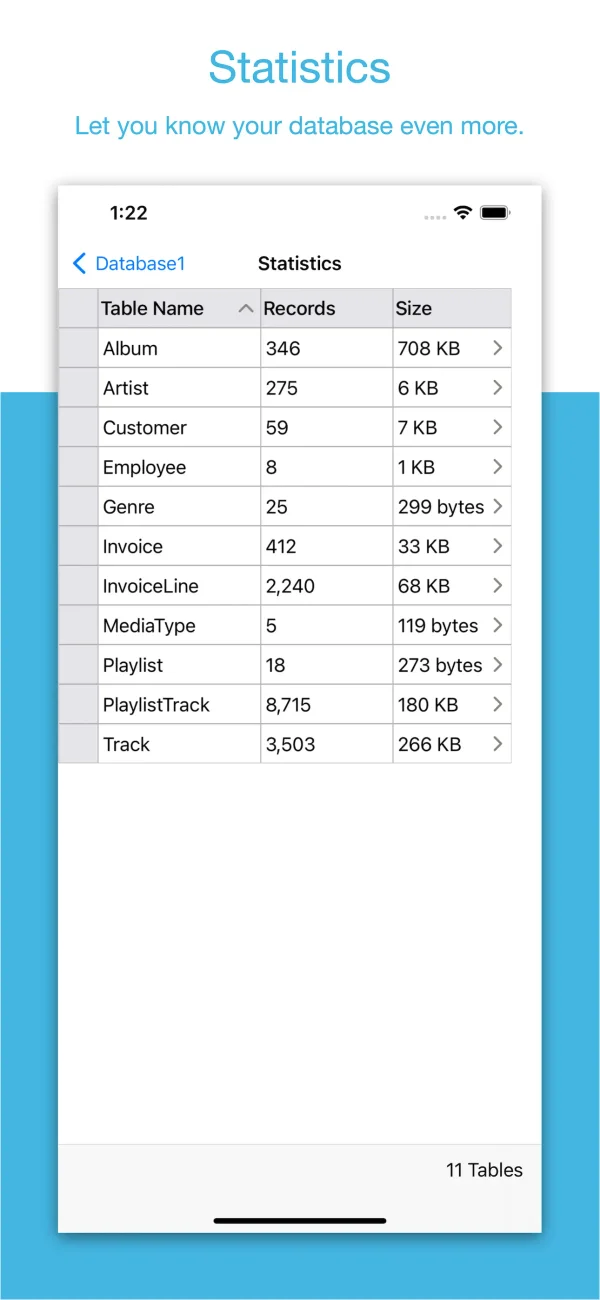
Database Statistics
• Supports show records count of each table.
• Supports show total size of each table
• Supports show size of each table's content.
• Supports show size of each table's index.
This feature may help you get more insight about your SQLite databases' data storage information, which may let you see if there're any chances to let SQLite working in a more effective way in your device.
ER Diagram
• Supports display ER diagram.
• Supports toggle field type hide or show.
• Supports Relationship Guessing.
• Supports copy as Mermaid markdown.
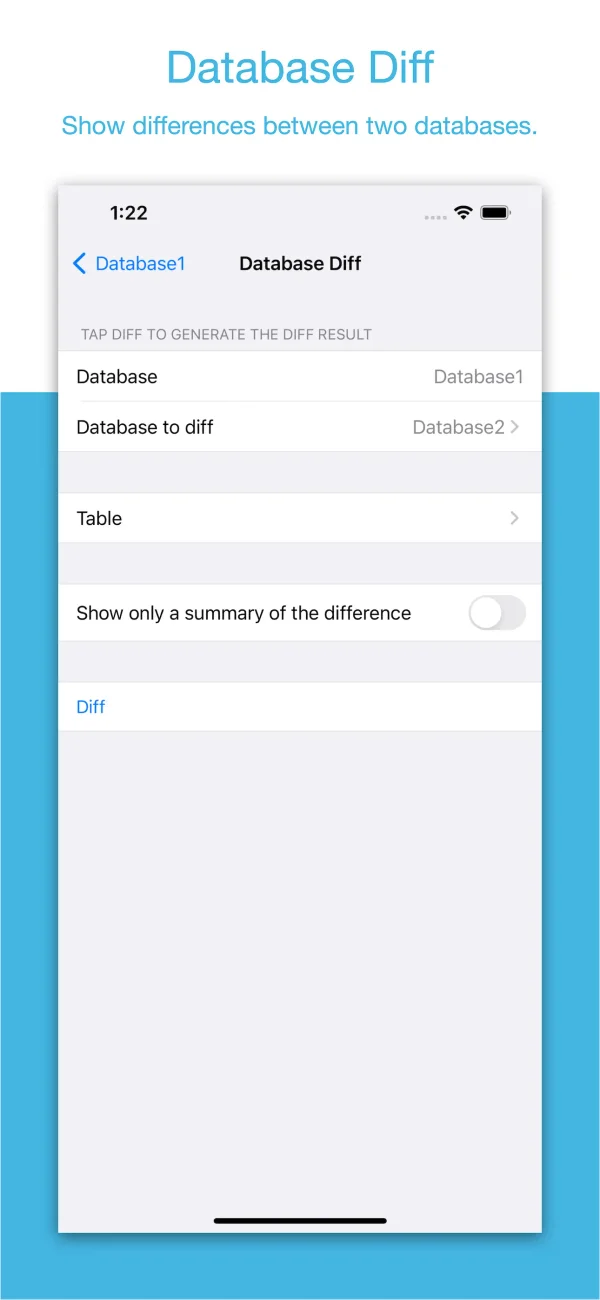
Database Diff
• Supports generate SQL text that can let you transform a database content into another.
• Supports show a summary of the differences between two databases.
Import
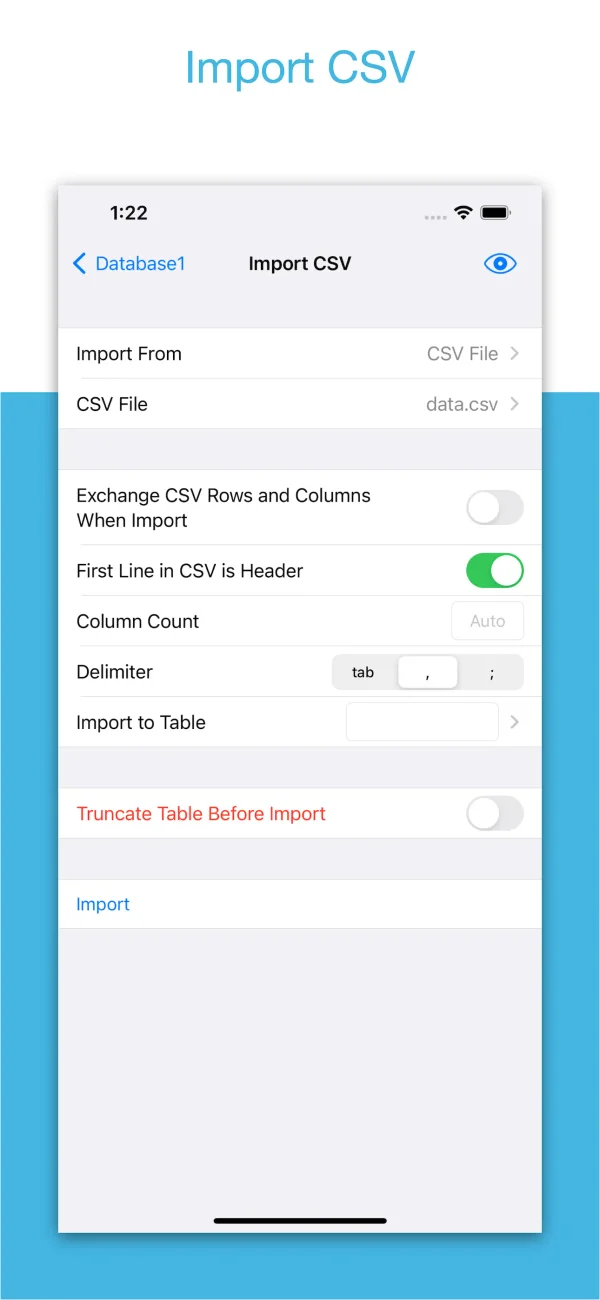
• Supports import CSV data.
• Supports import JSON data.
Export
• In Data Editor or Query Results, supports export data to CSV, JSON, Markdown or List.
• In Data Editor, supports export data to Insert Statement or Update Statement if possible.
Multiple Windows
• Supports multiple windows for iPadOS 13 or later.
Dark Mode
• Supports dark mode.
visionOS
• Supports visionOS.
Shortcuts
• Supports "Run Query" action.
• Supports "Import CSV" action.
• Supports "Import JSON" action.
Create Function
• Supports create scalar function using a simple JavaScript routine.
Terms of Use: https://www.apple.com/legal/internet-services/itunes/dev/stdeula/
Neue Funktionen
Version 6.9.0 · 06.11.2026
• Data Editor. Filter. UI enhancement for compact width screen.
• Data Editor. If the length of a cell's text is long enough or contains multiple lines, user can edit it in a popover text editor for convenience.
• Query Editor. Supports Go to Error if query error appears.
• ER-Diagram. Supports using magnify gesture to zoom in or zoom out the view.
• Browse. When rename or duplicate a database, its associated temp files will be also be renamed or duplicated.
• Support for iPhone Duo.
• This version of SQLiteFlow requires iOS 26.0 or later.
• Additional bug fixes and stability improvements.
App-Datenschutz
Was 晨亮 贾 im App Store zum Umgang dieser App mit Daten angibt.
-
Keine Daten erfasst
Der Entwickler erfasst keine Daten von dieser App.
Die Datenschutzpraktiken können variieren, zum Beispiel je nach den von Ihnen verwendeten Funktionen oder Ihrem Alter.
Informationen
- Anbieter
- 晨亮 贾
- Kategorie
- Entwickler-Tools
- Version
- 6.9.0
- Aktualisiert
- 06.11.2026
- Veröffentlicht
- 03.08.2018
- Größe
- 14,0 MB
- Erfordert
- iOS 26.0 oder neuer
- Altersfreigabe
- 4+
- Preis
- Kostenlos
- In-App-Käufe
- Ja
- Sprachen
- Englisch, Japanisch, Vereinf. Chinesisch, Tradit. Chinesisch
- Copyright
- © 2026 HyperObjc
Das könnte Ihnen auch gefallen
-
 SQLite Mobile ClientEntwickler-Tools
-
 MySQL Mobile ClientEntwickler-Tools
-
 TablePlus - Database ClientEntwickler-Tools
-
 PostgreSQL ClientEntwickler-Tools
-
 SQLite database clientEntwickler-Tools
-
 SQLPro Studio: SQL DatabaseEntwickler-Tools
-
 SQL Server Mobile ClientEntwickler-Tools
-
 MySQL Client by SQLProEntwickler-Tools
-
 SQL Recipes: Abfragen, BefehleSQL üben an echter Datenbank
-
 Secure TerminalEntwickler-Tools