
SQLSSH: Database Client/SSH/S3
DB, SQL, SSH, SFTP & S3 Client
Entwickelt für iPhone, iPad, iPod touch
Kostenlos · In-App-Käufe
- Altersfreigabe4+
- KategorieEntwickler-Tools
- EntwicklerTrendcas
- SprachenEnglisch
- Größe46,6 MB
Verlinkt auf die offizielle App Store-Seite
Download.org hostet keine Datei von SQLSSH: Database Client/SSH/S3. Die Schaltfläche öffnet die App-Seite bei App Store, wo Trendcas die App veröffentlicht. Eintrag zuletzt geprüft am 12.11.2026.
Screenshots
Info
Der Entwickler hat diesen Text nicht in Ihrer Sprache bereitgestellt.
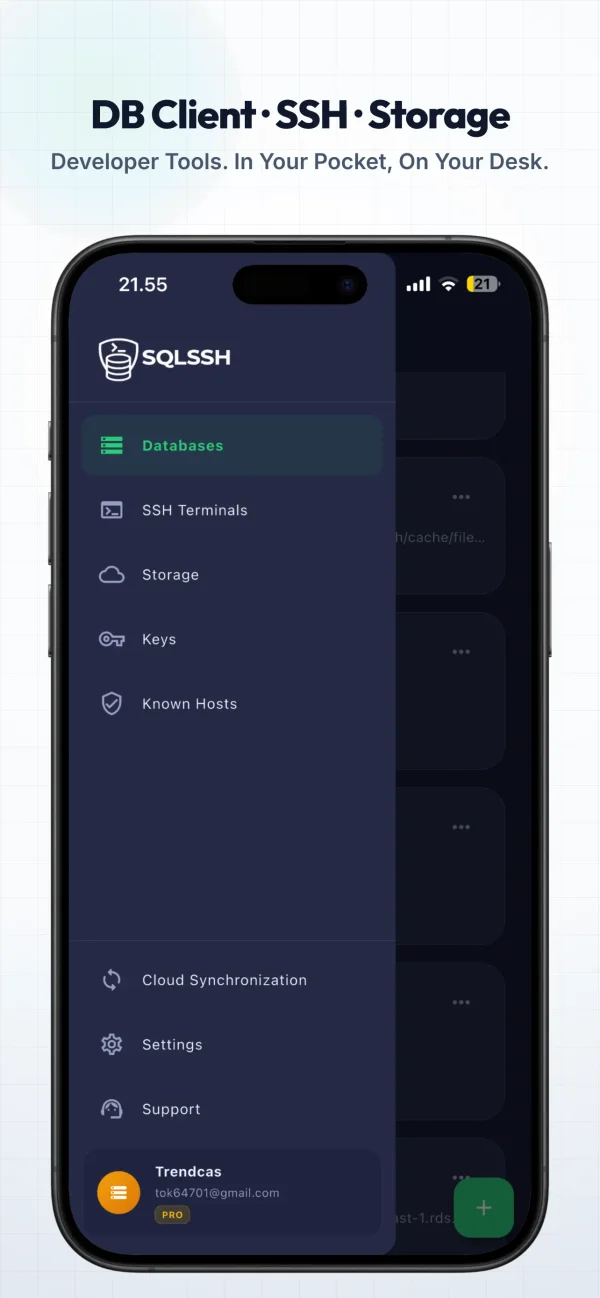
SQLSSH — Developer Tools, One Beautiful App. In Your Pocket, On Your Desk.
Stop switching between a database IDE, a terminal, and an SFTP/S3 app. SQLSSH unifies PostgreSQL, MySQL, MSSQL, Oracle, SQLite, SSH, SFTP, FTP & S3 in one local-first workspace — built for developers who ship from phone, tablet, and desktop.
WHY SQLSSH
• One client for databases, servers, and files
• Native performance (compiled - no WebViews): fast launch, low RAM, battery-friendly
• Local-first by default: credentials & private keys stay on your device
• Zero-knowledge end-to-end encrypted sync across devices
• Direct connections — your data is never proxied through our servers
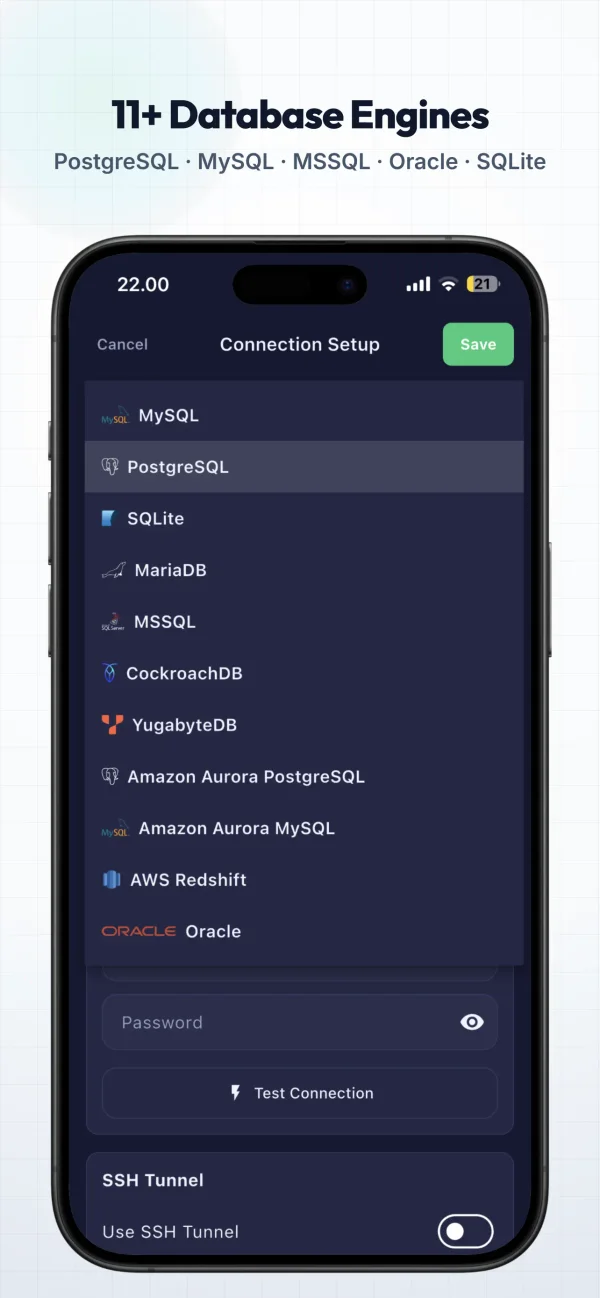
SUPPORTED DATABASES
11+ engines: PostgreSQL, MySQL, MariaDB, SQLite, MSSQL, Oracle Database, CockroachDB, YugabyteDB, Amazon Aurora & Amazon Redshift.
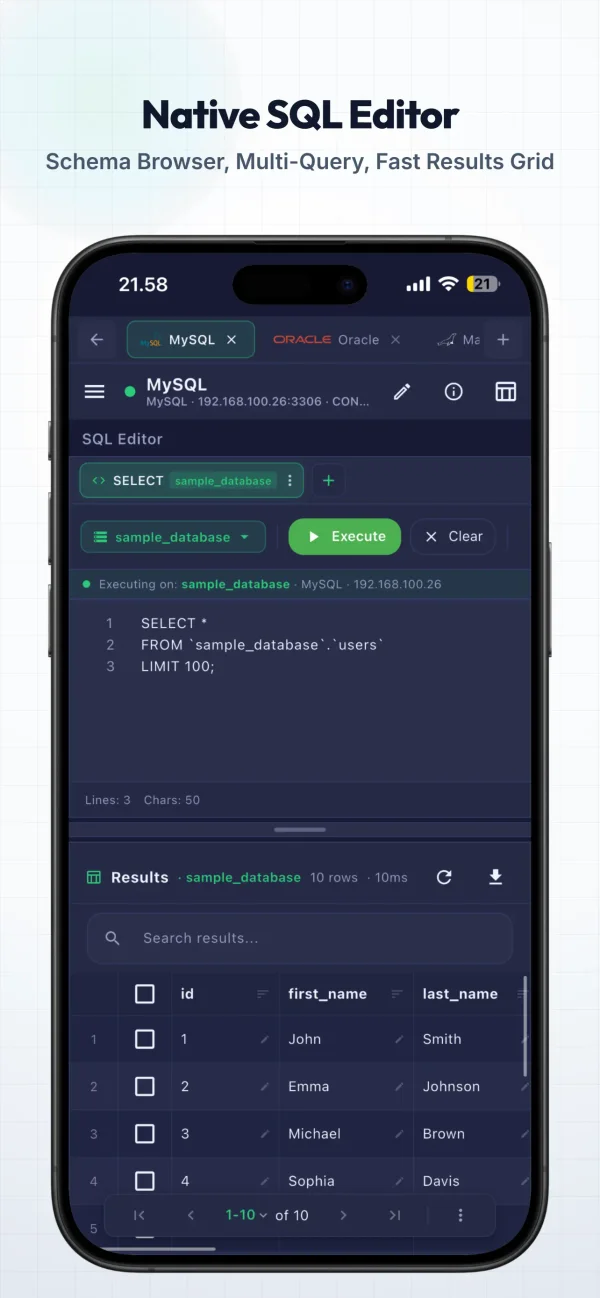
FAST & NATIVE SQL EDITOR
Write, run, and debug SQL where you work:
• Syntax highlighting & database-specific helpers
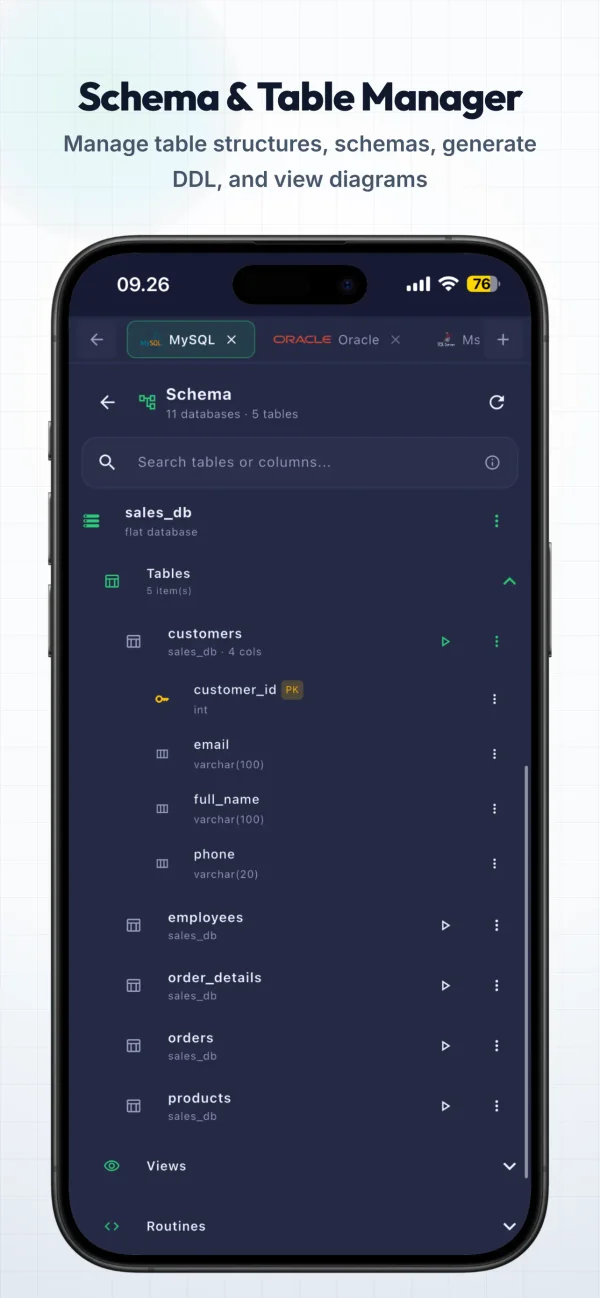
• Live schema navigator (tables, columns, PKs, indexes)
• Multi-query execution with transactions (commit / rollback)
• High-performance results grid for keyboard and touch
• Query history & reusable SQL snippets
• Import/export SQL scripts, CSV
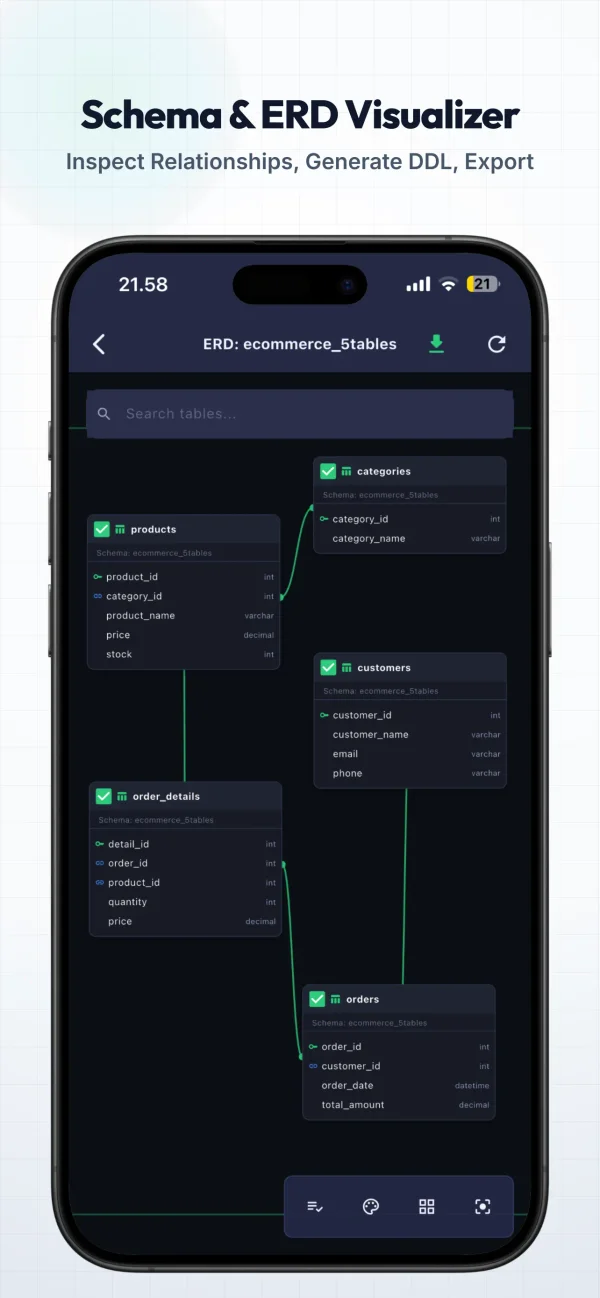
• Visual Schema Browser, interactive ERD diagrams, Generate DDL
• Dialect wizards (UUID/SYS_GUID, sequences, date helpers)
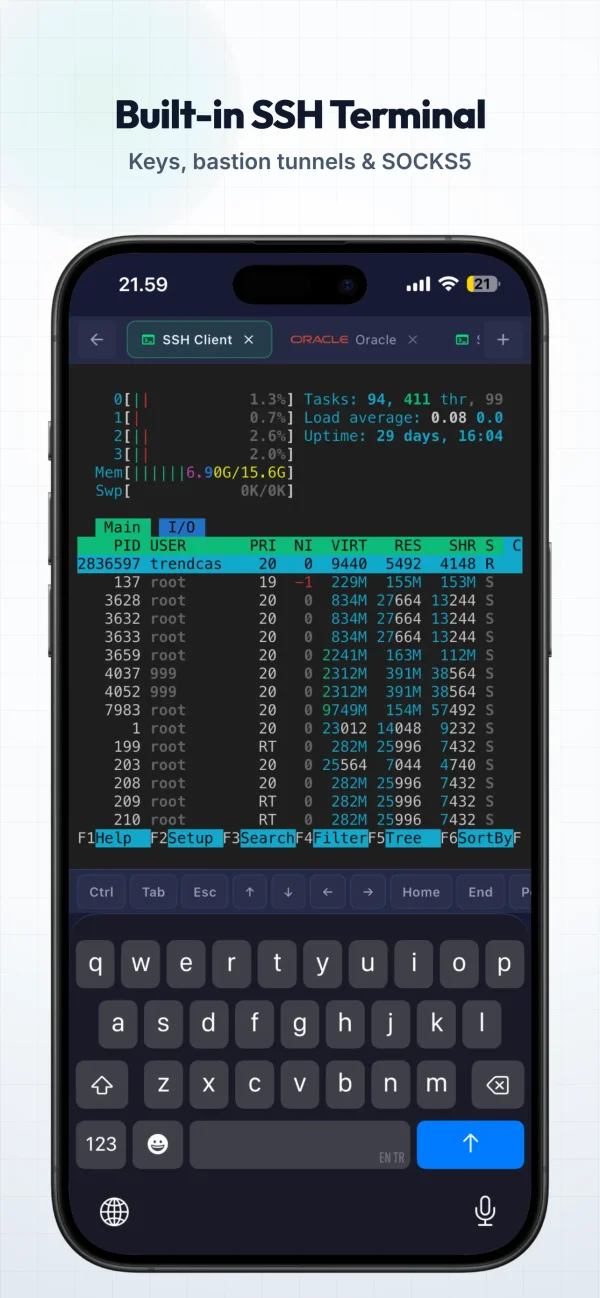
SSH TERMINAL & SECURE ACCESS
Keep the shell next to your queries:
• Built-in interactive SSH terminal
• On-device SSH key manager (passphrase-protected keys, never stored as plaintext)
• SSH bastion / jump-host tunneling for private VPC databases
• SOCKS5 proxy support for restricted networks
• Port forwarding without leaving the app
CLOUD & NETWORK STORAGE
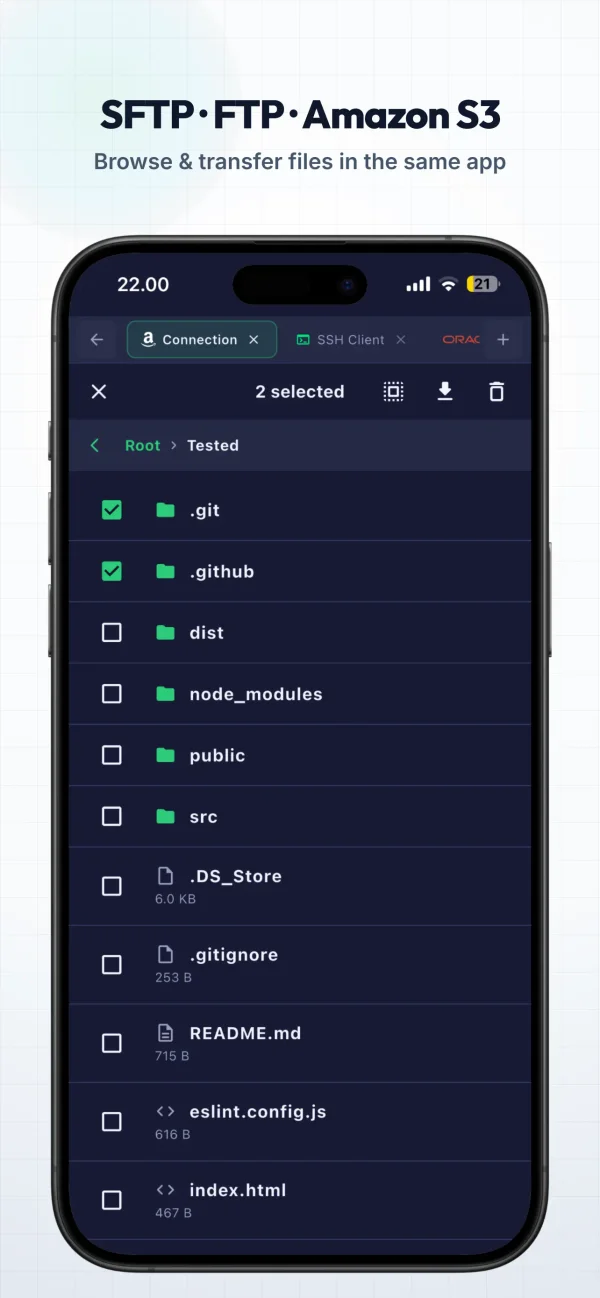
Browse and transfer files in the same workspace:
• SFTP, FTP/FTPS, Amazon S3 & S3-compatible storage
• Directory breadcrumbs, search, and background transfer queues
MULTI-SESSION WORKSPACE
• Open multiple concurrent connections in tabs
• Switch instantly between SQL sessions, terminals, and storage
• Isolated query history & schema state per session
• Split layouts to compare results or monitor servers side-by-side
SECURITY & PRIVACY
• AES-256 encryption for on-device secrets
• Biometric lock (fingerprint / Face ID) + PIN, with auto-lock
• We do not access your database content, query results, SSH I/O, or private keys
• Optional Master Password–protected E2EE sync
FREE TIER & PRO SUBSCRIPTION DETAILS
SQLSSH is free to download and use with standard features (Free Tier). You can experience all premium features by starting a 7-day free trial of the Pro subscription.
Free Tier Limitations:
• Databases: MySQL, PostgreSQL, and SQLite only.
• Connections: Up to 2 database connections and 1 SSH terminal.
• Storage: Up to 1 remote storage host (SFTP/FTP/S3) with 1 concurrent transfer.
• Saved Queries: Up to 10 SQL snippets.
• Session Tabs: Single active session tab at a time.
• Themes: Standard themes only.
SQLSSH Pro Subscription (7-Day Free Trial Available):
Unlock the ultimate developer workspace. Upgrading to Pro removes all limits and adds:
• End-to-End Encrypted Sync: Access your connections, credentials, and query history securely across all devices with client-side zero-knowledge encryption.
• All 11+ Database Engines: Full support for MSSQL, Oracle, MariaDB, CockroachDB, YugabyteDB, Amazon Aurora, and Redshift.
• Unlimited Workspace: Add unlimited connections, SSH terminals, and storage hosts.
• Multi-Tab/Multi-Session Productivity: Unlimited concurrent sessions or file transfers side-by-side.
• High-Speed Storage: Queue up to 10 concurrent file transfers.
• Advanced Editor: Save up to 500 query snippets and up to 120-second execution timeouts.
• Premium Themes: Customize your editor with 8 premium theme presets.
Subscription Details: Standard subscriptions start with a 7-day free trial. Cancel anytime during the trial period at no cost.
Terms of Use (EULA): https://sqlssh.com/terms/
Privacy Policy: https://sqlssh.com/privacy/
Neue Funktionen
Version 1.0.12 · 27.10.2026
- Improved SSH Terminal Cursor: Smooth, uninterrupted cursor visibility while navigating with arrow keys or typing.
- 10 SSH Terminal Color Themes: Customize your terminal with curated themes including Cyberpunk Neon, Tokyo Night, Dracula, Monokai Pro, and more.
- Bug fixes and performance improvements.
App-Datenschutz
Was Trendcas im App Store zum Umgang dieser App mit Daten angibt.
-
Mit Ihnen verknüpfte Daten
Können erfasst und mit Ihrer Identität verknüpft werden.
- Kontaktinformationen
- Kennungen
- Nutzungsdaten
-
Nicht mit Ihnen verknüpfte Daten
Können erfasst werden, sind aber nicht mit Ihrer Identität verknüpft.
- Diagnose
Die Datenschutzpraktiken können variieren, zum Beispiel je nach den von Ihnen verwendeten Funktionen oder Ihrem Alter.
Informationen
- Anbieter
- PT. TRENDCAS GLOBAL DIGITAL
- Kategorie
- Entwickler-Tools
- Version
- 1.0.12
- Aktualisiert
- 27.10.2026
- Veröffentlicht
- 15.07.2026
- Größe
- 46,6 MB
- Erfordert
- iOS 15.0 oder neuer
- Altersfreigabe
- 4+
- Preis
- Kostenlos
- In-App-Käufe
- Ja
- Sprachen
- Englisch
- Copyright
- © 2026 PT Trendcas Global Digital
Das könnte Ihnen auch gefallen
-
 MagicSQL - SQL Client & EditorMySQL, Postgres, MariaDB & SSH
-
 AI Remote VibeEntwickler-Tools
-
 Master SQL - DatenbankmanagerProfessioneller SQL-Client
-
 Pocket Console: Cloud ToolsEntwickler-Tools
-
 LunoDBEntwickler-Tools
-
 Quarry SQLEntwickler-Tools
-
 QueryfyEntwickler-Tools
-
 TermcorpEntwickler-Tools
-
 ReleaseVault: ASO-MetadatenKeywords und Release-Planung
-
 JWT LensEntwickler-Tools