
- Altersfreigabe4+
- KategorieGrafik und Design
- EntwicklerEvil Eye Pictures LLC
- SprachenEnglisch
- Größe227,2 MB
Verlinkt auf die offizielle App Store-Seite
Download.org hostet keine Datei von STAGE.KIT. Die Schaltfläche öffnet die App-Seite bei App Store, wo Evil Eye Pictures LLC die App veröffentlicht. Eintrag zuletzt geprüft am 18.11.2026.
Screenshots


Info
Der Entwickler hat diesen Text nicht in Ihrer Sprache bereitgestellt.
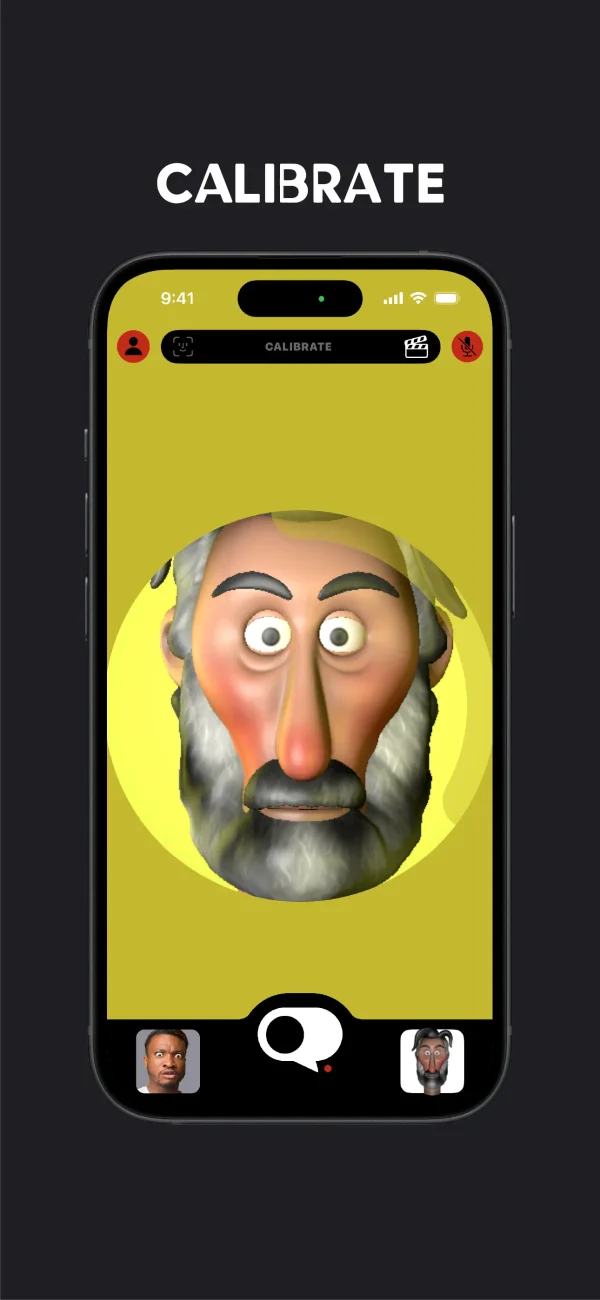
Introducing STAGE.KIT: Motion capture made simple for distributed collaboration.
STAGE.KIT allows you and your team to easily capture an actors voice and facial expressions. Invite your cast to perform along with your crew. It’s as easy as joining a video call.
KEY FEATURES:
Capture Collaborative Performances:
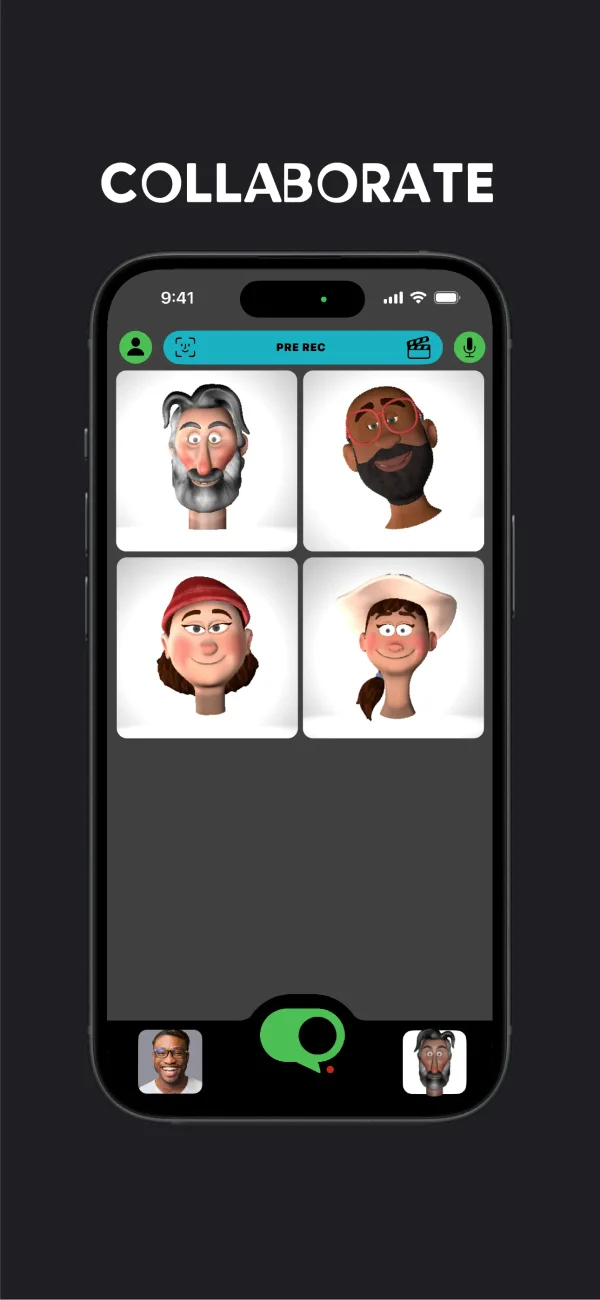
STAGE.KIT allows you to perform with other actors, not just by yourself. Interaction is key for timing and emotional context, and STAGE.KIT gives you that real-time collaboration. All actors can be captured in the cloud using STAGE.HUB, our cloud based portal that allows you start, stop, and manage your recordings and team.
ACTORS, DIRECTORS & VIEWERS:
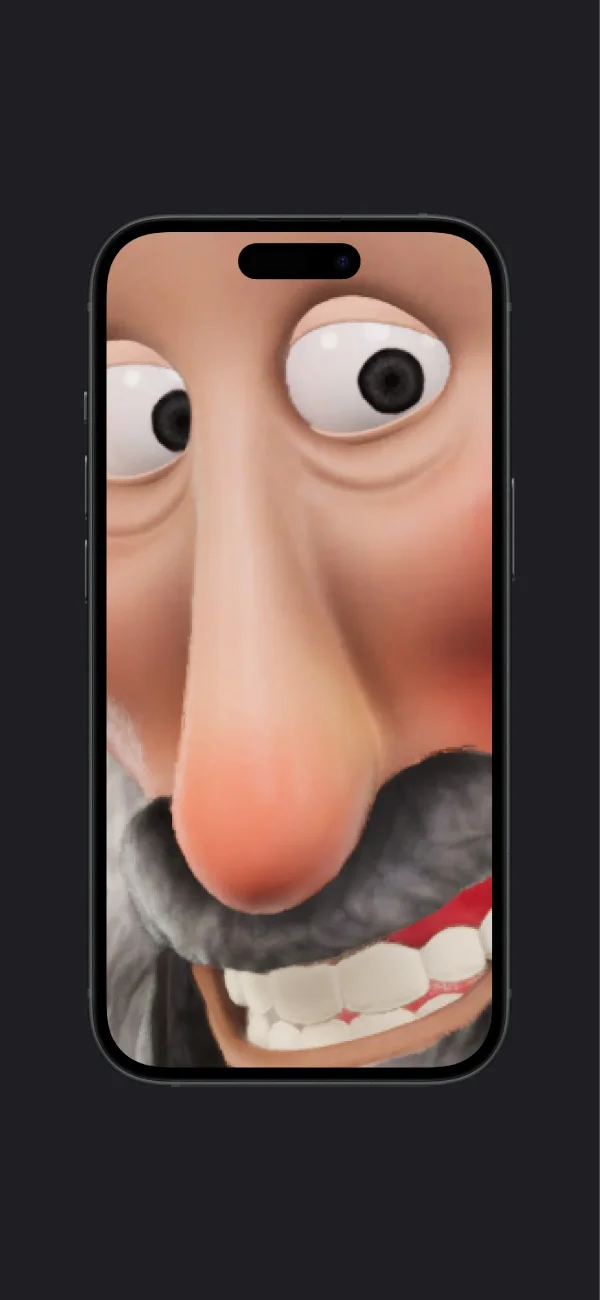
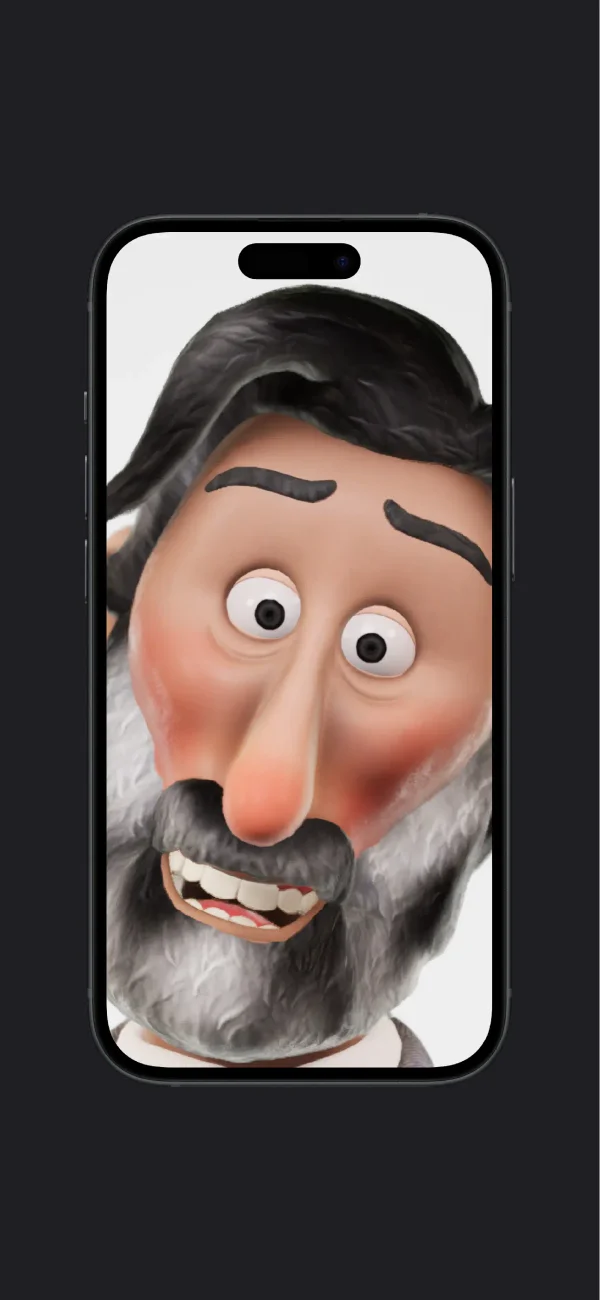
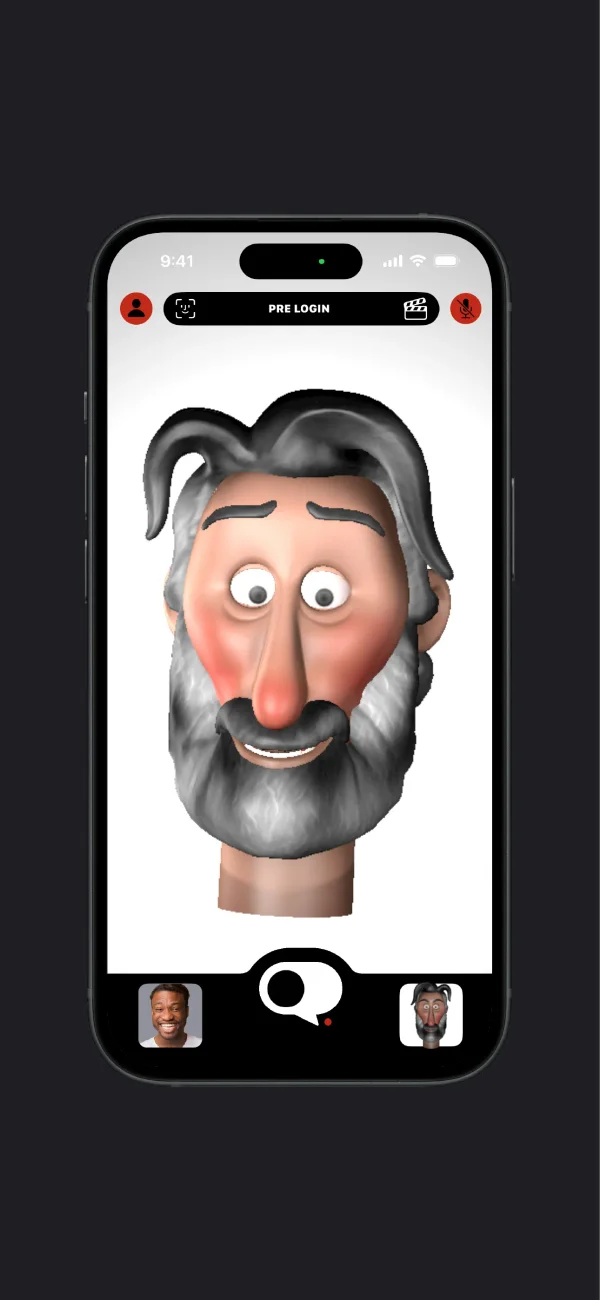
STAGE.KIT gives you a centralized location to perform as well as direct, produce, and watch. We’ve made it easy to include everyone that matters to your production. Actors get an in app digital character to control with their face and voice, along with a video feed for added context and communication. Director have a video and audio connection allowing them to give direction and feedback to the Actors. Everyone else can participate as a Viewer, listening and watching the performance. Viewers can speak as well if needed. Only the Actors audio will ever be recorded, so live feedback during a performance is welcome.
OPTIMIZED for ARKit:
Leveraging Apple’s 52 blend shapes you can authentically track facial expressions in real time. These captures are visualized locally and can be relayed to Unreal using STAGE.LINK, our Unreal Engine plugin..
Neue Funktionen
Version 1.1.2 · 20.11.2024
Actor Grid:
We’ve consolidated the way actors are displayed. Actors are placed into a grid of tiles combining both the actor’s camera and character, in order to maximize screen real estate.
• Long-press a tile in the actor grid to drag the tile and reorder where the tile appears in the grid.
• Use the Magnify / pinch-to-zoom gesture in and out to change the resize grid tiles.
• Tap a tile to display a toolbar for detailed controls over the tile, such as:
• Toggling tile inset view on / off.
• Swapping tile inset view.
• Toggling video aspect ratio.
• Pinning the tile, to isolate it.
• Directors and monitors are now displayed in a collapsible sidebar on the left-hand side of the screen.
• When no director or monitor is connected to the show, the sidebar is hidden entirely.
iOS STAGE.CONTROL Beta:
We’ve begun incorporating functionality of STAGE.CONTROL within the STAGE.KIT app, allowing you to trigger events in the iOS app.
• This functionality is in beta, and is heavily simplified compared to its PC counterpart.
• Message categories, and message content is not currently customizable.
• For example, the event message sent by tapping the FX-1 button in the FX category is literally, “FX-1”.
• To access iOS STAGE.CONTROL beta, swipe to the left on the main screen while connected to a show.
Generic Character Mask:
• We’ve added an additional character, referred to as “Generic” in the character selection menu.
• This is the built-in mesh provided by the ARKit system, to provide a more… generic character for those who may prefer that.
And many other bugs and stability issues have been squashed.
App-Datenschutz
Was Evil Eye Pictures LLC im App Store zum Umgang dieser App mit Daten angibt.
-
Mit Ihnen verknüpfte Daten
Können erfasst und mit Ihrer Identität verknüpft werden.
- Kontaktinformationen
- Kennungen
-
Nicht mit Ihnen verknüpfte Daten
Können erfasst werden, sind aber nicht mit Ihrer Identität verknüpft.
- Standort
- Benutzerinhalte
- Body
Die Datenschutzpraktiken können variieren, zum Beispiel je nach den von Ihnen verwendeten Funktionen oder Ihrem Alter.
Informationen
- Anbieter
- Evil Eye Pictures LLC
- Kategorie
- Grafik und Design
- Version
- 1.1.2
- Aktualisiert
- 20.11.2024
- Veröffentlicht
- 13.08.2024
- Größe
- 227,2 MB
- Erfordert
- iOS 17.0 oder neuer
- Altersfreigabe
- 4+
- Preis
- Kostenlos
- Sprachen
- Englisch
- Copyright
- © Copyright 2020 Evil Eye Pictures. All Rights Reserved. U.S. Patent No. 11,847,729
Das könnte Ihnen auch gefallen
-
 KnowledgeGraphGrafik und Design
-
 Drehung - PhenakistoskopFaszinierende optische
-
 MoCápGrafik und Design
-
 MetaScan: 3D Scanner & AvatarGrafik und Design
-
 Moves by MaxonGrafik und Design
-
 Sakuga MobileGrafik und Design
-
 Vidor: KI Video Clip GeneratorASMR Effekt & Animation Studio
-
 KI-WohnungsdesignKI-Wohnungsdesign
-
 Unreal VCamGrafik und Design
-
 BIM ScannerKI-Scan, Modell & Kalkulation