Stuff: Private Content Library
Save, find, and reuse anything
Entwickelt für iPhone, iPad, Mac
Kostenlos · In-App-Käufe
- Altersfreigabe4+
- KategorieProduktivität
- EntwicklerMobeera
- SprachenEnglisch
- Größe94,5 MB
Verlinkt auf die offizielle App Store-Seite
Download.org hostet keine Datei von Stuff: Private Content Library. Die Schaltfläche öffnet die App-Seite bei App Store, wo Mobeera die App veröffentlicht. Eintrag zuletzt geprüft am 17.11.2026.
Screenshots


Info
Der Entwickler hat diesen Text nicht in Ihrer Sprache bereitgestellt.
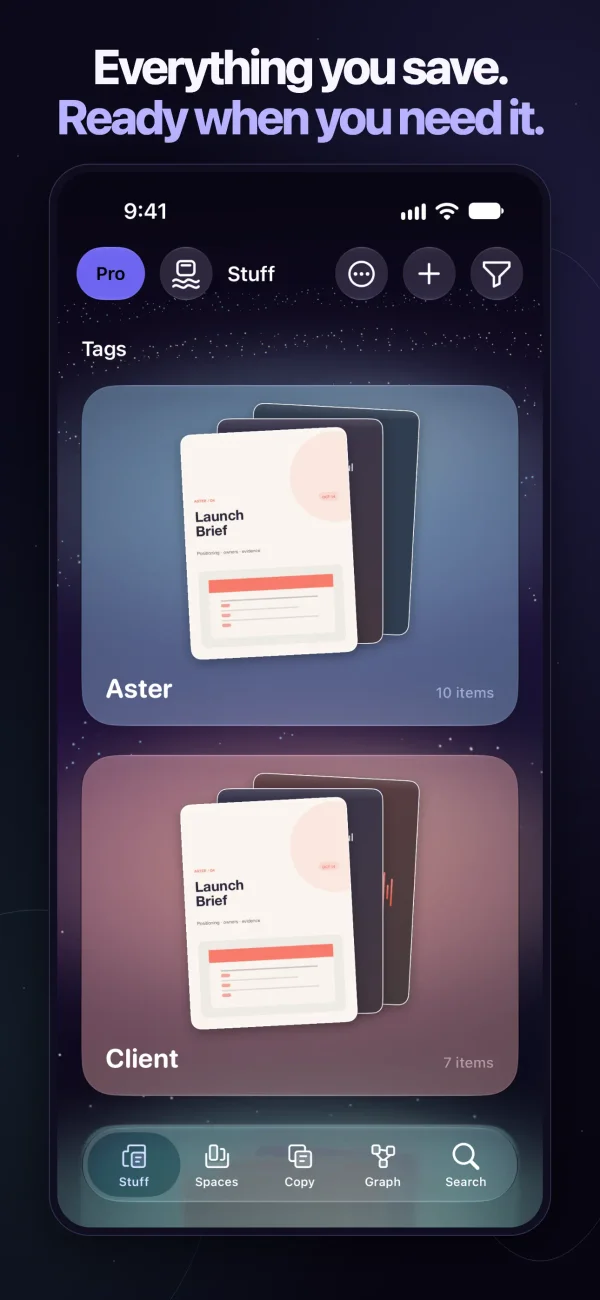
Everything you save. Ready when you need it.
Stuff is a private home for your notes, documents, screenshots, links and voice recordings across iPhone, iPad and Mac. Save something now, find it when it matters, and put it to work without starting from scratch.
SAVE FIRST. KEEP MOVING.
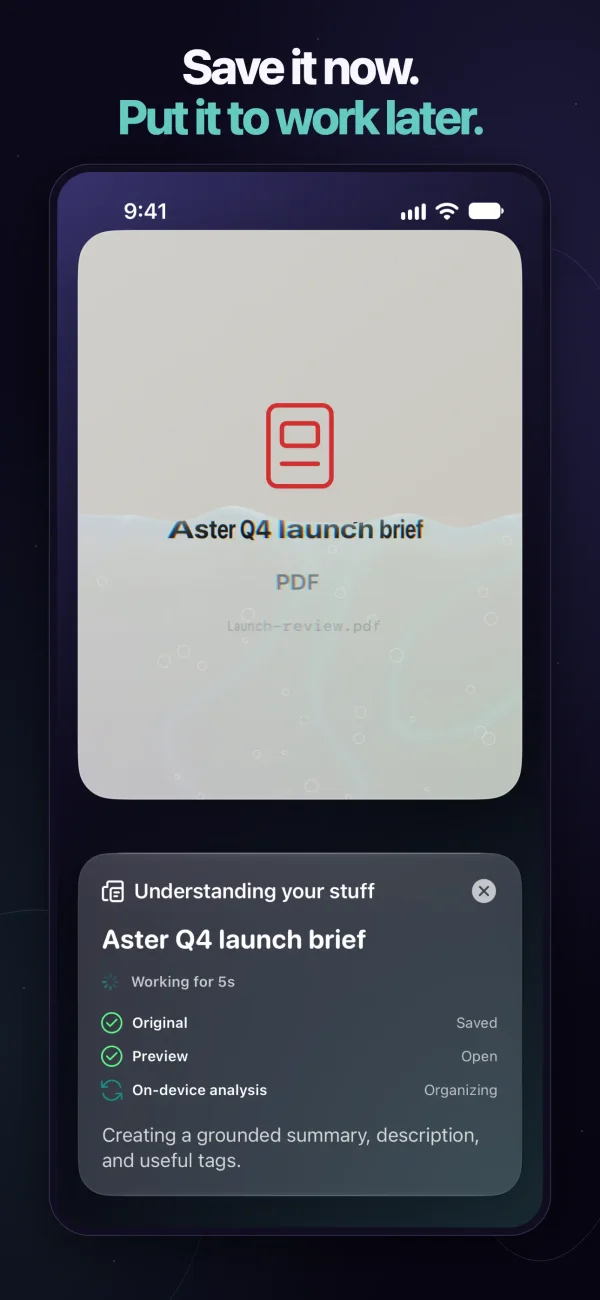
Capture text, images, PDFs, Word documents, links, files and voice notes. Paste, drag, share, pick from Photos or Files, use Shortcuts and widgets, or capture from the Mac menu bar. Stuff saves the original before processing it in the background.
FIND WHAT YOU NEED.
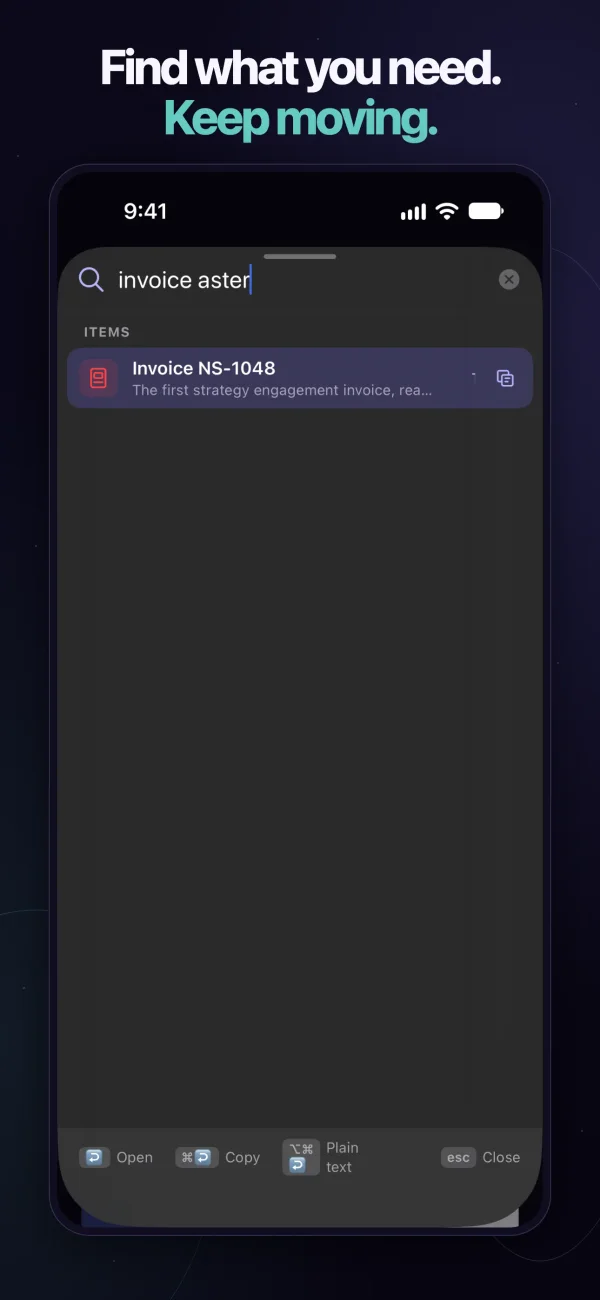
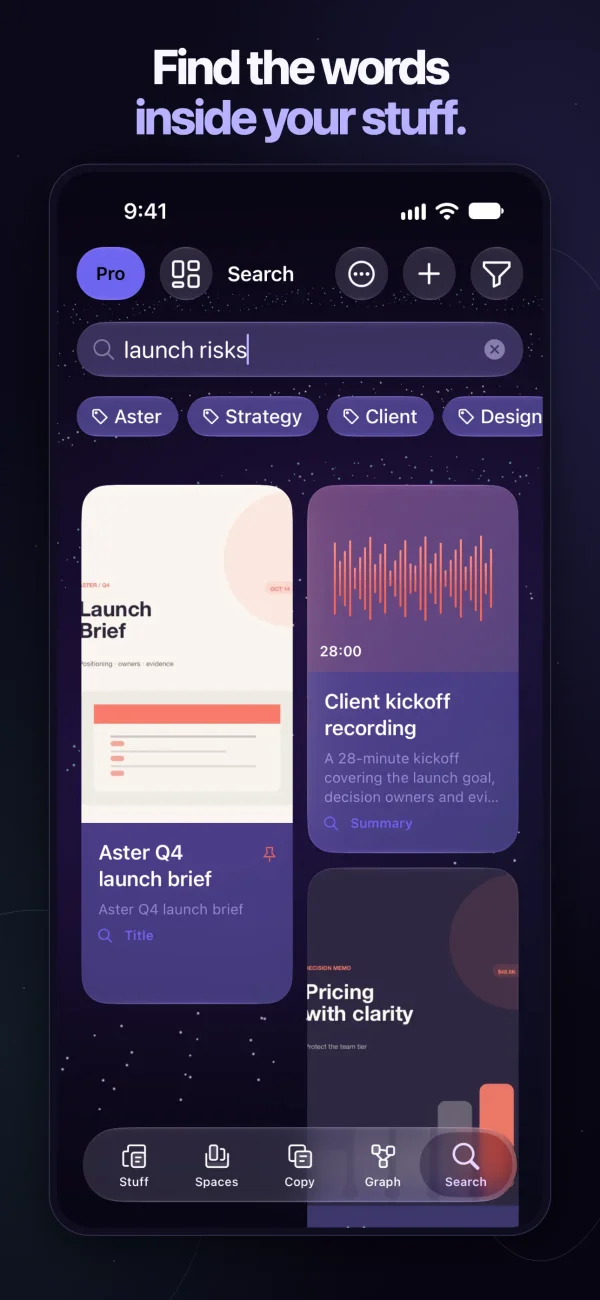
Quick Find brings items, templates and saved facts into one search, with actions to open or copy a result. On Mac, press Command-K to get there without breaking your flow.
Search beyond filenames: find words in documents, images, scans and voice transcripts. Use natural language or exact text, filter your library, and see what matched.
MAKE YOUR SPACE FEEL LIKE YOURS.
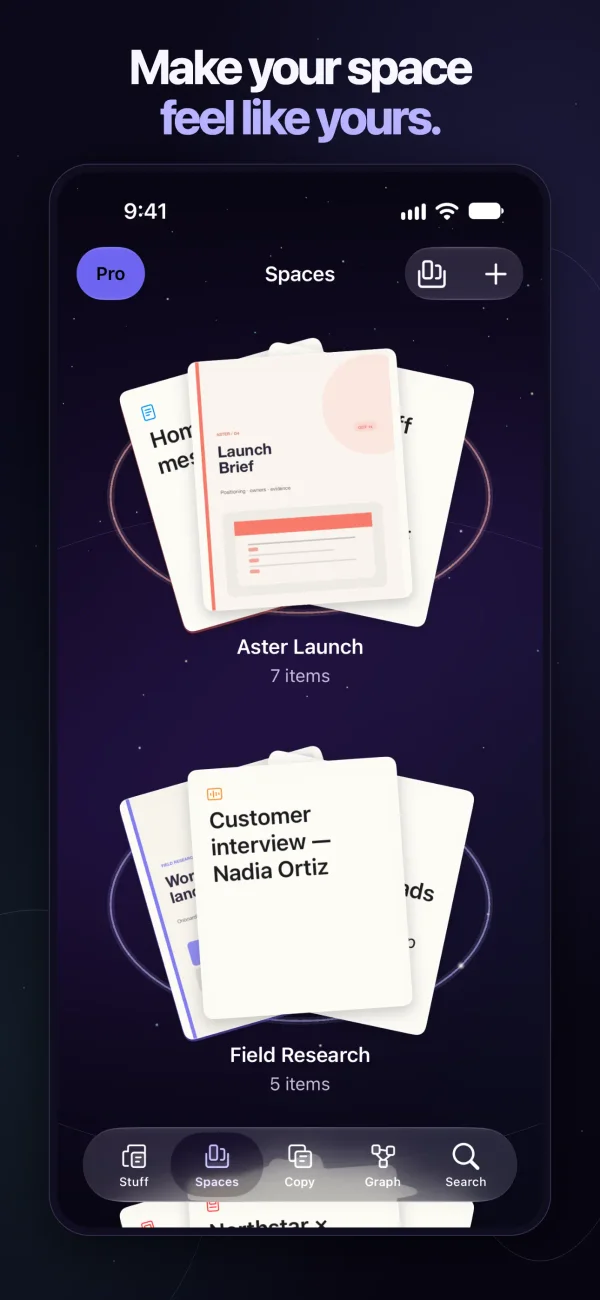
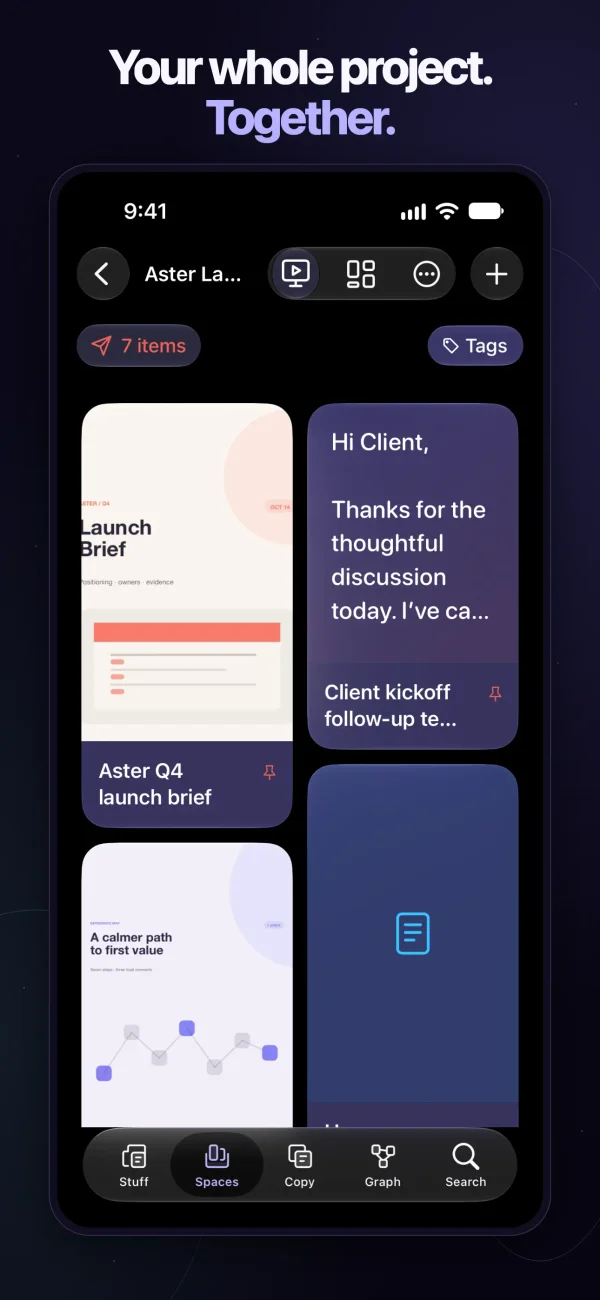
Choose Paper, Ocean, Universe or Worlds. Explore a library of document previews, browse grouped stacks, and keep each project, client or collection together in Spaces. Pin favorites and switch views to suit the way you work.
COPY THE DETAIL. SKIP THE DIGGING.
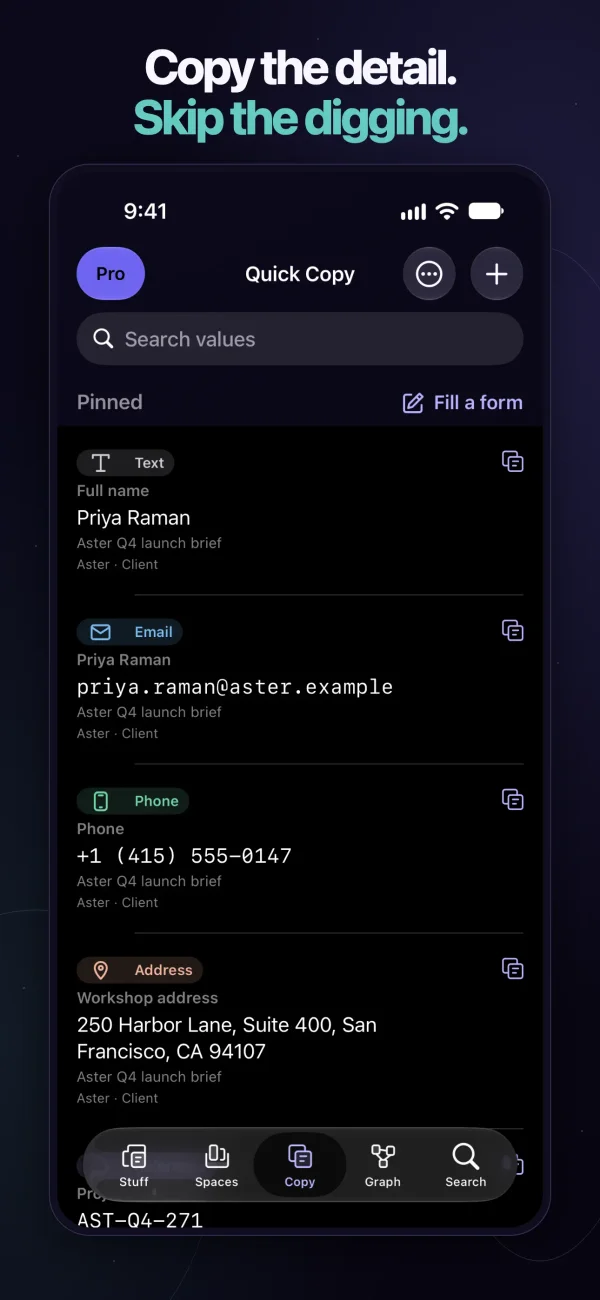
Quick Copy keeps useful details within reach: names, email addresses, phone numbers, addresses, dates, links and references. Pin the values you use often, return to recent copies, and check the source before you use a detail. You stay in control of what gets copied or pasted.
WRITE ONCE. REPLY FASTER.
Turn repeated replies into templates with typed blanks. Fill from Stuff suggests details from your saved content, with sources you can check. Review the completed reply, then copy or share it. Write Markdown notes, preview documents, present PDFs, or turn a Space's photos into a deck.
SEE HOW YOUR STUFF CONNECTS.
Graph brings your items, tags and Spaces into view. Focus on a project's neighborhood to explore the connections in your library.
PRIVATE AND LOCAL BY DESIGN.
OCR, extraction, semantic search, embeddings, transcripts and optional local intelligence run on your device. Your library syncs through iCloud when available; downloaded models and search data stay device-local.
If you enable link reading, Stuff sends only a public page address to Mobeera's reader service so the page can become searchable. It never sends capability URLs such as private shared-document links. You can turn link reading off at any time.
STUFF FREE AND STUFF PRO
Stuff Free includes every capture, search, sync, voice, template, Copy, Graph, preview, and presentation feature, plus one Space and up to 20 link reads per day.
Stuff Pro adds unlimited Spaces and up to 200 link reads per day.
SUBSCRIPTION TERMS
Stuff Pro is available as an auto-renewable subscription:
Prices may vary by country or region. The price shown in the app before purchase is the amount you will be charged.
Payment is charged to your Apple Account when you confirm the purchase. Your subscription automatically renews for the same duration unless you cancel it at least 24 hours before the end of the current billing period. Your Apple Account is charged for renewal within 24 hours before that period ends. You can manage or cancel your subscription at any time in your Apple Account subscription settings. Cancellation takes effect at the end of the current billing period.
Privacy Policy: https://www.mobeera.ai/privacy
Terms of Use: https://www.mobeera.ai/terms
Neue Funktionen
Version 1.0.1 · 21.09.2026
A fresh look. Faster ways to find and use your stuff.
• Quick Find: search items, templates and saved facts in one place, then open or copy what you need. Use Command-K on Mac.
• Make it yours: choose Paper, Ocean, Universe or Worlds, with refreshed library and Spaces designs, document previews and grouped layouts.
• Quick Copy: keep client details and everyday facts close with pinned values, recent copies and source references.
• Fill from Stuff: bring saved details into your templates, review their sources, and copy a completed reply.
• Explore connections: focus Graph on the items, tags and Spaces around your project.
Your library stays private, with on-device processing and iCloud sync when available.
App-Datenschutz
Was Mobeera im App Store zum Umgang dieser App mit Daten angibt.
-
Keine Daten erfasst
Der Entwickler erfasst keine Daten von dieser App.
Die Datenschutzpraktiken können variieren, zum Beispiel je nach den von Ihnen verwendeten Funktionen oder Ihrem Alter.
Informationen
- Anbieter
- Mobeera Co., Ltd
- Kategorie
- Produktivität
- Version
- 1.0.1
- Aktualisiert
- 21.09.2026
- Veröffentlicht
- 16.09.2026
- Größe
- 94,5 MB
- Erfordert
- iOS 26.0 oder neuer
- Altersfreigabe
- 4+
- Preis
- Kostenlos
- In-App-Käufe
- Ja
- Sprachen
- Englisch
- Copyright
- © 2026 Mobeera Co., Ltd
Das könnte Ihnen auch gefallen
-
 Trovu RemindersProduktivität
-
 SnapNote SyncProduktivität
-
 Ashnote: Calendar Diary NotesProduktivität
-
 Snagbox: Später lesen & LinksPrivater Lesezeichen-Manager
-
 OneNextProduktivität
-
 MemoFlow: Memos ClientProduktivität
-
 Simple Text NotesProduktivität
-
 Neuro HiveProduktivität
-
 Remember It: Daily Planner AppProduktivität
-
 TagDrawer: Links speichernLesezeichen mit Tags ordnen