SuperPrep Learn
Past Questions & Mock Exams
Entwickelt für iPhone, iPad, iPod touch
Kostenlos · In-App-Käufe
- Altersfreigabe4+
- KategorieBildung
- EntwicklerBrillianzhub Technologies Ltd
- SprachenEnglisch
- Größe45,6 MB
Verlinkt auf die offizielle App Store-Seite
Download.org hostet keine Datei von SuperPrep Learn. Die Schaltfläche öffnet die App-Seite bei App Store, wo Brillianzhub Technologies Ltd die App veröffentlicht. Eintrag zuletzt geprüft am 23.11.2026.
Screenshots

Info
Der Entwickler hat diesen Text nicht in Ihrer Sprache bereitgestellt.
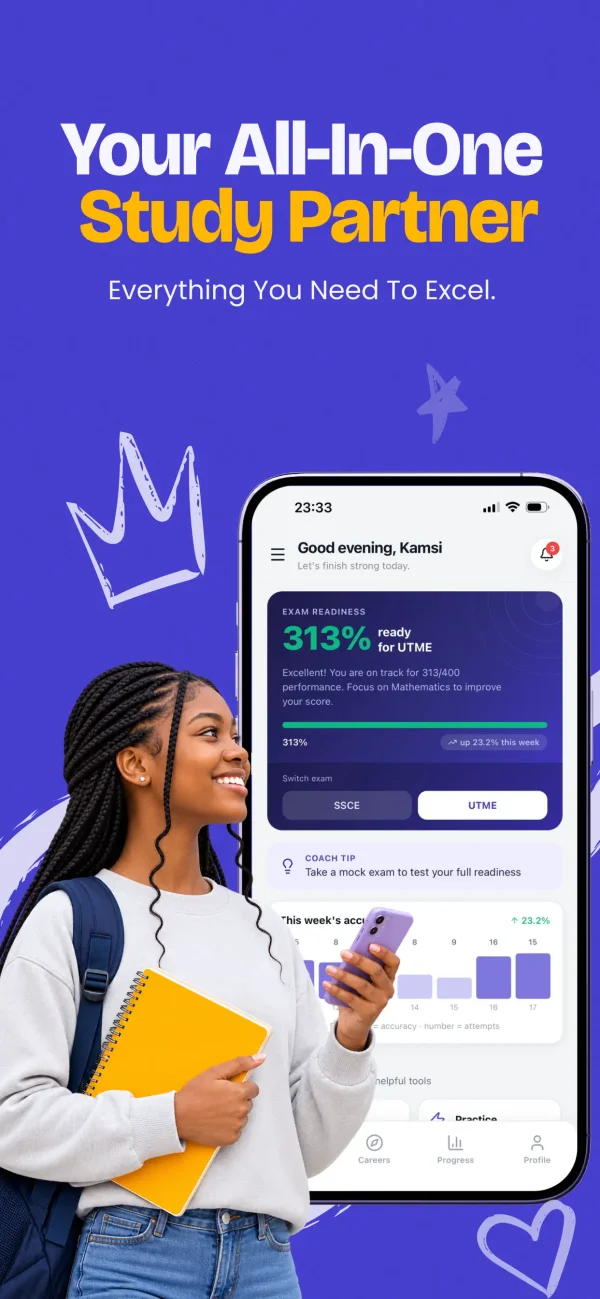
SuperPrep helps students prepare for exams, track how they're really doing, and plan what comes next, wherever they study.
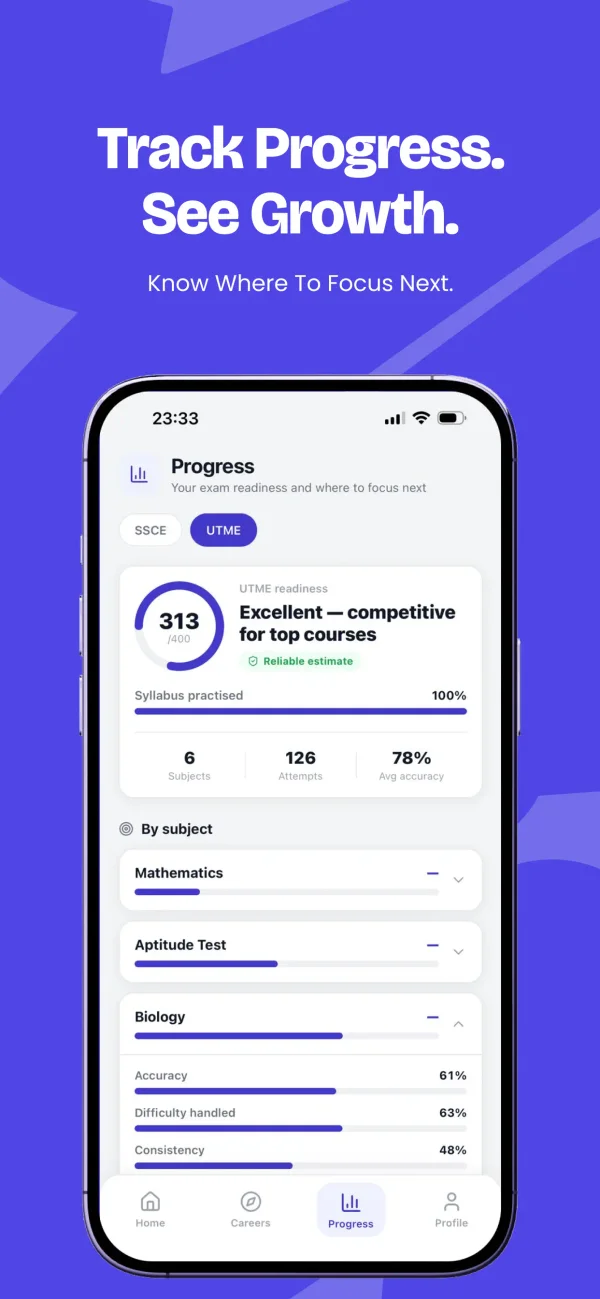
Track your progress
See your readiness subject by subject. Spot the topics holding you back and watch your scores improve as you practise.
Practise past questions
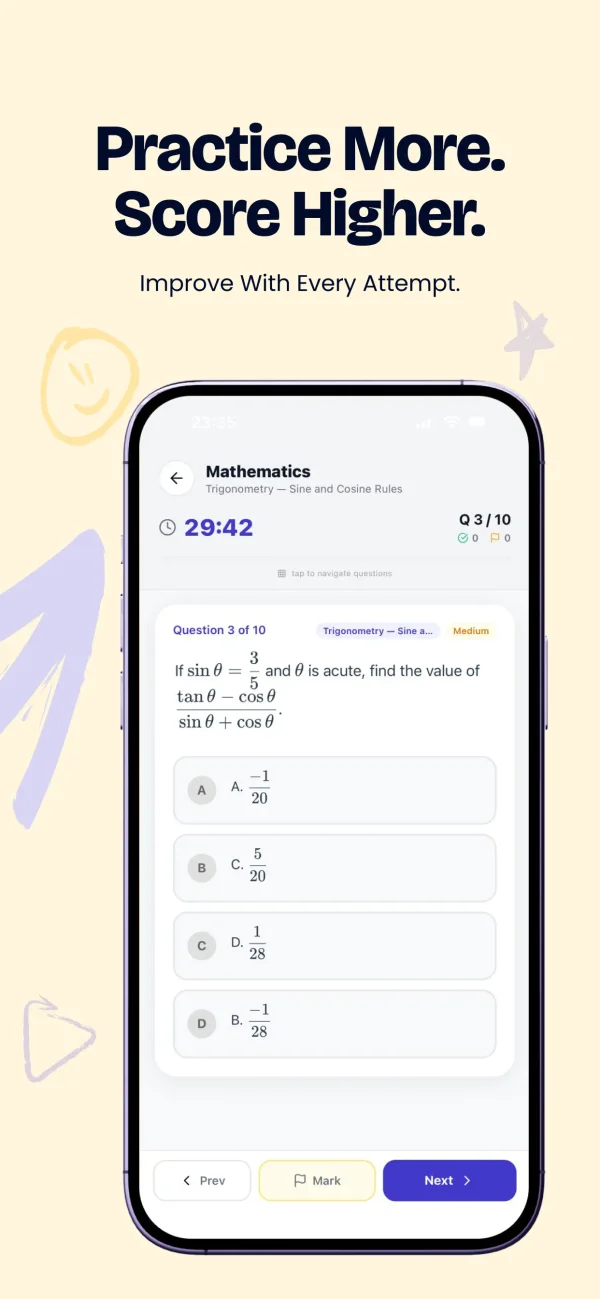
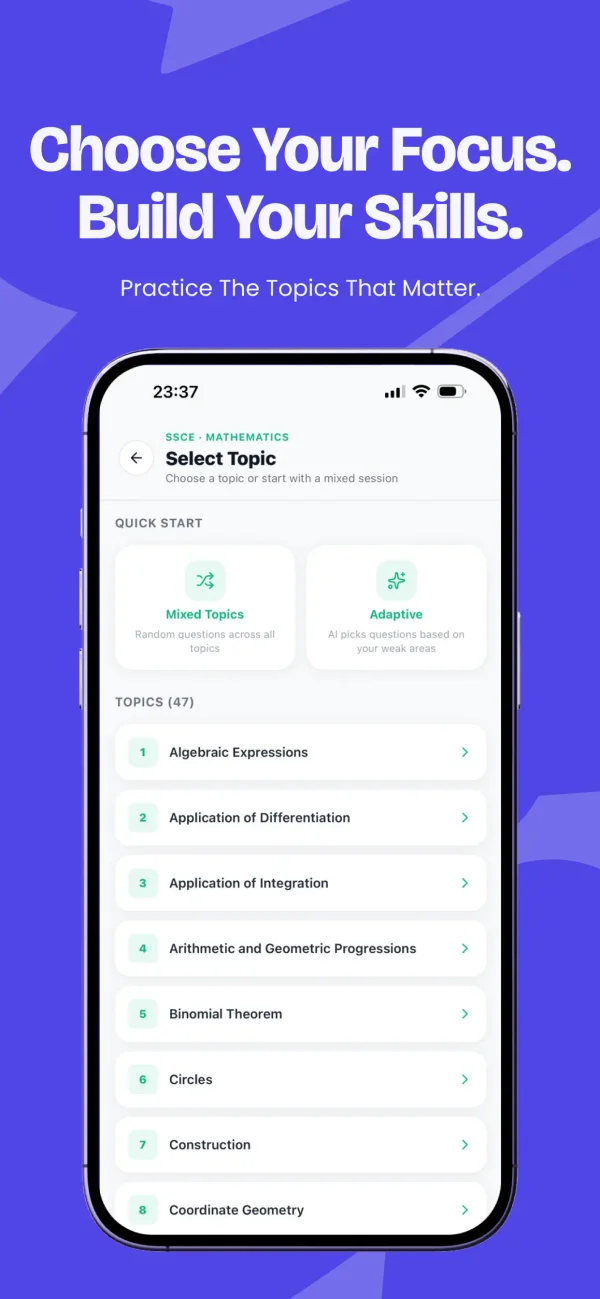
Work through past questions across Mathematics, English, Physics, Chemistry, Biology and more, including WAEC, JAMB, NECO, NABTEB, IGCSE, GCSE etc preparations questions. Every question comes with a clear explanation, so you learn why an answer is right, not just which one it is.
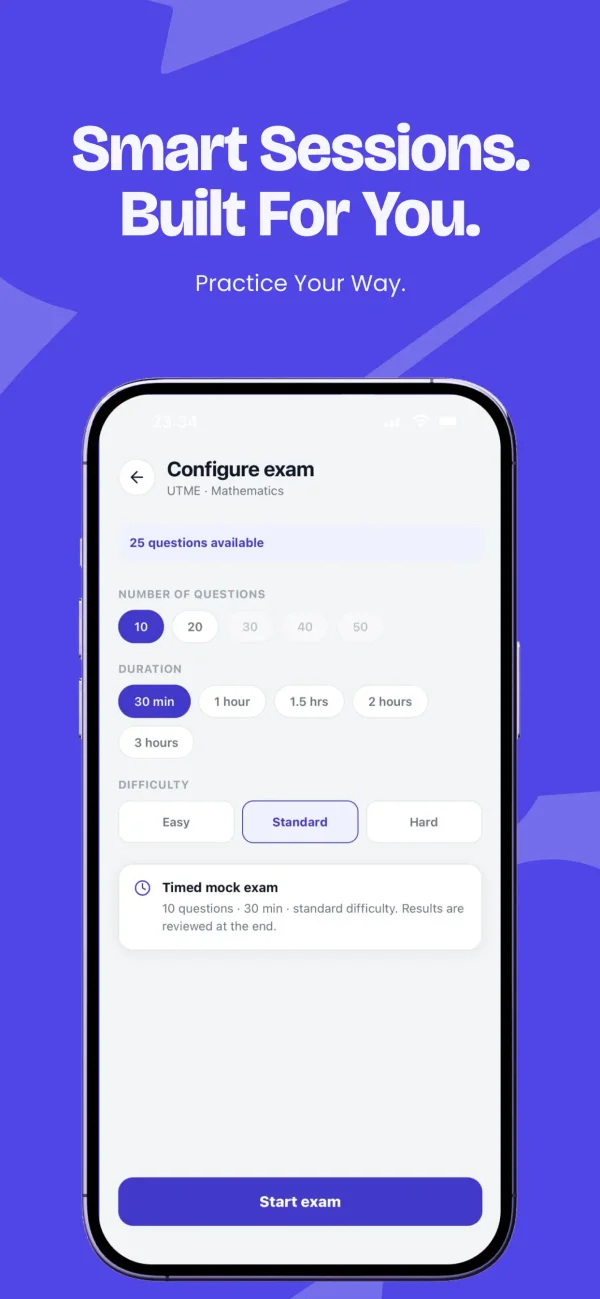
Take mock exams
Sit timed mock exams that mirror the real thing. See your score, your weakest topics and what to revise next.
Find a tutor
Browse verified tutors by subject, rate and location. Message them, book sessions online or in person, and get help where you need it most.
Scholarships and opportunities
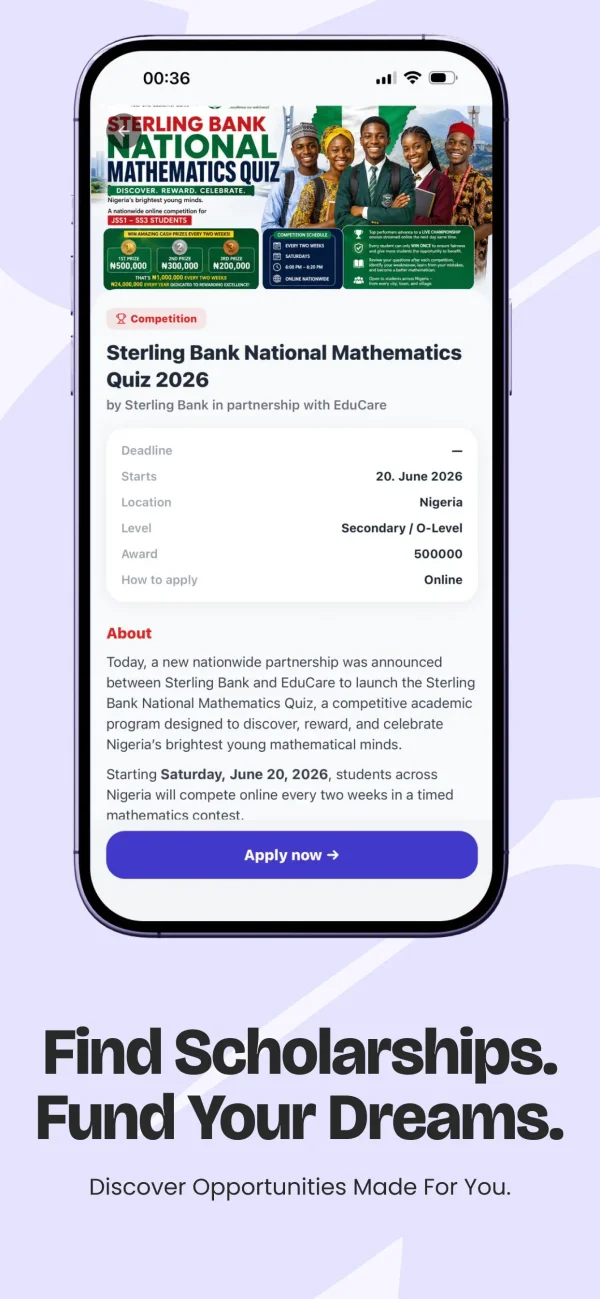
Discover scholarships, competitions and programmes you're eligible for, with deadlines you won't miss.
Planning for university or abroad
Set a study plan: where you want to go and what you want to study. Then track every application in one place. Keep your transcripts, CVs and certificates ready to attach, and get reminded before deadlines pass.
Career guidance
Explore careers matched to your interests and subjects, and see which universities and courses lead there.
For students in the US, the UK, Africa and beyond: wherever your next step takes you, SuperPrep helps you get there.
Terms of Use (EULA): https://www.apple.com/legal/internet-services/itunes/dev/stdeula/
Terms of Service: https://superprep.pro/terms
Privacy Policy: https://superprep.pro/privacy
Neue Funktionen
Version 1.1.5 · 21.11.2026
Learn from ready-made flashcards, and turn your own notes into flashcards.
NEW: Flashcard Library
• Browse ready-made flashcard decks for your subjects. Each deck has short key points to study, plus questions to practise, with clear worked answers.
• Free sample decks are open to everyone. Premium unlocks the full library, and Premium members can download decks to study offline.
• Study mode: swipe through the key points. Practice mode: answer the questions and rate how well you knew them. Cards you find hard come back sooner.
• Tables are shown clearly inside cards, and wide tables scroll sideways.
• Decks are grouped by subject, with a Free or Premium label on each one.
NEW: Flashcards from your notes
• Photograph a page of your notes and get a short summary of the key points, plus a deck of flashcards you can check and edit before saving.
• Smart review: cards you find hard come back sooner, and cards you know well come back later.
• Worked answers are shown as short labelled lines (why, example, steps), and maths is displayed properly.
• Duplicate check: if you already have a similar deck, we tell you so you never save the same cards twice.
• Share a deck with a friend using a code or a QR code.
• My decks are now arranged by subject, so your notes decks are easy to find.
NEW: Make flashcards from AI Assist
• After an AI Assist answer, tap "Make flashcards" to turn it into a deck, or add the cards to a deck you already have. The deck gets a name automatically, or you can choose your own.
NEW: Explain further
• Stuck on a card? Tap "Explain further" to open AI Assist on that topic.
Improvements
• Long answers now scroll without flipping the card.
• Decks show a loading indicator while they open, instead of briefly looking empty.
• Tapping a notification now opens the right screen: tasks open the task, messages open the conversation, and articles open inside the app.
• Your newest decks now appear at the top of your list.
• Practice sessions keep a steady count, with a "Practice the missed ones again" option at the end.
• Smoother card swiping and general fixes.
AI features use your Premium allowance or AI tokens. Answers are written by AI and can contain mistakes, so always check them against your notes and textbooks.
App-Datenschutz
Was Brillianzhub Technologies Ltd im App Store zum Umgang dieser App mit Daten angibt.
-
Mit Ihnen verknüpfte Daten
Können erfasst und mit Ihrer Identität verknüpft werden.
- Standort
- Kontaktinformationen
- Benutzerinhalte
- Kennungen
- Nutzungsdaten
Die Datenschutzpraktiken können variieren, zum Beispiel je nach den von Ihnen verwendeten Funktionen oder Ihrem Alter.
Informationen
- Anbieter
- Brillianzhub Technologies Ltd
- Kategorie
- Bildung
- Version
- 1.1.5
- Aktualisiert
- 21.11.2026
- Veröffentlicht
- 17.09.2026
- Größe
- 45,6 MB
- Erfordert
- iOS 15.1 oder neuer
- Altersfreigabe
- 4+
- Preis
- Kostenlos
- In-App-Käufe
- Ja
- Sprachen
- Englisch
- Copyright
- © 2026 Brillianzhub Technologies Limited