- Altersfreigabe4+
- KategorieGrafik und Design
- EntwicklerColin Ford
- SprachenEnglisch
- Größe87,4 MB
Verlinkt auf die offizielle App Store-Seite
Download.org hostet keine Datei von Surfaces in Space. Die Schaltfläche öffnet die App-Seite bei App Store, wo Colin Ford die App veröffentlicht. Eintrag zuletzt geprüft am 18.11.2026.
Screenshots



Info
Der Entwickler hat diesen Text nicht in Ihrer Sprache bereitgestellt.
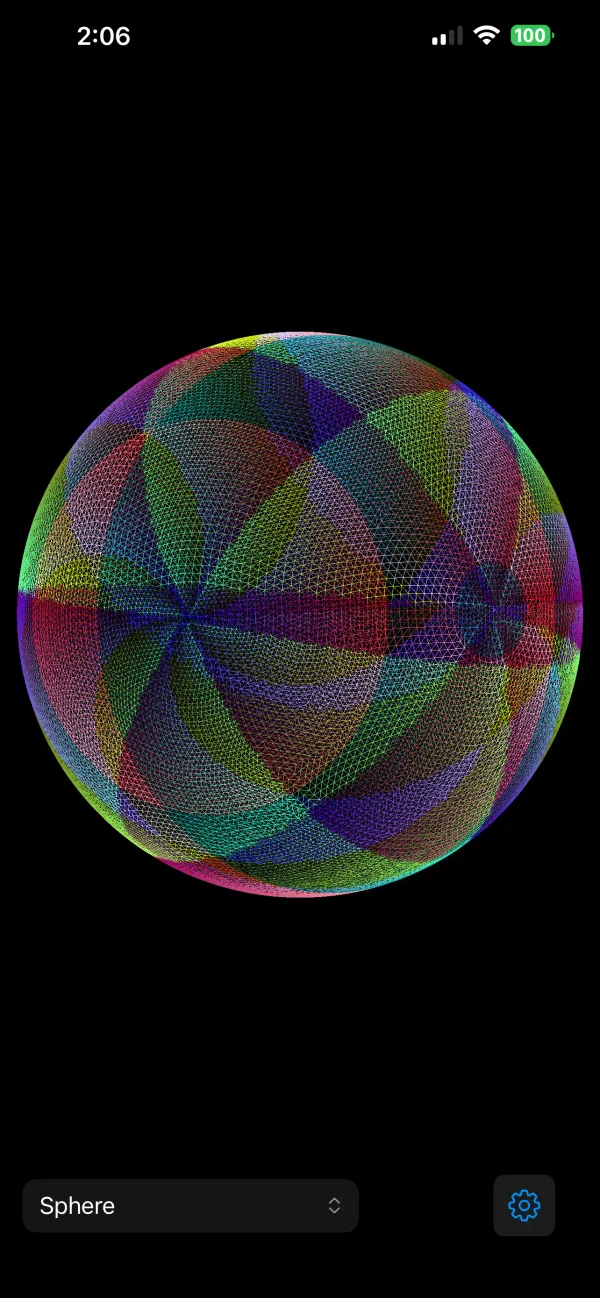
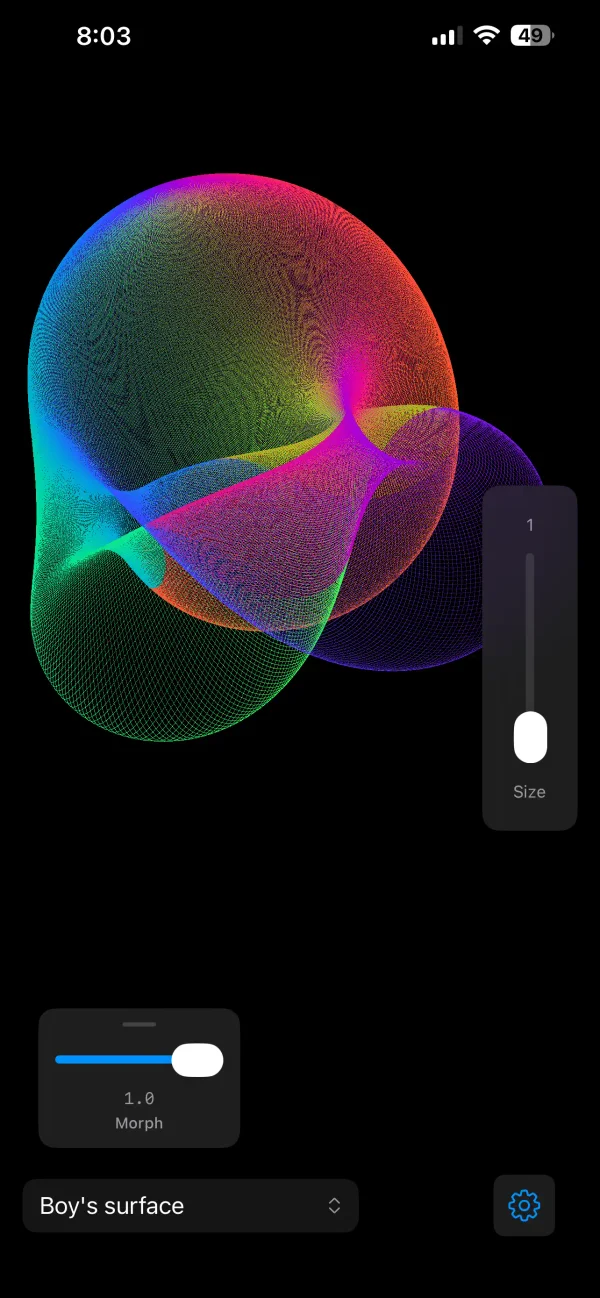
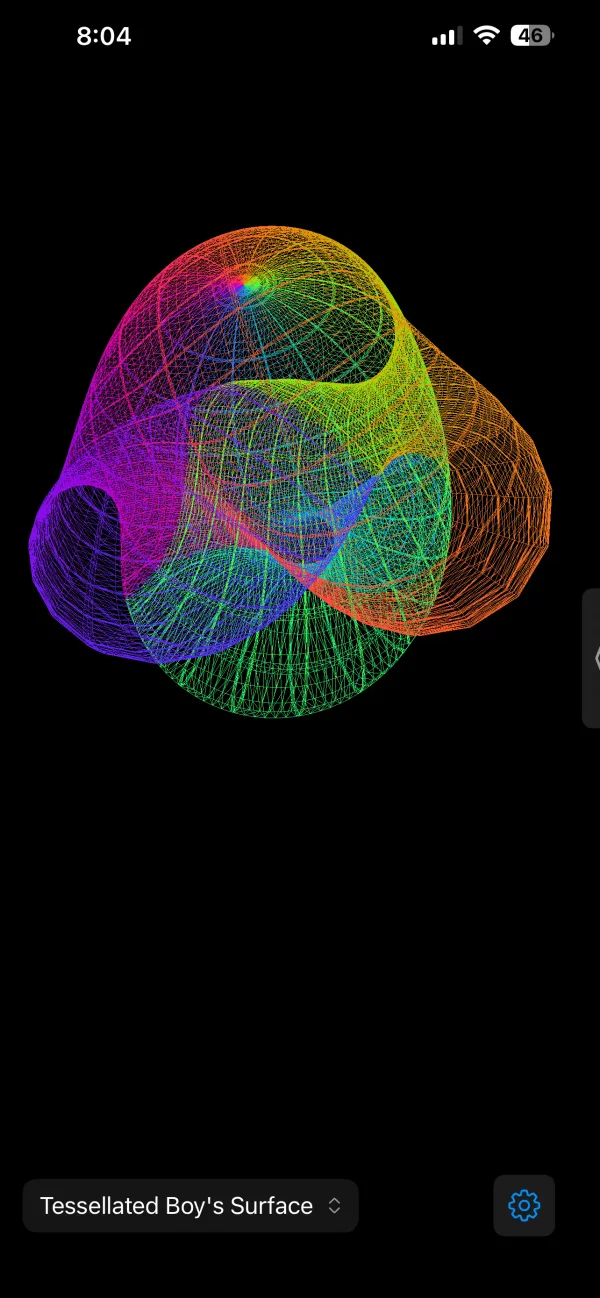
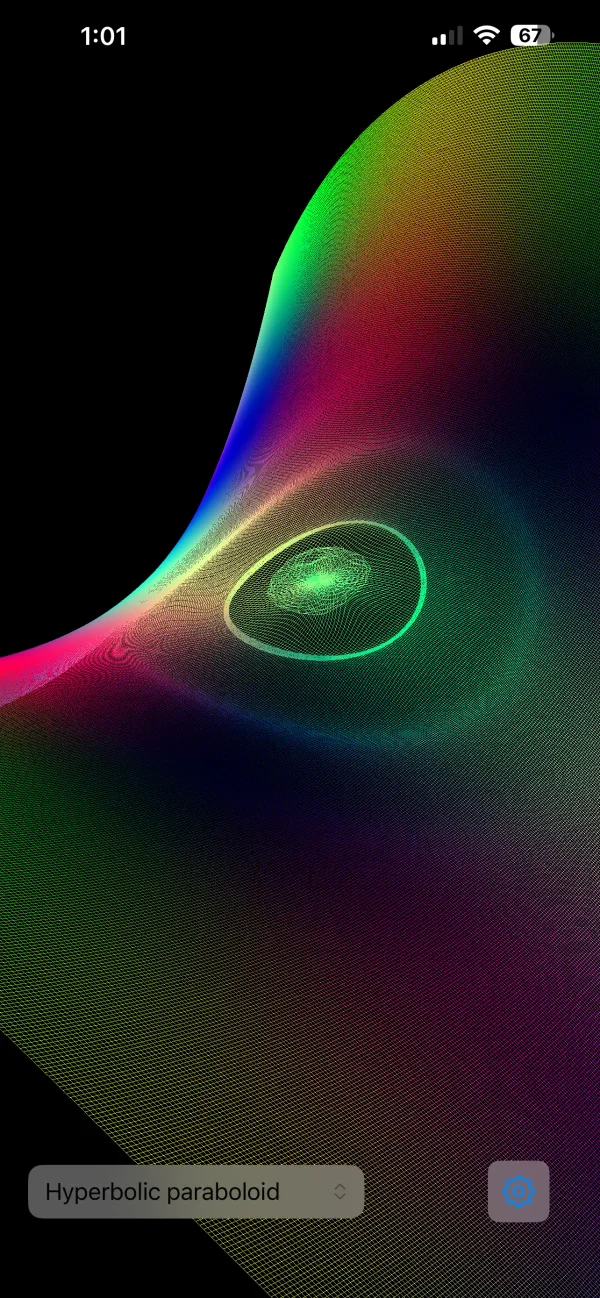
A 3D viewer for mathematical surfaces. Visualize and interact with parametric shapes including spheres, tori, Klein bottles, Möbius strips, and more.
Features:
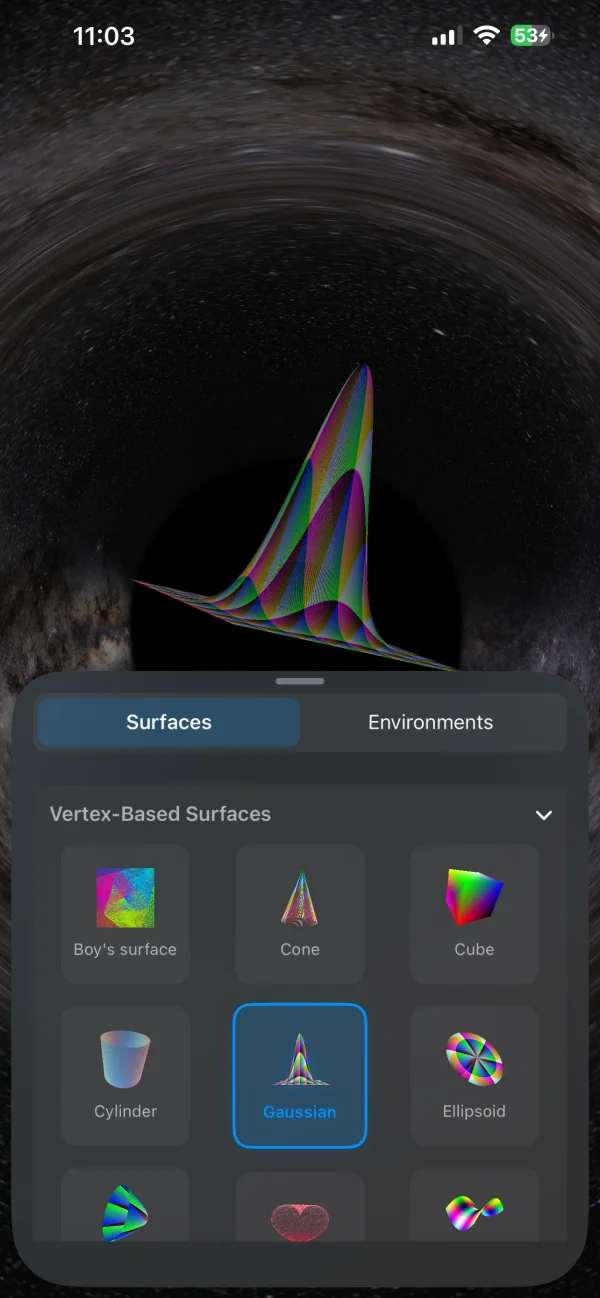
- An expanding catalogue of both vertex-based, tessellated surfaces, and a physical objects category
- Rotate, zoom, and pan with (multi-)touch gestures
- Auto-rotate along an axis, adjust speed with a dismissible slider
- Adjustable tessellation detail via a dismissible slider
- Adjustable tessellation fill: solid or wireframe
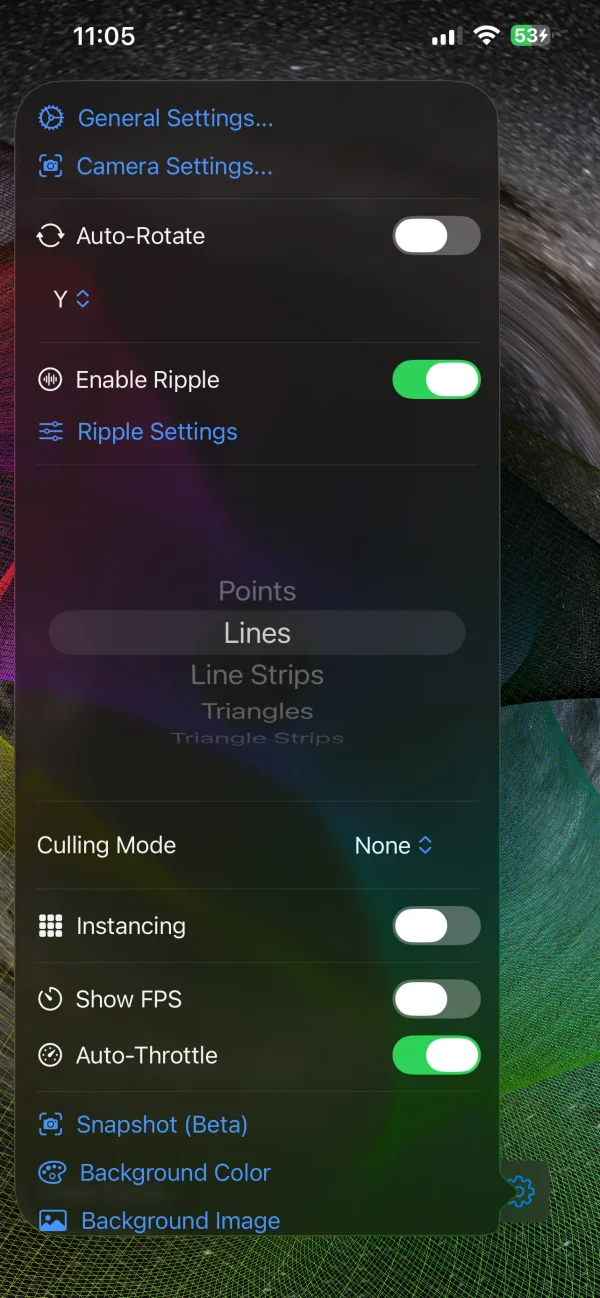
- Adjustable vertex primitives: points, lines, triangles
- Adjust point size with a dismissible slider
- Optional ripple effect on vertex-based surfaces
- Optional rotating light for most surfaces
- Customizable background color, background image
- Save 10-bit snapshots
- Restore previous session, start fresh, or randomize launch
- Import .stl (STL) or .obj (OBJ) files for viewing
- choose culling mode: none, back, or front
- spatial environments: standard / default, Milky Way panorama, a black hole, and
- free camera mode: toggle on/off in settings to freely move camera around environment
- control free camera mode with a game controller or keyboard (wasd + arrows)
Neue Funktionen
Version 1.2.2 · 06.10.2026
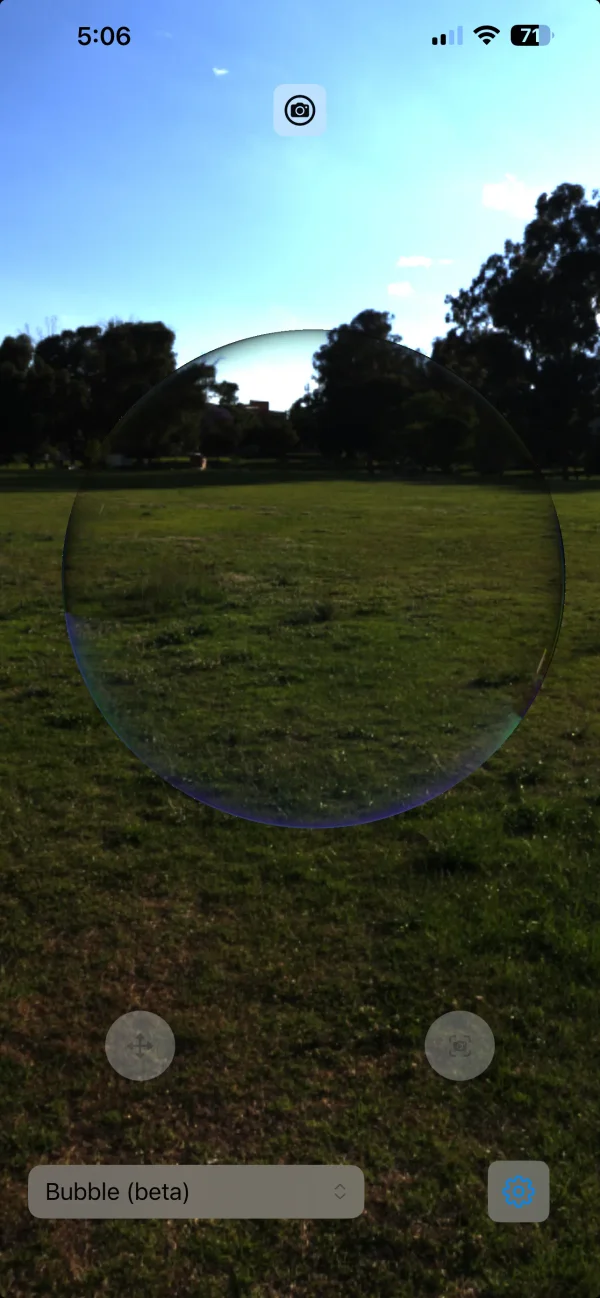
Magnifying glass updated with a texturize toggle and a biconvex lens effect.
Enable this feature with the "textured" toggle in settings.
For best lensing results, use with the Milkyway Panorama environment, or the Je Gray Park 4K environment.
Also added Game Controller and Keyboard support for navigating the camera. Keyboard controls are the familiar WASD + arrow keys.
App-Datenschutz
Was Colin Ford im App Store zum Umgang dieser App mit Daten angibt.
-
Keine Daten erfasst
Der Entwickler erfasst keine Daten von dieser App.
Die Datenschutzpraktiken können variieren, zum Beispiel je nach den von Ihnen verwendeten Funktionen oder Ihrem Alter.
Informationen
- Anbieter
- Colin Ford
- Kategorie
- Grafik und Design
- Version
- 1.2.2
- Aktualisiert
- 06.10.2026
- Veröffentlicht
- 06.01.2026
- Größe
- 87,4 MB
- Erfordert
- iOS 18.4 oder neuer
- Altersfreigabe
- 4+
- Preis
- Kostenlos
- Sprachen
- Englisch
- Copyright
- © 2026 Colin Ford
Das könnte Ihnen auch gefallen
-
 RosacesGrafik und Design
-
 MandelKit: Fraktal-ExplorerMandelbrot, 3D & Tiefenzoom
-
 LightbloopGrafik und Design
-
 Repeats - Rotating ArtGrafik und Design
-
 Fractal UniverseGrafik und Design
-
 SoulArts Art & DreamsGrafik und Design
-
 Phosphor PressGrafik und Design
-
 Fluffy MonsterGrafik und Design
-
 MapKraftGrafik und Design