
- Altersfreigabe4+
- KategorieProduktivität
- EntwicklerSankha Bhattacharya
- SprachenEnglisch
- Größe18,2 MB
Verlinkt auf die offizielle App Store-Seite
Download.org hostet keine Datei von SwipeNote. Die Schaltfläche öffnet die App-Seite bei App Store, wo Sankha Bhattacharya die App veröffentlicht. Eintrag zuletzt geprüft am 14.11.2026.
Screenshots




Info
Der Entwickler hat diesen Text nicht in Ihrer Sprache bereitgestellt.
Work Smart. Organize. Collaborate. Succeed.
SwipeNote is designed to help anyone who uses the Internet. Swipe, Save, Organize, Share & Collaborate any content from the web with your friends and team members.
SwipeNote Chrome Extension Features:
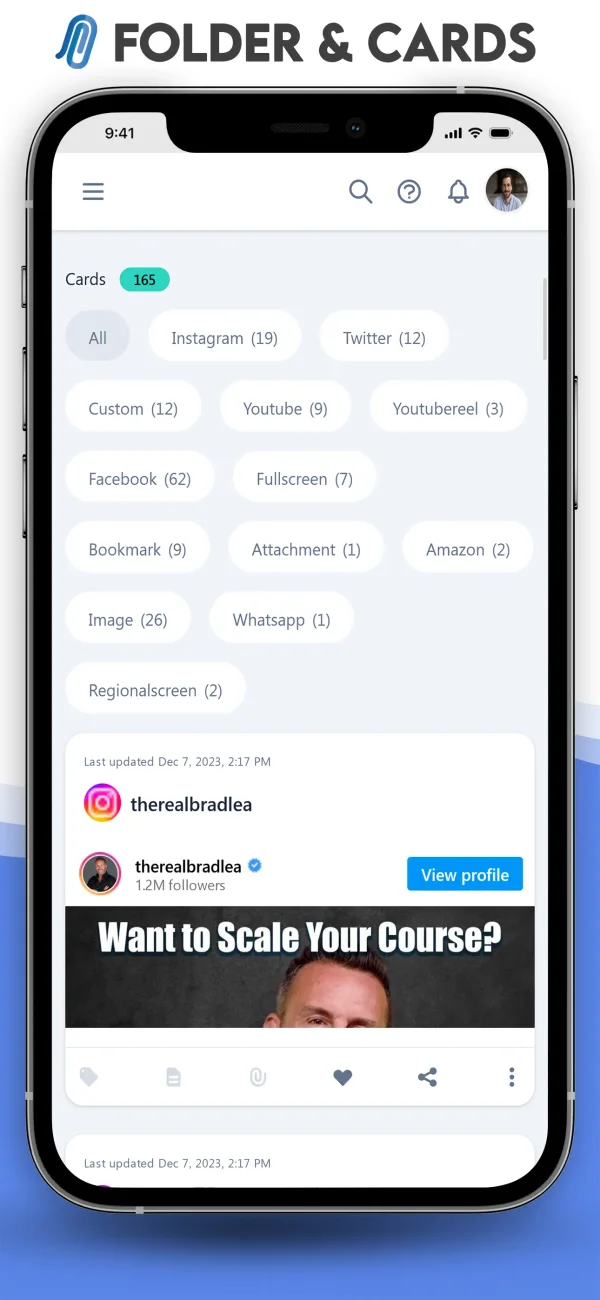
1. Swipe and Save social posts from Facebook, Twitter, Instagram, YouTube, Kindle, Zillow with a single click.
2. Grab Full-Page or Regional Screenshots from any website.
3. Bookmark URLs.
4. Save Highlighted Content.
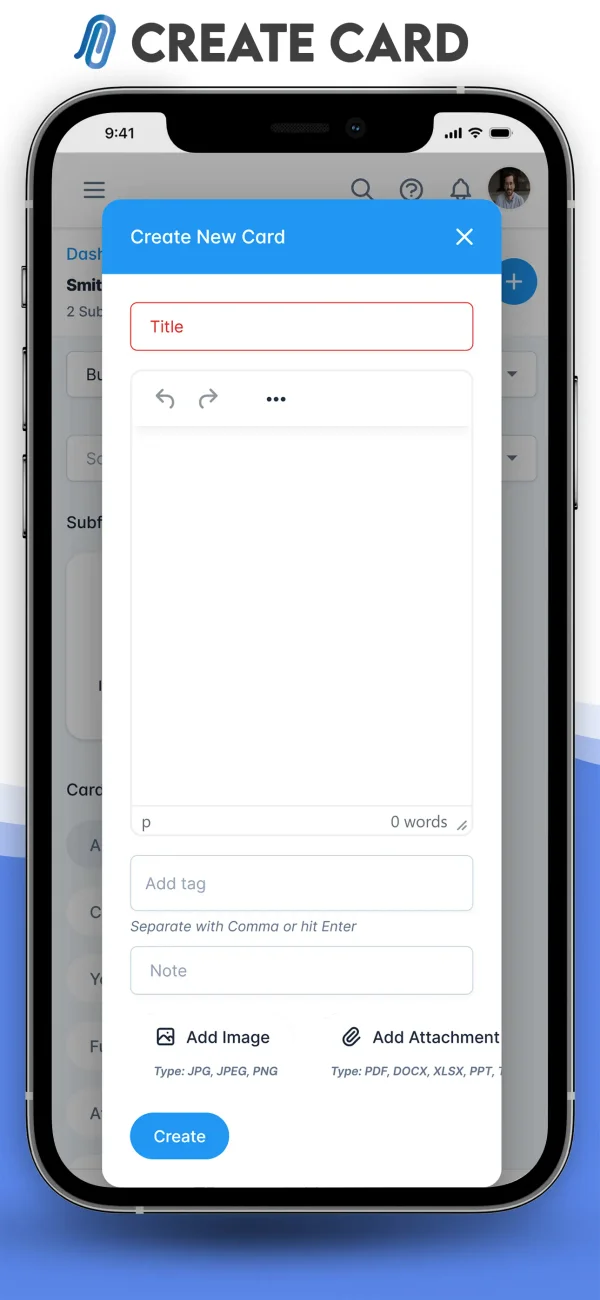
5. Add Tags and Notes to individual Saved items/Cards.
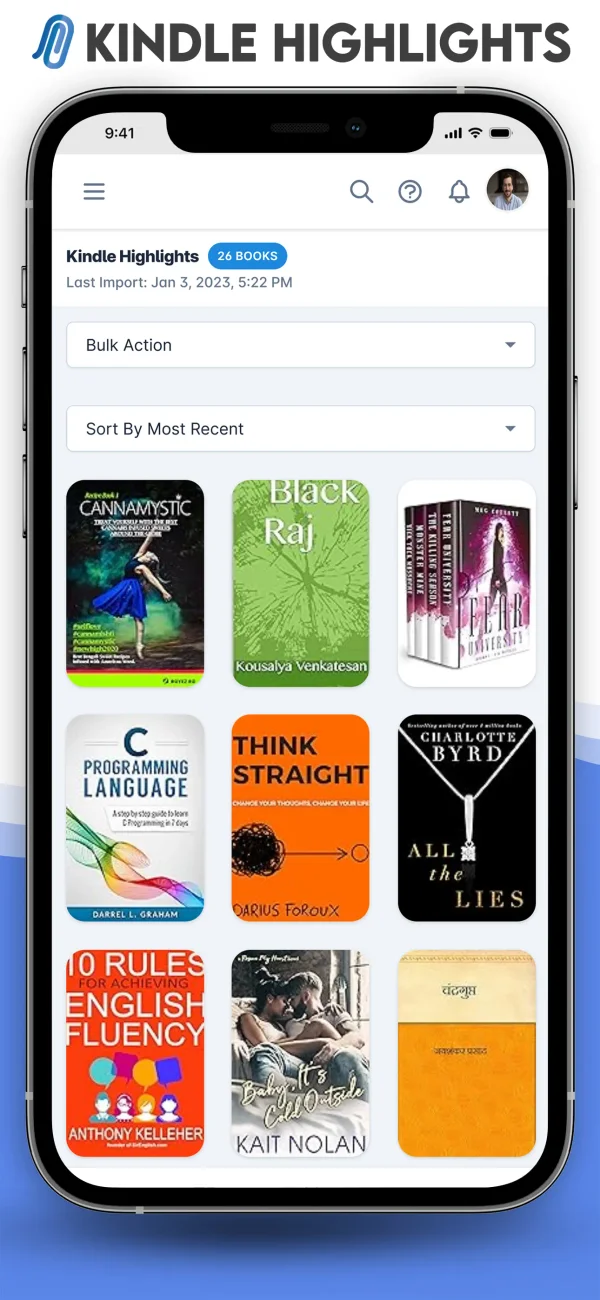
6. Import Favorite Kindle Highlights.
7. Shortcut Keys for Easy Access.
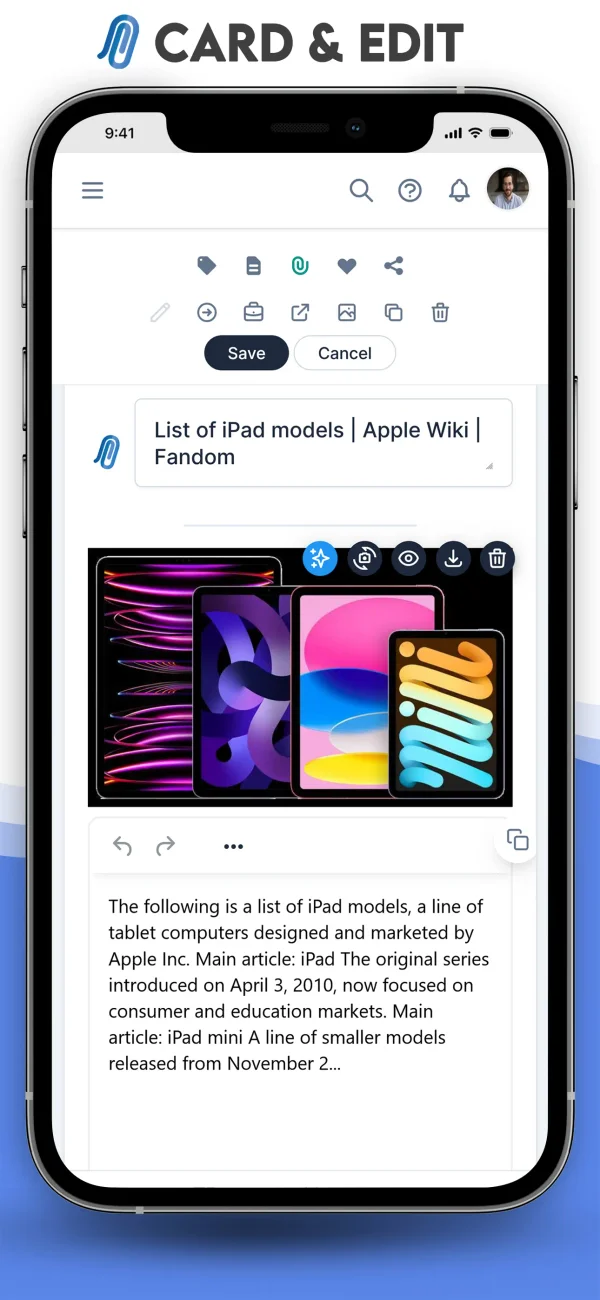
All the content you grab from the internet gets saved as multi-purpose Cards.
a. These Cards can be saved in your personal cloud Folders or Sub-Folders created by you directly from the Chrome Extension.
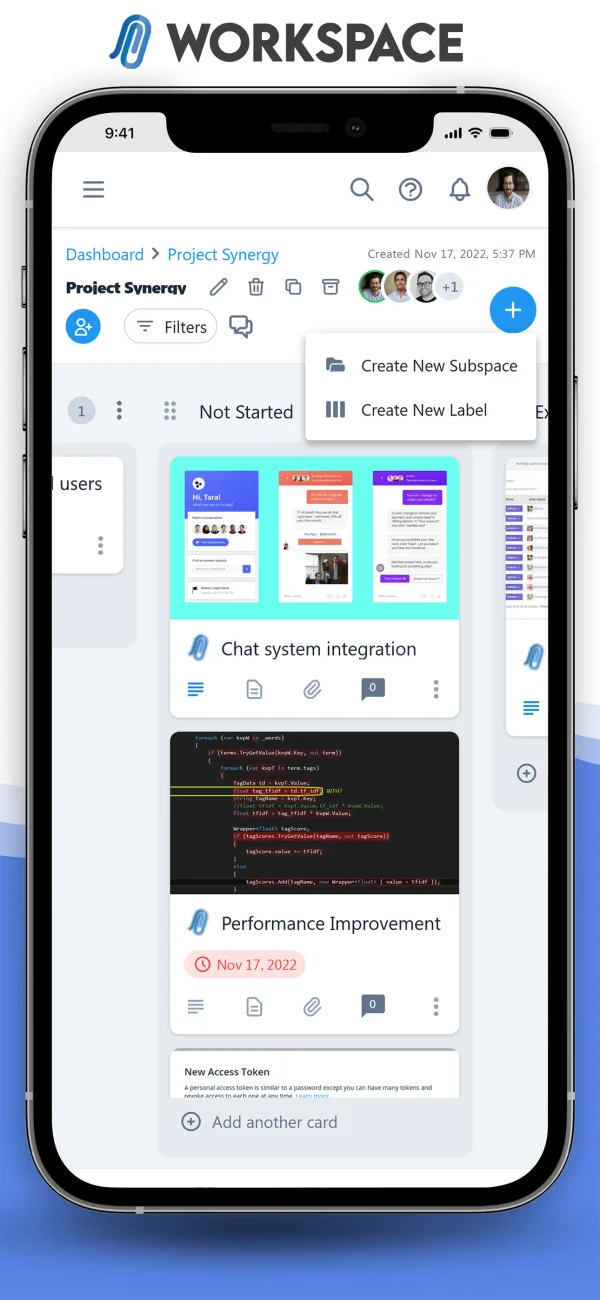
b. These Cards can also be saved to a Workspace/Subspace created by you.
After you Save and Organize the Cards, you can do so much more:
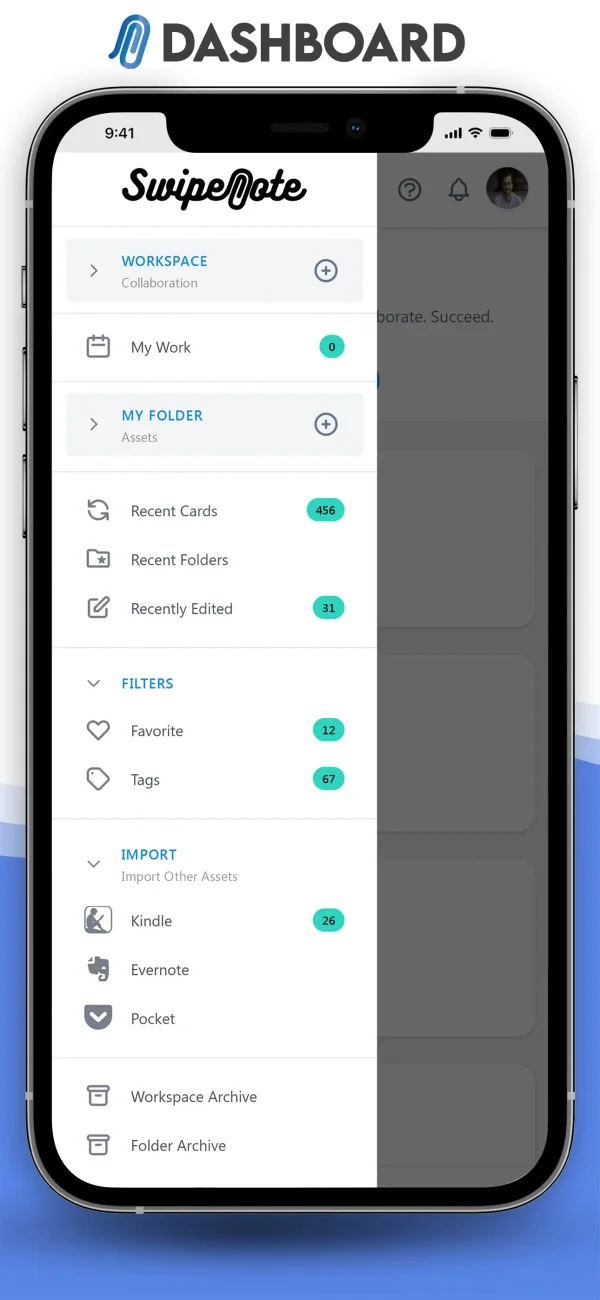
1. Copy or Move Cards to Workspace/Subspace and Folders/Subfolders.
2. Share Cards with teammates, individual account holders, or directly to social sites.
3. Add Tags and Notes to individual Cards.
4. Create Short Links for easy sharing.
5. Assign Cards with team members and Set Reminders for the same. Set and View the Due Date of completion of assigned tasks.
6. Real Time Chat with individual team members or in groups. Share files/documents, use emojis and @mentions.
7. Create Labels (to-do, work-in-progress, done) to let know the status of Cards.
8. Track your work through a single dedicated menu. Easy Date Filters to understand the priority and due dates.
9. Job Board (simple Dashboard) to view all your Cards/tasks inside your Workspace or Sub-space. At a glance know about what's going on, by viewing Due Dates, Chats, and much more.
STAY ORGANIZED. STAY CONNECTED.
App-Datenschutz
Was Sankha Bhattacharya im App Store zum Umgang dieser App mit Daten angibt.
-
Keine Daten erfasst
Der Entwickler erfasst keine Daten von dieser App.
Die Datenschutzpraktiken können variieren, zum Beispiel je nach den von Ihnen verwendeten Funktionen oder Ihrem Alter.
Informationen
- Anbieter
- Sankha Bhattacharya
- Kategorie
- Produktivität
- Version
- 1.0
- Aktualisiert
- 18.02.2024
- Veröffentlicht
- 18.02.2024
- Größe
- 18,2 MB
- Erfordert
- iOS 17.0 oder neuer
- Altersfreigabe
- 4+
- Preis
- Kostenlos
- Sprachen
- Englisch
- Copyright
- © SwipeNote INC.
Das könnte Ihnen auch gefallen
-
 Hero: Save the InternetProduktivität
-
 Easy BookmarkySave Links Easily
-
 Marcit: Bookmark ManagerProduktivität
-
 CarryLinksLesezeichen-Manager
-
 BryxeProduktivität
-
 TaskEaseyProduktivität
-
 Collectors: Save LinksProduktivität
-
 Save "Read Later" - KeepLinkProduktivität
-
 Linky NotesProduktivität
-
 Itsimple MateProduktivität