
Task Studio – Easy Reminders
Your reminders. In focus.
Entwickelt für iPhone, iPad, Mac
Kostenlos · In-App-Käufe
- Altersfreigabe4+
- KategorieProduktivität
- EntwicklerFredric Nilsson
- SprachenEnglisch+ 2 weitere
- Größe18,5 MB
Verlinkt auf die offizielle App Store-Seite
Download.org hostet keine Datei von Task Studio – Easy Reminders. Die Schaltfläche öffnet die App-Seite bei App Store, wo Fredric Nilsson die App veröffentlicht. Eintrag zuletzt geprüft am 23.11.2026.
Screenshots
Info
Der Entwickler hat diesen Text nicht in Ihrer Sprache bereitgestellt.
Less noise. More focus.
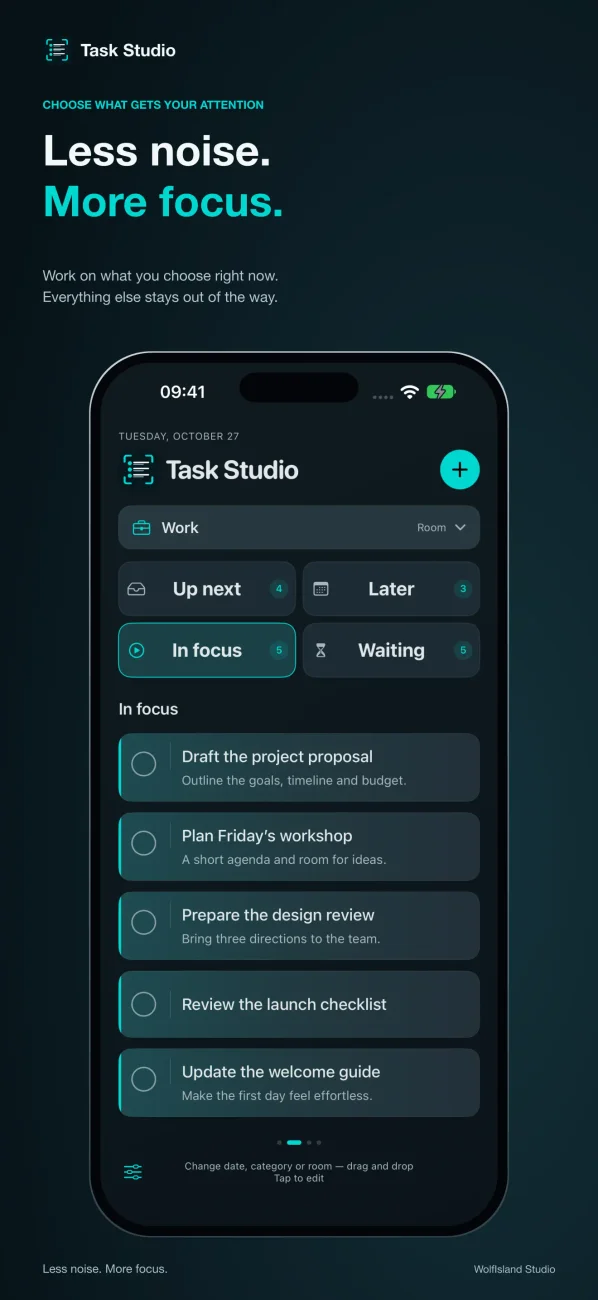
Imagine a to-do list that only showed what you actually want to work on right now.
With Task Studio, you choose which tasks deserve your attention. The rest can wait, without slipping out of your control.
Everything is still there. It just doesn’t all need to be in view.
More focus. More room to think. An easier way to get things done.
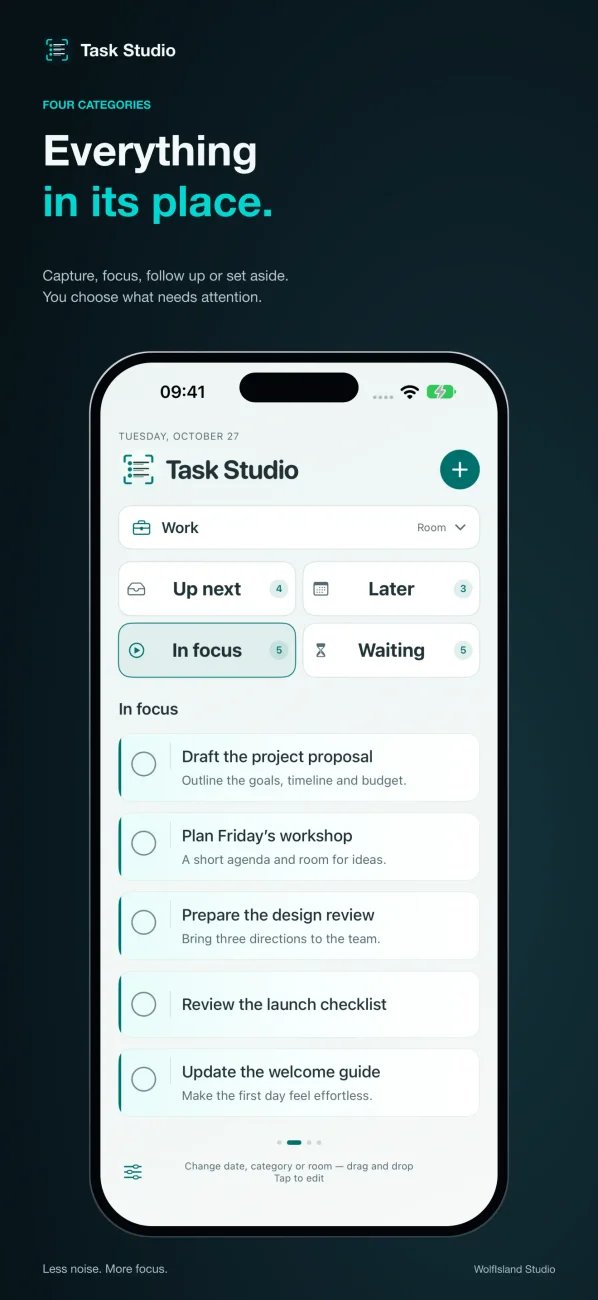
Everything has its place
Not every task needs your attention at the same time. Four simple categories let you decide what matters now and what can wait.
Up next – Capture what you need to remember without deciding when to do it. Sort and prioritize when it suits you.
In focus – Choose the tasks you want to work on right now. Everything else steps aside, so you can concentrate on what you’ve chosen to do.
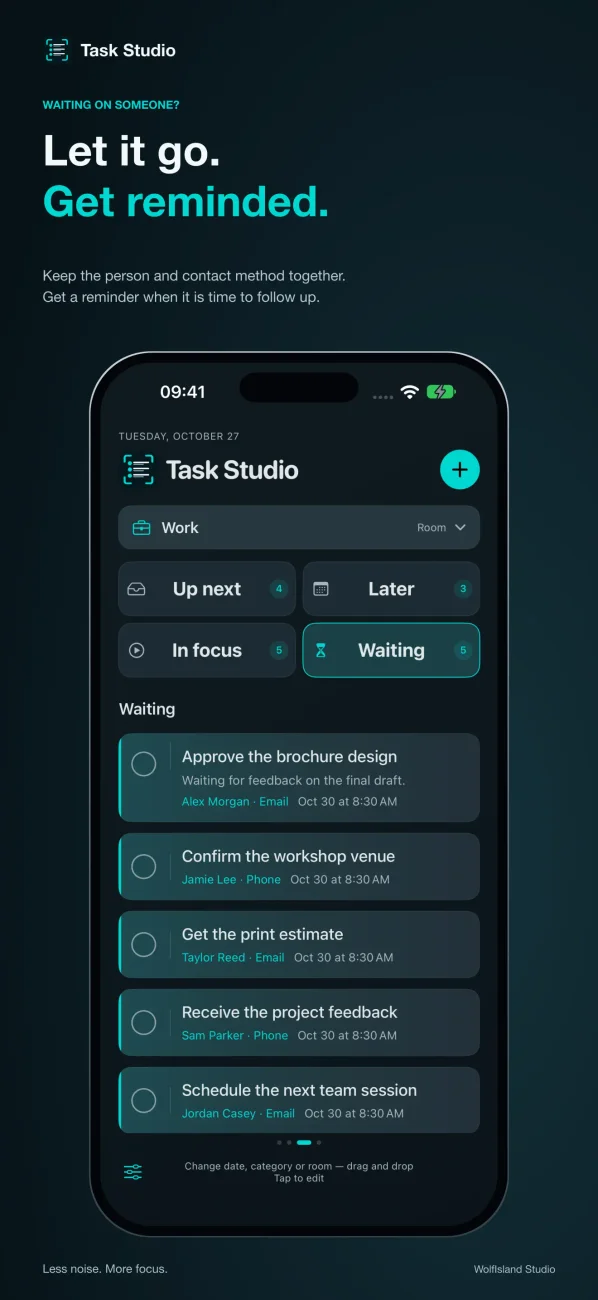
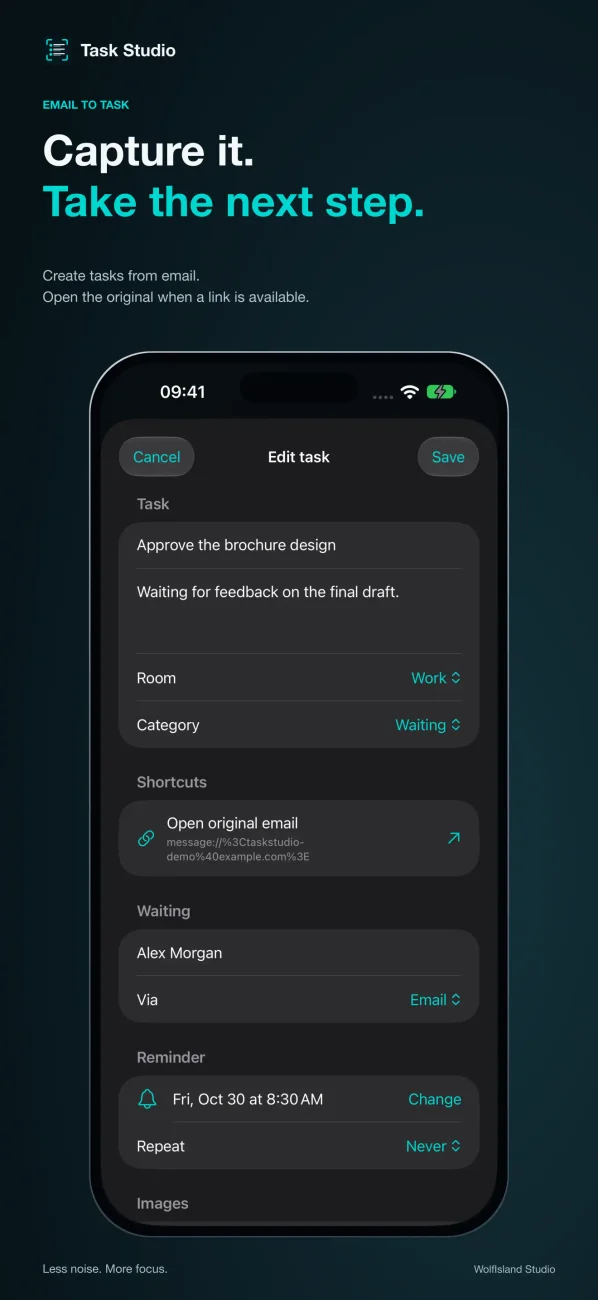
Waiting – Waiting on someone else? Add who you’re waiting for and where you expect a reply. Task Studio reminds you when it’s time to follow up. Until then, you can put it out of your mind.
Later – Some things are worth doing, just not yet. Set them aside until the time is right. They’ll be there when you need them.
Focus without distractions
Move tasks to In focus for a cleaner view, with dates and overdue indicators out of the way. Task Studio’s own reminders are silenced for these tasks.
You’ve already chosen what to work on. Now you have the space to do it.
Easy to capture. Easy to manage.
Drag and drop tasks between categories. Need more time before following up? Simply move the reminder to a later date.
Create tasks directly from emails using drag and drop or sharing. Open the original email from the task whenever a link is available.
Built on Apple technology
Task Studio gives you a new way to manage your tasks, with Apple’s proven technology working in the background.
Your tasks sync across your Apple devices, and you can keep using Siri to add new reminders.
Create recurring tasks, add photos, and follow changes in each task’s history.
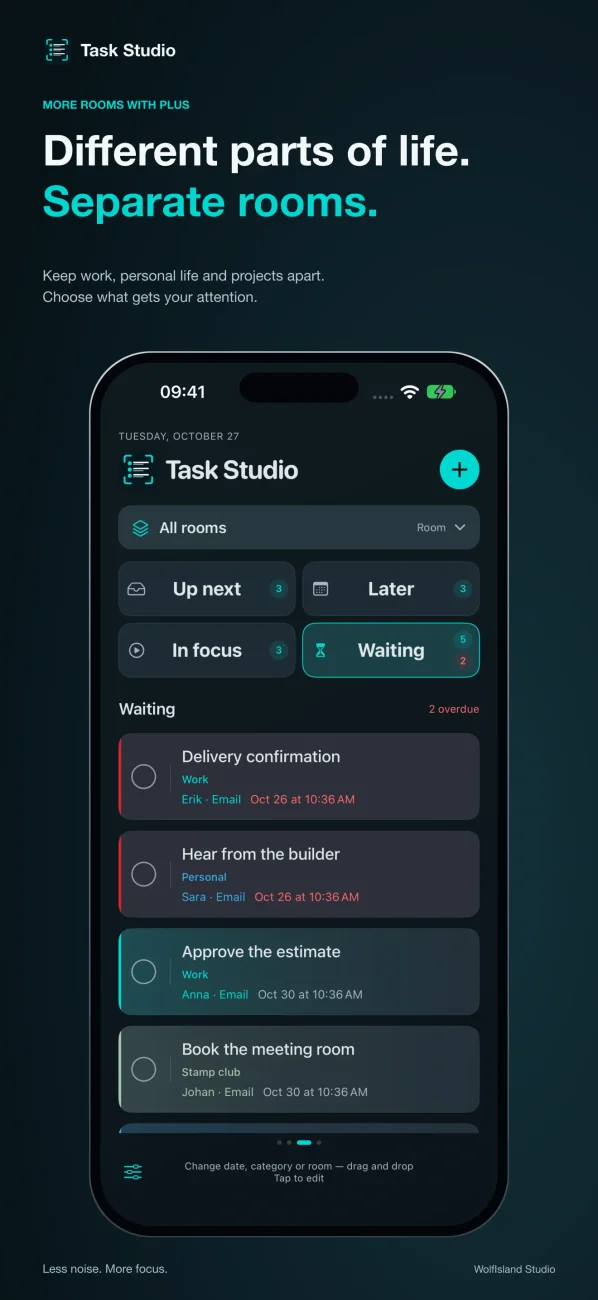
Different parts of life. Rooms of their own.
Work, personal life, a community group, or a project of your own. Rooms keep different parts of your life separate, each with its own tasks and colors.
Every room gives you the same freedom to choose what deserves your attention.
Start free. Add more when you’re ready.
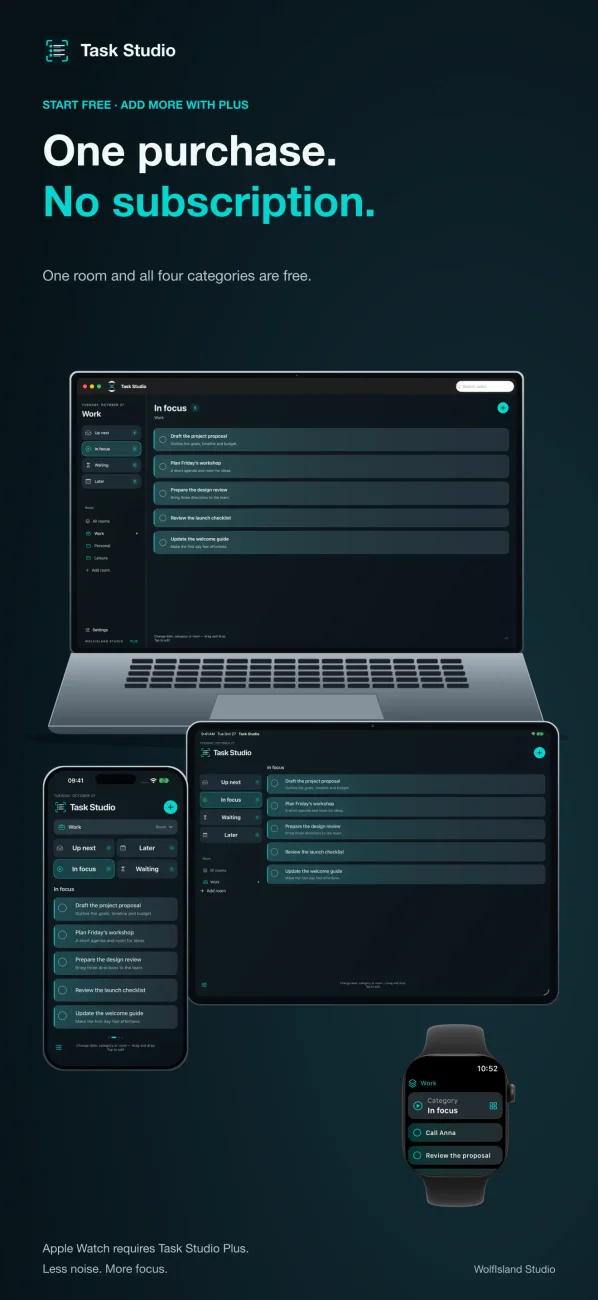
Get started with one room and all four categories, completely free.
Task Studio Plus adds more rooms, custom follow-up settings and contact methods, smart widgets, and Apple Watch support. You can also customize how you manage tasks and hide the contents of your Mac widget while sharing your screen.
One purchase. No subscription.
Unlock Plus once and keep its features without recurring fees.
You don’t need another list of everything you have to do.
You need a way to focus on what matters and let the rest wait.
Task Studio. Less noise. More focus.
Neue Funktionen
Version 2.3 · 20.11.2026
Remember it in the right place. Pick up a package when you leave work or take the laundry out when you get home. Task Studio can remind you even when the task is In focus.
Keep what you need with the task. Attach a quote, a PDF, or a photo so it’s ready when you are.
Clearer cards, more room colors, and smoother editing make it easier to see what needs your attention.
App-Datenschutz
Was Fredric Nilsson im App Store zum Umgang dieser App mit Daten angibt.
-
Keine Daten erfasst
Der Entwickler erfasst keine Daten von dieser App.
Die Datenschutzpraktiken können variieren, zum Beispiel je nach den von Ihnen verwendeten Funktionen oder Ihrem Alter.
Informationen
- Anbieter
- Fredric Nilsson
- Kategorie
- Produktivität
- Version
- 2.3
- Aktualisiert
- 20.11.2026
- Veröffentlicht
- 07.10.2026
- Größe
- 18,5 MB
- Erfordert
- iOS 17.0 oder neuer
- Altersfreigabe
- 4+
- Preis
- Kostenlos
- In-App-Käufe
- Ja
- Sprachen
- Englisch, Spanisch, Schwedisch
- Copyright
- © 2026 Fredric Nilsson
Das könnte Ihnen auch gefallen
-
 SmartMate by TingstadProduktivität
-
 TeamEngine AppProduktivität
-
 Easy-Laser XT1 AlignmentAusrichtung von Maschinen
-
 Accessy.Produktivität
-
 lynesProduktivität
-
 Remind Me FasterErinnerungen Schnelleingabe
-
 BovraProduktivität
-
 Co-parenting: Shared ParentingProduktivität
-
 Billo | Digital brevlådaProduktivität
-
 ParakeyProduktivität