
TechDraw AI: Technical Drawing
Photo to technical drawing
Entwickelt für iPhone, iPad
Kostenlos · In-App-Käufe
- Altersfreigabe4+
- KategorieGrafik und Design
- EntwicklerMeltFlex s. r. o.
- SprachenEnglisch
- Größe62,9 MB
Verlinkt auf die offizielle App Store-Seite
Download.org hostet keine Datei von TechDraw AI: Technical Drawing. Die Schaltfläche öffnet die App-Seite bei App Store, wo MeltFlex s. r. o. die App veröffentlicht. Eintrag zuletzt geprüft am 22.11.2026.
Screenshots
Info
Der Entwickler hat diesen Text nicht in Ihrer Sprache bereitgestellt.
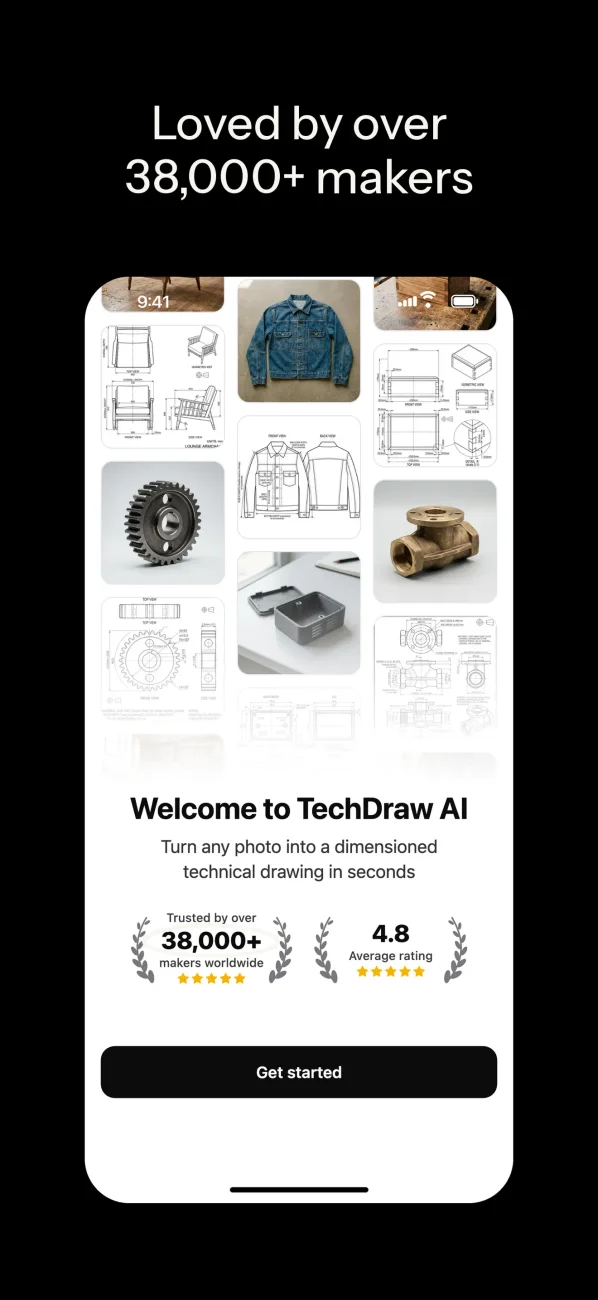
Turn a photo into a technical drawing.
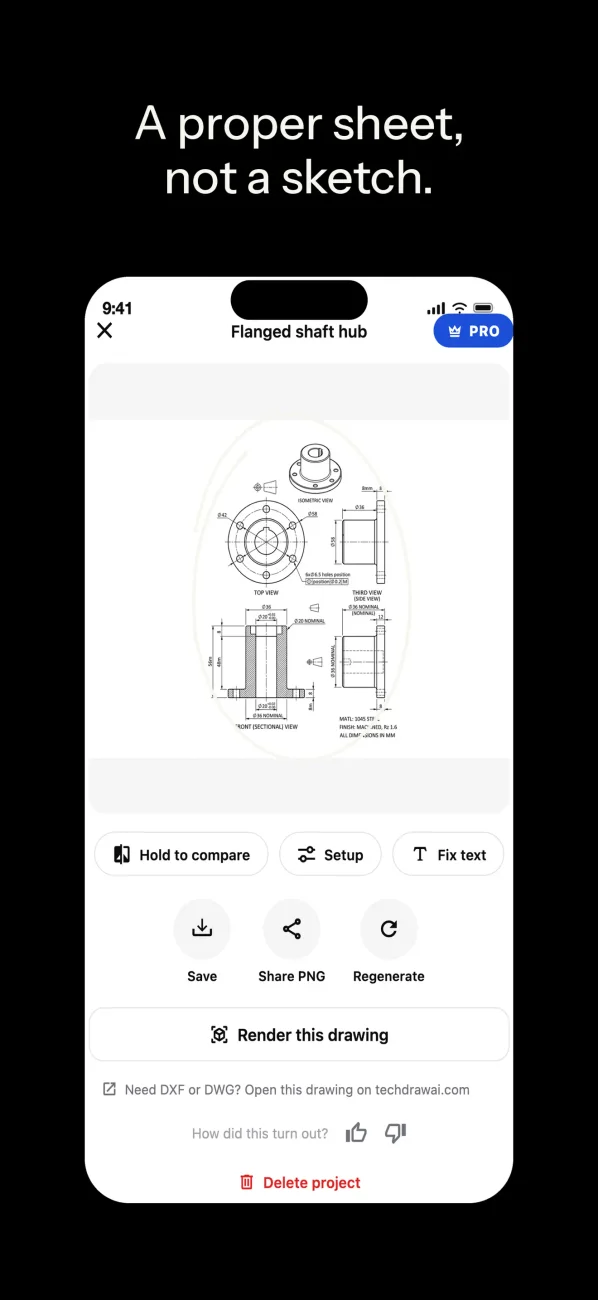
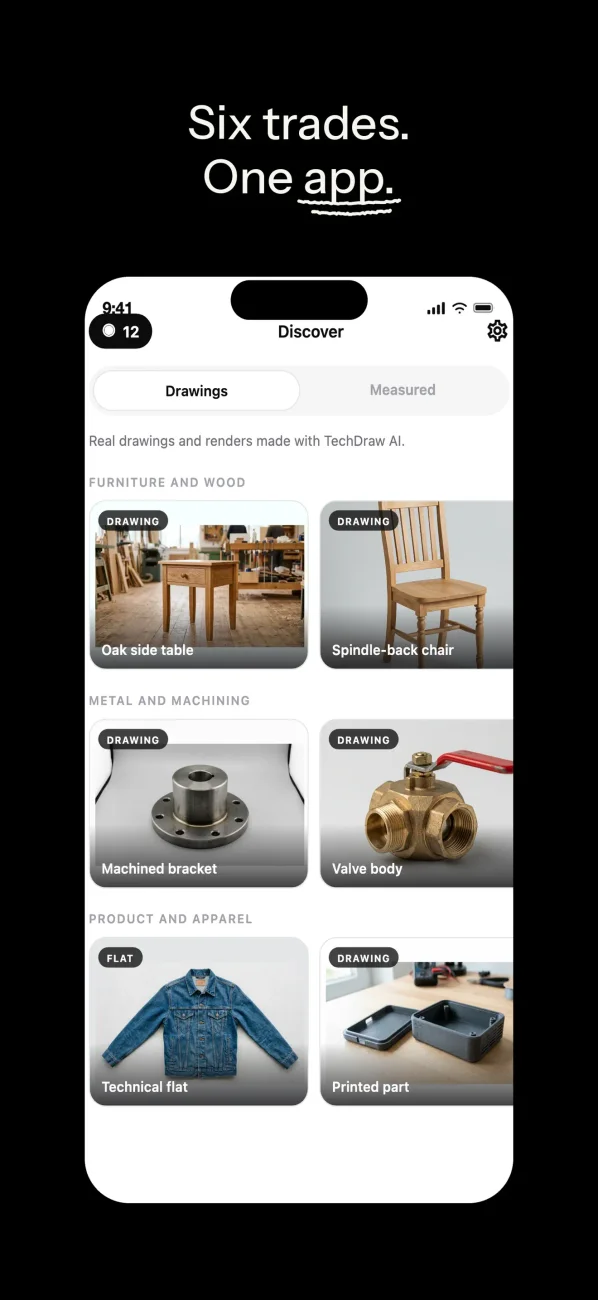
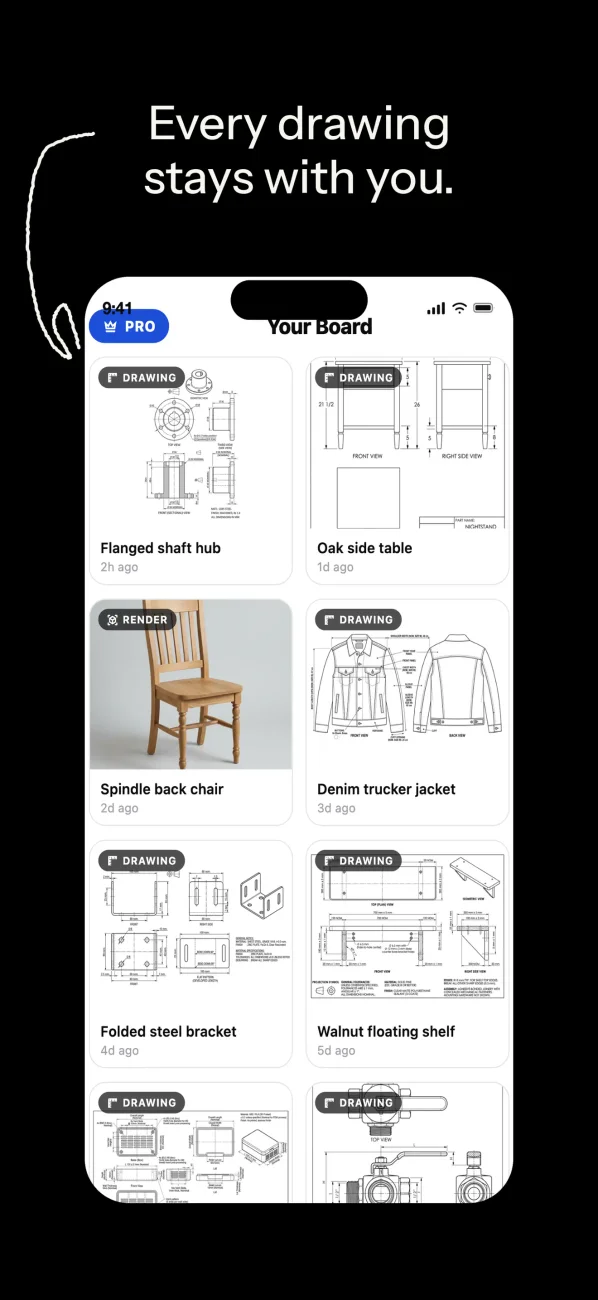
Point your phone at a product, measure it on screen, and TechDraw AI drafts a dimensioned 2D technical drawing on a proper ISO or ANSI sheet: front, top, side and isometric views, a filled in title block, and the callouts your trade actually needs.
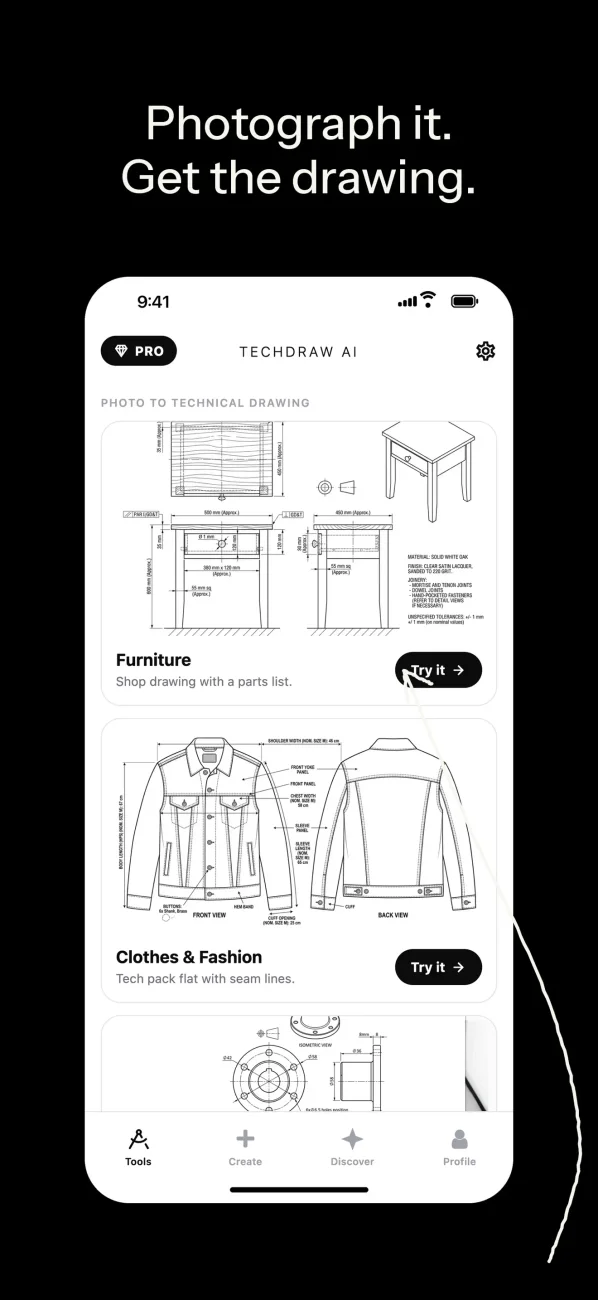
SIX KINDS OF DRAWING, EACH SET UP FOR THE JOB
Furniture. Photograph a table, cabinet or chair and get a shop drawing the bench can build from, with joinery detail at the joints and a parts list.
Clothes and Fashion. Lay the garment flat, shoot it, and get a technical flat ready for a tech pack, with seam lines and callouts at the standard points of measure.
Machine Parts. One caliper measurement anchors the scale, and the drawing comes back with tolerance callouts, hole diameters and surface finish symbols.
Sheet Metal. Brackets, panels and enclosures drawn with material thickness, bend lines, bend direction and a flat pattern showing the developed length.
Woodworking. Shelves, jigs and projects with a cut size for every part, a cut list, and small parts printable at 1:1 as a template.
3D Printing. Dimension a printed part to check it, remake it in CAD, or document the design, with wall thickness and mating clearances called out.
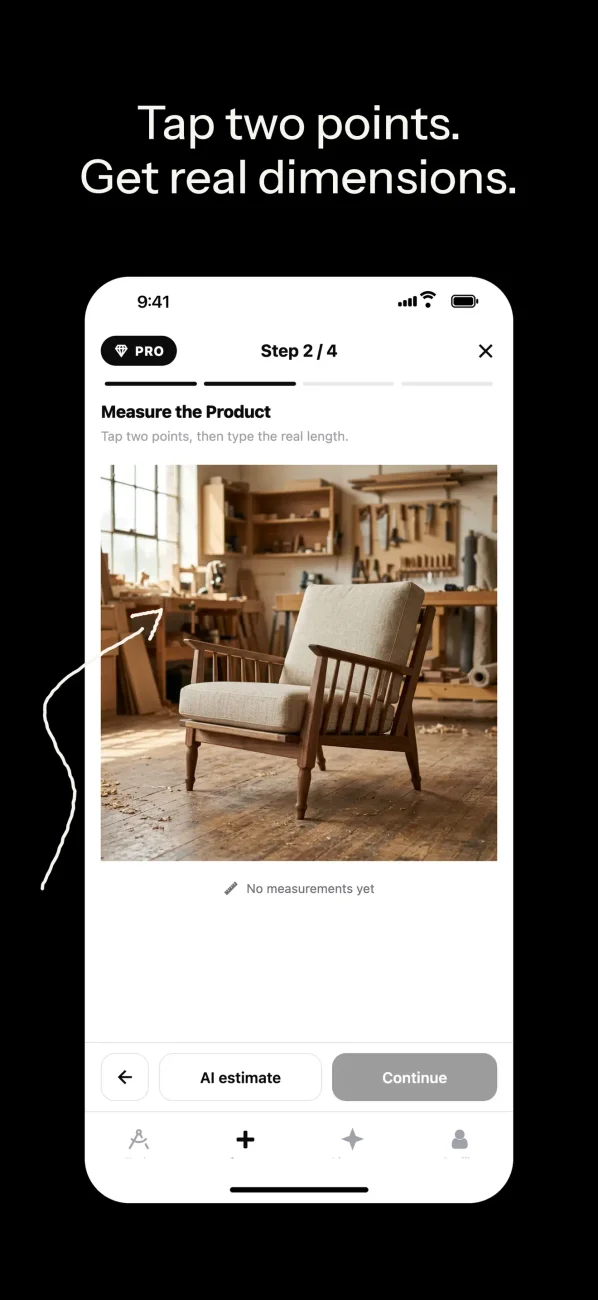
MEASURE ON THE PHOTO
Drag a line across any edge and type its real size. One known dimension sets the scale for the whole drawing, so everything else comes back proportionally correct. Add up to three photos of the same object from different angles for a more precise drawing.
MORE THAN DRAWINGS
Photo to 3D CAD. One photo of an object becomes a 3D model you can orbit, then download as GLB, STL, OBJ, FBX or USDZ.
Text to drawing. Describe a part and its sizes in a sentence and get a dimensioned drawing, no photo needed.
Ask AI to edit. Say what to change, like "make the hole 12 mm", and the drawing is updated as a new version.
Drawing to photo. Turn a technical drawing back into a photoreal product image.
EXPORT AND SHARE
Full resolution PNG and a true size PDF you can print. With Pro, export the sheet as DXF, DWG or SVG for AutoCAD, Fusion, SolidWorks, Illustrator or a laser cutter.
FIX A WRONG NUMBER WITHOUT STARTING OVER
Tap any dimension that came back wrong and type the right one. The fix is saved as a new version.
WORKS IN YOUR LANGUAGE
English, German, French, Spanish, Italian, Dutch, Czech and Slovak.
NO ACCOUNT, NO SIGN UP
There is no login. Open the app and make a drawing.
TECHDRAW AI PRO
A weekly allowance of drawings and renders, sheets without a watermark, print-ready PDF, DXF, DWG and SVG export.
Subscription name: TechDraw AI Pro
Subscription length: 1 week, auto-renewable
Price: €9.99 per week, after a 3 day free trial
TECHDRAW AI CAD
Photo to 3D CAD, sold separately from Pro: 20 photo to 3D models every week, with GLB, STL, OBJ, FBX and USDZ downloads.
Subscription name: TechDraw AI CAD
Subscription length: 1 week, auto-renewable
Price: €49.99 per week, charged at confirmation of purchase, no free trial
Payment will be charged to your Apple ID account at confirmation of purchase. Subscriptions renew automatically unless cancelled at least 24 hours before the end of the current period. Your account will be charged for renewal within 24 hours prior to the end of the current period. You can manage or cancel your subscriptions in your App Store account settings at any time. Any unused portion of a free trial period is forfeited when you purchase a subscription.
Privacy Policy: https://www.techdrawai.com/privacy
Terms of Use (EULA): https://www.apple.com/legal/internet-services/itunes/dev/stdeula/
Neue Funktionen
Version 1.2.6 · 12.11.2026
New: Photo to 3D CAD. Take one photo of an object and get a 3D model in a few minutes. Orbit it in the app and download it as GLB, STL, OBJ, FBX or USDZ for 3D printing, CAD, AR and rendering. Start from your own photo or one of the examples. Your 3D models are saved on your Board next to your drawings.
Photo to 3D CAD comes with the new TechDraw AI CAD plan: 20 models every week, separate from Pro.
App-Datenschutz
Was MeltFlex s. r. o. im App Store zum Umgang dieser App mit Daten angibt.
-
Mit Ihnen verknüpfte Daten
Können erfasst und mit Ihrer Identität verknüpft werden.
- Käufe
- Benutzerinhalte
- Kennungen
Die Datenschutzpraktiken können variieren, zum Beispiel je nach den von Ihnen verwendeten Funktionen oder Ihrem Alter.
Informationen
- Anbieter
- MeltFlex s.r.o.
- Kategorie
- Grafik und Design
- Version
- 1.2.6
- Aktualisiert
- 12.11.2026
- Veröffentlicht
- 16.08.2026
- Größe
- 62,9 MB
- Erfordert
- iOS 16.4 oder neuer
- Altersfreigabe
- 4+
- Preis
- Kostenlos
- In-App-Käufe
- Ja
- Sprachen
- Englisch
- Copyright
- © 2026 MeltFlex s.r.o.
Das könnte Ihnen auch gefallen
-
 AI CAD Generator-Auto Draw CADGrafik und Design
-
 Engidraft -Engineering DrawingGrafik und Design
-
 Atelia: AI Fashion DesignGrafik und Design
-
 KI-Render & Grundriss: TektraInnenarchitektur & Raumscan
-
 Zhuxian CAD: Grundriss zu DXFFotos prüfen und korrigieren
-
 DrafterPro 2D CAD & DWG EditorGrafik und Design
-
 4iCADGrafik und Design
-
 CAD Konverter - Bild zu CADSchnelle PDF & Bild Umwandlung
-
 Zenve3DGrafik und Design
-
 CADSketchGrafik und Design