- Altersfreigabe4+
- KategorieProduktivität
- EntwicklerCorey Gillespie
- SprachenEnglisch
- Größe3,0 MB
Verlinkt auf die offizielle App Store-Seite
Download.org hostet keine Datei von Terminal Notes. Die Schaltfläche öffnet die App-Seite bei App Store, wo Corey Gillespie die App veröffentlicht. Eintrag zuletzt geprüft am 15.11.2026.
Screenshots
Info
Der Entwickler hat diesen Text nicht in Ihrer Sprache bereitgestellt.
Retro-inspired note-taking & reminders—no cloud required.
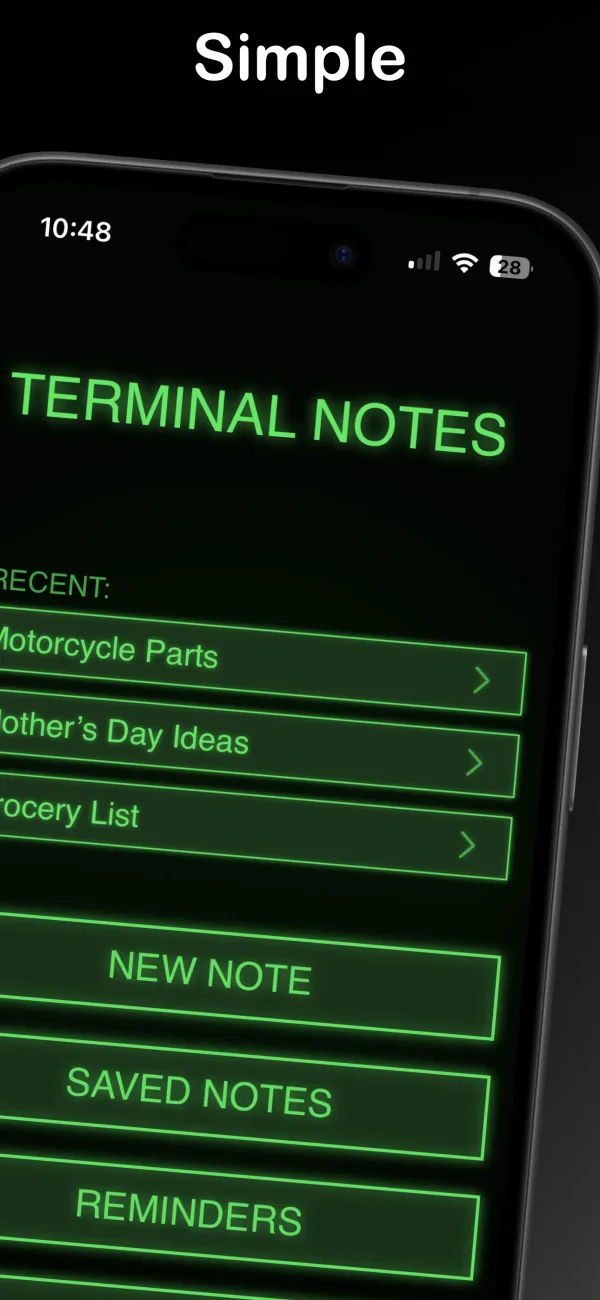
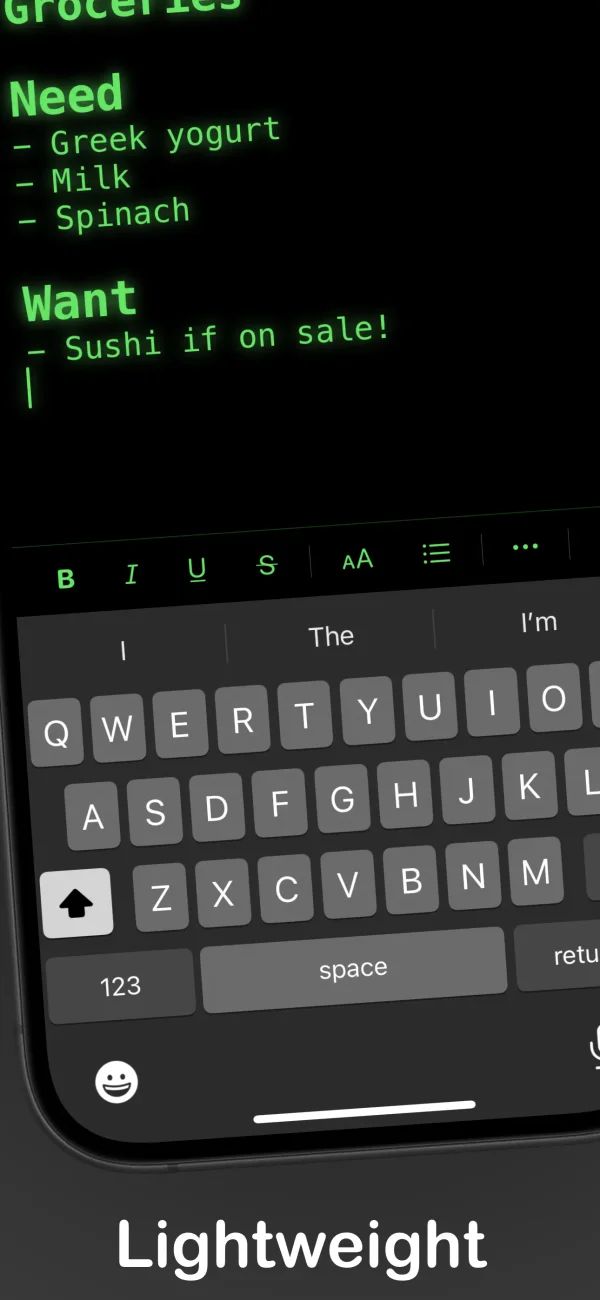
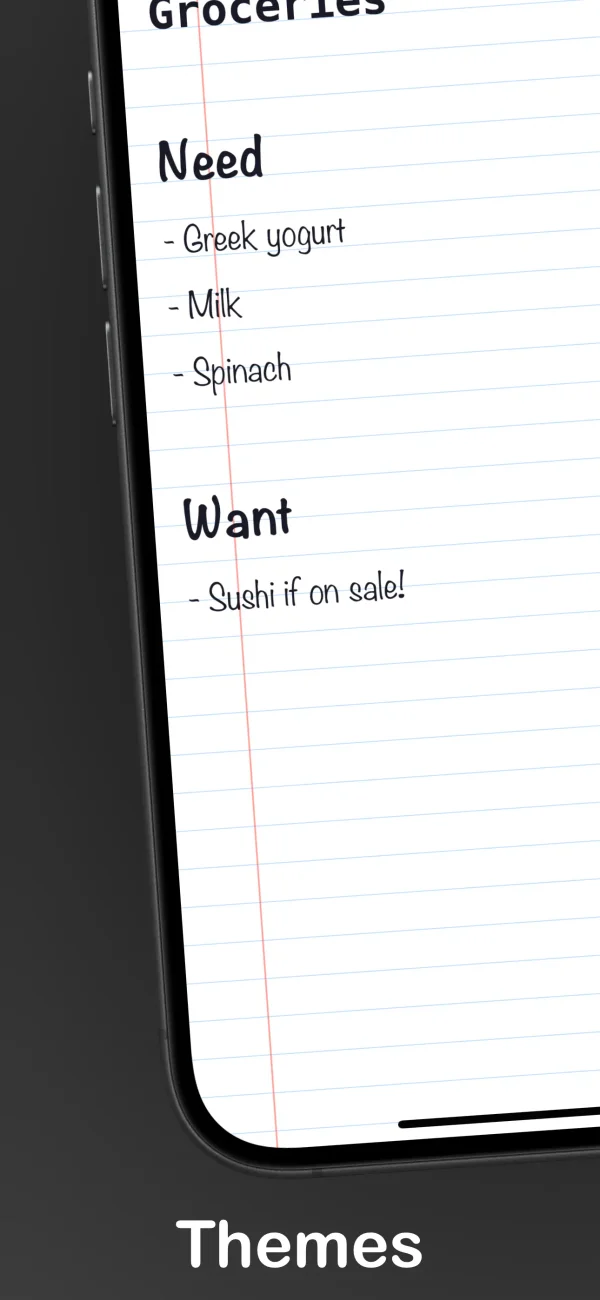
Dive into nostalgia with Terminal Notes, a lightweight iOS app that brings the spirit of old-school computers to your pocket. Jot down ideas, set reminders, and review to-dos against a backdrop of vintage CRT scanlines, crisp DOS-style prompts, soothing amber glows, or classic white and yellow legal-pad views.
Key Features
Retro Themes: A selection of vintage styles—from CRT scanlines and DOS prompts to amber glows and legal-pad layouts.
Local-Only Storage: All notes stay on your device—no servers, no cloud.
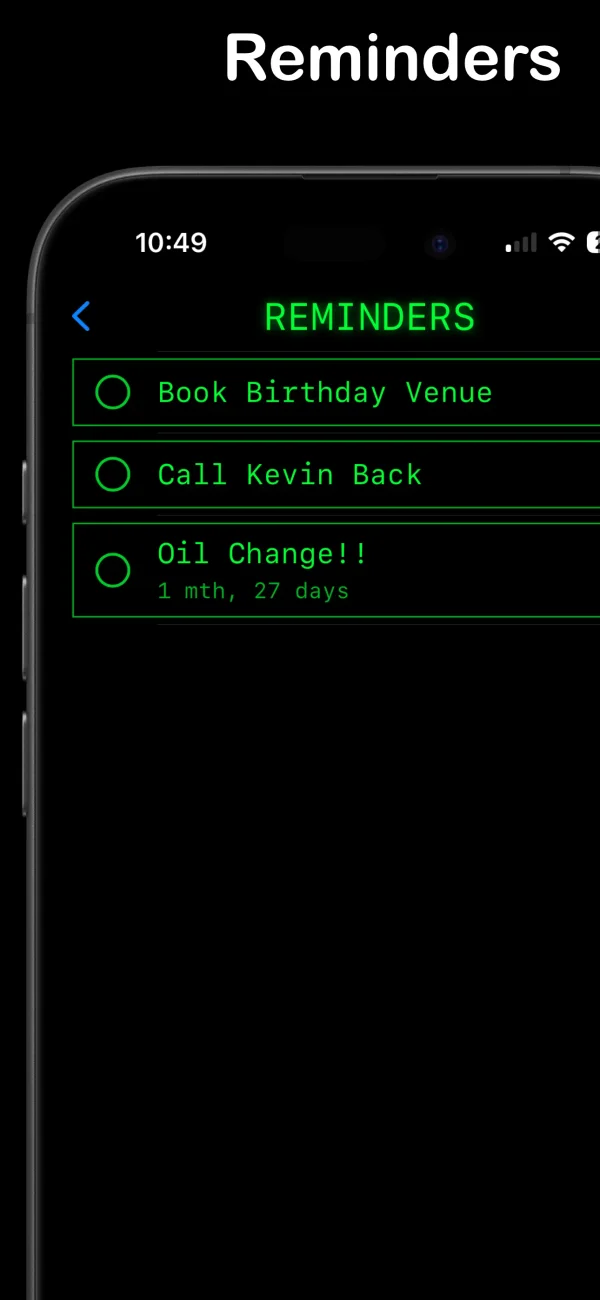
Built-in Reminders: So you never miss a deadline.
Minimal Footprint: Launch, type, save—fast and fuss-free.
Whether you’re a developer nostalgic for simpler times, a writer seeking distraction-free focus, or anyone who appreciates a touch of vintage flair, Terminal Notes gives you a pure, no-frills workspace on iPhone.
App-Datenschutz
Was Corey Gillespie im App Store zum Umgang dieser App mit Daten angibt.
-
Keine Daten erfasst
Der Entwickler erfasst keine Daten von dieser App.
Die Datenschutzpraktiken können variieren, zum Beispiel je nach den von Ihnen verwendeten Funktionen oder Ihrem Alter.
Informationen
- Anbieter
- Corey Gillespie
- Kategorie
- Produktivität
- Version
- 1.0
- Aktualisiert
- 29.04.2025
- Veröffentlicht
- 29.04.2025
- Größe
- 3,0 MB
- Erfordert
- iOS 18.0 oder neuer
- Altersfreigabe
- 4+
- Preis
- Kostenlos
- Sprachen
- Englisch
- Copyright
- © Corey Gillespie
Das könnte Ihnen auch gefallen
-
 1 Bit NotesProduktivität
-
 Pallas ChatProduktivität
-
 KNOCKKNOCK / Retro NotesProduktivität
-
 Slate AI: Tagesplaner & FokusKlarer Kopf. Fokus auf heute.
-
 IdeAIProduktivität
-
 ClaryaProduktivität
-
 The GoTimerProduktivität
-
 Hacker Notes ProProduktivität
-
 Jot – Offline Notes & AIProduktivität
-
 MNML: Minimaler LauncherHome-Bildschirm anpassen