
- Altersfreigabe4+
- KategorieWirtschaft
- EntwicklerINGroupe
- SprachenEnglisch+ 3 weitere
- Größe40,3 MB
Verlinkt auf die offizielle App Store-Seite
Download.org hostet keine Datei von Test ID Verifier. Die Schaltfläche öffnet die App-Seite bei App Store, wo INGroupe die App veröffentlicht. Eintrag zuletzt geprüft am 18.11.2026.
Screenshots

Info
Der Entwickler hat diesen Text nicht in Ihrer Sprache bereitgestellt.
ID Verifier app is a simple, fast and secure way to prove your identity online by using a passport, Identity card (or similar ID document) and requires a mobile device. It provides digital identity proofing solution that allows users to verify their identity securely and conveniently using a mobile device and a ICAO compliant machine-readable identity documents.
ACTIVATION CODE (PIN or QR CODE)
The app requires an activation code which should be presented to you from the company’s webpage that you need to log into for authentication or signing purposes.
If you don’t have a valid activation code, please contact the company requesting you to use ID Verifier.
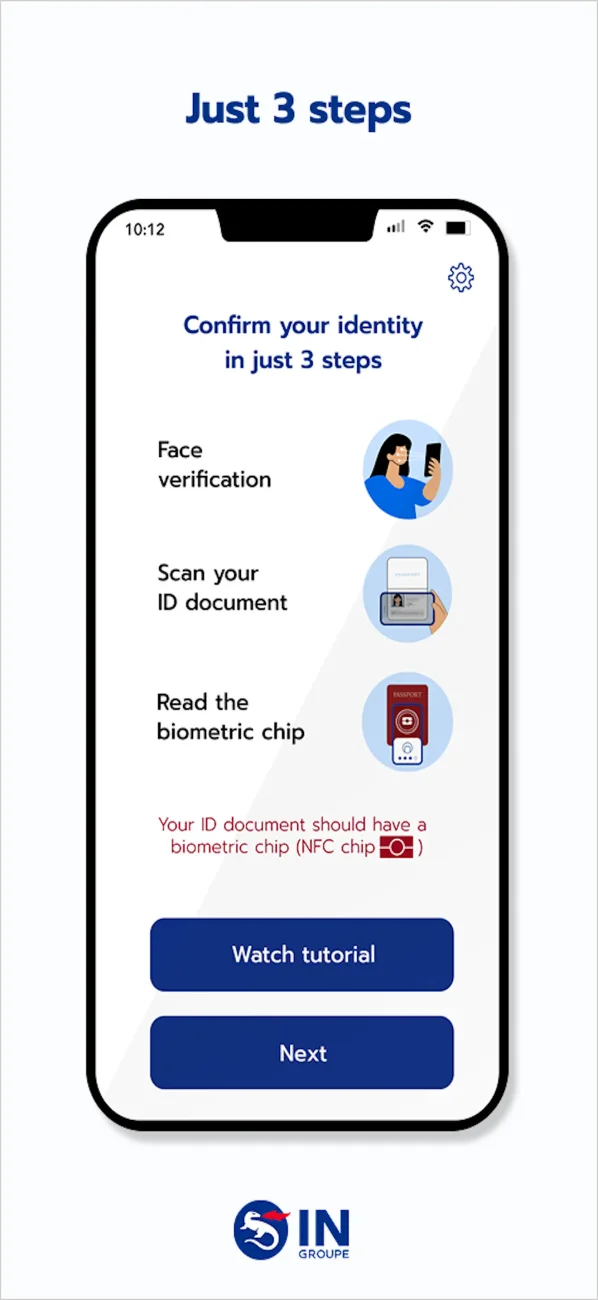
SCAN YOUR DOCUMENT AND TAKE A SELFIE
The app will guide you through the identity verification process, with step by step instructions and visual animations.
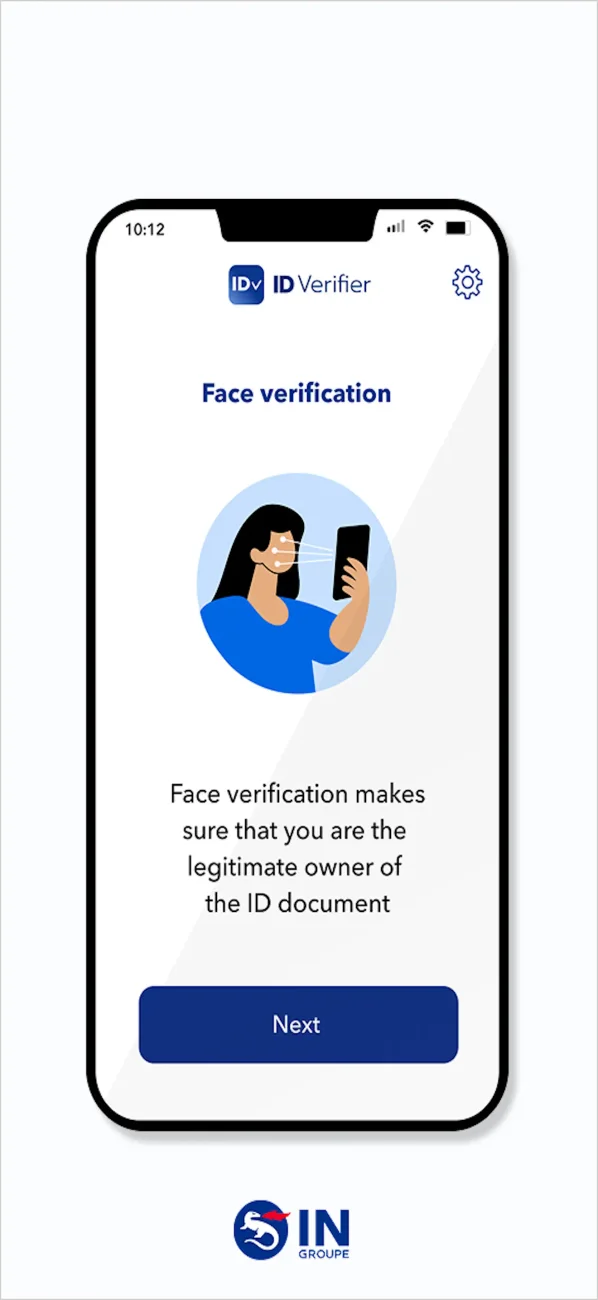
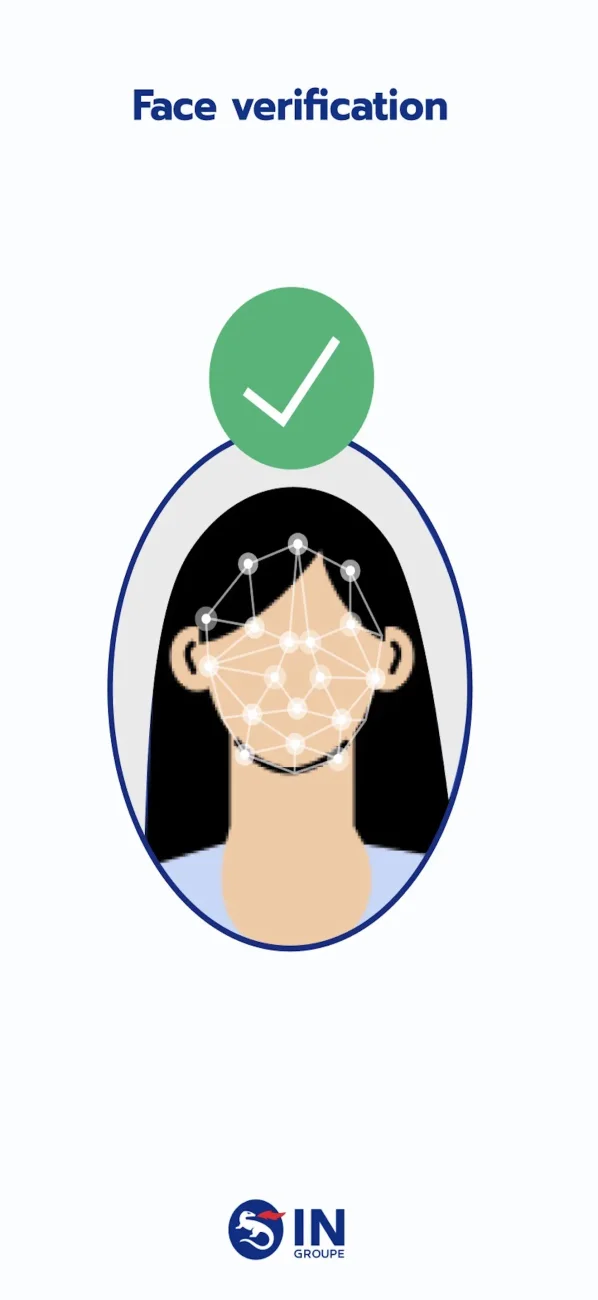
As the first step, you will use the built-in camera on your mobile device to take a video selfie. This is done to verify that you are the legitimate owner of the document which you will scan in the second step.
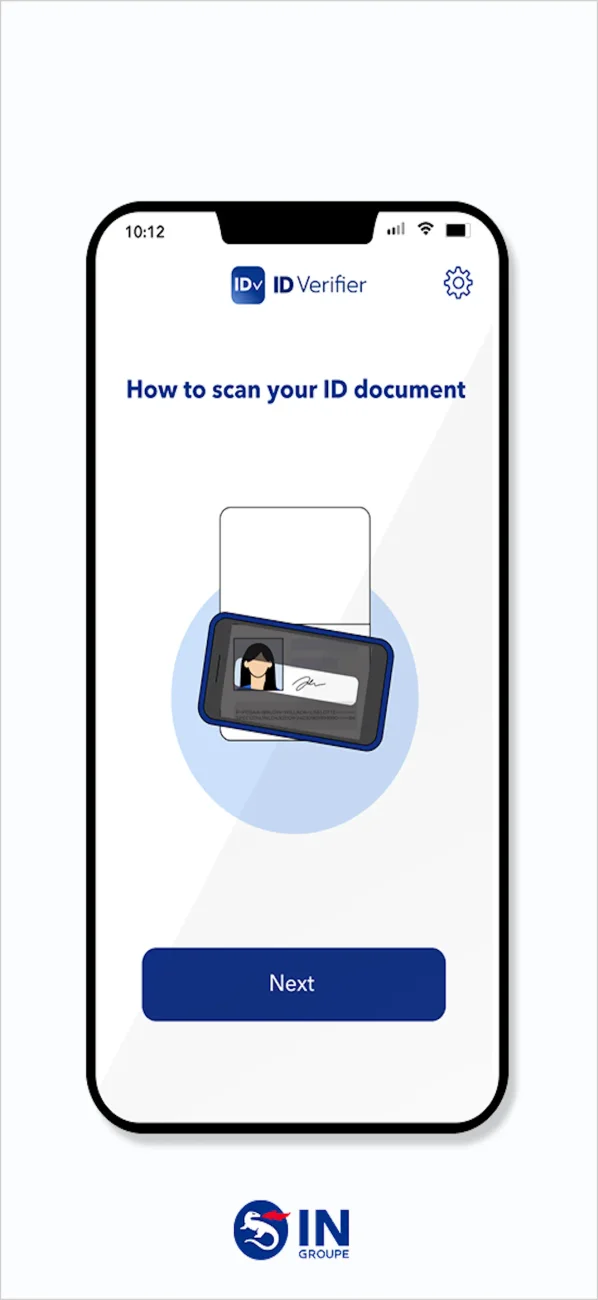
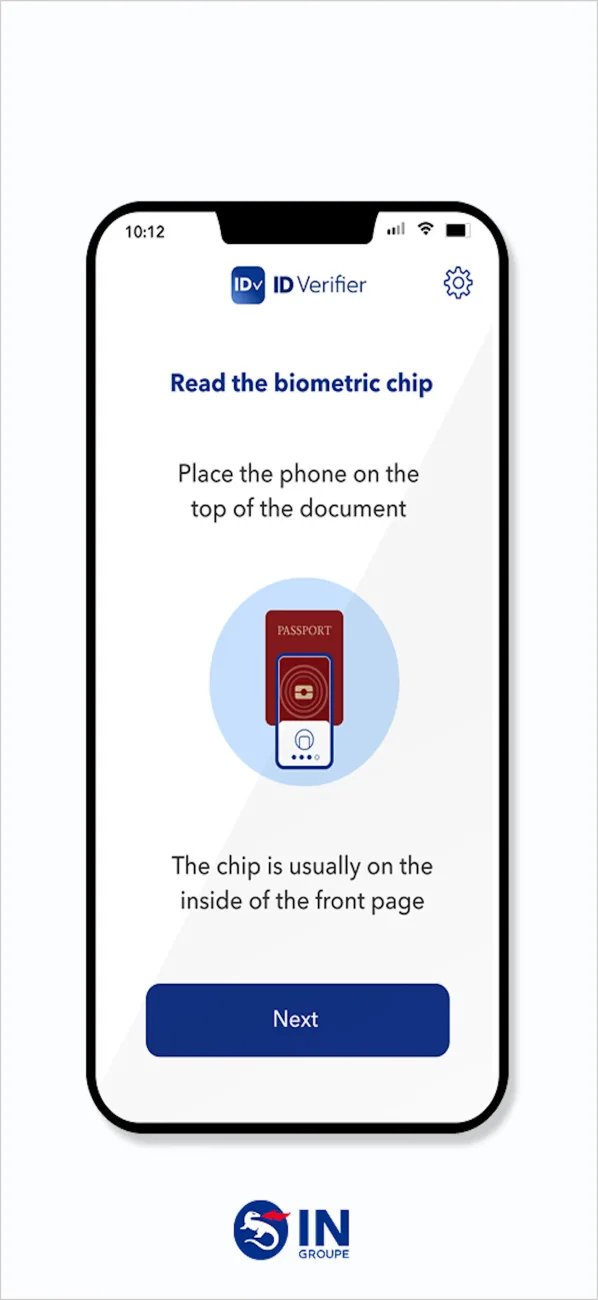
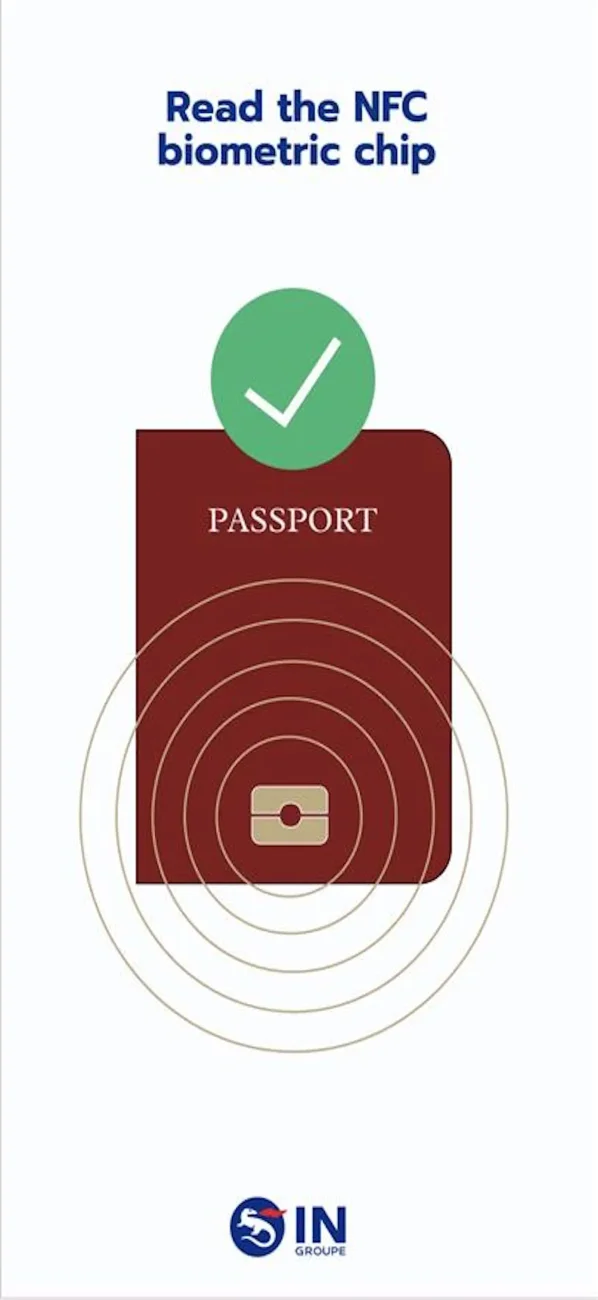
In the second step, you will scan your passport (or a similar identification document, such as a driver’s license or residence card) digitally using the camera on your mobile device. Once a match is successfully established, the app will either close automatically or prompt you to close it.
If an error occurs, you may have the possibility to restart your identity verification process.
SUCCESS SCREEN
For further instructions, please check your status on the company’s webpage used to initiate the authentication or signing process.
Neue Funktionen
Version 3.0.5 · 10.11.2026
- Croatian Language Support
- Tutorial Enhancements
- Bug Fixes and improvements
App-Datenschutz
Was INGroupe im App Store zum Umgang dieser App mit Daten angibt.
-
Keine Daten erfasst
Der Entwickler erfasst keine Daten von dieser App.
Die Datenschutzpraktiken können variieren, zum Beispiel je nach den von Ihnen verwendeten Funktionen oder Ihrem Alter.
Informationen
- Anbieter
- Imprimerie Nationale
- Kategorie
- Wirtschaft
- Version
- 3.0.5
- Aktualisiert
- 10.11.2026
- Veröffentlicht
- 14.05.2025
- Größe
- 40,3 MB
- Erfordert
- iOS 15.6 oder neuer
- Altersfreigabe
- 4+
- Preis
- Kostenlos
- Sprachen
- Englisch, Kroatisch, Finnisch, Norwegisch (Bokmål)
- Copyright
- © 2024 IN GROUPE TRUST SERVICES APS NUF