
Tides Explorer
Tides & Currents from NOAA
Entwickelt für iPhone, iPad
In-App-Käufe
- Altersfreigabe4+
- KategorieWetter
- EntwicklerLonnie Millett
- SprachenEnglisch+ 1 weitere
- Größe21,6 MB
Tides Explorer ist bei App Store derzeit möglicherweise nicht verfügbar
Bei unserer letzten Prüfung war der Store-Eintrag nicht erreichbar. Der Link führt weiterhin zur offiziellen App Store-Seite.
Screenshots


Info
Der Entwickler hat diesen Text nicht in Ihrer Sprache bereitgestellt.
Tides Explorer — Tides, Currents, and Marine Weather
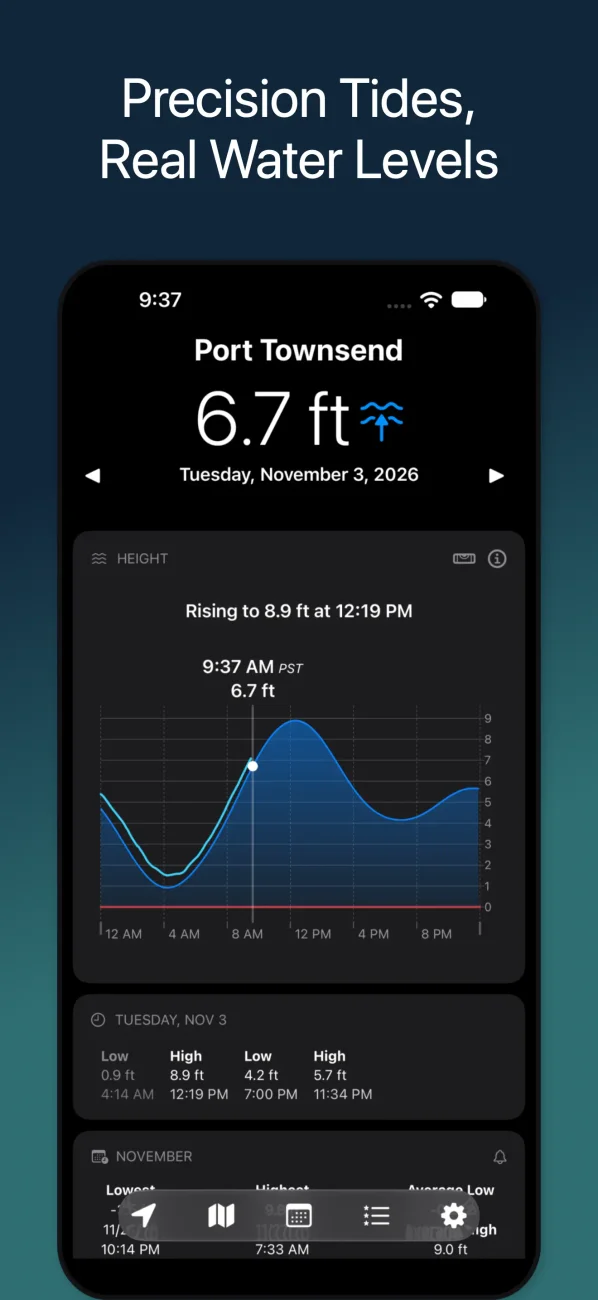
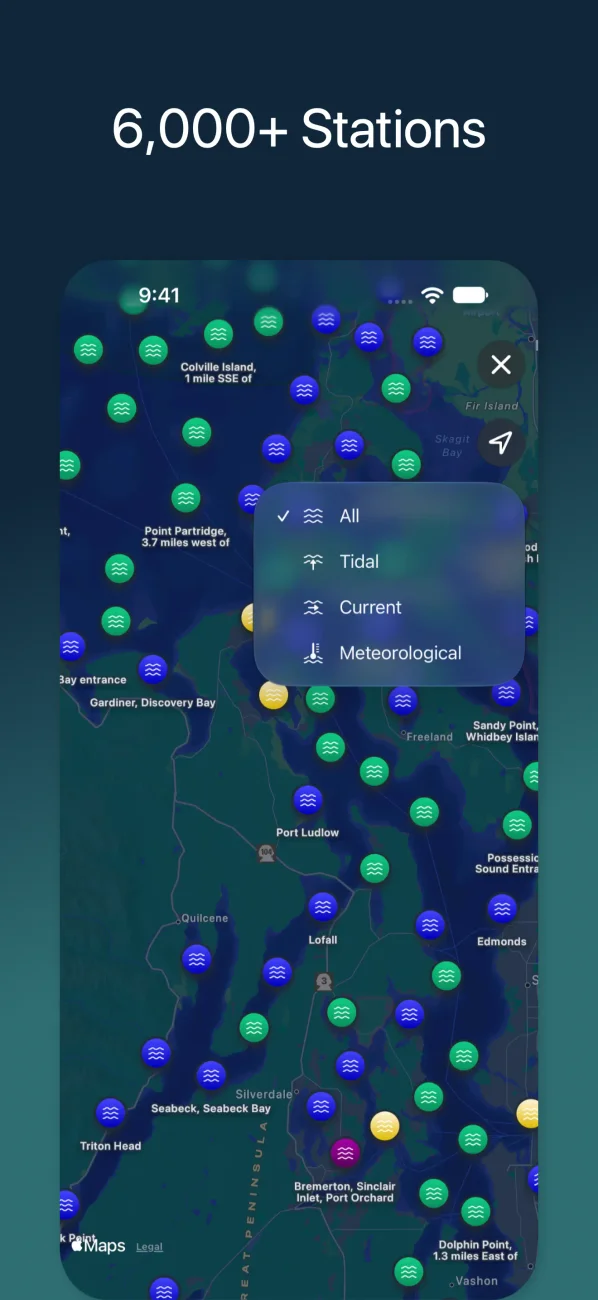
Accurate NOAA predictions for more than 3,400 tide stations and 2,500 current stations, with clear charts, live water levels, marine warnings, and Siri. No subscription and no ads.
Tides Explorer is built for sailors, boaters, paddlers, swimmers, and anglers who need to know not just what the water will do, but when. Every prediction comes straight from NOAA, covering the United States and international waters, and is shown on interactive charts you can explore by touch.
Everything You Need to Plan
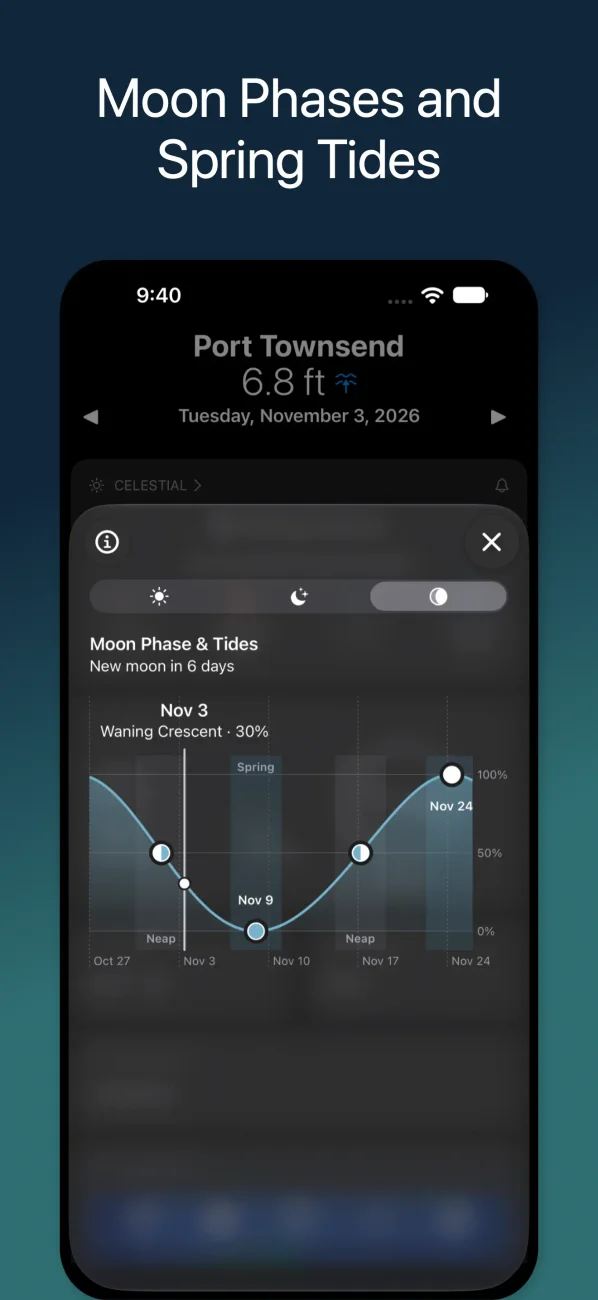
Find any station by name or on the map and see the day’s tides or currents at a glance. Active National Weather Service marine warnings appear right below the chart, so you won’t miss them. The sun and moon page shows the sun’s path through the day with every stage of twilight, when the moon rises and sets tonight, and the month’s moon phases with spring and neap tides marked. Recent predictions are saved on your device, so the app keeps working when you lose signal.
Ask Siri
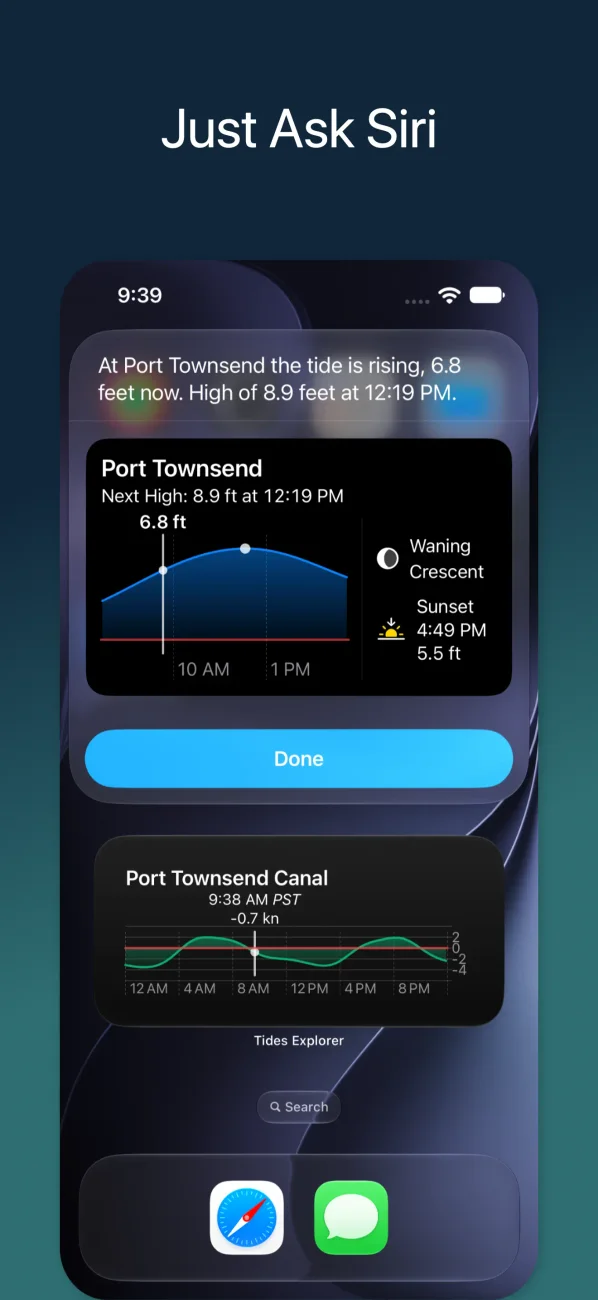
Ask “How’s the tide in Tides Explorer” for a quick overview, or ask for the next high tide, low tide, slack, peak flood or peak ebb, sunrise and sunset, or the moon tonight. Siri answers out loud and shows a chart. Every question is also a ready-made shortcut for the Shortcuts app, your Home Screen or the Action button.
Tides Explorer Pro — One Purchase, Yours to Keep
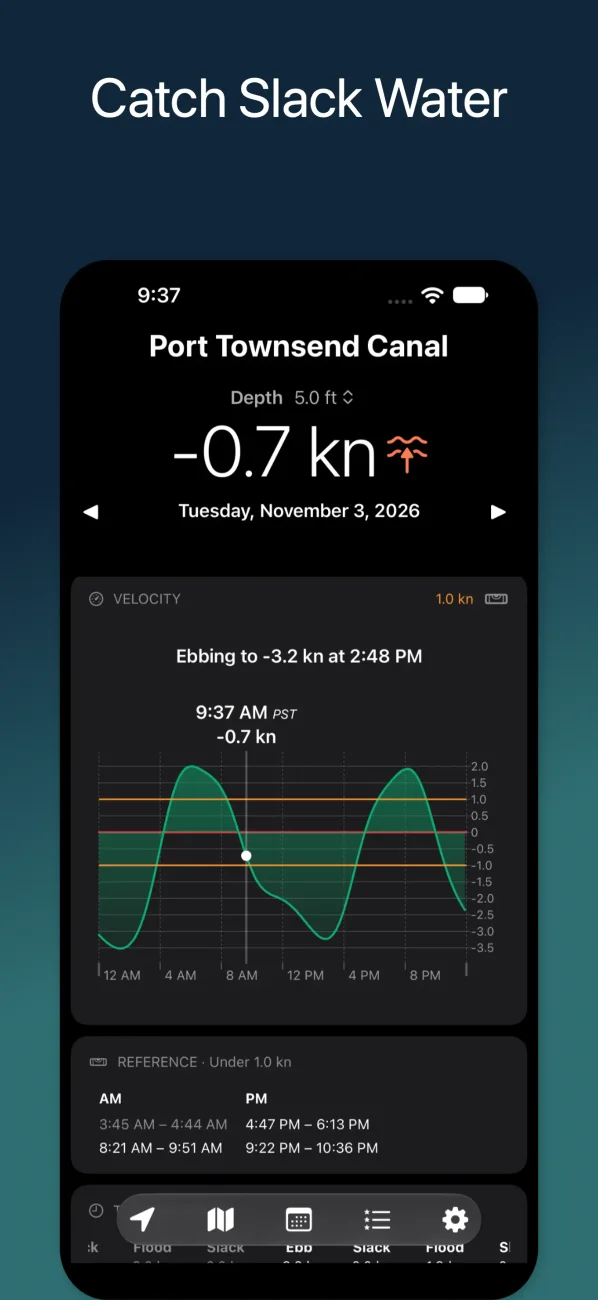
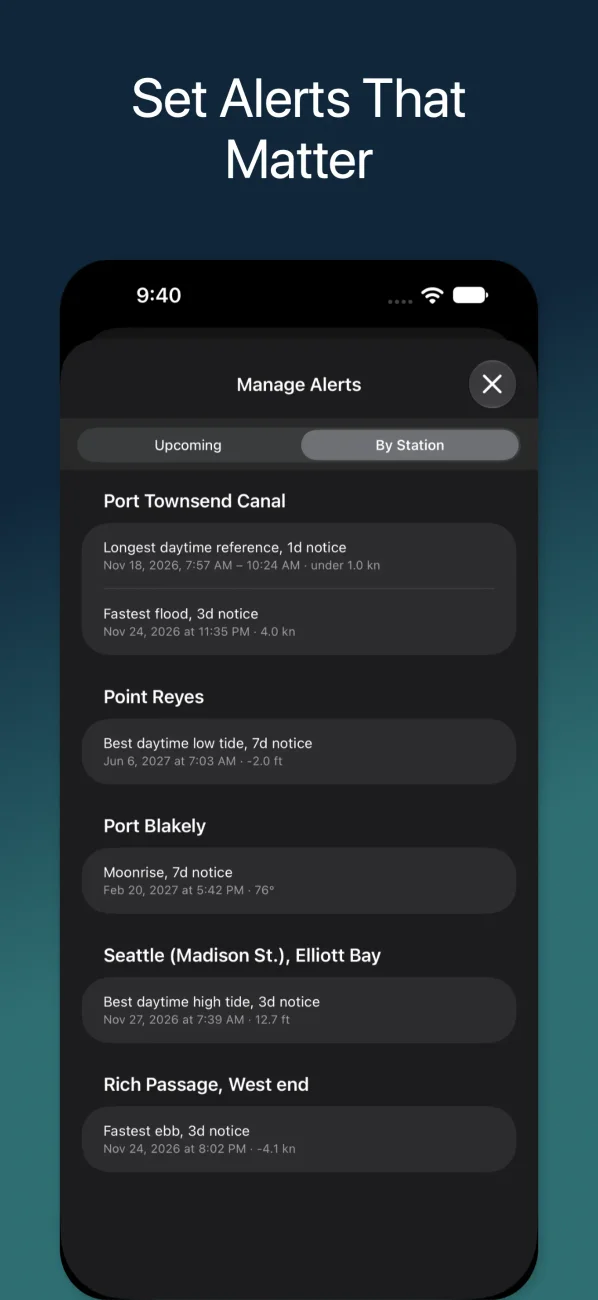
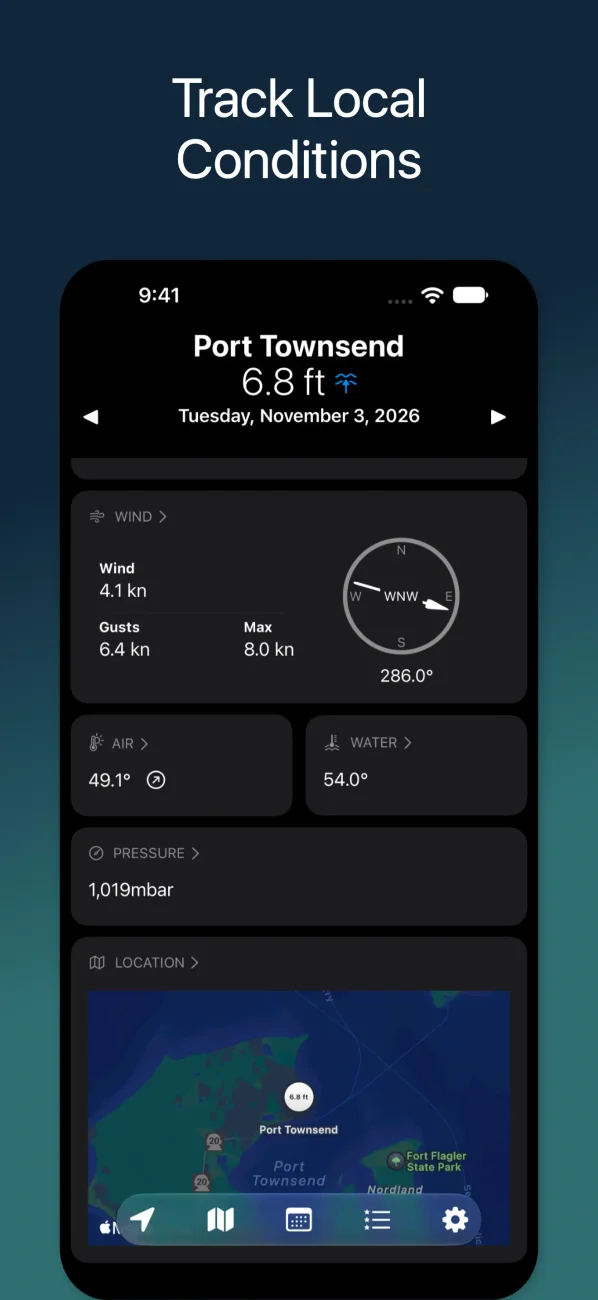
Pro lets you keep three months or more of data saved for your favorite stations, ready wherever you go, even far from a signal. At supported stations, see observed water levels laid over the prediction, plus live wind, air and water temperature, and barometric pressure. Drag a custom reference line onto a chart to see exactly when the water is above or below it, or on a current station, when the flow is slow enough to transit a pass. Set alerts for high and low tides, current extremes, slack water, your reference line, and Moon Over Water, for when moonrise or moonset lines up with the water near sunset or sunrise. Choose a default tide station and a default current station for Siri, and ask Siri for your next reference window.
Made for iPhone, iPad, and Apple Watch
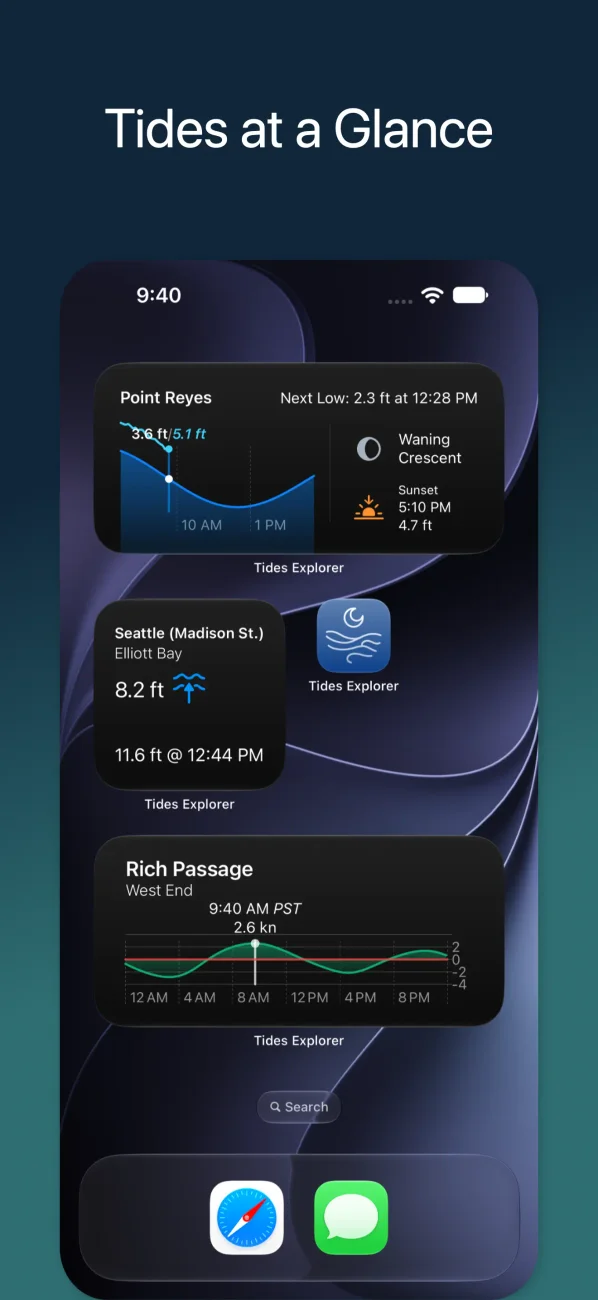
Home Screen and Lock Screen widgets, a full Apple Watch app with complications, and support for metric or imperial units, 12- or 24-hour time, and English or Spanish.
Built for the Water
Dependable marine data without clutter, so you can plan confidently and focus on the water.
Neue Funktionen
Version 2.3 · 08.11.2026
Tides Explorer now shows active National Weather Service marine warnings for the waters around your station. Small craft advisories, gale warnings and other alerts appear right on the station page, so you know before you head out.
You can now ask Siri. Say “How’s the tide in Tides Explorer” for a quick overview with a chart of the next few hours, or ask for the next high tide, low tide, slack, peak flood or peak ebb. Siri answers out loud and shows a chart of the day with the answer marked. You can also ask about sunrise and sunset, or what the moon is doing tonight. Every question is also available as a ready-made shortcut in the Shortcuts app, so you can add one to your Home Screen, use it with the Action button, or build your own shortcut for any favorite station.
The sun and moon page has been redesigned. A daylight chart shows the sun’s path through the day with sunrise, sunset, solar noon and each stage of twilight. A Moon Tonight chart shows when the moon rises and sets and how high it climbs, and a moon phase chart shows the month ahead with full and new moons and spring and neap tide periods. Touch and drag any chart to see the details at a particular time.
Pro users can now choose a default tide station and a default current station, which Siri uses when you don’t name one. Pro users can also ask Siri for their next reference window, the next time the water is above their reference line.
This update also includes performance and reliability improvements, including faster launches and better handling of saved data when you’re offline.
App-Datenschutz
Was Lonnie Millett im App Store zum Umgang dieser App mit Daten angibt.
-
Keine Daten erfasst
Der Entwickler erfasst keine Daten von dieser App.
Die Datenschutzpraktiken können variieren, zum Beispiel je nach den von Ihnen verwendeten Funktionen oder Ihrem Alter.
Informationen
- Anbieter
- Lonnie Millett
- Kategorie
- Wetter
- Version
- 2.3
- Aktualisiert
- 08.11.2026
- Veröffentlicht
- 07.01.2024
- Größe
- 21,6 MB
- Erfordert
- iOS 17.6 oder neuer
- Altersfreigabe
- 4+
- In-App-Käufe
- Ja
- Sprachen
- Englisch, Spanisch
- Copyright
- © 2026 Tani Creek Software
Das könnte Ihnen auch gefallen
-
 BuoyPro: NOAA Buoy WeatherWetter
-
 Ebb and Flow Tide ClockWetter
-
 TideCast by HohonuWetter
-
 WeatherMarine: Marine ForecastWetter
-
 Shoobie³: Meer, Strand & SurfGezeiten, Regenalarm & UV
-
 PNW Current AtlasWetter
-
 Actual CurrentsWetter
-
 Marine Weather and TidesWellen- und Gezeitenvorhersage
-
 Tide forecast: Waves & WindWetter
-
 Ocean WatchWetter