TileGrid - Carpet Planner
Carpet Tile Layout Designer
Entwickelt für iPhone, iPad
2,99 €
- Altersfreigabe4+
- KategorieProduktivität
- EntwicklerYUHUI WANG
- SprachenEnglisch+ 5 weitere
- Größe44,8 MB
Verlinkt auf die offizielle App Store-Seite
Download.org hostet keine Datei von TileGrid - Carpet Planner. Die Schaltfläche öffnet die App-Seite bei App Store, wo YUHUI WANG die App veröffentlicht. Eintrag zuletzt geprüft am 12.11.2026.
Screenshots

Info
Der Entwickler hat diesen Text nicht in Ihrer Sprache bereitgestellt.
Plan your carpet tile layout before you buy — right on your phone.
TileGrid lets you design room layouts using carpet tiles from 25cm to 50cm, mixing colors and shapes to create stunning floor patterns. Choose from 5 brands and 900+ real tile colors, or import your own. Whether you're renovating a home office or designing a retail space, TileGrid helps you visualize the result and calculate the exact number of tiles to order.
BRANDS & COLORS
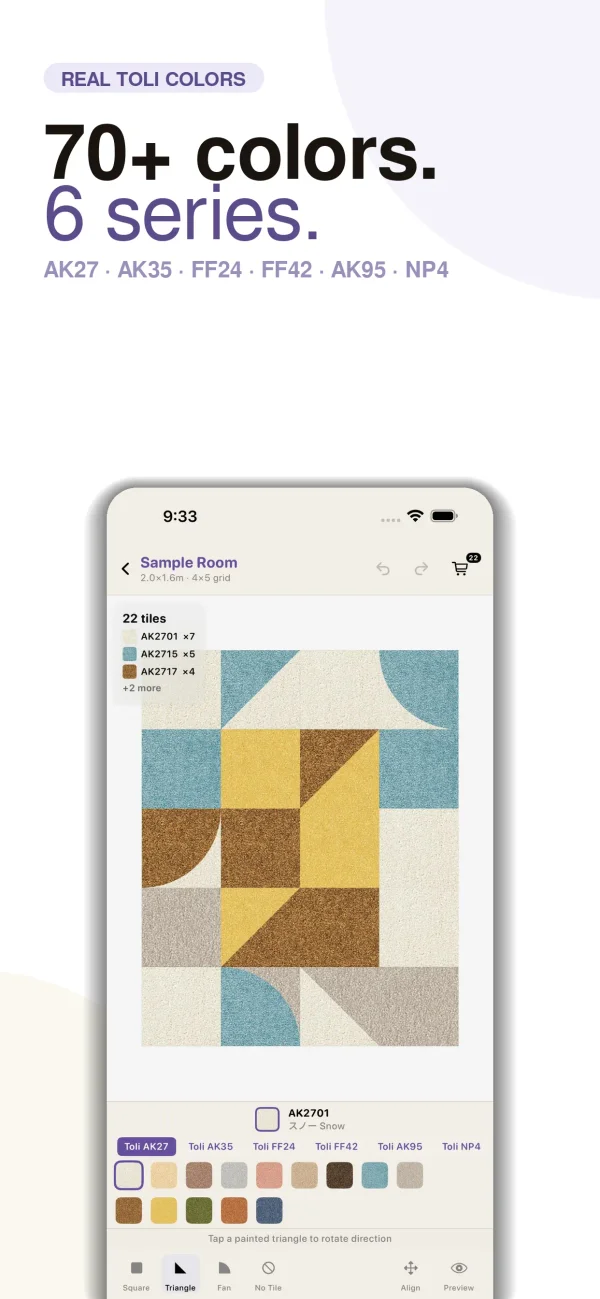
- Toli — 145 colors across 14 series (AK10, AK11, AK27, AK35, FF21, FF24, FF42, FF45, FF70, AK80, AK95, NP4, GA-400, GA-400A) plus 5 character/special-edition lines (Anpanman, Anpanman Number, Dick Bruna/Miffy, Hello Kitty, Kids Road)
- FLOR — 723 colorways across 183 Flor designs at 50cm, including the Trina Turk, Arras, Get The Look, and Carbon Negative collections
- SANKO — 33 colors in 25cm, 30cm, and 45cm sizes (solid & pattern)
- SankoPet — 13 pet-friendly colors in 30cm
- Common Ground (块块与共) — 呼乎 & 四时 series (15 colors)
- My Colors — Import your own tile photos from your camera roll
TILE SIZES
- 25cm, 30cm, 40cm, 45cm, 50cm — choose the right size for your project
KEY FEATURES
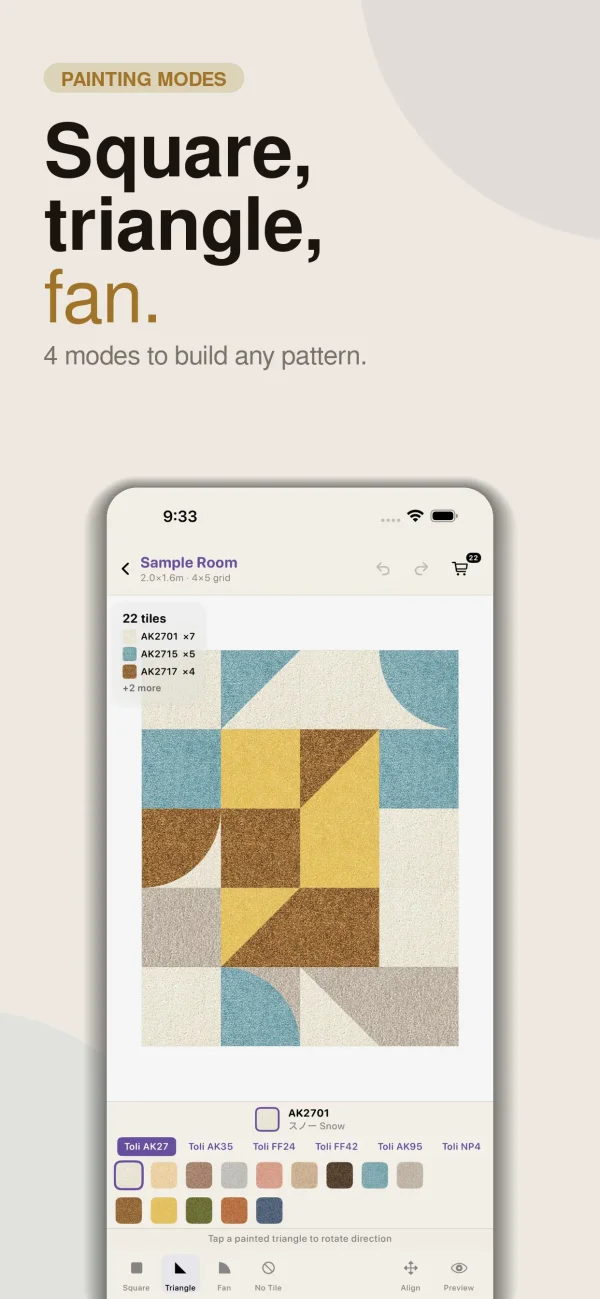
- Paint Mode — Tap to fill tiles with colors from real product catalogs
- Pattern Templates — Pick from a curated gallery of pre-designed room patterns; layout paints itself, then swap palettes to dial it in
- Texture Rotate — Rotate tile textures 0°/90°/180°/270° for directional patterns
- Triangle Tiles — Split any tile diagonally to create two-tone patterns
- Half Tiles — Split any tile horizontally or vertically into two color regions
- Fan (Quarter-Circle) Tiles — Add curved accents with arc and remainder shapes
- No-Tile Zones — Mark areas where tiles won't be placed (under furniture, columns, etc.)
- Share Cards — Share branded layout cards with project name and tile count
- Preview Mode — See your finished design without the grid lines, and save the image
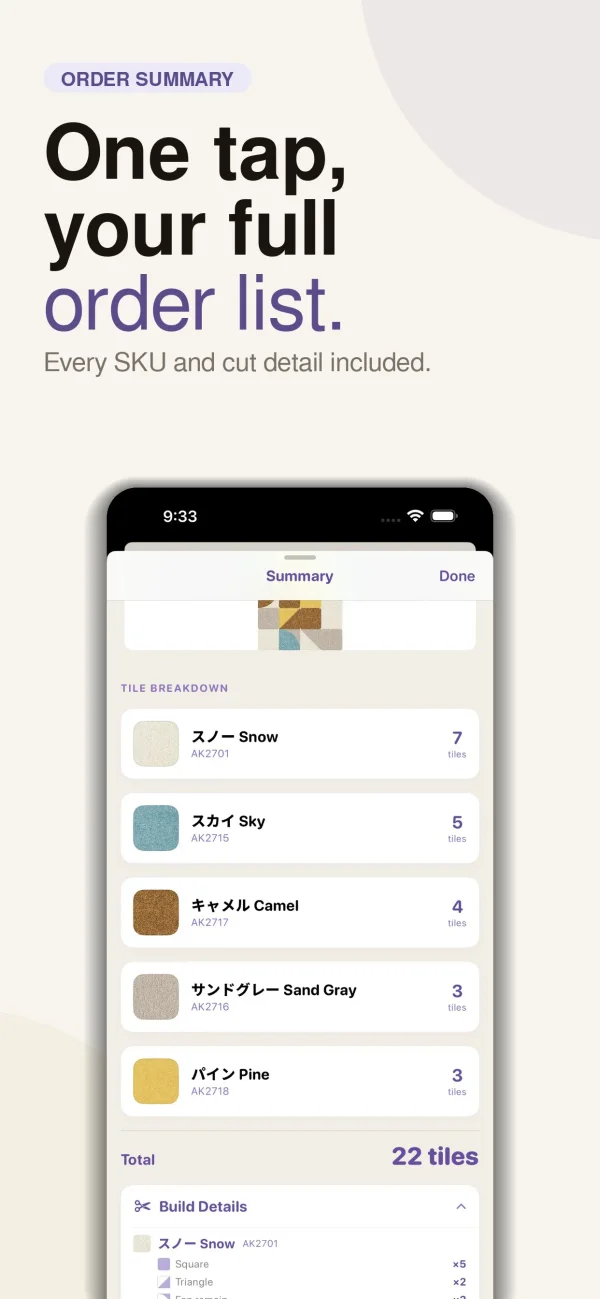
- Order Summary — Get an exact tile count per color and brand, with smart bin-packing for edge cuts
- Grid Alignment — Drag to adjust where cut tiles fall on room edges. Snap to center with one tap
- Undo/Redo — Full history so you can experiment freely
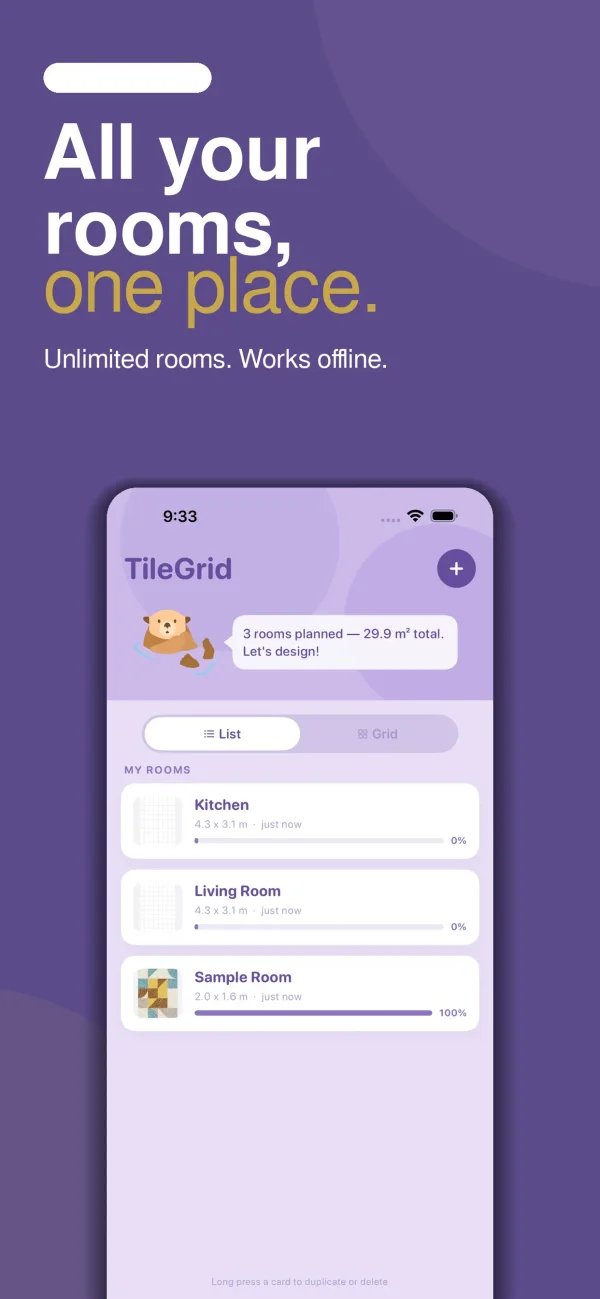
- Multiple Rooms — Manage separate layouts for each room in your project
- Duplicate Rooms — Copy an existing layout as a starting point for variations
SMART TILE COUNTING
TileGrid doesn't just count grid cells — it calculates the actual number of tiles you need to purchase:
- Edge tiles are packed efficiently using bin-packing algorithms
- Same-color fan arc + remainder = 1 tile (no waste)
- Triangle halves pair up across your layout
- Each color is calculated independently
GETTING STARTED
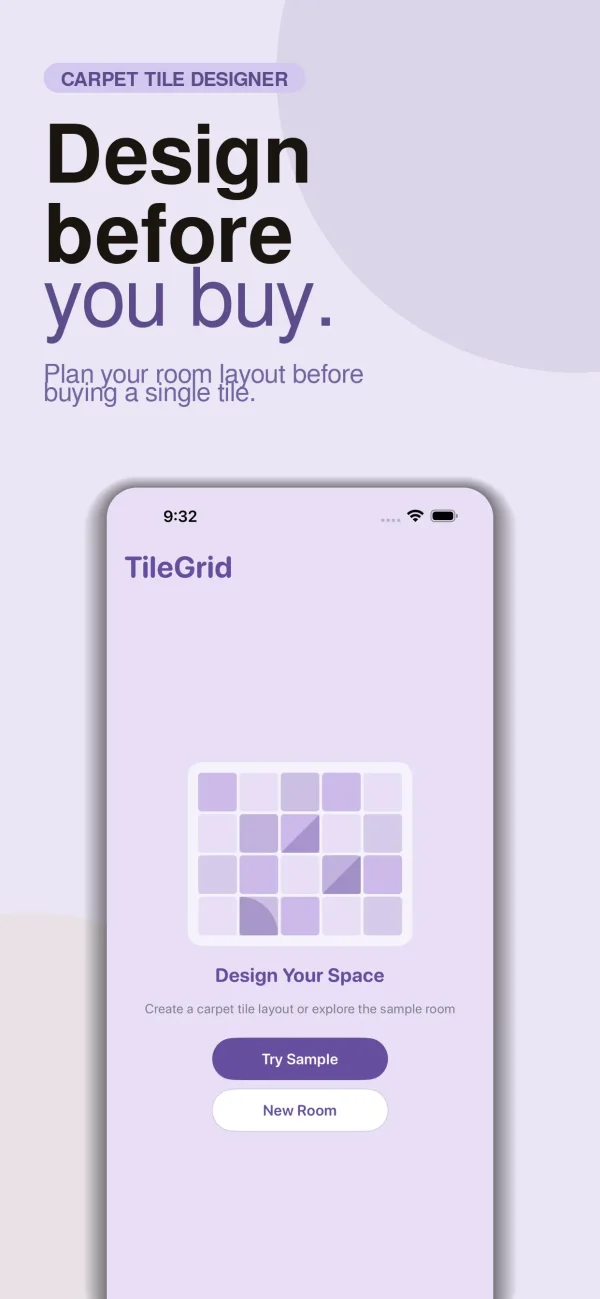
Open the app and tap "Try Sample" to explore a pre-built room design, or tap "New Room" to start from scratch. Enter your room dimensions in meters, pick your tile size, and start painting.
Neue Funktionen
Version 1.6.0 · 11.06.2026
Faster, smoother editing: the cart count, drawing-key, and progress bars update instantly — the per-frame recalculation is gone, so even large rooms stay responsive and the home screen scrolls more smoothly.
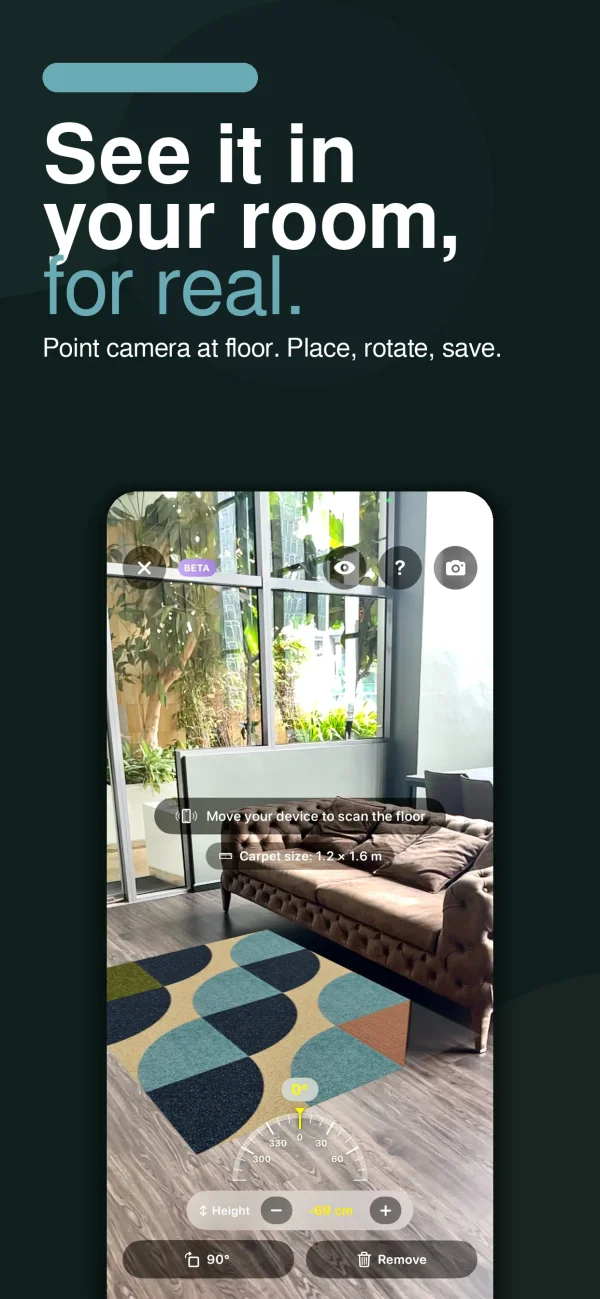
Steadier AR & exports: previews, share posters, and the AR overlay now render through one unified engine and capture your design safely off the main thread, avoiding rare glitches.
App-Datenschutz
Was YUHUI WANG im App Store zum Umgang dieser App mit Daten angibt.
-
Keine Daten erfasst
Der Entwickler erfasst keine Daten von dieser App.
Die Datenschutzpraktiken können variieren, zum Beispiel je nach den von Ihnen verwendeten Funktionen oder Ihrem Alter.
Informationen
- Anbieter
- YUHUI WANG
- Kategorie
- Produktivität
- Version
- 1.6.0
- Aktualisiert
- 11.06.2026
- Veröffentlicht
- 27.03.2026
- Größe
- 44,8 MB
- Erfordert
- iOS 17 oder neuer
- Altersfreigabe
- 4+
- Preis
- 2,99 €
- Sprachen
- Englisch, Japanisch, Koreanisch, Malaiisch, Vereinf. Chinesisch, Tradit. Chinesisch
- Copyright
- © Wang Yuhui
Das könnte Ihnen auch gefallen
-
 Animal Diet Formulator AppProduktivität
-
 Honey LifeProduktivität
-
 UKA CardProduktivität
-
 Thingly – Hausrat-InventarPrivates Inventar
-
 Focove: Szenen & Fokus-TimerPomodoro, Klänge und Musik
-
 记忆卡Produktivität
-
 Nook: HausinventarInventar & Fristen im Blick
-
 Noeji: AI Voice Idea CaptureProduktivität
-
 Tembri: Shift PlannerProduktivität