TimeGlass Notes - Sticky Notes
Your day beautifully organized
Entwickelt für iPhone
Kostenlos · In-App-Käufe
- Altersfreigabe4+
- KategorieProduktivität
- Entwickler健浩 卢
- SprachenEnglisch+ 5 weitere
- Größe6,0 MB
Verlinkt auf die offizielle App Store-Seite
Download.org hostet keine Datei von TimeGlass Notes - Sticky Notes. Die Schaltfläche öffnet die App-Seite bei App Store, wo 健浩 卢 die App veröffentlicht. Eintrag zuletzt geprüft am 17.11.2026.
Screenshots
Info
Der Entwickler hat diesen Text nicht in Ihrer Sprache bereitgestellt.
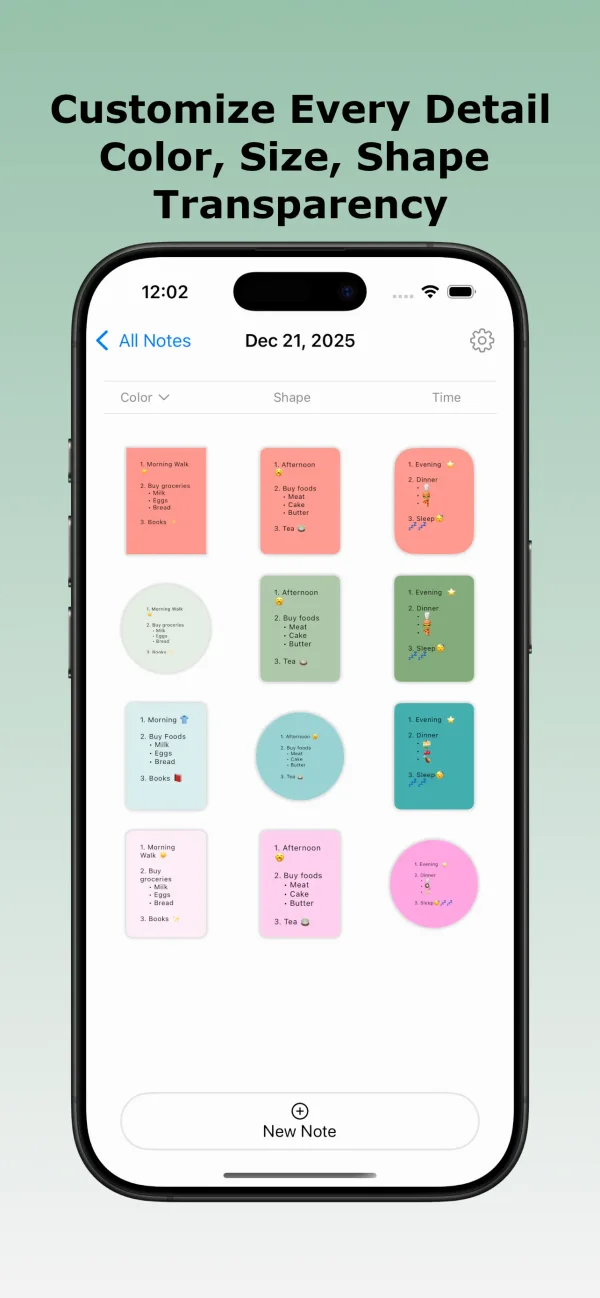
TimeGlass Notes brings a clean, realistic, and beautifully animated sticky-memo experience to your daily life.
Craft your daily thoughts using customizable notes arranged in a neat visual grid—easy to create, delightful to open, and effortless to manage.
Whether you’re jotting down ideas, tracking tasks, planning your day, or saving meaningful moments, TimeGlass Notes helps you stay organized in a calm and intuitive way.
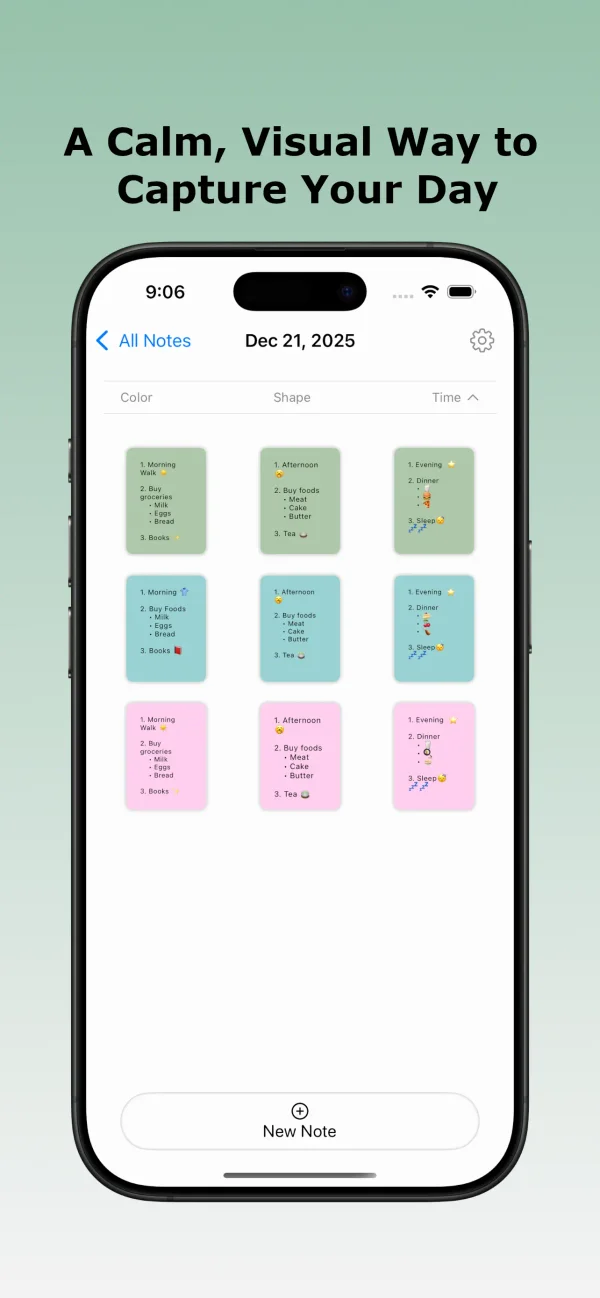
A Natural, Visual Way to Capture Your Day
Create notes that look and feel like real sticky memos. Each note appears as a soft, semi-transparent card that blends naturally into your day.
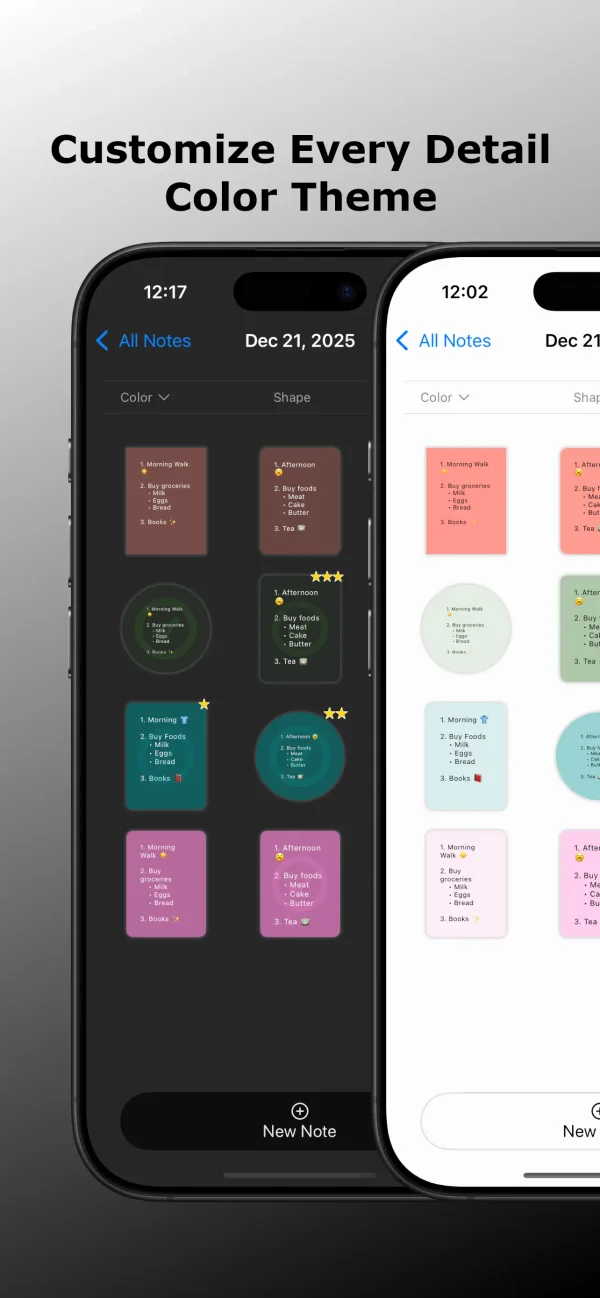
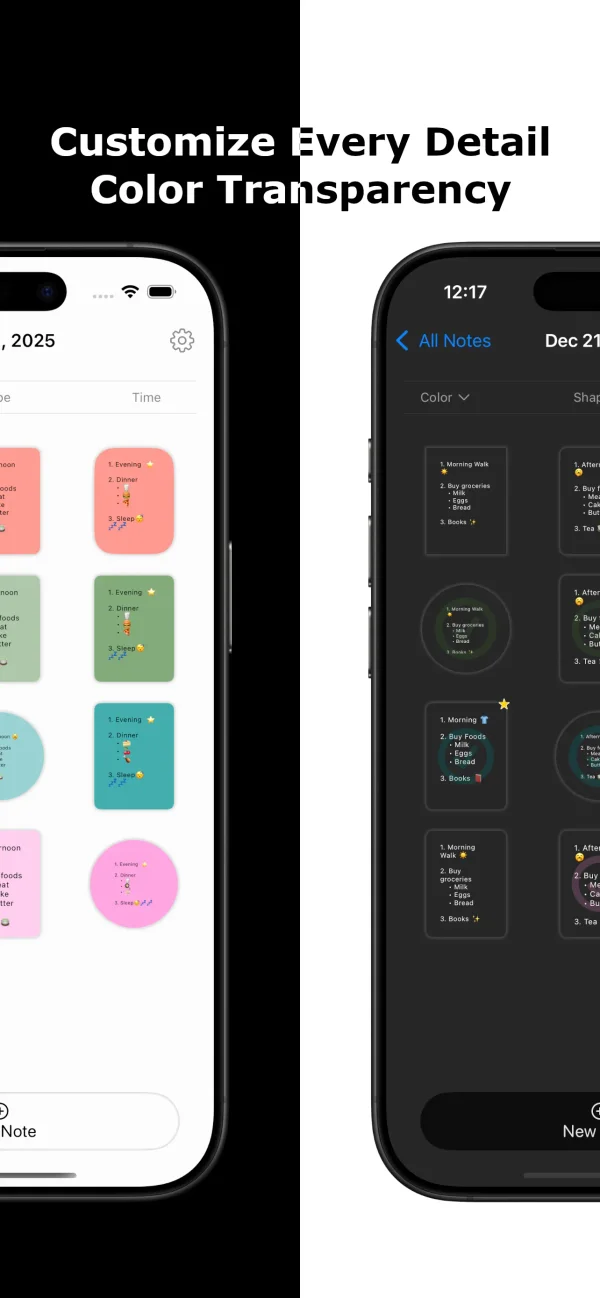
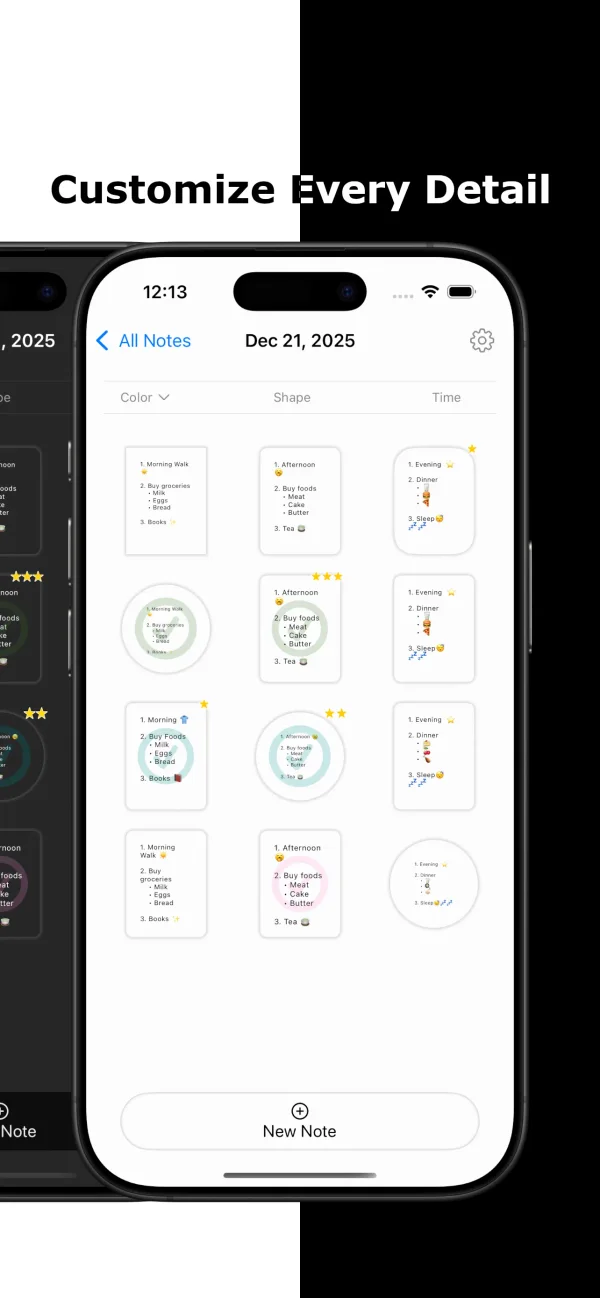
Customize every detail to match your style:
• Choose from multiple colors
• Adjust note transparency
• Set text size and alignment
• Switch freely between shapes
• Mark notes as completed or important
• Add optional notifications to any note
Your notes stay visually pleasing while remaining highly functional.
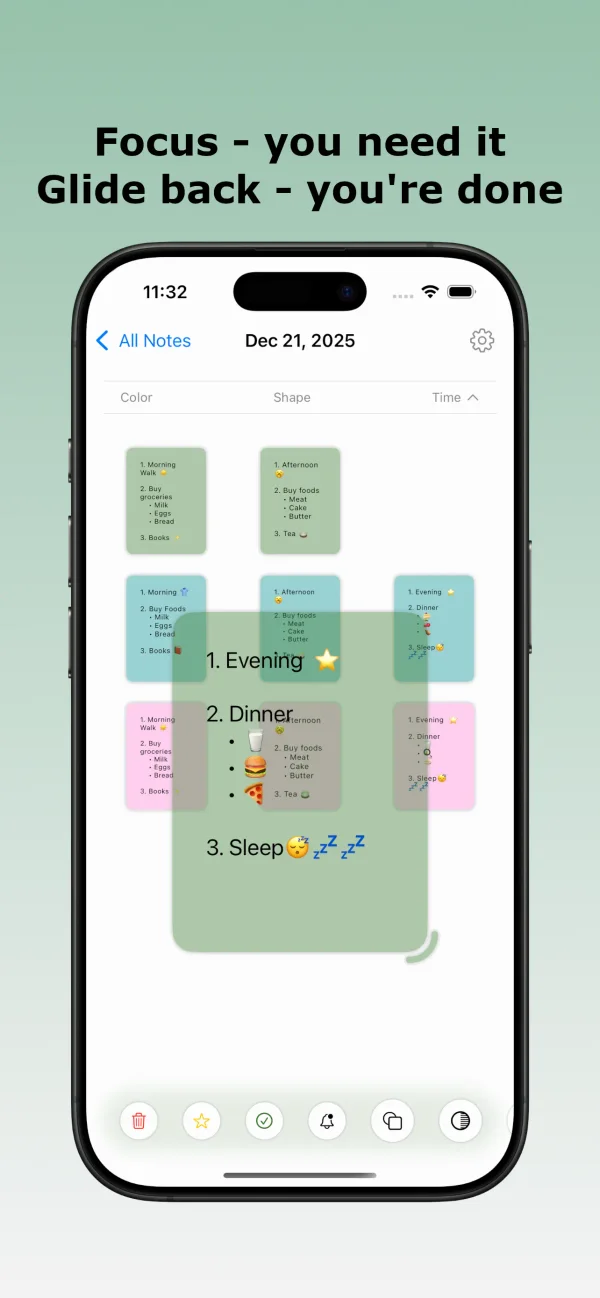
Tap to Zoom In, Drag to Return
Tap any note to smoothly zoom in for focused editing.
When you’re done, simply drag to return it to its place in the grid.
This fluid interaction makes browsing and reviewing notes feel natural and intuitive—like handling real pieces of paper.
Organized by Date
Notes are automatically grouped by day.
Tap any date section to instantly jump into that day’s notes, making it easy to revisit past thoughts or plan ahead.
Reminders When You Need Them
Add optional notifications to any note to stay on top of tasks, events, or ideas.
Ideal for daily routines, gentle reminders, or small commitments you don’t want to forget.
A Simple, Thoughtful Daily Companion
TimeGlass Notes stays out of your way while giving you full creative control.
It’s simple enough for quick thoughts, yet flexible enough for daily journaling, habit tracking, or lightweight planning.
Premium Features
Unlock advanced customization, and all future feature updates with:
• an optional subscription, or
• a one-time lifetime purchase
Support: https://github.com/bbdhx/GlassNote
Privacy policy: https://github.com/bbdhx/GlassNote/blob/main/Privacy%20Policy
Terms of Use (EULA): https://www.apple.com/legal/internet-services/itunes/dev/stdeula
Neue Funktionen
Version 1.1.3 · 20.10.2026
* Added Korean and French localization.
* Improved translations for Simplified Chinese, Traditional Chinese, Japanese, Korean, and French.
* Improved Help Page and Note Settings localization.
* Enhanced All Notes List layout and calendar navigation.
* Added a Settings button to All Notes List Page.
This update includes bug fixes and improvements.
App-Datenschutz
Was 健浩 卢 im App Store zum Umgang dieser App mit Daten angibt.
-
Keine Daten erfasst
Der Entwickler erfasst keine Daten von dieser App.
Die Datenschutzpraktiken können variieren, zum Beispiel je nach den von Ihnen verwendeten Funktionen oder Ihrem Alter.
Informationen
- Anbieter
- 健浩 卢
- Kategorie
- Produktivität
- Version
- 1.1.3
- Aktualisiert
- 20.10.2026
- Veröffentlicht
- 30.12.2025
- Größe
- 6,0 MB
- Erfordert
- iOS 17.6 oder neuer
- Altersfreigabe
- 4+
- Preis
- Kostenlos
- In-App-Käufe
- Ja
- Sprachen
- Englisch, Französisch, Japanisch, Koreanisch, Vereinf. Chinesisch, Tradit. Chinesisch
- Copyright
- © 2025 Silver Inc.
Das könnte Ihnen auch gefallen
-
 Glassnote: Sticky NotesProduktivität
-
 Enso | MindmapProduktivität
-
 コピペ帳Produktivität
-
 Keep Your PromisesProduktivität
-
 QuikFlow ProMindmapping für Flowcharts
-
 Geistesblitz: Ideen NotierenGedanken notieren, Tags, Suche
-
 Magnet: Cozy To-Do & NotesProduktivität
-
 Axiom - Your AI Second BrainProduktivität
-
 Remora: Daily ReminderProduktivität