TNMaker Pro - Multiple Choice
Easy get your score by camera
Entwickelt für iPhone, iPad, iPod touch
8,99 €
- Altersfreigabe4+
- KategorieBildung
- EntwicklerVinh Le
- SprachenEnglisch+ 15 weitere
- Größe19,2 MB
Verlinkt auf die offizielle App Store-Seite
Download.org hostet keine Datei von TNMaker Pro - Multiple Choice. Die Schaltfläche öffnet die App-Seite bei App Store, wo Vinh Le die App veröffentlicht. Eintrag zuletzt geprüft am 16.11.2026.
Screenshots
Info
Der Entwickler hat diesen Text nicht in Ihrer Sprache bereitgestellt.
Functions:
+ TNMaker will be very helpful for teachers to mark for multiple choice test, rather than using their hands or using a dedicated scanner.
+ Just use the teacher's phone to mark the students' multiple choice test quickly.
+ The app allows reviewing, sorting, and sharing right away with facebook, zalo, gmail...
+The application allows you to customize the number of sentences and give the correct score for each sentence.
Usage Guide:
- Notice : App need using camera permission and storage permission to read data.
- First : You link to tnmaker.wordpress.com or Setting-> AnswerPaper to download the answer sheets (support for sample 50), next you should print in format or scale (small, large).
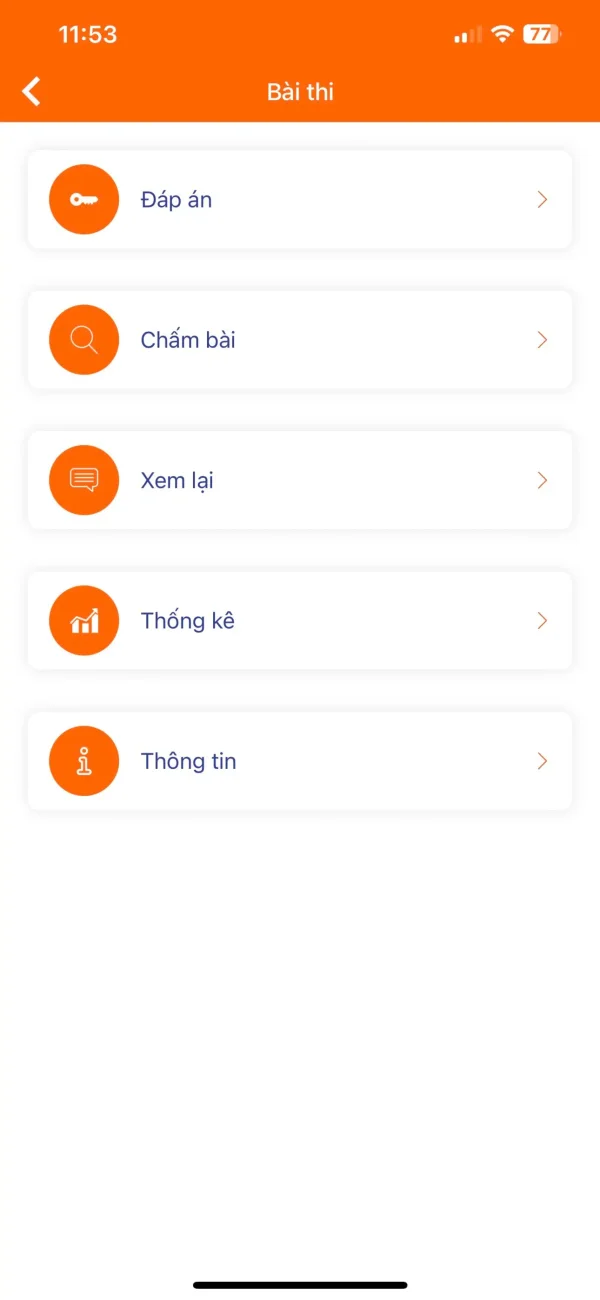
- Key: Used to scan a key. This is the correct answer to compare when scanning. You should fill in the circle and choose only a answer for each sentence.
If you are not satisfied, you should rescan or save to complete the your key.You can review your key in Review-> Menu-> Key.
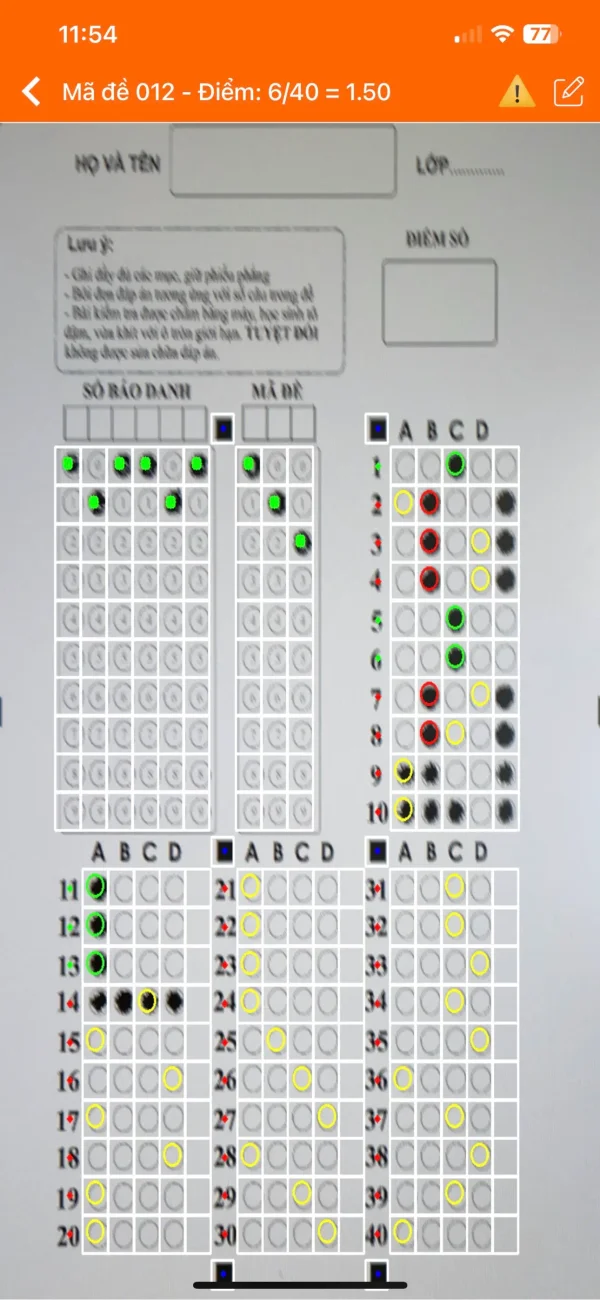
- Scan: Use to scan your answer, you should move the camera to the 4 corners of the answer sheets, the red square will blink.The application will detect 4 corners and find the correct answer, the correct answer will be green , the incorrect answer will be red.
Notice your will only select a answer, the application will view the correct number of sentences for each sentence and the score you get. Next you should click Back to scan the next answer sheets, if you do not find the square, you should move your camera and adjust them.
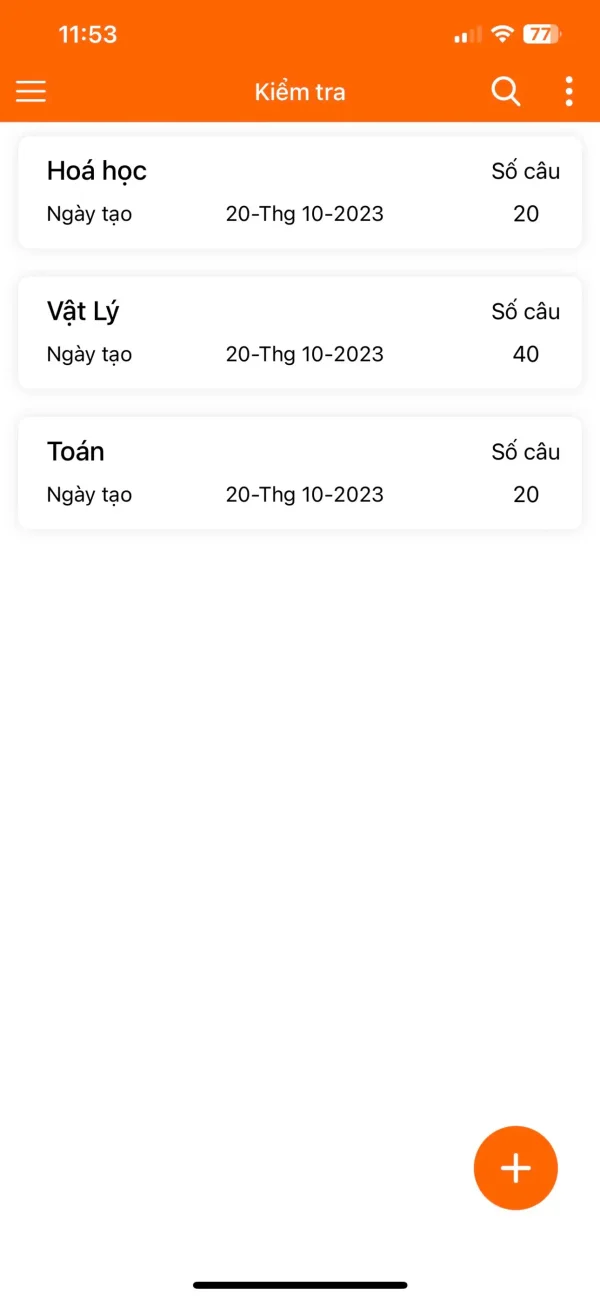
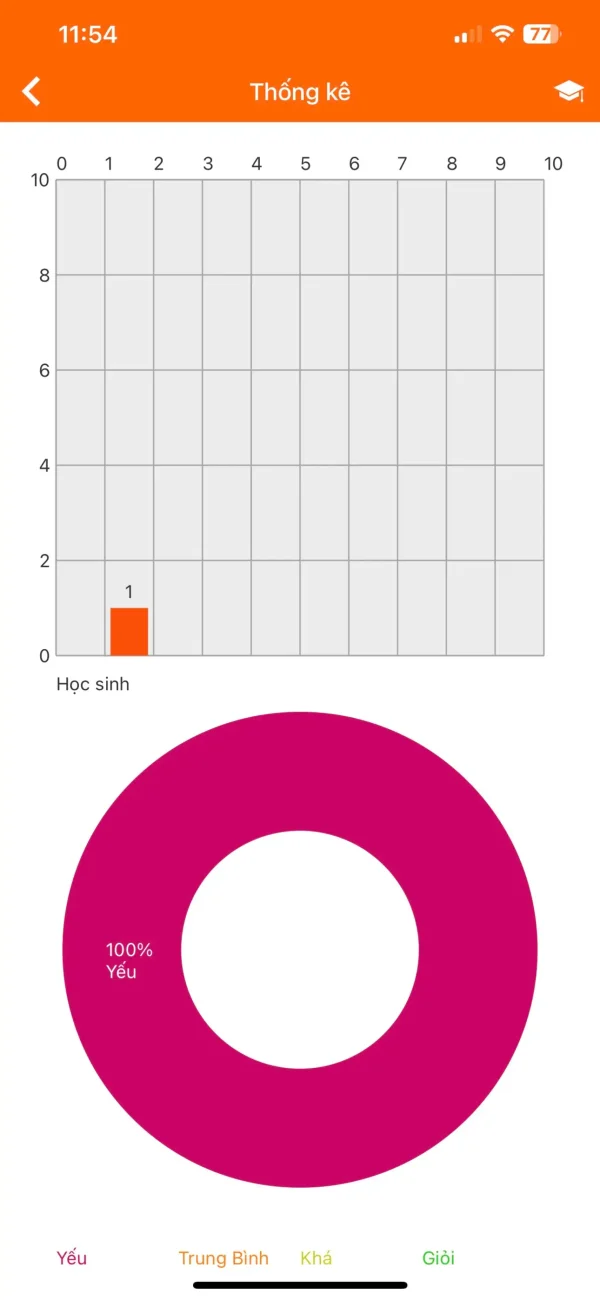
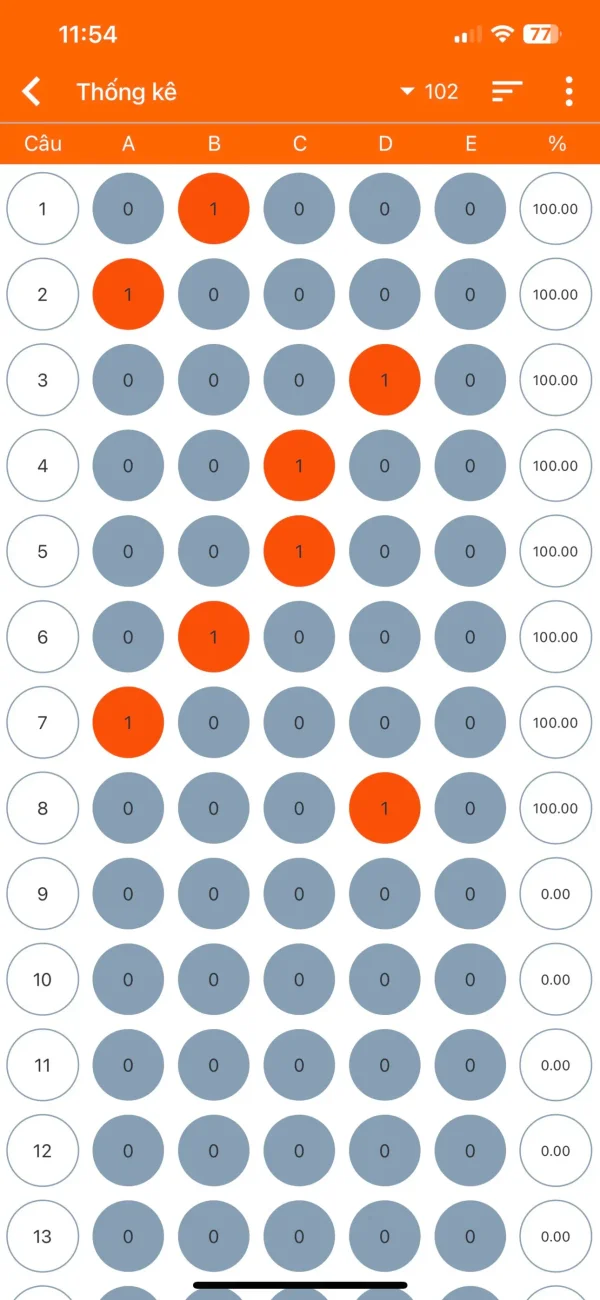
- Review: You can review to your key or answer, click on the item and review your answer, you can delete and share it with facebook, zalo, gmail by hold in the item. Besides, you can select the menu and have some options, you can sort the list and share it to facebook...It is helpful, your list is too long, you should delete all of them and start a new multiple choice test.
- Setting: Support for you with some options, you can choose the number of sentences to your score caculator, there are 20, 40, 50 .Easy to get answer sheets on your phone and watch the video tutorial.
- Feedback: We are always trying to complete the application. Any feedback, you can send an email to tracnghiemmaker@gmail.com. Your comments will help more and get better.
Neue Funktionen
Version 5.150.272 · 15.11.2026
*** Update version [5.150.272]***
- Fixed issues with exporting large datasets (1,000 entries) to Excel and PDF.
- Added the option to export selected entries to Excel and PDF.
- Split PDF data into smaller files, making them easier to share across various platforms.
App-Datenschutz
Was Vinh Le im App Store zum Umgang dieser App mit Daten angibt.
-
Keine Daten erfasst
Der Entwickler erfasst keine Daten von dieser App.
Die Datenschutzpraktiken können variieren, zum Beispiel je nach den von Ihnen verwendeten Funktionen oder Ihrem Alter.
Informationen
- Anbieter
- Vinh Le
- Kategorie
- Bildung
- Version
- 5.150.272
- Aktualisiert
- 15.11.2026
- Veröffentlicht
- 24.07.2018
- Größe
- 19,2 MB
- Erfordert
- iOS 15.0 oder neuer
- Altersfreigabe
- 4+
- Preis
- 8,99 €
- Sprachen
- Englisch, Dänisch, Niederländisch, Französisch, Deutsch, Indonesisch, Italienisch, Japanisch, Koreanisch, Polnisch, Russisch, Vereinf. Chinesisch + 4 weitere
- Copyright
- © TN Team