
Tonbridge App
Everything Tonbridge, one app
Entwickelt für iPhone, iPad, Mac, iPod touch
Kostenlos
- Altersfreigabe4+
- KategorieBildung
- EntwicklerTonbridge School
- SprachenEnglisch
- Größe443,4 MB
Verlinkt auf die offizielle App Store-Seite
Download.org hostet keine Datei von Tonbridge App. Die Schaltfläche öffnet die App-Seite bei App Store, wo Tonbridge School die App veröffentlicht. Eintrag zuletzt geprüft am 26.11.2026.
Screenshots

Info
Der Entwickler hat diesen Text nicht in Ihrer Sprache bereitgestellt.
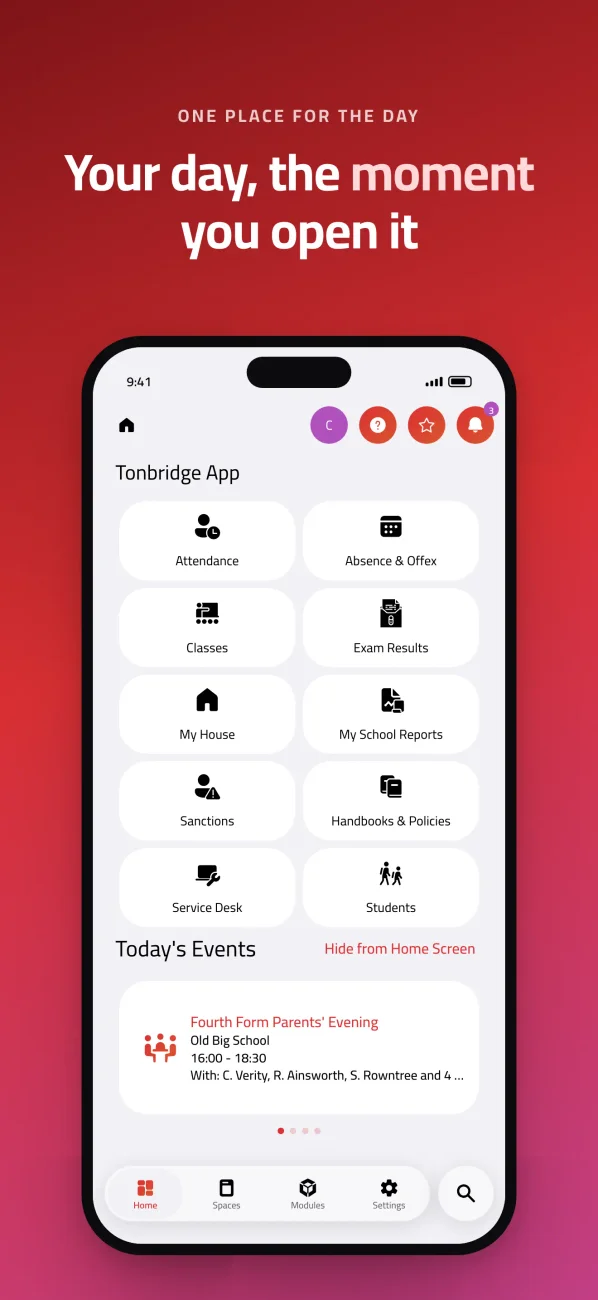
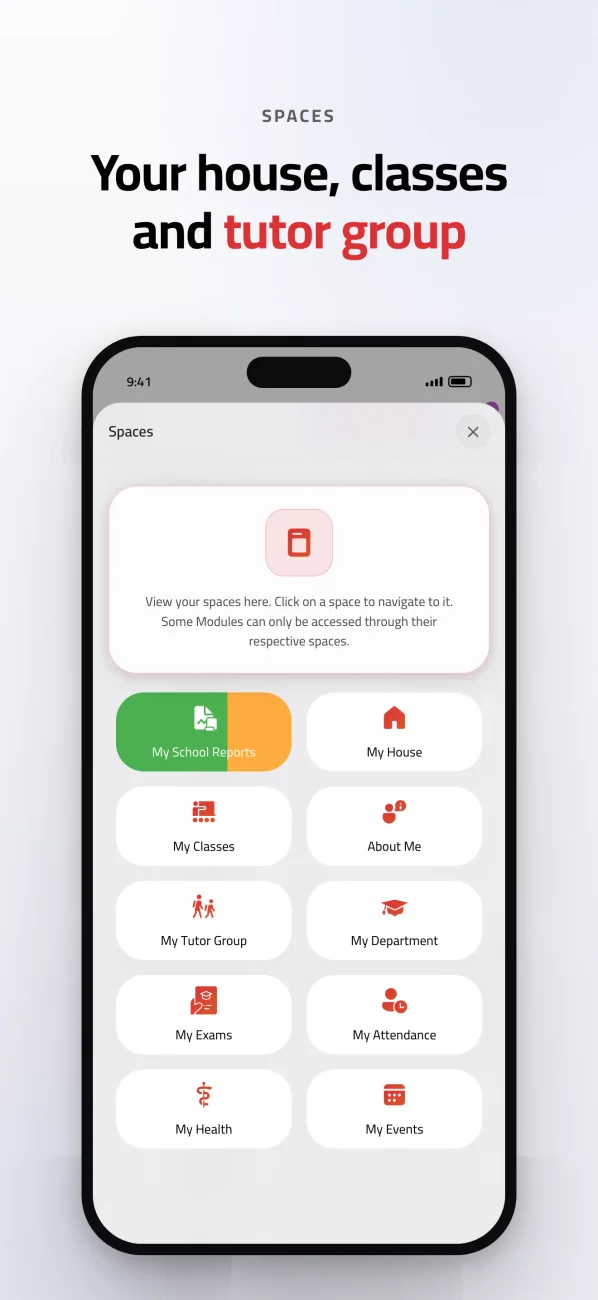
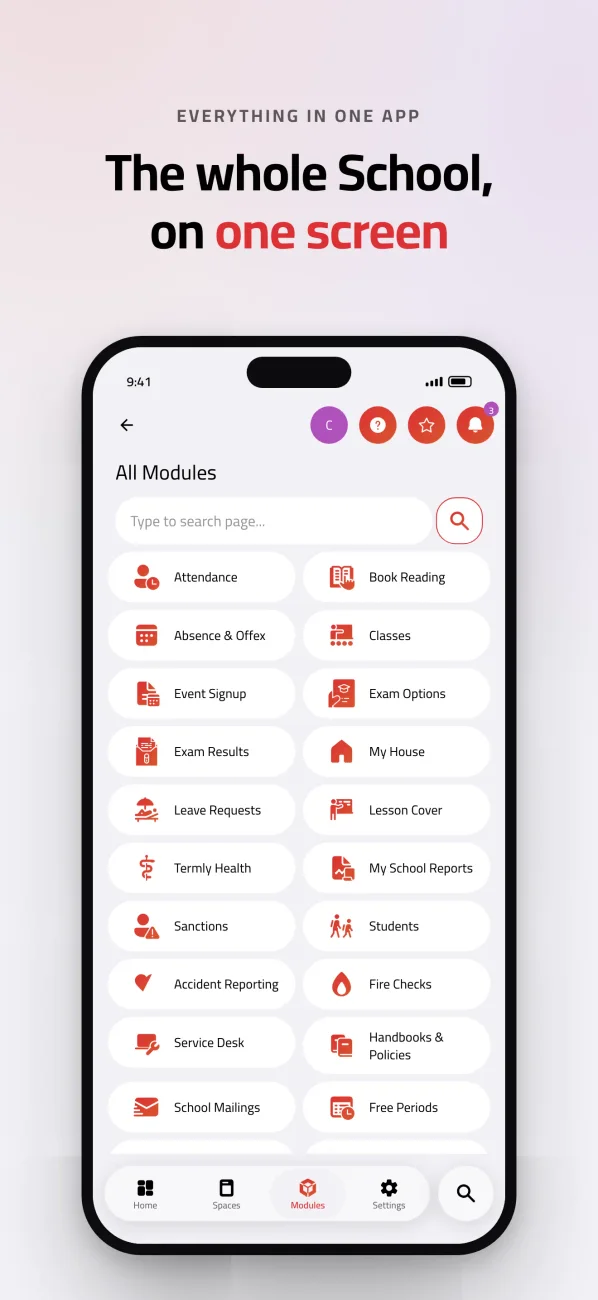
The Tonbridge App puts the School day in one place. Sign in with your Tonbridge account to see your timetable, your reports, the notices that matter, and the forms and bookings that used to mean an email chain.
It is for pupils, parents and staff at Tonbridge School, and it needs a School account to show anything at all.
What you see depends on who you are, so there is nothing to set up and no wrong version to download.
PUPILS
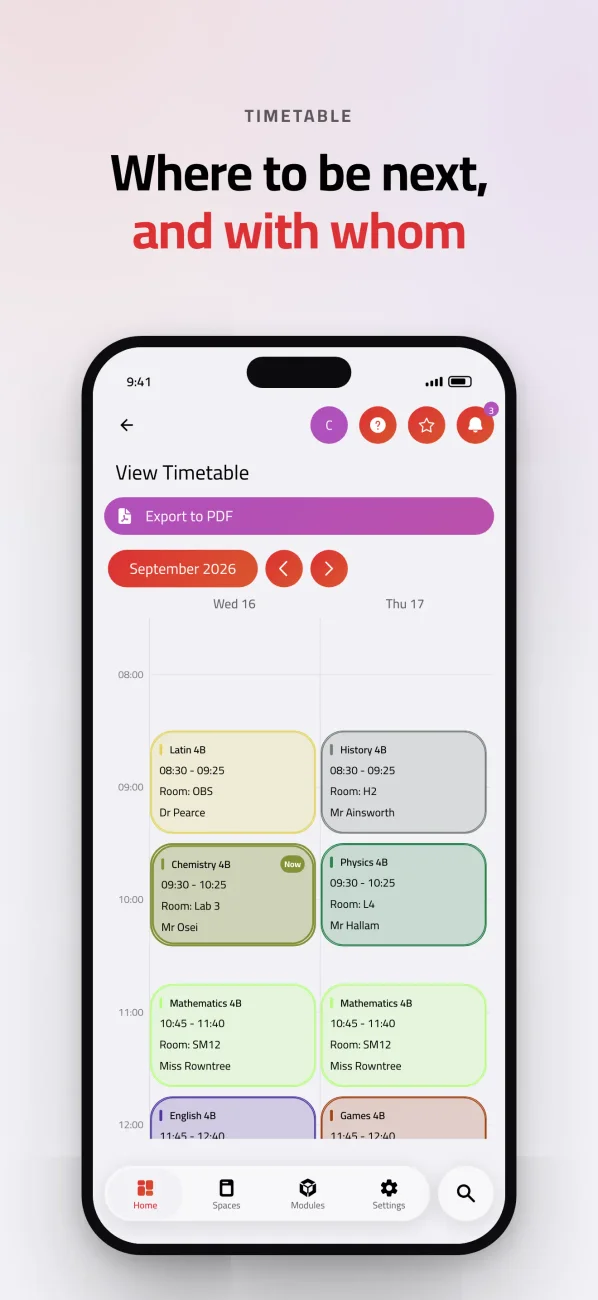
• Your timetable, with the week letter and the room, so you know where to be next
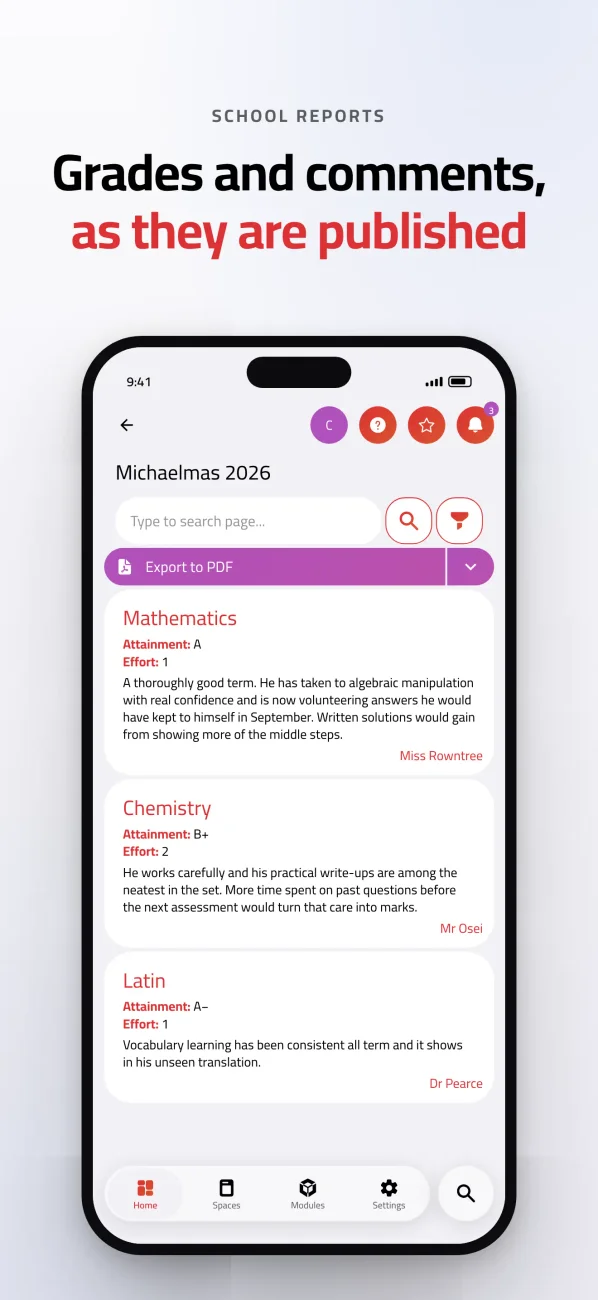
• School reports and exam results as they are published
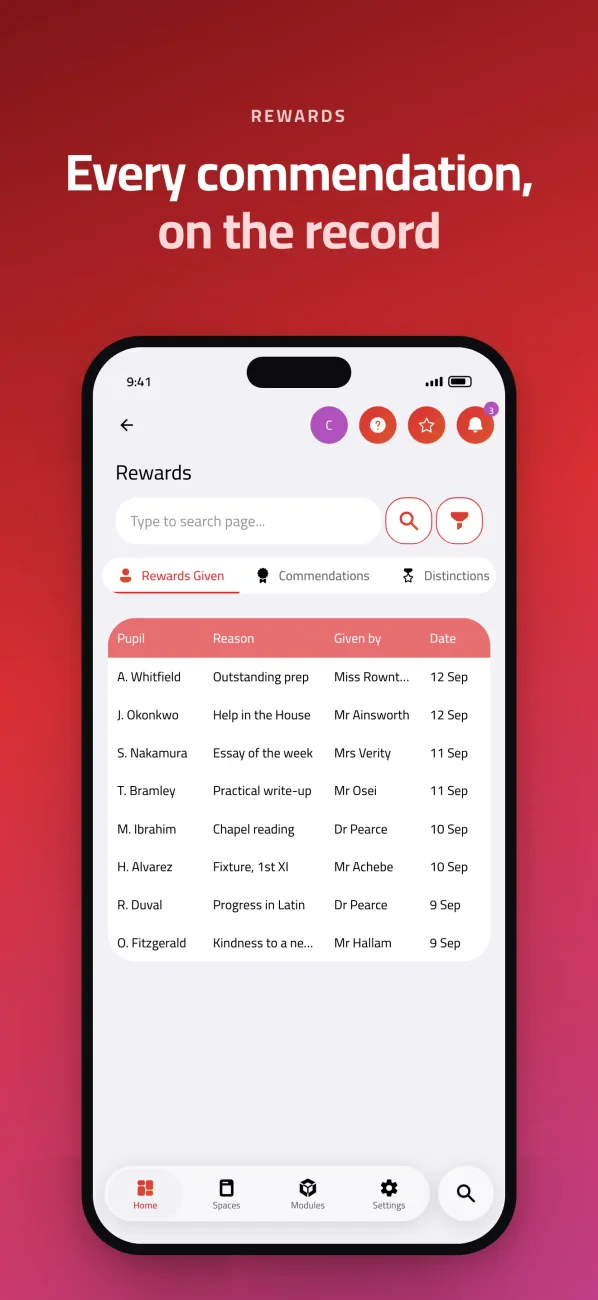
• Rewards and sanctions, so nothing arrives as a surprise
• Absence and Offex requests, sent from your phone instead of chased in person
• The School calendar, trips, event sign-ups and club lists
• Handbooks, policies and your reading list
• Report an IT or facilities problem, and follow it through to a fix
PARENTS
• All of your children in one app, a tap apart
• School reports, exam results and a summary of how each term has gone
• Book parents' evening appointments yourself, at a time that works
• Absence and Offex requests, and the School's answers to them
• Trip information and forms
• Termly health forms and Check Your Details, so the School holds the right information
• Billing extras, itemised, so a term's charges are never a mystery
STAFF
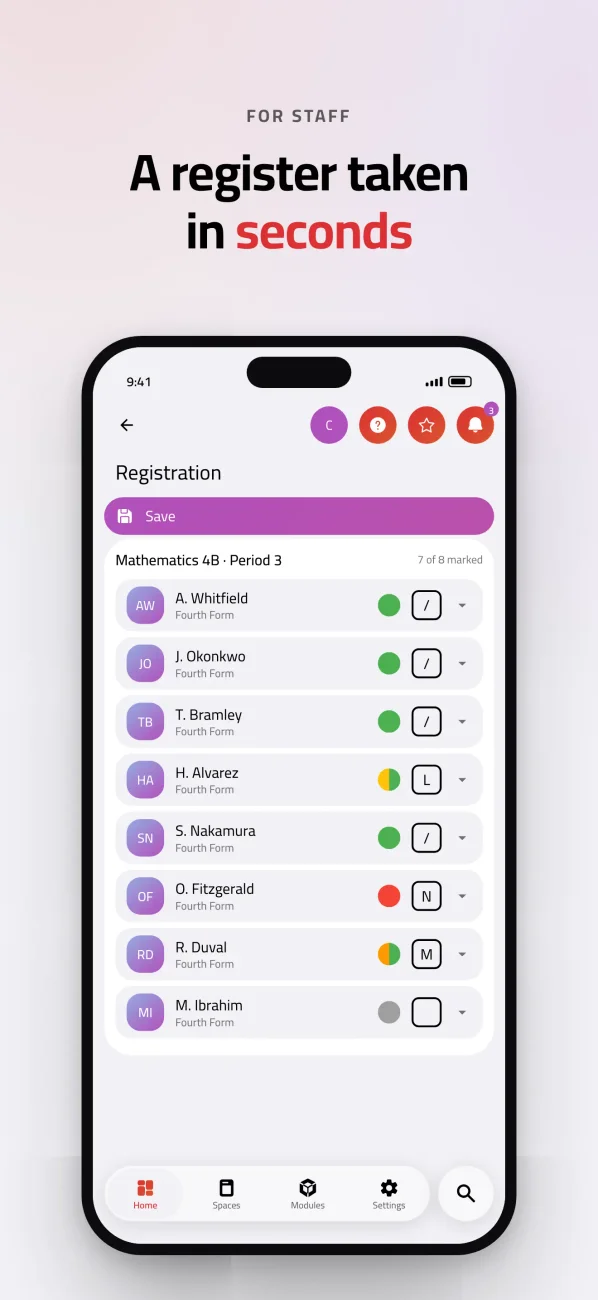
• Registers taken in seconds, on a phone in a corridor or a laptop in a classroom
• Class lists, set lists and pupil profiles, with the pastoral context in front of you
• Lesson cover, free periods and who is where
• Rewards, sanctions and private notes, recorded where pupils are actually discussed
• Leave requests, allowances and approvals, with your team's cover visible before you book
• Professional development submissions and approvals
• House and site compliance: fire checks, accident reports, critical incidents
• Advanced search and saved queries across the data your role allows
MADE AT TONBRIDGE
The app is built and run in-house by the School's IT and Digital team. If something is wrong or missing, the people who can fix it are down the corridor. Log a ticket from Service Desk in the app.
DETAILS
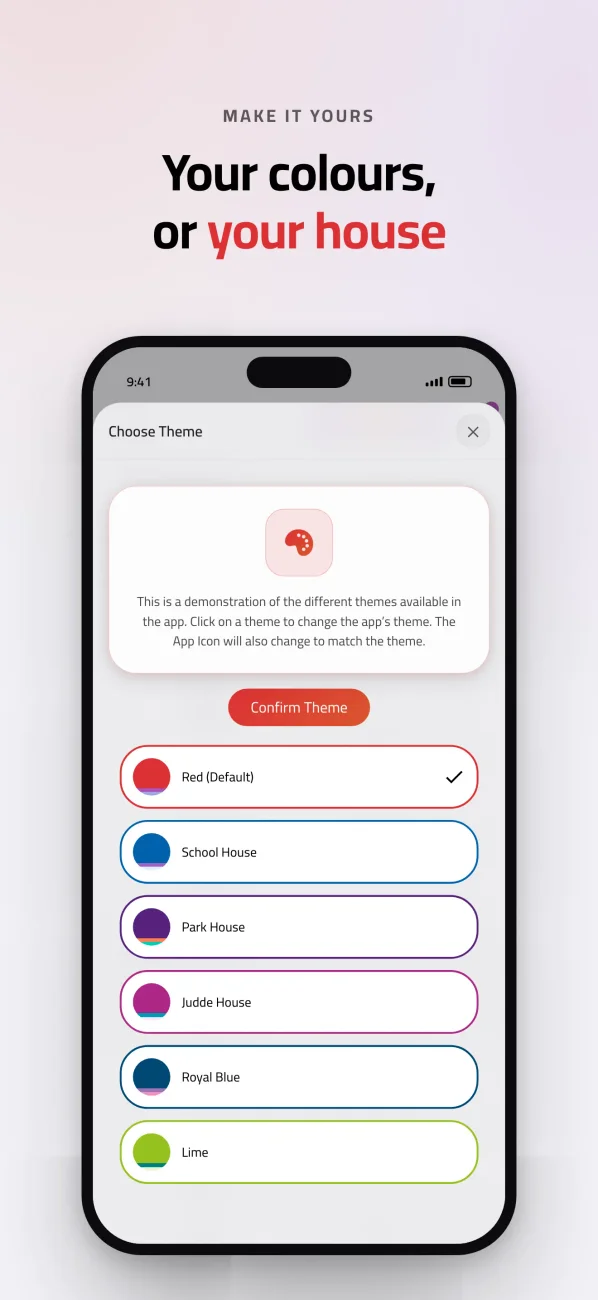
• Light and dark, plus a set of colour themes
• Respects your system text size
• The same app on iPhone, iPad and Mac
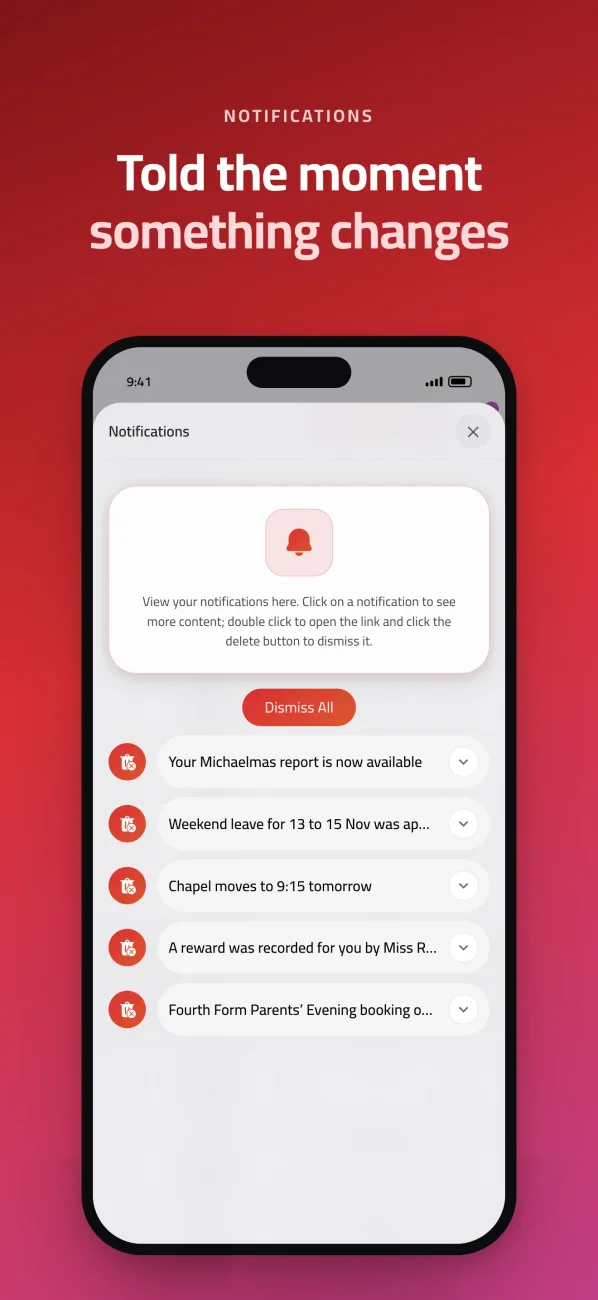
• Notifications open the screen you need, not the home page
SIGNING IN
Sign in with your School account. Parents new to the School receive their sign-in details from the School. Without a Tonbridge account, the app has nothing to show you.
PRIVACY
You only ever see the information your role entitles you to. The app is covered by the School's privacy policy: https://tonbridge.school/privacy
Neue Funktionen
Version 2026.11.5 · 26.11.2026
This update brings Invigilation into the app, gives sport reports a proper source for their pupils, and tidies up School Report Setup and Parents' Evening administration.
Invigilation now has its own home. Coordinators can upload the allocation, preview it and publish it, with calendar events created as part of the process. Swaps and offers can be handled in the app, with reminders at 07:00 and a daily summary. A board and a Common Room screen are included, and invigilation appears in the lesson cover pickers.
Sport reports now take their pupils from an uploaded sport list rather than from iSAMS sets. The upload previews before anything is saved and explains which columns it reads and how people are matched. Report administrators can match a sport's master in charge to a teacher and view any allocation as that teacher would see it.
School Report Setup has been redesigned around a sidebar, bringing active and archived reports, sports allocation and templates together. A new Planning area includes a reporting calendar, a subjects-by-year grid and a planning document import, and can create reports from the plan. Any planned report that differs from the real one is flagged with a suggested fix. An overview of the current term, a timeline and colour-coded step cards make it easier to see where things stand.
Exam Admin and School Results have been redesigned. Review of Results outcomes can be filtered by exam year, the trend chart is readable for colour-blind users, and component marks now appear on pupil and School results screens.
Parents' Evening administration is more precise. Administrators can book one pupil with several teachers from a chosen start time, after a preview. Teachers are removed only when ticked, whole sets are removed only through Remove Set, and a set's last teacher cannot be removed by accident. New exports cover teacher times, run sheets and appointments. Requests only offer times that can be accepted.
Other changes include a fix for sport report saving, improvements to the Child Summary, aligned Service Desk statuses, and a correction so that deceased parents appear only on the pupil's own profile. Toasts keep their full display time when Reduce Motion is on, and admin tables keep their filters and sorting when refreshed.
App-Datenschutz
Was Tonbridge School im App Store zum Umgang dieser App mit Daten angibt.
-
Mit Ihnen verknüpfte Daten
Können erfasst und mit Ihrer Identität verknüpft werden.
- Kontaktinformationen
- Kennungen
- Diagnose
-
Nicht mit Ihnen verknüpfte Daten
Können erfasst werden, sind aber nicht mit Ihrer Identität verknüpft.
- Diagnose
Die Datenschutzpraktiken können variieren, zum Beispiel je nach den von Ihnen verwendeten Funktionen oder Ihrem Alter.
Informationen
- Anbieter
- Tonbridge School
- Kategorie
- Bildung
- Version
- 2026.11.5
- Aktualisiert
- 26.11.2026
- Veröffentlicht
- 30.05.2022
- Größe
- 443,4 MB
- Erfordert
- iOS 15.6 oder neuer
- Altersfreigabe
- 4+
- Preis
- Kostenlos
- Sprachen
- Englisch
- Copyright
- © Tonbridge School