- Altersfreigabe4+
- KategorieProduktivität
- EntwicklerMilan van Bruggen
- SprachenEnglisch+ 4 weitere
- Größe9,3 MB
Verlinkt auf die offizielle App Store-Seite
Download.org hostet keine Datei von Toodolo. Die Schaltfläche öffnet die App-Seite bei App Store, wo Milan van Bruggen die App veröffentlicht. Eintrag zuletzt geprüft am 16.11.2026.
Screenshots



Info
Der Entwickler hat diesen Text nicht in Ihrer Sprache bereitgestellt.
Toodolo brings the satisfaction of pen and paper to your iPhone. Built by an independent developer, Toodolo is a completely offline, private to-do list that works entirely on your device. No AI, no LLMs, no dependency on Big Tech—just you and your tasks.
It combines a clean, minimal design with intuitive gestures to help you stay organized and focused.
Key Features:
- Scribble to Complete: Enjoy a unique and satisfying scribbling gesture to mark tasks as done, just like crossing them off on paper.
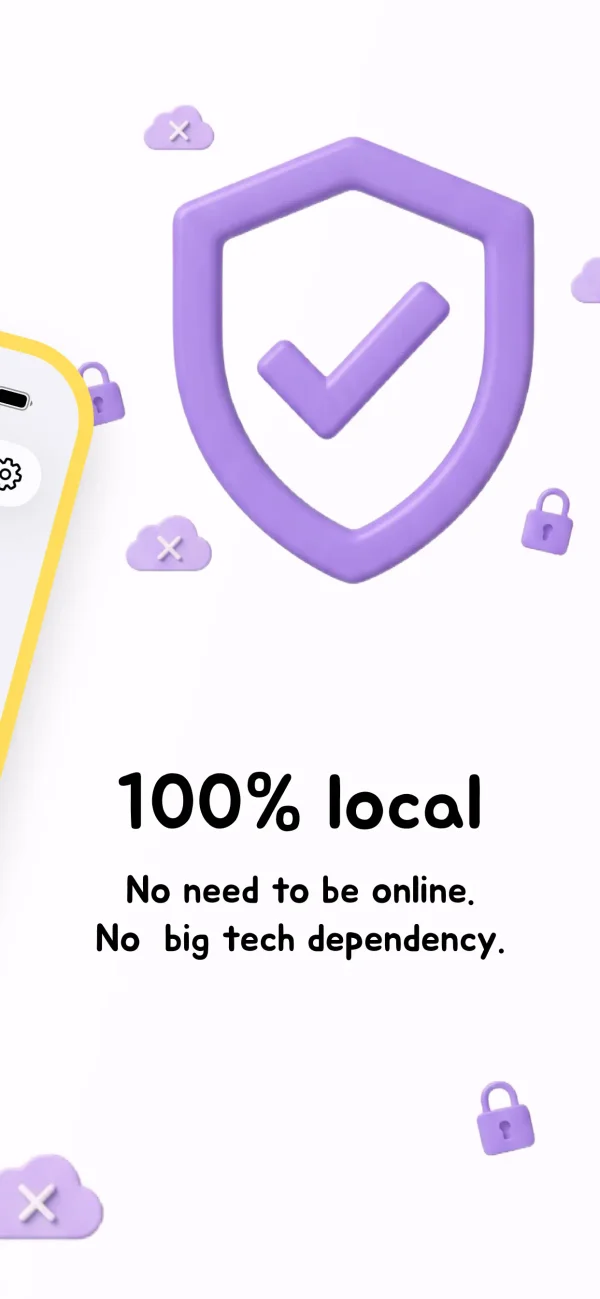
100% Offline & Private: Your data stays on your device. Works perfectly without an internet connection.
- No AI Gimmicks: A straightforward tool that respects your intelligence.
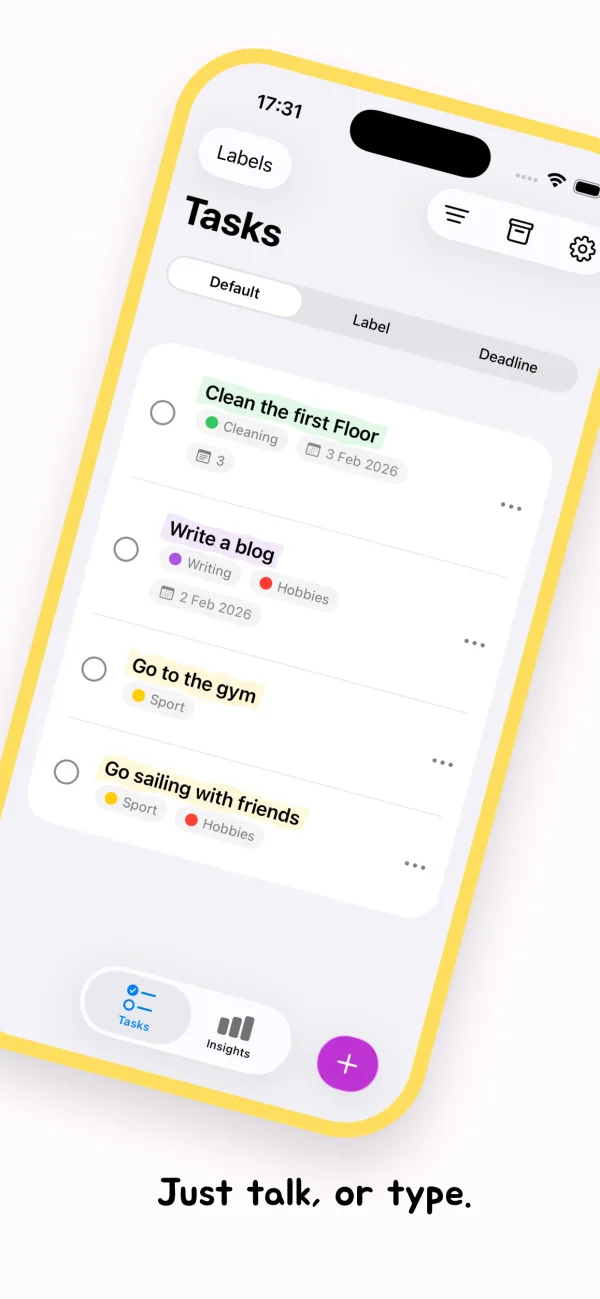
- Automatic Categorization: Instantly organizes your tasks into relevant categories based on keywords. Simple and effective.
- Voice Entry: Quickly add tasks on the go using voice commands.
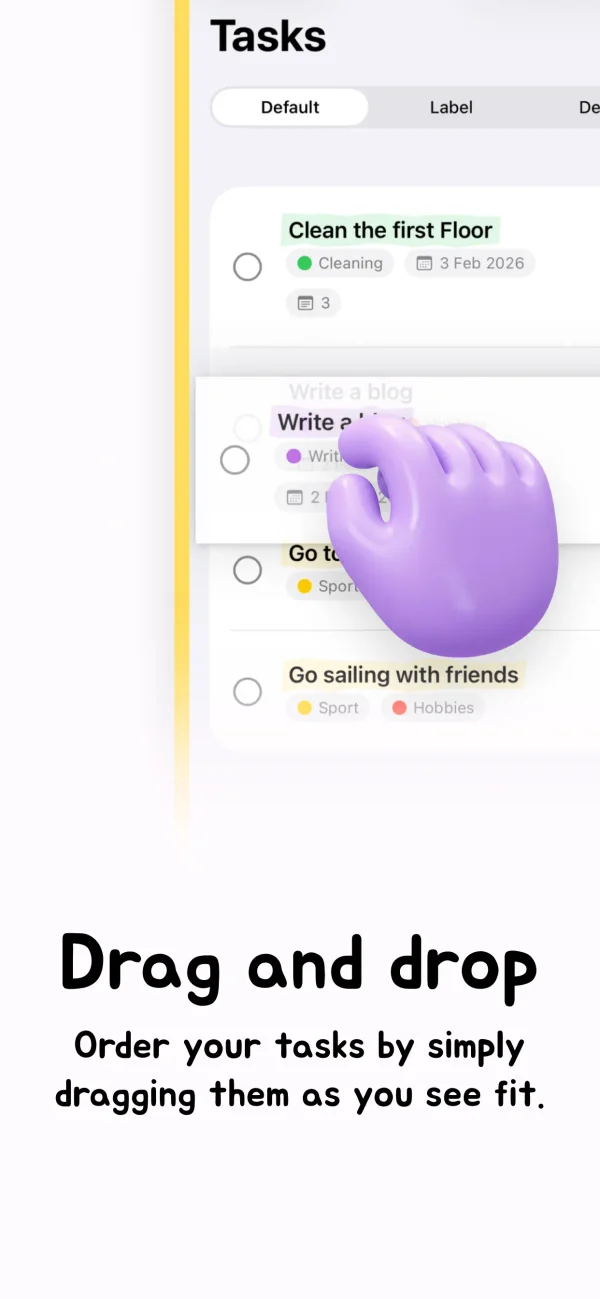
- Visual Organization: Use color-coded stripes to instantly recognize task categories.
- Focus Mode: A clutter-free interface that lets you focus on your day.
Neue Funktionen
Version 1.2 · 13.02.2026
- Improved scribble effect for checking of todo's.
- Widgets: View your most important todos directly from your home screen without needing to open the app.
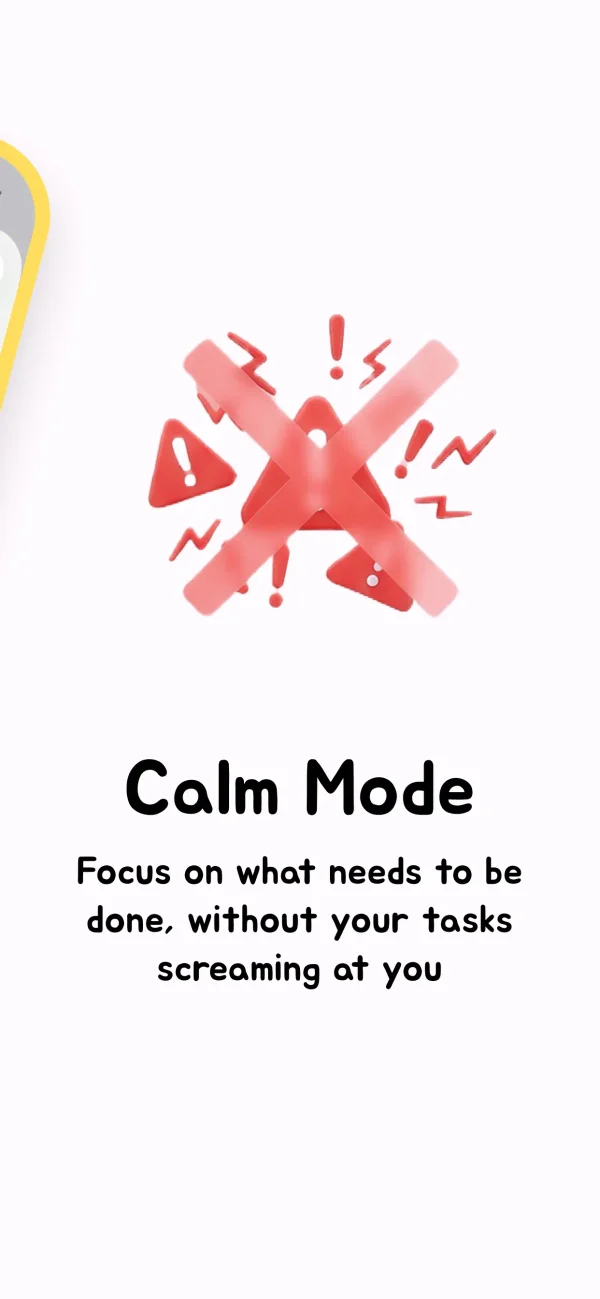
- Calm Mode: Reduce stress with the new Calm Mode. This setting removes urgent colors and overdue warnings—pair it with show/hide badges for a truly serene experience.
- Categories are now Labels: We've evolved categories into labels. You can now add multiple labels to a single task for even better organization.
- Task Notes: Add extra details and context to your tasks with the new notes feature.
- Extra languages: Added support for German, French and Spanish users.- Improved scribble effect on closing a todo and the markings behind todo text. Also added icloud synchronisation, so that when you delete and reinstall the app, you're todo's are kept safe.
- Insights: See how many todo's you added and completed. And see other nifty insights, like on what day you are most productive on average.
App-Datenschutz
Was Milan van Bruggen im App Store zum Umgang dieser App mit Daten angibt.
-
Keine Daten erfasst
Der Entwickler erfasst keine Daten von dieser App.
Die Datenschutzpraktiken können variieren, zum Beispiel je nach den von Ihnen verwendeten Funktionen oder Ihrem Alter.
Informationen
- Anbieter
- Milan van Bruggen
- Kategorie
- Produktivität
- Version
- 1.2
- Aktualisiert
- 13.02.2026
- Veröffentlicht
- 29.01.2026
- Größe
- 9,3 MB
- Erfordert
- iOS 26.2 oder neuer
- Altersfreigabe
- 4+
- Preis
- Kostenlos
- Sprachen
- Englisch, Niederländisch, Französisch, Deutsch, Spanisch
- Copyright
- © 2026 9to5 BV