
ToolCat - Useful toolbox
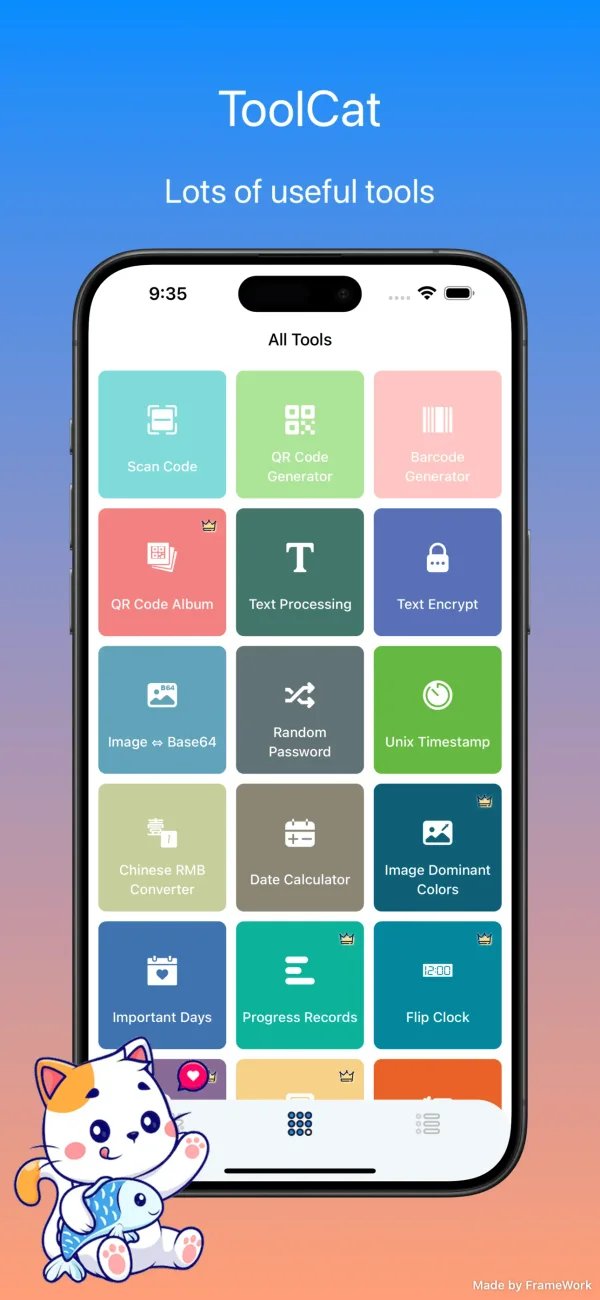
50+ useful tools, more to come
Entwickelt für iPhone, iPad, iPod touch
Kostenlos · In-App-Käufe
- Altersfreigabe4+
- KategorieDienstprogramme
- Entwickler乐彬 梅
- SprachenEnglisch+ 3 weitere
- Größe97,4 MB
Verlinkt auf die offizielle App Store-Seite
Download.org hostet keine Datei von ToolCat - Useful toolbox. Die Schaltfläche öffnet die App-Seite bei App Store, wo 乐彬 梅 die App veröffentlicht. Eintrag zuletzt geprüft am 18.11.2026.
Screenshots
Info
Der Entwickler hat diesen Text nicht in Ihrer Sprache bereitgestellt.
"Tool Cat" is a collection of practical tools with over 50 useful tools, designed for efficiency, aesthetics, and tool enthusiasts. It aims to facilitate quick handling of various problems encountered in daily life, saving time and enhancing efficiency.
NO ADS!
Some of the included features:
【Code Scanner】
A commonly used feature in daily life, providing results without blocking security issues like some other apps.
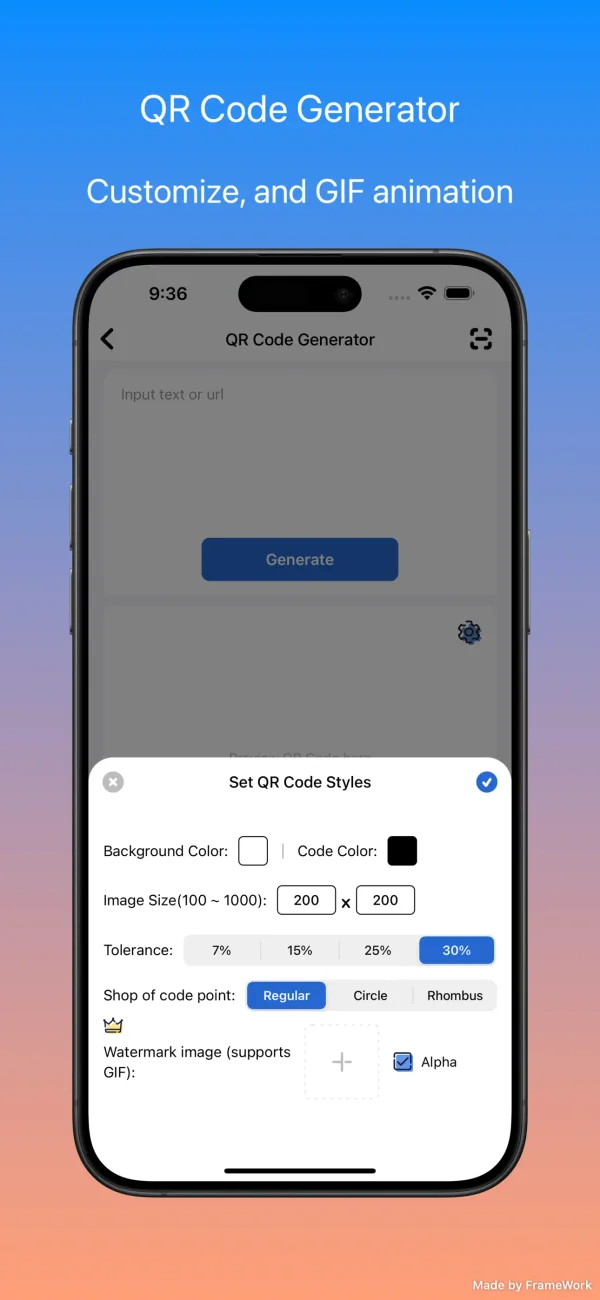
【QR Code Generator】
Customize QR code styles. Supports using images as background, including GIF.
【Image Color Extraction】
Select an image and extract the colors contained within it.
【Important Dates】
Set a date and record how many days are left until that day, or how many days have passed since then.
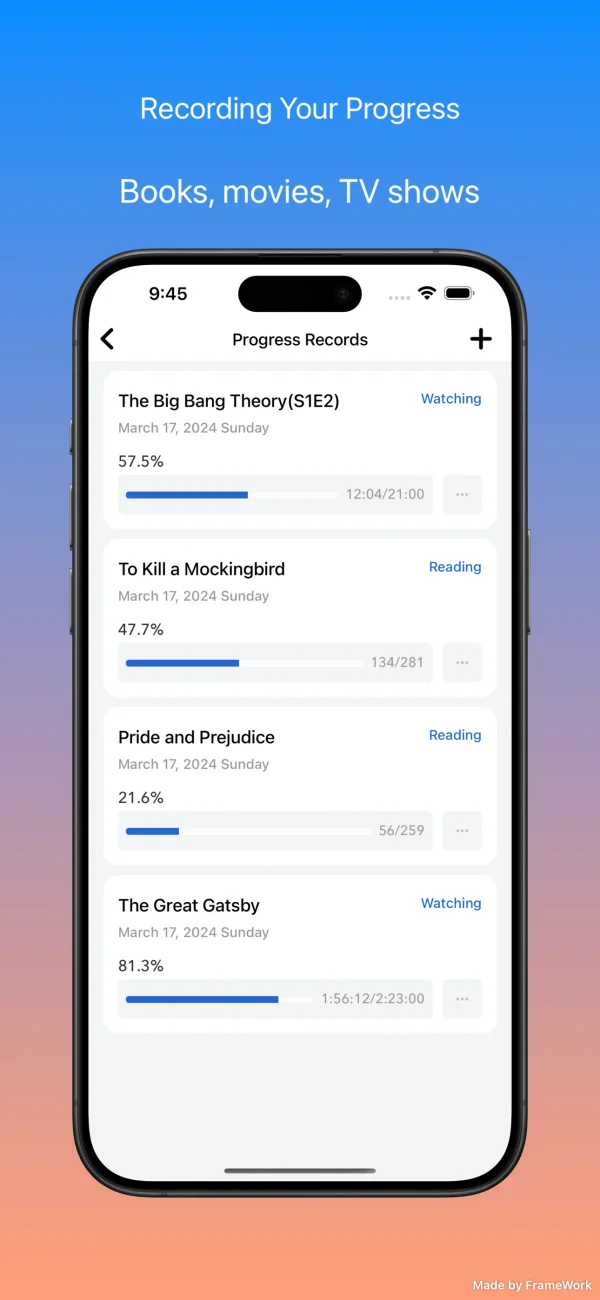
【Progress Tracker】
Record something that takes a long time but cannot be completed at once.
【Fullscreen Clock】
A full-screen flipping clock.
【Minimalist To-Do List】
A super simple to-do list tool.
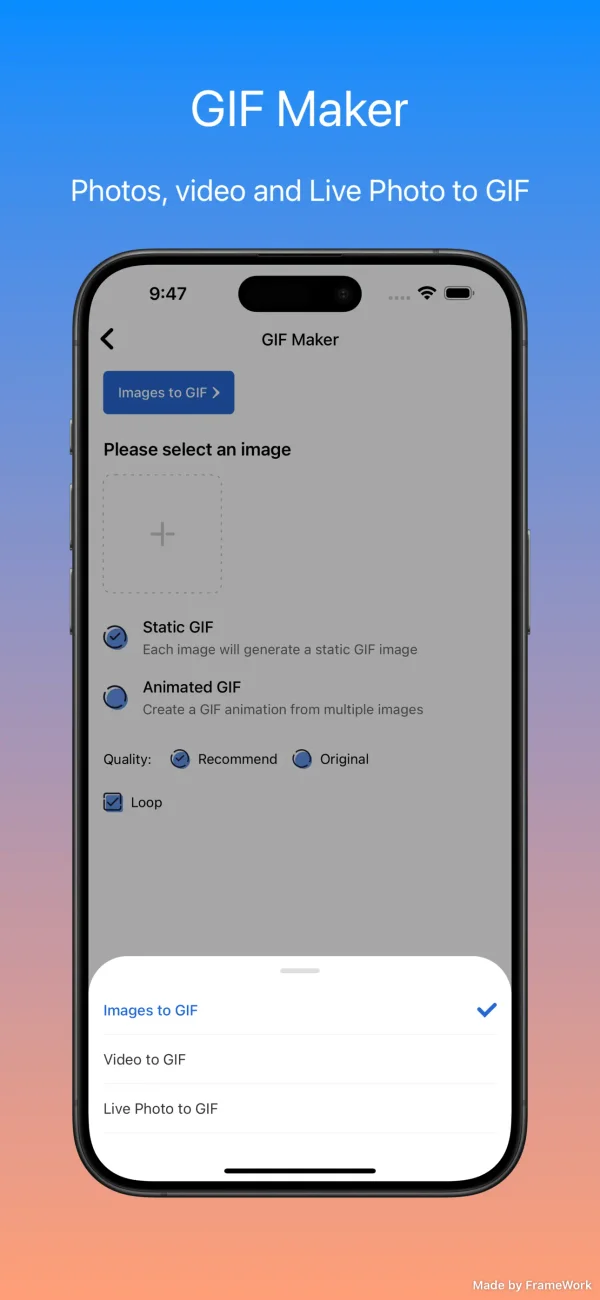
【GIF Generator】
Converting images, videos and Live Photos to GIFs.
【Image Splitter】
Split one image into multiple blocks based on built-in styles or custom row and column numbers.
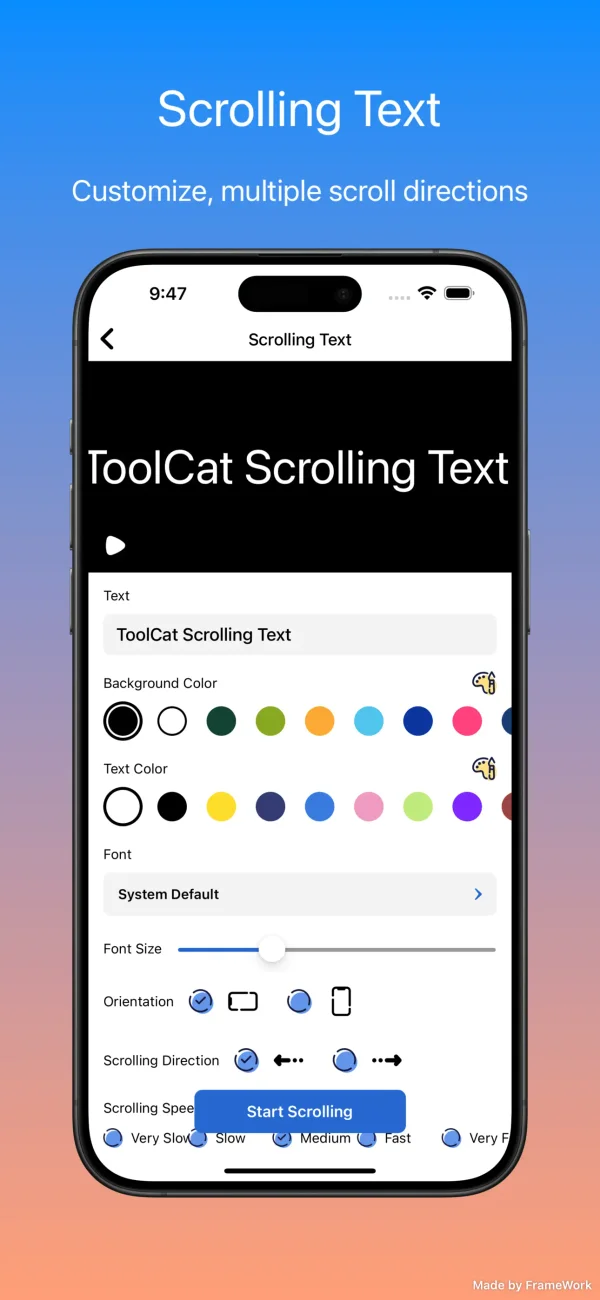
【Scrolling Text】
Make text scroll on the screen, suitable for various scenarios such as concerts, advertising boards, and confessions.
【Remove Photo Privacy】
Remove the privacy information from photos taken with your phone.
【Coordinate Conversion】
Convert latitude or longitude to degrees, minutes, and seconds, or convert degrees, minutes, and seconds to latitude and longitude.
【Text Recognition】
Take a photo or choose one from the album to recognize the text on it, and then you can directly copy it.
【Reaction Speed Test】
You can use it as a little game to test your reaction speed.
【Special Symbols】
Collected many special symbols and characters, you can click to copy directly.
【BMI Calculator】
Body Mass Index (BMI).
【Life Progress Calculator】
Life is short, come and calculate.
【URL Parser】
Accurately parse URLs and easily retrieve information.
【Web Page Screenshot】
Enter a URL, snap! Generate a high-definition screenshot of the entire web page.
【List of Country Capitals】
List all the countries in the world.
【Image Resizer】
Adjust the size and quality of images to reduce their file size.
【Mortgage Calculator】
Calculate the interest and repayment plan for loans.
【Make a Decision】
Not sure which one to choose? Try making a decision~
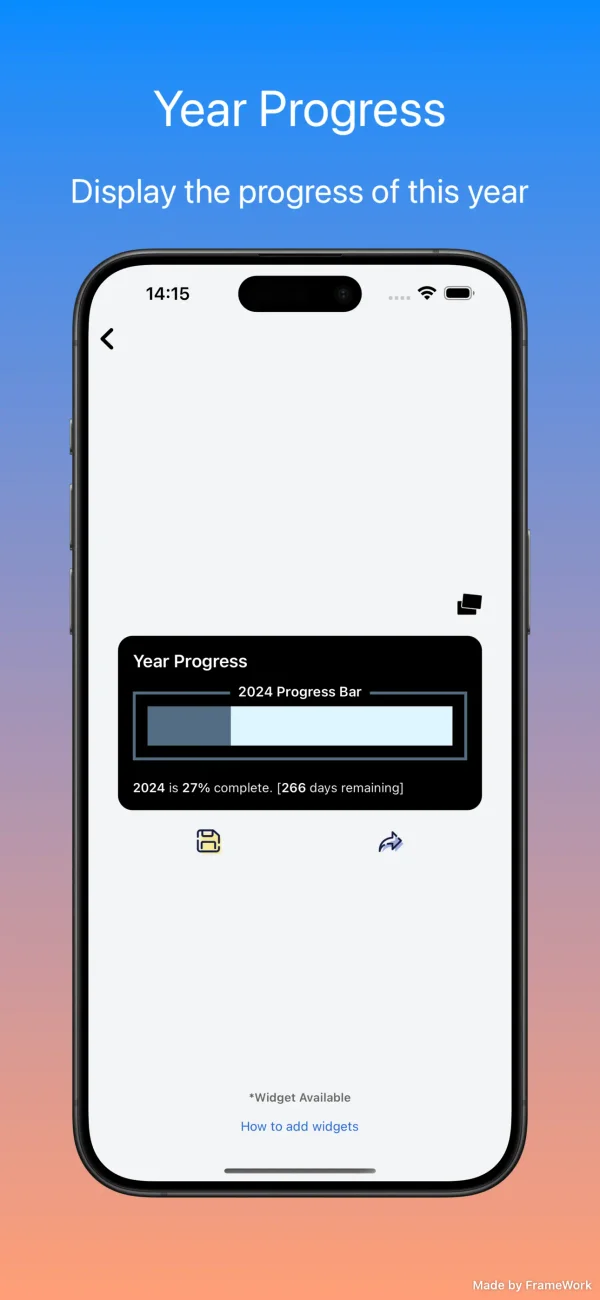
【Year Progress】
Displays what percentage of the year has passed, how many days are left.
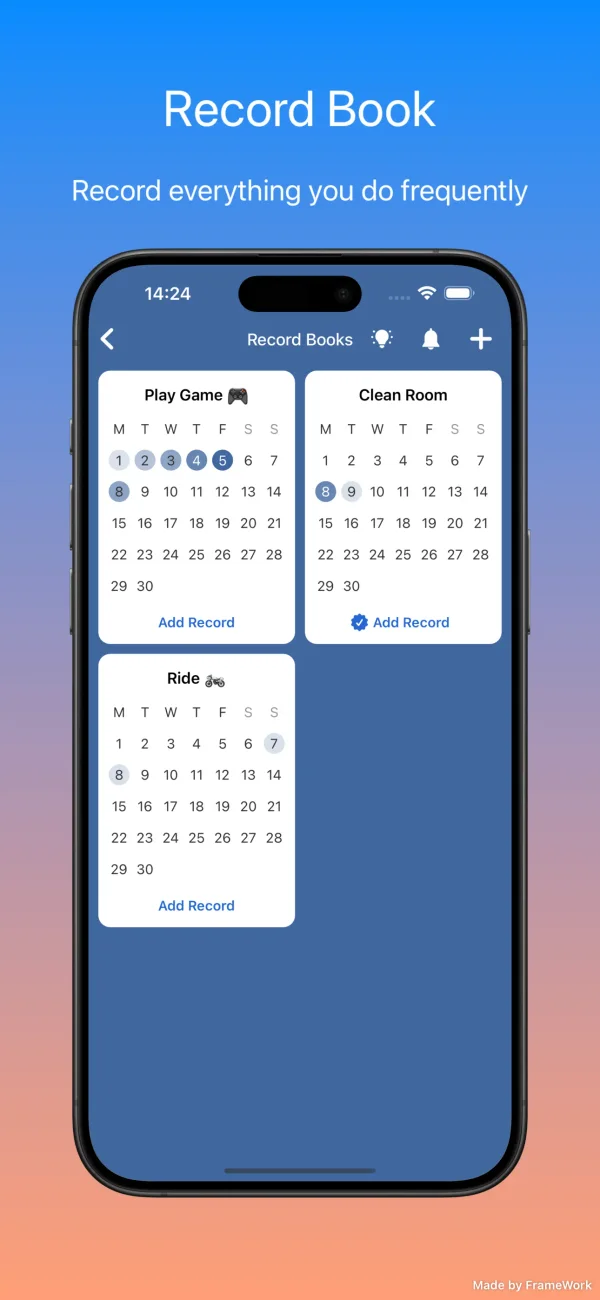
【Check-in Book】
Record every habitual thing you do.
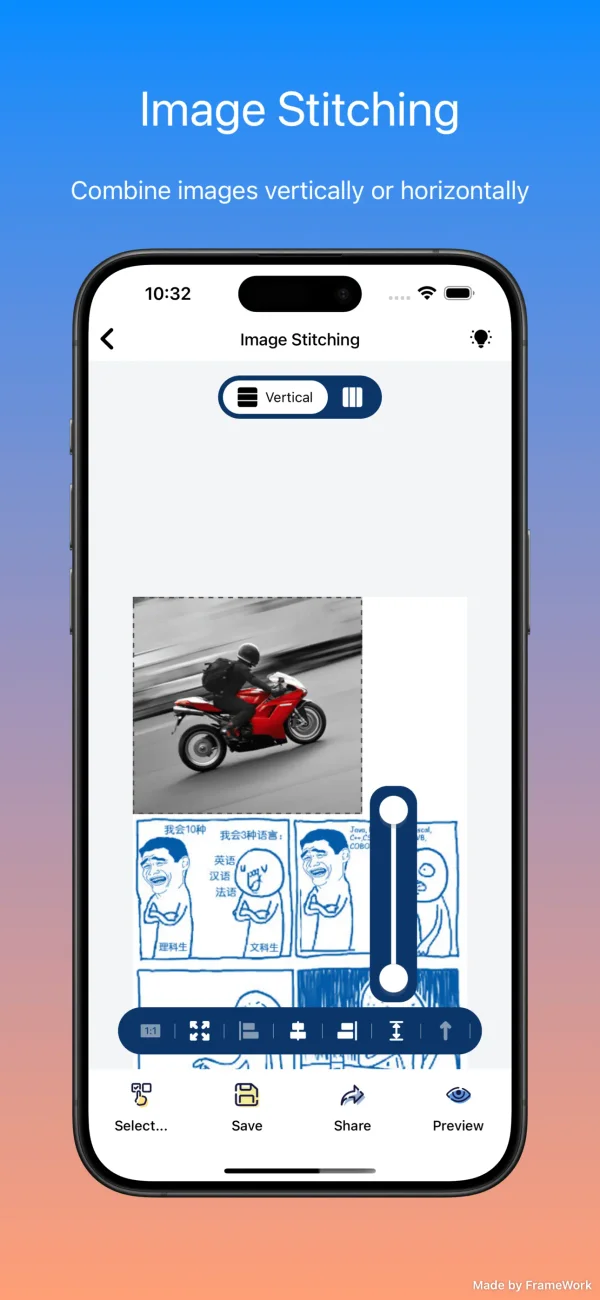
【Image Stitching】
Stitch multiple images vertically or horizontally to create a long image.
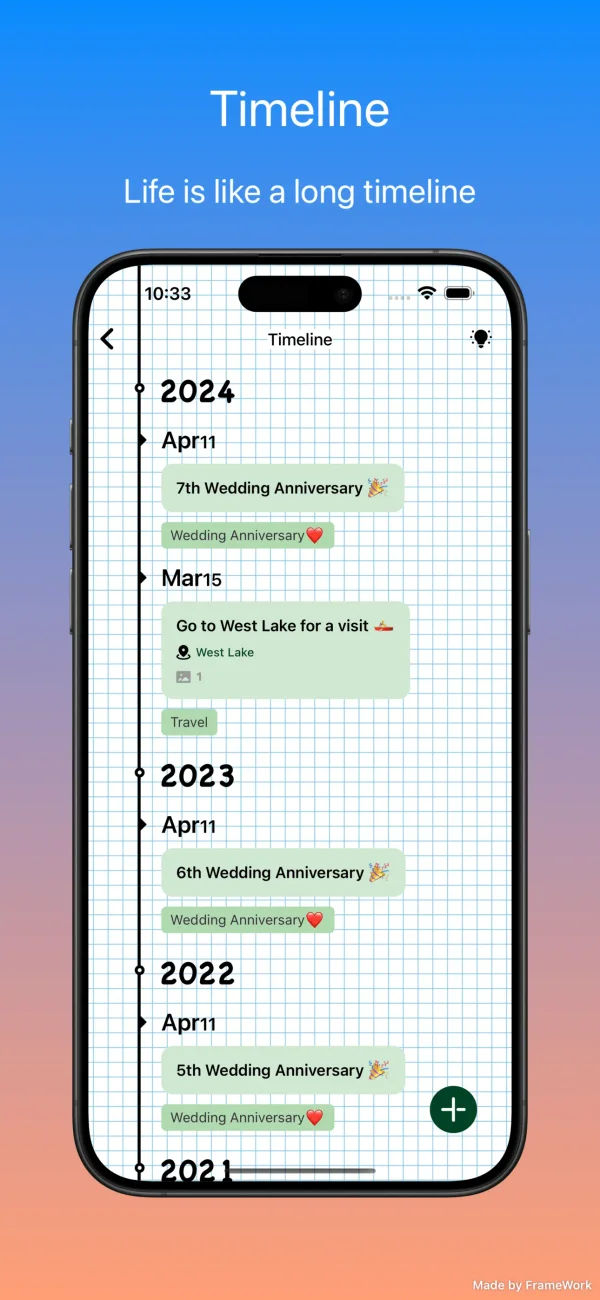
【Timeline】
Life is a long timeline.
【Exchange Rate】
If you have any other features you want? Welcome to submit in the app~
【Tool Cat Pro】
Tool Cat Pro is a paid subscription service (also provides a lifetime buyout option). Subscribing to this service allows you to use all features without restrictions during the subscription period, including all future added features.
This service currently supports subscription at $0.99/month and $3.99/year. During the promotion period, it may be offered at a discounted price or provide a free trial, which cannot be canceled after the trial.
Subscription-related details for this service:
• Payment will be charged to your iTunes account upon confirmation of purchase or at the end of the free trial period
• Subscription automatically renews unless auto-renew is turned off at least 24 hours before the end of the current period
• Renewal fees will be deducted within 24 hours before the end of the current period
• After subscribing to this service, you can manage subscription renewal and other operations through the "Subscription" entry provided in the account settings of the App Store
• During the free trial period, any unused days will be confiscated upon the user's purchase of this service
Terms of use: https://app.meilb.com/toolcat/auto-renewal-agreement.html
Privacy Policy: https://app.meilb.com/toolcat/privacy-policy.html
Neue Funktionen
Version 1.17.1 · 19.10.2026
Here are the updates:
- Added data import/export, as well as iCloud backup and restore.
- Word Counter: now saves the content from the last editing session.
Of course, some bugs have been fixed.
Recently added tool:
- Word Counter
- Recipe
- Selfie Light
- Earthquake
- LPR
- Image Upload
- ASCII Art Generator
- Chinese Zodiac
App-Datenschutz
Was 乐彬 梅 im App Store zum Umgang dieser App mit Daten angibt.
-
Nicht mit Ihnen verknüpfte Daten
Können erfasst werden, sind aber nicht mit Ihrer Identität verknüpft.
- Kontaktinformationen
- Kennungen
- Nutzungsdaten
Die Datenschutzpraktiken können variieren, zum Beispiel je nach den von Ihnen verwendeten Funktionen oder Ihrem Alter.
Informationen
- Anbieter
- 乐彬 梅
- Kategorie
- Dienstprogramme
- Version
- 1.17.1
- Aktualisiert
- 19.10.2026
- Veröffentlicht
- 18.03.2024
- Größe
- 97,4 MB
- Erfordert
- iOS 15.0 oder neuer
- Altersfreigabe
- 4+
- Preis
- Kostenlos
- In-App-Käufe
- Ja
- Sprachen
- Englisch, Japanisch, Vereinf. Chinesisch, Tradit. Chinesisch
- Copyright
- 2024 - 2026 © Meilbn