- Altersfreigabe4+
- KategorieGrafik und Design
- EntwicklerKeiwan Donyagard
- SprachenEnglisch+ 2 weitere
- Größe47,8 MB
Verlinkt auf die offizielle App Store-Seite
Download.org hostet keine Datei von ToonSquid. Die Schaltfläche öffnet die App-Seite bei App Store, wo Keiwan Donyagard die App veröffentlicht. Eintrag zuletzt geprüft am 24.11.2026.
Screenshots



Info
Der Entwickler hat diesen Text nicht in Ihrer Sprache bereitgestellt.
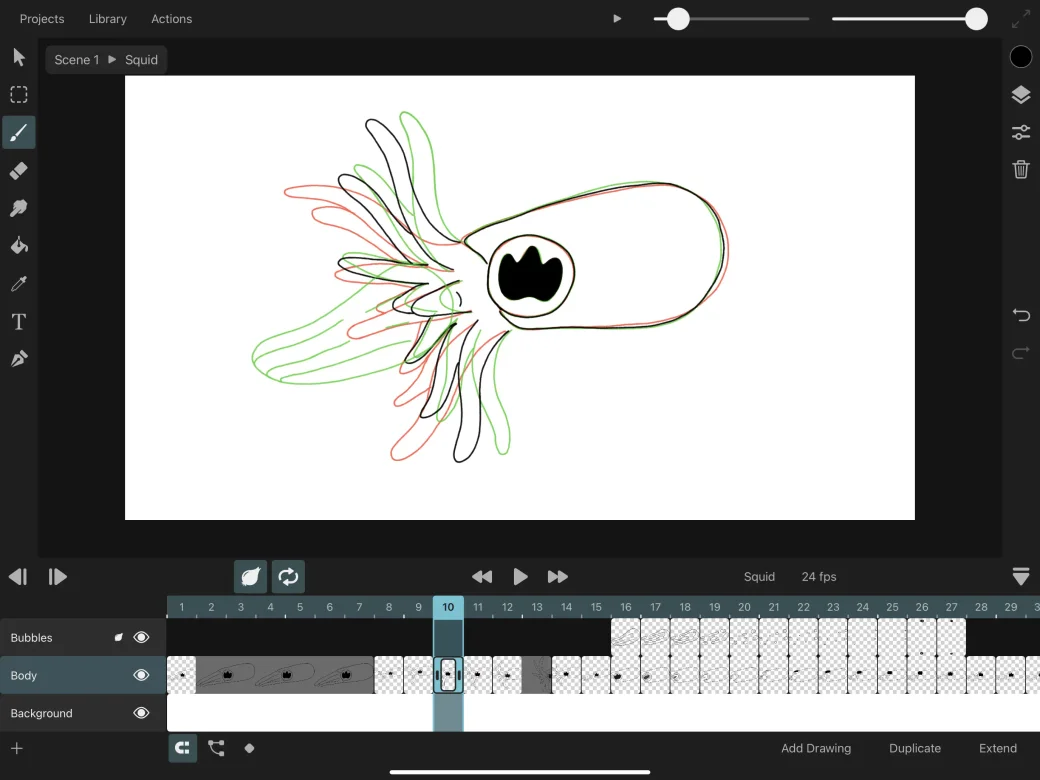
ToonSquid is the powerful 2D art and animation studio for your iPad. Its flexible layer system allows you to combine the charm of hand-drawn traditional animation with keyframes that automatically animate layer properties over time. With a library full of beautiful, blazing-fast and fully customizable pixel and vector brushes, animatable effects, a smudge tool, animated text and vector shapes, bones with inverse kinematics, video and audio layers, camera movements, symbols and many more features, ToonSquid makes it easy to bring your vision to life.
Traditional Animation
- Create hand-drawn frame-by-frame animations
- Control how long you want to show each drawing in the timeline
- Draw in resolutions of up to 4k
Keyframe Animation
- Add keyframes to automatically animate layer and effects properties over time
- Choose from an extensive list of customizable easing curve presets to create organic motion between keyframes
- Easily loop your keyframe animation
Powerful Layer System
- Define the order and length of each element in your animation using layers and drawings and a flexible timeline
- Organize your layers into groups for a clean workflow or to animate multiple layers at once
- Use the camera layer to quickly define the visible portion of your animation in the export
- Mask layers to other layers, even when their contents are animated
- Choose from 27 industry-standard layer blend modes for beautiful compositing effects
Fully-customizable Brushes
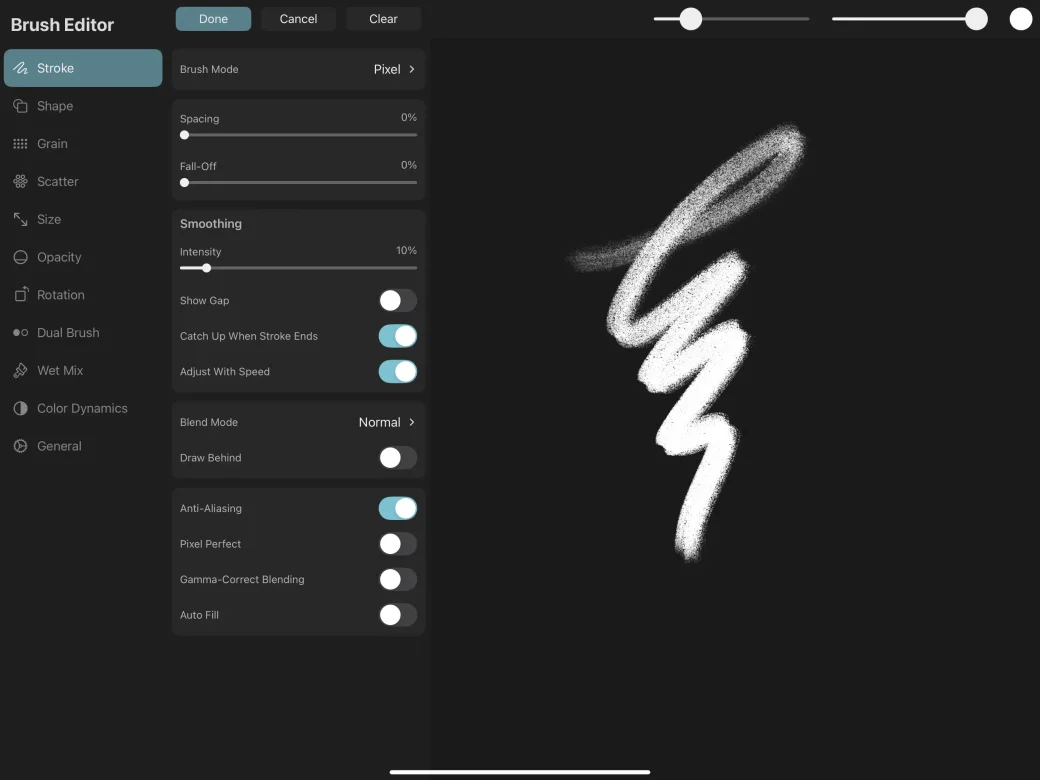
- Draw gorgeous brush strokes with ToonSquid's state-of-the-art digital brush engine
- Take full advantage of Apple Pencil's pressure and tilt sensitivity and the iPad Pro's 120Hz display for lag-free drawing
- Use vector brushes to create brush strokes that are sharp at every zoom level
- Edit the 60+ brush settings and import custom textures to create a brush library that is perfectly tailored to your art style
- Blend your strokes together using the smudge tool
- Draw in a variety of styles such as sketching, inking, wet mixing, pixel art, and more
- Export and share your custom brushes with others
- Import your existing library of Adobe® Photoshop® brushes
Vector Shapes
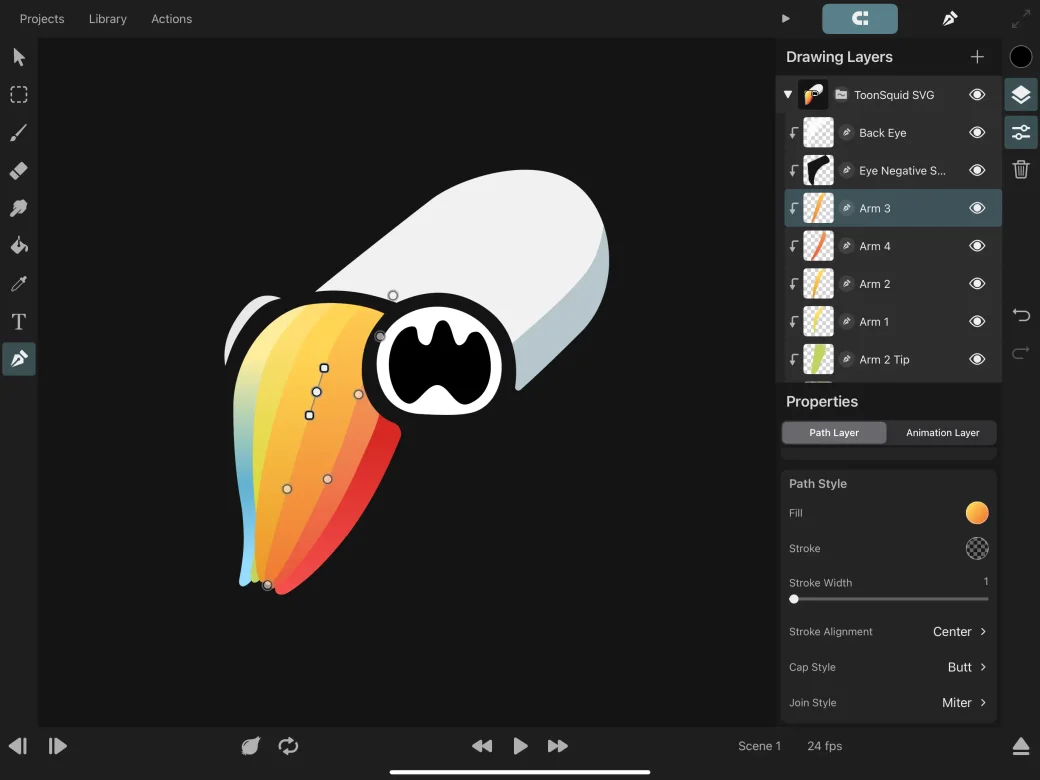
- Create custom shapes using the path tool by placing and editing each curve control point
- Quickly add common vector shapes from the shape library
- Import SVG files
- Fill and stroke your shapes with beautiful gradients and edit them directly on the canvas
- Animate the visible length of a path using its trim properties
Animatable Effects
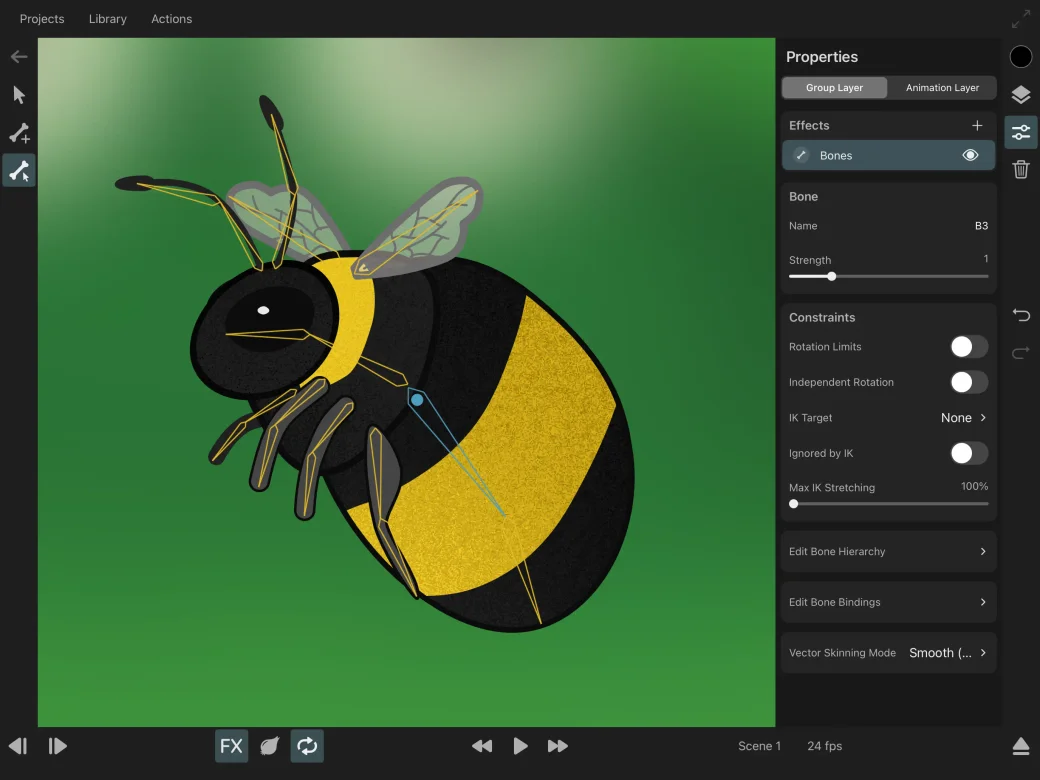
- Create character rigs using bones and add inverse kinematics constraints
- Create custom meshes to deform pixel layers when they are part of a bone rig
- Animate perspective and warp effects
- Apply adjustments, blur, pixelation, drop shadow, chroma key, halftone, parallax and more effects
Efficient symbol workflow
- Split your animation into separate clips that you can then reuse multiple times using symbols
- Make edits to an animation clip and immediately see the changes in all of its symbol instances
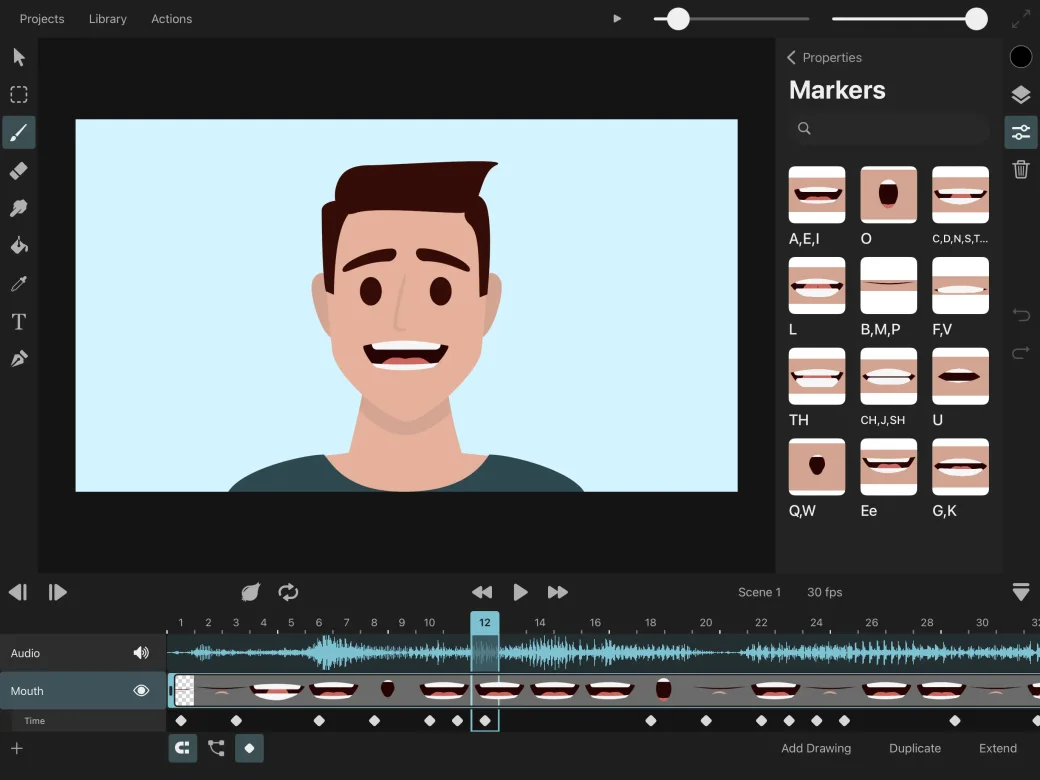
- Use frame markers to speed up your lip-syncing workflow
Text
- Add text layers and animate their appearance
- Import your favorite fonts
Color
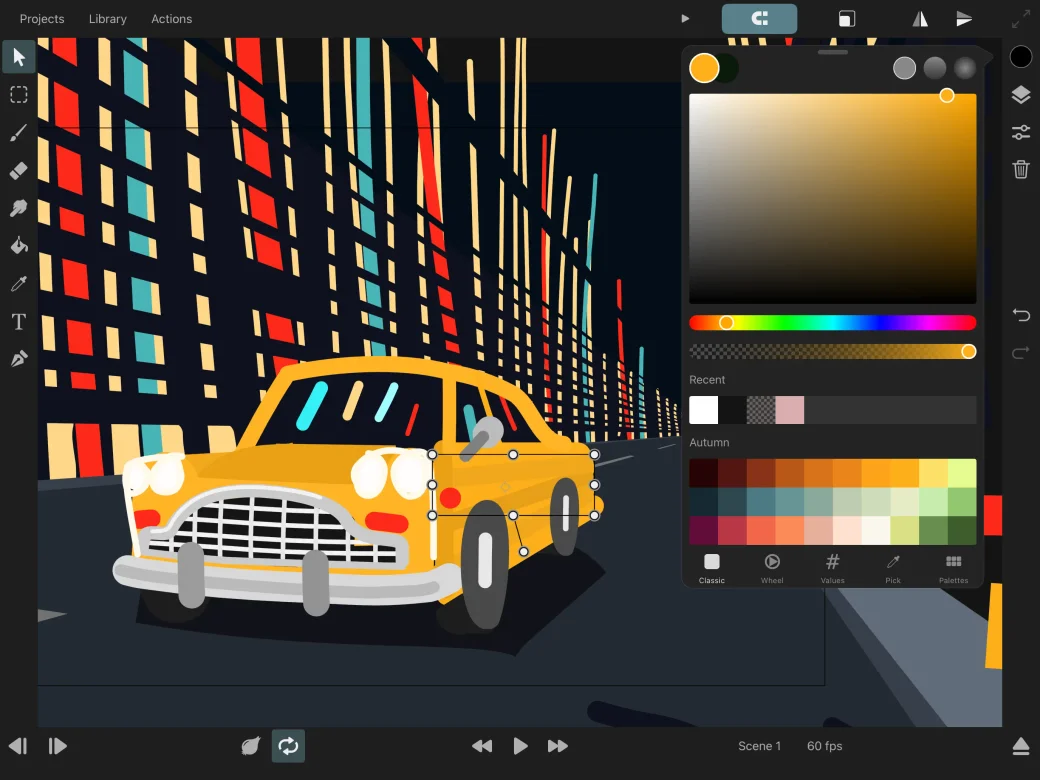
- Use ToonSquid's powerful color picker with plenty of different interfaces to choose the exact colors you need
- Create custom color palettes and share them outside the application
- Pick colors straight from the canvas using the pipette tool
- Fill connected regions quickly with the fill tool
Audio and Video
- Add audio clips to your timeline and perform lip-syncing animations
- Import videos, GIFs and images into your project and work with them through symbols
Transform
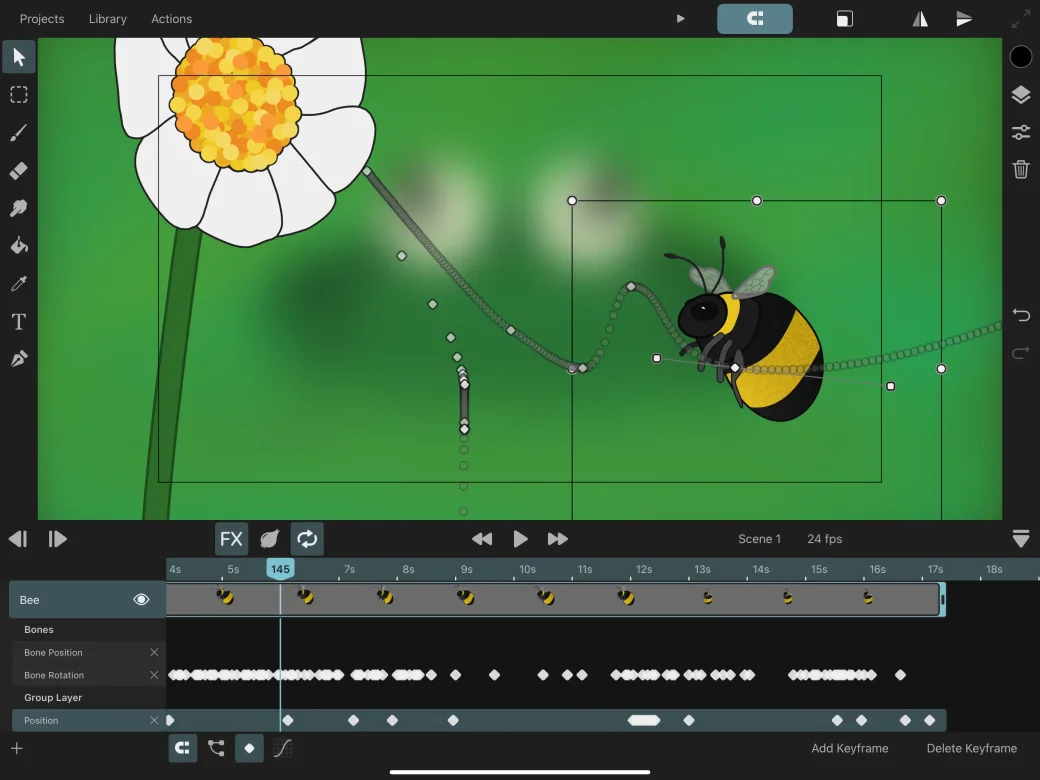
- Animate a layer's position, rotation and scale properties using keyframes
- Build transform hierarchies to achieve more advanced movements
- Edit your layer's motion path directly on the canvas
Numerous Export Formats
- Export your work in one of many common file formats such as MP4, MOV, GIF, PNG, JPEG, PSD, and more.
Neue Funktionen
Version 2.0.30 · 14.11.2026
- Fixed a bug that caused incorrect easing curve edits under certain circumstances.
App-Datenschutz
Was Keiwan Donyagard im App Store zum Umgang dieser App mit Daten angibt.
-
Keine Daten erfasst
Der Entwickler erfasst keine Daten von dieser App.
Die Datenschutzpraktiken können variieren, zum Beispiel je nach den von Ihnen verwendeten Funktionen oder Ihrem Alter.
Informationen
- Anbieter
- Keiwan Donyagard
- Kategorie
- Grafik und Design
- Version
- 2.0.30
- Aktualisiert
- 14.11.2026
- Veröffentlicht
- 01.08.2022
- Größe
- 47,8 MB
- Erfordert
- iOS 15.0 oder neuer
- Altersfreigabe
- 4+
- Preis
- 9,99 €
- Sprachen
- Englisch, Japanisch, Vereinf. Chinesisch
- Copyright
- © 2022 Keiwan Donyagard
Das könnte Ihnen auch gefallen
-
 Nomad SculptModellieren und malen in 3D
-
 Prisma3D - Animation, ModelingPrisma 3D Animation App
-
 VRoid StudioGrafik und Design
-
 Pixquare - Pixel Art Studio#1 pixel art editor
-
 Resprite: pixel art studioPixel art and sprite editor
-
 CLIP STUDIO PAINTZeichne was und wie du willst
-
 RoughAnimator - animation appGrafik und Design
-
 ZBrush - 3D-Modelle erstellenMalen, Skulptieren & Design
-
 Magic Poser - Art Pose ToolGrafik und Design
-
 Callipeg: 2D Animation AppGrafik und Design