
- Altersfreigabe4+
- KategorieBücher
- Entwicklerjungwoo choi
- SprachenEnglisch+ 2 weitere
- Größe26,9 MB
toony ist bei App Store derzeit möglicherweise nicht verfügbar
Bei unserer letzten Prüfung war der Store-Eintrag nicht erreichbar. Der Link führt weiterhin zur offiziellen App Store-Seite.
Screenshots

Info
Der Entwickler hat diesen Text nicht in Ihrer Sprache bereitgestellt.
Your files. Your reading space. Meet toony.
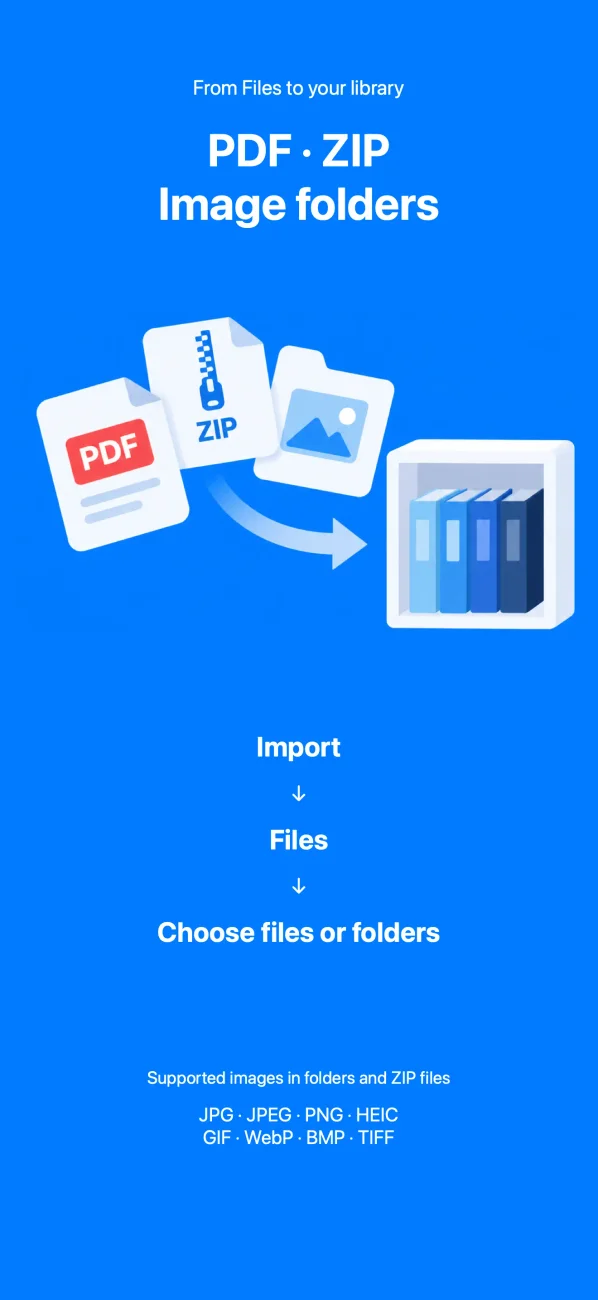
Import PDFs, ZIP archives, image folders, TXT and DOCX files from the Files app and read your way.
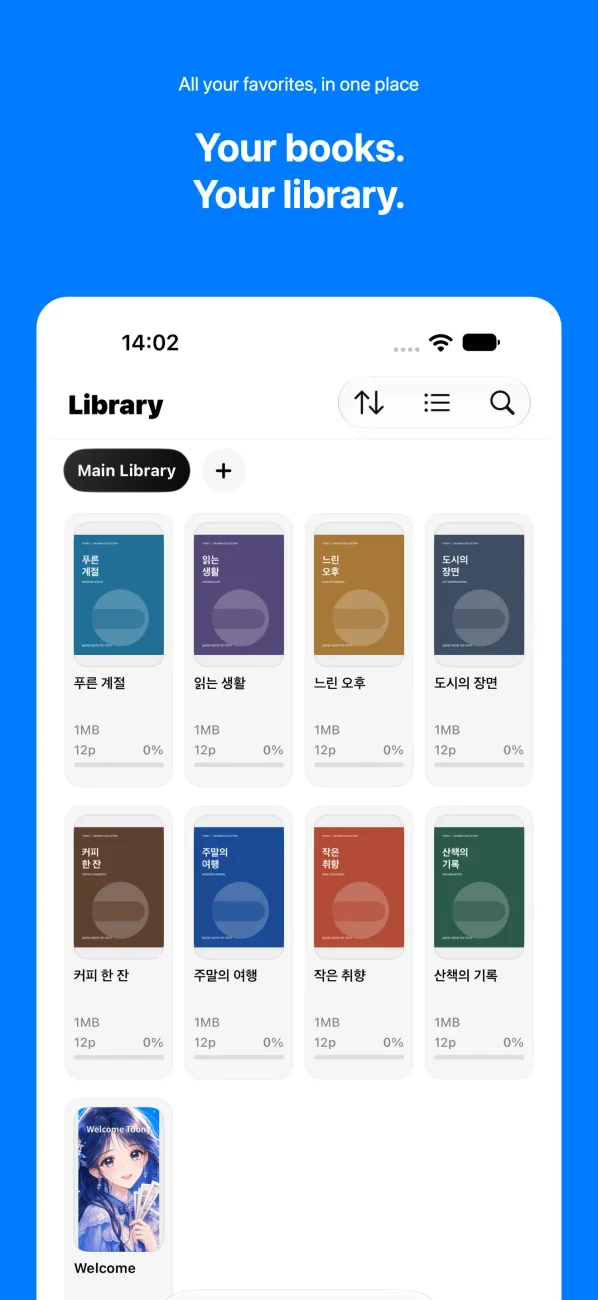
Keep your reading together
• Organize your library with folders, search and sorting
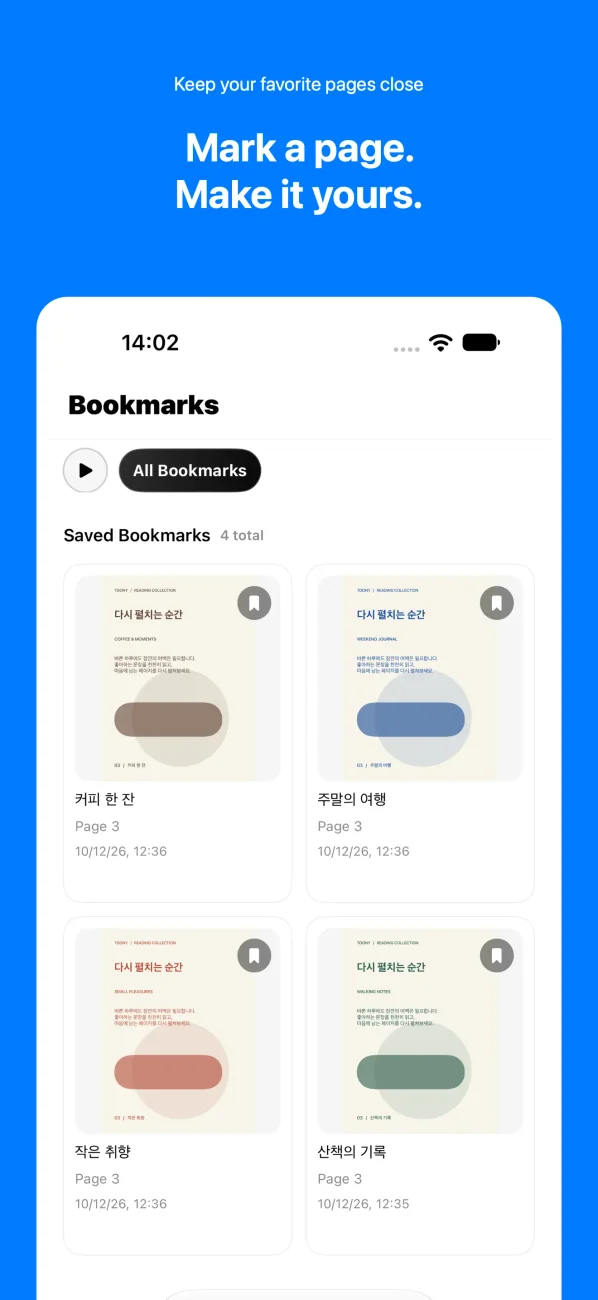
• Bookmark pages to revisit
• Find books and pages with notes in the Bookmarks tab
Choose your reading style
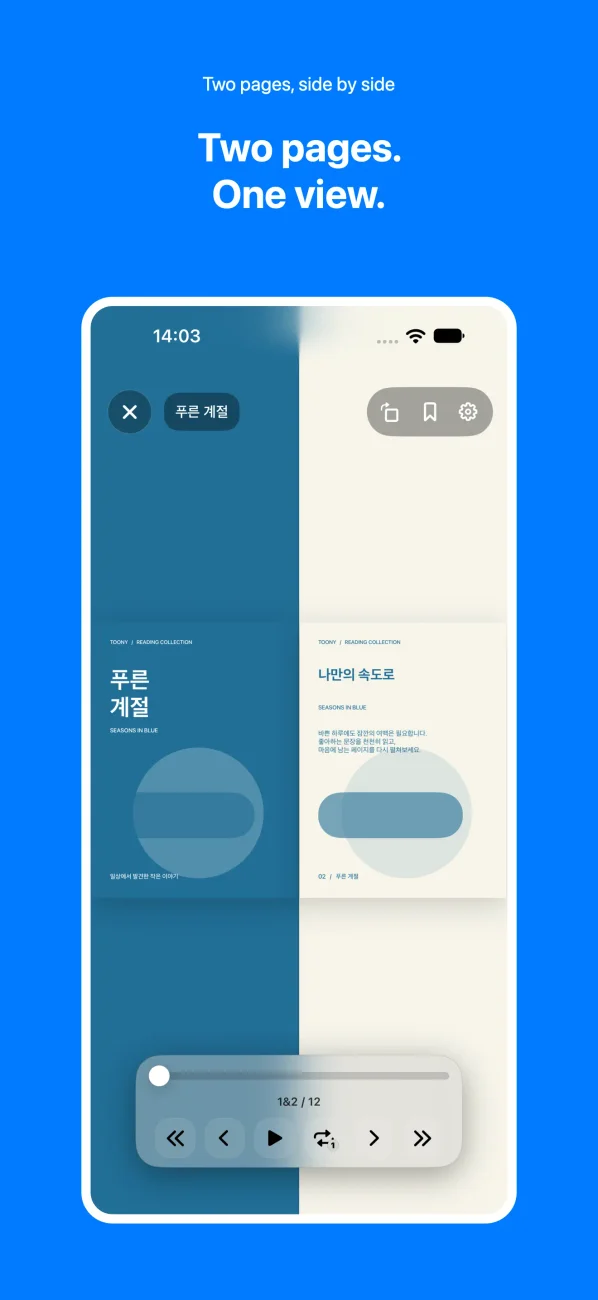
• Single-page, two-page and vertical scrolling modes
• Left-to-right or right-to-left reading
• Automatic page turning and repeat playback
• Book-style page turns in two-page view for supported content
Read text documents
• Read body text from TXT and DOCX files
• Adjust font size, line spacing and margins
• Highlight selected passages and attach notes
• View, edit or delete notes and return to their pages
Write as you read
• Annotate PDF and image pages with your finger or Apple Pencil
• Adjust pen color, width and opacity, and eraser width
• Add movable text boxes with font size, bold and alignment controls
• Add page notes and reset annotations
Supported formats
• Documents: PDF, TXT, DOCX
• Archives: ZIP
• Images in folders and ZIP files: JPG, JPEG, PNG, HEIC, GIF, WebP, BMP and TIFF
How to import
Open Import → Files and choose a file or folder.
Direct Google Drive and Dropbox connections are coming soon.
Please note
• DOCX body text is reflowed for reading. Original document formatting, images and layout are not reproduced.
• Text documents support passage highlights and notes; freehand drawing is not available in the text reader.
• Book-style page turns depend on supported devices and content and are unavailable for books containing GIF or WebP images.
• Supports Korean, English and Japanese, following your device language.
• toony reads files you provide. It does not sell books.
Neue Funktionen
Version 26.1.2 · 02.11.2026
• Improved behavior when connecting via AirPlay.
• Fixed an issue that prevented the pen from working.
• Improved text box input.
App-Datenschutz
Was jungwoo choi im App Store zum Umgang dieser App mit Daten angibt.
-
Mit Ihnen verknüpfte Daten
Können erfasst und mit Ihrer Identität verknüpft werden.
- Standort
- Kennungen
- Nutzungsdaten
- Diagnose
Die Datenschutzpraktiken können variieren, zum Beispiel je nach den von Ihnen verwendeten Funktionen oder Ihrem Alter.
Informationen
- Anbieter
- jungwoo choi
- Kategorie
- Bücher
- Version
- 26.1.2
- Aktualisiert
- 02.11.2026
- Veröffentlicht
- 13.10.2026
- Größe
- 26,9 MB
- Erfordert
- iOS 18.0 oder neuer
- Altersfreigabe
- 4+
- Sprachen
- Englisch, Japanisch, Koreanisch
- Copyright
- © 2026 Changyong Lee
Das könnte Ihnen auch gefallen
-
 Grafumi: Bücher & ComicsE-Book-, PDF- & Comic-Reader
-
 Unfold: TXT, Comic, PDF ReaderBücher
-
 동의보감 어람Bücher
-
 Koofy Reader - EPUB, TXT & TTSBücher
-
 BookPizza - Cute Book JournalBücher
-
 SSUKView - Comic, eBook ReaderBücher
-
 Anyview - Comic & Book ReaderBücher
-
 Bookbreath - E-Book-LeserDuo-Doppelseite · TXT EPUB PDF
-
 Pallang - 팔랑Bücher
-
 OnlyText: TXT- & EPUB-ReaderRomane, PDF, E-Books & Comics