
- Altersfreigabe17+
- KategorieBildung
- EntwicklerAmr Mohamed
- SprachenEnglisch
- Größe24,2 MB
Verlinkt auf die offizielle App Store-Seite
Download.org hostet keine Datei von TsmEdu. Die Schaltfläche öffnet die App-Seite bei App Store, wo Amr Mohamed die App veröffentlicht. Eintrag zuletzt geprüft am 13.11.2026.
Screenshots
Info
Der Entwickler hat diesen Text nicht in Ihrer Sprache bereitgestellt.
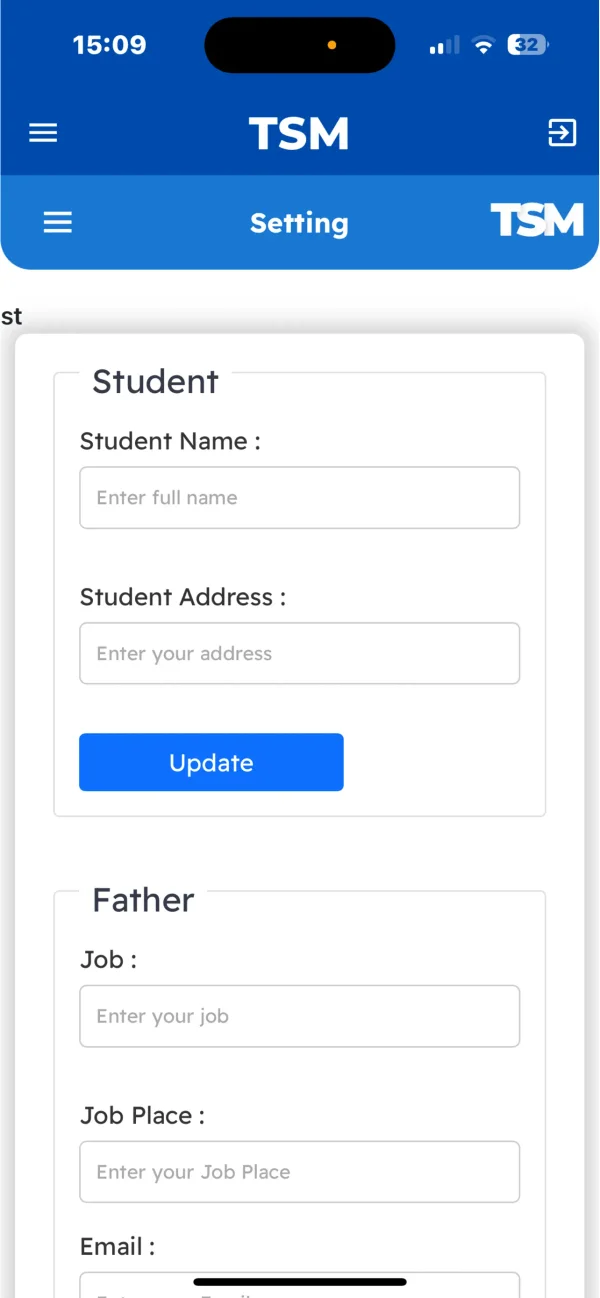
The educational application is carefully designed to provide comprehensive support to students, enabling them to effectively organize and manage their academic journey. With an intuitive interface and robust functionality, the app serves as an all-in-one tool, benefiting both students and their parents by enhancing the overall educational experience.
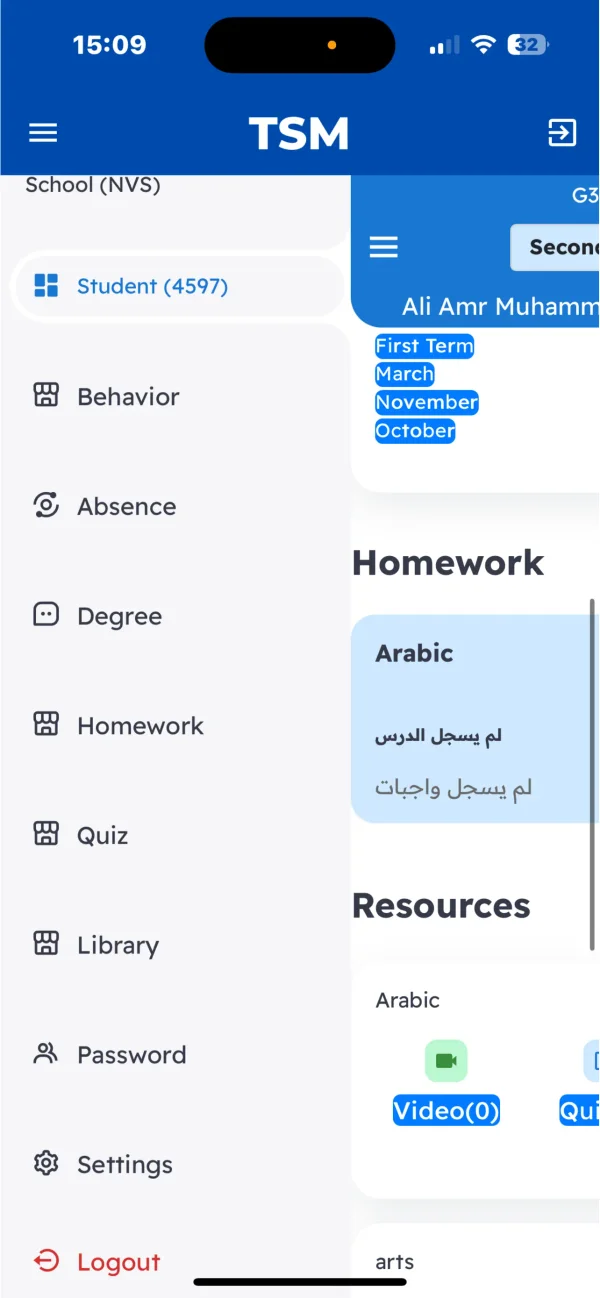
For Students: The app allows students to register and track their subjects each term or academic year, ensuring that they have a clear overview of their course load. By selecting their courses within the app, students can easily manage their schedules, keeping track of assignments, projects, exams, and other course-related activities. With built-in notifications and reminders, students are promptly alerted to upcoming deadlines, exams, and critical milestones, reducing the risk of missed assignments or last-minute cramming.
A key feature of the app is its integrated testing and assessment system. Students can take quizzes, mock exams, and practice tests directly within the app. These assessments are tailored to the subjects the student is enrolled in and are designed to mimic real exam conditions, helping them prepare effectively. The app supports multiple formats, including multiple-choice questions, true or false, short answers, and more detailed problem-solving exercises. Upon completion, the assessments are automatically graded, and students receive instant feedback on their performance. Through detailed score tracking, students can identify their strengths and weaknesses, allowing them to focus on areas that need improvement.
Additionally, the app provides access to supplementary educational resources such as study guides, lecture notes, video tutorials, and interactive exercises. These resources are customized to align with the registered courses, giving students the tools they need to reinforce their understanding of key concepts. The app may also offer forums or discussion groups, enabling students to collaborate with peers, share insights, and seek assistance on challenging topics.
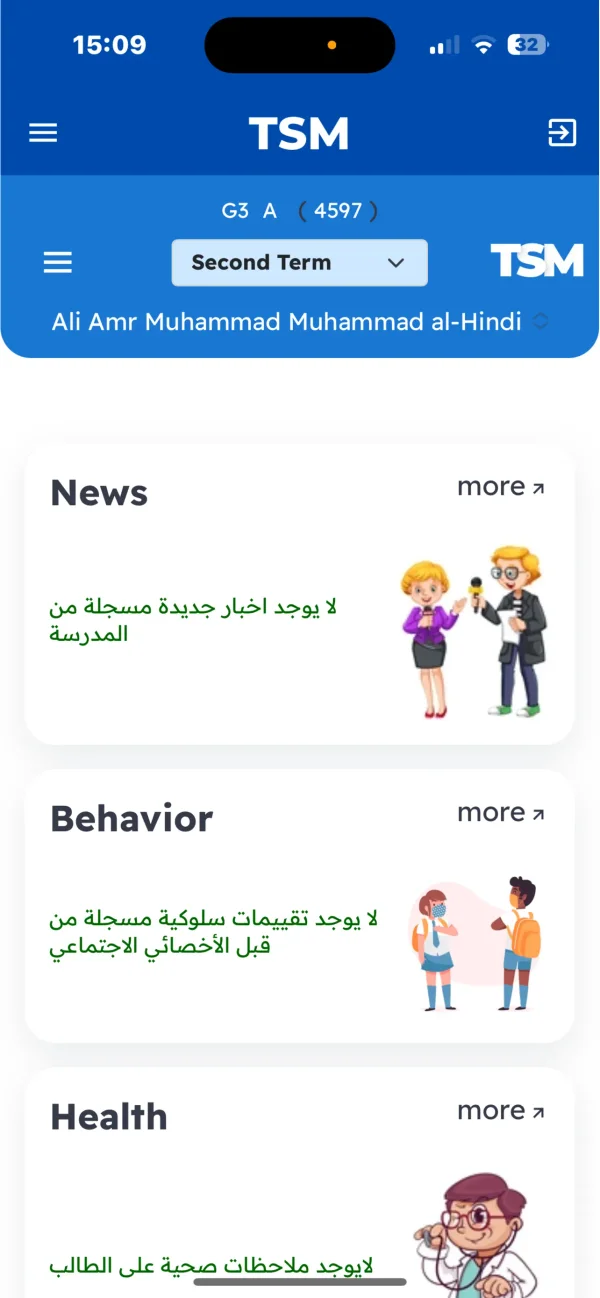
For Parents: The application includes a feature specifically for parents, giving them a window into their child’s academic performance. Through real-time reports generated by teachers, parents can monitor their child’s progress across all subjects. These reports provide a clear breakdown of the student’s performance, highlighting their strengths, areas for improvement, and overall academic standing. Parents can also track their child’s scores in various tests and assignments, gaining a deeper understanding of how their child is performing relative to class averages or benchmark standards.
One of the app’s most valuable features for parents is the ability to receive direct communication from teachers. Teachers can send personalized messages or notes regarding the student's behavior, class participation, and any academic concerns that need attention. This helps foster stronger collaboration between teachers and parents, allowing them to work together to support the student's educational development.
For Teachers: Teachers benefit from the app's reporting and communication features as well. They can easily generate progress reports, input grades, and provide feedback on assignments and tests. The app simplifies the process of keeping parents informed and maintaining open lines of communication, ensuring that teachers can quickly address any academic issues or behavioral concerns.
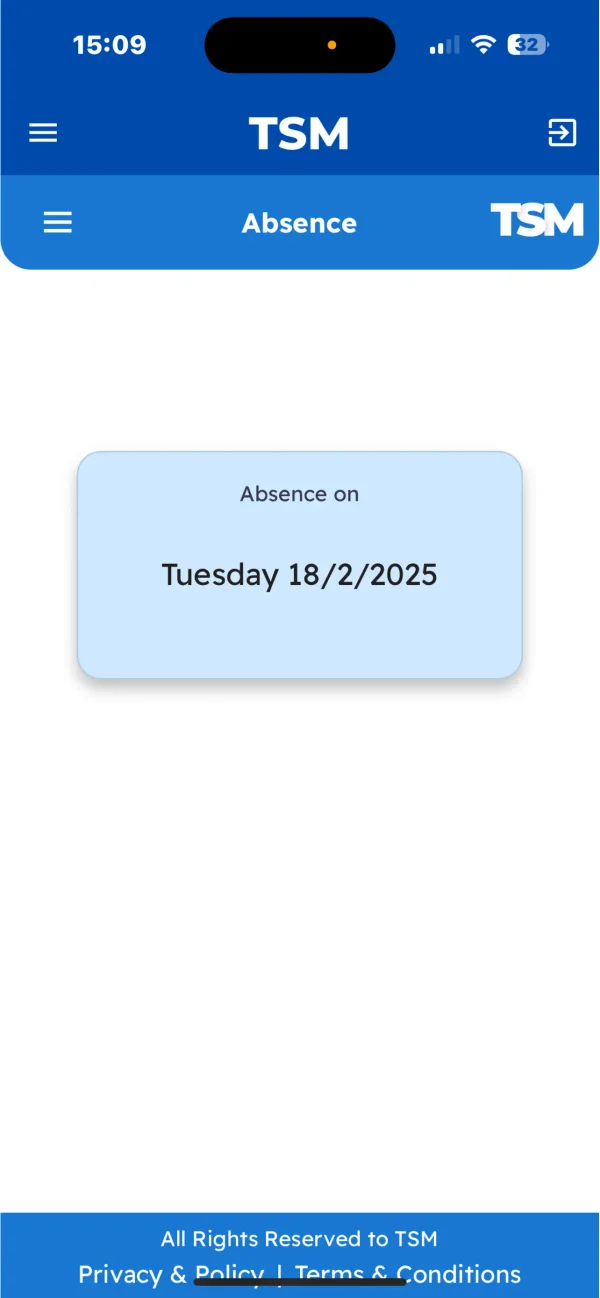
The app also helps teachers stay organized by providing tools for managing class schedules, monitoring student attendance, and tracking classroom participation. Additionally, teachers can use the app to assign homework or projects, create quizzes, and provide additional learning materials to students, enhancing the overall learning experience.
Neue Funktionen
Version 1.0.3 · 22.01.2026
solve connection error
App-Datenschutz
Was Amr Mohamed im App Store zum Umgang dieser App mit Daten angibt.
-
Keine Daten erfasst
Der Entwickler erfasst keine Daten von dieser App.
Die Datenschutzpraktiken können variieren, zum Beispiel je nach den von Ihnen verwendeten Funktionen oder Ihrem Alter.
Informationen
- Anbieter
- Amr Mohamed
- Kategorie
- Bildung
- Version
- 1.0.3
- Aktualisiert
- 22.01.2026
- Veröffentlicht
- 01.05.2025
- Größe
- 24,2 MB
- Erfordert
- iOS 13.0 oder neuer
- Altersfreigabe
- 17+
- Preis
- Kostenlos
- Sprachen
- Englisch
- Copyright
- © All rights reserved TsmEdu@2025