
Video Editor: Edit Paste Post
Photo editor, captions & more
Entwickelt für iPhone
Kostenlos · In-App-Käufe
- Altersfreigabe4+
- KategorieFoto und Video
- Entwicklerchris constantine
- SprachenEnglisch
- Größe8,3 MB
Verlinkt auf die offizielle App Store-Seite
Download.org hostet keine Datei von Video Editor: Edit Paste Post. Die Schaltfläche öffnet die App-Seite bei App Store, wo chris constantine die App veröffentlicht. Eintrag zuletzt geprüft am 16.11.2026.
Screenshots
Info
Der Entwickler hat diesen Text nicht in Ihrer Sprache bereitgestellt.
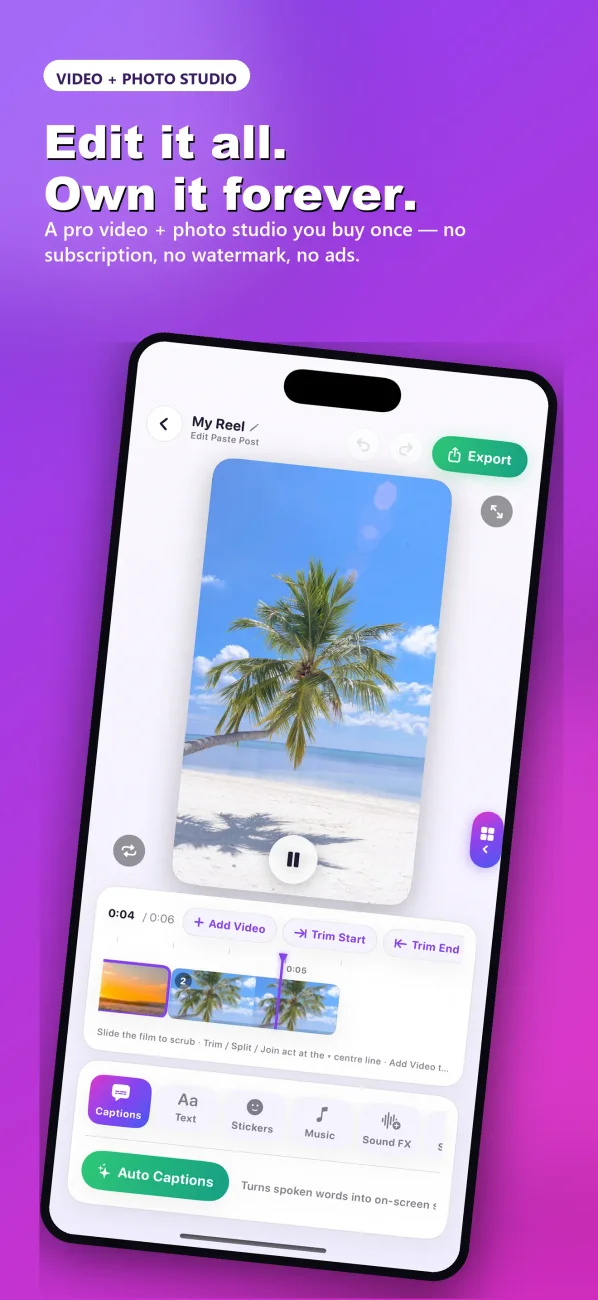
Edit Paste Post is a complete video AND photo studio you buy once and own forever. No subscription. No watermark. No ads. No account. Everything runs privately on your device.
Most editors rent you the good stuff month after month and stamp a watermark on your work. Not this one. One price unlocks the whole studio.
VIDEO EDITOR
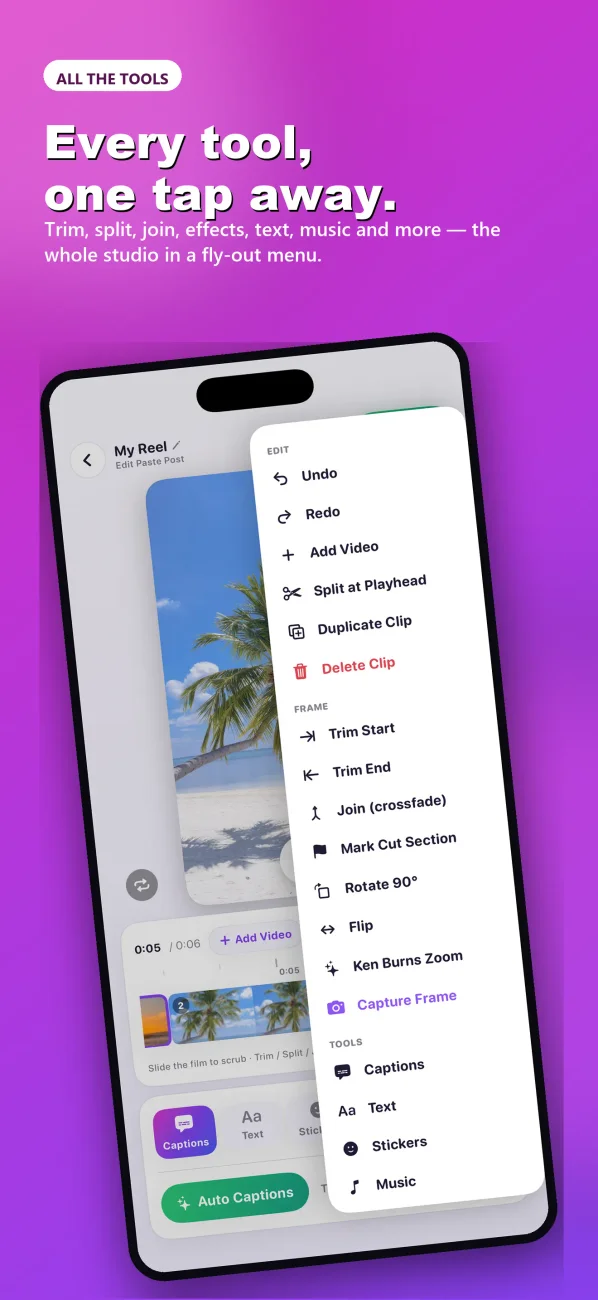
- Multi-clip timeline: trim, split, join with crossfades, reorder and duplicate
- Speed control, rotate, flip, fit/fill and Ken Burns auto-zoom
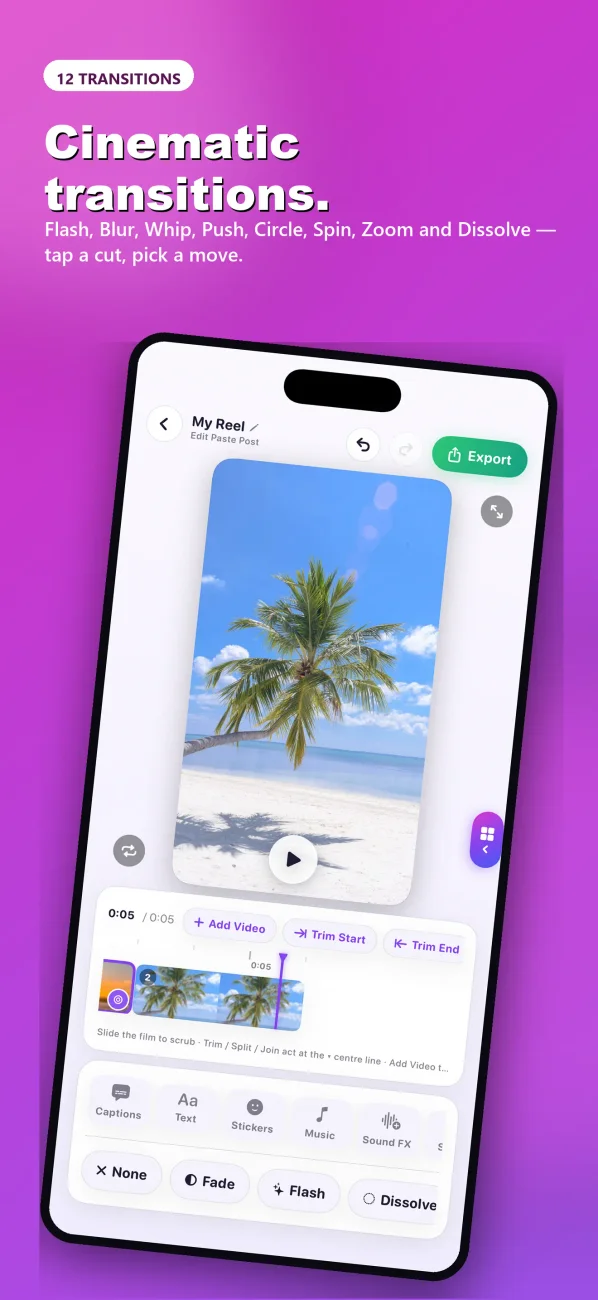
- 12 cinematic transitions: Flash, Blur, Push, Whip, Circle, Spin, Zoom, Dissolve and more
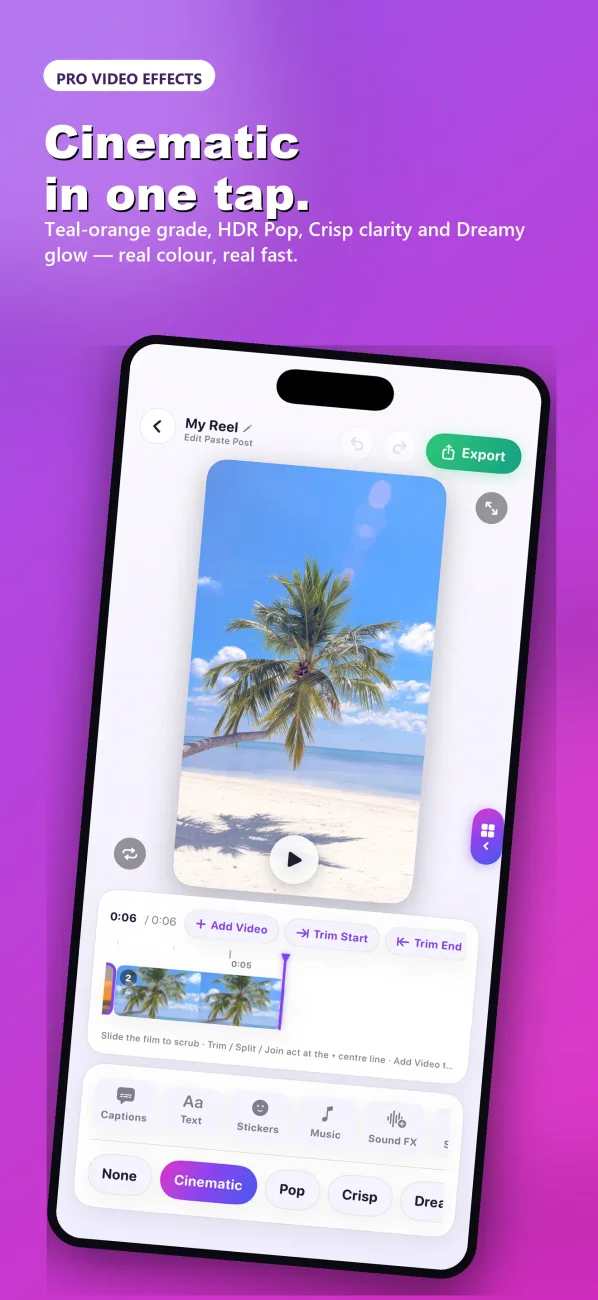
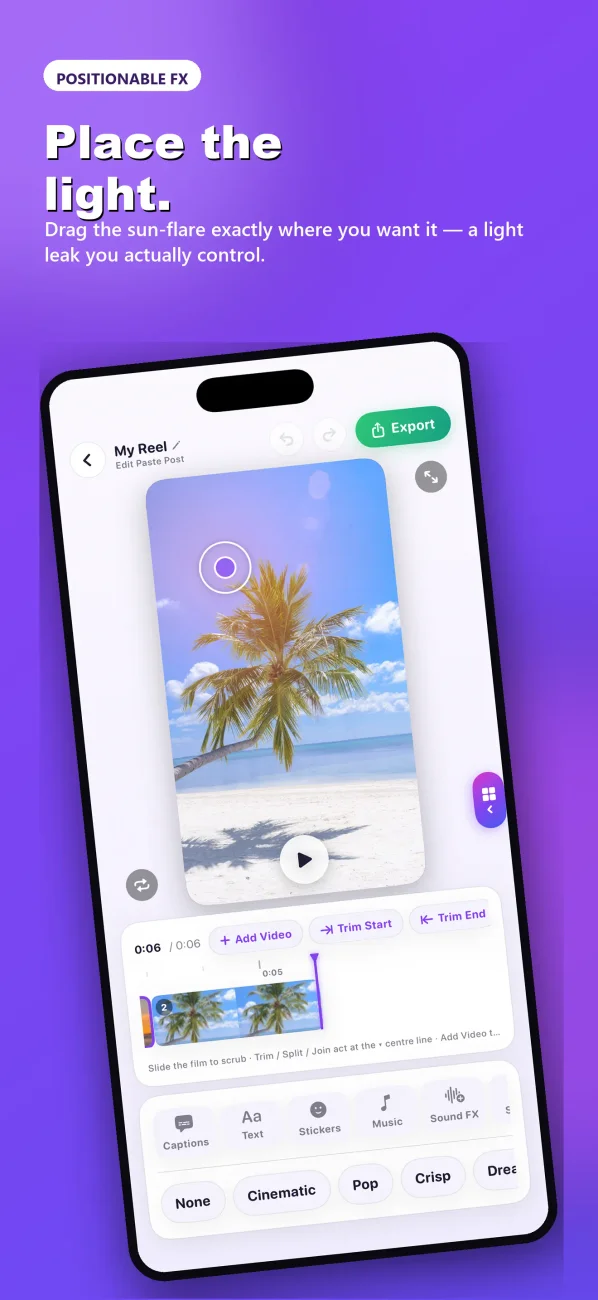
- Pro effects: Cinematic teal-orange grade, HDR Pop, Crisp clarity, Dreamy glow, true VHS Retro, film grain, letterbox, subject Focus and a Light Leak you can place
PHOTO EDITOR
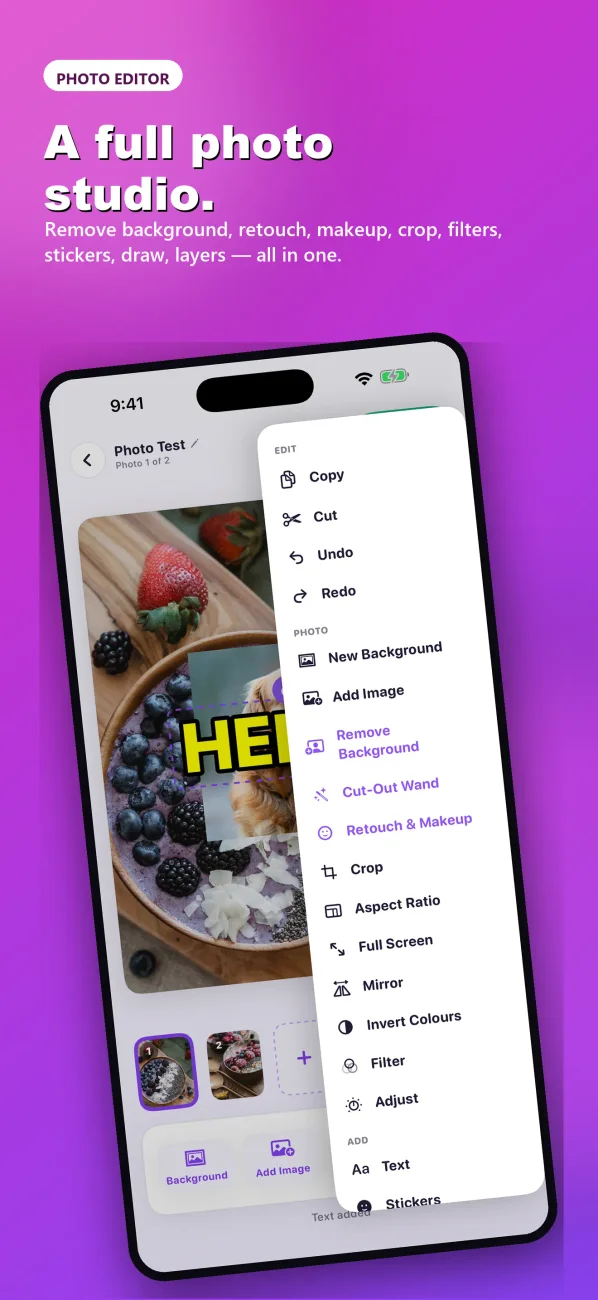
- Full tone lab: brightness, contrast, saturation, warmth, vibrance, highlights, shadows, sharpen, vignette
- Crop, aspect ratios, borders, stickers, freehand draw
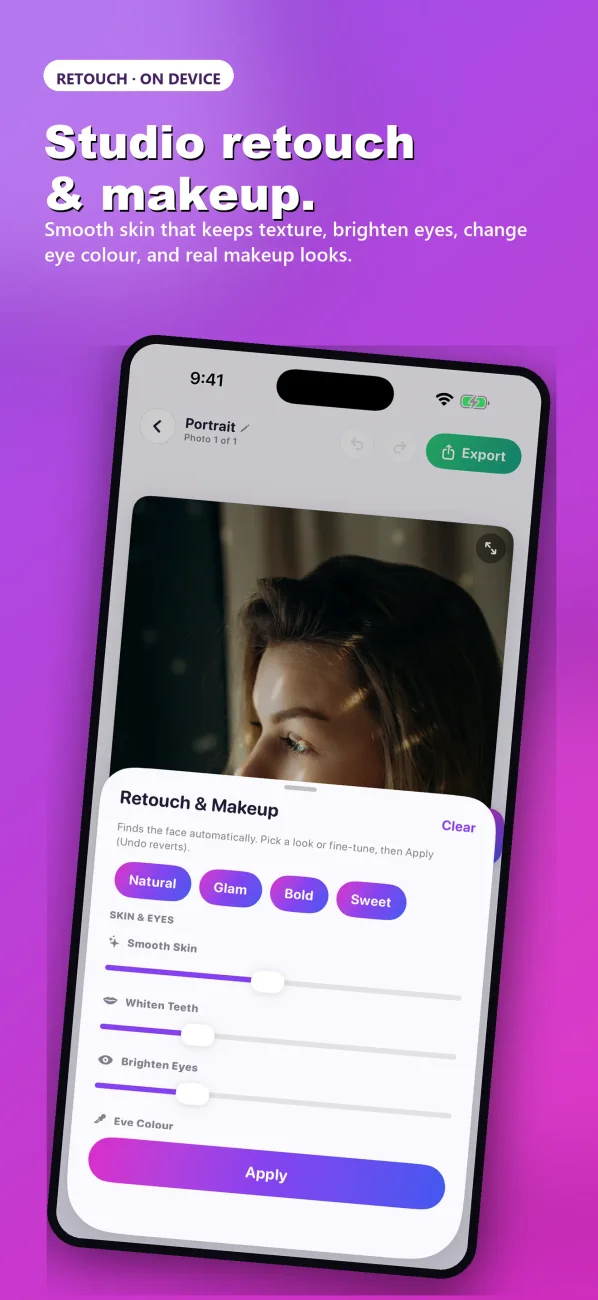
- Retouch & Makeup on device: skin-smoothing that keeps real texture, whiten teeth, brighten eyes, change eye colour, plus real lipstick, blush, eyeshadow and brows - with one-tap looks: Natural, Sweet, Glam, Bold
- Background remover: one-tap cut-out, a smart Magic Wand, and a manual brush with undo/redo - drop yourself onto any background
TEXT THAT POPS
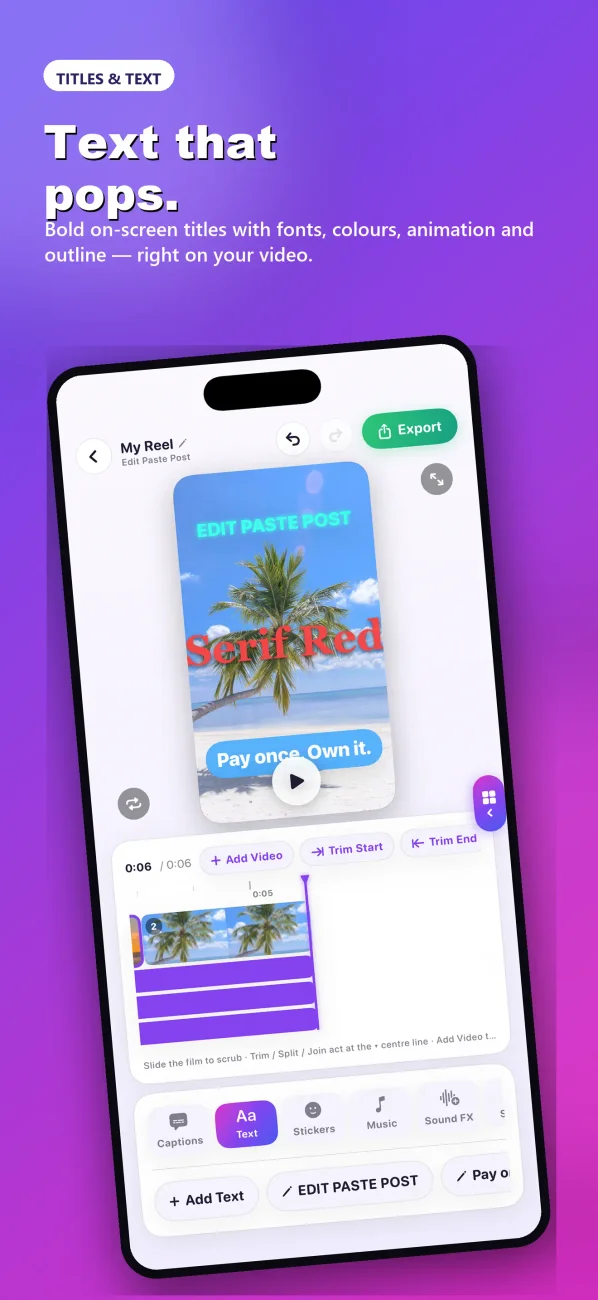
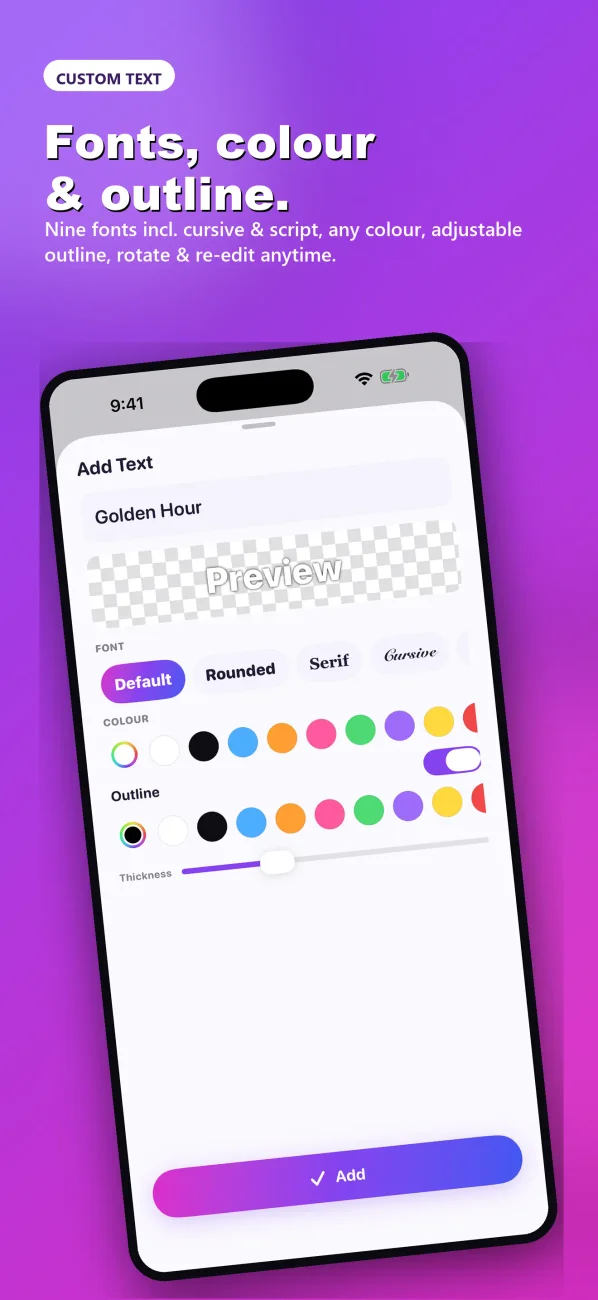
- 9 fonts including Cursive and Script
- Any colour with a full colour picker
- Adjustable outline colour AND thickness
- Rotate to any angle, and re-edit your text anytime
SOUND
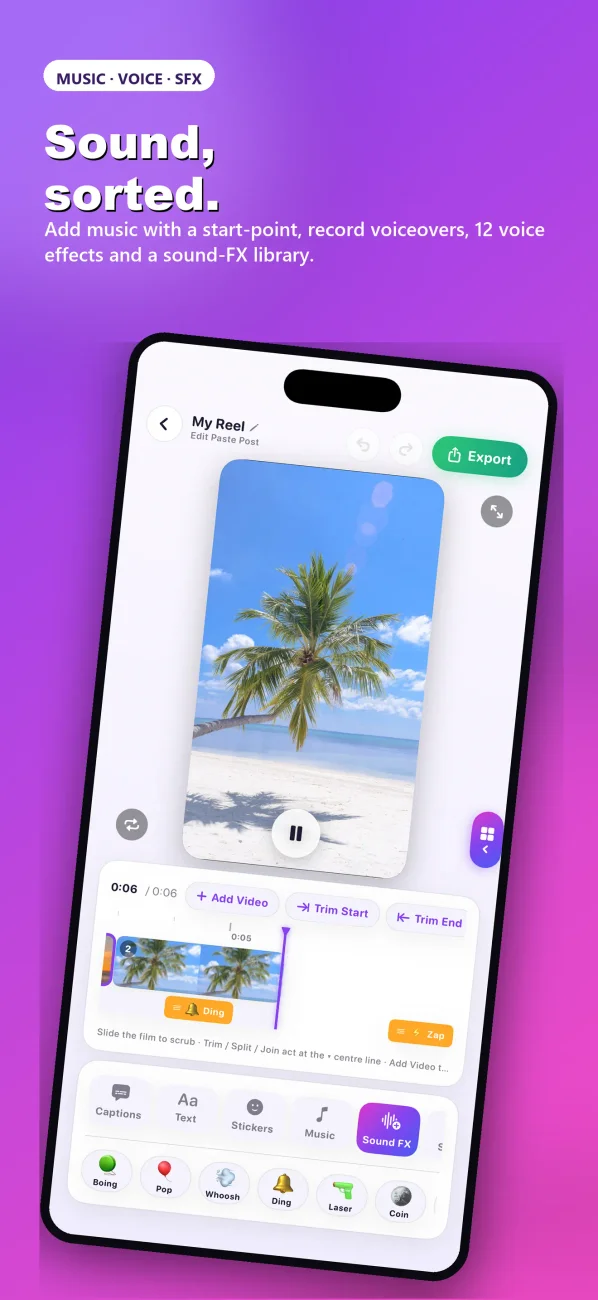
- Add music with a custom start-point
- Record voiceovers
- 12 voice effects: Robot, Alien, Ghost, Chipmunk, Child, Duck, Telephone, Megaphone and more
- Sound-effects library you can drag along the timeline
- Per-clip mute and fade in/out
FINISH
- Capture any video frame as a full-resolution photo, then retouch it
- Build slideshows from your photos
- Export in HD or 4K, or as a GIF - always watermark-free
WHY YOU'LL LOVE IT
- Pay once and it's yours
- No subscription, no ads, no sign-up
- 100% on-device and private
- No watermark, ever
Make reels, TikToks, YouTube Shorts, ads, birthday edits, portraits and posters - all in one app you actually own.
Edit everything free. A one-time purchase unlocks exporting and saving your work.
Neue Funktionen
Version 1.0.5 · 03.09.2026
A much bigger editing window, a new full-screen mode for placing text and stickers precisely, and one-tap export formats for Reels/TikTok (9:16), Instagram (4:5), Square (1:1) and YouTube (16:9).
App-Datenschutz
Was chris constantine im App Store zum Umgang dieser App mit Daten angibt.
-
Keine Daten erfasst
Der Entwickler erfasst keine Daten von dieser App.
Die Datenschutzpraktiken können variieren, zum Beispiel je nach den von Ihnen verwendeten Funktionen oder Ihrem Alter.
Informationen
- Anbieter
- chris constantine
- Kategorie
- Foto und Video
- Version
- 1.0.5
- Aktualisiert
- 03.09.2026
- Veröffentlicht
- 14.07.2026
- Größe
- 8,3 MB
- Erfordert
- iOS 26.0 oder neuer
- Altersfreigabe
- 4+
- Preis
- Kostenlos
- In-App-Käufe
- Ja
- Sprachen
- Englisch
- Copyright
- © 2026 Chris Constantine
Das könnte Ihnen auch gefallen
-
 GlimraFoto und Video
-
 Cineo – Video & Foto EditorDiashow & Collage mit Musik
-
 ReelCut: Video BearbeitenSchnitt, Untertitel & Musik
-
 LiteSplice: Video EditorFoto und Video
-
 Videocraft: Video MakerFoto und Video
-
 Lichtblick - BildbearbeitungFoto-Editor, komplett offline
-
 OneCut : Easy Video MakerFoto und Video
-
 VidKit - Video EditorSchneller Offline-Editor
-
 Vivi - Merge VideosFoto und Video
-
 CircleAI - KI FotoeditorHintergründe entfernen