
Video Freezer
Freeze frame and loop videos
Entwickelt für iPhone, iPad, iPod touch
Kostenlos · In-App-Käufe
- Altersfreigabe4+
- KategorieFoto und Video
- EntwicklerXompose Ltd
- SprachenEnglisch
- Größe4,1 MB
Verlinkt auf die offizielle App Store-Seite
Download.org hostet keine Datei von Video Freezer. Die Schaltfläche öffnet die App-Seite bei App Store, wo Xompose Ltd die App veröffentlicht. Eintrag zuletzt geprüft am 16.11.2026.
Screenshots

Info
Der Entwickler hat diesen Text nicht in Ihrer Sprache bereitgestellt.
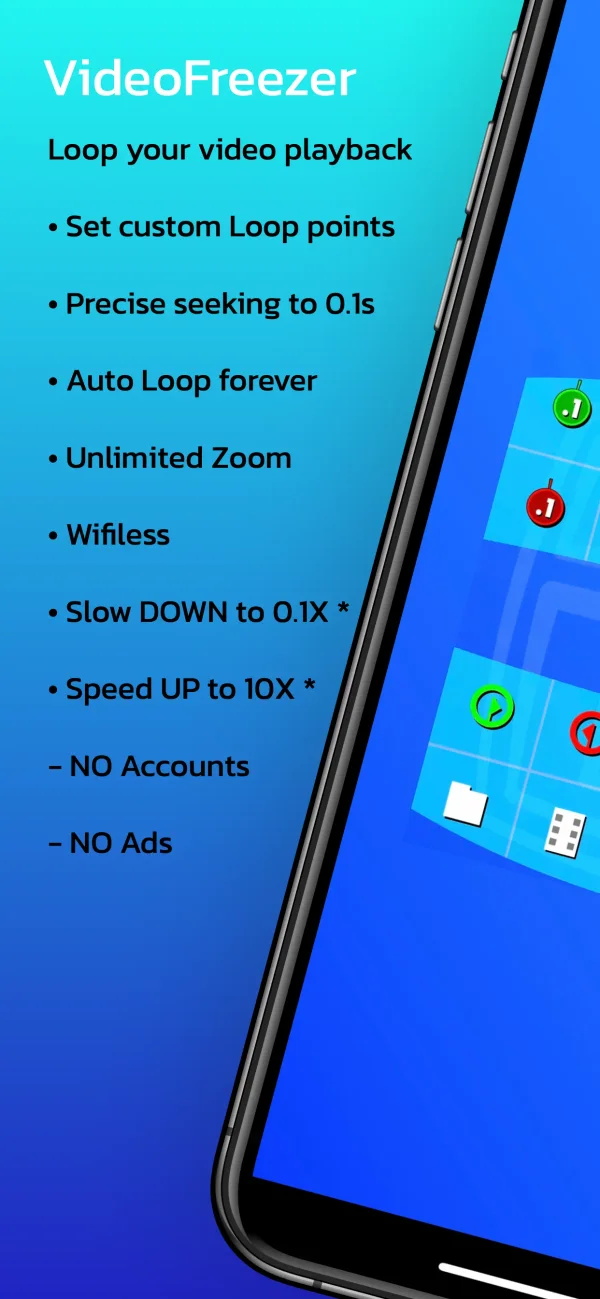
Video Freezer is a video player that loops small sections of your videos for continuous playback. You can use this for educational reasons, like watching a musician play a difficult section, or just zoom in and loop the highlights of videos you love.
+ Your first loop: Press play then Tap the Green and Red flags to set the start point and end point, then Video Freezer will take care of the rest and put it on auto-loop
+ Drag across the center of the screen to seek to specific times and preview the video
+ A quick double tap on the Loop icon will clear markers
BASE vs PRO - The base version is completely free with the main looping controls. See below for the detailed F.A.Q. on Freezing:
[VF PRO]
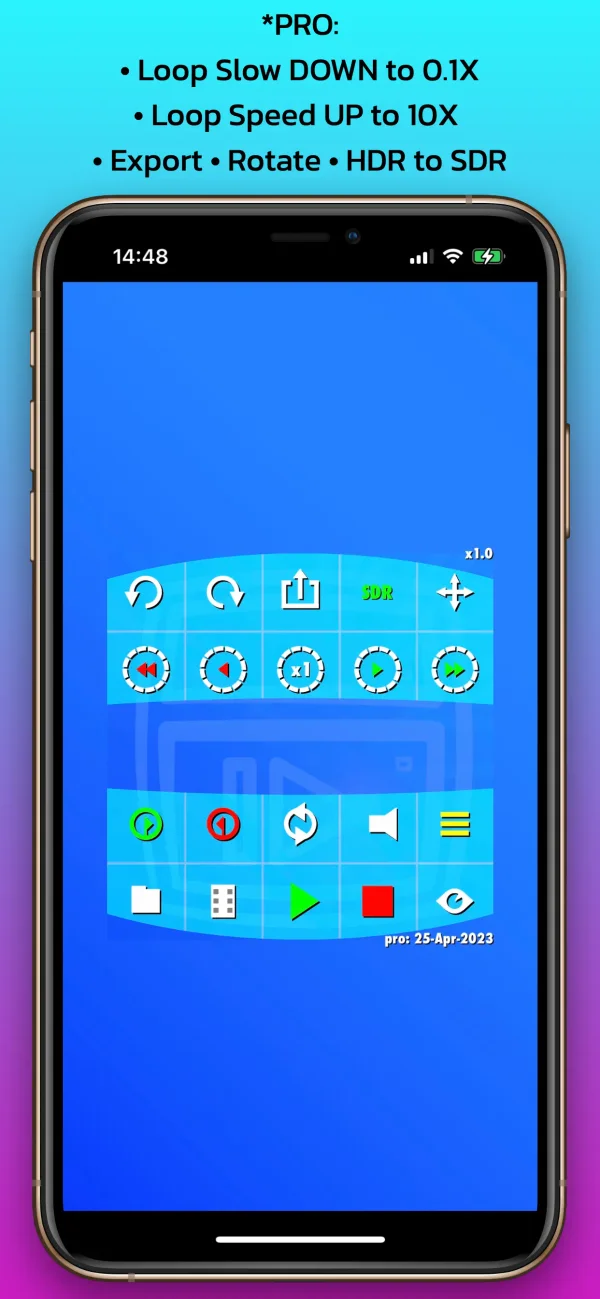
+ Slow down or Speed up your custom loops. (Playback speeds of 0.1x to 10x)
+ Quick export new video (using the loop, speed & audio mute settings you choose)
+ Convert videos from HDR to view in SDR, (note: at fast speeds over 3x auto compress the video to stay compatible with playback formats)
+ Video rotation independent of device rotation in 90 degree steps for extra convenience
+ Unlocks all gray buttons
+ No review prompts
+ Pro unlocks are Non-Recurring, so renew only when you need !
[FREEZING]
• To loop tap the Green and Red flag markers while playing to set the start point and end point
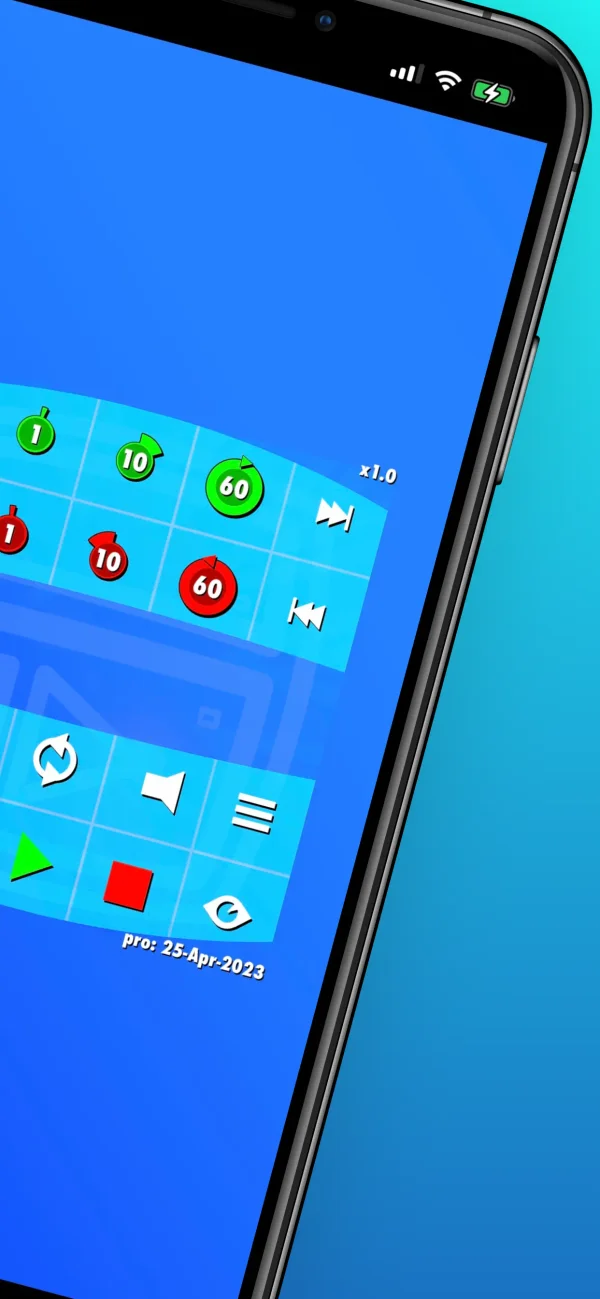
• Use the Seek Buttons to skip between 0.1 and 60 seconds at a time
• Drag the dynamic Timeline in the centre to quickly preview the video or set new loops
• Tap outside the H.U.D. menu or the Eye icon to hide all menus, tap anywhere once to get them back
• Drag with one finger outside of menu to move the video around the screen, use two fingers Pinch and Zoom in and out
• You can temporarily turn looping off with the dedicated circular Loop button
• Cool Tip 1: A quick double tap on the Loop icon will clear markers
• Cool Tip 2: Just drag the video off any screen edge to auto-recenter it
[NO ADS]
- We have No Ads and No User Accounts, even in the base version
- We are supported only by in-app Pro unlocks from users like you who love the app
- The free trial does not rebill and fully unlocks all Pro features for 10 Days
[ICONIC APP]
Chill with us & Join users worldwide today making Video Freezer one of their essential go-to video apps!
Help us take off by coming back to the store page and rating! Especially if you go Pro, as you will not be prompted again in-app
Tell all your friends, family, colleagues about Video Freezer
[DEVELOPER]
As an independent developer we always welcome feedback, please use the support link any time for questions or new features.
Neue Funktionen
Version 3.9 · 24.01.2024
*New cursor and free tier improvements
App-Datenschutz
Was Xompose Ltd im App Store zum Umgang dieser App mit Daten angibt.
-
Keine Daten erfasst
Der Entwickler erfasst keine Daten von dieser App.
Die Datenschutzpraktiken können variieren, zum Beispiel je nach den von Ihnen verwendeten Funktionen oder Ihrem Alter.
Informationen
- Anbieter
- Xompose Ltd
- Kategorie
- Foto und Video
- Version
- 3.9
- Aktualisiert
- 24.01.2024
- Veröffentlicht
- 11.11.2022
- Größe
- 4,1 MB
- Erfordert
- iOS 15.0 oder neuer
- Altersfreigabe
- 4+
- Preis
- Kostenlos
- In-App-Käufe
- Ja
- Sprachen
- Englisch
- Copyright
- © 2023 Xompose Ltd
Das könnte Ihnen auch gefallen
-
 MOVINdow - Multi Video PlayerFoto und Video
-
 Video Editor · ·Foto und Video
-
 Video Bild für BildFoto und Video
-
 Video Looper - Replay VideosFoto und Video
-
 Video Player - PIP and moreFoto und Video
-
 Loopideo - Loop VideosLoop long videos forever
-
 Video Player - All-in-OneFoto und Video
-
 Zeitlupe Video Bearbeiter -Video zeitraffer, slow motion
-
 Video Player - All Format 2025Foto und Video
-
 Frame Grabber: Video to PhotoExtract Video Frames & Export