
Video Tools: Edit & Convert
Compress, Trim, Merge & Resize
Entwickelt für iPhone, iPad
Kostenlos
- Altersfreigabe9+
- KategorieDienstprogramme
- EntwicklerHarihar Creation
- SprachenEnglisch
- Größe86,9 MB
Verlinkt auf die offizielle App Store-Seite
Download.org hostet keine Datei von Video Tools: Edit & Convert. Die Schaltfläche öffnet die App-Seite bei App Store, wo Harihar Creation die App veröffentlicht. Eintrag zuletzt geprüft am 19.11.2026.
Screenshots
Info
Der Entwickler hat diesen Text nicht in Ihrer Sprache bereitgestellt.
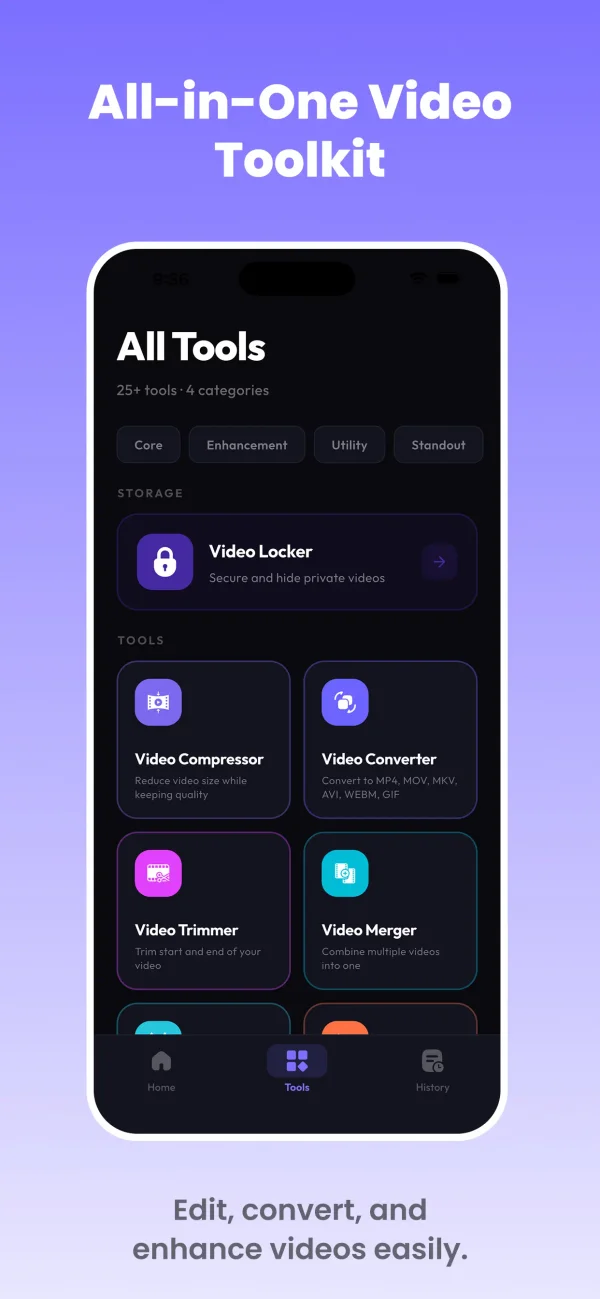
Every video tool you need in one app. Convert, compress, trim, merge, and edit MP4, MOV, MKV, AVI, WEBM & GIF files.
ALL-IN-ONE VIDEO TOOLKIT
Stop juggling five different apps. Video Tools puts every editing, converting, and compressing feature you need in a single, fast - built for anyone who shoots, shares, or manages video on their iPhone or iPad.
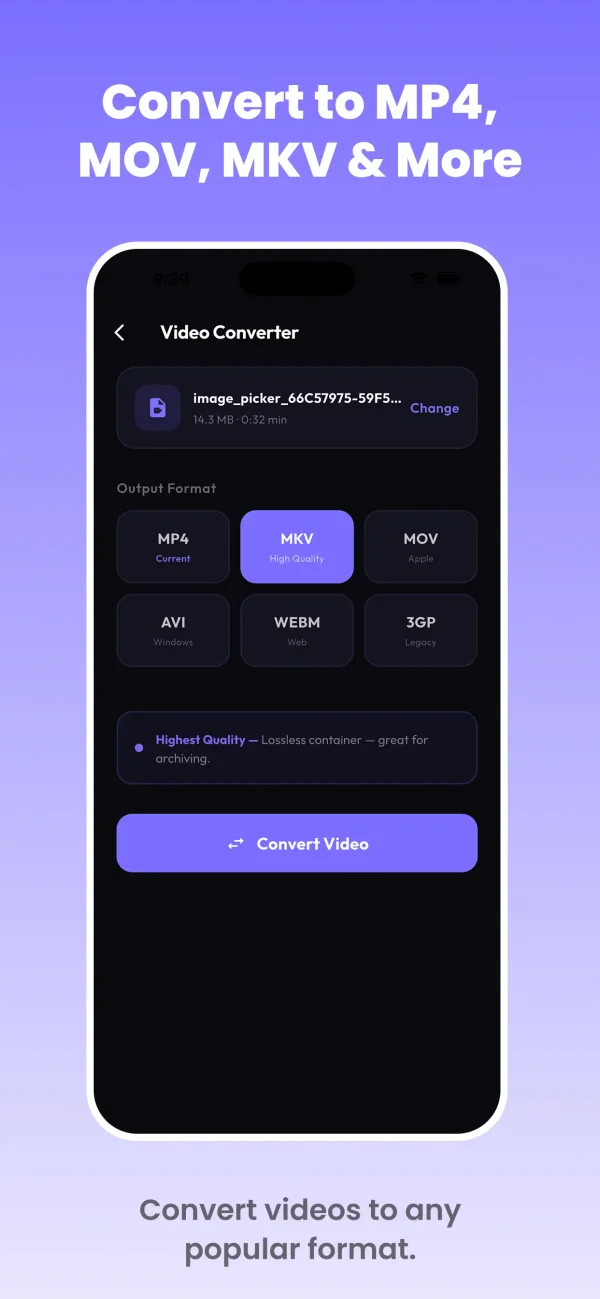
CONVERT ANY FORMAT
- Convert between MP4, MOV, MKV, AVI, WEBM and GIF
- Convert video to images or images to video
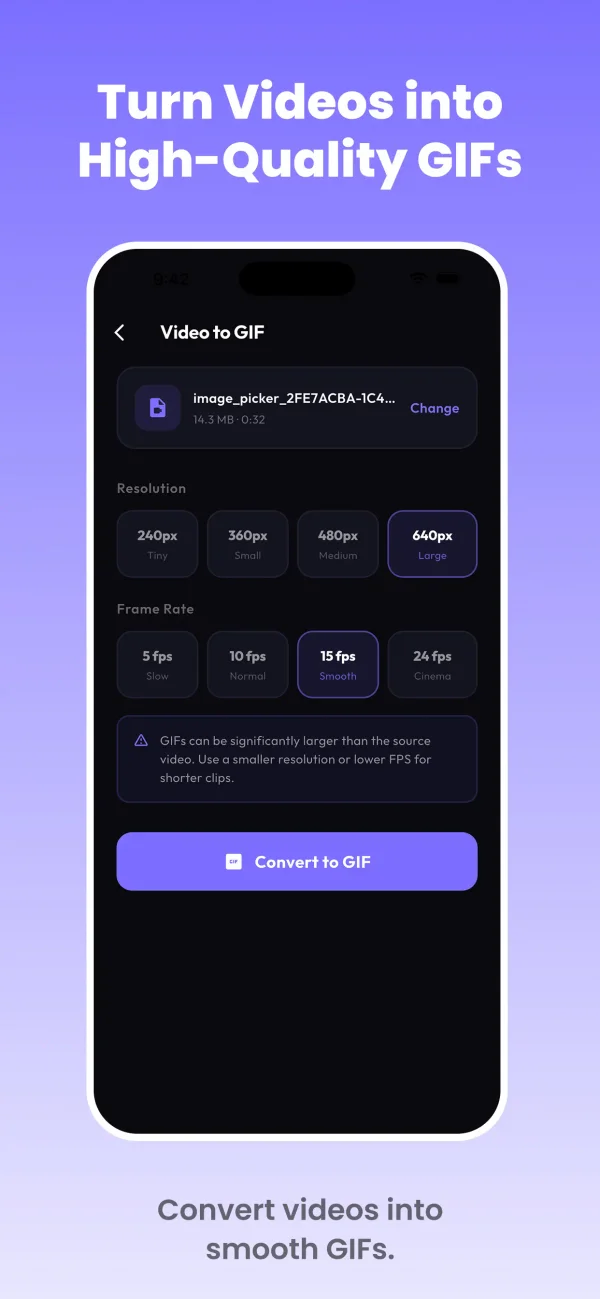
- Convert video to GIF and GIF to video
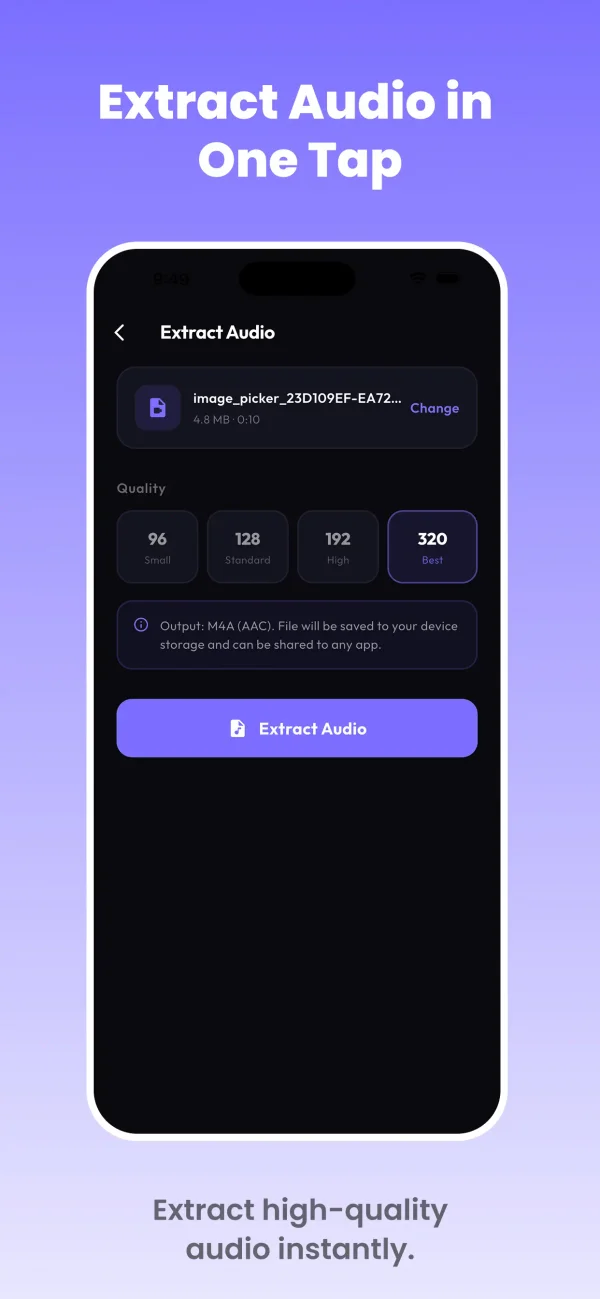
- Extract audio to MP3, AAC, WAV, or M4A
- Replace or swap the audio track on any video
COMPRESS & RESIZE
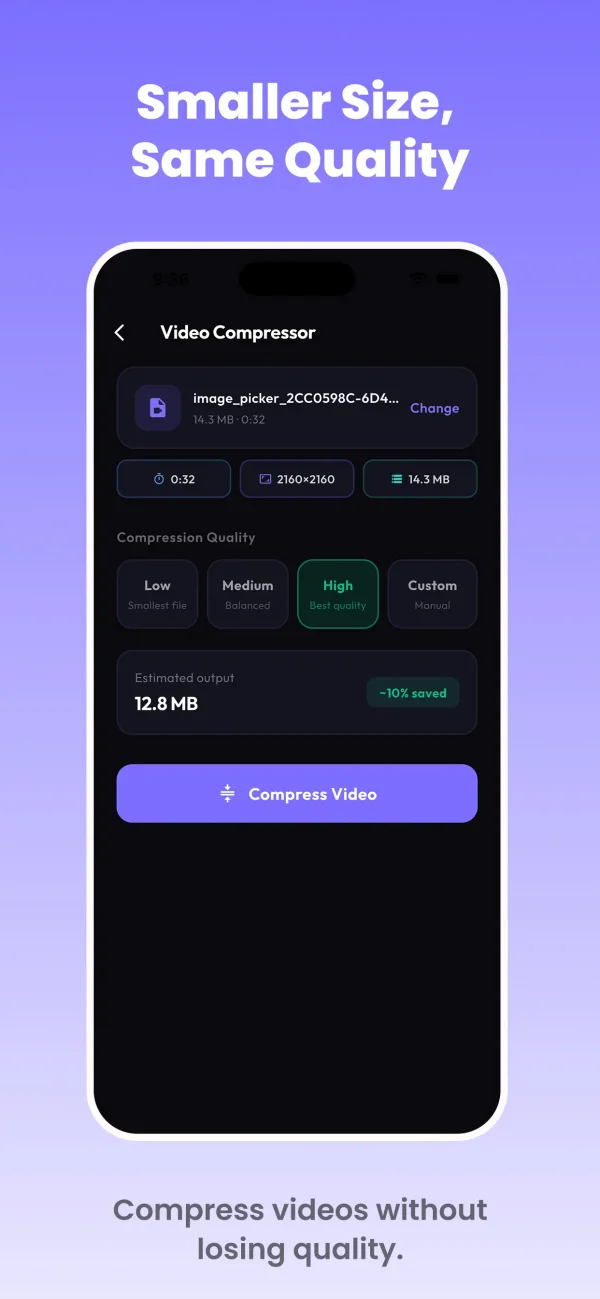
- Shrink file size for email, WhatsApp, Instagram, and cloud storage
- Custom resolution, bitrate, and frame rate control
- Compare original vs. compressed output side-by-side before saving
EDIT LIKE A PRO
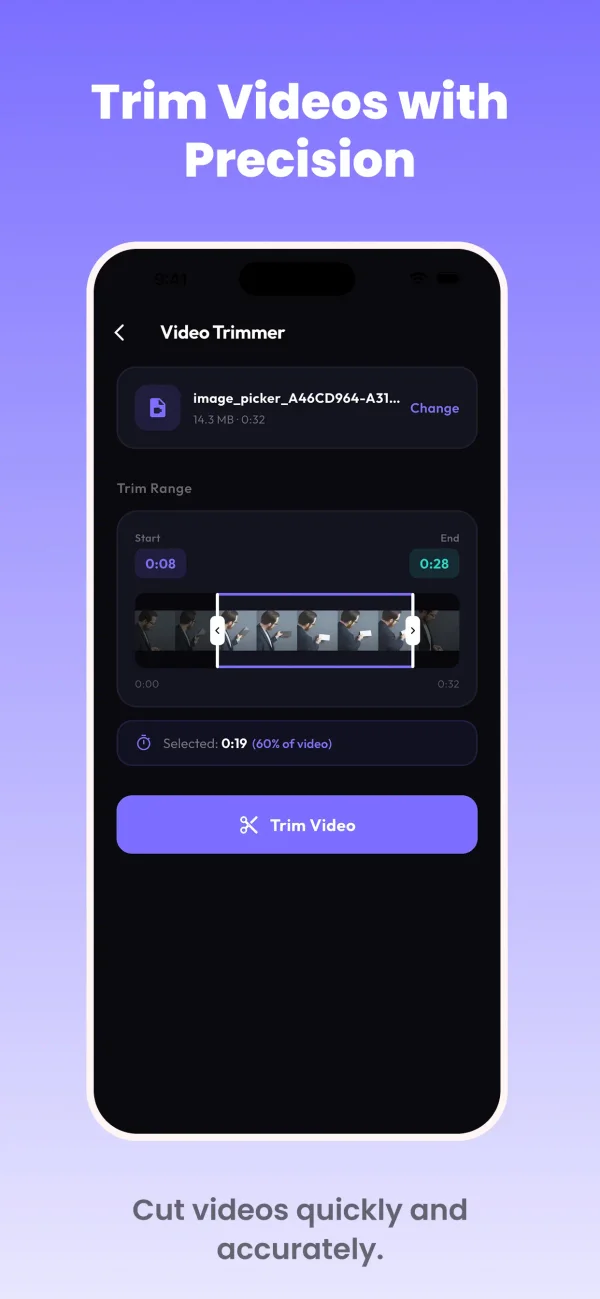
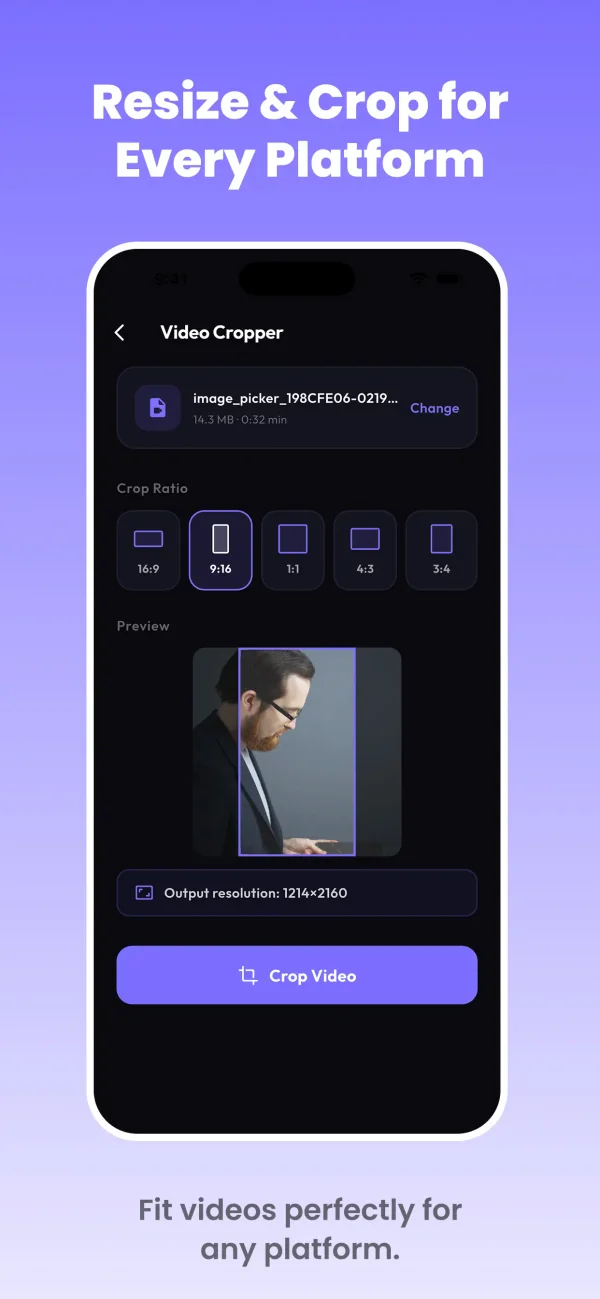
- Trim, split, merge, and crop clips
- Resize, rotate, and flip video
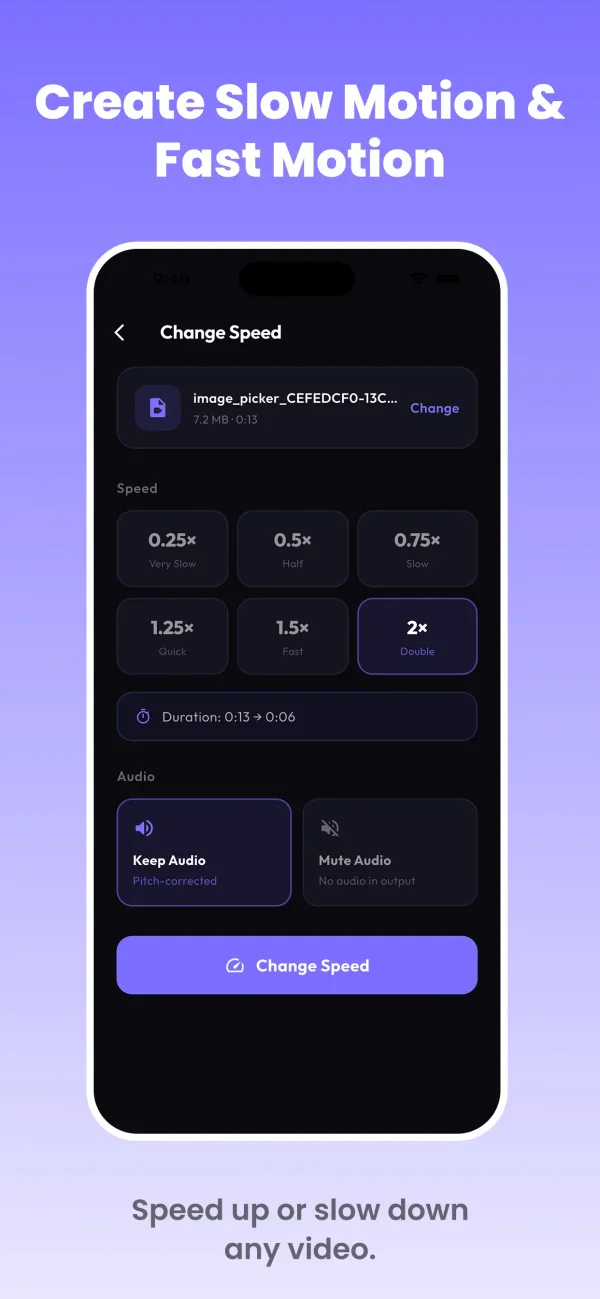
- Reverse clips or adjust speed for slow motion and fast motion
- Mute audio or boost volume
- Capture a screenshot from any frame
STYLE & POLISH
- Adjust brightness, contrast, saturation, and sharpness
- Apply blur or color filters - retro, warm, cool, vintage, black & white
- Add text or image watermarks to protect and brand your videos
- View full video metadata (codec, resolution, bitrate, frame rate)
BUILT FOR PRIVACY
Every tool runs 100% on your device. Nothing is uploaded to a server, so your videos never leave your phone - fast processing, zero data risk.
WHY CHOOSE VIDEO TOOLS
- One app instead of five
- No watermark on your exports (see in-app terms)
- Fast, on-device processing - no waiting on uploads
- Regular updates with new formats and features
Whether you're prepping a clip for social media, fixing an unplayable format, or polishing a video before you send it - Video Tools handles it in seconds, without sending a single file anywhere.
Download Video Tools today and simplify the way you convert, compress, and edit video on iPhone and iPad.
App-Datenschutz
Was Harihar Creation im App Store zum Umgang dieser App mit Daten angibt.
-
Daten, die zum Tracking Ihrer Person verwendet werden
Können verwendet werden, um Sie über Apps und Websites anderer Unternehmen hinweg zu verfolgen.
- Nutzungsdaten
- Diagnose
- Sonstige Daten
-
Nicht mit Ihnen verknüpfte Daten
Können erfasst werden, sind aber nicht mit Ihrer Identität verknüpft.
- Nutzungsdaten
- Diagnose
- Sonstige Daten
Die Datenschutzpraktiken können variieren, zum Beispiel je nach den von Ihnen verwendeten Funktionen oder Ihrem Alter.
Informationen
- Anbieter
- Harihar Creation
- Kategorie
- Dienstprogramme
- Version
- 1.0.0
- Aktualisiert
- 11.08.2026
- Veröffentlicht
- 11.08.2026
- Größe
- 86,9 MB
- Erfordert
- iOS 16.6 oder neuer
- Altersfreigabe
- 9+
- Preis
- Kostenlos
- Sprachen
- Englisch
- Copyright
- © @HariharVideoTools
Das könnte Ihnen auch gefallen
-
 Gen ConverterEinfach konvertieren
-
 RxDateCalcDienstprogramme
-
 CardSpark: Flashcards & StudyDienstprogramme
-
 SMS Forwarder - 2nd PhoneDienstprogramme
-
 Image Search – Reverse LookupDienstprogramme
-
 BlurlyNo ads, just blur
-
 Pictool - Langer ScreenshotScroll, Verbinden, Web
-
 Eluna Media: VideokonverterOffline verkleinern, gratis
-
 English Chinese Translator AIDienstprogramme
-
 EventiumTag Woche Monat Jahr Planer